Mythical Generation
- By
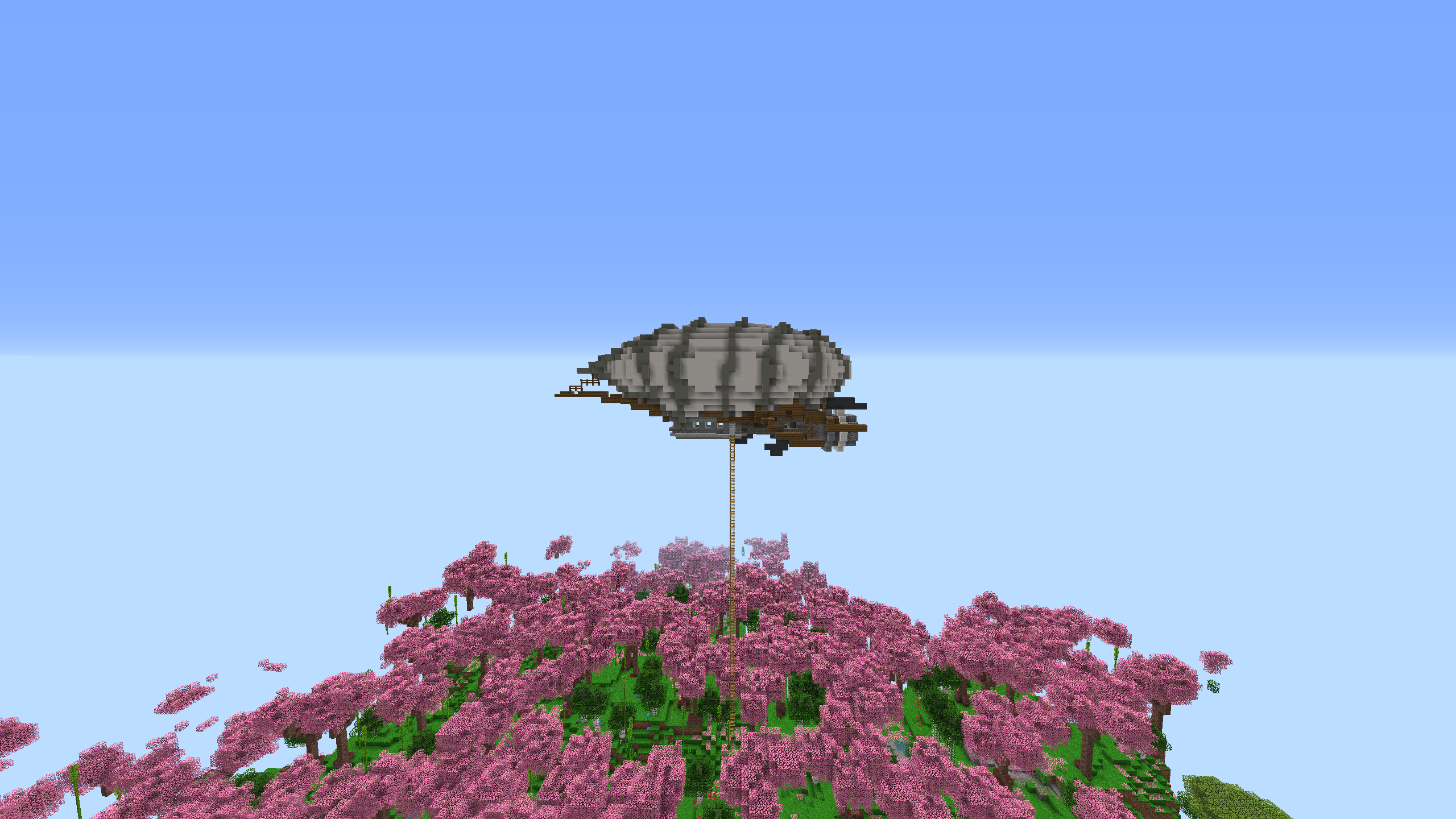
1.16.5 modpack focused on the best possible experience with amazing generation, great sound effects, many bosses and a lot more!
Description
Check out the new and better Lite version of this modpack: Mythical Gen Lite

Hi there adventurer and welcome to the world of Mythical Generation.
A world full of magic, technology and an amazing world creation.
A world full of new animals, monsters and big bosses.
Your own customizable world with multiple ways of playing.
Can you beat the modpack? Or will the modpack beat you?
!Please read the 'Specifications' part down below!
Here you can read about some features to give you a little idea of what this modpack has:
- Fight 24 bosses!
- Craft the final item, the 'Earth Talisman'!
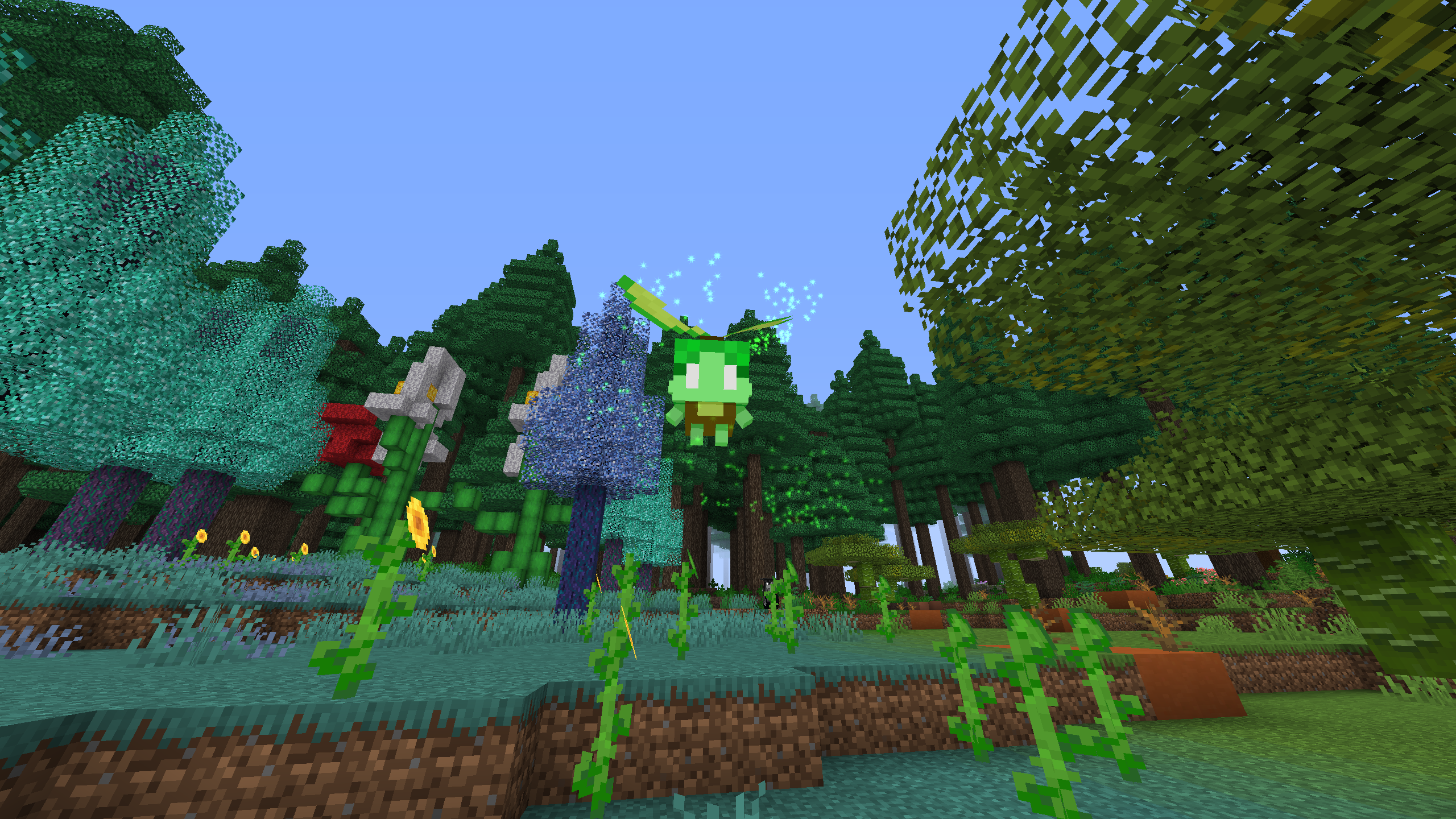
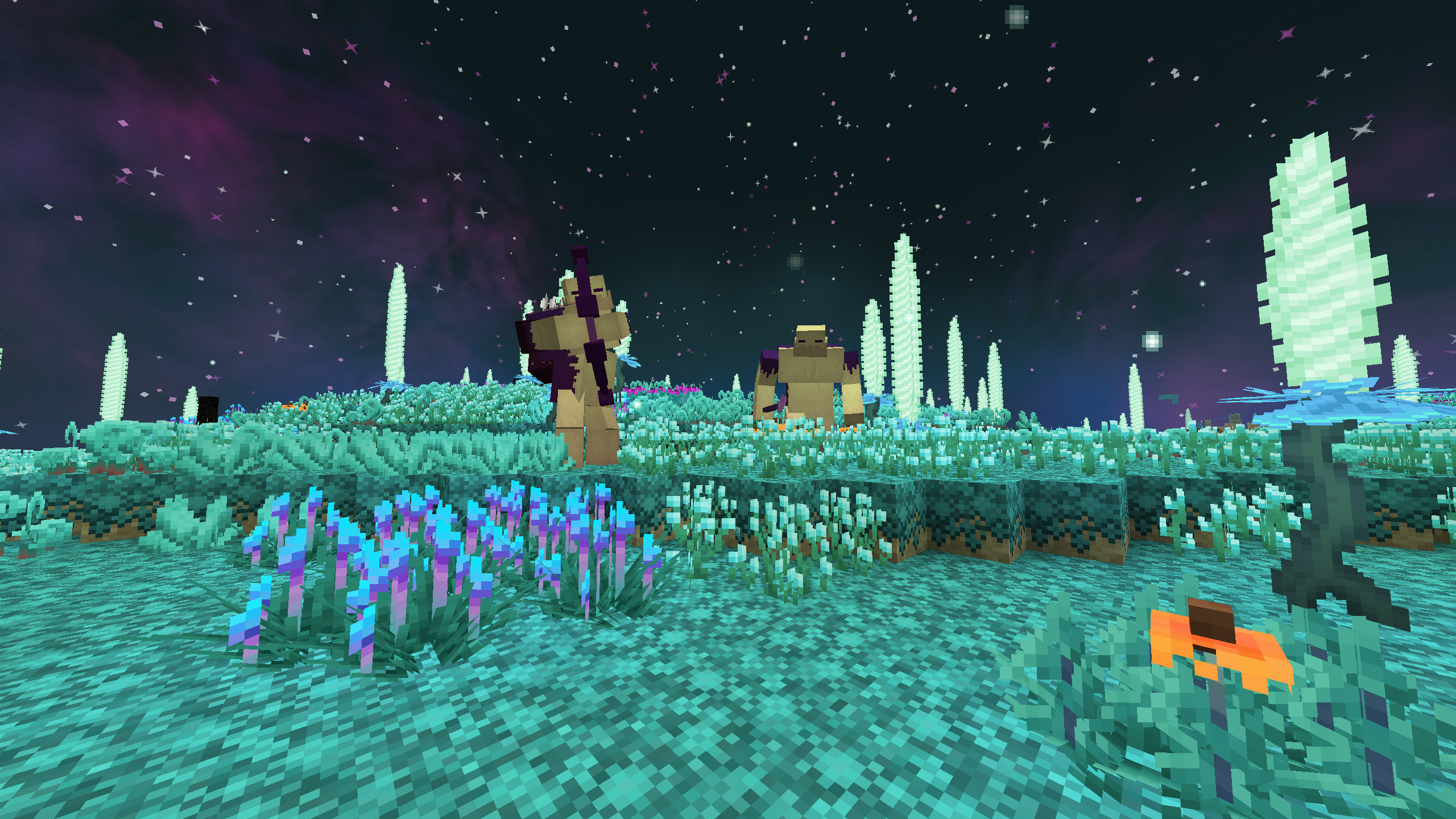
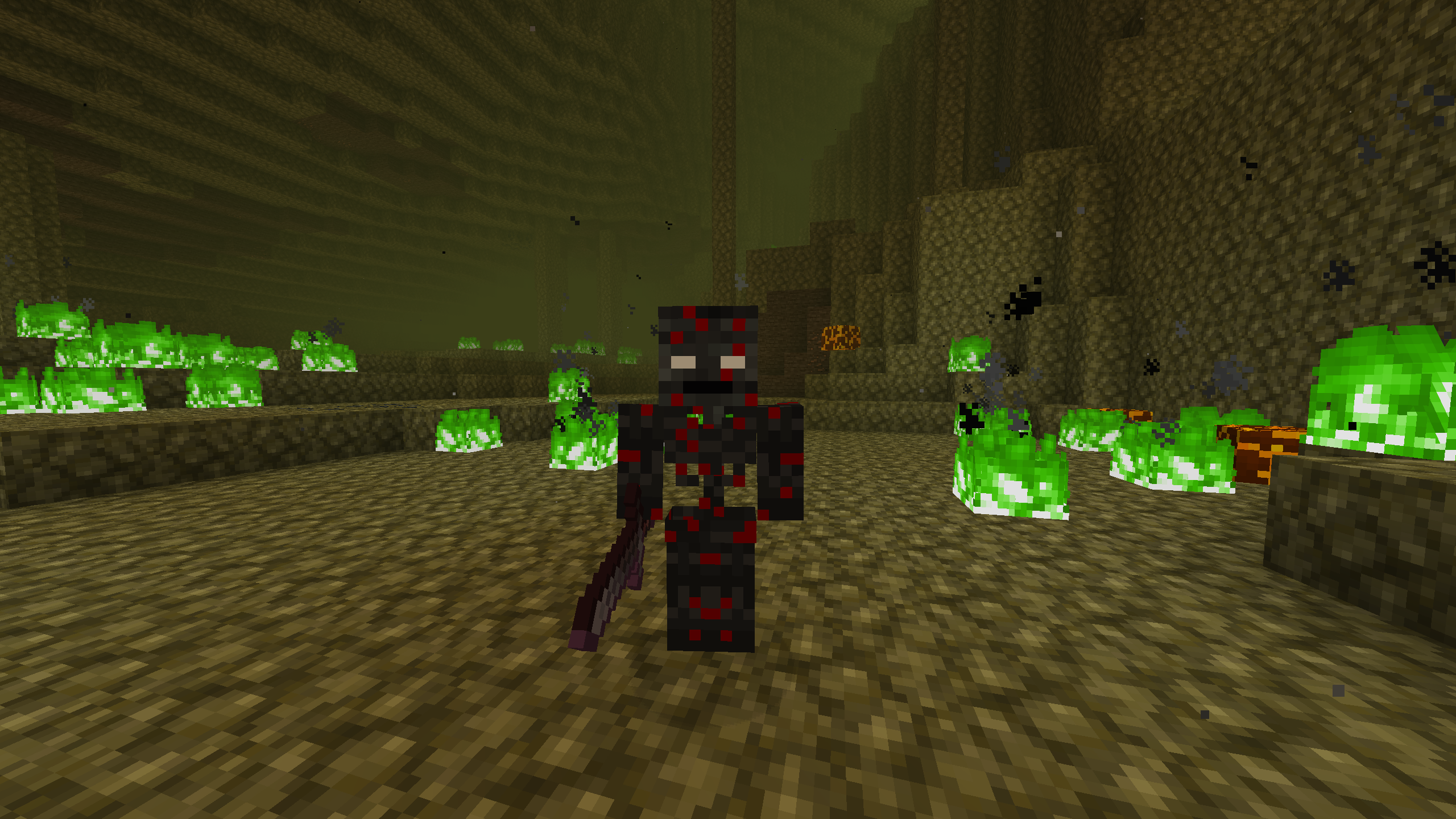
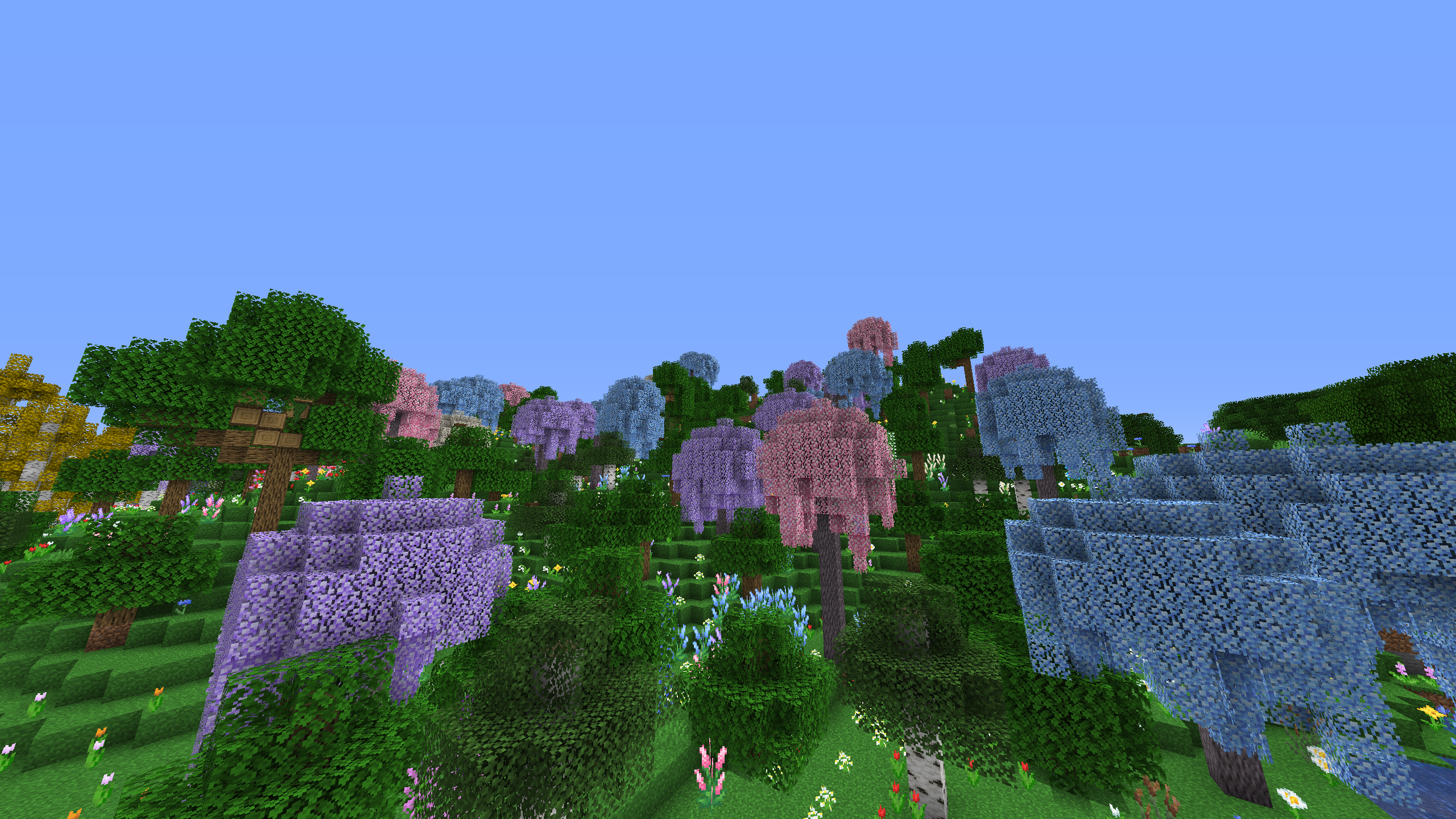
- Discover over 200+ new biomes within 7 dimensions!
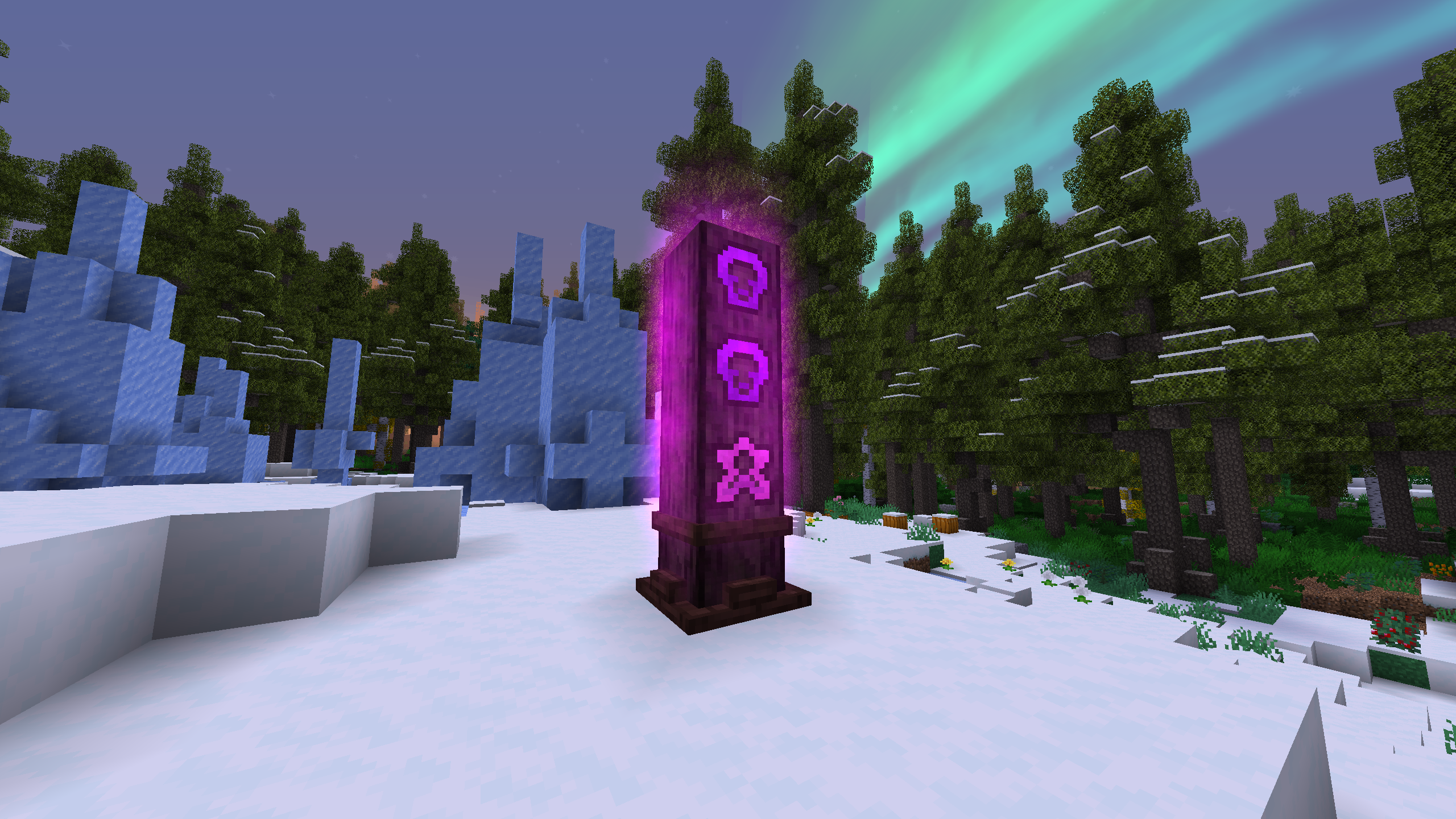
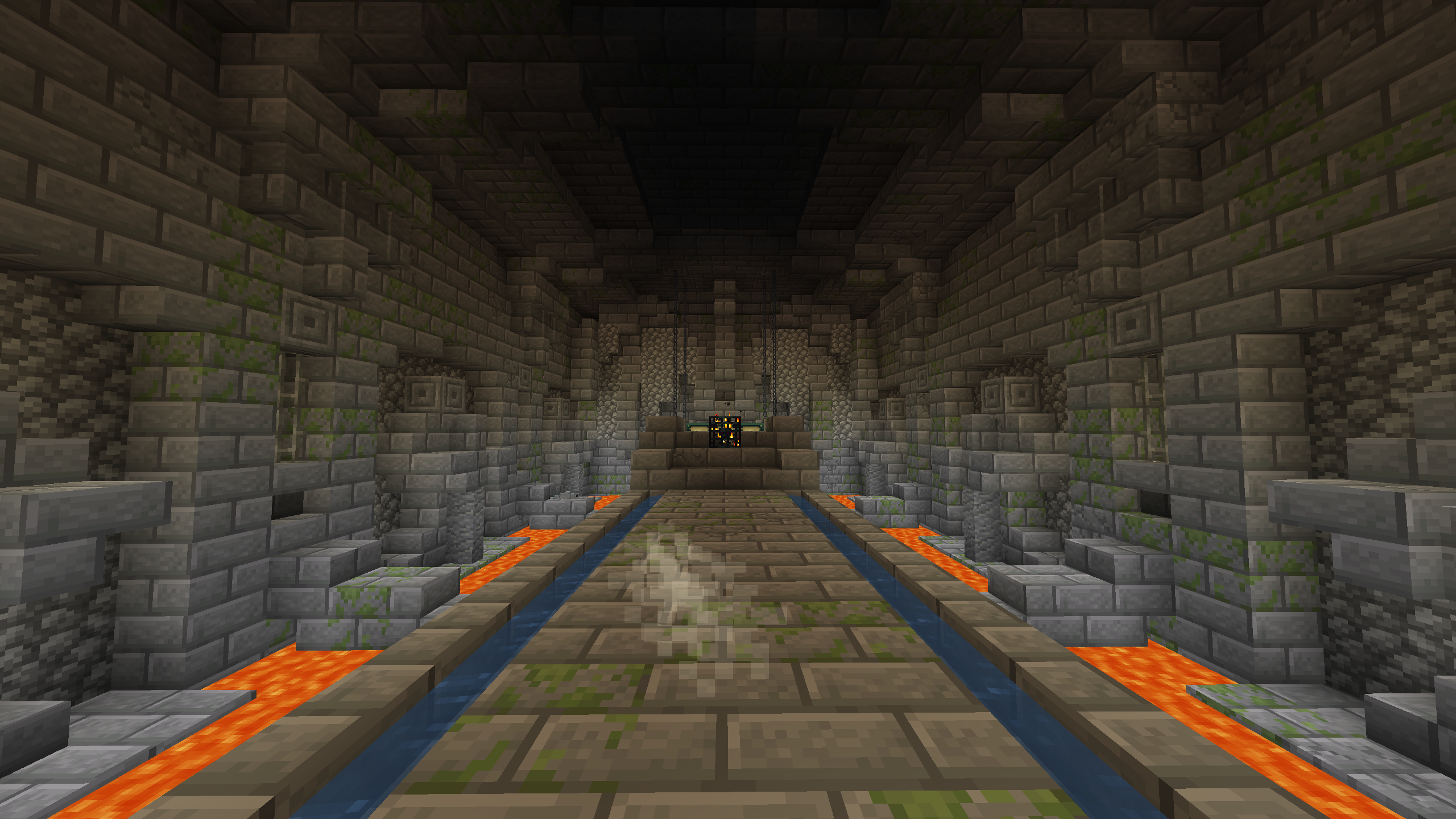
- Find 80+ new structures!
- Go to The End with the 12 different eyes spread across the world!
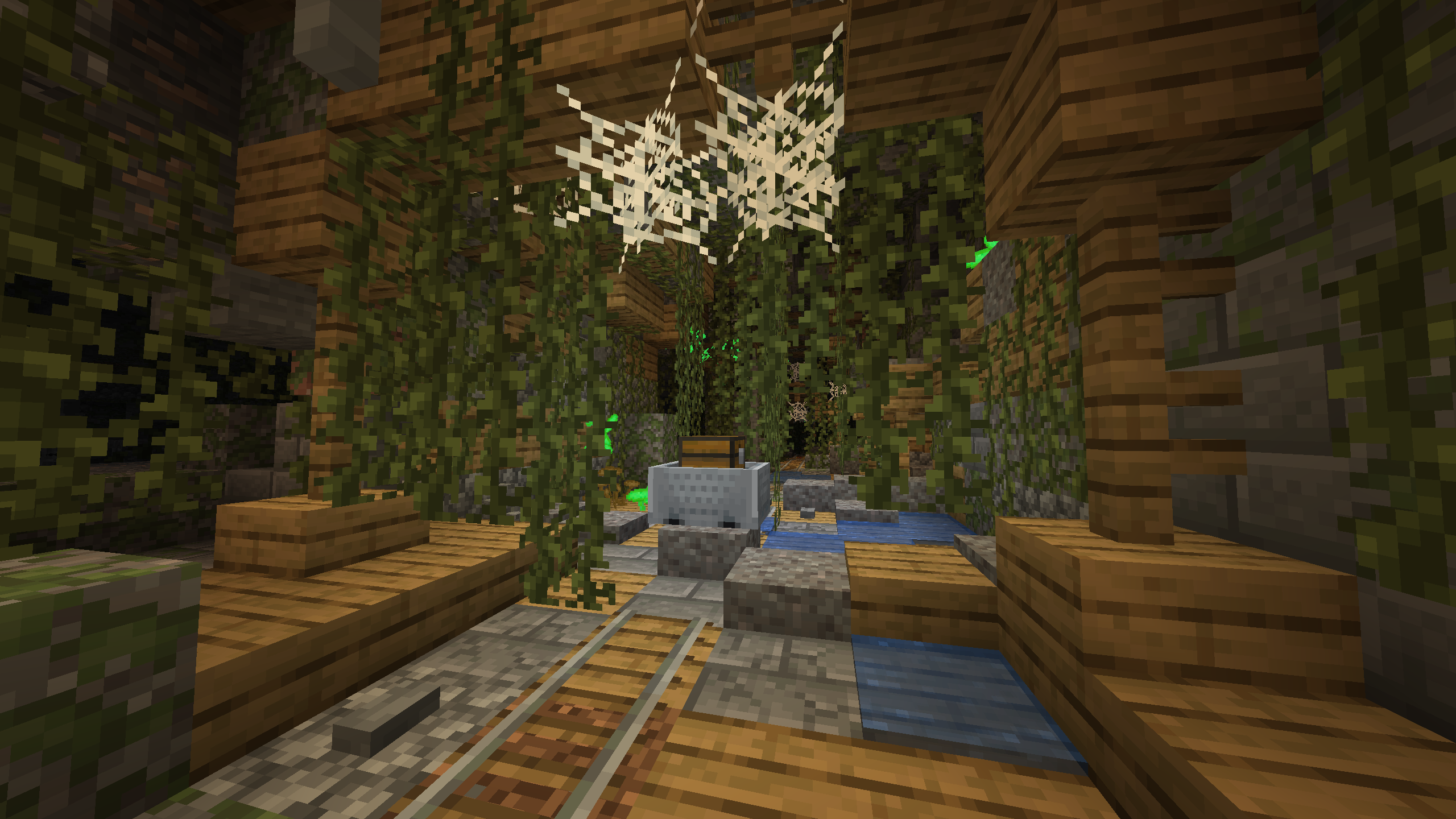
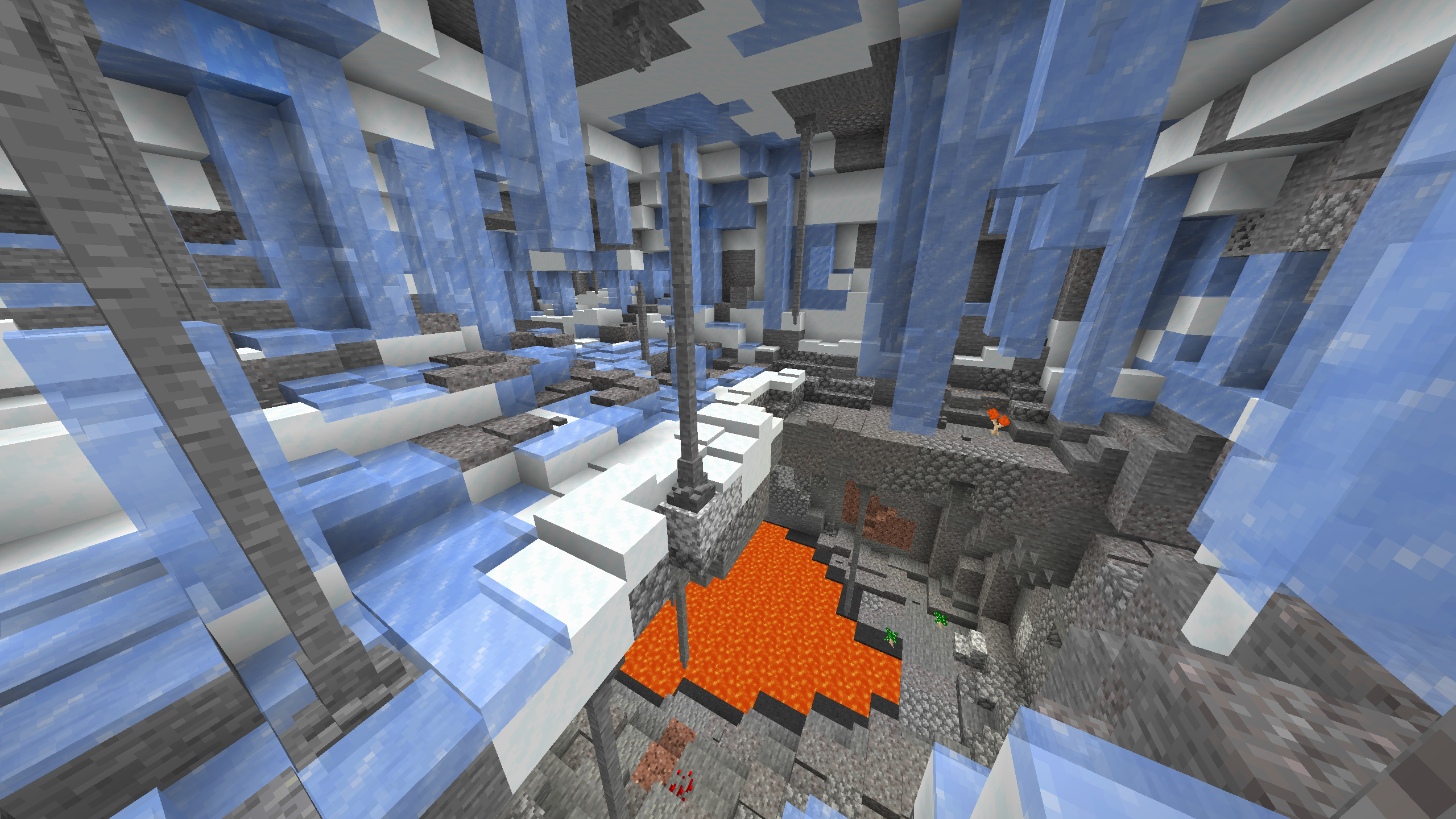
- Check out the custom cave generation!
- Complete Quests! [More Coming]
- Mine in the mining dimension!
- Make your own music with instruments!
- Listen to your favourite music through minecraft!
- Create and use new magic!
- Listen to the cool new sound effects!
- Build your own working factory!
- Become Bob Ross!
- Fish 70 new kind of fishes!
- And much, much more!
This modpack comes with a lot of cool features which are all written down in a guidebook.
Yes you heard me right, a guidebook! 1 guidebook for almost all mods![W.I.P]
No worries, the guidebooks made by the mod creators are still there.

This modpack is quite heavy and requires some custom specs to be played.
This modpack can be laggy without these custom specs, even with the best pc ever.
Make sure to read and use the information written underneath this message.
Custom Specs:
Minimum allocated RAM: 6GB
Reccomended allocated RAM: 8GB
RAM is really important when playing a modpack, especially this one because of the massive amount of generation.
If your pc contains 8GB of RAM then you should use 6GB but if your pc has 16GB of RAM or more then use at least 8GB.
Please see the spoiler underneath to see how to allocate RAM.
Install and use OptiFine
OptiFine gives you a consistent amount of FPS.
I do really reccomend using OptiFine, it makes the modpack more playable, adds new features like Dynamic Lighting and is overall great to use.
It does come with a few negatives like longer start up time, slower world gen and a few bugs like the Naga and Hydra bosses textures.
I have only noticed the 3 issues written above but older versions of optifine also come with new bugs like invisible mobs so read the spoiler to see which one to install.
Allocate RAM:
- Click on the picture of the modpack when in the 'My Modpacks' screen.
- Press the 3 dots located on the top right, left of the orange 'Play' button.
- Press the button named: 'Profile Options'.
- Unmark the 'Use System Memory Settings' button underneath the 'Memory Settings' text.
- Use the slider to choose the amount of RAM you want to use, for 8GB this is 8192MB.
- Press the orange 'Done' button on the bottom right and you now allocated your RAM.
Install Optifine:
- Go to optifine.net/downloads.
- Press the dark blue button on the right of 'OptiFine HD U G8'.
- Download the file called: 'OptiFine_1.16.5_HD_U_G8'.
- Open the file and press the 'Extract' button in the bottom middle.
- Extract it to a location where you can find it.
- Go to the curseforge app and click on the picture of the modpack in the 'My Modpacks' screen.
- Press the 3 dots located on the top right, left of the orange 'Play' button.
- Press the button named: 'Open Folder'.
- Open the folder named: 'mods'.
- Drag the 'OptiFine_1.16.5_HD_U_G8_MOD.jar' file into the 'mods' folder.
- Now you can start the game with optifine installed.

You have any issues, ideas or want to join our community? I got the right place for you!
In the discord server you can share your builds, share your experience, report issues,
bring in ideas, talk with new people, get update notifications, and so much more!
Click on the picture above to go to the Mythical Generation discord server!
I try my best to make this discord server a place for everyone and I try to keep it fun for everyone,
if you do have a problem with someone then you can report that person by typing:
-report @name reason
Make sure you send the report in the same channel as the chat with the person you want to report,
this way we will receive a log of messages send in that channel from the reported person,
then one of the Staff or Moderators will check the report and log.
If the picture does not work then click here
- Mobifier (by Corgi_Taco)
- Music Maker Mod (by xerca0)
- Shutup Experimental Settings! (by Corgi_Taco)
- Create (by simibubi)
- Polymorph (Forge) (by TheIllusiveC4)
- Macaw's Roofs (by sketch_macaw)
- Customizable Elytra (by Hidoni)
- Piscary (by joshiejack)
- Collective (by Serilum)
- Easy Villagers (by henkelmax)
- Malum (by sammysemicolon)
- Glassential (by Lykrast)
- Structure Gel API (by ModdingLegacy)
- Small Ships (by talhanation)
- SecretRoomsMod (by AbrarSyed)
- Better Diving (by meldexun)
- No Potion Offset (Fabric/Forge) (by shedaniel)
- Botania (by Vazkii)
- BlockCarpentry (by PianoManu)
- Torcherino (by sci4me)
- Cycle Paintings (by Serilum)
- FTB Library (Forge) (by FTB)
- Snow! Real Magic! ⛄ (by Snownee_)
- Mekanism Additions (by bradyaidanc)
- Mekanism (by bradyaidanc)
- FancyMenu [Forge] (by Keksuccino)
- Open Loader (by DarkhaxDev)
- Kiwi 🥝 (by Snownee_)
- Mekanism Generators (by bradyaidanc)
- Mekanism Tools (by bradyaidanc)
- CoFH Core (by TeamCoFH)
- Ender Storage 1.8.+ (by covers1624)
- Sophisticated Backpacks (by P3pp3rF1y)
- Not Enough Crashes (Forge) (by NatanFudge)
- Additional Banners (by DarkhaxDev)
- ModernWorldCreation (by Keksuccino)
- Druidcraft (by VulpTheHorseDog)
- Advanced Mining Dimension (by henkelmax)
- Decorative Blocks modded compat (by Evo_934)
- Farmer's Delight Cookbook Addon [0.4 is the last update] (by dalumma)
- Abnormals Core (by TeamAbnormals)
- Repurposed Structures (Forge) (by telepathicgrunt)
- Simple Planes (Forge) (by przemykomo)
- Placebo (by Shadows_of_Fire)
- The One Probe (by McJty)
- Flywheel (by jozufozu)
- Modern Life (by Darimus)
- Subterranean Wilderness (by Melonslise)
- MythicBotany (by noeppinoeppi)
- iChunUtil (by ohaiiChun)
- RFTools Builder (by McJty)
- Ore Tweaker (by EwyBoy)
- Tool Belt (by gigaherz)
- Hats (by ohaiiChun)
- Upstream (by Corgi_Taco)
- Fishing Real (by PricelessKoala)
- Bookshelf (by DarkhaxDev)
- GraveStone Mod (by henkelmax)
- Flux Networks (by sonar_sonic)
- Upgraded Netherite (by Rolfmao25)
- OpenBlocks Elevator (by vsngarcia)
- Savage & Ravage (by TeamAbnormals)
- Dark Paintings (by DarkhaxDev)
- Simple Discord RPC [Forge/Fabric] (by hypherionsa)
- RFTools Base (by McJty)
- Corrupted Witherskeleton Boss Mod (by HygerianYT)
- The Endergetic Expansion (by TeamAbnormals)
- Extreme sound muffler (Forge) (by LeoBeliik)
- FTB Chunks (Forge) (by FTB)
- YUNG's API (Forge) (by YUNGNICKYOUNG)
- Environmental (by TeamAbnormals)
- Ensorcellation (by TeamCoFH)
- Autumnity (by TeamAbnormals)
- Lost Trinkets (by owmii)
- Ice and Fire: Dragons (by alex1the1666)
- Market Crates (by lfaoanl)
- Chisel (by tterrag1098)
- Curious Elytra (Forge) (by TheIllusiveC4)
- Building Wands (by nicguzzo)
- Curios API (Forge) (by TheIllusiveC4)
- Immersive Engineering (by BluSunrize)
- Dungeon Crawl (by XIROC1337)
- ConnectedTexturesMod (by tterrag1098)
- CraftTweaker (by Jaredlll08)
- Crafting Tweaks (by BlayTheNinth)
- Snow Under Trees (by bl4ckscor3)
- When Dungeons Arise - Forge! (by Aureljz)
- Oh The Biomes You'll Go (by AOCAWOL)
- YUNG's Better Caves (Forge) (by YUNGNICKYOUNG)
- U Team Core (by HyCraftHD)
- Macaw's Bridges (by sketch_macaw)
- Just Enough Vehicles (by Ozelot5836)
- Archer's Paradox (by TeamCoFH)
- Farmer's Delight (by vectorwing)
- Quark (by Vazkii)
- Industrial Foregoing (by Buuz135)
- AutoRegLib (by Vazkii)
- Engineer's Decor (by wilechaote)
- Architectury API (Forge) (by shedaniel)
- McJtyLib (by McJty)
- Mining Gadgets (by Direwolf20)
- Shrink. (by GigaBit101)
- EnhancedVisuals (by CreativeMD)
- Torch Slabs Mod (by EndlesNights)
- AstikorCarts [Horse Carts] (by MennoMax)
- AmbientSounds 3 (by CreativeMD)
- MrCrayfish's Furniture Mod (by MrCrayfish)
- ItemPhysic Lite (by CreativeMD)
- Obfuscate (by MrCrayfish)
- Custom Starter Gear (by brandon3055)
- The Mighty Architect (by simibubi)
- Skinned Lanterns (by nuxthefox)
- Controlling (by Jaredlll08)
- Cuneiform (by azmalent)
- Macaw's Paintings (by sketch_macaw)
- Fans mod (by przemykomo)
- YUNG's Better Mineshafts (Forge) (by YUNGNICKYOUNG)
- FTB Quests (Forge) (by FTB)
- Immersive Petroleum (by Flaxbeard)
- SwingThroughGrass (by exidex)
- Tree Felling [Forge] (by knightm3re)
- Atmospheric (by TeamAbnormals)
- Konkrete [Forge] (by Keksuccino)
- FerriteCore (Forge) (by malte0811)
- LibX (by noeppinoeppi)
- Doggy Talents (by percivalalb)
- Selene (by MehVahdJukaar)
- Ars Nouveau (by baileyholl2)
- End Remastered (by jack_bagel)
- FastWorkbench (by Shadows_of_Fire)
- MrCrayfish's Vehicle Mod (by MrCrayfish)
- Gauges and Switches (by wilechaote)
- Terra Incognita: The Unknown Land (by azmalent)
- Danny's Expansion (by bottomtextdanny)
- Joy of Painting (by xerca0)
- Compressium (by DinnerBeef)
- Fast Leaf Decay (by olafskiii)
- Apotheosis (by Shadows_of_Fire)
- Just Enough Items (JEI) (by mezz)
- The Twilight Forest (by Benimatic)
- Progressive Bosses (by Insane96MCP)
- Lollipop (by owmii)
- Macaw's Windows (by sketch_macaw)
- Mowzie's Mobs (by bobmowzie)
- Undestroying (by Affehund)
- Caelus API (Forge) (by TheIllusiveC4)
- Towers Of The Wild (by idrae_)
- Not Enough Animations (Forge/Fabric) (by tr9zw)
- Moving Elevators (by SuperMartijn642)
- Default Options (by BlayTheNinth)
- ReAuth (by TechnicianLP)
- Patchouli (by Vazkii)
- Notes (by Chaosyr)
- Charm Reforged (by svenhjol)
- Aquaculture 2 (by Shadowclaimer)
- FastFurnace (by Shadows_of_Fire)
- Cursed (by DarkhaxDev)
- TRansliterationLib (by tr9zw)
- Applied Energistics 2 (by AlgorithmX2)
- Blue Skies (by ModdingLegacy)
- Macaw's Doors (by sketch_macaw)
- Mystical Agriculture (by BlakeBr0)
- Farmer's Delight Compats (by beautiful_developer)
- Alex's Mobs (by alex1the1666)
- ObserverLib (by HellFirePvP)
- Supplementaries (by MehVahdJukaar)
- RFTools Utility (by McJty)
- CreateTweaker (by Jaredlll08)
- Music Player (by HyCraftHD)
- Decorative Blocks (by stohun)
- CreativeCore (by CreativeMD)
- YUNG's Better Strongholds (Forge) (by YUNGNICKYOUNG)
- Akashic Tome (by Vazkii)
- Titanium (by Buuz135)
- Mouse Tweaks (by YaLTeR)
- ItemZoom (by mezz)
- Upgrade Aquatic (by TeamAbnormals)
- Dynamic Surroundings (by OreCruncher)
- Storage Drawers (by Texelsaur)
- Chisels & Bits (by AlgorithmX2)
- Clumps (by Jaredlll08)
- Configurable Extra Mob Drops (by Serilum)
- GeckoLib (by ThanosGecko)
- Inventory HUD+ (by dmitrylovin)
- Easy Piglins (by henkelmax)
- Enhanced Mushrooms (Forge) (by team_aurora_modding)
- Untamed Wilds (by raytrace82)
- Villager Names (by Serilum)
- Fairy Lights (by pau101)
- Architect's Palette (by Jsburg)
- Tiny Mob Farm (by davidmaamoaix)
- GUI Clock (by Serilum)
- Cucumber Library (by BlakeBr0)
- Citadel (by alex1the1666)
- CodeChicken Lib 1.8.+ (by covers1624)
- Nature's Compass (by Chaosyr)
- Macaw's Fences and Walls (by sketch_macaw)
- Online Detector (by andrew0030)
- Exotic Birds (by ThePavoReality)
- Rats (by alex1the1666)
- Goblin Traders (by MrCrayfish)
- Item Filters (Forge) (by LatvianModder)
- Astral Sorcery (by HellFirePvP)
- JEITweaker (by Jaredlll08)
- BetterEnd (Forge) (by Beethoven92)
- Penguin-Lib (by joshiejack)
- Mahou Tsukai (by stepcros)
- Spiders 2.0 (by TheCyberBrick)
- Sound Filters (by Tmtravlr)
- Fish On The Line (by Serilum)
Mythical Generation Team