Mythical Gen Lite
- By
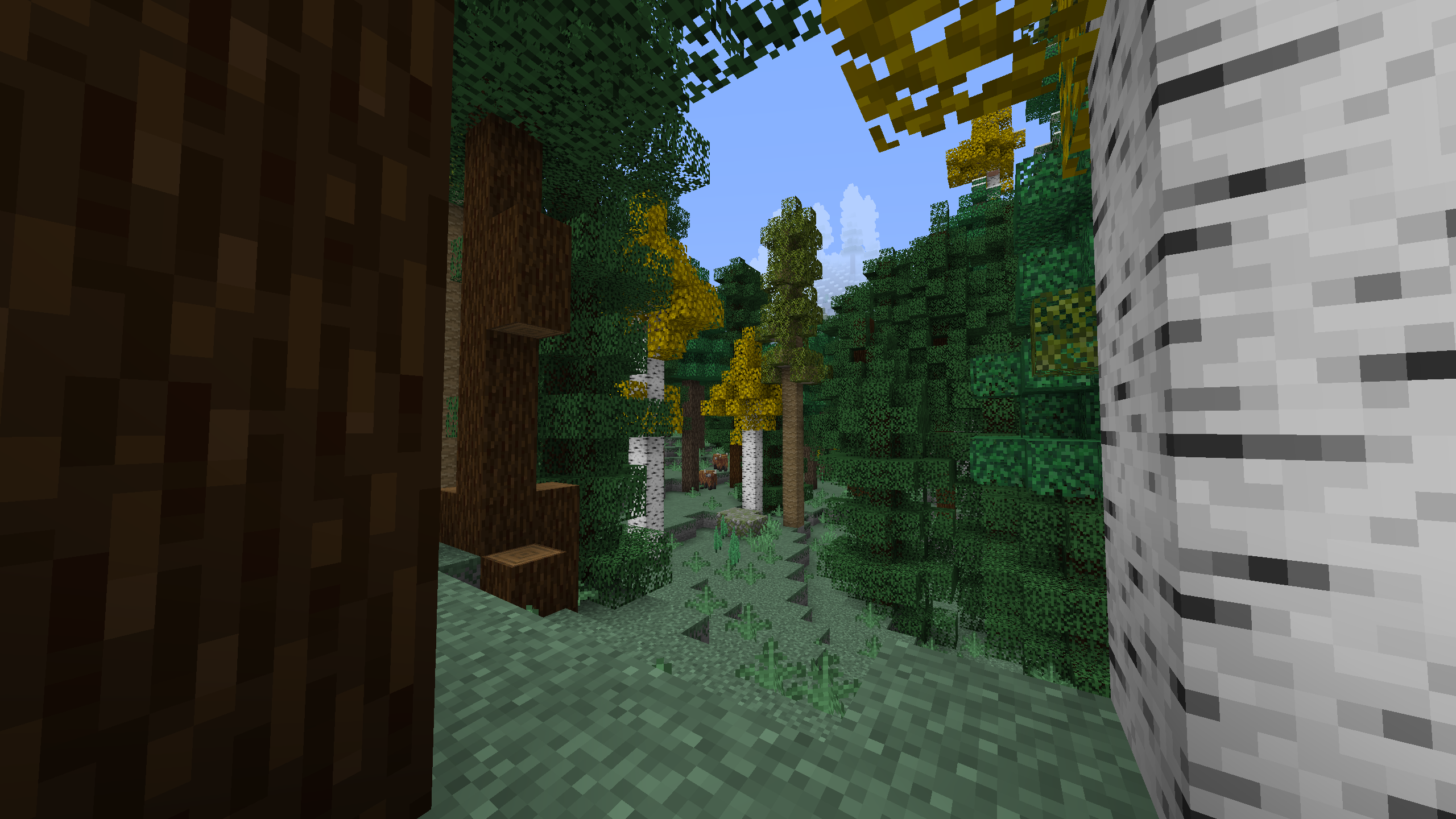
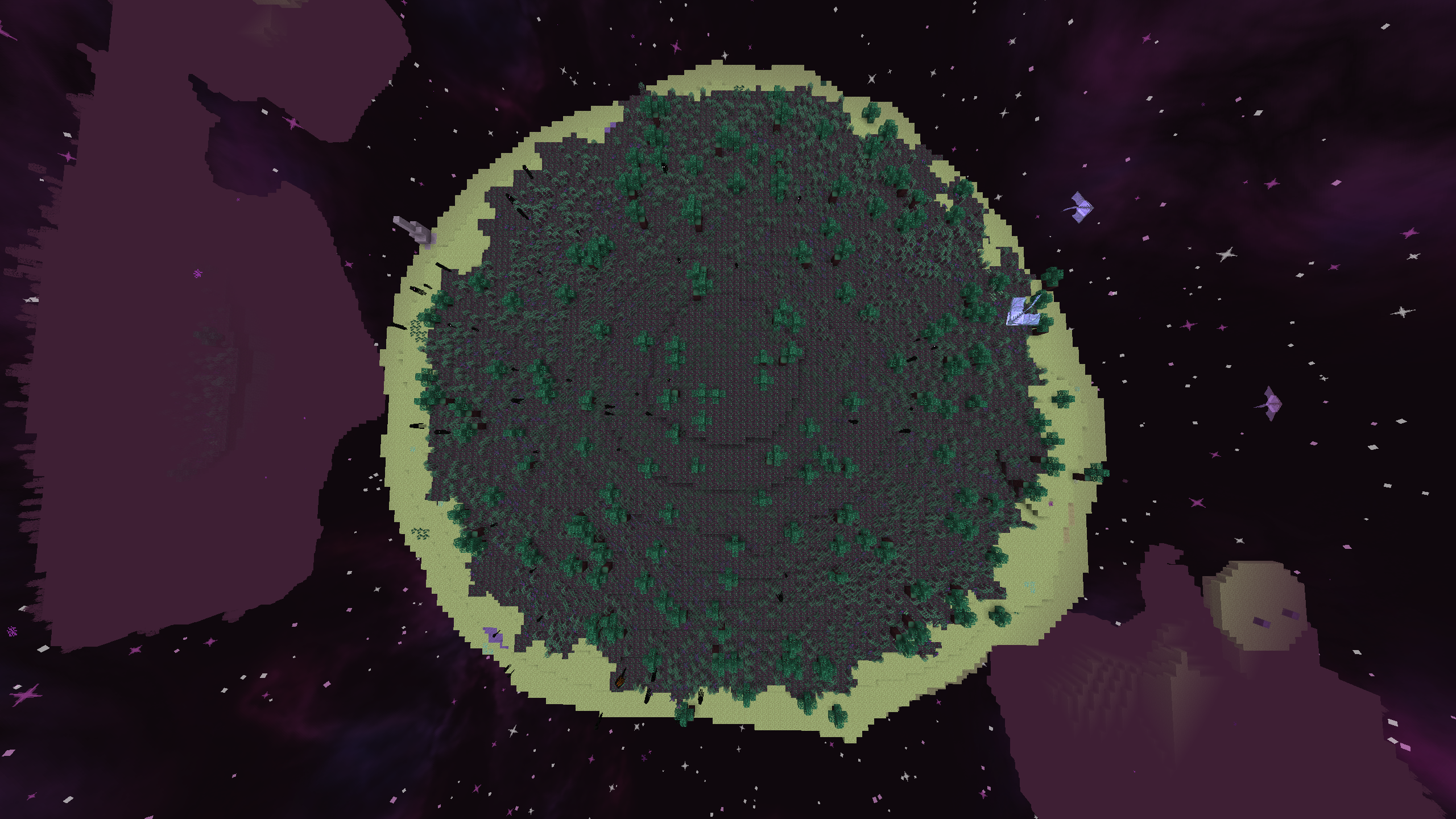
Modpack based on generation and bringing a fun playing experience! Lite and better version of Mythical Generation!
Description

For information: This modpack is a lite version of the Mythical Generation modpack owned by me
Hi there adventurer and welcome to the world of Mythical Gen Lite.
The Lite version of the original Mythical Generation modpack.
A modpack with less lag, less dimensions, less changes,
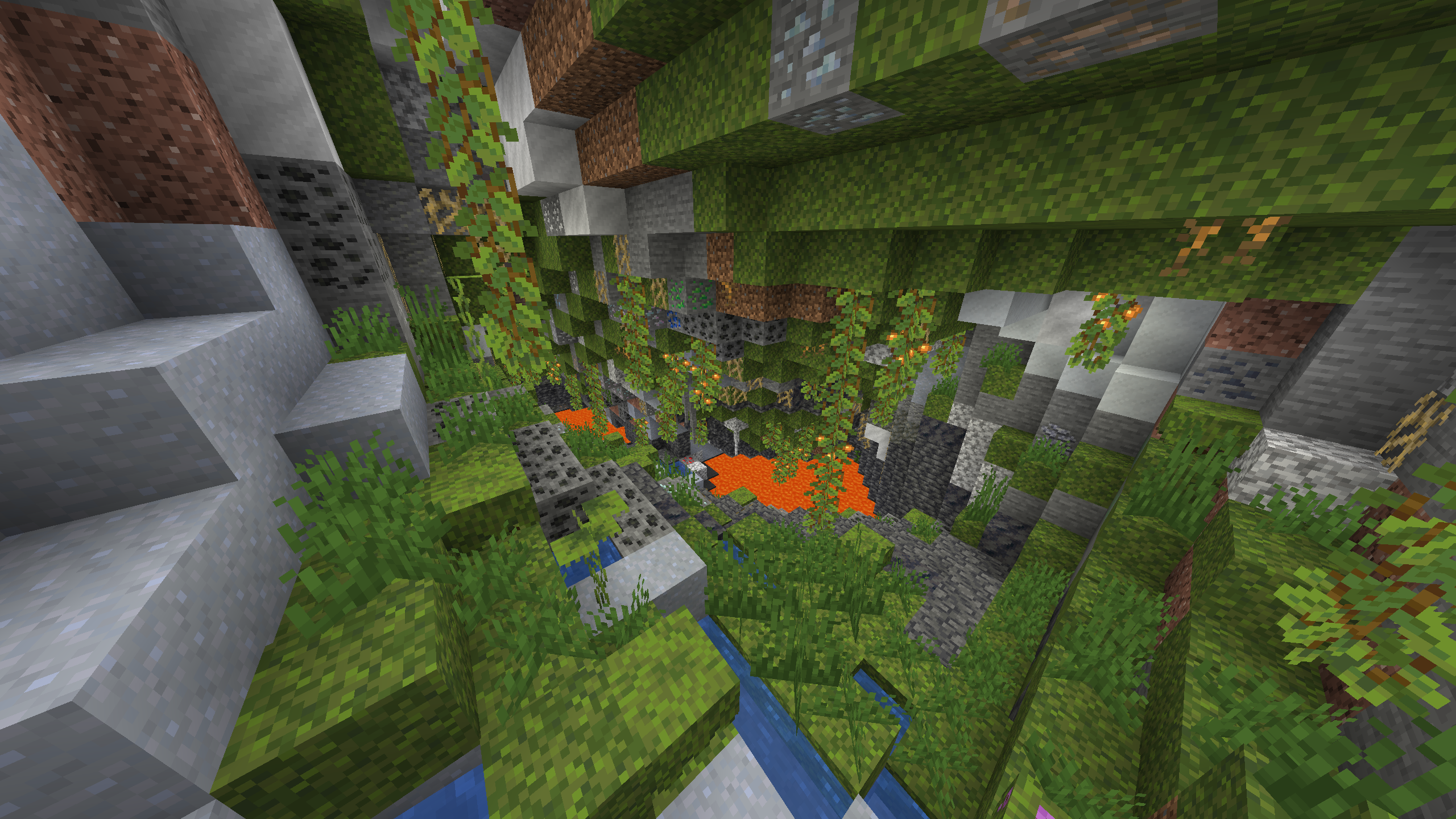
more fun, more stability and a custom cave
generation with 1.17 cave biomes.
This modpack offers:
- Full multiplayer support!
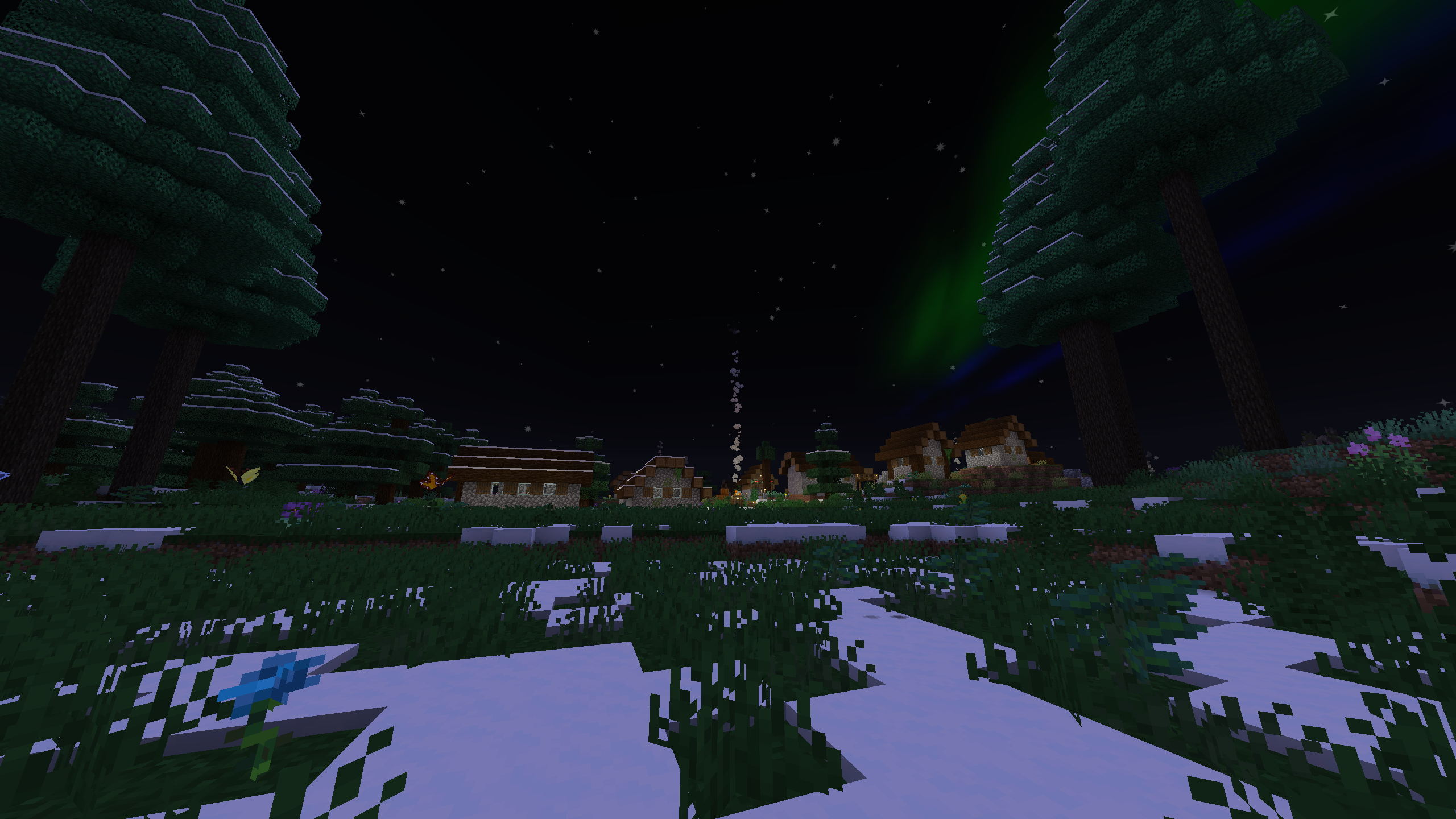
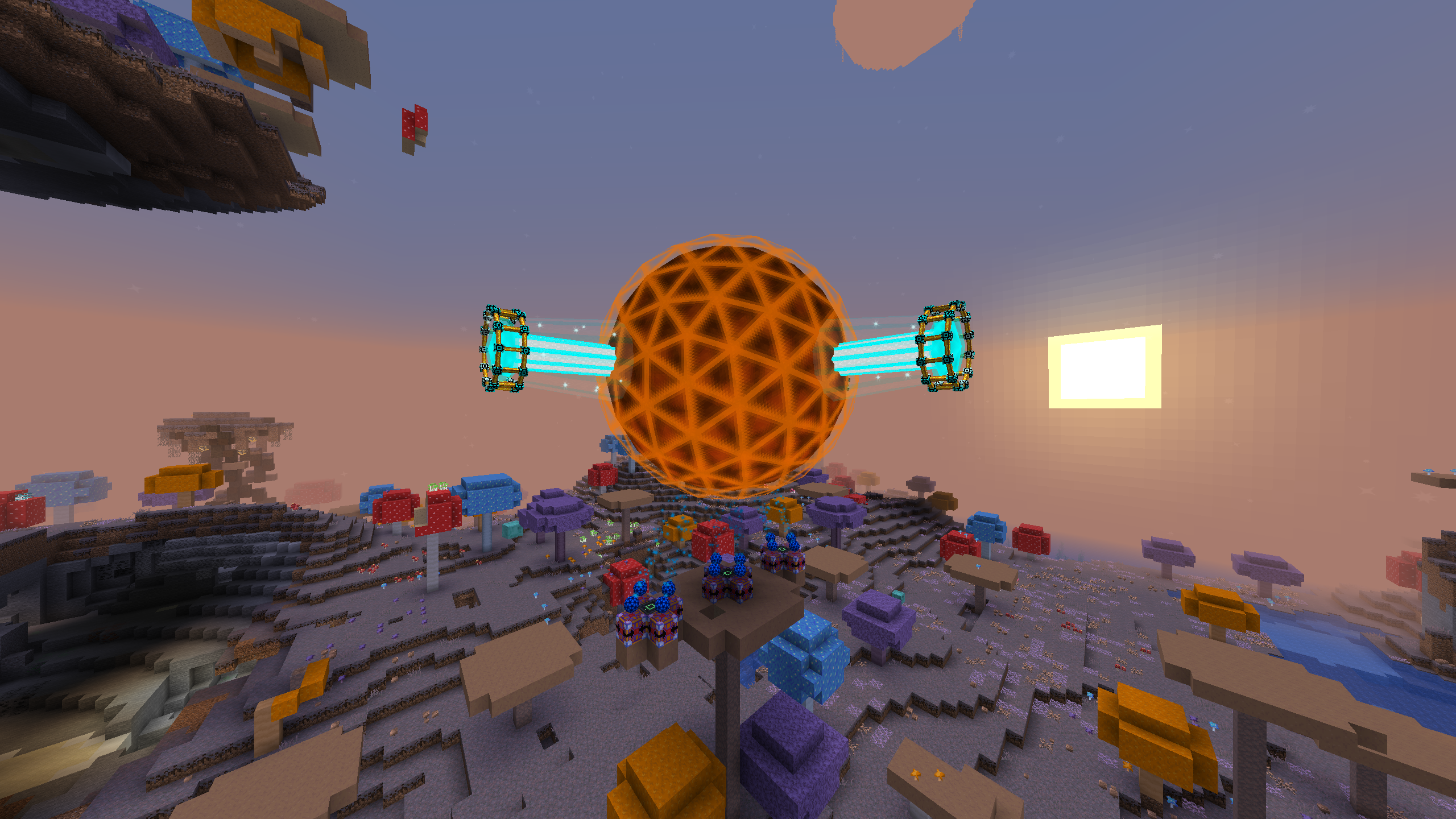
- New biomes in all 3 vanilla dimensions!
- Large cave generation with 1.17 content!
- Easy travel with the use of waystones!
- Travelling around the world to gather the 12 different eyes to enter the end!
- Conquer randomly generated structures from dungeons arise!
- Turn into a vampire or hunter and become a better version of yourself!
- Use any of the magic or tech mods that you like!
- Gather every item of a certain mod to fill your traveler's index!
- Listen to or make music inside of minecraft!
- Gather the new 134 mushrooms to fill your collection!
- A final item called the Earth Talisman!
- Usage of old mods like ProjectE and Draconic Evolution!

Mythical Generation was not a great modpack, I added too much which caused it to lag and contain too much content, I changed many of the mods in the way I thought fit which lead to more issues and more work, the modpack contained too many monsters that were also quite strong and made the modpack really hard.
Instead of trying to fix Mythical Generation I decided to create a new one. One that is server friendly, not too much lag and mostly vanilla version of the mods.
This modpack does still have a few features from Mythical Generation like the guidebook and a few config changes, however this is quite small and could basically see this as a new modpack.
Note: This modpack is still a W.I.P since the guidebook is not fully finished and a few things have not been fixed like the recipe for the Earth Talisman. Hopefully I can get this done soon!

This modpack should not be too heavy on your pc, it does still add quite much which requires some good specs.
I do recommend this:
- Use 6-8GB of RAM
- Install OptiFine
Allocate RAM:
- Click on the picture of the modpack when in the 'My Modpacks' screen.
- Press the 3 dots located on the top right, left of the orange 'Play' button.
- Press the button named: 'Profile Options'.
- Unmark the 'Use System Memory Settings' button underneath the 'Memory Settings' text.
- Use the slider to choose the amount of RAM you want to use, for 8GB this is 8192MB.
- Press the orange 'Done' button on the bottom right and you now allocated your RAM.
Install OptiFine:
Note: When OptiFine is installed it will take longer to start your game.
- Go to optifine.net/downloads.
- Press the dark blue button on the right of 'OptiFine HD U G8'.
- Download the file called: 'OptiFine_1.16.5_HD_U_G8'.
- Open the file and press the 'Extract' button in the bottom middle.
- Extract it to a location where you can find it.
- Go to the curseforge app and click on the picture of the modpack in the 'My Modpacks' screen.
- Press the 3 dots located on the top right, left of the orange 'Play' button.
- Press the button named: 'Open Folder'.
- Open the folder named: 'mods'.
- Drag the 'OptiFine_1.16.5_HD_U_G8_MOD.jar' file into the 'mods' folder.
- Now you can start the game with optifine installed.

The best way to contact me is through my discord server where you can report issues, bring in ideas, follow updates and chat together with me or others!
Mods List:
- Tool Belt (by gigaherz)
- Compressium (by DinnerBeef)
- Waystones (by BlayTheNinth)
- Traveler's Titles (Forge) (by YUNGNICKYOUNG)
- Flux Networks (by sonar_sonic)
- Ore Tweaker (by EwyBoy)
- Cursed (by DarkhaxDev)
- iChunUtil (by ohaiiChun)
- Sophisticated Backpacks (by P3pp3rF1y)
- Obfuscate (by MrCrayfish)
- U Team Core (by HyCraftHD)
- Mantle (by mDiyo)
- Hats (by ohaiiChun)
- Apotheosis (by Shadows_of_Fire)
- Inventory HUD+ (by dmitrylovin)
- AstikorCarts [Horse Carts] (by MennoMax)
- JEITweaker (by Jaredlll08)
- Overloaded Armor Bar (by tfarecnim)
- Nourished End (by MuffinsDev)
- GUI Clock (Forge) (by Serilum)
- AutoRegLib (by Vazkii)
- CraftTweaker (by Jaredlll08)
- Brandon's Core (by brandon3055)
- Draconic Evolution (by brandon3055)
- When Dungeons Arise - Forge! (by Aureljz)
- FastFurnace (by Shadows_of_Fire)
- Macaw's Roofs (by sketch_macaw)
- Citadel (by alex_khaan)
- Controlling (by Jaredlll08)
- Upgraded Netherite (by Rolfmao25)
- Abnormals Core (by TeamAbnormals)
- Cyclic (by Lothrazar)
- Open Loader (by DarkhaxDev)
- Macaw's Paintings (by sketch_macaw)
- Mekanism Additions (by bradyaidanc)
- Titanium (by Buuz135)
- Environmental (by TeamAbnormals)
- Mowzie's Mobs (by bobmowzie)
- Notes (by Chaosyr)
- Just Enough Items (JEI) (by mezz)
- Cuneiform (by azmalent)
- FerriteCore (Forge) (by malte0811)
- Fishing Real (by PricelessKoala)
- Comics Bubbles Chat (by Thomas7520)
- Serene Seasons (by TheAdubbz)
- Extreme sound muffler (Forge) (by LeoBeliik)
- Tinkers Construct (by mDiyo)
- Not Enough Animations (Forge/Fabric) (by tr9zw)
- Akashic Tome (by Vazkii)
- Psi (by Vazkii)
- Applied Energistics 2 (by AlgorithmX2)
- Untamed Wilds (by raytrace82)
- Malum (by sammysemicolon)
- Darker Loading Screen (by tfarecnim)
- Macaw's Fences and Walls (by sketch_macaw)
- CodeChicken Lib 1.8.+ (by covers1624)
- Wall-Jump! [FORGE] (by genandnic)
- Exotic Birds (by ThePavoReality)
- Torch Slabs Mod (by EndlesNights)
- Astral Sorcery (by HellFirePvP)
- Storage Drawers (by Texelsaur)
- Voodoo Poppets (by HialusFX)
- Architect's Palette (by Jsburg)
- Corpse (by henkelmax)
- Mekanism (by bradyaidanc)
- Atmospheric (by TeamAbnormals)
- Lootr (by Noobanidus)
- CaveBiomeAPI [Forge] (by blackgear27)
- Flywheel (by jozufozu)
- Small Ships (by talhanation)
- Curios API (Forge) (by TheIllusiveC4)
- Macaw's Windows (by sketch_macaw)
- Ender Storage 1.8.+ (by covers1624)
- Spiders 2.0 (by TheCyberBrick)
- Simple Voice Chat (by henkelmax)
- Lollipop (by owmii)
- Nature's Aura (by Ellpeck)
- GeckoLib (by ThanosGecko)
- Shutup Experimental Settings! (by Corgi_Taco)
- The One Probe (by McJty)
- Enhanced Mushrooms (Forge) (by team_aurora_modding)
- Emojiful (by Buuz135)
- Decorative Blocks (by stohun)
- OpenBlocks Elevator (by vsngarcia)
- ConnectedTexturesMod (by tterrag1098)
- Decorative Blocks modded compat (by Evo_934)
- BlockCarpentry (by PianoManu)
- Bookshelf (by DarkhaxDev)
- Industrial Foregoing (by Buuz135)
- Upstream (by Corgi_Taco)
- Selene Lib (by MehVahdJukaar)
- Vampirism - Become a vampire! (by maxanier)
- FastWorkbench (by Shadows_of_Fire)
- Villager Names (Forge) (by Serilum)
- Oh The Biomes You'll Go (by AOCAWOL)
- MrCrayfish's Furniture Mod (by MrCrayfish)
- MrCrayfish's Vehicle Mod (by MrCrayfish)
- Chisel (by tterrag1098)
- Patchouli (by Vazkii)
- ObserverLib (by HellFirePvP)
- AmbientSounds 4 (by CreativeMD)
- Upgrade Aquatic (by TeamAbnormals)
- Quark (by Vazkii)
- Immersive Engineering (by BluSunrize)
- Mushroom Quest (by Ryukusu)
- Doggy Talents (by percivalalb)
- YUNG's Better Dungeons (Forge) (by YUNGNICKYOUNG)
- Mahou Tsukai (by stepcros)
- YUNG's API (Forge) (by YUNGNICKYOUNG)
- Loot Beams (by shiroroku)
- No Potion Offset (Fabric/Forge) (by shedaniel)
- Simple Discord RPC [Forge/Fabric] (by hypherionsa)
- Music Maker Mod (by xerca0)
- ProjectE (by SinKillerJ)
- Collective (Forge) (by Serilum)
- Rats (by alex_khaan)
- Caves & Cliffs Backport (by blackgear27)
- Lost Trinkets (by owmii)
- Music Player (by HyCraftHD)
- Create (by simibubi)
- Shrink. (by GigaBit101)
- BetterNether Reforged (by someoneelsewastaken)
- Aquaculture 2 (by Shadowclaimer)
- Undestroying (by Affehund)
- Glassential (by Lykrast)
- Dark Paintings (by DarkhaxDev)
- Skinned Lanterns (by nuxthefox)
- Terra Incognita: The Unknown Land (by azmalent)
- Fast Leaf Decay (by olafskiii)
- Mouse Tweaks (by YaLTeR)
- Mystical Agriculture (by BlakeBr0)
- Autumnity (by TeamAbnormals)
- Cucumber Library (by BlakeBr0)
- CreativeCore (by CreativeMD)
- Macaw's Bridges - Oh The Biomes You'll Go (by samlegamer_)
- Clumps (by Jaredlll08)
- TRansliterationLib (by tr9zw)
- Ensorcellation (by TeamCoFH)
- End Remastered (by jack_bagel)
- YUNG's Better Mineshafts (Forge) (by YUNGNICKYOUNG)
- Kiwi 🥝 (by Snownee_)
- Ars Nouveau (by baileyholl2)
- Dynamic Surroundings (by OreCruncher)
- Snow Under Trees (by bl4ckscor3)
- Alex's Mobs (by alex_khaan)
- Online Detector (by andrew0030)
- Macaw's Bridges (by sketch_macaw)
- Guide-API Village and Pillage (by maxanier)
- Chisels & Bits (by AlgorithmX2)
- JourneyMap (by techbrew)
- Pandoras Creatures (by andrew0030)
- Fairy Lights (by pau101)
- YUNG's Better Caves (Forge) (by YUNGNICKYOUNG)
- CoFH Core (by TeamCoFH)
- Supplementaries (by MehVahdJukaar)
- Placebo (by Shadows_of_Fire)
- Macaw's Trapdoors (by sketch_macaw)
- Windowlogging (by mc_Grimmauld)
- Armor Toughness Bar (by tfarecnim)
- Building Gadgets (by Direwolf20)
- Customizable Elytra (by Hidoni)
- BetterEnd (Forge) (by Beethoven92)
- Shroomed (by Sajevius)
- The Endergetic Expansion (by TeamAbnormals)
- Moving Elevators (by SuperMartijn642)
- Security Craft (by Geforce132)
- Macaw's Doors (by sketch_macaw)
- Traveler's Index (by idrae_)
- Engineer's Decor (by wilechaote)
- Creatures and Beasts (by rubyr1derr)
Mythical Gen Lite Team