Extreme sound muffler - (Neo)Forge
- By
Forget about those nasty sounds! - Clientside sound muffler.
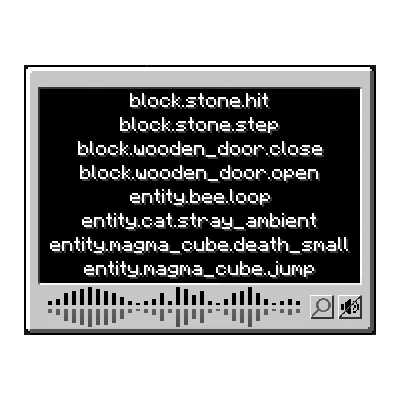
graphical user interface.
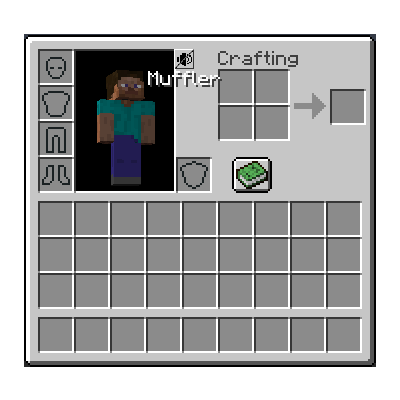
Click it and magic happens
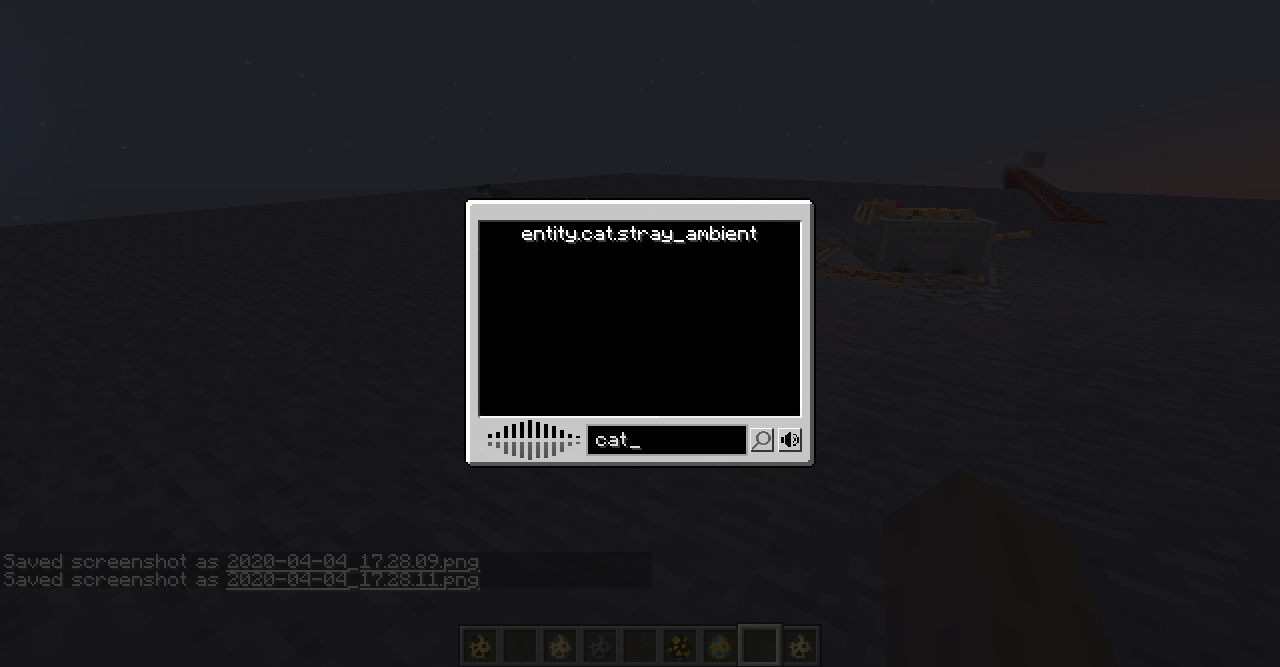
Now with search bar!
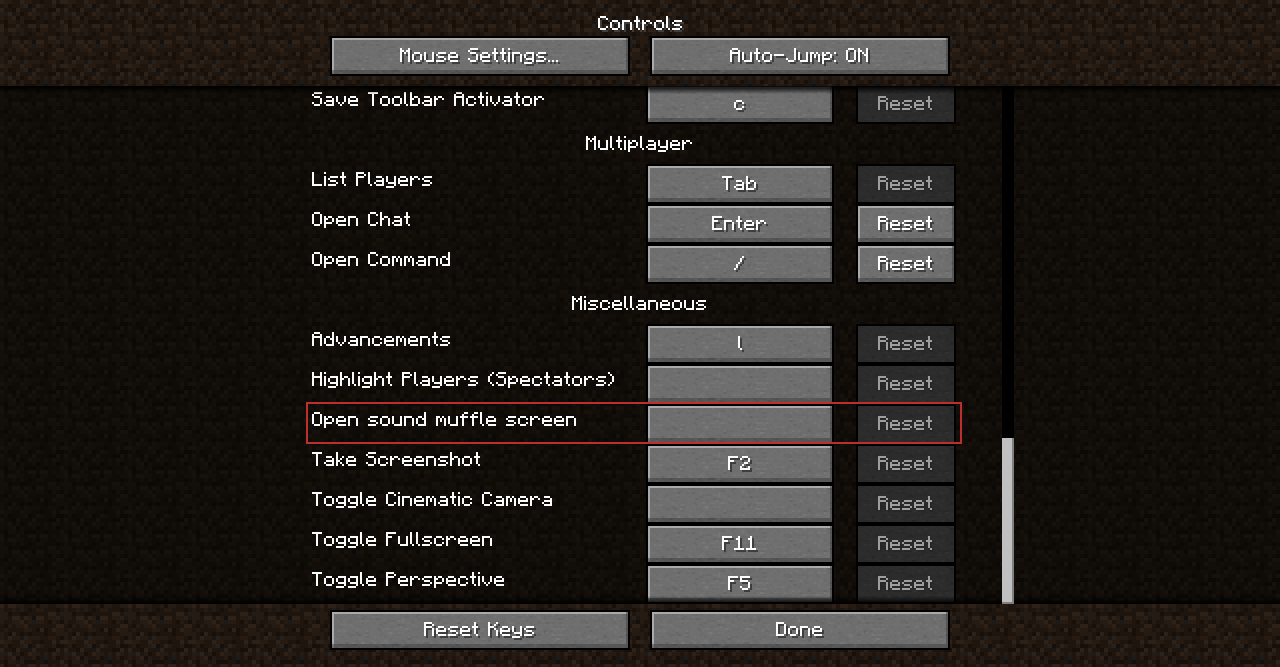
Too lazy to open your inventory and click the button? well, use a key! (empty by default, we don't want those nasty "overlap", right?)
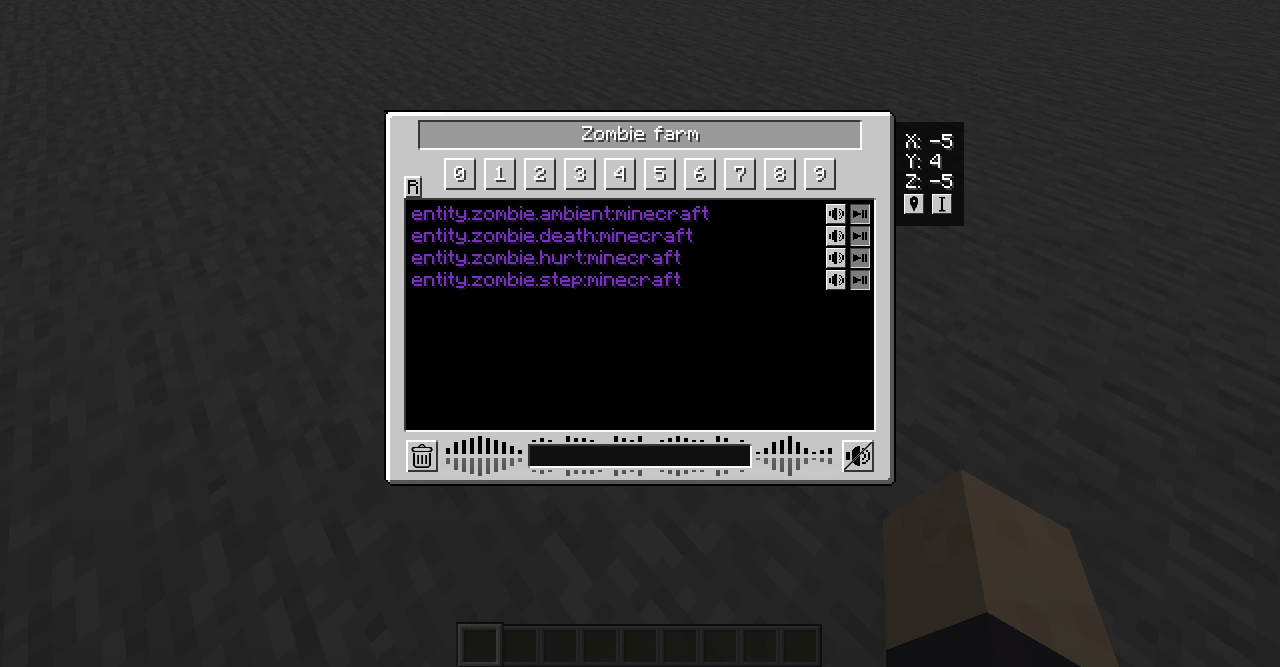
You can set up to 10 anchors per world. Each anchor muffles the selected sounds in a configurable radius (max 32 blocks).
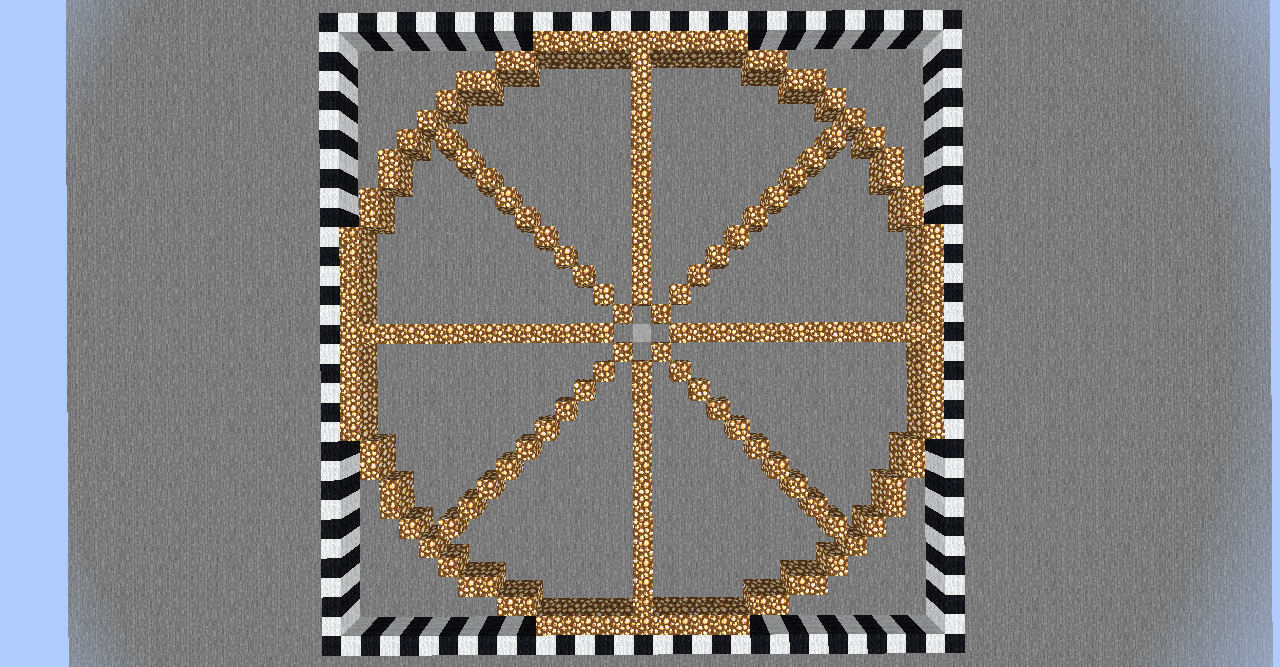
The "circle" made of glowstone represents the range of an Anchor set to 16 blocks.
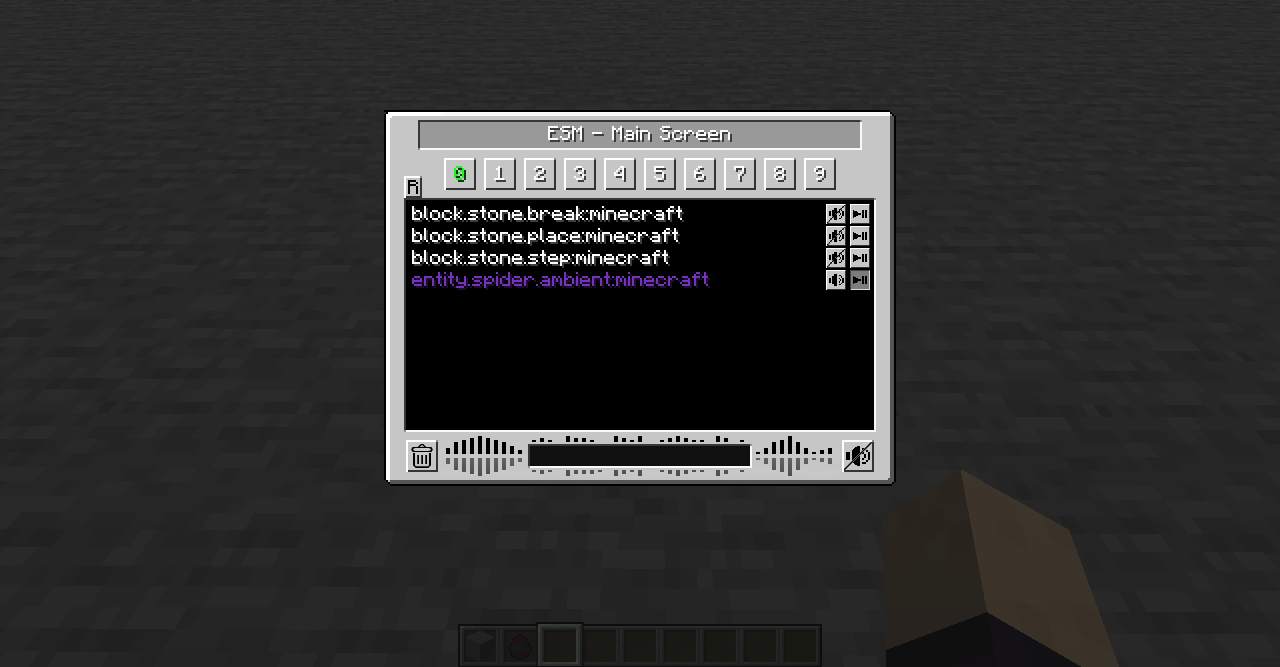
1.15+ GUI with the recent sounds on display
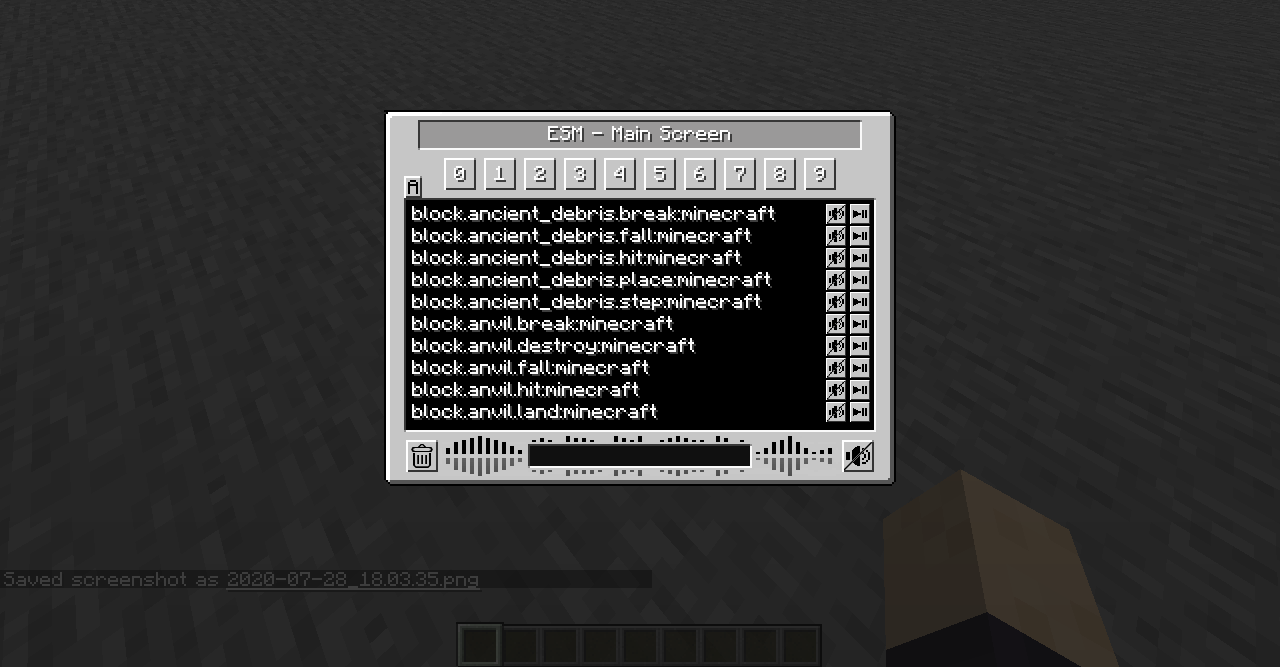
1.15+ GUI with ALL the sounds on display
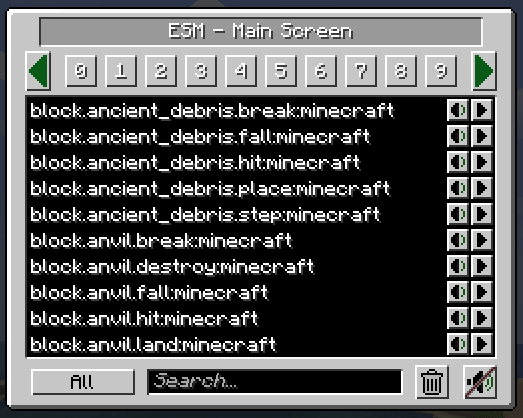
The final GUI for the mod, hopefully.
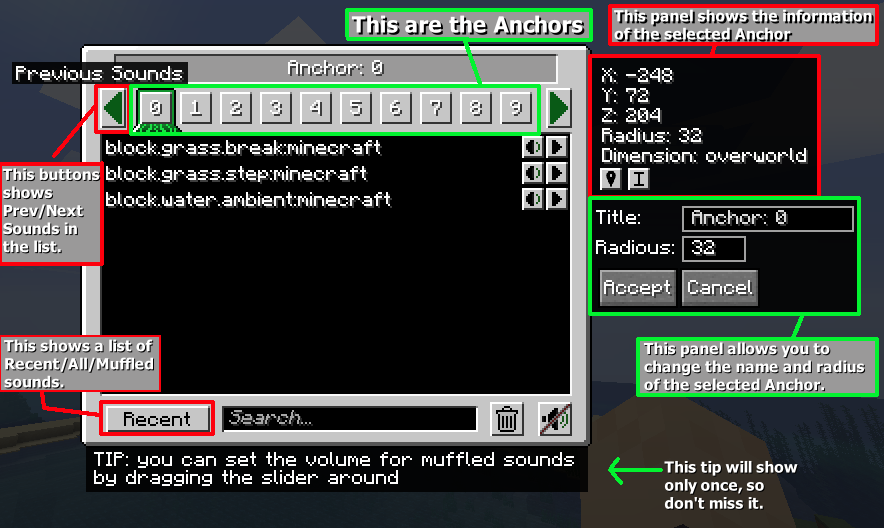
GUI with Anchor editor open Kind of explaining the basics
The logo
Description
Extreme sound muffler
Extreme sound muffler is a client side mod that allows you to muffle sounds selectively.
This mod needs FORGE/NEOFORGE to work.
Now with Dark mode!! check the configs to enable it!
You can get the FABRIC version here!
HOW IT WORKS:
1. Click on the button in your inventory or assign a key to open the gui.

2. Click on the button next to the sound you want to muffle.

3.  Optional: set the volume of the sound dragging the slider around.

4. Optional: press the play button to be sure that's the sound you want to muffle.

5. Enjoy peace.
What about Anchors?
Anchors are ranged mufflers, for when you want to muffle a sound on a small area
1. Open your ESM Screen

2. Select one of the 10 numbered buttons

3. Press the marker like button on the right panel to set the Anchor position

4. Optional: press the edit Anchor button (next to marker) and set the name and range of the Anchor

5. Muffle the sounds and enjoy ranged peace
You can change the Anchor position whenever you want by pressing the marker button.
Inventory button:
if you don't like the ESM muffler in the inventory, you can disable it in the config.
if you don't like the position of the button, you can hold right mouse button over the muffler button and drag it wherever you want.
Most things are configurable!
- You can put the muffle and play buttons on the left right of the screen for easier visuals.
- You can disable the anchors.
- You can blacklist sounds to prevent them from appearing in the ESM screen.
- You can choose the default muffle volume.
- You can disable the Inventory button
THANKS:
McJty for the tutorials
EdgarAllen for the original idea.
Vazkii for the memes.
Extreme sound muffler - (Neo)Forge Team

Owner