
Potato Tech Pack
- By
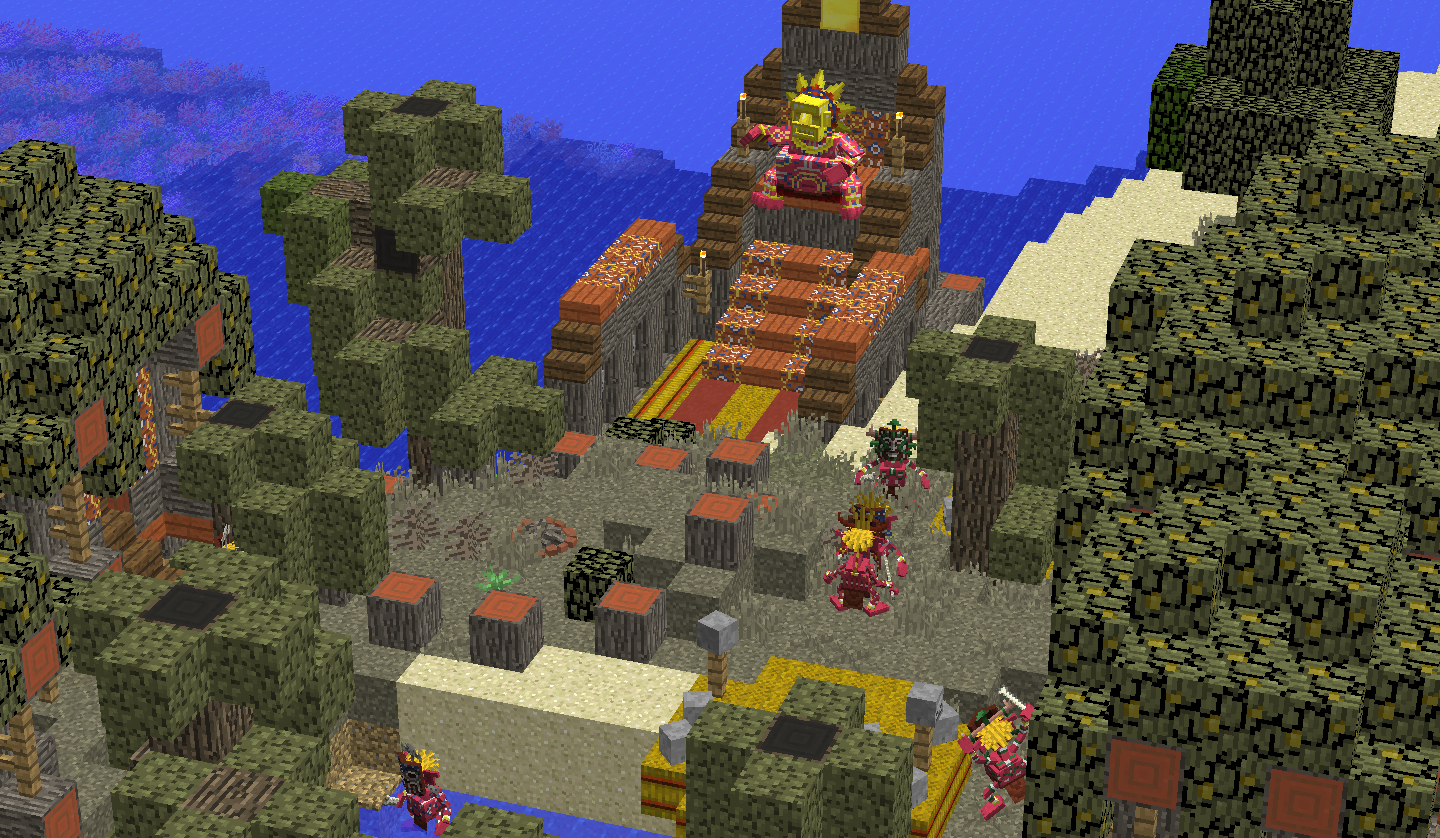
Be careful
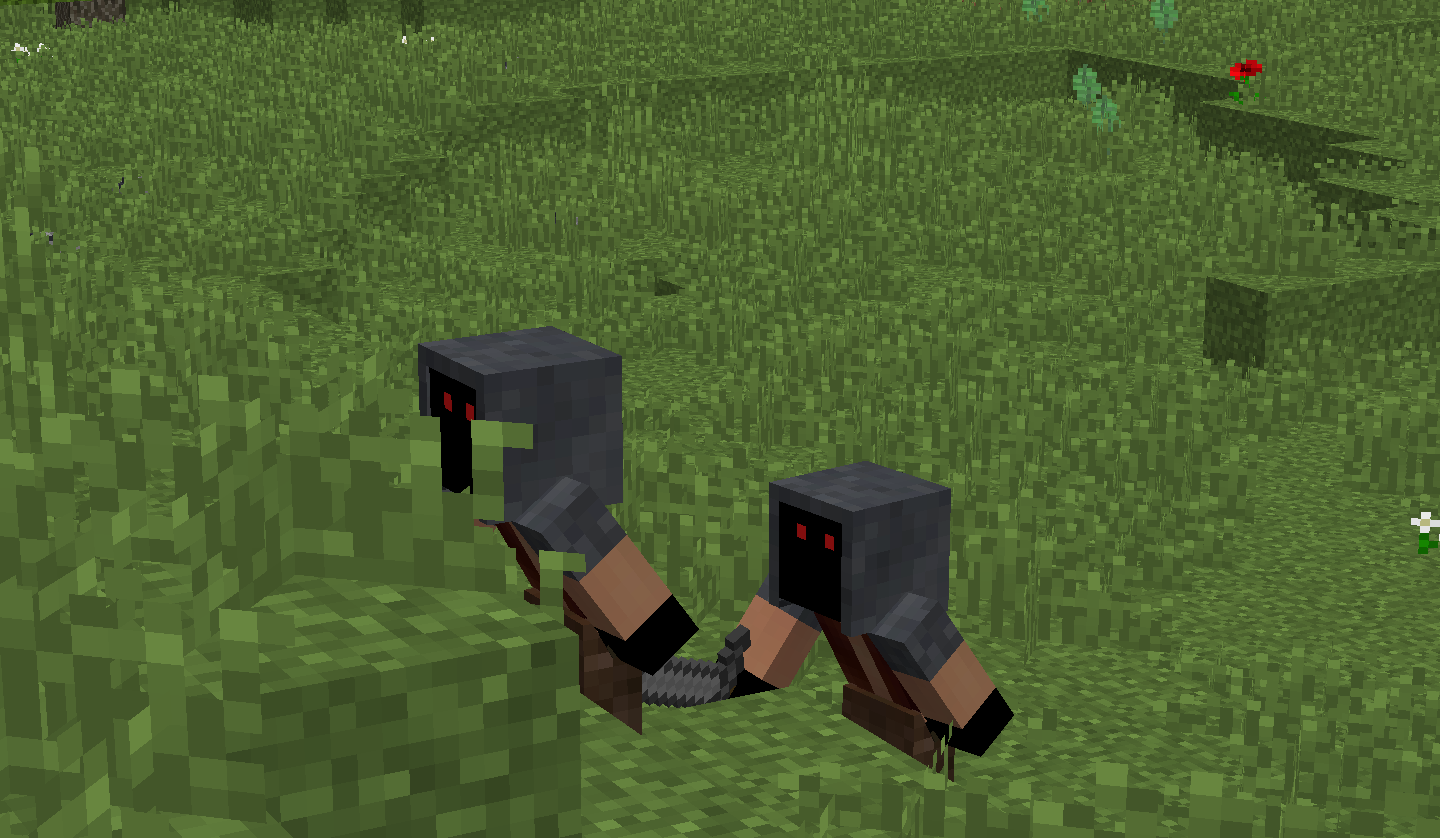
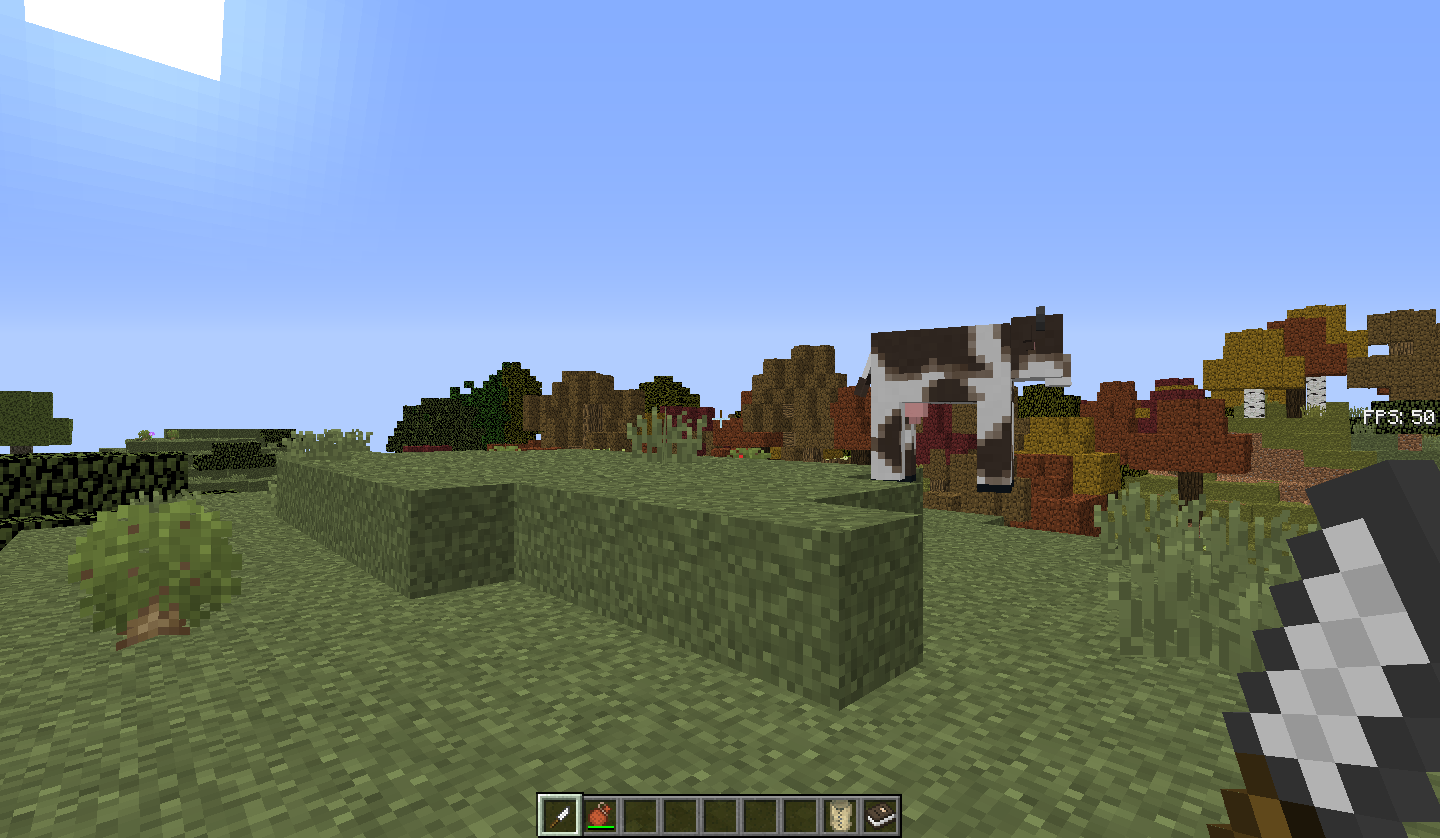
Those guys easy to defeat, they can backstab you but generally run away from you and might steal stuff from you as well
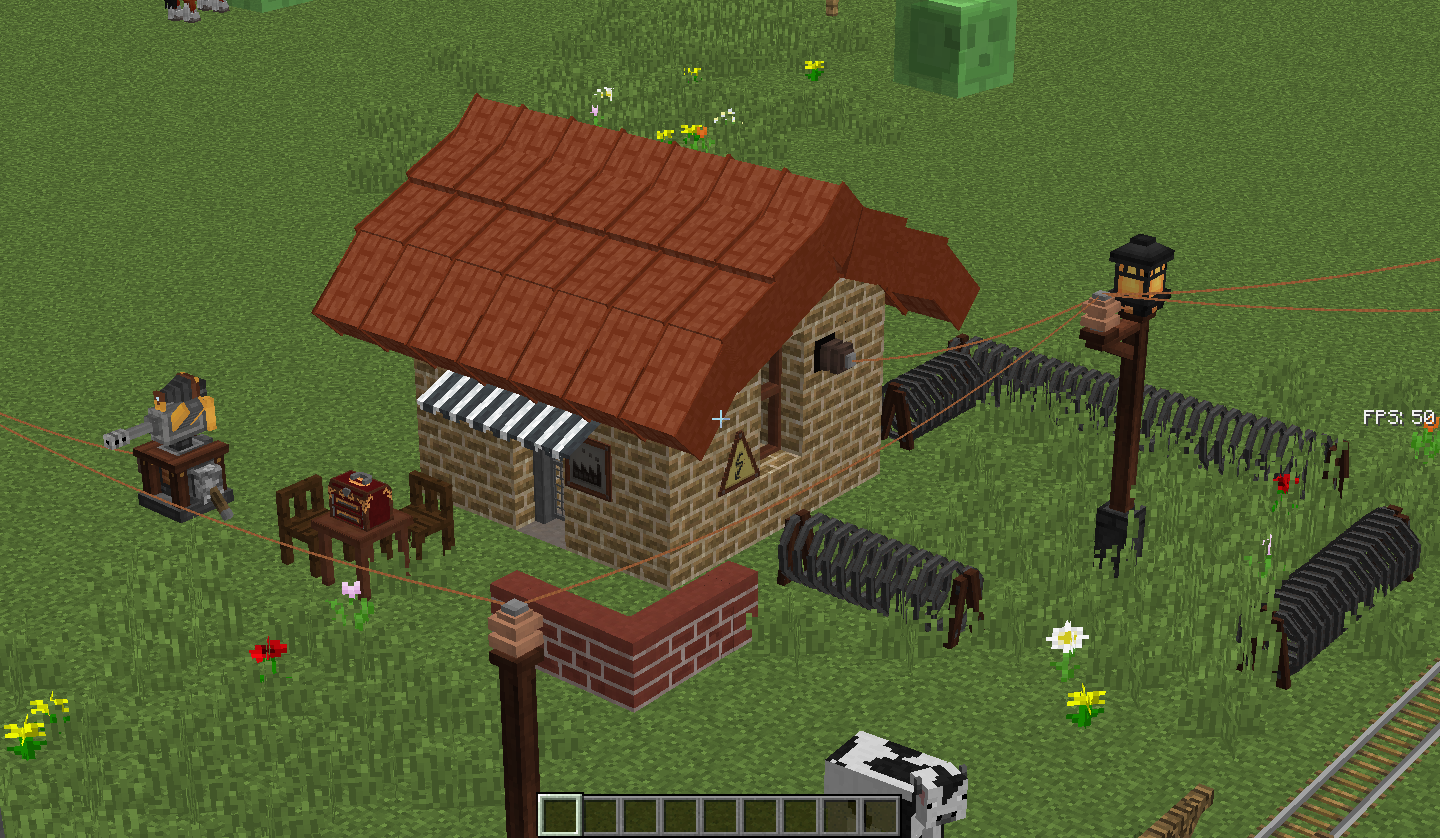
Cute workshop build with bunch of utilities around it
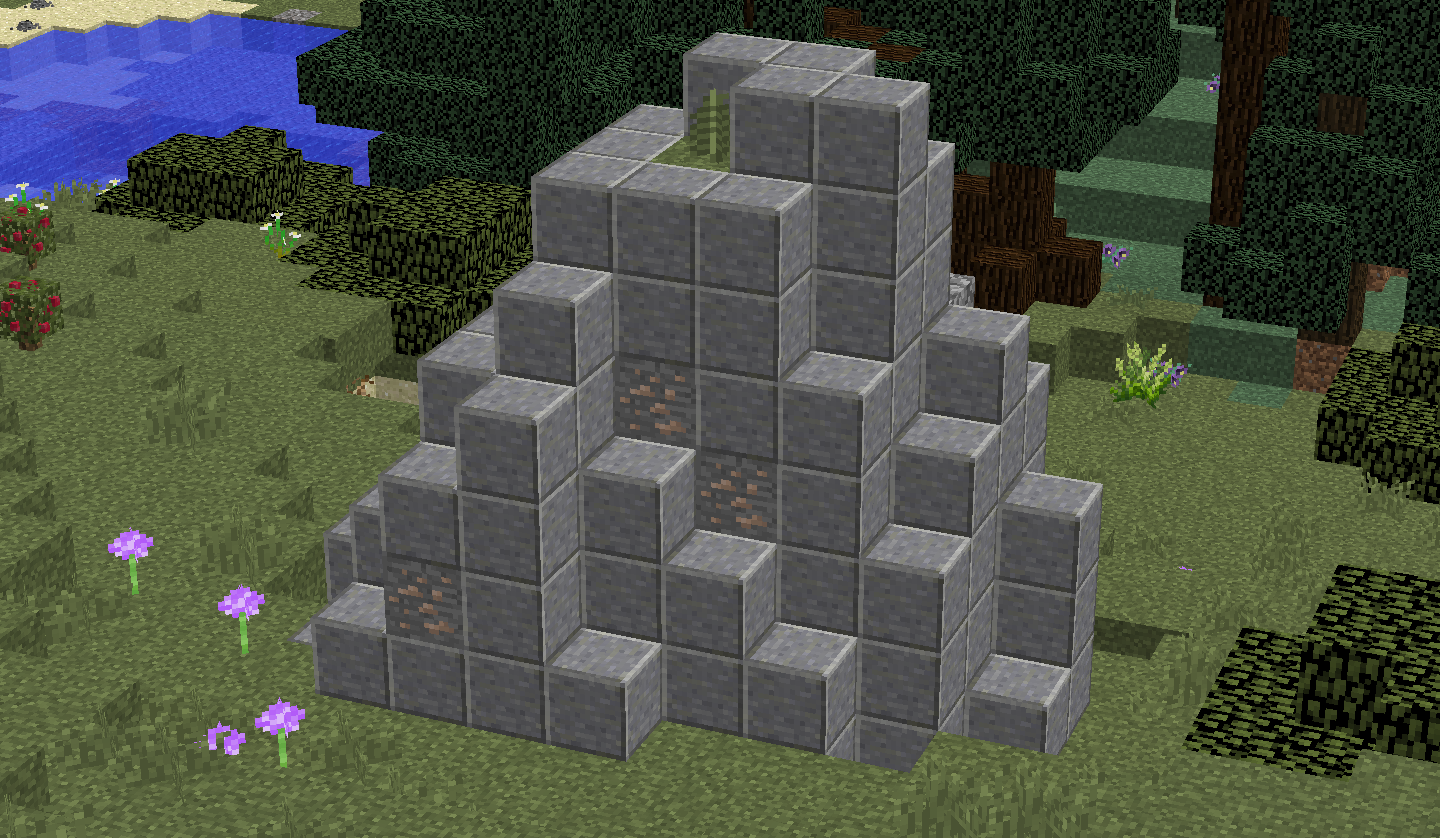
use them all, it is hard to find hematite and limonite
Awesome, like an engineer

A little bit pollution from death of animals
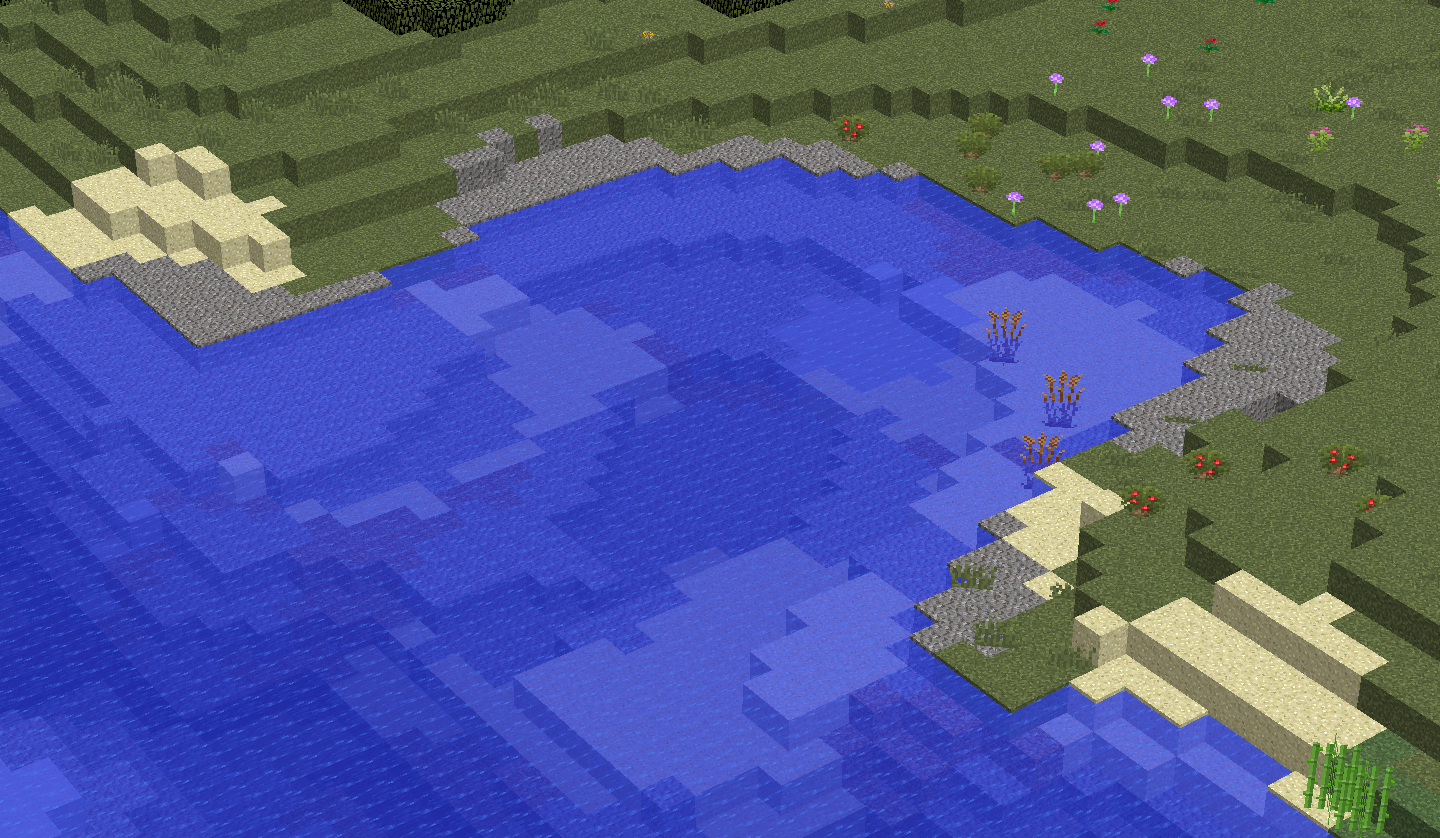
Good for starting
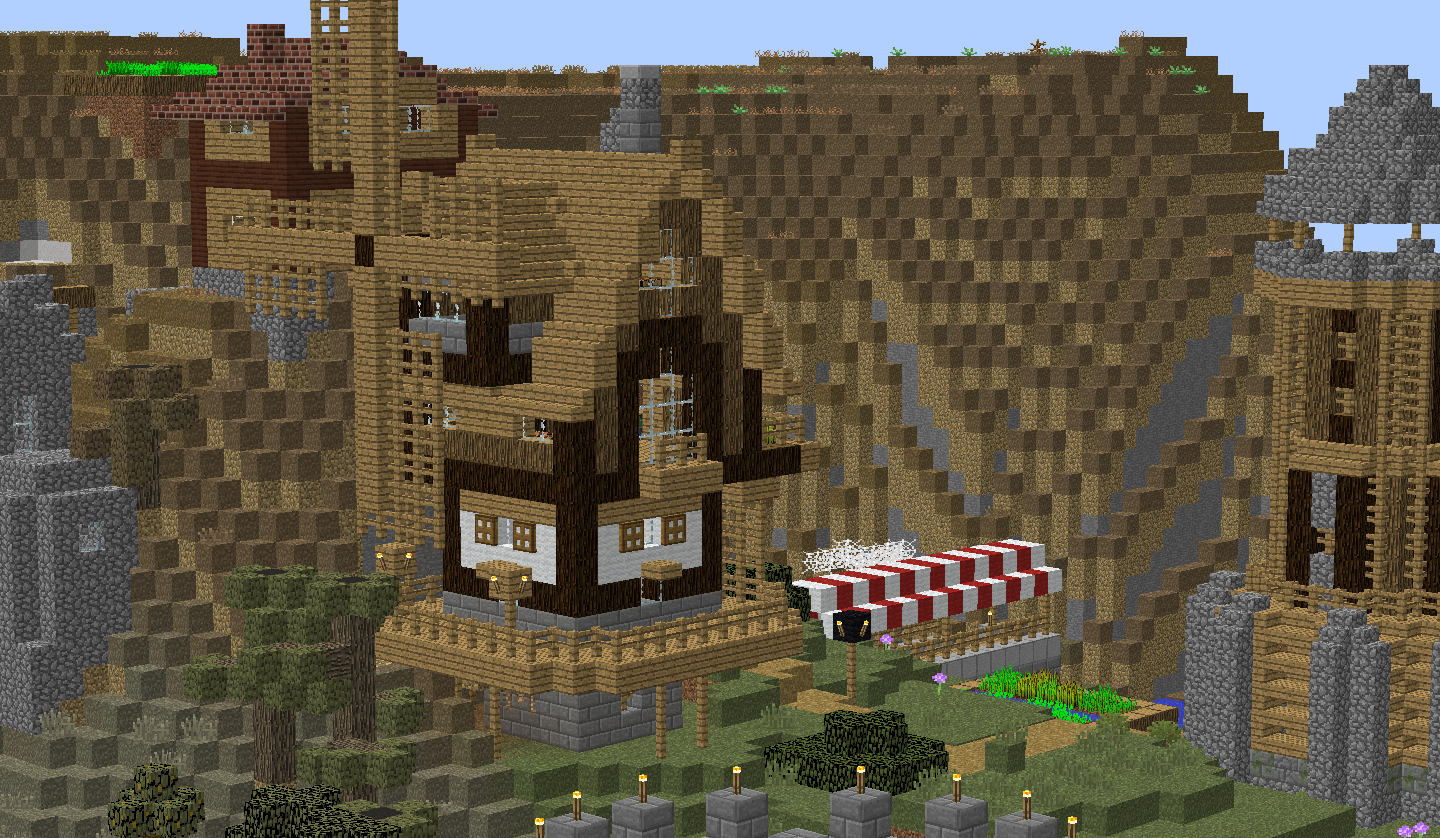
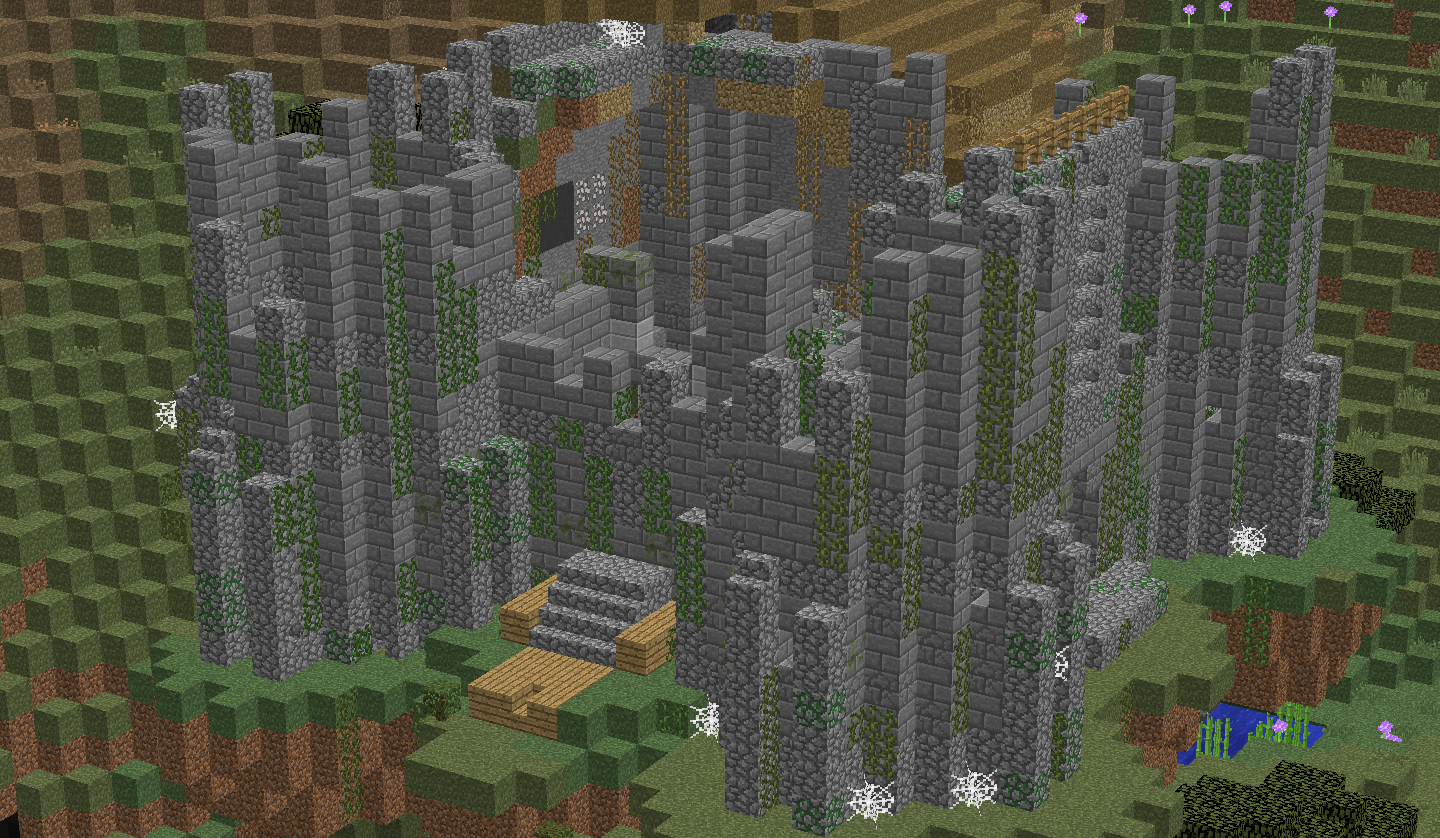
Maybe it can be your base
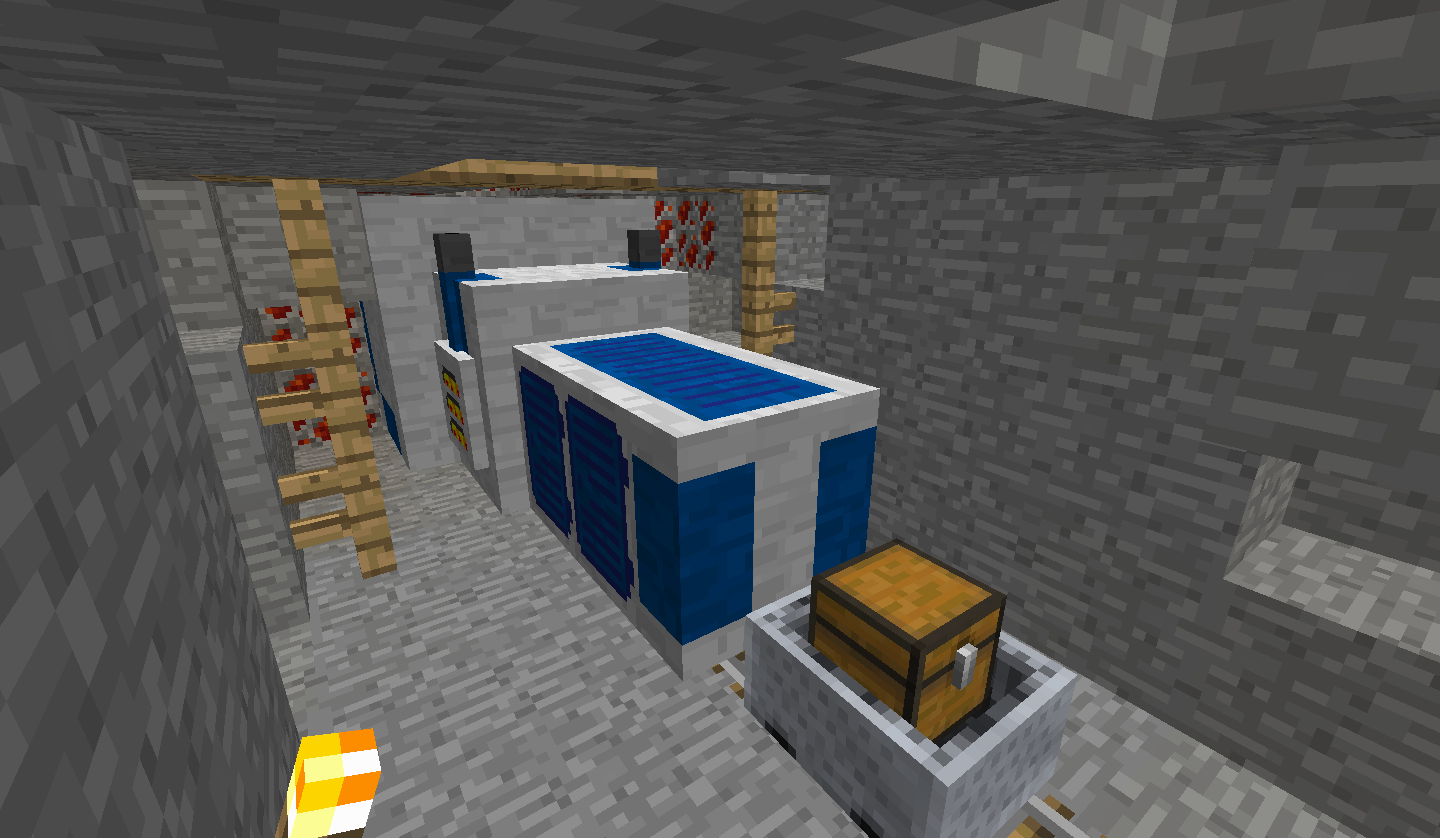
redstone
Description
Archived the modpack, I'm working on a way better one now
DETAILS
-Minimum RAM: 2
-Loading Screen time: around 5 minutes
-Ram usage: 700mb-1700mb
-FPS: around 20 and 60
-Total 90 mods (with OptiFine it will be 91)
Generally small mods, do not scare!
-Big mods; Biomes O' Plenty, Immersive Engineering and its add-ons, Railcraft, Quark, Geolosys, Roguelike Dungeons
-Main Mods; Immersive Engineering and Railcraft
Attention
-Use pregenerated chunk world once for a world and do not copy it, otherwise it will copy it and delete other one. You have to use pregenerated chunks on only 1 world
-Immersive Intelligence is a bit buggy and glitch, keep that in mind
Read more for more information about modpack and for optimising your game
-------------------------------------------------------------------------------------------------------------------------------------------------------------------------------------------------------------------------------------------------------------------
Hello, I made this modpack for myself actually. I just saw that I can use it on my 2gb ram pc with almost no troubles. I wanted to share it for anyone who has low-end PC and wants to play a tech mod with hard stuff in it :D
This pack hugely insipired from Sbeev's Industrial Revolution and Real Tech Modpack. Thanks to Bforlemon and Danny for allowing me to make this pack
Brief of such things
This pack is sure hard for early and mid gameplay but that's why you start with iron knife, a canteen with clear water, sleeping bag and field manual! Still you have to find some flint and make yourself flint tools to start with. Probably hardest one is finding hematite or limonite for iron source but hopefully there is recurrent complex mod which add ground iron ores, use them for sure.
There are dungeons and ruins all over the place too but wait! Your health only regens when you sleep (2 hearths) You have to get some advancements first. Also beware from blood moons (%1 chance) it will spawn tons of zombies and those zombies can find you from your movements, blood stains or even from your sounds. You might need to live under a rock for several days maybe...
Seasons, your heat, water and low food is a struggle in this pack too. Pam's harvestcraft gardens don't drop tons of food now and they don't give you much saturations (hunger overhaul). Nether is now actual hell and you need water. You need nutritions otherwise you will get food poison and some more stuff
There isn't much transportation stuff like jetpacks or cars, flying vehicles. You have to use horse carts or trains for long travels
For end game, you dont have any quest books, you can create a factory or you can feel the gameplay of hard adventures
You can kill all the really hard to destroy bosses from dungeons mod (wiki) protect your base area with barbed wires and gun turrets, have automated system, struggle with pollution, explode in caves due gas explosions and more thing you might do...
Modlist;
-Optimization-
TexFix
Foam Fix
Clumps
Chunk-Pregenerator
FPS Reducer
BetterFPS
Fast Furnace
Fast Workbench
Phosphor
Performant
AI Improvements
-Hardcore Gameplay-
Rough Tweaks
Zombie Awareness
BloodMoon
Hunger Overhaul
No Tree Punching
Tough as Nails
Serene Seasons
Nutrition (Has no link, It is from Real Tech Pack)
-Tech, Transport, Inventory-
Railcraft
Immersive Engineering
Immersive Technology
Immersive Petroleum
Immersive Intelligence
Engineer's Tools
Reforged
Potion Rings(In second version)
Astikorcarts
Packing Tape
Antique Atlas
Simple Diving Gear
Simple Storage Network
Backpacked
-Mobs, Dungeons, World Generation-
Biomes o' plenty
Recurrent Complex
Geolosys
-Decoratives-
Cooking for Blockheads
Clipboard
Macaw's Roofs
Macaw's Bridges
Macaw's Fences
Chisel
Engineer's Decors
-Farming-
Pam's Harvest Craft
Rustic
Animania Farm
Animania Extra
-Others-
Nature Compass
Chunkloader
Comforts
Gravestone Mod
Bountiful
Armor Underwear
Quark
Advanced Chimneys
Pollution of the Realms
Fast Leaf Decay
Custom Starter Gear
Tool Belt
Controlling
NotEnoughScaffolding
-GUI-
Just Enough Resources
Just Enough Items
The One Probe
Mod Name Tool Tip
AppleSkin
-API, Core, Library-
MixinBootstrap
IvToolkit
alcatrazcore
Shadowfacts' Forgelin
ShadowMC
CraftStudioAPI
Llibrary
AppleCore
carrotslib
Patchouli
Connected Textures
Placebo
RedstoneFlux
ForgeEnderTech
AutoReglib
coroutil
Animania Base
-------------------------------------------------------------------------------------------------------------------------------------------------------------------------------------------------------------------------------------------------------------------
Recommendations for optimising;
-Download OptiFine and run game once then close. There will be new txt file in your folder named "optionsof". Open it and change all text with this;
ofFogType:3
ofFogStart:0.8
ofMipmapType:0
ofOcclusionFancy:false
ofSmoothFps:true
ofSmoothWorld:true
ofAoLevel:0.0
ofClouds:3
ofCloudsHeight:0.0
ofTrees:1
ofDroppedItems:1
ofRain:1
ofAnimatedWater:2
ofAnimatedLava:2
ofAnimatedFire:false
ofAnimatedPortal:false
ofAnimatedRedstone:false
ofAnimatedExplosion:false
ofAnimatedFlame:false
ofAnimatedSmoke:false
ofVoidParticles:false
ofWaterParticles:false
ofPortalParticles:false
ofPotionParticles:false
ofFireworkParticles:false
ofDrippingWaterLava:false
ofAnimatedTerrain:false
ofAnimatedTextures:false
ofRainSplash:false
ofLagometer:false
ofShowFps:false
ofAutoSaveTicks:7200
ofBetterGrass:1
ofConnectedTextures:3
ofWeather:true
ofSky:true
ofStars:false
ofSunMoon:true
ofVignette:1
ofChunkUpdates:1
ofChunkUpdatesDynamic:true
ofTime:0
ofClearWater:false
ofAaLevel:0
ofAfLevel:1
ofProfiler:false
ofBetterSnow:false
ofSwampColors:false
ofRandomEntities:false
ofSmoothBiomes:false
ofCustomFonts:true
ofCustomColors:true
ofCustomItems:true
ofCustomSky:true
ofShowCapes:false
ofNaturalTextures:false
ofEmissiveTextures:true
ofLazyChunkLoading:true
ofRenderRegions:true
ofSmartAnimations:true
ofDynamicFov:false
ofAlternateBlocks:true
ofDynamicLights:3
ofScreenshotSize:1
ofCustomEntityModels:true
ofCustomGuis:true
ofShowGlErrors:true
ofFullscreenMode:Default
ofFastMath:true
ofFastRender:true
ofTranslucentBlocks:1
key_of.key.zoom:46
-You can select "release (low settings)" version fom files for completly changing minecraft settings for 1.12.2 for better fps
-Open you mods folder and find betterfps executable jar file. Open it and test algorithms. Do it for several times and find which one has the lowest ms, there is a button under the "test again" button for selecting the new algorithm.
-Now, I hope it is all set to run the game. Open it and select the biome style you want. If you don't want to see new type of biomes in your game use normal. Don't press to play yet! There is a button for pregenerating chunk, which is awesome for you to reduce a good amount of stuttering in game while it was creating new chunks.
Select the radius you want, I did it 100 and it took me soo long. You can do it 50 or 75. Don't forget to change terrain gen to full gen at those settings too.
Start the pregenerating but you will see there is a bar for RAM usage at top right and also a button named GC. You will have to use it once it comes too close to the edge of RAM bar.
Once the generation complete press "add post" for last. Don't forget to watch your RAM bar.
-Finally! After a long time it finished... Join your world and play it. You might be carefull entering nether or end if you didn't pregenerate those. I also recommend opening cheats on before creating the world if anything bad happens and also you should close every other tab except minecraft for better performance. You can change minecraft's priotry from task manager...
Have Fun..
Potato Tech Pack Team
