One ore detector, attuned to whatever you are looking for.
Brew a liquid from the ore you want, pour it in, and the detector finds that ore. Change your mind
and pour in something else. Load a few at once and it looks for all of them.
Everything it is built from comes out of a Trial Chamber, so the mod has somewhere to send you
before it gives you anything.
The loop
| Step |
What you do |
| Raid |
Breeze Rods, Shards, Crystals and Heavy Cores all come from a Trial Chamber |
| Grind |
Sneak and right click a Grindstone to crush an ingot into dust |
| Brew |
A Resonance Chamber turns that dust into bottled Attunement Liquid |
| Attune |
Pour a bottle into the detector |
| Scan |
Right click a wall and it tells you what is behind it |
Focus beats capacity
Range depends on how many different liquids are loaded, not how full the tank is. One ore and
the beam reaches a long way down a narrow column. Load five and you sweep a wide area, but barely
past the wall.
| Liquids loaded |
Reach down |
Sideways |
Column |
| 1 |
24 |
18 |
3x3 |
| 2 |
16 |
12 |
5x5 |
| 3 or more |
8 |
6 |
7x7 |
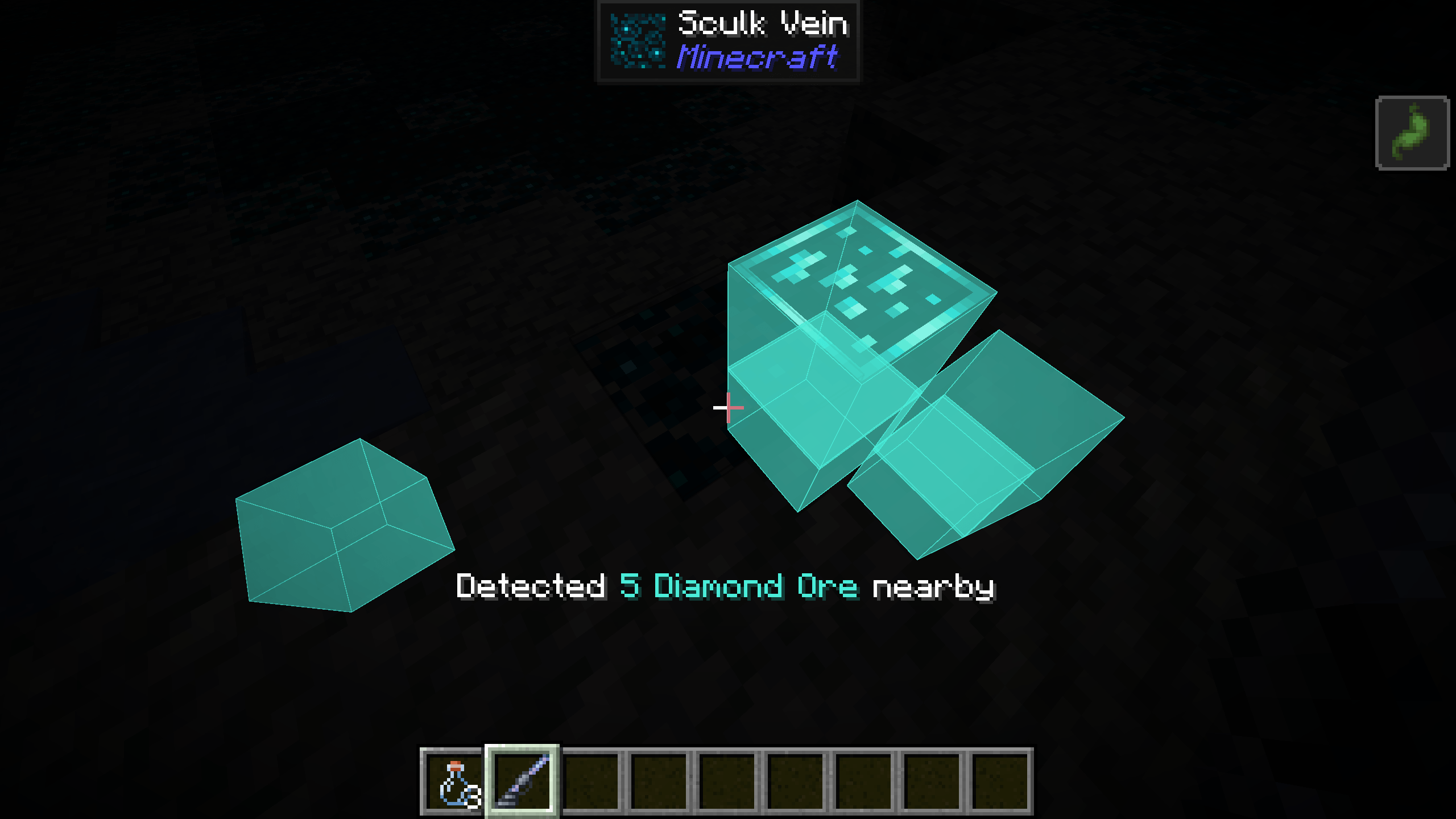
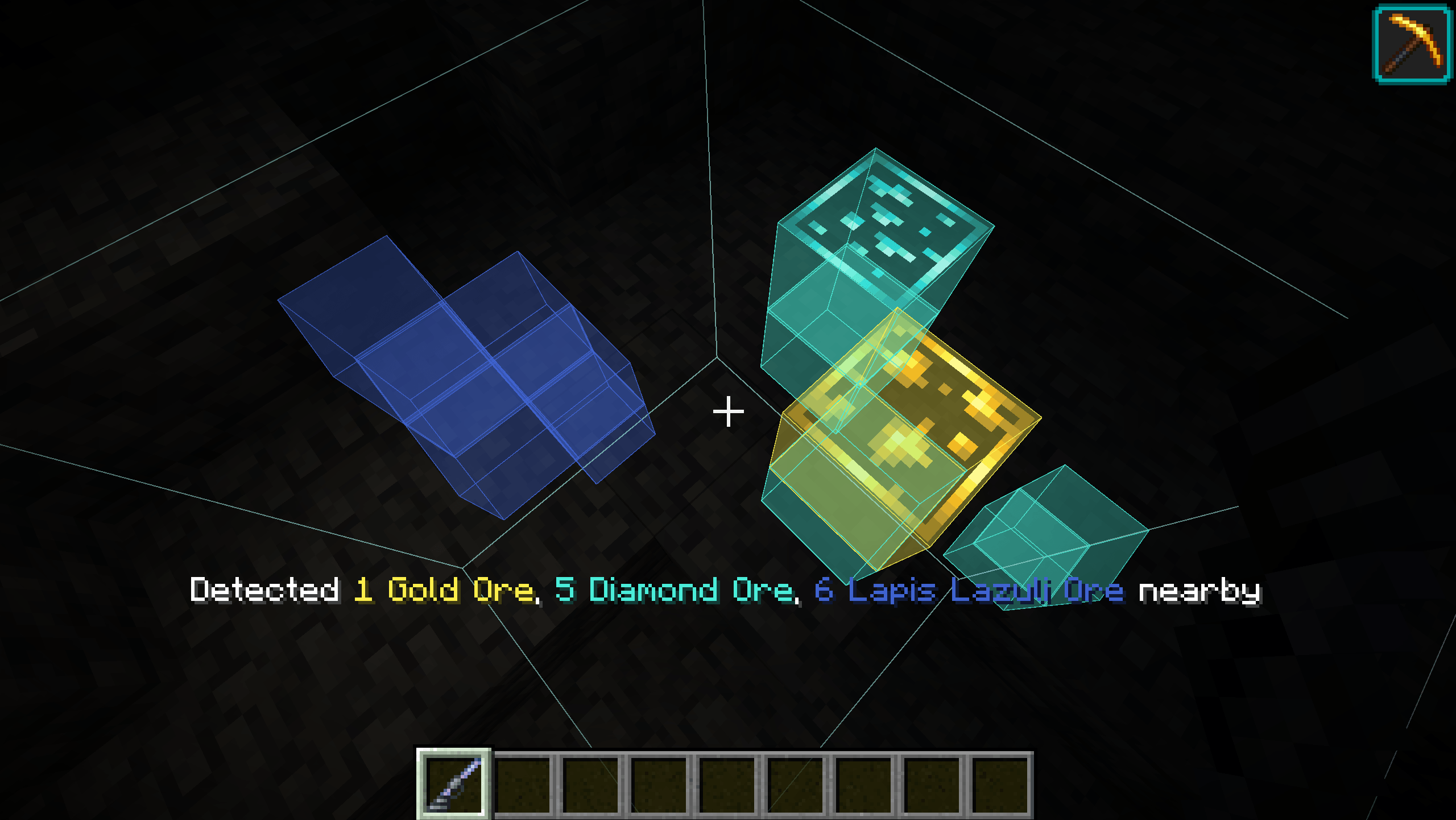
Every scan outlines the box it just swept, straight through the rock, so you can see exactly how
far and how wide it looked.
What a tank holds
The tank holds 500 finds, across at most five ores, and one find of any ore costs one
millibucket. Rarity is in the brewing rather than the reading: one dust makes three bottles, and a
bottle is worth far more of a common ore than a rare one.
| Bottle of |
Worth |
| Coal, Copper, Zinc, Tin |
165 |
| Lapis |
90 |
| Iron, Gold, Quartz, Amethyst, Uraninite |
45 |
| Diamond, Emerald |
25 |
| Ancient Debris |
12 |
So three bottles of coal very nearly fill the tank, and filling it with ancient debris is a project.
Brew it once, though, and you can carry as much of it as you like.
X-Ray Goggles
Wear them and a scan draws what it found through the rock, in the ore's own colour, for twelve
seconds by default. How long it stays, and how long the outline of the scanned area stays, are both
config options. A scan that turns something up also grants Haste while they are on, stronger
when a single liquid is loaded.
They show nothing on their own. Nothing is revealed that the detector did not already report, and
only for as long as the window lasts.
Every look costs Strain, which fades on its own. Push it too far and the goggles hand you
Nausea and refuse to draw until they settle. The detector keeps working the whole time, so you
never lose the numbers, only the picture.
Crafting
| Ore Detector |
X-Ray Goggles |
Resonance Chamber |
 |
 |
 |
The detector takes two Heavy Cores, which means an ominous vault. The goggles take two Breeze
Crystals and a Netherite Ingot. Everything else is cheap by comparison.
A Breeze Rod now makes Breeze Powder the way a Blaze Rod makes Blaze Powder, so Wind Charges
move to a Fire Charge style recipe: clay, gunpowder and Breeze Powder for three.
Repairs
Breeze Shards repair both the detector and the goggles in an anvil, 250 durability at a time, and
that repair costs the same few levels every time. It never climbs, so neither tool is ever priced
out of being fixed. One chamber usually covers a repair of each, which is why you keep going back.
Modded ores
| Mod |
What you get |
| Create |
Zinc grinds and detects like any vanilla ore |
| Energized Power |
Tin ore is detected, and its ingot grinds into their own Tin Dust |
| Powah |
Uraninite ore, all six of its blocks, with a dust of ours |
| Seamless Ores |
Its ore variants count as the ore they are made of |
| Universal Ores |
The same, in its own namespace |
All optional, all detected automatically. A mod you do not have simply never matches anything.
In game guidance
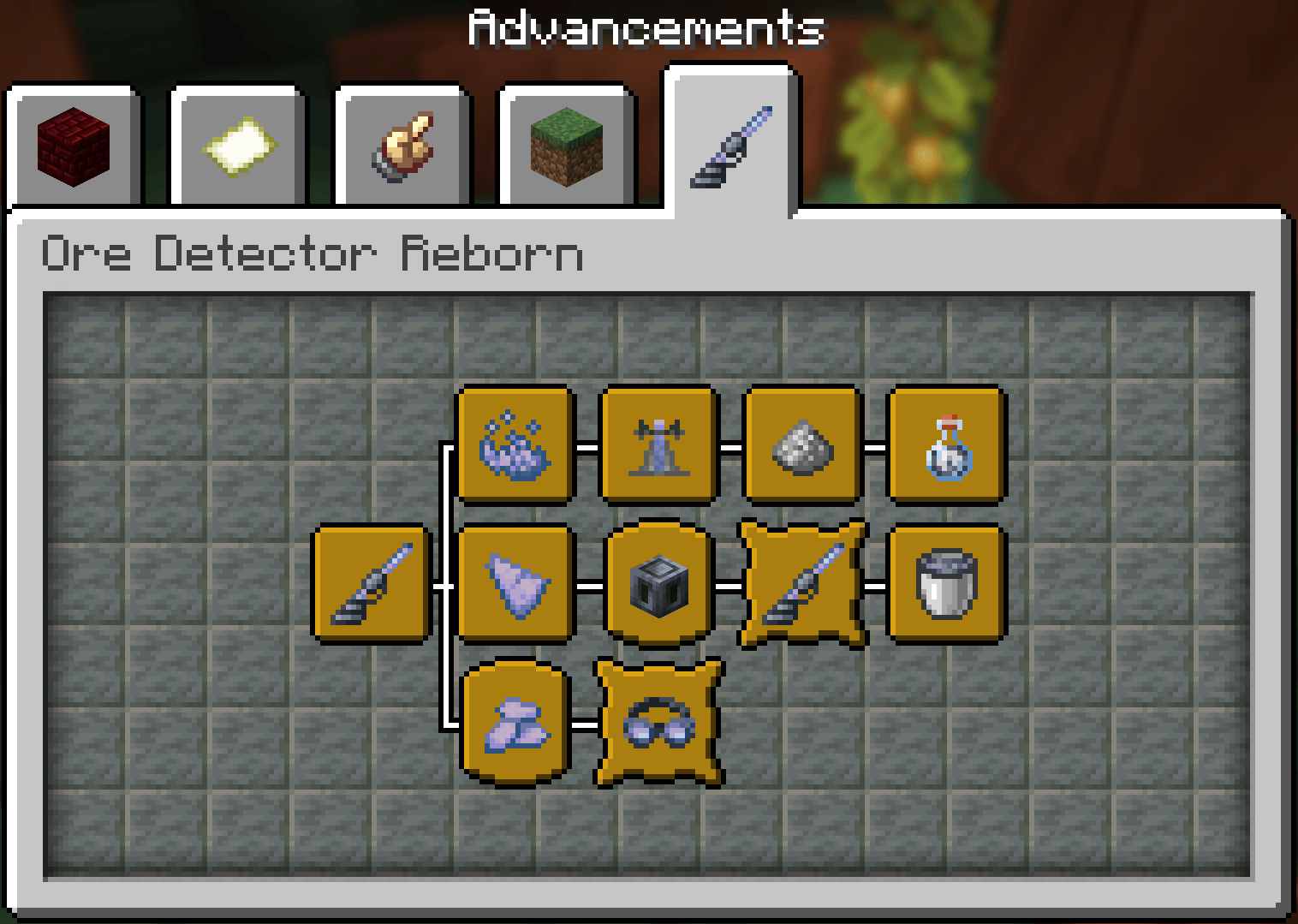
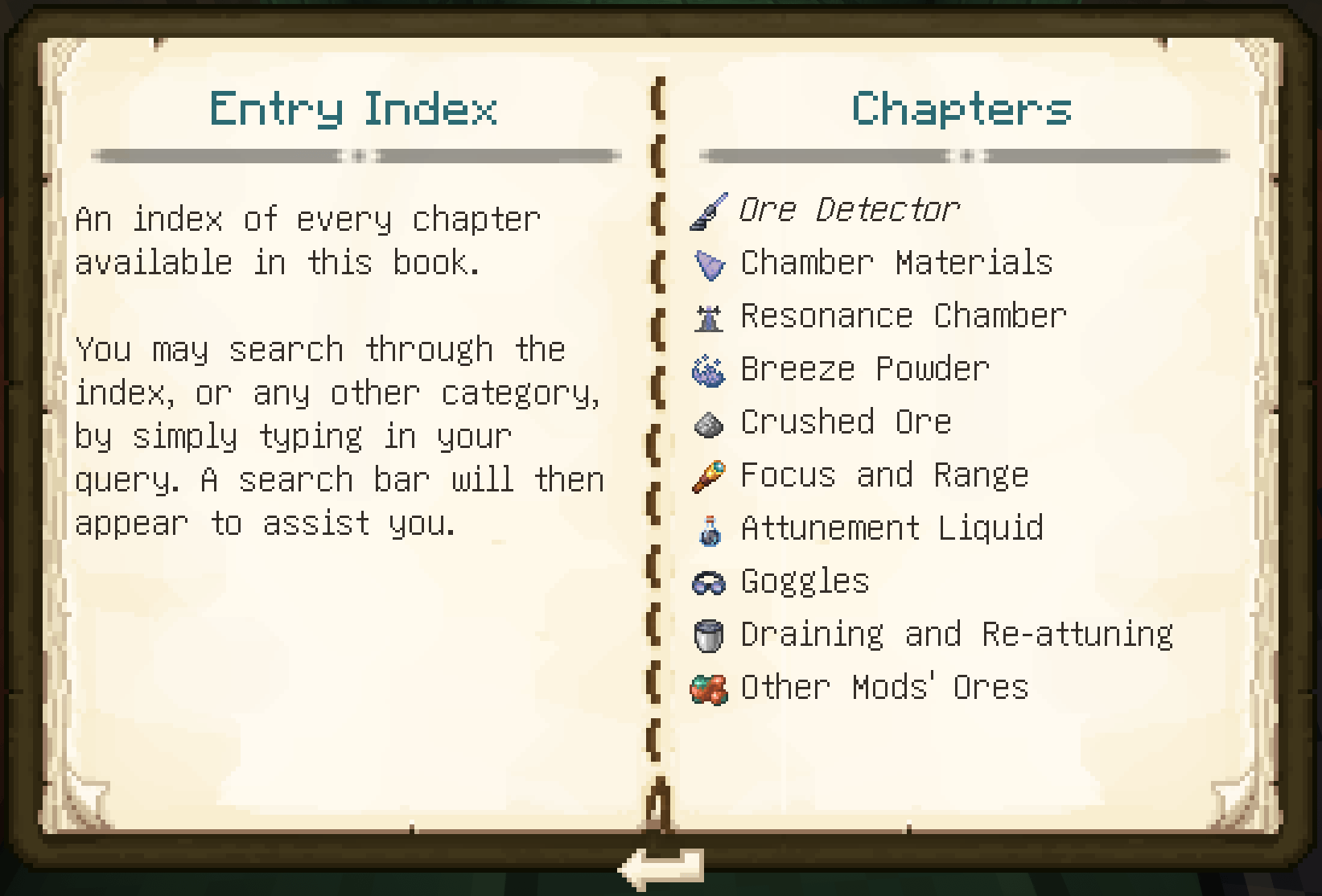
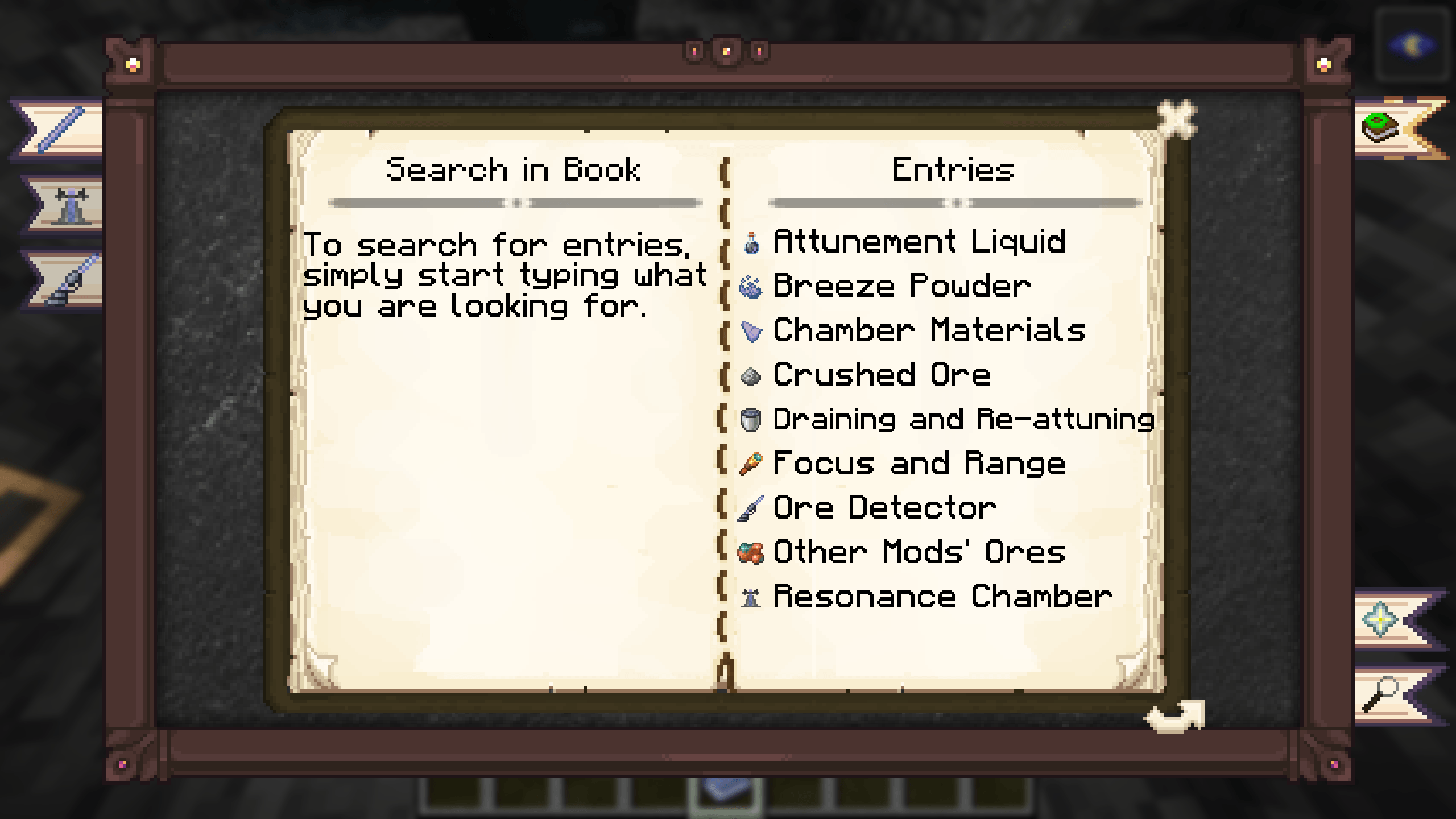
An eleven step advancement tree lays out the whole progression, so you always know what to do next.
Install Modonomicon, or
Patchouli on 26.1.x, and you are handed
the Tome of Resonance the first time you load a world, covering every step with the recipes
drawn in.
Modonomicon has no Forge build for 1.21.11, so there is no Tome there.
Supported versions
| Minecraft |
Fabric |
NeoForge |
Forge |
| 26.3 |
Yes |
Yes |
n/a |
| 26.2 |
Yes |
Yes |
n/a |
| 26.1 to 26.1.2 |
Yes |
Yes |
n/a |
| 1.21.11 |
Yes |
Yes |
Yes |
| 1.21 to 1.21.1 |
Yes |
Yes |
Yes |
Dependencies
Which guidebook mod you want depends on the version: Patchouli on 26.1.x, Modonomicon everywhere
else. On 26.3 NeoForge runs without Cloth Config too, on its default settings and with no config
screen. Forge on 1.21.11 uses the Cloth Config API Forge port. Create, Energized Power and Powah
only count where they have a build for your version and loader.
Quilt should work but is untested.
Common questions
Does it work in an existing world?
Yes. Nothing about it depends on world generation.
Do I have to find a Trial Chamber?
Yes. Every material comes from one, and the detector needs Heavy Cores from an ominous vault.
Is this an x-ray mod?
No. The goggles only redraw a scan you already paid for, for a few seconds, and only in the column
the detector actually swept.
Does it work with shaders?
The detector does, entirely. The goggles cannot draw their highlight through terrain while a shaderpack is running, because shaderpacks replace the rendering step that lets it, so you will only see it on ore already in view. The goggles say so in their tooltip when a pack is on.
Does it work on a server?
Yes, install it on both sides.
Is there a simpler version?
Ore Detector Legacy
is one plain detector per ore, no brewing and no attuning, covering Minecraft 1.20 through 26.3.
The two are separate mods and install side by side.
Credits
Inspired by Ore Detector by restonic4 (MIT), which
Legacy
began as a port of. Item art is derived from Minecraft's own textures and remains Mojang's
property.