Forever Simple Battle Map
- By
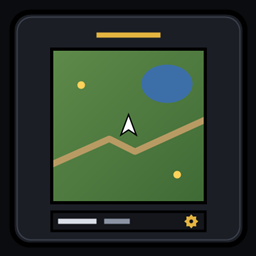
The battle map (Shift+M) as a flat window you move and resize, cropped to the part of each battleground you fight over, with Blizzard's art or minimap terrain.
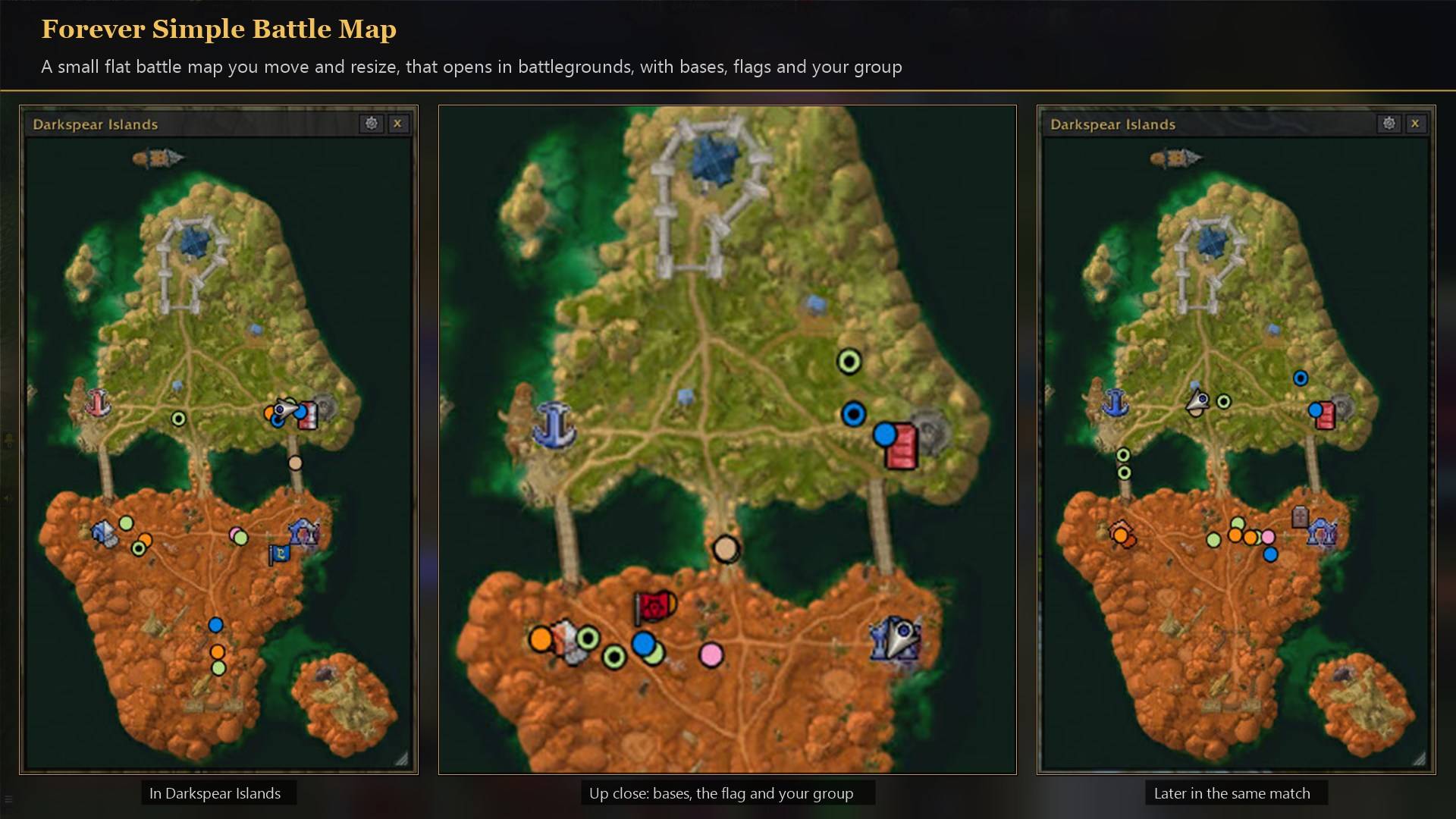
A flat map window in Darkspear Islands showing bases, the flag, carts and your group's dots.
Description
Forever Simple Battle Map replaces the battle map your Shift+M key opens with a flat window you move and resize, cropped to the part of each battleground you fight over. It shows the zone you are in with the same markers as Blizzard's: you and your group, battleground flags and vehicles, graveyards, flight masters, points of interest, dungeon entrances and your corpse. In game it is listed as Forever Battle Map.
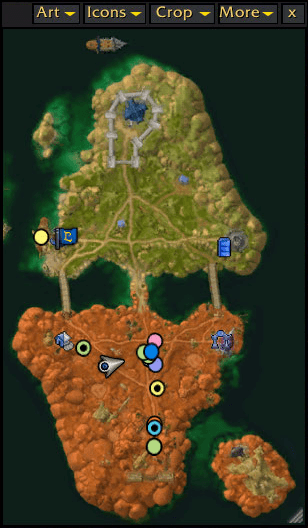
The battle map
- The window. A thin title bar with the zone's name and four menus, and the map under it with nothing else. Drag the title bar to move it and the corner to resize it; the map keeps its shape, so there are never empty bands round it. Place, size and whether it was open are remembered.
- Crops. Alterac Valley, Arathi Basin, Darkspear Islands and Warsong Gulch start cropped to the part you fight over, larger. Draw your own crop on any map with Crop → Draw a crop; each map remembers its crop on every character.
- Map art. Blizzard's painted map (the default), or Terrain: the game's own minimap images joined into one picture of the zone, whole whether or not you have explored it, sharper as you zoom in.
- Icons. Every icon from 50% to 250% of its default size, your arrow and your group's dots too.
- Zoom. The mouse wheel zooms where the cursor is and the zoomed map drags, as on Blizzard's.
- Everything Blizzard's battle map offers is here too: group members, lock, opacity and reopening at login.
How to use it
- Press Shift+M (your battle map key), or
/fbattle show. - The gear on the title bar holds every option in one menu: map art, crop, icons and the window. Right-clicking the title bar opens the same menu.
- Double-click the corner for the default size.
- Want Blizzard's battle map back? Set Battle map key opens to Blizzard's.
- Settings: Options → AddOns → Forever Battle Map, or
/fbattle.
Works better with
These addons are optional. Install any of them alongside this one; the PvP ones are made to run side by side in battlegrounds:
- Forever Simple World Map: Blizzard's world map with the same terrain, names and every flight master, or one seamless explorer map per continent.
- Forever Simple Battleground Timers: Every battleground countdown as a bar: bases, flags, the gates and your next resurrection.
- Forever Simple Targets: Every enemy and ally in a battleground in class colours, with health bars and the flag carrier; click a name to target that player.
- Forever Simple Spy: Enemy players near you, with alerts, a Nearby list and kill-on-sight watchlists.
- Forever Simple DR: How far each crowd-control category has diminished on enemy players, on your target and their nameplates.
- Forever Simple Cooldowns: Enemy cooldowns from what hits you: one timer per use.
- Forever Simple Enemy Buffs: Enemy buffs as a row of icons on their nameplates, in fights too, with presets and a filter for every kind of buff.
Feedback
Bugs and ideas: leave a comment on this page with a screenshot or the steps that cause it, and your class. I play one character, so reports from other classes and situations help most.
Made for World of Warcraft: Forever.
Forever Simple Battle Map Team