Material Enchanting
- By
Overhauls the enchanting table with configurable, item-based recipes.
Overhauls the enchanting table with configurable, item-based recipes.
AI usage disclaimer: This mod was developed with AI-agent assistance using this agent workflow. The project owner reviewed the work during development.
Table tabs
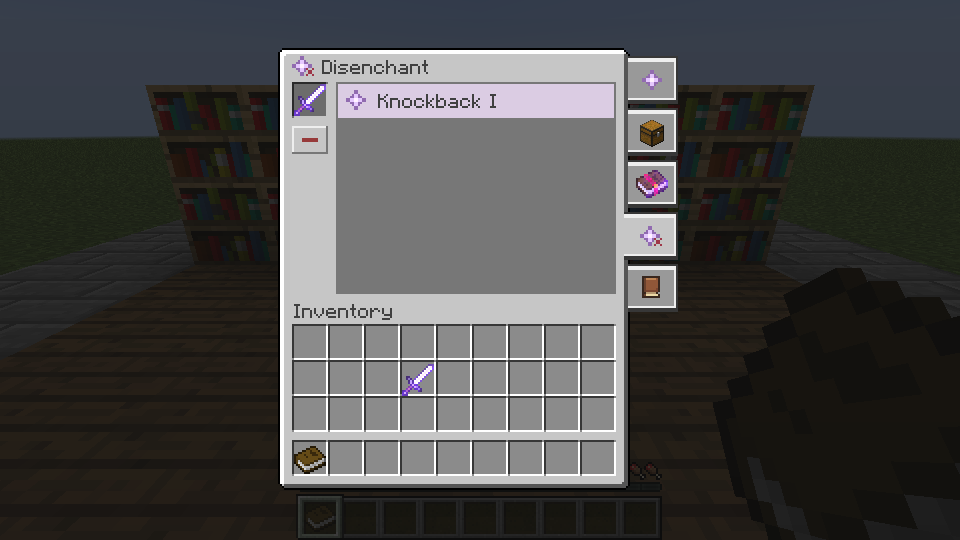
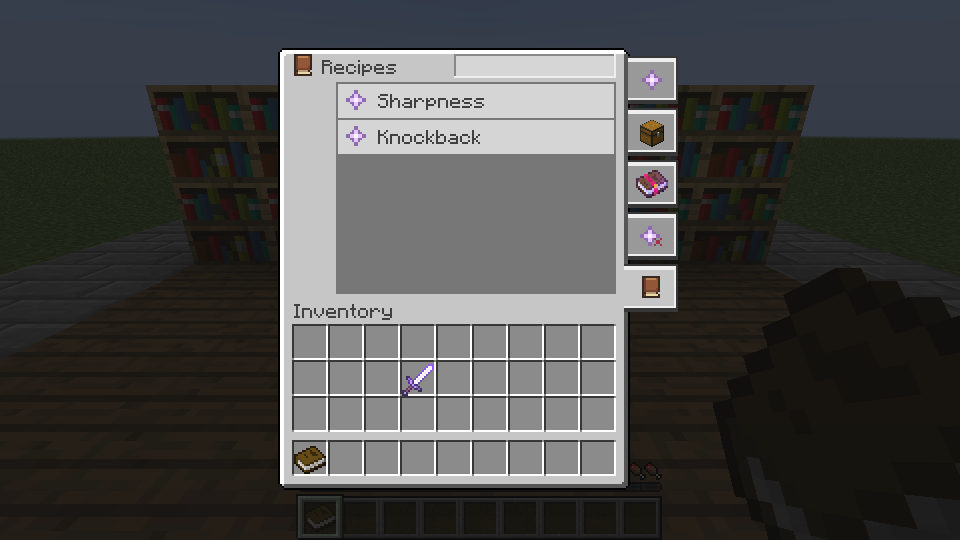
The enchanting table has five tabs. Enchant applies enchantments, Items stores recipe materials, Enchanted Books stores and searches books, Disenchant removes individual enchantments, and Recipes lists the pack's material prices.
Enchanting costs no XP and requires no bookshelves. Stored enchanted books work immediately. Material recipes start empty so each pack can set its own prices.
Enchant
The table enchants gear, plain books, and enchanted books. Its searchable list shows compatible enchantments available from stored materials or books. Ranks share a row. The arrows select the rank and the checkmark applies it.
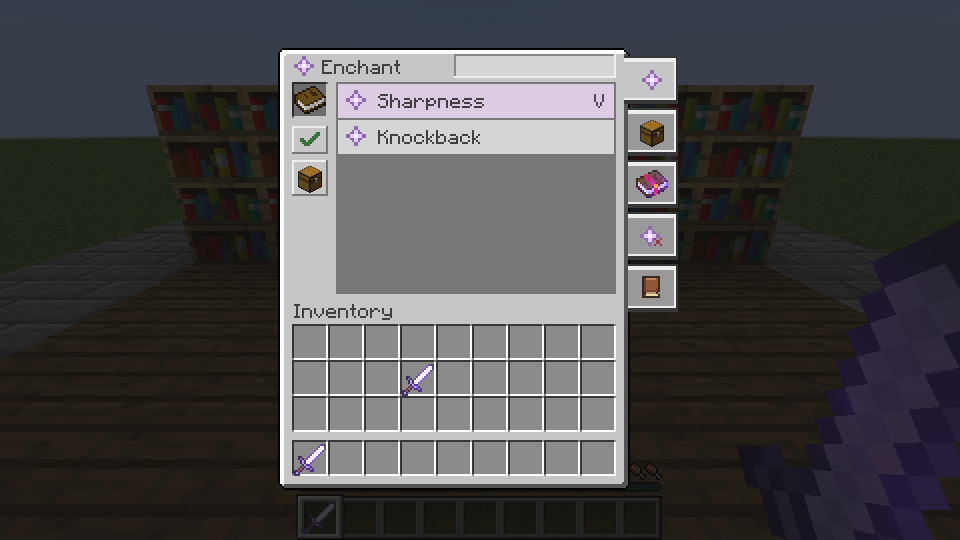
When both sources are available, the chest below the checkmark means the table will spend materials and keep the archived book. Clicking the chest changes it to a book. Confirming with the book icon transfers that enchantment from the book and keeps all the materials. A material upgrade costs the full price for its target rank.
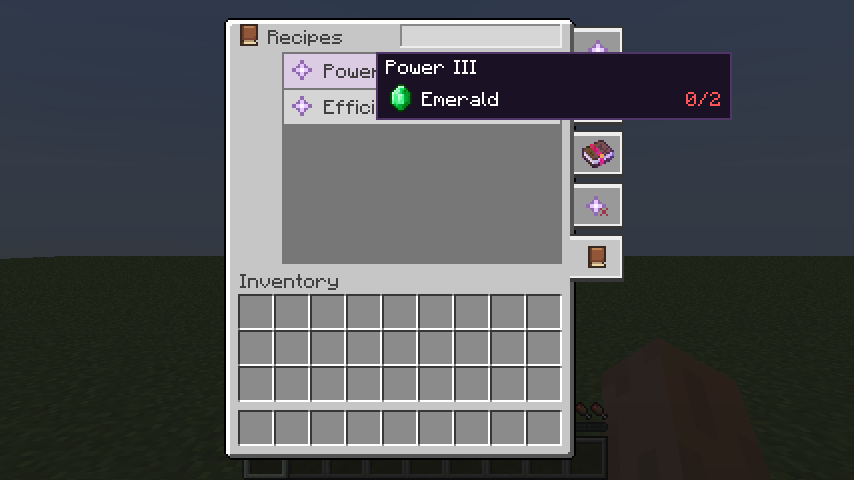
Hovering over a rank shows the item and the amount needed. In this example from the recipe guide, Power III costs two emeralds. The red 0/2 means the table has none in storage.
Items
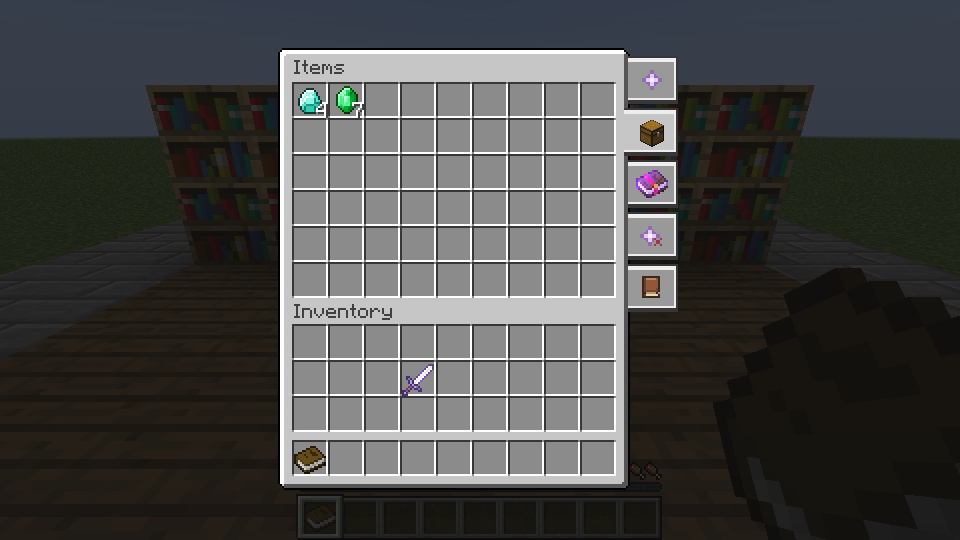
Each table has 54 shared storage slots. They accept any item and supply the ingredients for material recipes.
Enchanted Books
The shared archive holds 216 enchanted books across four pages. Search matches any enchantment on a stored book. A Sharpness V and Looting III book appears under either name.
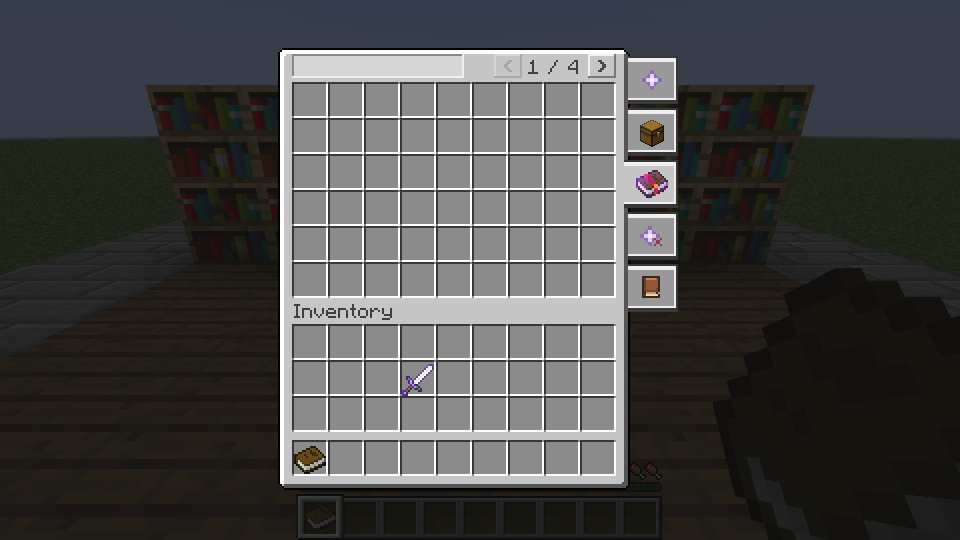
A book supplies its exact rank, even without a material recipe. For example, transferring Sharpness V from a Sharpness V + Looting III book gives the sword Sharpness V and leaves Looting III on the archived book. Transferring Looting III afterward consumes the book because it was the last enchantment.
Disenchant
The list shows the enchantments on the item being disenchanted. The minus button removes the selected enchantment for free. Other enchantments stay on the item. Removal destroys the selected enchantment and gives no refund. Removing the last enchantment from an enchanted book leaves a plain book. Curse removal is configurable.
Recipes
The searchable guide lists every valid configured material recipe, including ranks the table cannot currently afford. In both Recipes and Enchant, hovering over a rank shows its ingredients. Counts show available and required quantities: green 8/8 means the ingredient is covered, and red 3/8 means five more are needed. Shift + mouse wheel scrolls a long tooltip.
Configure material recipes
Start the server or open a single-player world once to generate config/materialenchanting/recipes.json. Its initial contents are []. Restart the server or reopen the single-player world after editing.
Paste this complete example into the file to add two Efficiency prices and one Unbreaking price:
[
  {
    "enchantment": "minecraft:efficiency",
    "rank": 1,
    "ingredients": [
      { "item": "minecraft:redstone", "count": 2 }
    ]
  },
  {
    "enchantment": "minecraft:efficiency",
    "rank": 3,
    "icon": "minecraft:iron_pickaxe",
    "ingredients": [
      { "item": "minecraft:redstone", "count": 8 },
      { "item": "minecraft:wool", "meta": 14, "count": 1 }
    ]
  },
  {
    "enchantment": "minecraft:unbreaking",
    "rank": 2,
    "ingredients": [
      { "ore": "ingotIron", "count": 4 },
      { "item": "minecraft:wool", "meta": "*", "count": 1 }
    ]
  }
]
In this example, Efficiency I costs two redstone dust. Efficiency III costs eight redstone dust and one red wool, on both a plain pickaxe and a pickaxe with Efficiency I. Rank III can be applied directly. Paying for rank I from a stock of eight redstone leaves six, two short of the rank III price.
enchantmentandrank. Use a registered enchantment ID and a positive target rank within the pack's effective maximum. Define each pair once.ingredientsandcount. List at least one ingredient. Use exactly one selector per line (itemorore) and a positive whole quantity. Every line must be paid in full. One physical item can pay for one line once.itemandmeta. An item ID selects an exact item. Only anitemline acceptsmeta. Omitted metadata means variant 0. In the example,14means red wool and"*"accepts any wool color.ore. A Forge Ore Dictionary name accepts items registered under that name. For Unbreaking II, any mix of four qualifying iron ingots pays the ingot line.icon. An optional item ID supplies the icon beside the enchantment for that rank. Efficiency III uses a pickaxe as its icon and charges only redstone and wool. An omitted or unavailable icon uses the violet spark.
Configure curses and recipe diagnostics
The other settings live in config/materialenchanting.cfg. Curse removal defaults to on and detailed recipe logging defaults to off. To protect curses and log rejected recipes while developing a pack, edit the generated sections as follows:
table {
    B:allowCurseRemoval=false
}

catalog {
    B:diagnostics=true
}
With curse removal disabled, curses stay on gear and books. An archived curse cannot be transferred because that would remove it from its source book. After restarting the server or reopening the world, check the server log for rejected entries. An invalid recipe is skipped. If two definitions use the same enchantment and rank, both are omitted. If the whole file is unreadable, the Recipes tab reports a configuration error and applications are disabled until the file is fixed. Storage and permitted disenchanting remain available.
Pack compatibility
- Only So Many Enchants sets the limit on distinct enchantments. At a cap of one, a Sharpness I sword can upgrade to Sharpness V. Knockback would add a second enchantment, so the table hides it. The amber ! badge displays the cap explanation on hover. Only So Many Enchants
- Enchantments Control supplies enabled enchantments and maximum ranks to the table. For example, a pack that raises the Efficiency maximum to VI can define a price for Efficiency VI. A disabled enchantment is excluded from recipes and can still be removed from gear. Enchantments Control
- Enchantment Descriptions adds its description to the enchantment tooltip when present on the client. Enchantment Descriptions
- The table respects item eligibility changes, including Thorns on a shield with Inspirations. It also works with No Vanilla XP because enchanting uses no experience. Inspirations / No Vanilla XP
Installation
Install Material Enchanting on the server and each client. The supported runtime is Cleanroom for Minecraft 1.12.2. The mod requires MixinBooter 12.1 or later. Cleanroom 0.7.14-alpha supplies it. MixinBooter
Material Enchanting Team