Health Bars
- By
See every mob's health in style. In the HUD and in-world. Clean, colorful, and customizable!
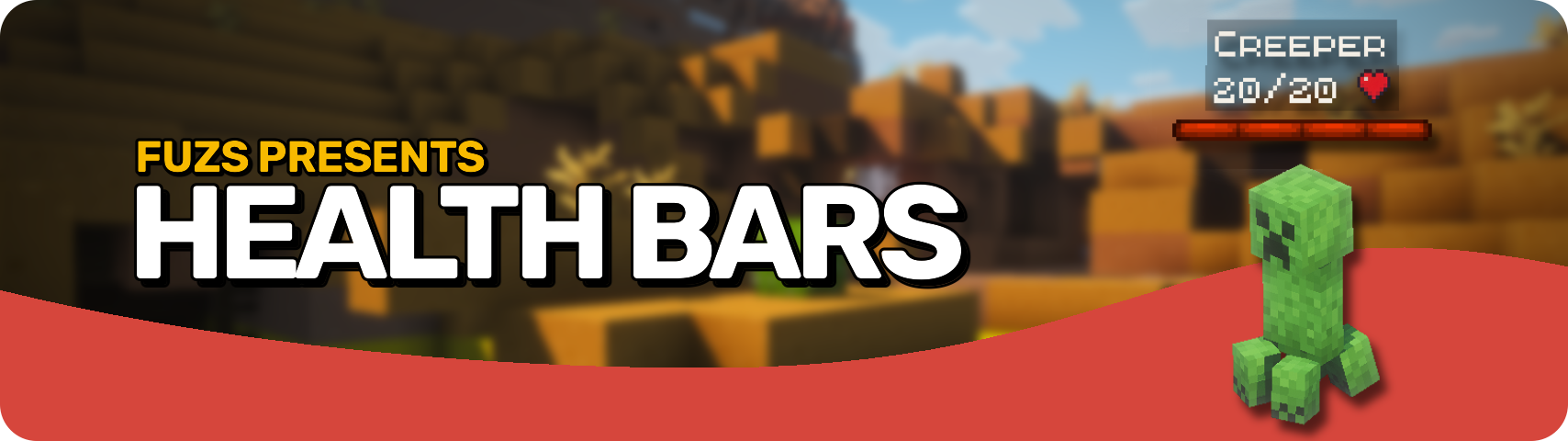








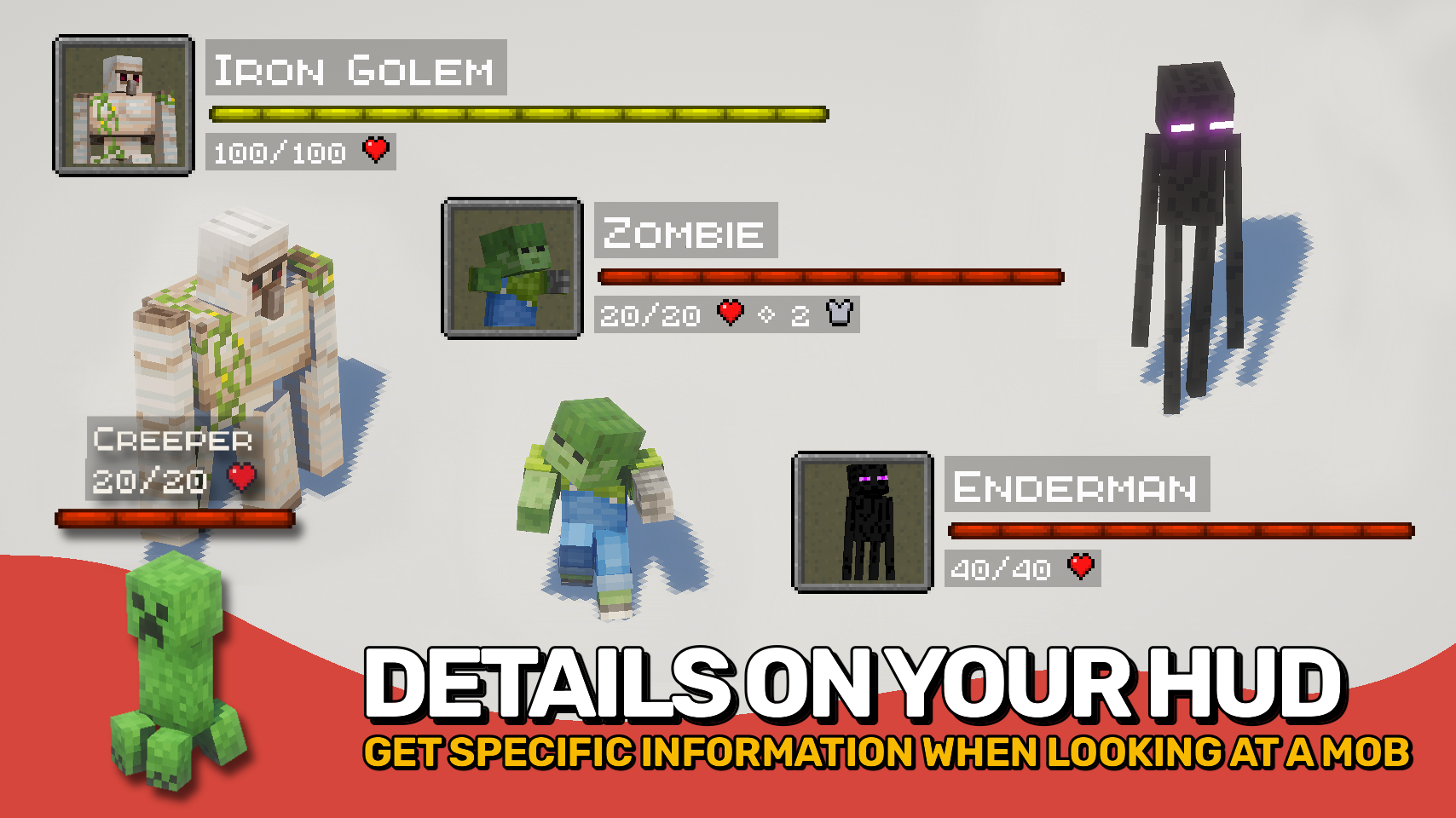
Health Bars adds smooth, colorful health displays that make it easy to track the condition of every mob around you. A clear, animated bar shows each mob's name, health, armor, and damage taken right on your screen, helping you stay informed during combat and exploration. ❤️
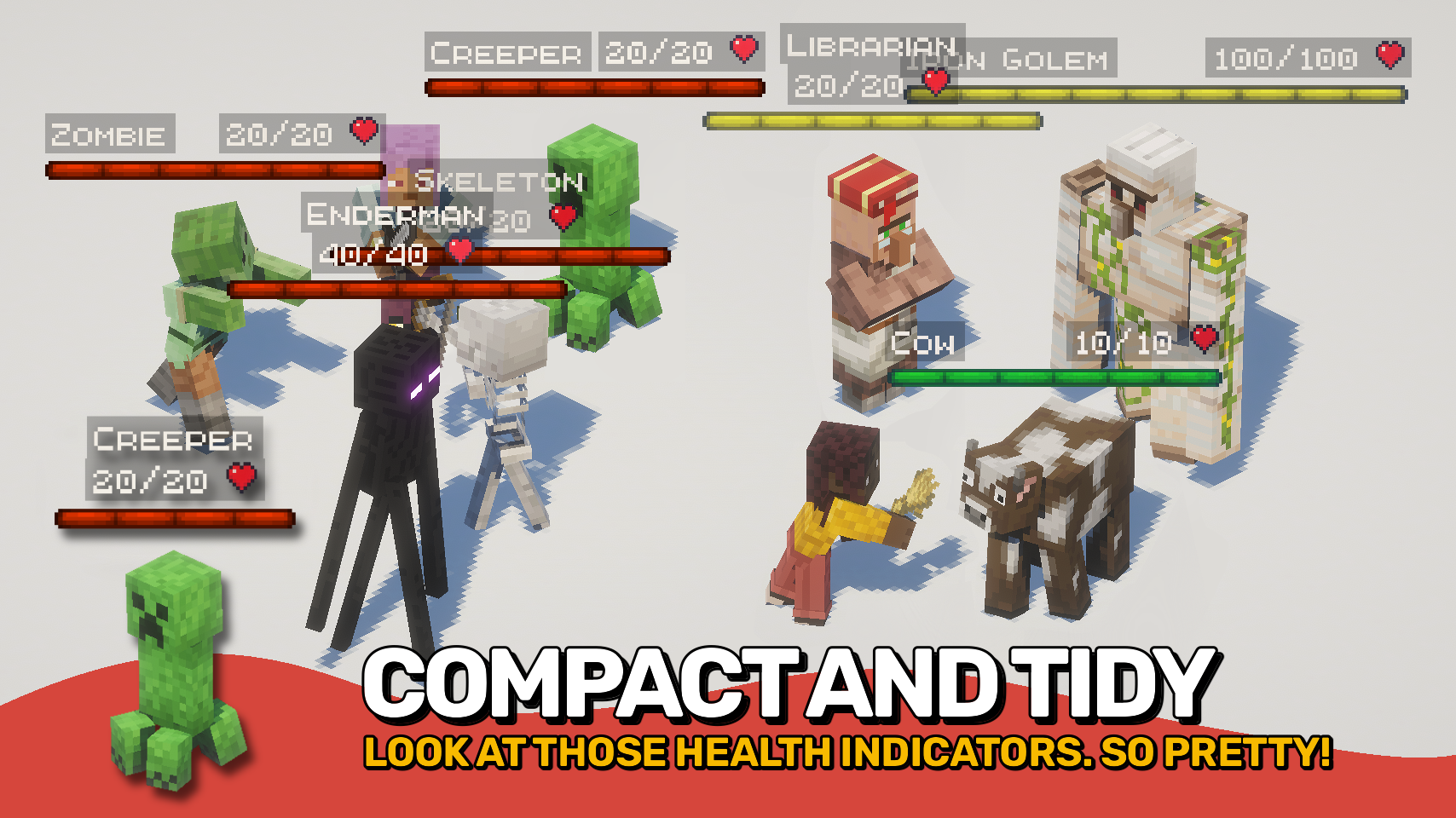
The mod also supports in-world health bars that appear directly above entities, providing quick visual feedback. From passive animals to powerful bosses, important information is always easy to read at a glance. 👁️
With extensive customization options, flexible display modes, and support for all kinds of mobs, this mod can be tailored to fit almost any UI style or gameplay experience. ⚙️

- ❤️ HUD Health Bars: See mob name, health, armor, and damage values in a compact on-screen display.
- 👁️ In-World Bars: Show health bars directly above entities while exploring and fighting.
- 💥 Damage Numbers: Watch damage and healing values appear in real time.
- 🐺 Flexible Entity Support: Choose exactly which entities should display health bars.
- 🎨 Beautiful & Clear: Smooth animations and colorful visuals make information easy to read at a glance.
- 🌈 Custom Colors: Assign unique colors to monsters, animals, bosses, aquatic mobs, and more.
- 🪄 Distance Scaling: Scale bars based on proximity or mob health for better readability.
- ⚙️ Highly Configurable: Customize appearance, positioning, scaling, colors, and behavior to fit your preferred UI.
- ⌨️ Quick Toggle Keybind: Enable or disable all bars at any time with a configurable keybind.


⏩ INSTALLATION REQUIRED ON CLIENT
⏩ REQUIRES PUZZLES LIB TO BE INSTALLED (FABRIC & NEOFORGE)
⏩ REQUIRES FABRIC API TO BE INSTALLED (FABRIC)
⏩ REQUIRES FORGE CONFIG API PORT TO BE INSTALLED (FABRIC)

If available for a mod, configuration is possible directly from in-game using the mod menu (requires Mod Menu by Prospector to be installed on Fabric).
For manual configuration using an external text editor all files are found at .minecraft/config, named as MOD_ID-client.toml, MOD_ID-common.toml, or MOD_ID-server.toml, depending on the type of config. Not all types might exist for a mod, if any at all.

🌟 Big thanks to ToroCraft for their timeless ToroHealth Damage Indicators mod, which served as the main inspiration for this project. As a solid foundation, it made it possible for this mod to grow far beyond with exciting new features.
🌟 Several configuration options and customization ideas were inspired by Vazkii's excellent Neat mod.
 |
 |
|
 |
 |
|
 |
 |
|
 |
 |
|
 |
 |
|

© 2026 @heyitsfuzs. All rights reserved. This page was last edited on 11 September 2026, at 06:44 (UTC).
Health Bars Team

Owner