ForeverRadialMenus
- By
Radial menus of spells and items on a held key — categories, painted styles, works in combat
Wow_ZWSyFnysv0.png
Wow_sknhBlESCj.jpg
Wow_8JQP0LCUic.png
Description
ForeverRadialMenus
Radial menus for spells and items: hold a key, point at a slot, release (or click it while the key is held) — in combat too.
Features
- Several menus, each on its own key or combination (Ctrl, Shift, Alt, extra mouse buttons).
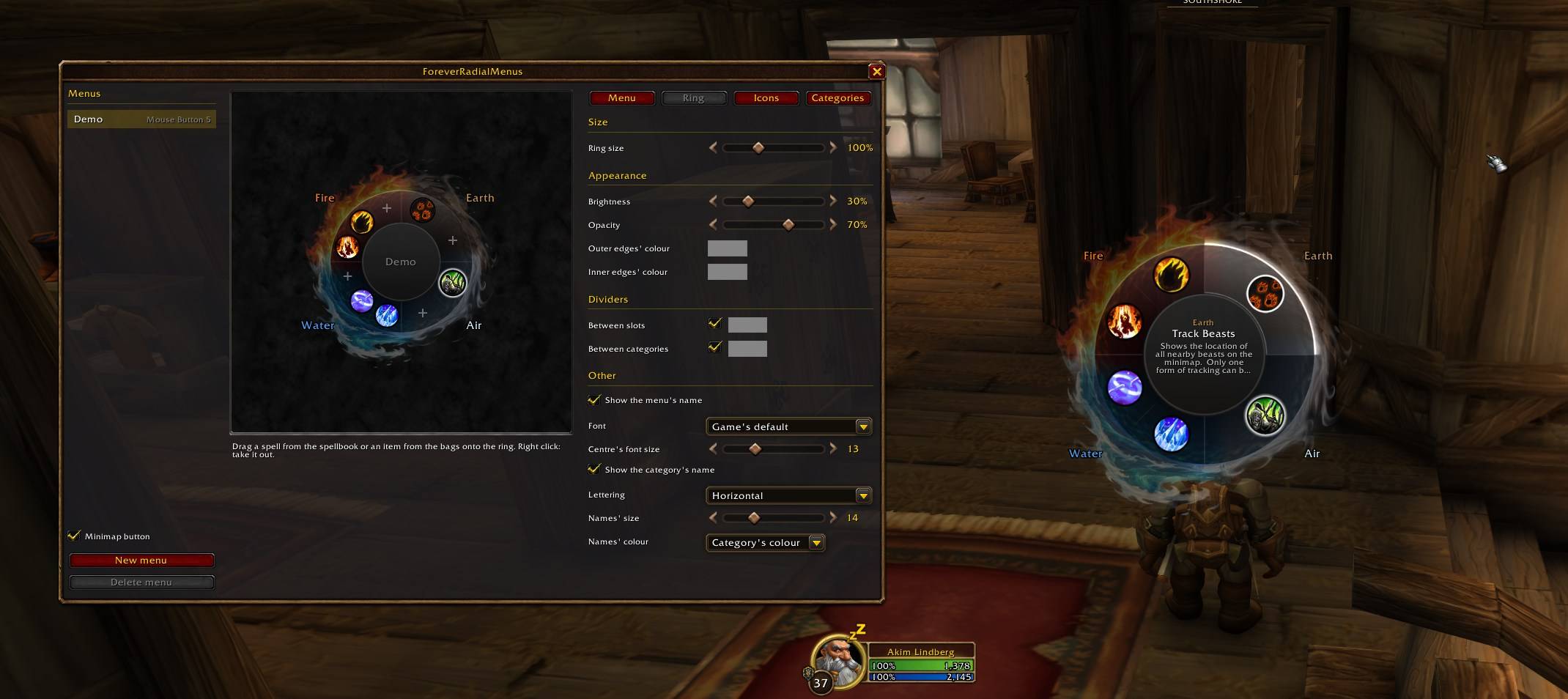
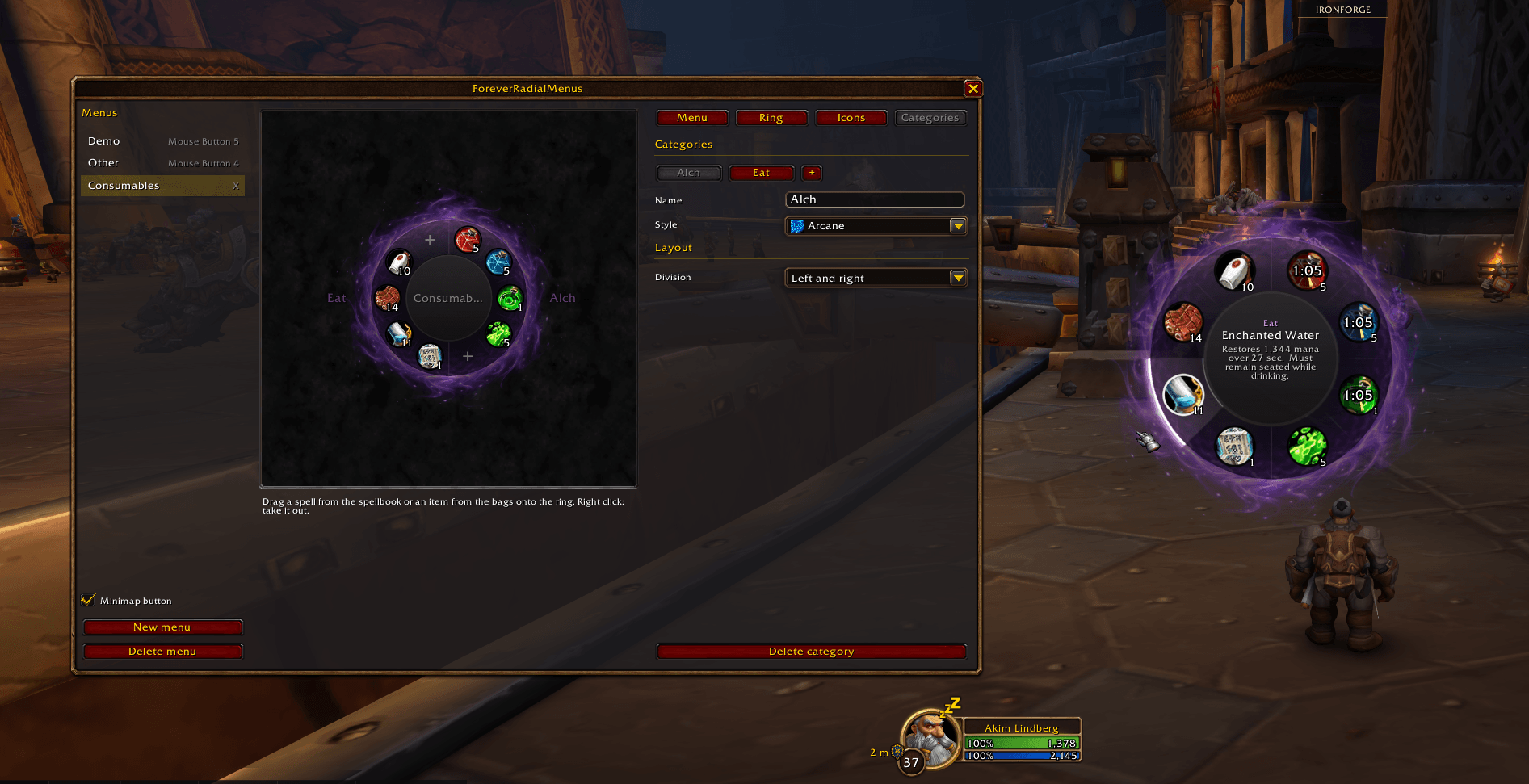
- One to four categories (left/right or top/bottom for two, a + or an X for four), each with its name (horizontal or vertical, in a font, size and colour of your choice) and style: glass in an own colour, minimalism, remedies, poisons, bonfire, supplies, camp, or an element (fire, water, air, earth, nature, frost, arcane, shadow, holy); neighbouring categories blend softly.
- Spells and items — potions, food, bandages, anything usable.
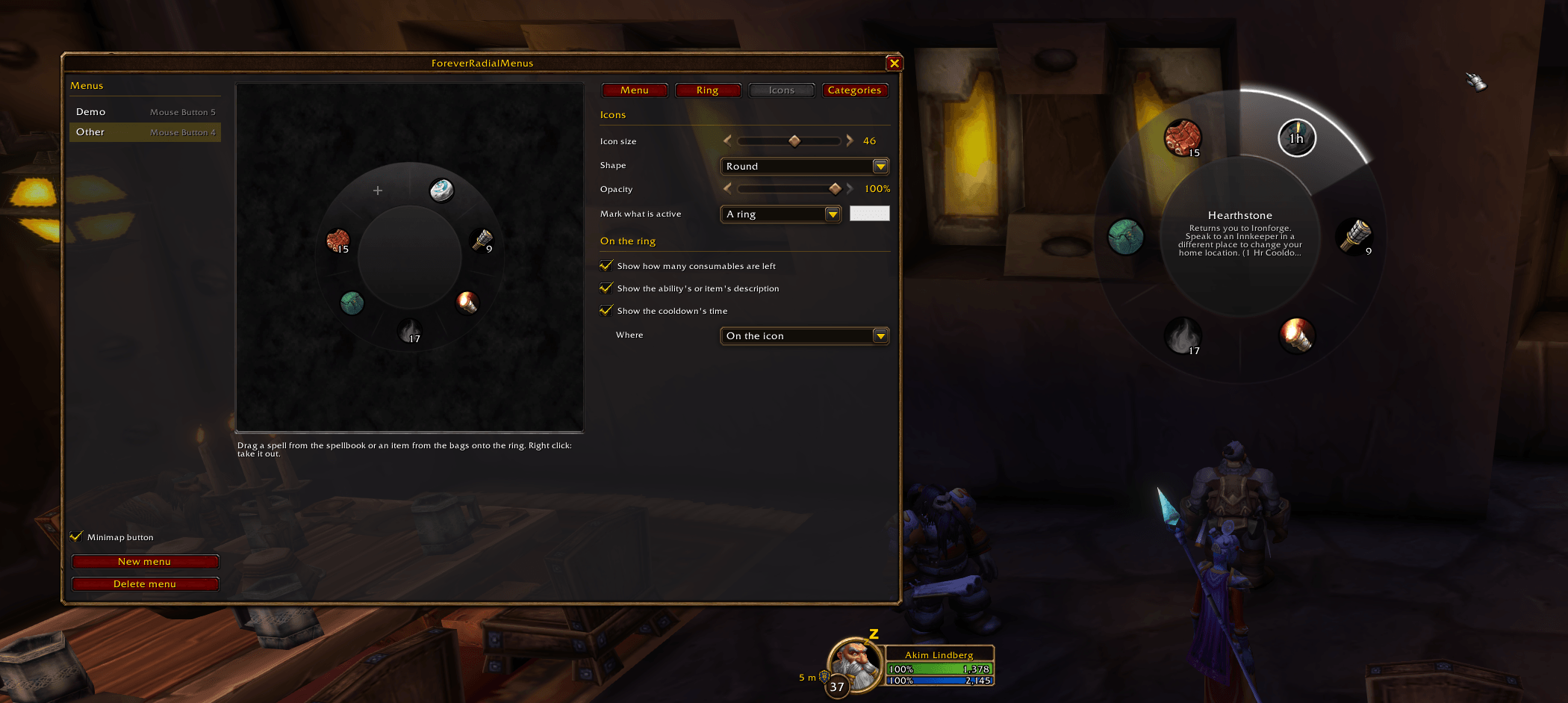
- Cooldowns on every slot, their time on the icon or by the ring's outer or inner edge (or hidden).
- Shows what cannot be used now: not enough mana, out of range, none left; how many potions or food are left.
- Marks active auras, aspects, stances and forms (a ring, a glow or a dot).
- Your look: ring size, brightness, opacity, edges' and dividers' colours, round, square or soft-edged icons.
- Opens in the middle of the screen or at the cursor, always kept on the screen.
- Its own settings window with a live preview: drag spells from the spellbook and items from the bags right onto the ring, press the key to bind it.
Good to know
- Works in combat and in instances (the game's secure buttons).
- While the addon is on, a menu's key opens the menu instead of what the game binds to it.
- Changes made in combat apply when it ends.
- Commands:
/frm,/frm reset; also Open settings in Options > AddOns.
ForeverRadialMenus Team