ForeverFriendlyNames
- By
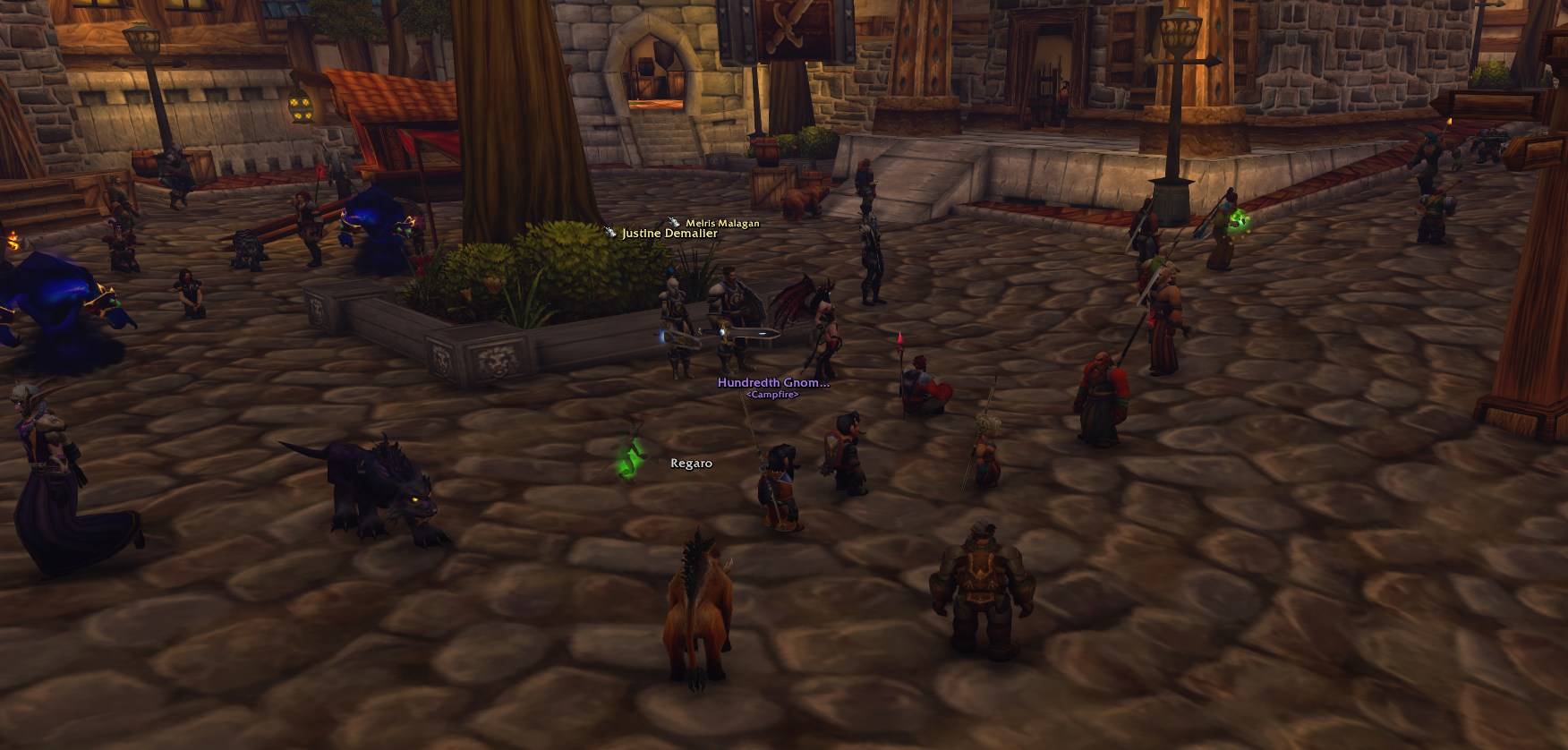
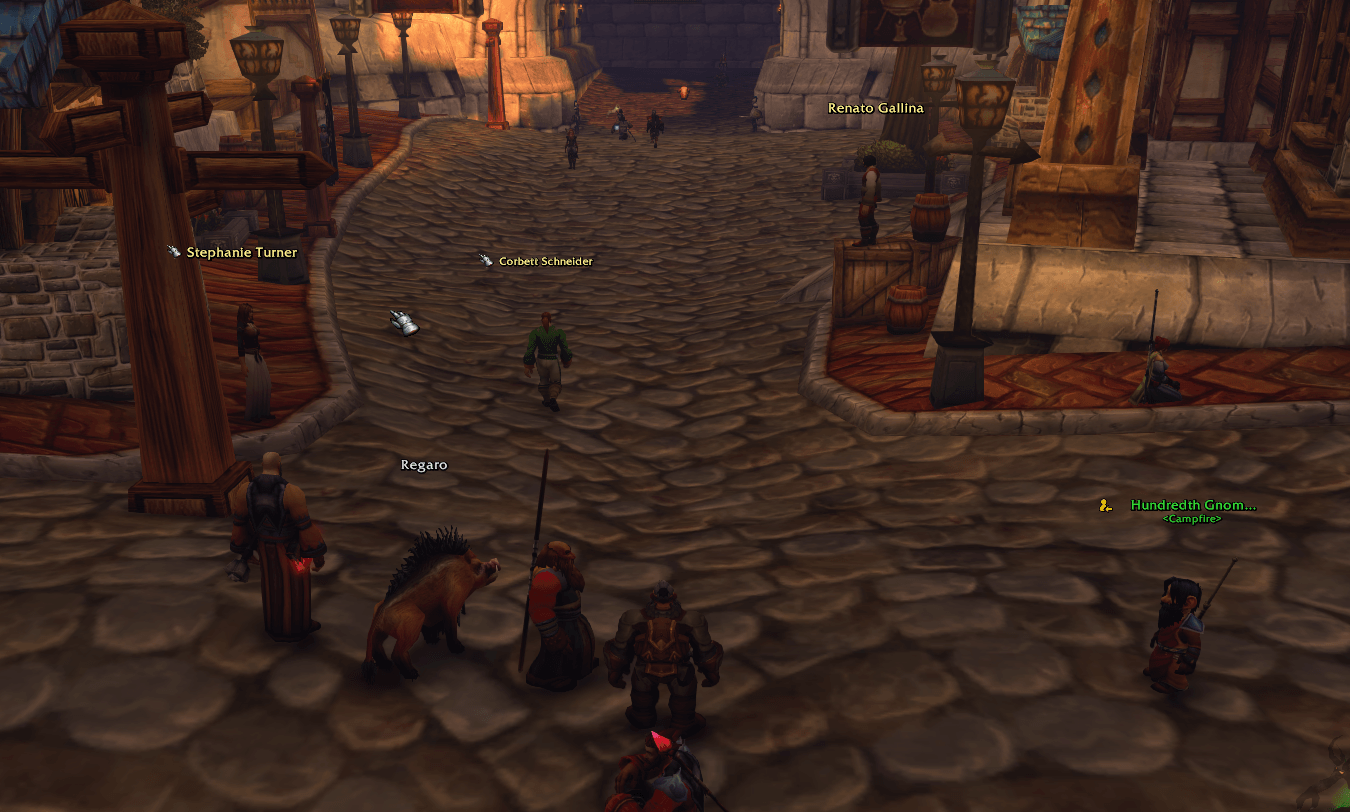
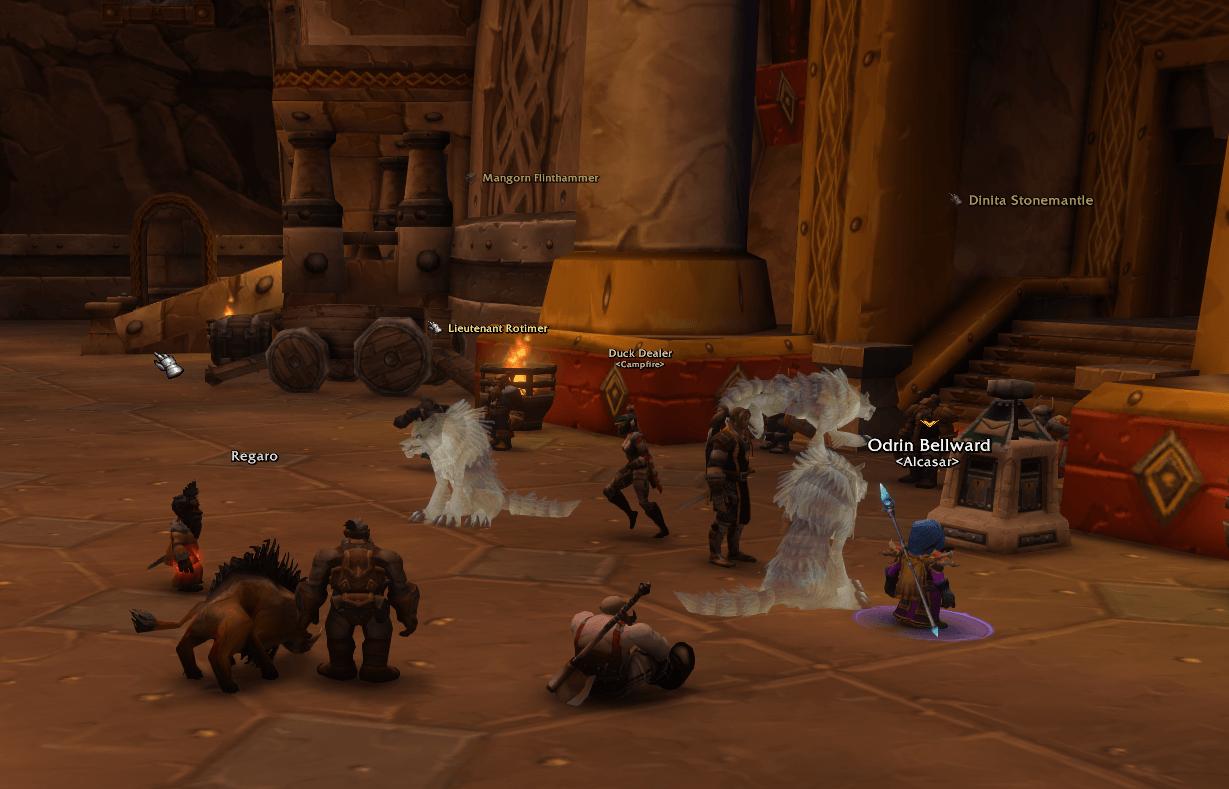
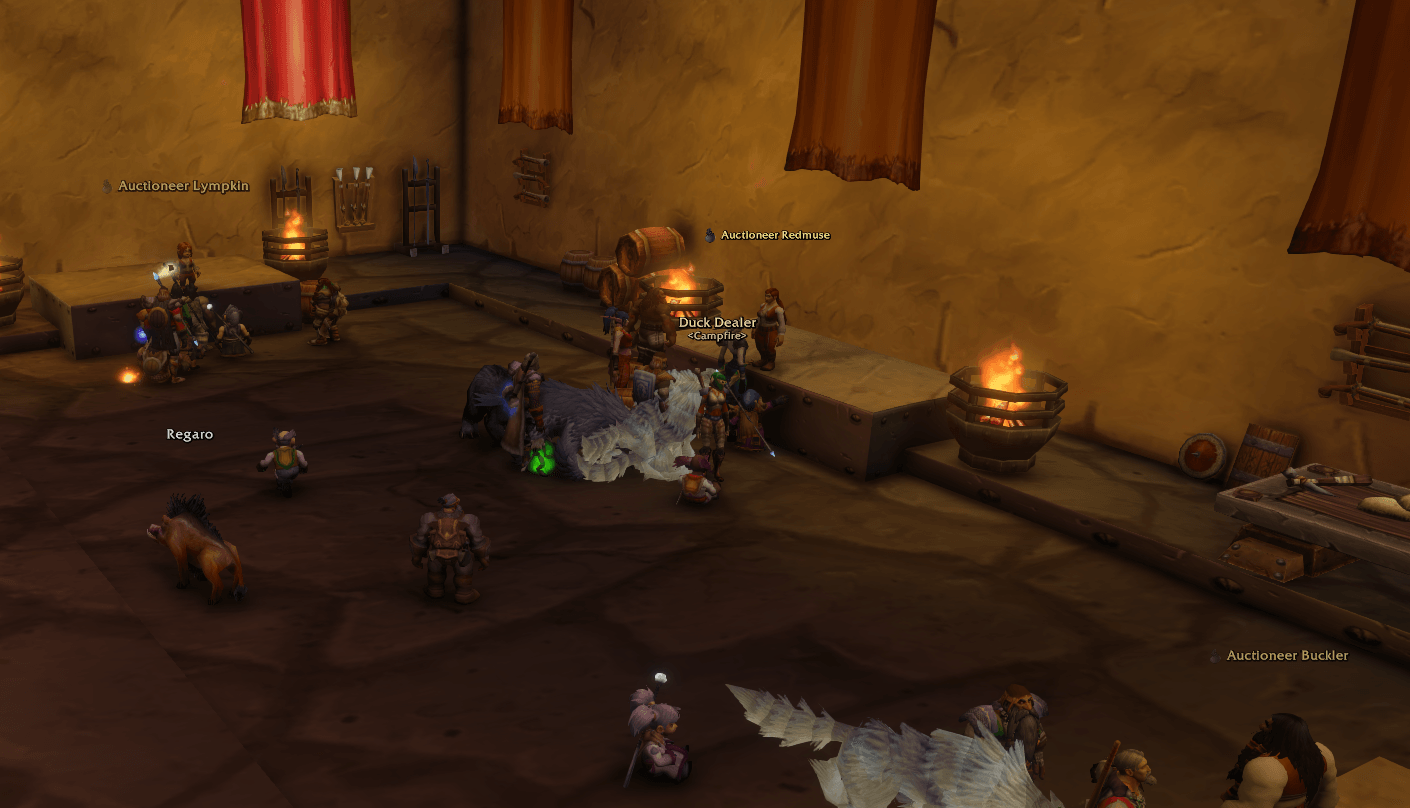
Colour-coded names and icons for your group, raid, guild and friends on WoW: Forever nameplates.
Wow_7193yZ3Ics.jpg
Wow_vZyv1VUBVb.png
Wow_FcqtbEM6lU.png
Wow_FmfXK56TFv.png
Description
ForeverFriendlyNames
Name colours and icons for World of Warcraft: Forever, like in modern MMOs: see at a glance who is in your group or raid, who is a friend and who is from your guild.
⚠ IN DUNGEONS, RAIDS, BATTLEGROUNDS AND ARENAS, ADDONS CANNOT CHANGE FRIENDLY NAMEPLATES.
This is a limit of the game, not of the addon. There your group's names look as the game draws them; only "names on / off for everyone" works. Enemy nameplates are not affected: they keep the addon's colours there.
Important
- Allies in the open world only. The addon colours names on the game's own nameplates. Allies (group, friends, guild) only in the open world: in dungeons, raids, battlegrounds and arenas the game closes their nameplates to addons, this is a limit of the game. Enemies are coloured there too.
- Nameplate style Standard or Large. As the main idea of this addon is minimalism, it works only with these nameplate styles; in Block the name sits inside the health bar and may not work as expected. The addon switches Block to Standard by itself (you can turn that off).
- Other UI and nameplate addons. If another addon that changes the UI or nameplates draws the nameplates (for example Plater, Kui, EllesmereUI), names may not show correctly. Check the settings of the conflicting addons, or try turning them off to test.
- Leaves no trace. The game settings the addon changes get their old values back every time you log out.
Features
- Colours by who it is. Group green, raid light blue, friends purple, guild beige, other allies white, friendly NPCs light yellow, enemies red. Pick any colour you like.
- Icons next to the name, left or right. On for the group, the raid and friendly NPCs by default, and you can turn them on for anyone else. Choose from the game's own art: group, raid, star, pin, your guild emblem, the player's class icon or a raid marker. Friendly NPCs get the game's icon for what they do: banker, vendor, trainer, flight master.
- Priority. A friend from your guild in your party gets one colour and one icon, from the category you rank highest.
- Only the names you want. Other players: everyone, friendly only, only your people (group, raid, guild, friends) or none. Friendly NPCs: all, key and quest NPCs only, or none. Pets: everyone's, your raid's and group's, your group's, only yours or none, in the owner's colour and a little fainter.
- Guild under the name of friendly players, and the type of NPCs (<Flight Master>, <Blacksmithing Supplies>). Names of quest givers sit under the quest mark, so it does not cover them.
- Your target stands out: its name is always shown, bigger, with an arrow above it and an optional glow.
- Raid markers to the left, to the right or above the name, at the size you like.
- Font: face, size and outline of the names.
- Health bars for you, friendly players (all, raid and group, group, none), pets, enemy players, friendly NPCs, mobs and enemy NPCs, with players optionally in their class colour (friendly and enemy separately). Without a bar a nameplate shows just the name.
- Name distance, with no stray names in the game's colours beyond it, and names behind walls dimmed or hidden.
- Tooltip: the same name colour, plus a line Group · Friend · Guild.
- English and Russian.
Getting started
Log in: the addon sets the game's nameplates up for names. Friendly players show only their names, like the names above heads, and in the addon's colours. Type /ffn (or Esc → Options → AddOns → ForeverFriendlyNames) to pick which names to show, colours, icons and the rest.
Commands
| Command | What it does |
|---|---|
/ffn |
Open settings |
/ffn names all / allies / mine / off |
Names of other players |
/ffn preview |
Preview for colours and icons: two players of each kind around become your group, raid, friends and guild; every player's name is shown |
/ffn debug |
What the addon sees, for bug reports |
/ffn reset |
Reset settings |
/ffn help |
List all commands |
Good to know
- Companions and critters have no names. The game gives them no nameplates, so their names could not follow the addon's settings.
- In a raid, "Group" is your own subgroup and "Raid" is everyone else.
Feedback
Found a bug or have an idea? Leave a comment with what you did, what you expected and a screenshot if you can. The output of /ffn debug helps a lot.
ForeverFriendlyNames Team