ForeverHunterHUD
- By
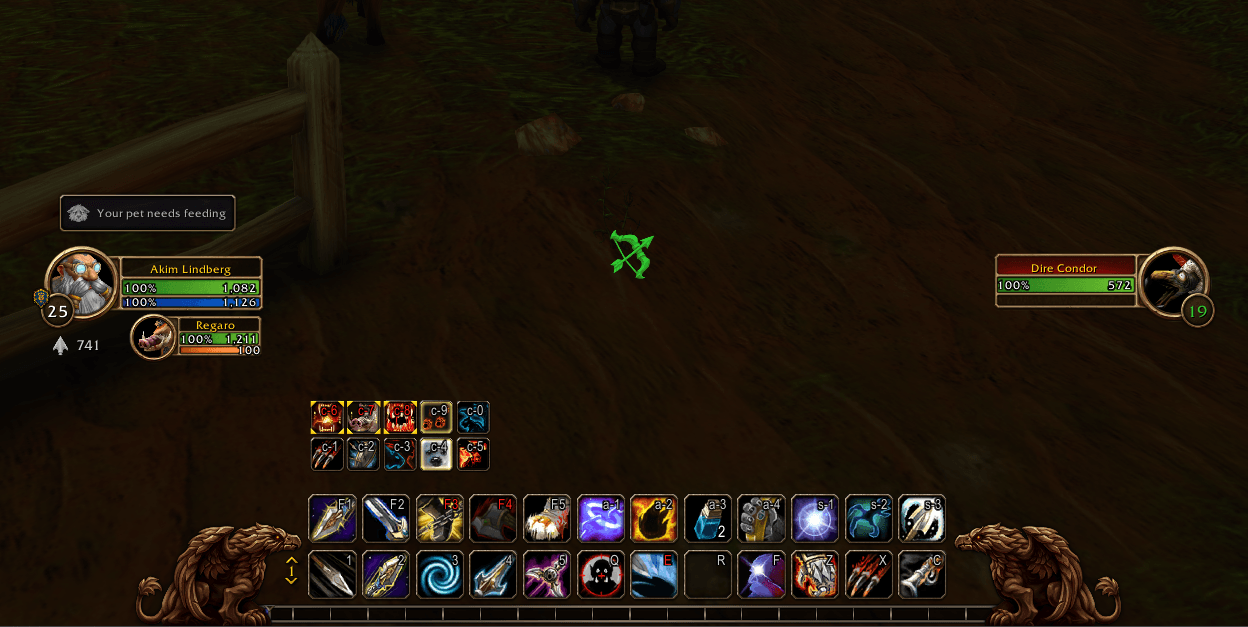
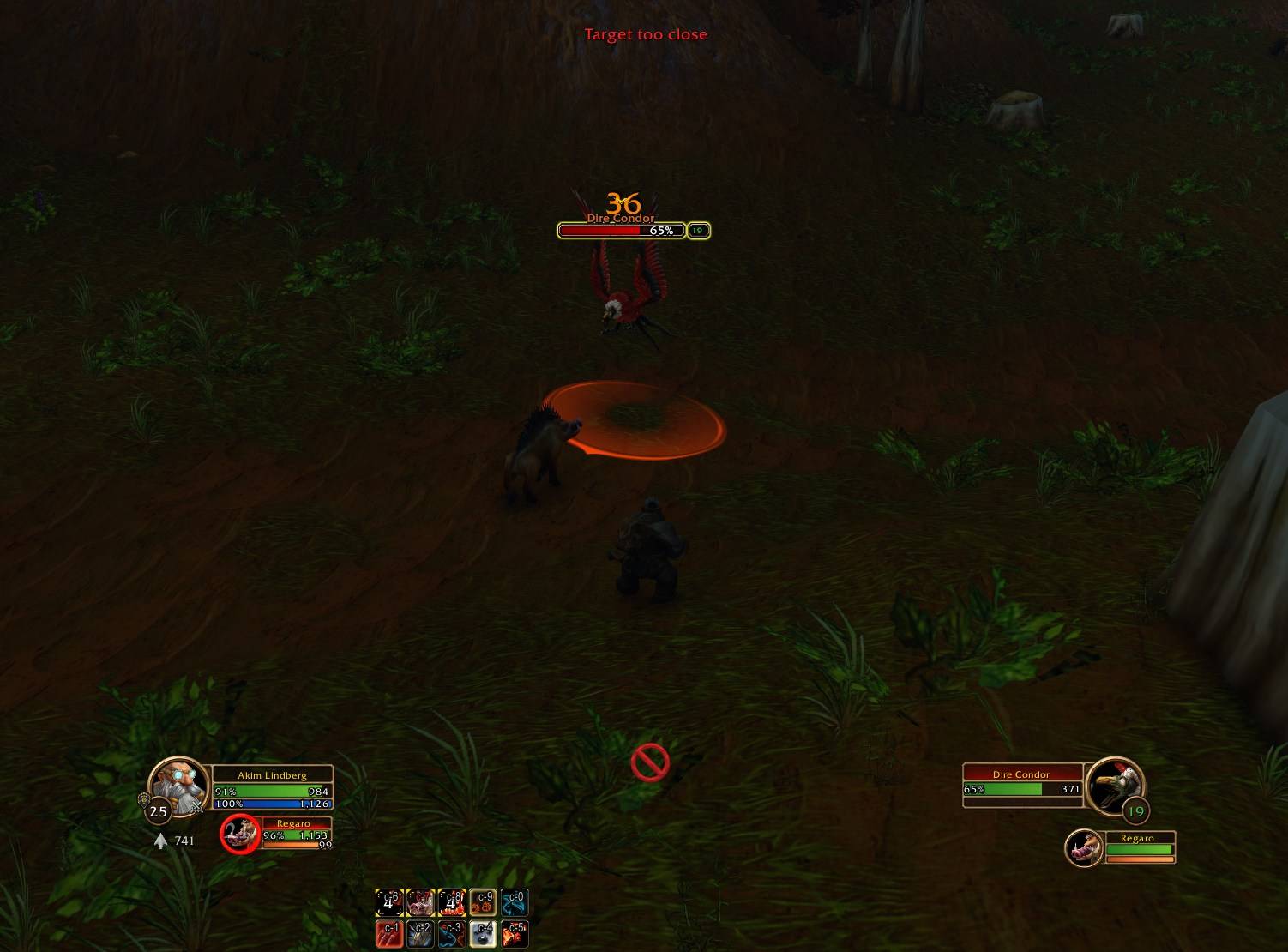
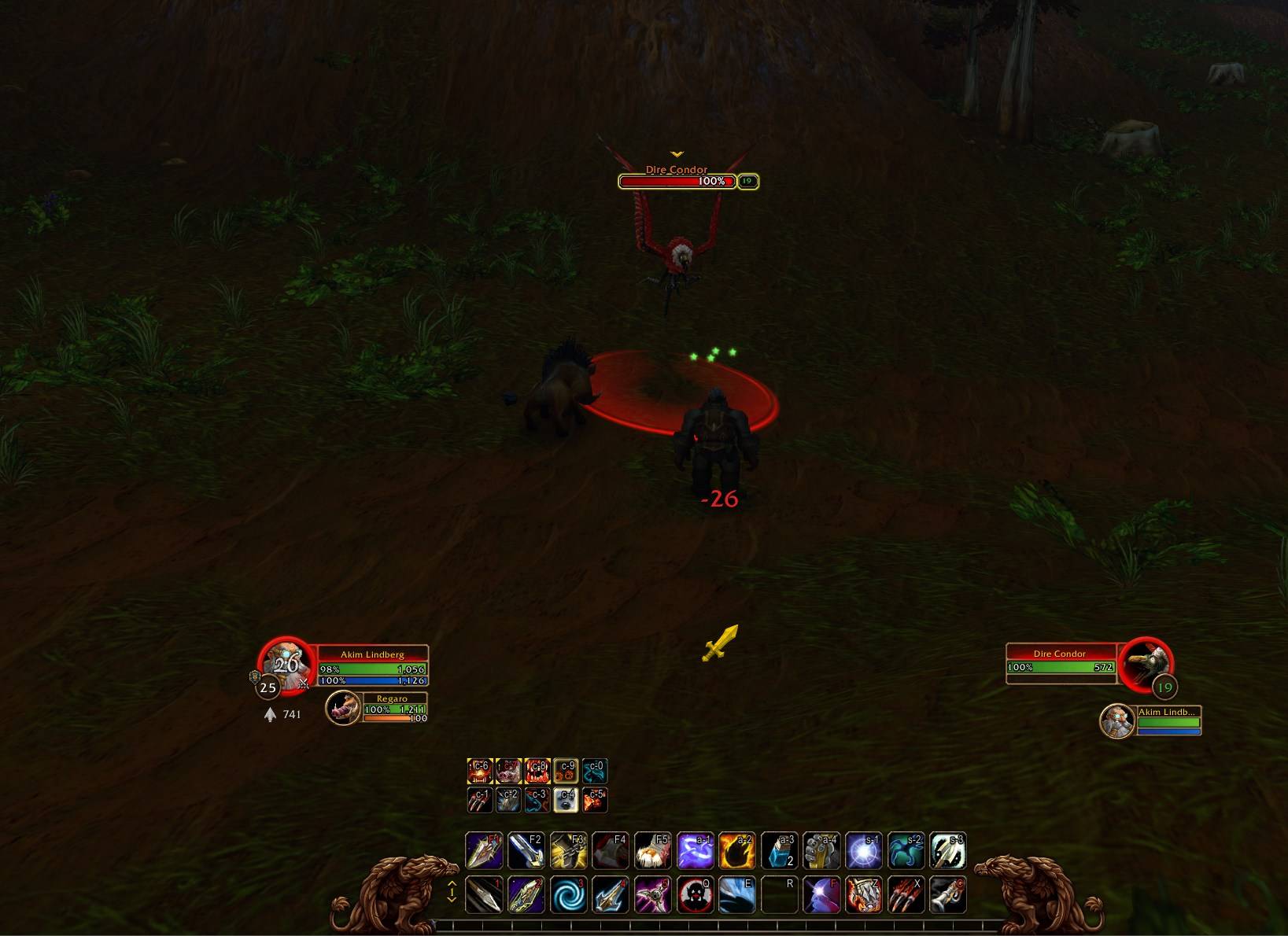
Hunter HUD for WoW: Forever: attack readiness (ranged, melee, dead zone), ammo and a pet feeding reminder.
sAvXHjOkDe.png
Wow_rxpMhk3EyE.jpg
z88atR778H.jpg
Wow_UJ4nRPNBm0.png
Description
ForeverHunterHUD
A small HUD for hunters in World of Warcraft: Forever: see at a glance whether you can shoot, strike, or are stuck in the dead zone — plus your ammo and a reminder to feed your pet.
Features
- Attack readiness: shown with an enemy target, an icon in the colour of what you can do to it right now — its own icon for each state, one icon for all, or a plain square:
- green — ranged, Auto Shot reaches the target;
- yellow — melee range;
- red — the dead zone: too close to shoot, too far to strike. An optional warning sound in combat;
- grey — too far. Ten hand-drawn icons (bow, crossbow, musket, sword, axes, broken arrow and more), and your own colours.
- Ammo: an icon and how many arrows or bullets are left; when it gets low (you choose the threshold) the count takes your colour and the widget blinks as fast as you like (or not at all), with an optional sound.
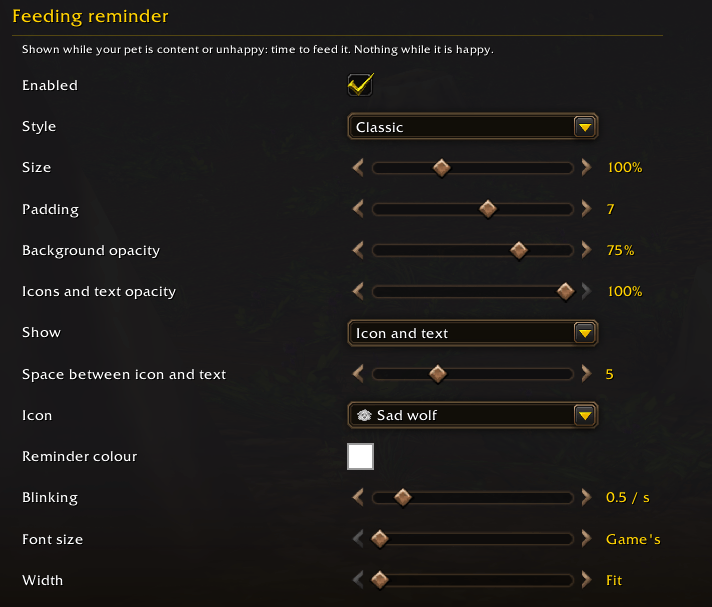
- Feeding reminder: "Your pet needs feeding" appears while your pet is content or unhappy and goes away once it is happy. A sad wolf or a heart, your own colour, blinking rate, font size, width and height, an optional sound — even your character's own crying, as with /cry. It can also hide the game's mood icon on the pet frame.
- Every widget on its own: on or off, style (Minimalism or Classic), size, padding, background and icon opacity, and place; ammo and reminder show icon and text, the icon alone or the text alone. One lock for all.
- Show reminder demo buttons to see and hear each reminder, and Reset settings / Reset position in every section.
- Warning sounds for the dead zone, low ammo and a hungry pet: pick each one (it plays when chosen), and choose the sound channel.
- English and Russian.
Good to know
- Display only: the addon shows information and never acts for you.
- Hunters only: for other classes nothing is shown.
- Nothing of the game is replaced: the only game element it touches is the mood icon on the pet frame, and only if you ask.
Commands
| Command | What it does |
|---|---|
/fhh |
Open settings |
/fhh lock / unlock |
Lock the widgets or let them be dragged |
/fhh resetpos |
Put the widgets back in their default places |
/fhh debug |
What the range checks answer for your target (for bug reports) |
/fhh reset |
Reset all settings |
Feedback
Found a bug or have an idea? Leave a comment with what you did, what you expected and a screenshot if you can. For a wrong readiness colour, add the output of /fhh debug.
ForeverHunterHUD Team