Description
EarthView
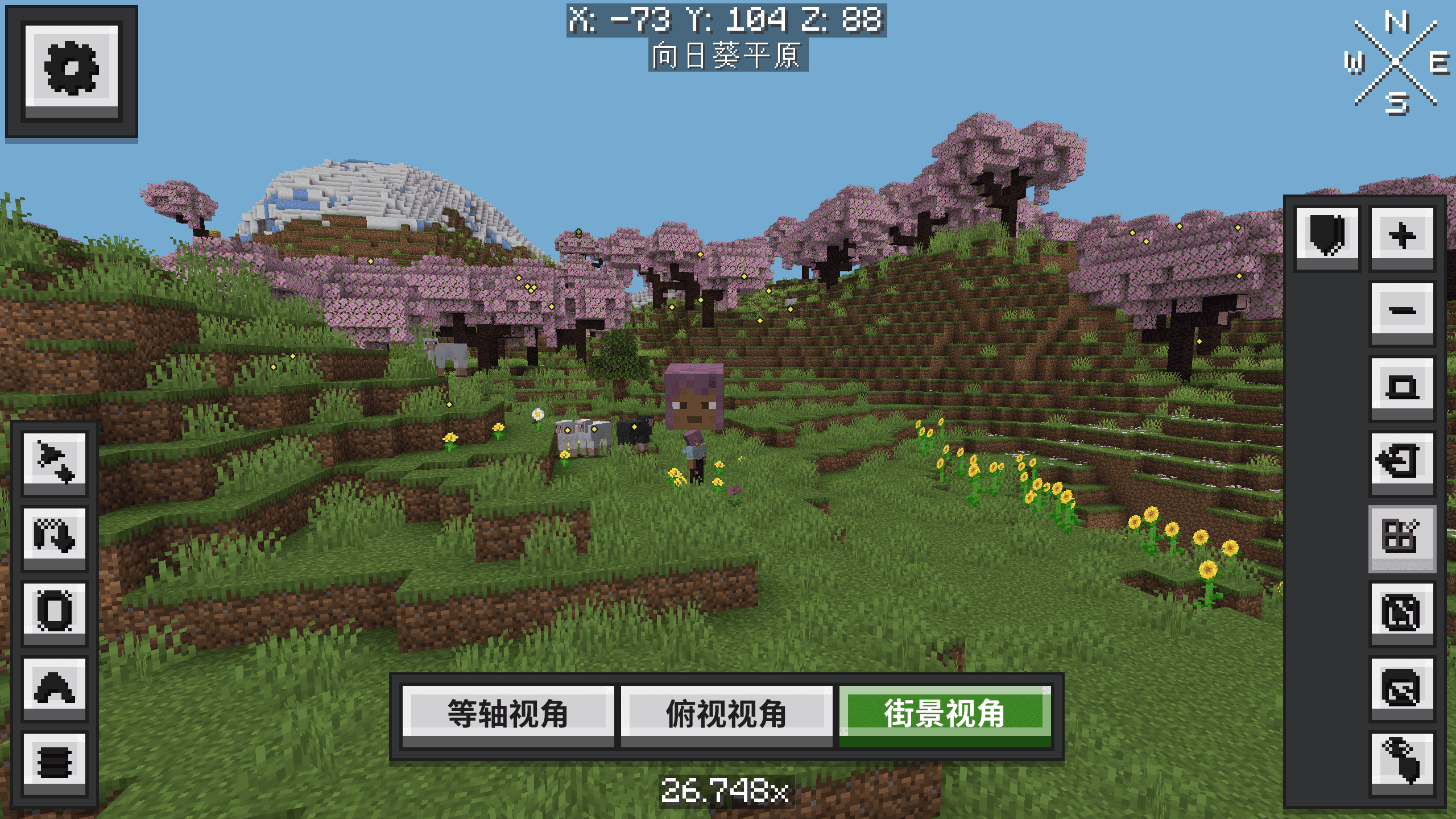
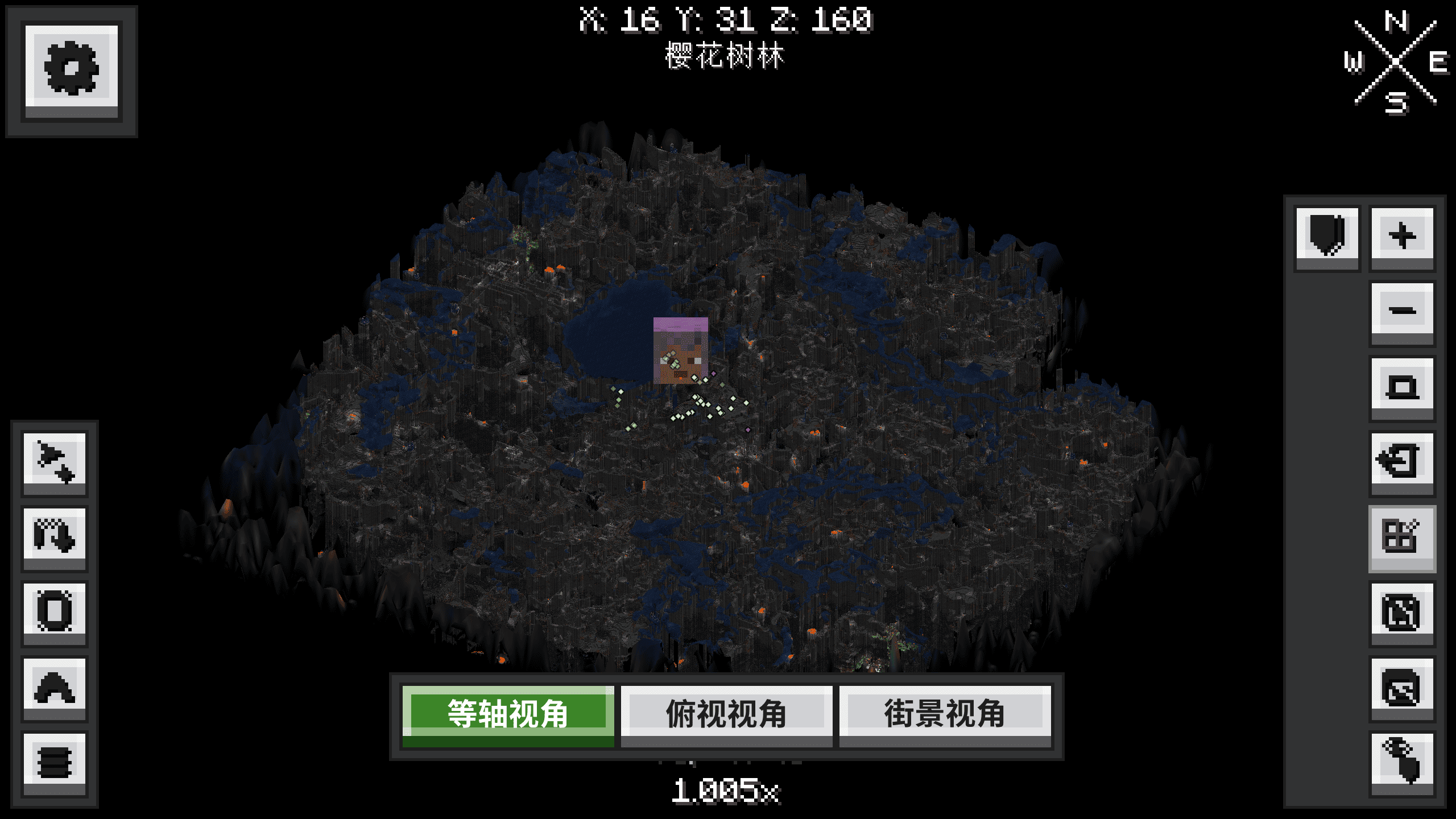
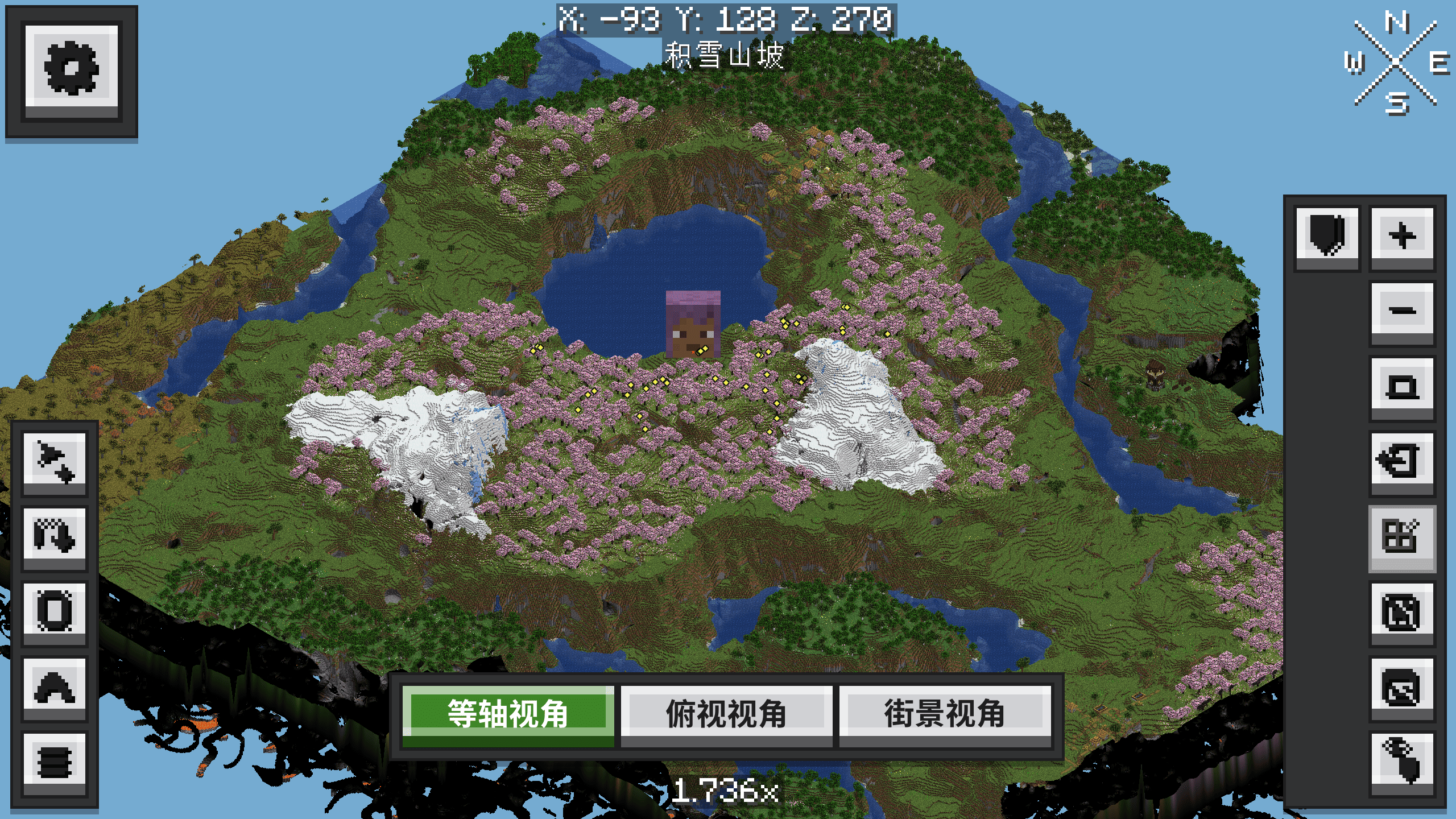
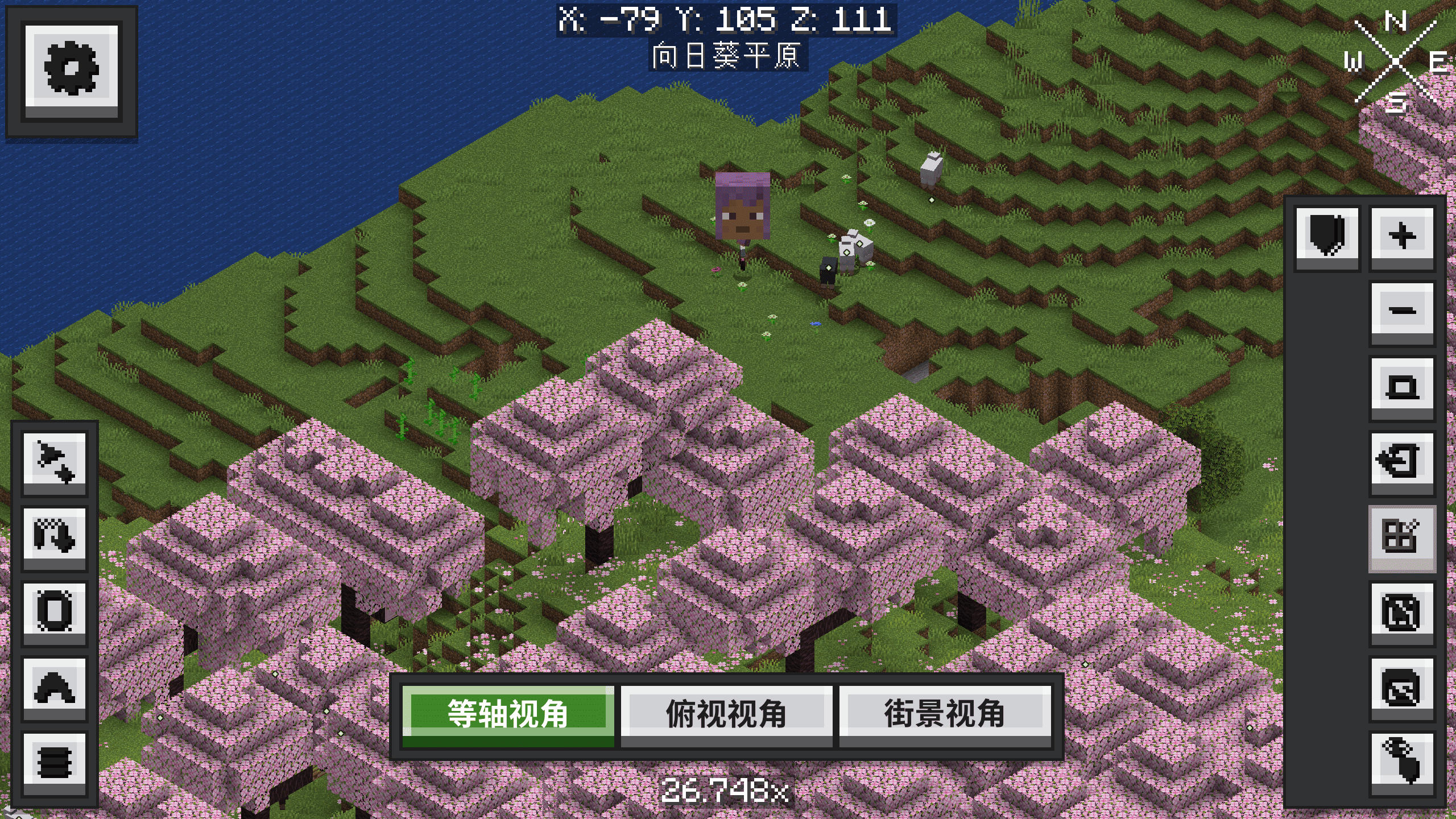
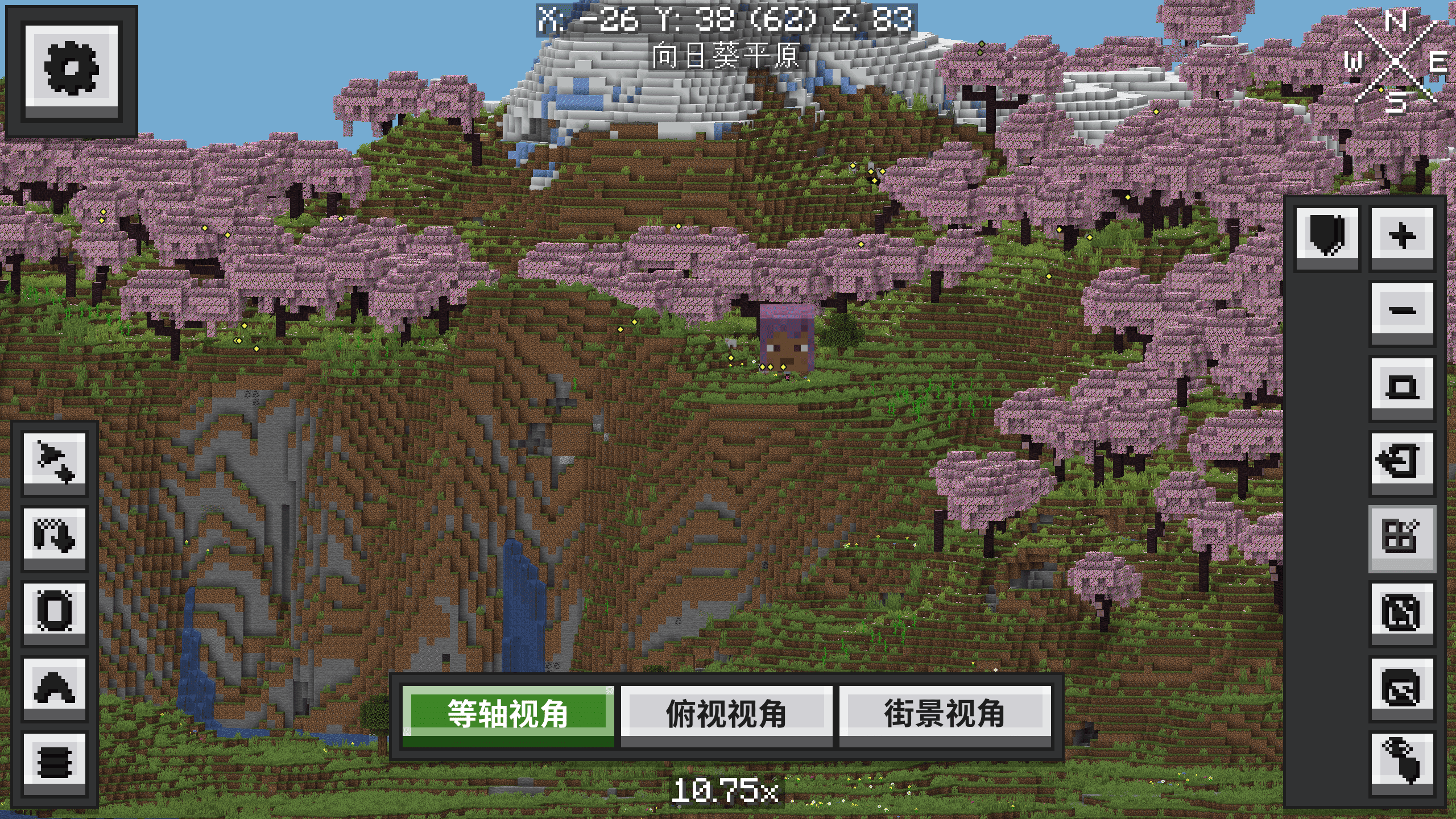
EarthView is a client-side addon for Xaero's World Map. It renders terrain using Minecraft block models, adds map rotation, zoom and camera modes, and gives map controls and settings an Ore-McUI interface.
Features
| Feature | Description |
|---|---|
| 3D terrain map | Display terrain and buildings with block models and your resource-pack textures; distant areas use Xaero's recorded colors and heights, with details updated as models load |
| Three camera views | Switch between isometric, top-down and street views; street view lets you move the map camera freely |
| Ore-style interface | Ore-McUI styling for map buttons, settings pages, dropdowns and sliders |
| Waypoint management | Use Xaero's existing waypoint creation, editing, deletion and context menus |
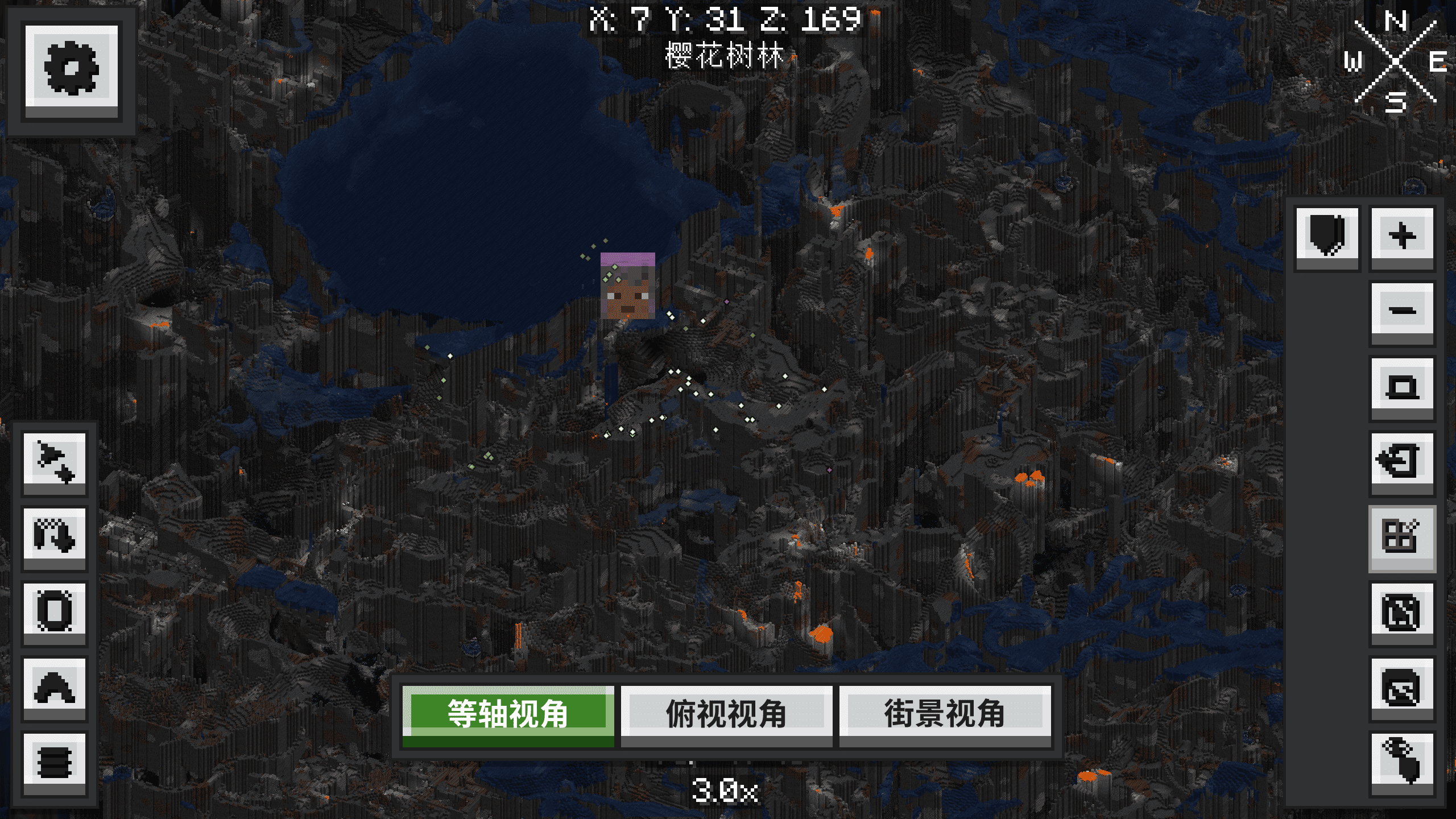
| 3D player heads | Mark player positions with their current skins, with bright indicators in caves |
| Minimap integration | Display loaded entities allowed by Xaero's Minimap radar as models on the 3D map |
| Theme toggle | Enable or disable the Earth theme to switch between the 3D interface and Xaero's original interface |
| Worlds and cave layers | Use Xaero's World Map world, dimension and cave-layer selection with your existing map data |
Controls
| Action | Input |
|---|---|
| Open map | Xaero's World Map key, M by default; rebindable |
| Pan map | Left-drag on the map in isometric or top-down view |
| Rotate map | Middle-drag in isometric view |
| Zoom | Mouse wheel |
| Change view | Isometric, top-down and street-view buttons on the map |
| Turn the street-view camera | Left- or middle-drag |
| Move the street-view camera | WASD to move, Space to rise, Shift to descend |
| Manage waypoints | Xaero's existing context menus and waypoint interface |
Installation
Install on the client and choose the file for your Minecraft version and loader.
Optional integration: Xaero's Minimap, for entity models on the map. Its existing radar filters and server permissions apply.
links
Project code uses the MIT license; AUI uses LGPL-2.1 and Rhino uses MPL-2.0.
EarthView Team


Owner