Now with that out of the way….
F A Q
Frequently asked questions and their answers:
=========================================================================================================
Where do i find content packs?
You can browse this google doc. ➡️ Content Pack List It contains a list of community approved and verified content packs for you to choose from.
What fuel do i use?
Default fuel is Lava. You can change what fluid is considered a valid fuel in mtsconfig.json
I cant find gasoline/diesel/avgas buckets!
This is because IV doesnt add its own fuel. What you see are fuel types, each governing a set of valid fluids. For example, fluid X and Y are in the gasoline category, fluid Z is in the avgas category and so on.
How do I fuel my vehicle?
Place a fuel pump next to the vehicle, fill (RMB) it with a bucket of lava (or any valid fuel) and right click the pump.
Why does my car move so slow?
you are probably flooring it in the first gear. You need to shift up. Default keys are ⬆️ R - ⬇️ F
I cant shift up, but im pressing the correct key!
Open the config menu with P, then go to the config tab and set "useShifter" to false. Then craft/place an entirely new car from the creative inventory.
How do i stop my vehicle from exploding?
To stop all vehicles from exploding, go into mtsconfig.json and change "vehicleExplosions": to false.
How do i stop my vehicle from breaking blocks?
To prevent vehicles breaking blocks, go into mtsconfig.json and change "vehicleBlockBreaking": to false.
Why does it tell me "No content packs installed"
Read the text, then use your brain. Preferably both at the same time. If you still have issues comprehending, open the Content Pack List document and pick out a content pack. Download it and put it into your Mods folder
How do I remove a vehicle?
Shift+LMB with the Wrench Item.
OR you can run a command, which will kill EVERY vehicle: 1.12.2: /kill @e[type=mts:mts_entity] 1.16.5: /kill @e[type=mts:builder_existing]
To kill vehicles in a specific radius, use /kill @e[type=mts:builder_existing,distance=5] You can replace 5 with any number
Where can i find 1.18/1.19/1.20?
These versions are released on Curseforge
My icons are all black and purple!
This has two reasons: 1. The item is missing a texture 2. You’re using an older 1.16 pack on 1.20 To fix No.2, use this compiler on the respective pack. For private use only, distribution is prohibited. Instructions are provided in text. Video tutorial that explains how to use it ▶️ Tutorial
I place vehicles but they don’t spawn!
you have entity culling installed. You need to whitelist all Immerisve vehicles entities first, otherwise entity culling will cull them. Go to entity culling config and paste:
"mts:builder_existing",
"mts:builder_rendering", "mts:builder_seat"
into "entityWhitelist": […]
How to use MTS radio:
In your minecraft folder (where mods, config, resource packs, screenshots etc are), There is a mts_music folder.
📁 Local
For local music, you have to create a subfolder in minecraft/mts_music titled 1 - 5, depending what station number you want to assign. In it, put your .mp3 music files and enjoy.
📻 Streaming
For online radio streams, open radio_stations.txt and paste any broadcast streaming link in there.
For example, https://icecast.walmradio.com:8443/classic
you can find more such links on FMstream: -> https://fmstream.org/index.php?c=FT
I can’t start my engine!
You either didn’t put fuel in your vehicle OR your battery is empty. This happens when you hold the starter too long without having fuel in the vehicle. Use the battery pack to refill the vehicles battery.
How can i set up payment for fuel pumps?
To make people pay for fuel, you first need to place the pump on an empty IE/Create pipe. RMB the pump with a wrench. In the slots you set what item is taken as payment. The numbers to the left determine fuel dispensed per payment. The amount of fuel is set in Millibuckets, meaning for one bucket of fuel, you need to enter 1000. Make sure the pump is empty before setting prices. When you are done, you can connect the pipes below the pump to a tank.
I can’t damage vehicles with weapons from other mods!
To make vehicles take damage from other sources, go into your config folder to mtsconfig.json and change ”allowExternalDamage”: to true.
My game crashes on startup!
If you get the 0.0NONE error, make sure you don’t have duplicate packs or duplicate IV mods. *If you have ad astra installed, read THIS. * *If you have continuity or oceanic realms installed, remove them. * If you have etched installed, remove it. If you have content packs labelled “BeautyDriveHome” or „CMA“ installed, remove them. If none of this applies, ask about your issue on #the-open-road but also provide a crash report file.
Can I increase vehicle HP?
It is common for gun mods to kill vehicles very quickly. To reduce the damage taken from external non-IV sources, go to mtsconfig.json and set generateOverrideConfigs to true. This will generate the mtsexternaldamageoverrides.json file, in which you can reduce the factor by how much damage is taken. For example, setting the damage factor to 0.1 means that a gun that does 50 damage will now only do 5.
How to i remove the big metal panel from my screen?
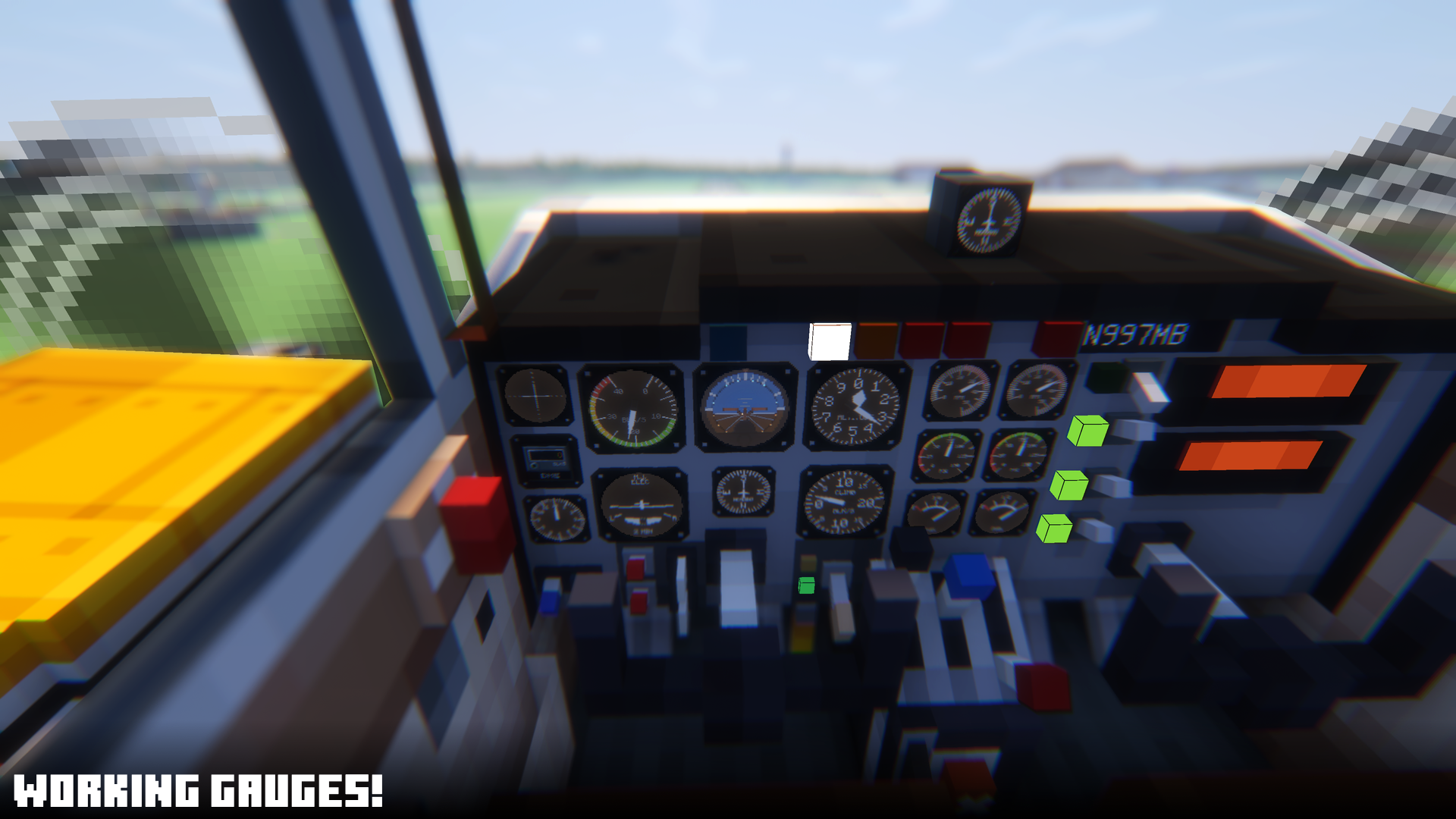
That is the vehicle panel where the instruments are displayed, if installed. To hide it, press P, go to Rendering and set RenderHUD_1P andRenderHUD_3P to false
How do I stop "mts:builder_rendering" from appearing at the top of my screen?
the mod responisble for displaying entity names is Jade. Go to your config folder: -> "config/jade/hide-entities.json" Paste "mts:builder_rendering" into “values“:. It should look like this:
  "__comment": "This is a blocklist for the target of Jade. You can add registry ids to the \"values\" list. Restart the game to apply changes.",
  "values": [
    "minecraft:area_effect_cloud",
    "minecraft:firework_rocket",
    "minecraft:interaction",
    "minecraft:text_display",
    "minecraft:lightning_bolt",
    "mts:builder_rendering"
  ]
}
How do I make vehicles not use fuel?
Go to mtsconfig.json. Set "fuelUsageFactor" to 0.0
How do I start an engine?
Press U, this opens the vehicle panel. -> For planes, flick the mag switch, then hold the starter button until the engine runs. -> For cars, click the key slot to insert the key, then hold down to turn the key until the engine runs.
All of my text is made up of squares!
This is an issue with the Continunity mod. To fix this issue you must remove Continuity from your mods.
My planes disappear midair!
This happens when flying into unloaded chunks. It is a bug we are working on. To prevent it from happening, fly slower. Alternatively, go into mtsconfig.json and lower the speedFactor value. By how much depends on how strong your machine is, but 0.25-0.3 is a good start.
Helicopters are slow!
This is because of the HeliAutoLevel config option, also known as the kid-safe-mode being true. Ingame, Press P, go to CONFIG, and set HeliAutoLevel to false
How do i look through gun scopes?
Press X on your keyboard. F5 works too, but only for older versions
Why does my plane move so slow?
You need to throttle up first. Default keys are ⬆️ I - ⬇️ K
Why are my legs sticking out the bottom of the seat?
This is because you probably have installed a mod that overrides player animations. Fresh Moves and Serious Player Animation are such mods for example. Remove them to fix the issue.
How do i prevent people from picking up vehicles with a wrench?
There are two options: 1. Lock your vehicle with the key item. 2.Go to mtsconfig.json in your config folder. Set "opPickupVehiclesOnly" to true
What versions are packs compatible with?
1.12 packs work on 1.12 1.16 packs work on 1.16, 1.18, 1.19 & 1.20, but icons will be broken 1.20 packs work on 1.16.5 - 1.21
The FAQ says 1.21 packs, but I can’t find any!
This is because 1.21 support just released. Wait for packs to update.
There’s a full FAQ but I can’t read!
I don’t know how to help you
My camera goes up / down when driving / flying!
You likely have Figura Mod installed. Look for the First Person Matrices setting in its config file. If you don’t have Figuras Mod, look for Kleiders Custom Renderer API. To fix the issue you must remove the mod.
My camera doesnt spin with the plane!
It is likely you have Just Enough Guns installed. Go into its config file and change the following:
Set cameraRollEffect to false
Set restrictCameraRollToWeapons to true
My vehicle won’t collide with create / little tiles / VS / c:clockwork builds!
Unfortunately, there’s no way to fix this, these mods use very different physics & methods to calculate collisions, which are not compatible with IV
My plane constantly goes up when flying!
This is normal physics. More speed = more lift from the wings. Slow down or adjust the pitch trim until the flight stabilizes
Vehicle models spawn on my head / in my face!
Youre running shaders with Optifine. Optifine is the issue. Use Oculus + Embeddium instead.
AdAstra doesnt work with IV!
Update Immersive Vehicles to 24.0.0+
Can I change the recipes of the vehicles?
Yes, all parts or vehicles recipes can be overridden to fit your needs. To do this, go to mtscraftingoverrides.json located within your config folder and follow the instructions given within the document. If you can’t find the file, go to mtsconfig.json and set generateOverrideConfigs to true. This will generate the missing file.
My vehicles make wierd Minecraft noises?!
This is a rare technical issue. Press F3+T to reload resources & fix.
How do i make vehicles take damage from explosions?
To make vehicles take damage from other sources, go into your config folder to mtsconfig.json and change ”allowExternalDamage”: to true.
How do I prevent vehicles to take damage from breaking blocks?
To stop taking damage when ramming blocks, go into your config folder to mtsconfig.json and change ”vehicleDestruction”: to true.
My vehicles don't work with shaders! (1.16+)
Usually they do. Check if you have optifine installed. If yes, remove it and use Embeddium and Oculus instead, as Optifine messes with IV rendering
Instruments are invisible with shaders!
Rendering funnies. Open the config menu with P and set LightsTransp to true.
How do I make lava not be a fuel?
Open mtsconfig.json, in the fuels section delete the Lava: 1.0 entries form the fuel categories. This makes lava no longer be a valid fluid for gas, diesel etc.
I don't see fuel pump text with shaders!
Open the config menu with P and set LightsTransp to true.
================================================================================
End of FAQ
From time to time we'll release videos demonstrating IV. As we get good ones, we'll post them here. Old videos can be found in the spoiler.
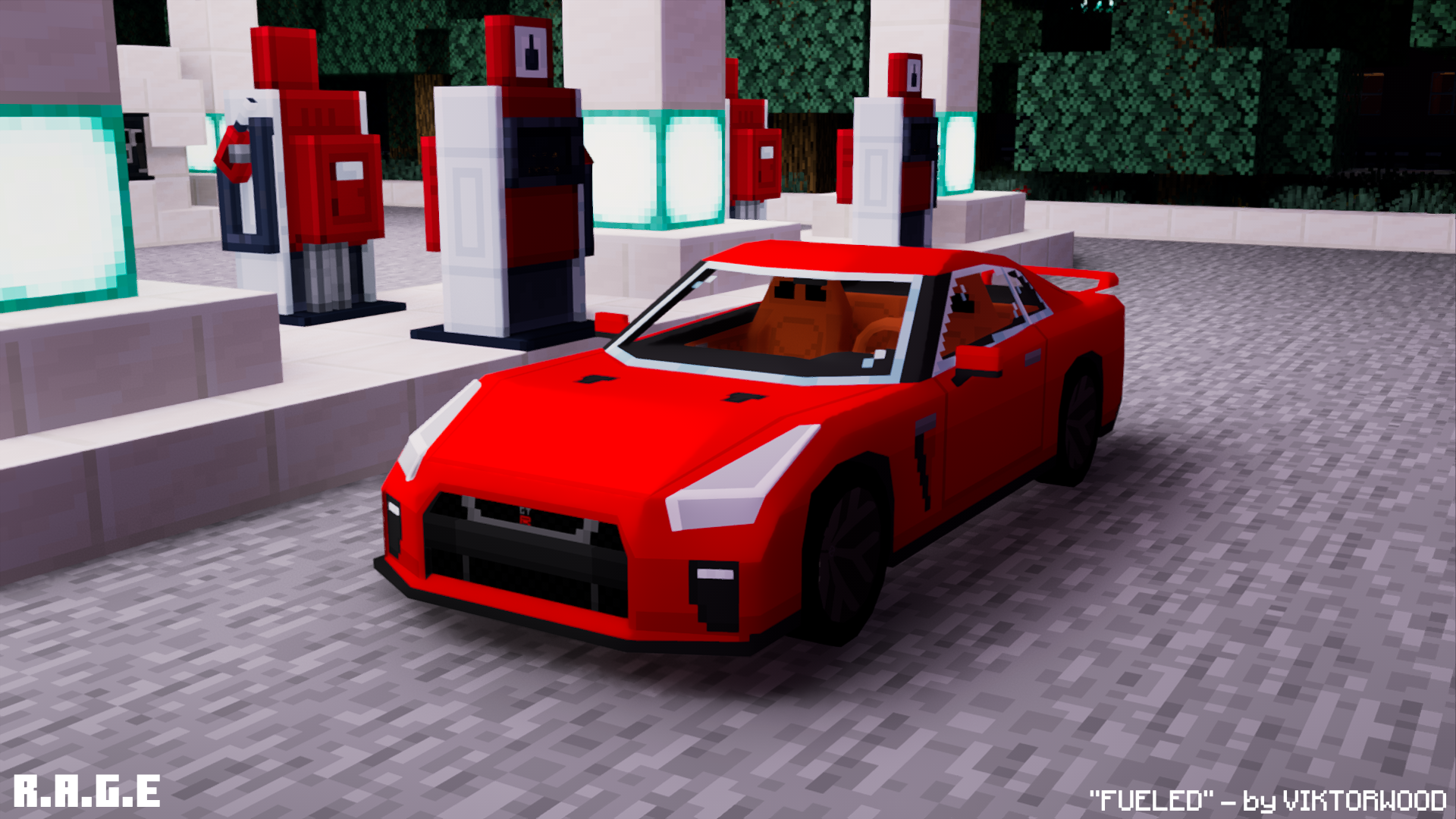
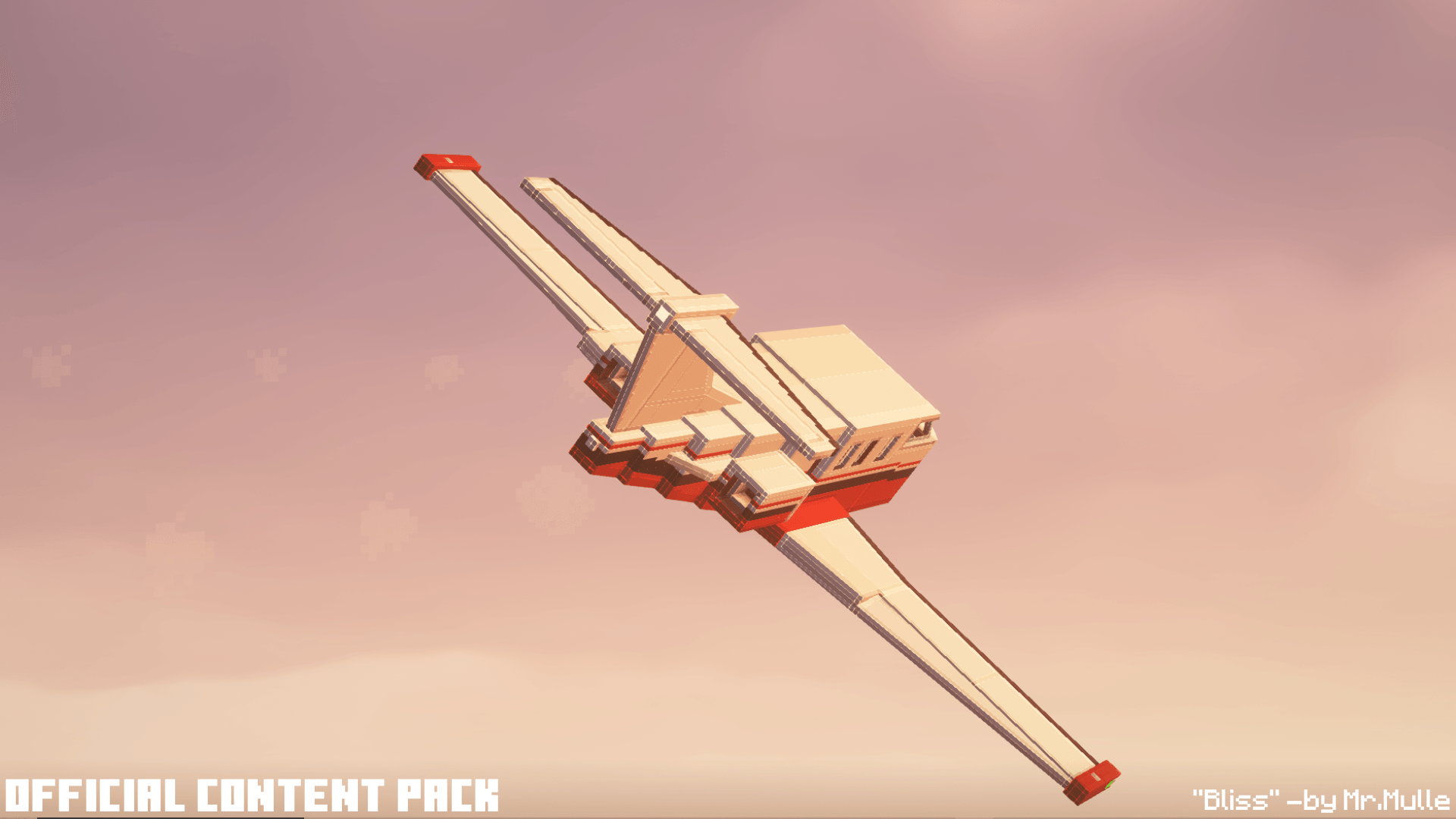
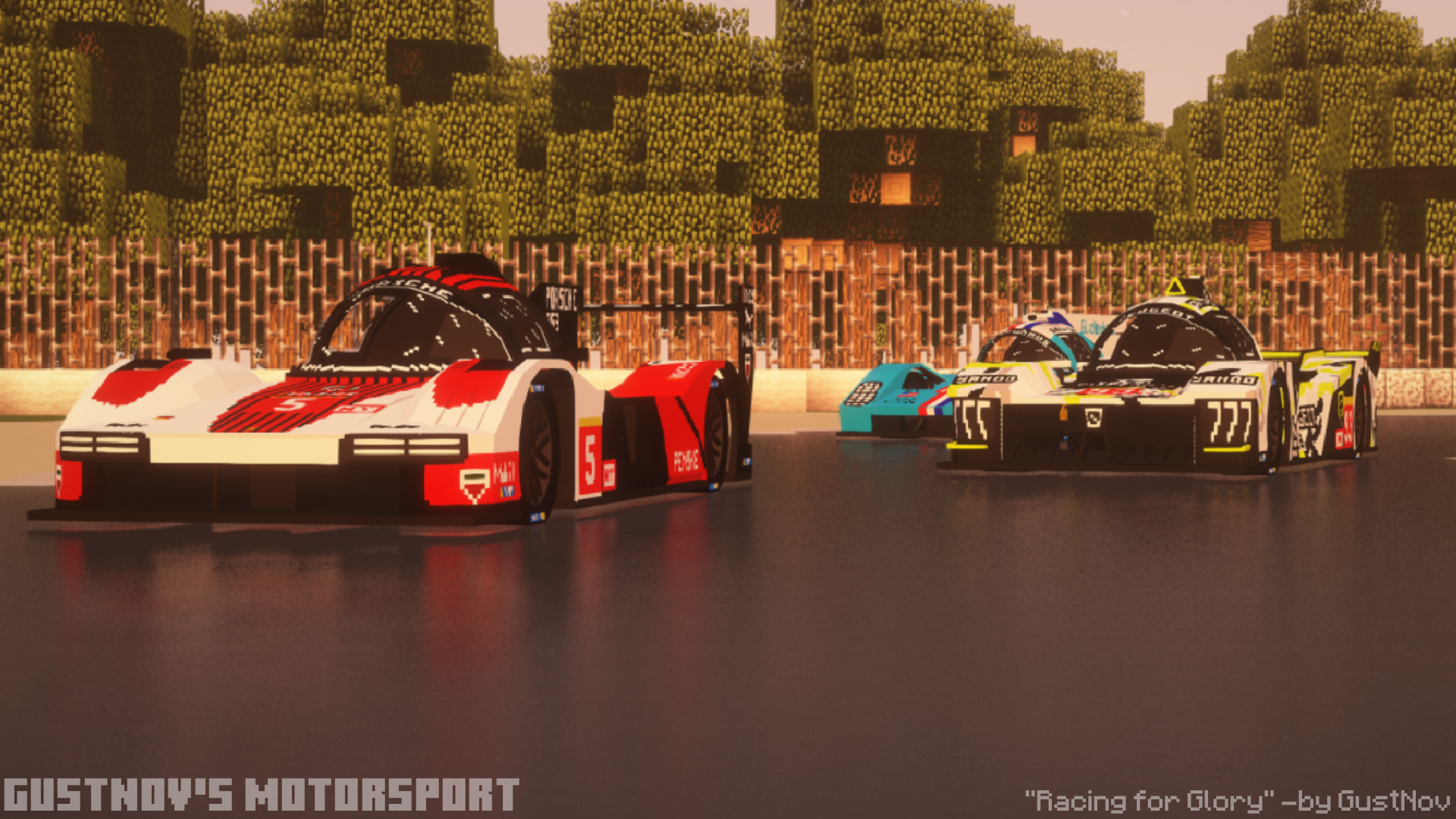
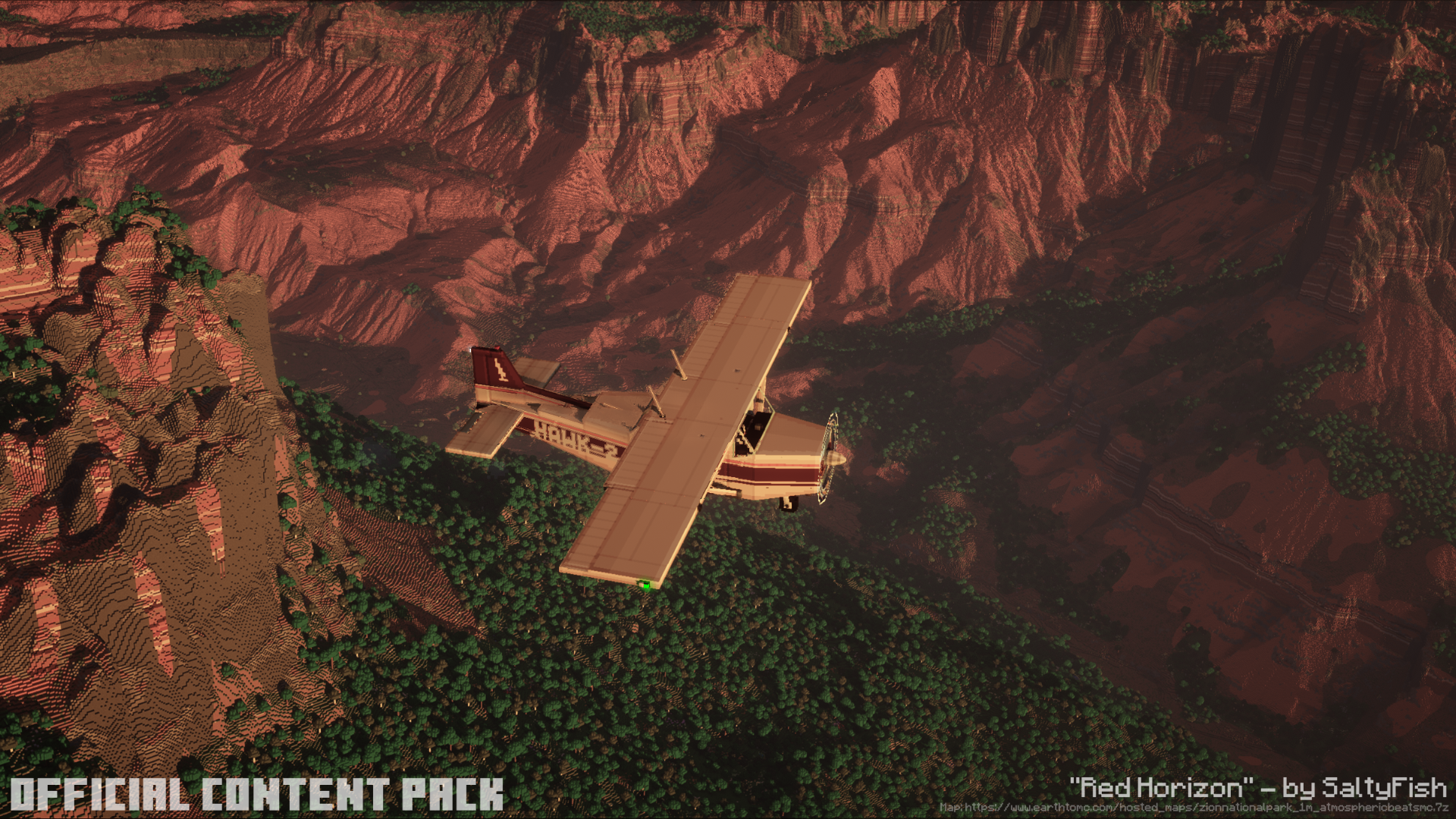
There have been a lot of changes from MFS to IV, but one of the biggest is the splitting of vehicles into their own mod. This may seem odd, but it allows other users to make their own vehicles and add them to IV without any interaction from the IV team. Some people say this will reduce quality, I say it will foster a community. We shall see who is right in the long run. If you happen to have a model or two you'd like to see on the IV platform drop by the Discord channel. We'd be more than happy to point you in the right direction!




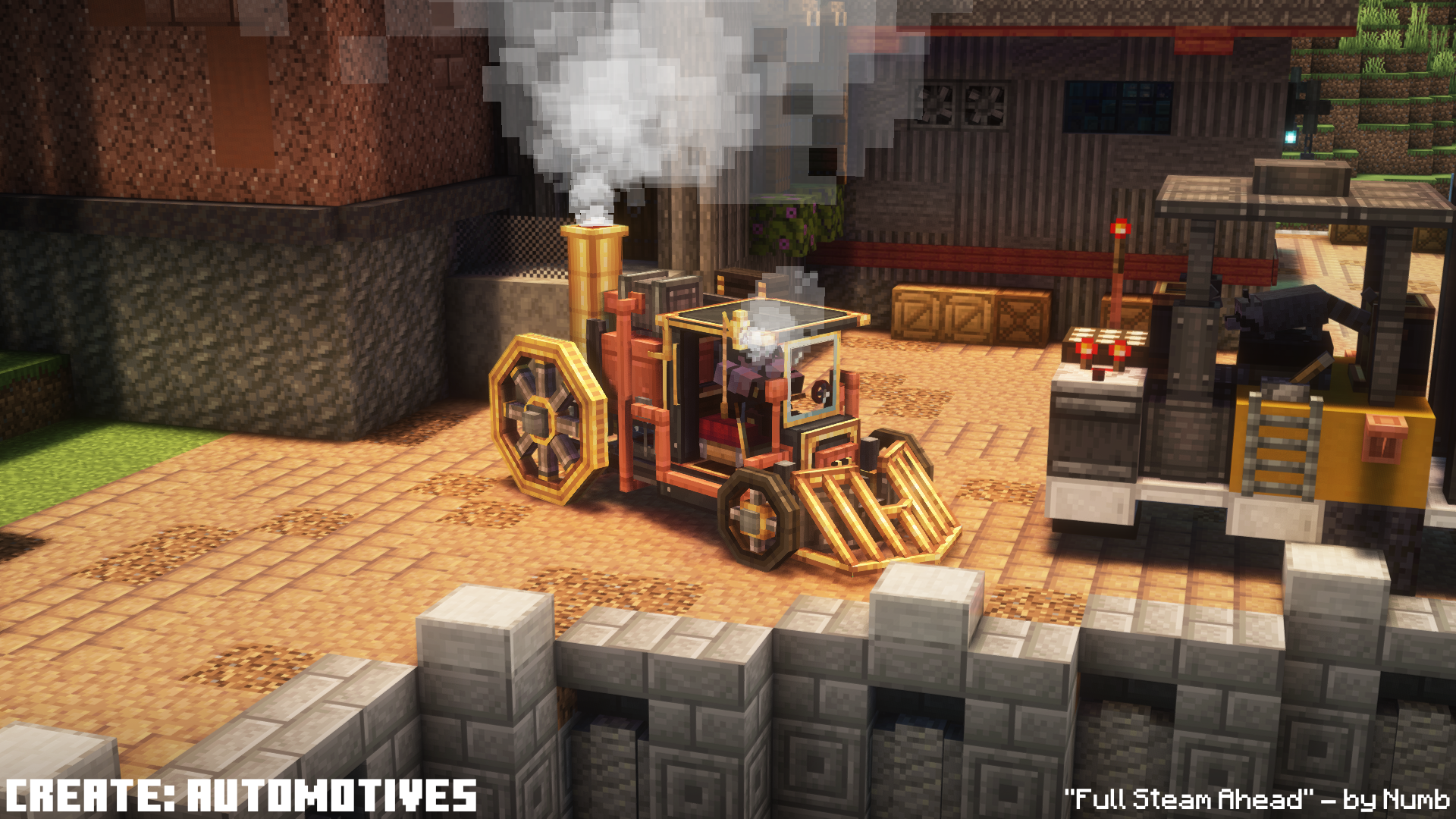
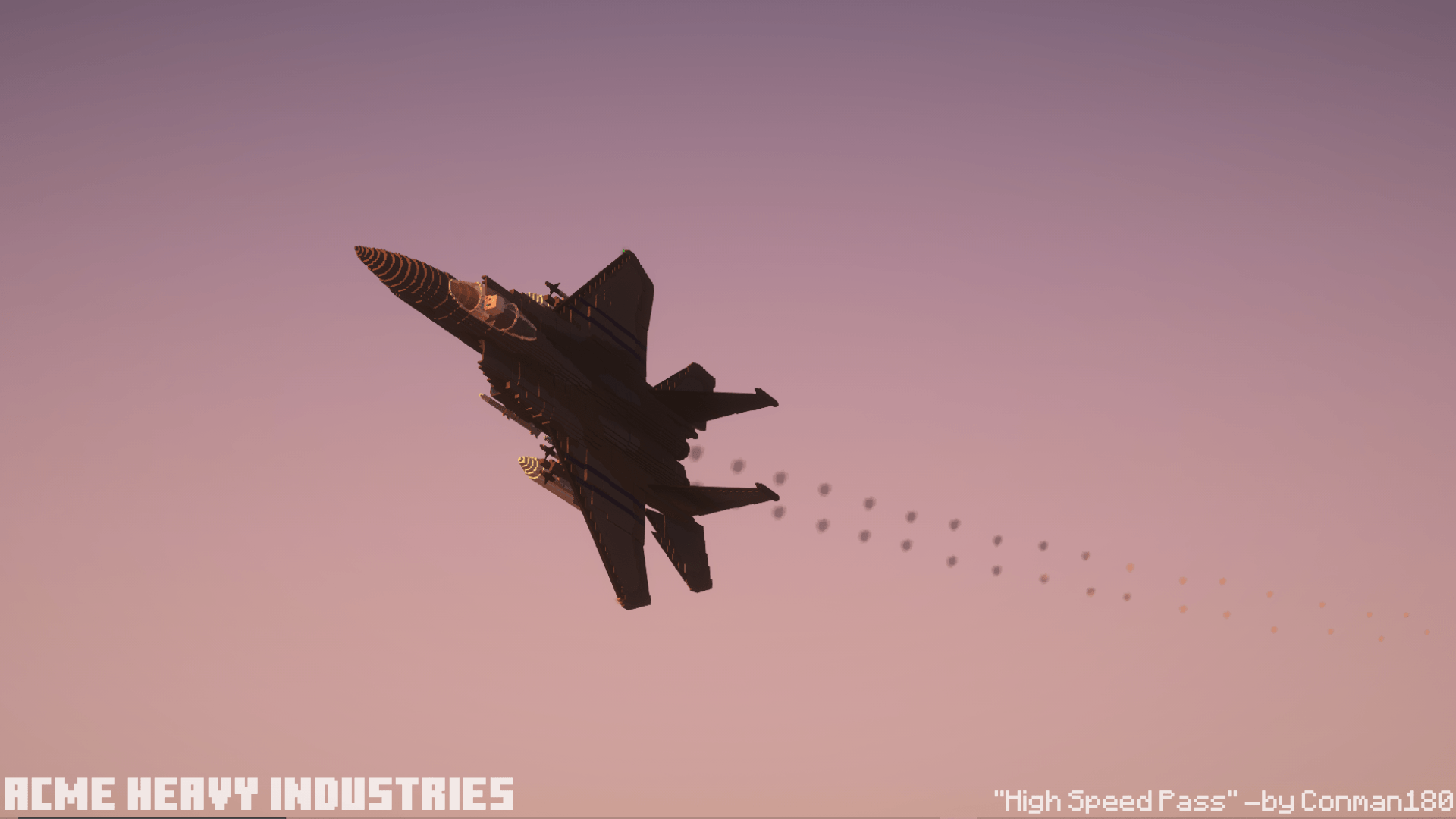
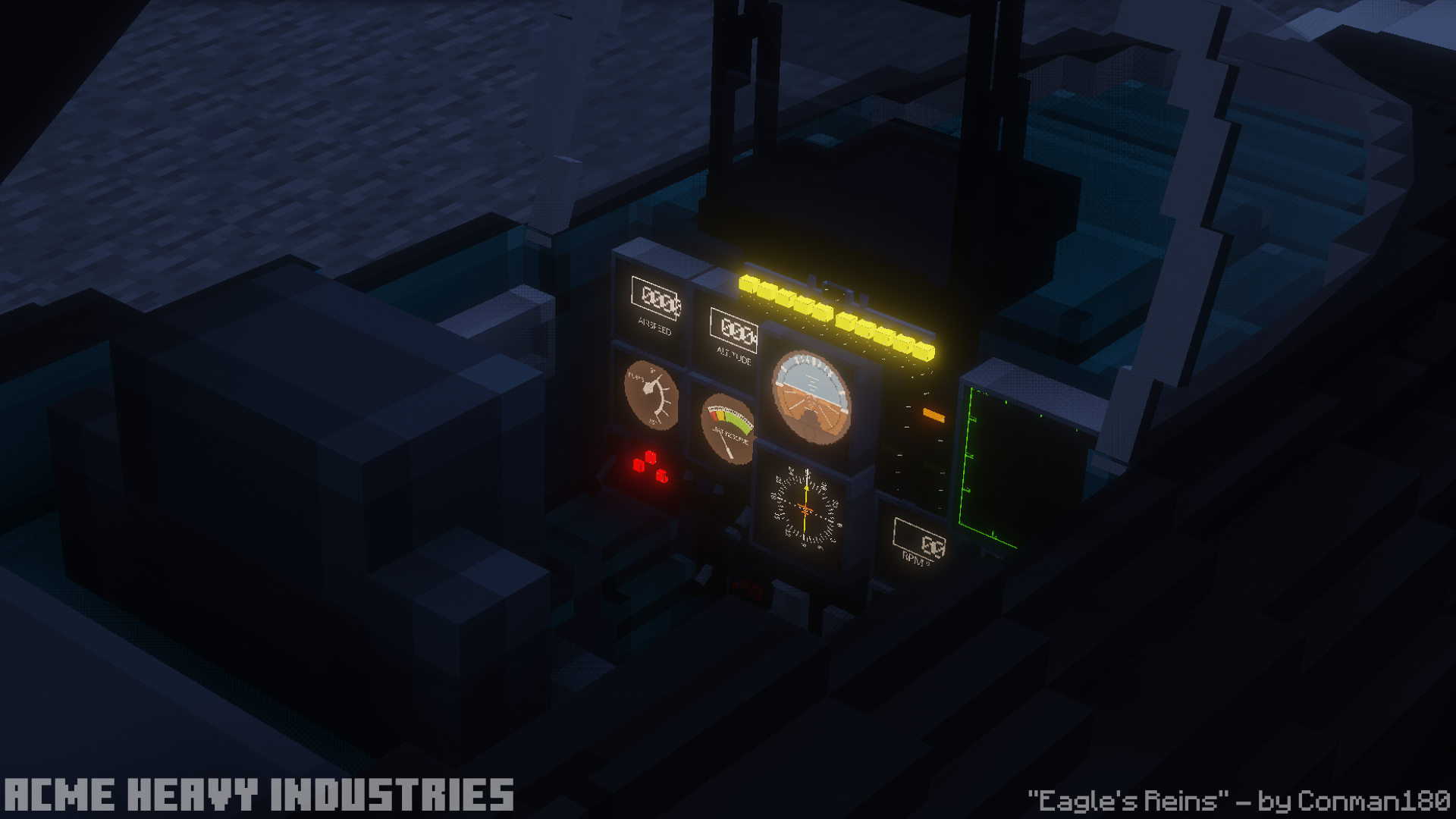
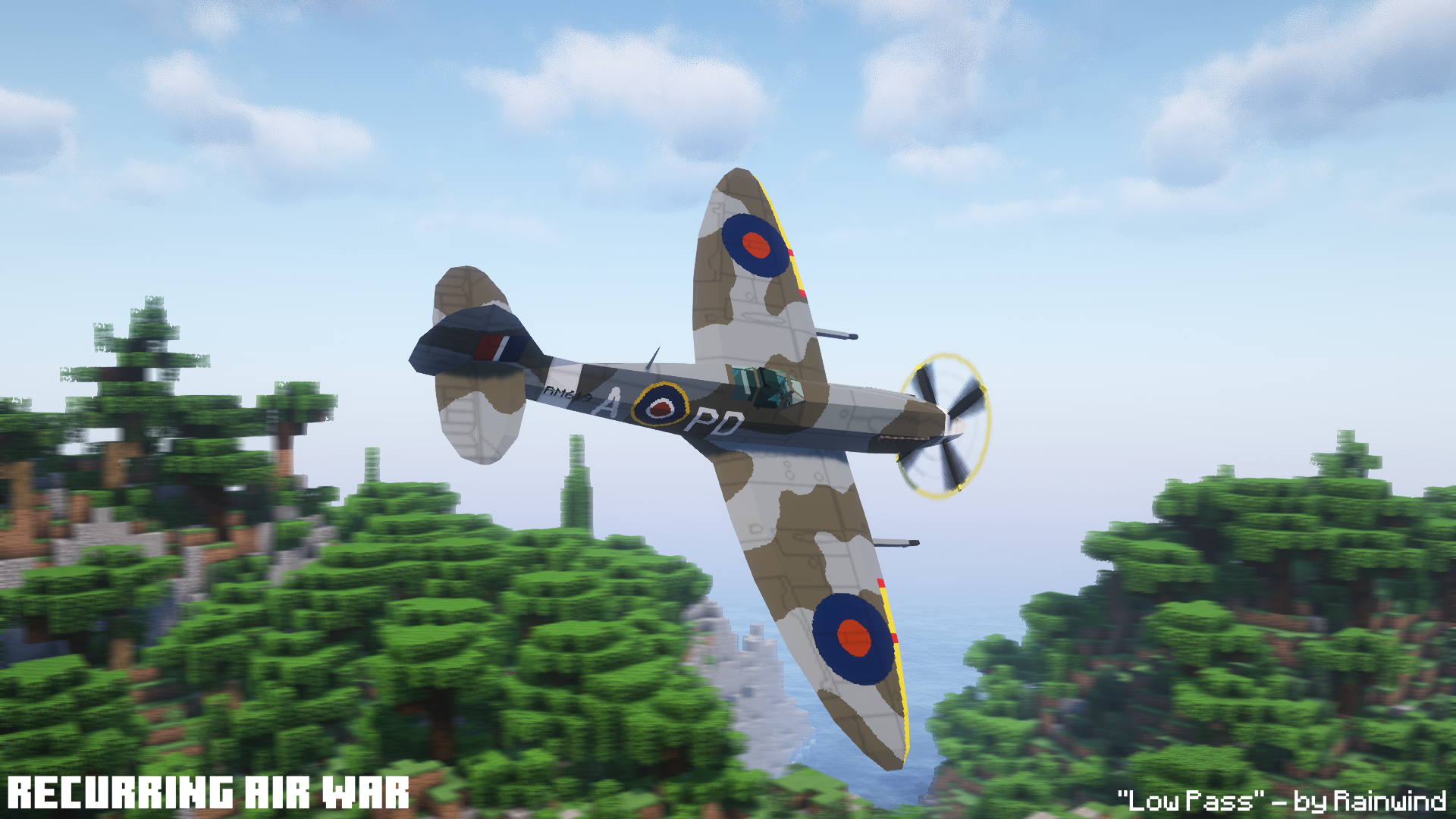
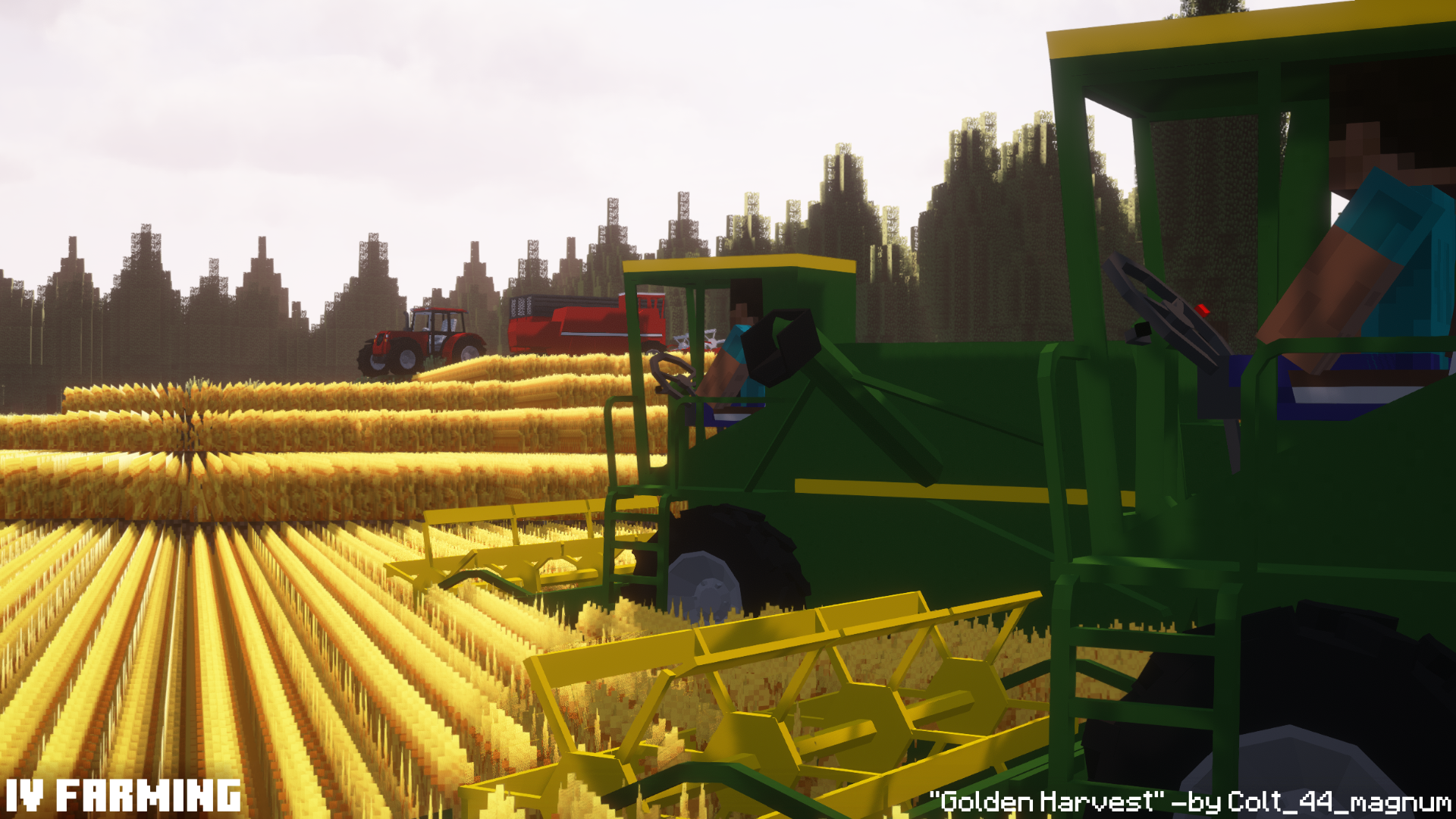
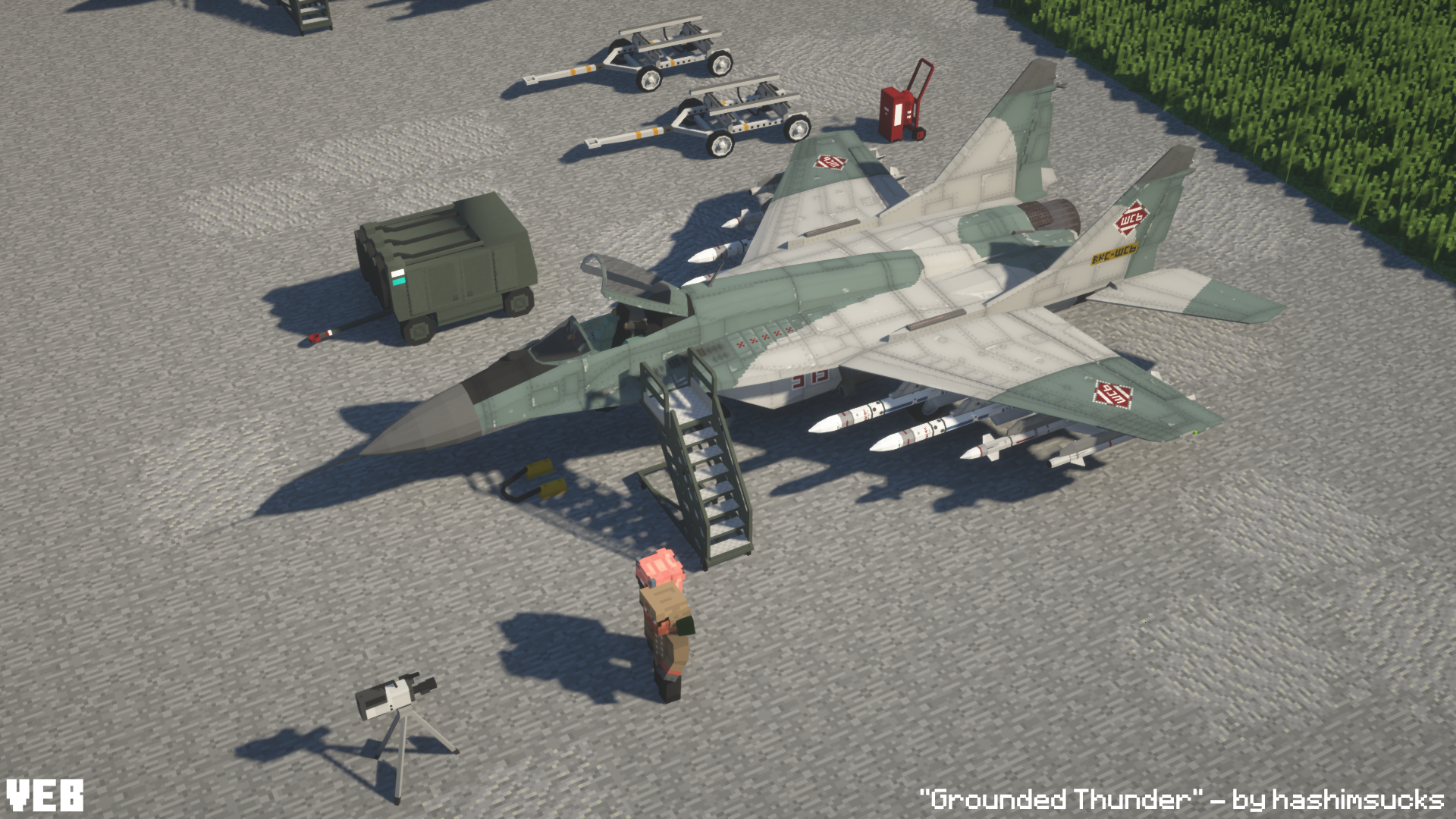
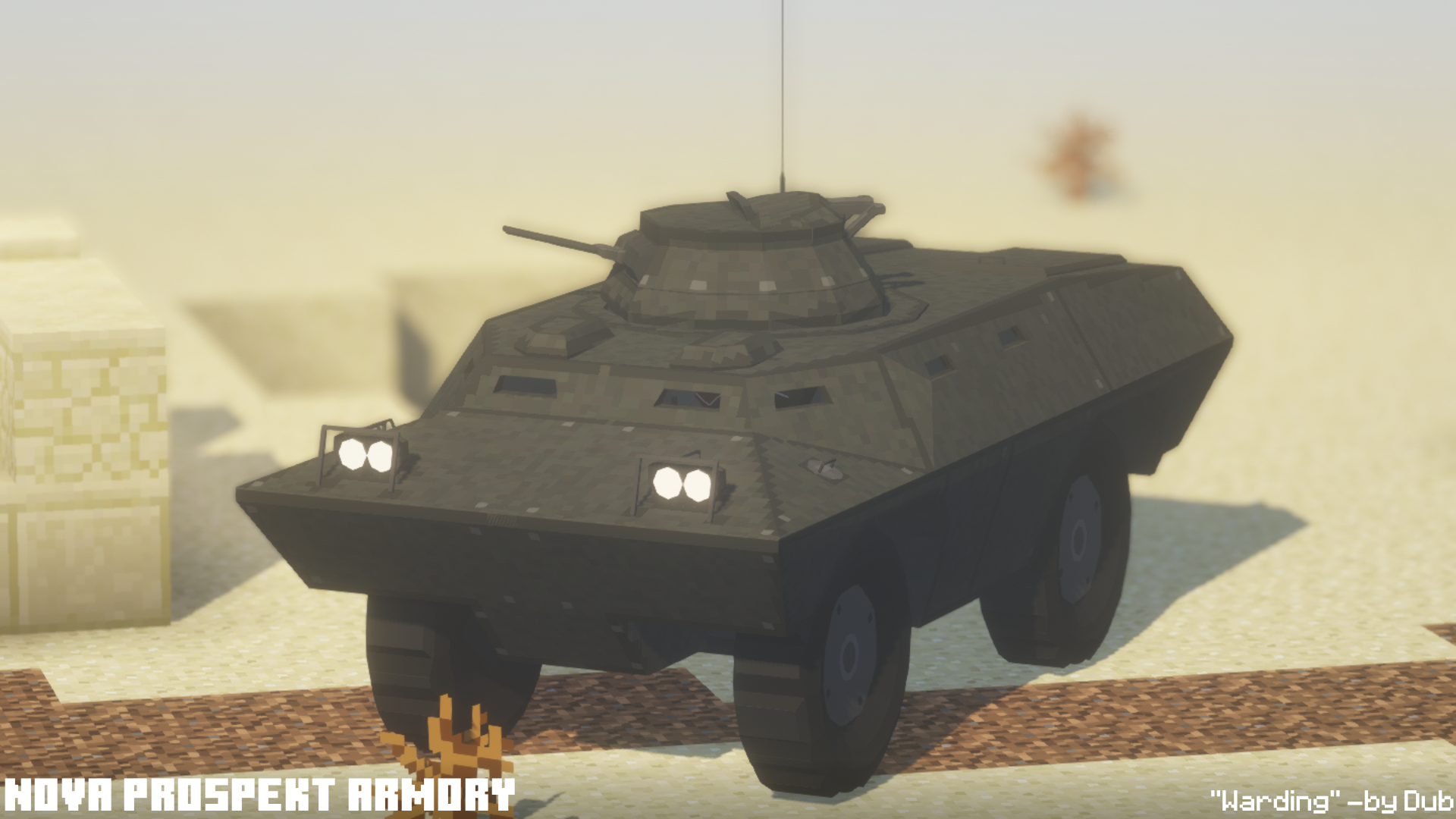
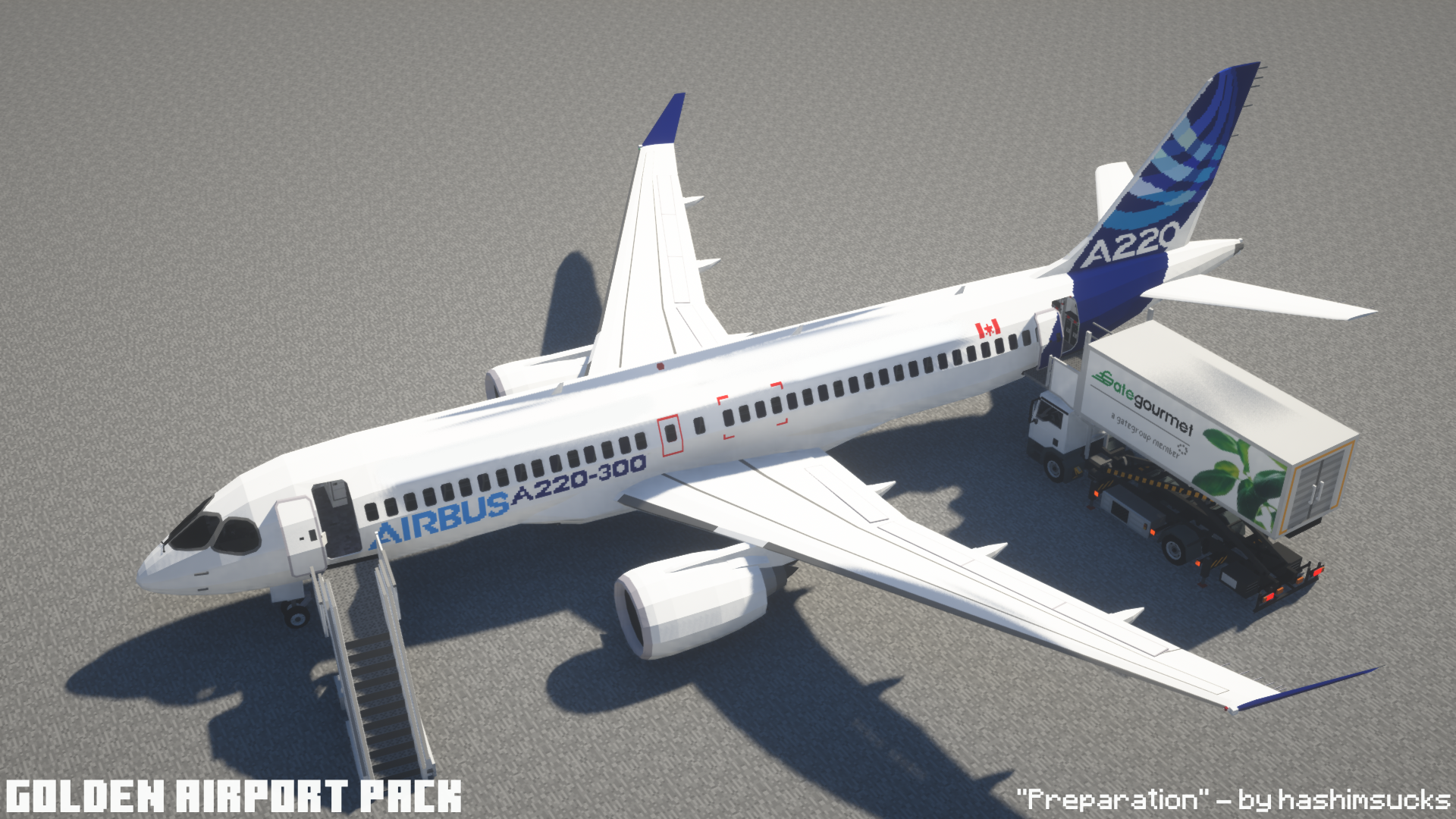
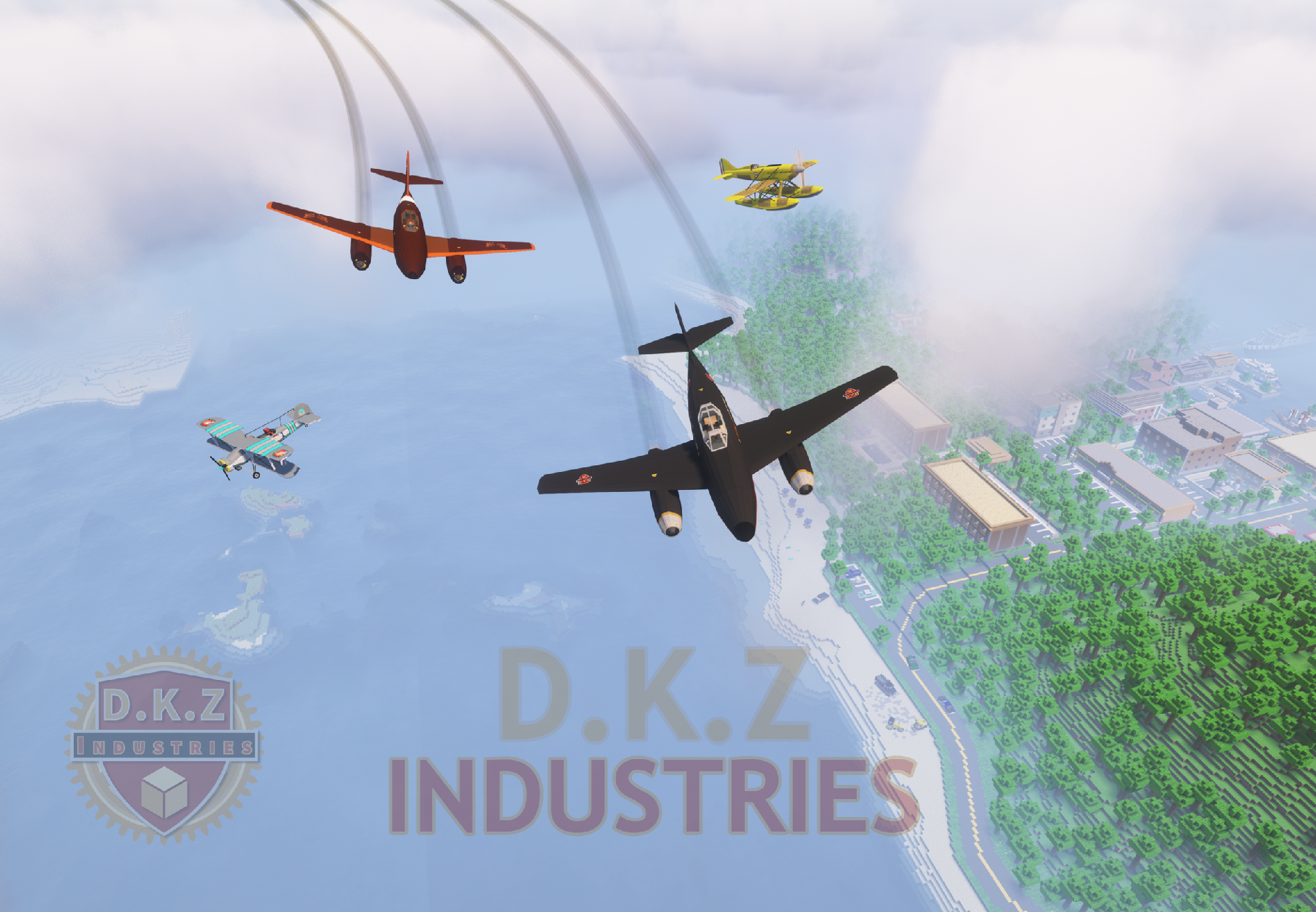
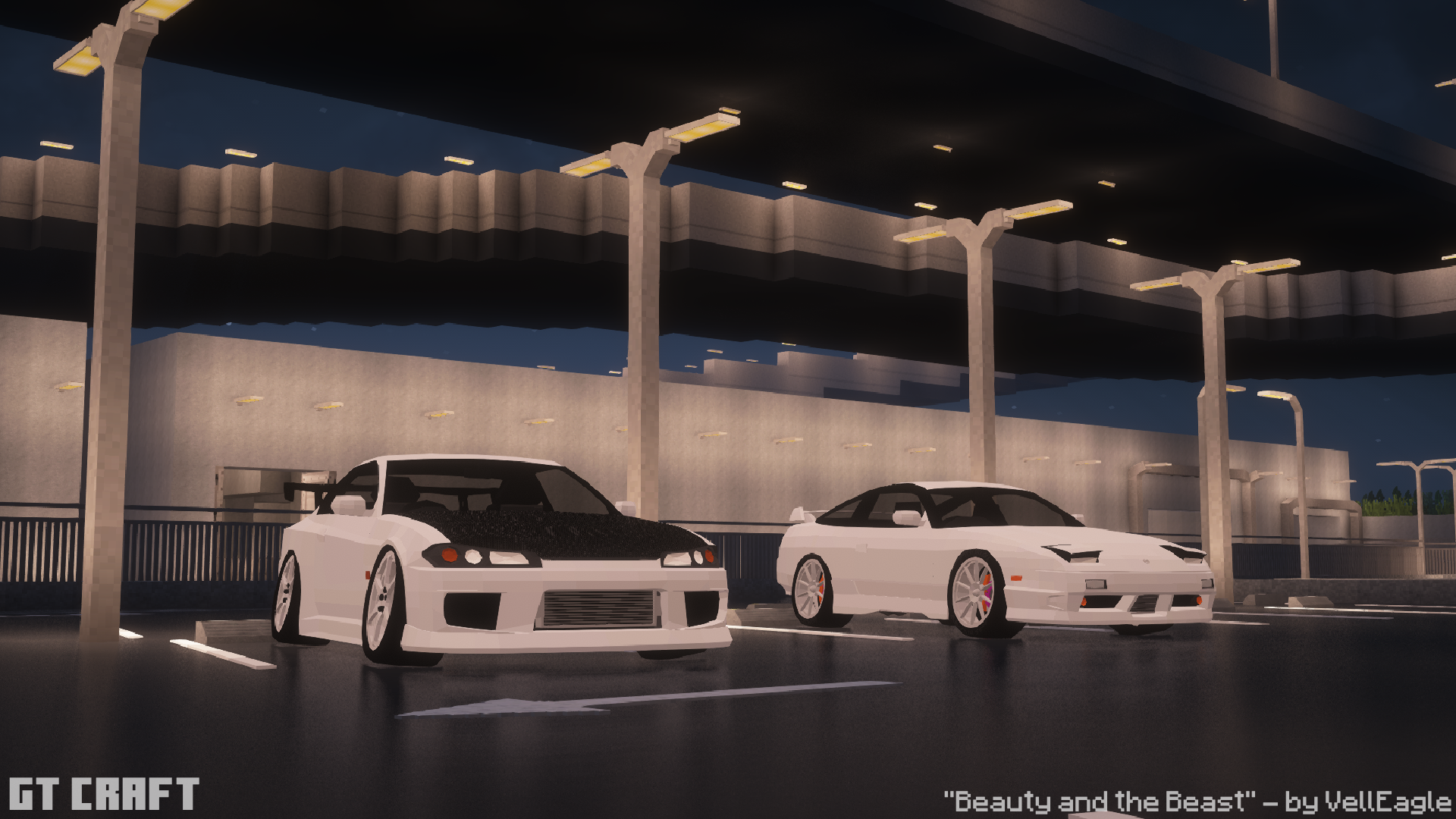
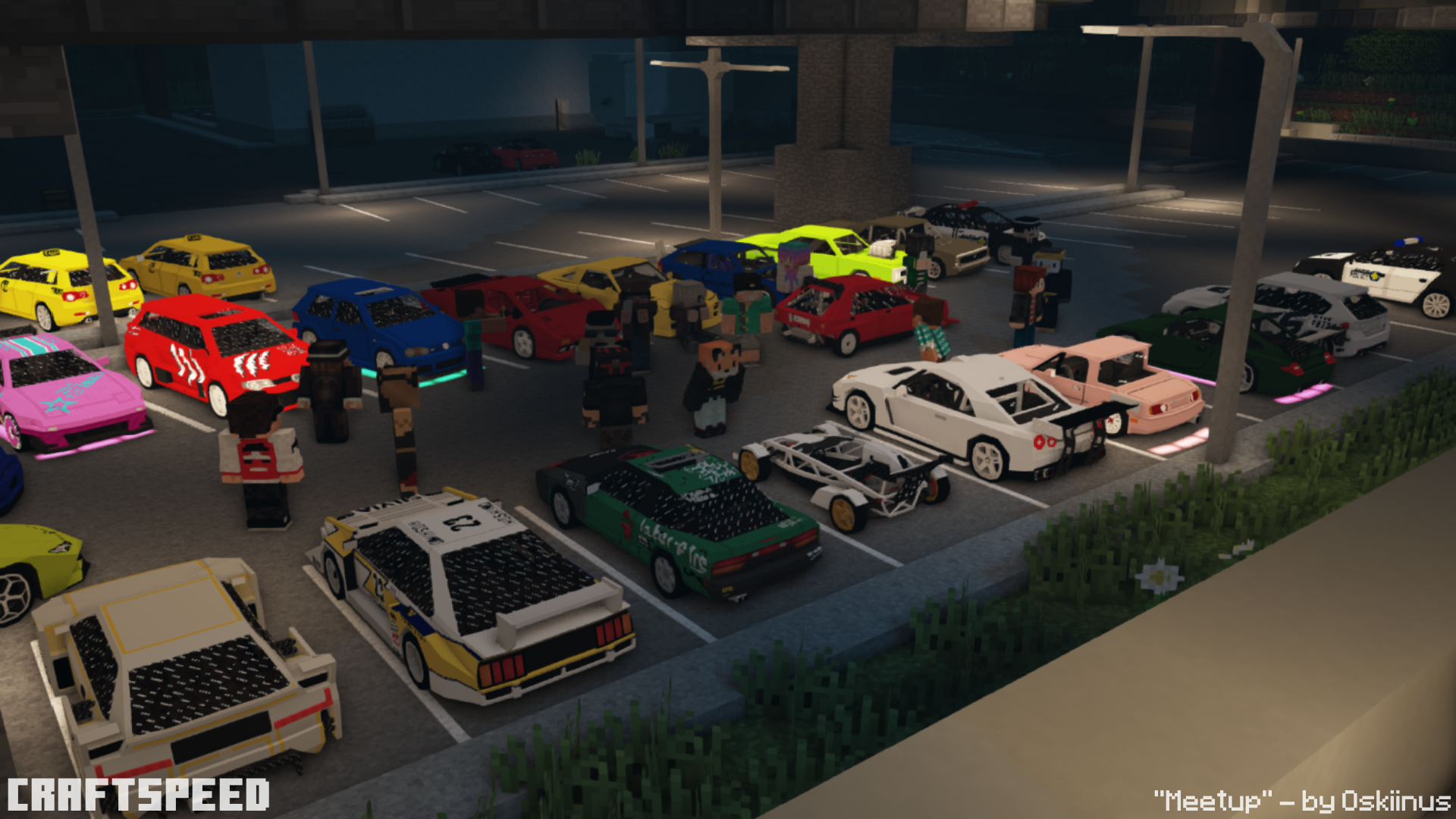
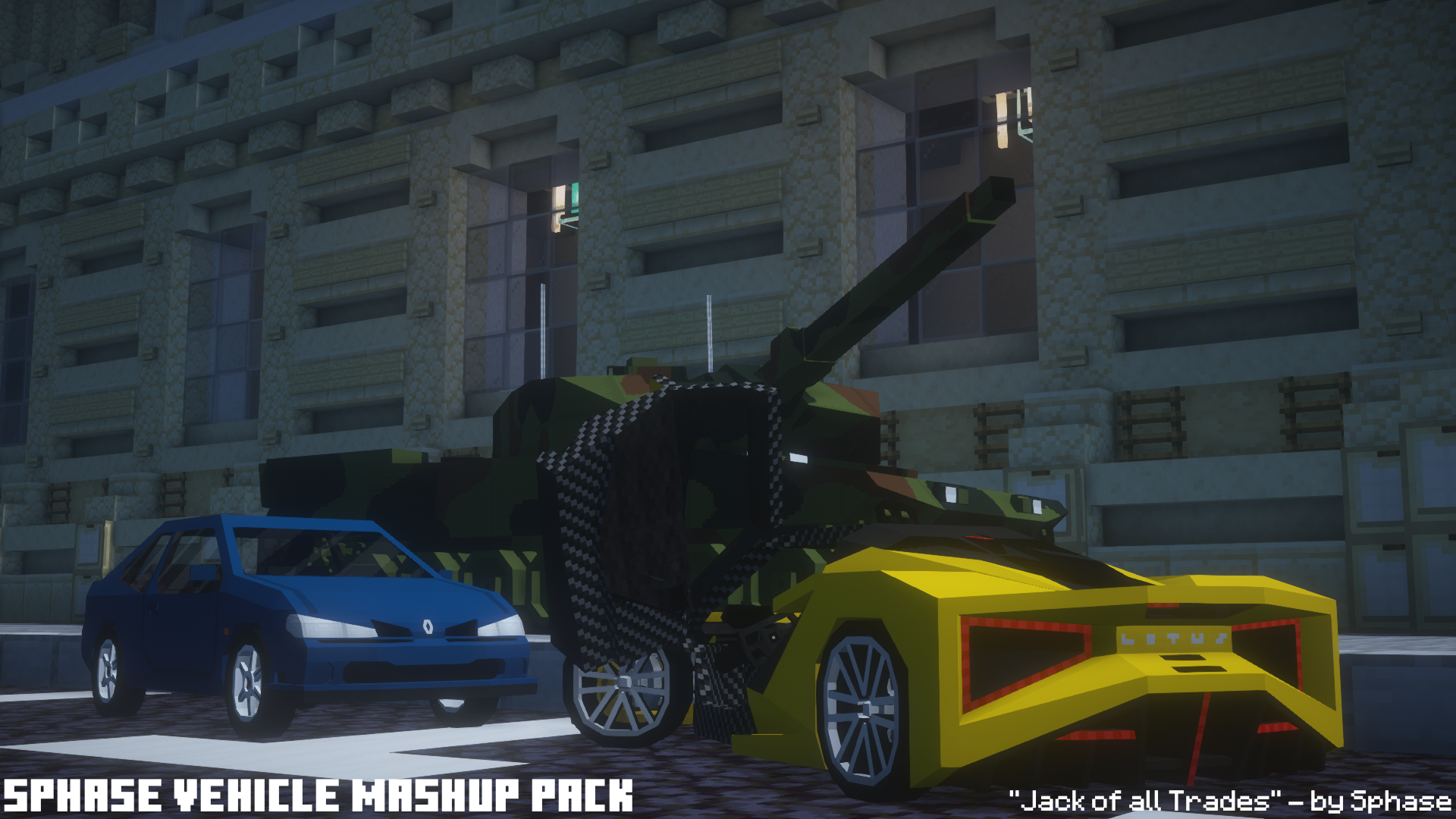
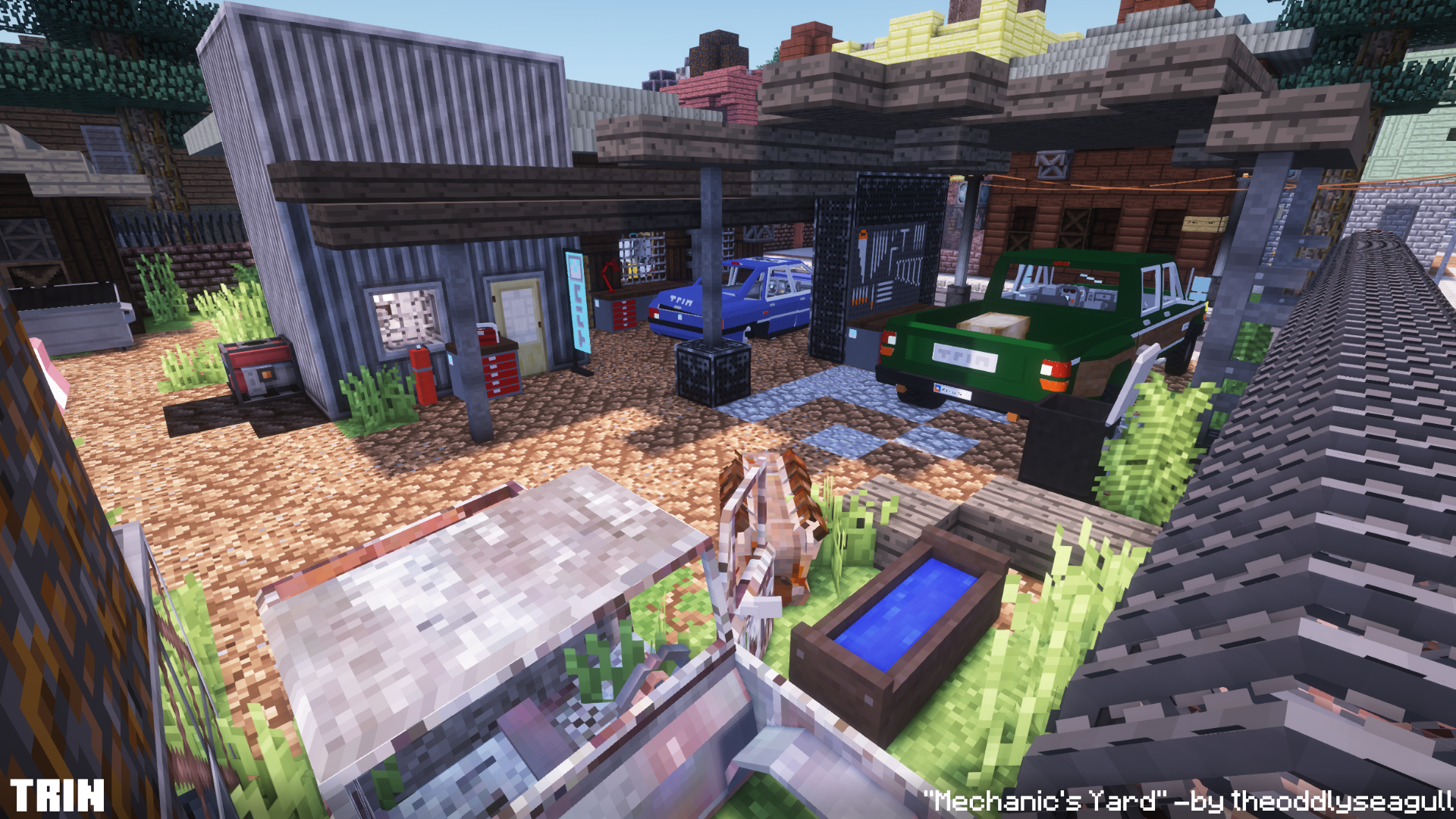
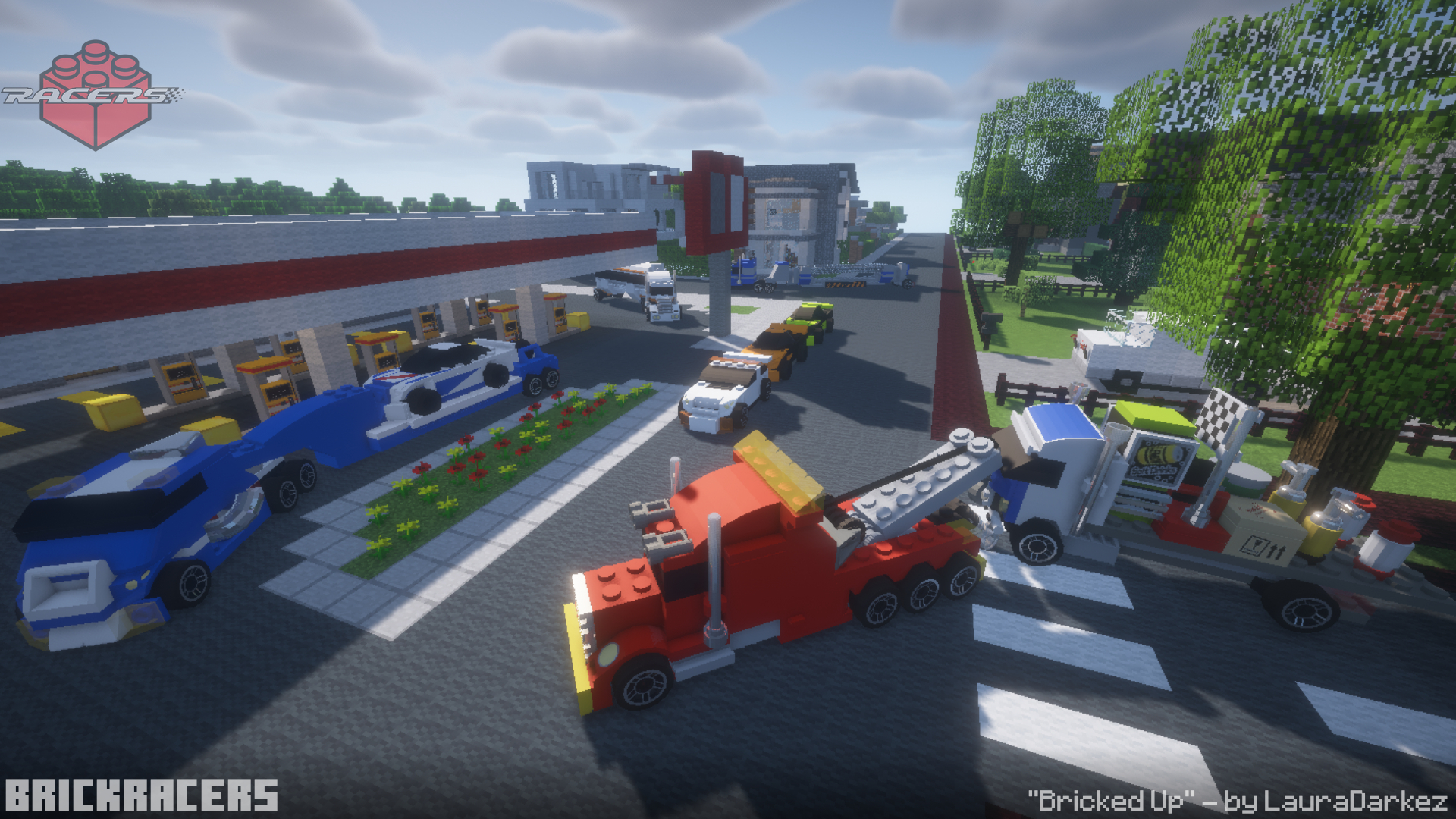


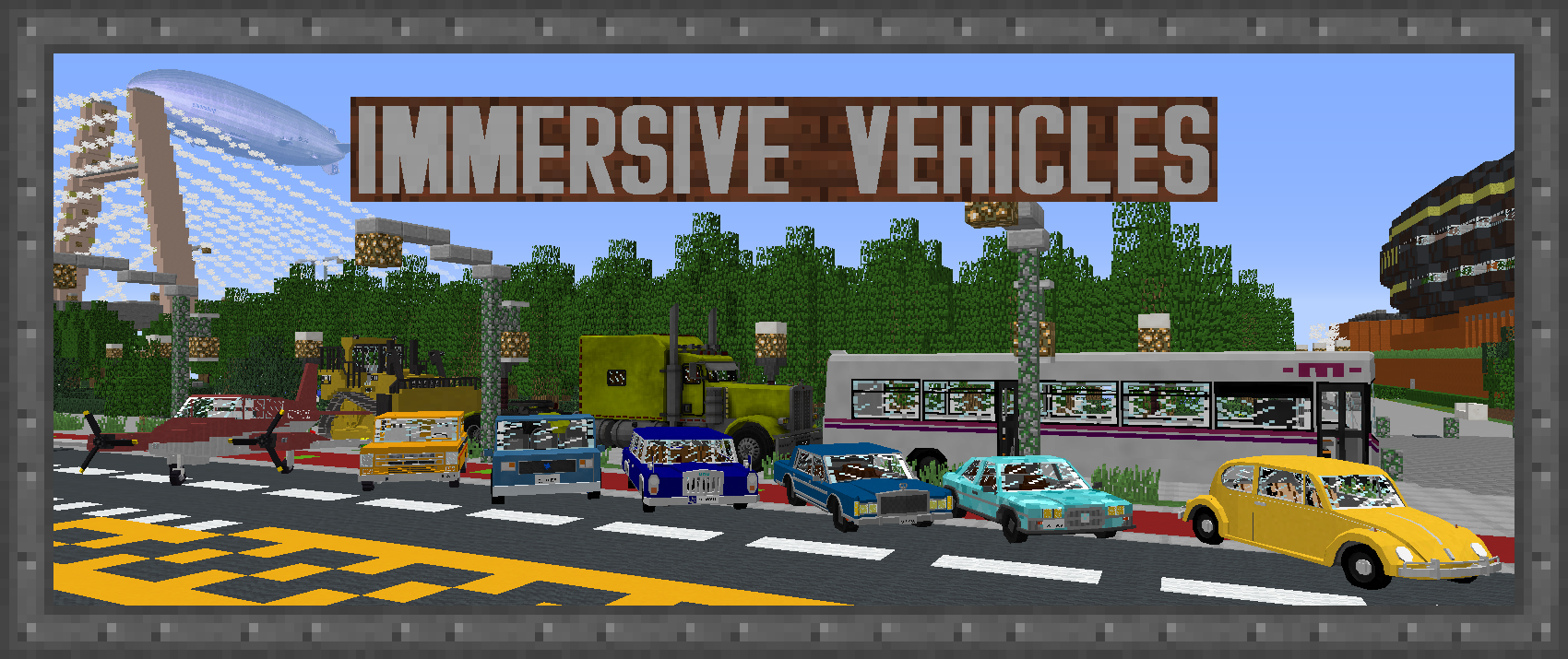













![Immersive Vehicles (MTS/IV) - Official Content Pack - [OCP] - Planes, Cars, Helicopters & More! project image](https://media.forgecdn.net/avatars/thumbnails/1049/6/256/256/638577974272837364.png)
![Immersive Vehicles - Official Automobile Pack - [OAmP] - Best Cars Race and new cars Ultimate Drive project image](https://media.forgecdn.net/avatars/thumbnails/1719/41/256/256/639093081023720973.gif)