SlickCursor
- By
SlickCursor is a polished, customizable cursor-enhancement addon featuring multiple cursor styles, three-color themes, crosshairs, animated trails, click bursts, cursor prediction, situational visibility boosts, live previews, and appearance profiles.
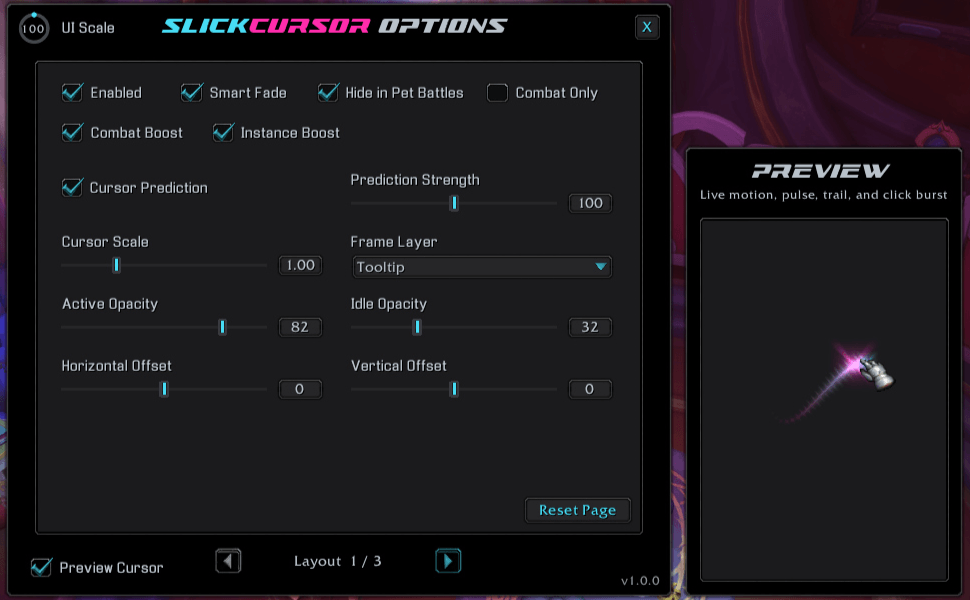
An example of the General Options and Cursor Preview.
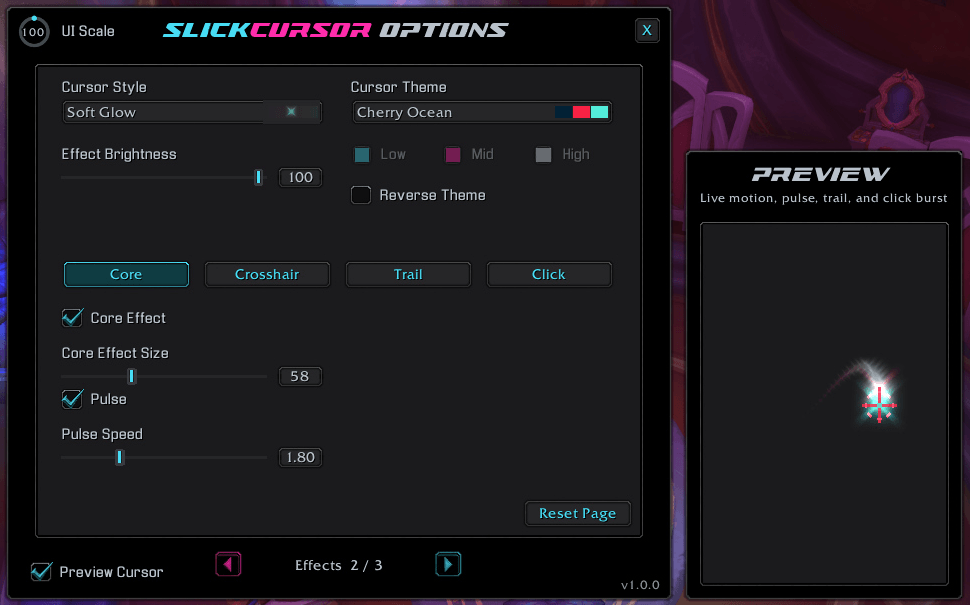
An example of the Core Options.
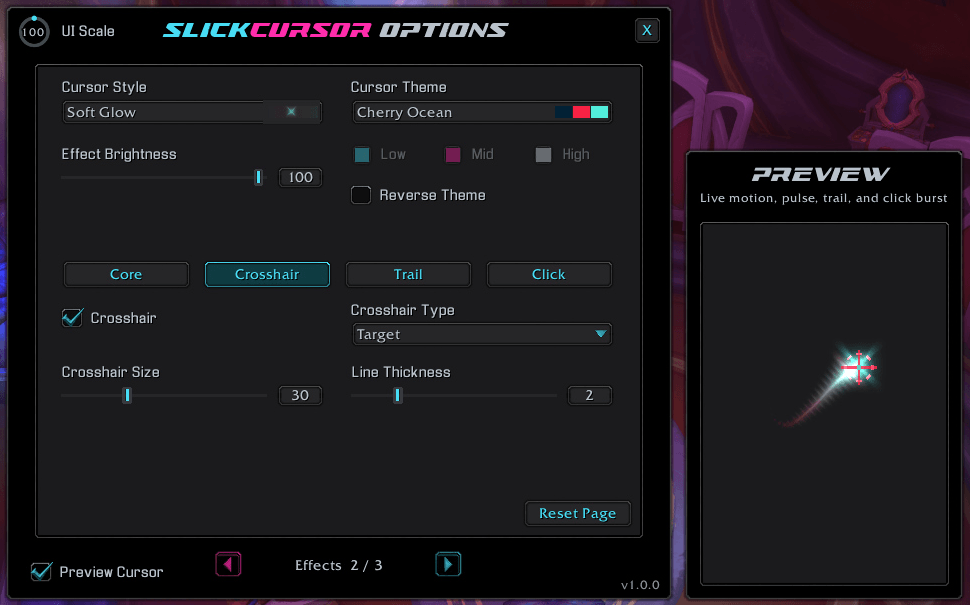
An example of the Crosshair options.
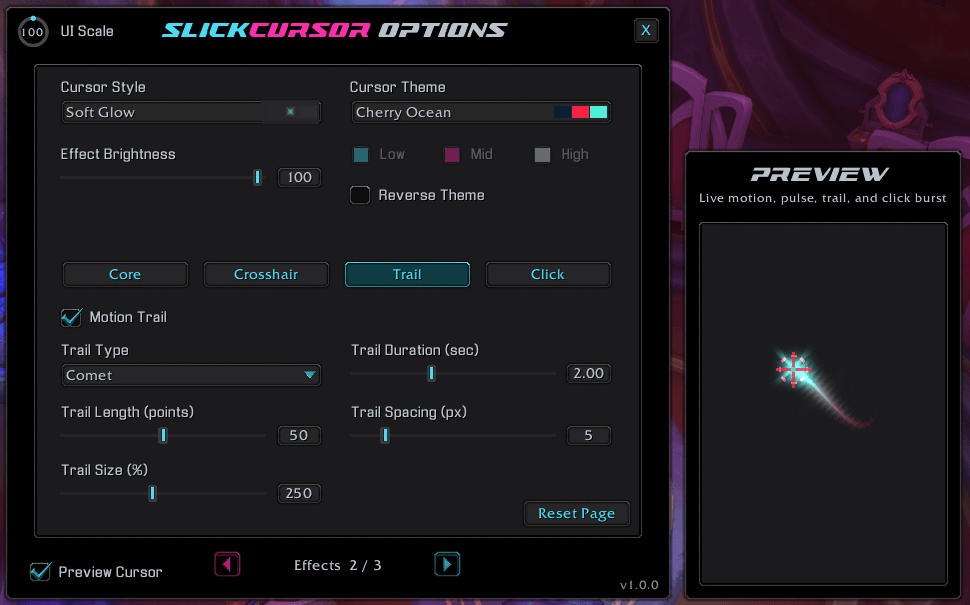
An example of the Trail options.
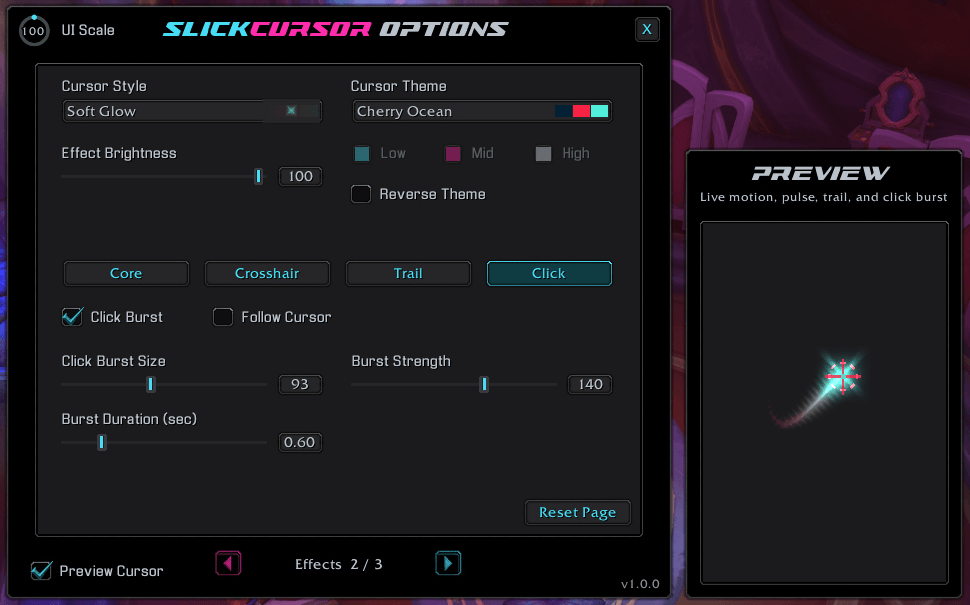
An example of the Click options.
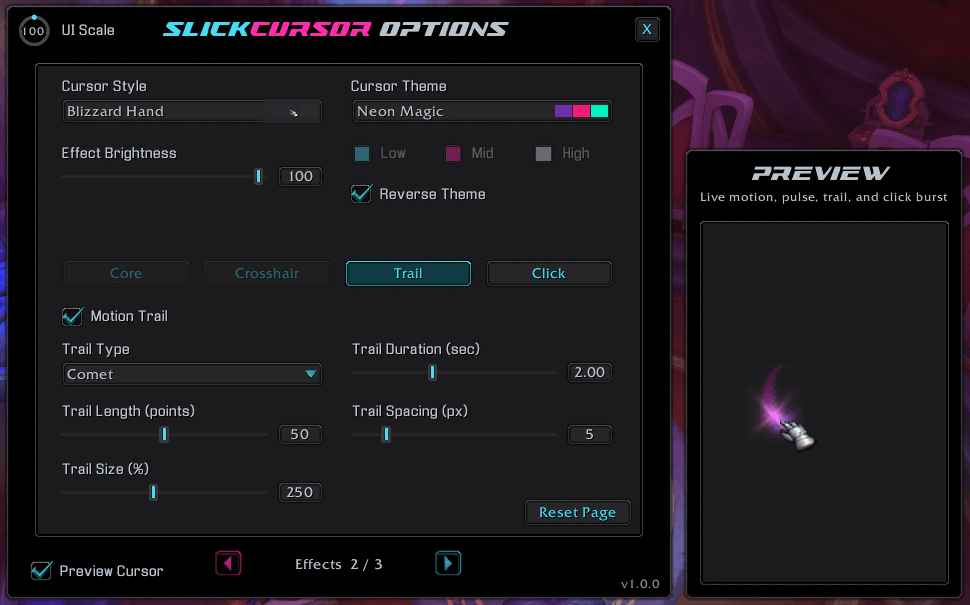
An example of the Blizzard Hand Style, Neon Magic Theme and Comet Trail Type
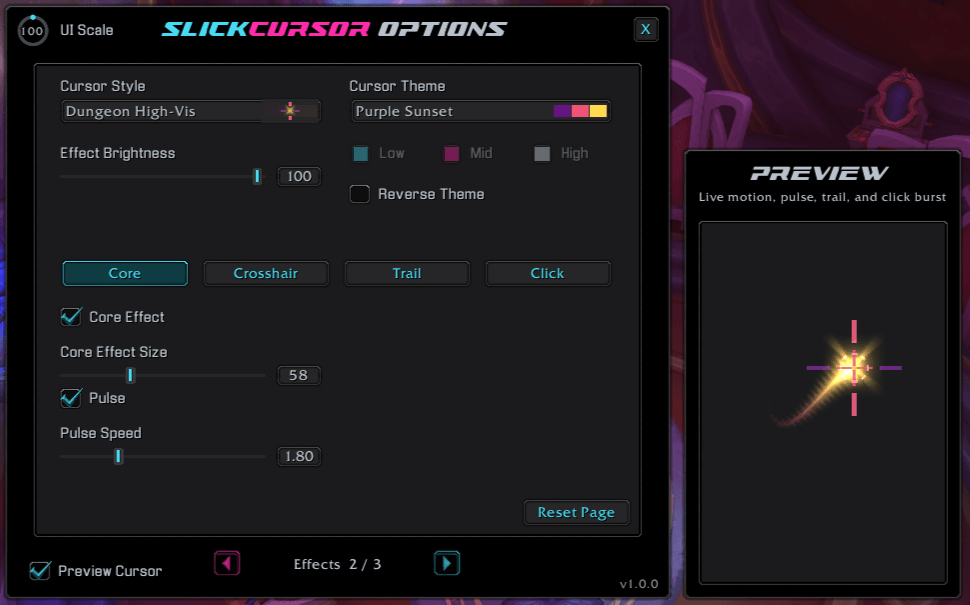
An example of the Dungeon High-Vis Style with the Purple Sunset theme.
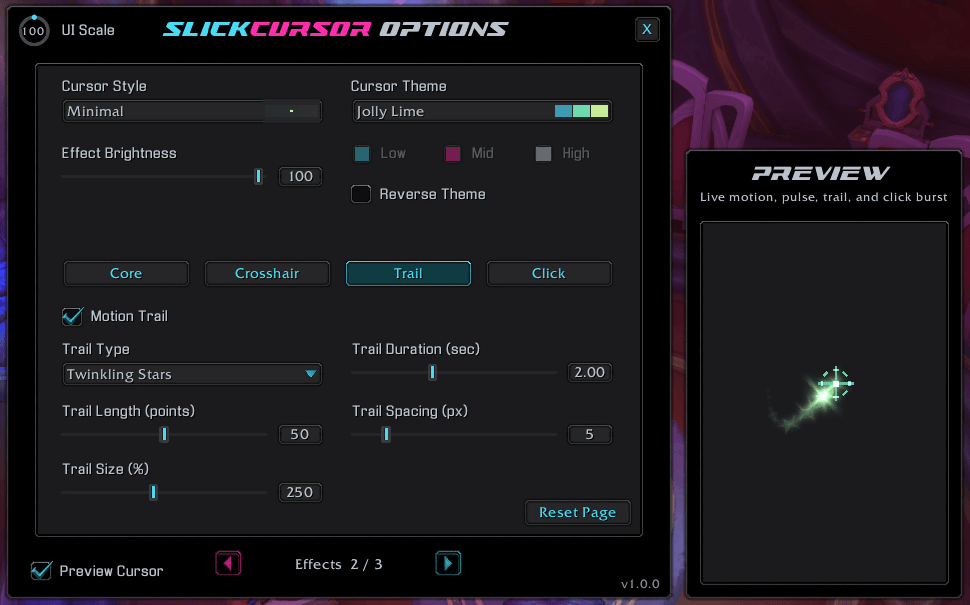
An example of the Minimal Style, Joly Lime Theme and Twinkling Stars Trail Type.
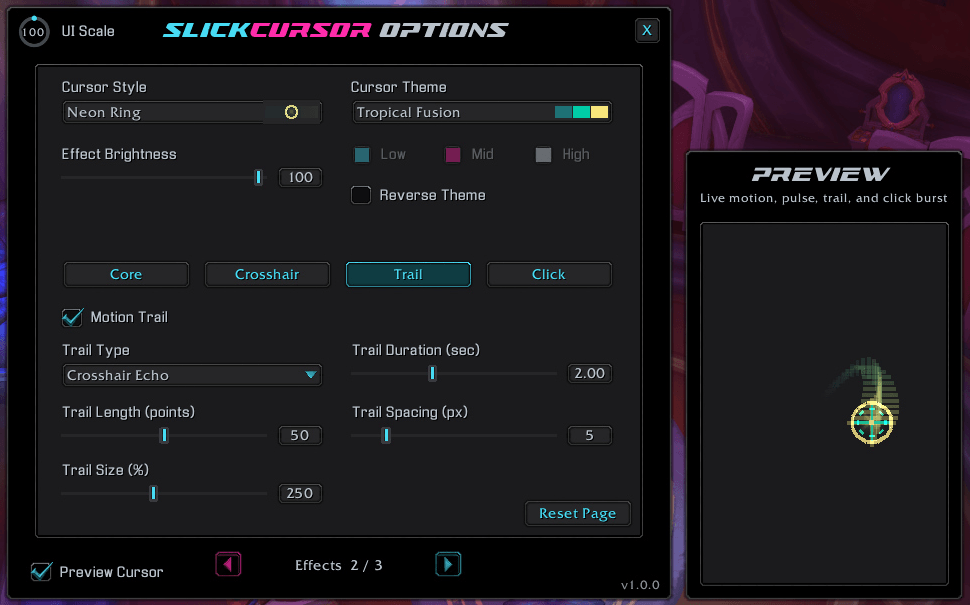
An example of the Neon Ring Style, Tropical Fusion Theme and the Crosshair Echo Trail Type
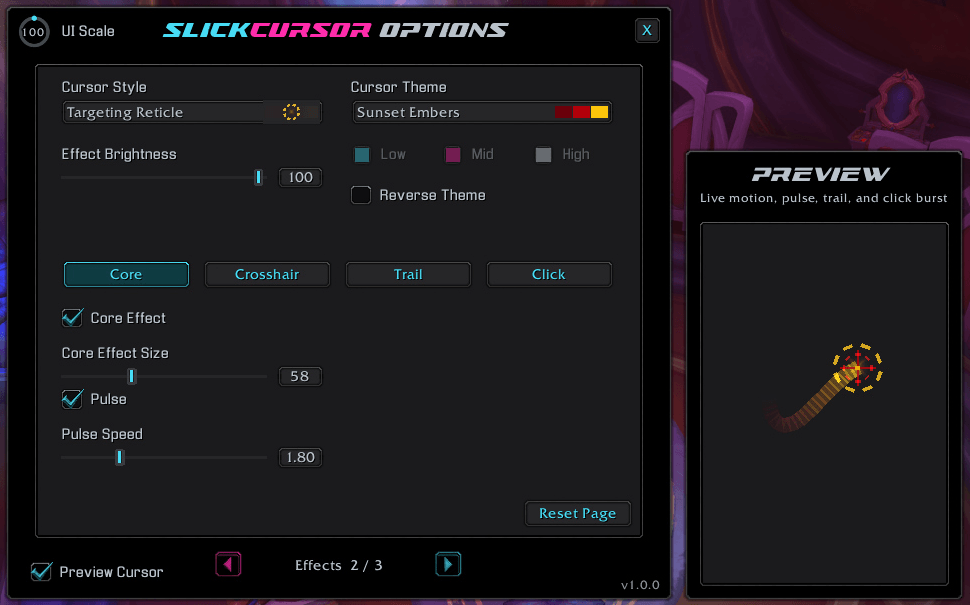
An example of the Targeting Rectile Style, Sunset Embers Theme and the Ribbon Trail Type.
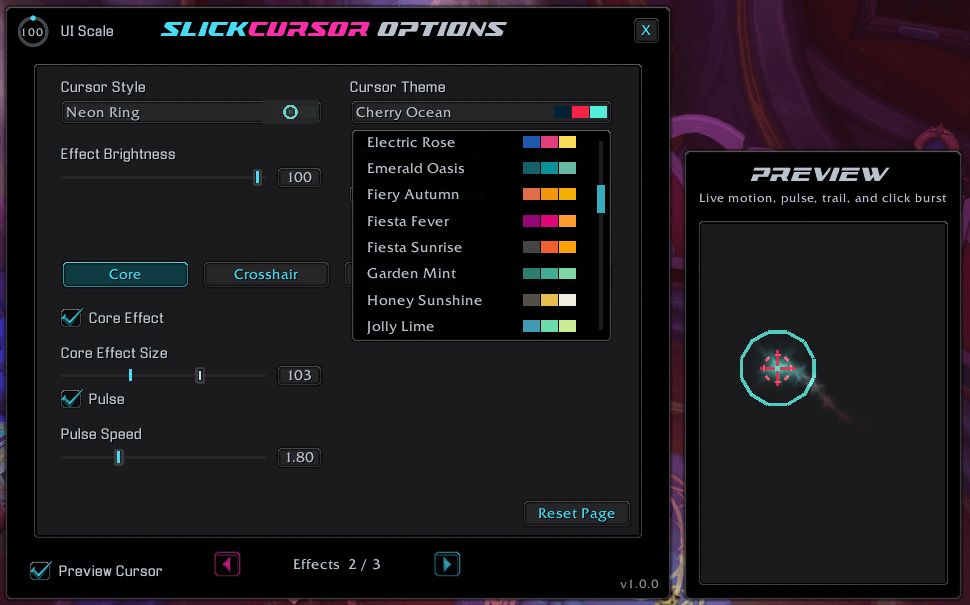
An example of some of the Themes in the Theme Menu.
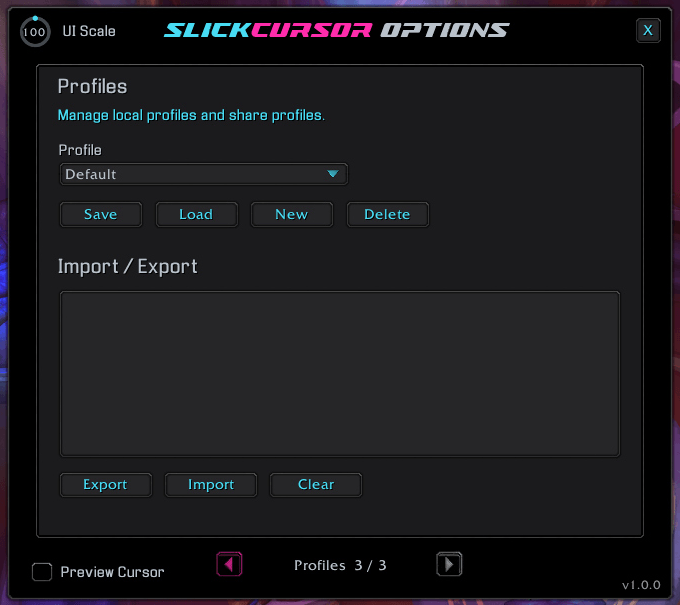
An example of the Profiles page.
Description
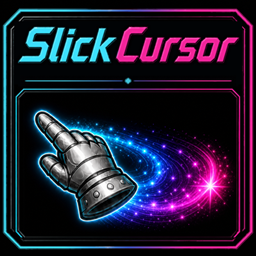
SlickCursor
Never lose sight of your cursor.
SlickCursor makes the World of Warcraft mouse easier to find with polished cursor styles, coordinated color themes, crosshairs, animated trails, click feedback, and situational visibility controls—all wrapped around the familiar cursor interaction you already use.


Find your cursor when the screen gets busy
Keep the mouse visible during combat, movement, crowded encounters, and everyday interface use. SlickCursor adds a clear visual layer around the cursor without interfering with normal mouse interaction.
👁 Visibility that adapts
- Use Smart Fade to reduce opacity while the cursor is idle.
- Enable Combat Only when you want effects exclusively during combat.
- Apply independent Combat and Instance Boosts for extra visibility when it matters.
- Hide effects automatically during pet battles.
- Use Cursor Prediction to reduce the visible gap between the hardware cursor and its effects.
- Adjust scale, active and idle opacity, offsets, and frame layer.
Build a cursor that feels like yours
Choose a cursor shape independently from its colors, then combine it with a coordinated three-color Slick theme or your own custom palette.
✨ Seven cursor styles
- Soft Glow
- Blizzard Hand
- Dungeon High-Vis
- Hand Glow
- Minimal
- Neon Ring
- Targeting Reticle
🎨 Theme-driven color
- Choose from a large library of Slick-family themes.
- Create a custom Low, Mid, and High color palette.
- Reverse the theme order for an instant alternate look.
- Adjust overall effect brightness.
- Fine-tune the spread and intensity of the Hand Glow style.
Turn movement and clicks into visual feedback
Layer crosshairs, motion trails, and click bursts onto compatible cursor styles. Each component can be enabled and tuned independently, so the result can be subtle, expressive, or built for maximum visibility.
➕ Crosshairs
Choose Plus, X, Ring, Target, Corner Brackets, or Diamond, then adjust its size and line thickness.
💫 Animated trails
Choose Soft Dots, Comet, Ribbon, Spark Chain, Twinkling Stars, or Crosshair Echo, with controls for length, duration, size, and spacing.
🖱 Click bursts
Show a configurable burst when either mouse button is pressed. Tune its size, strength, and duration, or keep active bursts attached to the cursor with Follow Cursor.
Save a look for every situation
Create complete appearance profiles for different characters, activities, accessibility needs, or UI layouts. Profiles can be saved, loaded, renamed, deleted, imported, and exported directly from the options panel.
Make it yours
- Mix cursor styles, crosshairs, trails, and click bursts independently.
- Match every compatible effect with a preset or custom three-color theme.
- Tune animation speed, effect size, opacity, brightness, duration, and spacing.
- Use the live sidecar preview to see motion, pulse, trails, and click bursts while you adjust them.
- Scale the options panel itself for your screen and UI setup.
- Save finished appearances as reusable, shareable profiles.
Type /slickcursor or /scursor to open the options panel.
Commands
| Command | Action |
|---|---|
/slickcursor or /scursor |
Open or close SlickCursor options |
/slickcursor toggle or /scursor toggle |
Enable or disable SlickCursor |
/slickcursor reset or /scursor reset |
Reset the current profile to its default settings |
Latest update
1.0.1 — 2026-09-30
- Improved: WoW 12.1.5 compatibility and SlickCursor's presentation in the AddOns menu.
- Improved: General and Appearance settings now use fine-tuned defaults, cleaner slider scales, and more natural numeric precision.
Support and more from WizardsPotion
Like knobs to turn, buttons to push, and pretty lights on things?
Explore the rest of the Slick Family of World of Warcraft addons from WizardsPotion.
If SlickCursor makes your cursor easier to find and your interface a little more expressive, you can help support its continued development by buying me a coffee. Every bit is appreciated, but never expected.

SlickCursor Team