RollAway & Tools
- By
Auto-pass bonus rolls, confirm or auto-roll loot, tidy the loot history, plus small helpers for groups, crafting and vendors. Switch every feature on or off in one window.
RollAway_thumpnail.png
Description
RollAway & Tools
Auto-pass bonus rolls, confirm or auto-roll loot, tidy the loot history, plus small helpers for groups, crafting and vendors. Switch every feature on or off in one window.
For World of Warcraft: Midnight (Season 2, game versions 12.1 and 12.1.5). English and German. Optional dependency: ElvUI (native skin).
Author: Nightwalker559 · License: MIT
At a glance
- One window for everything.
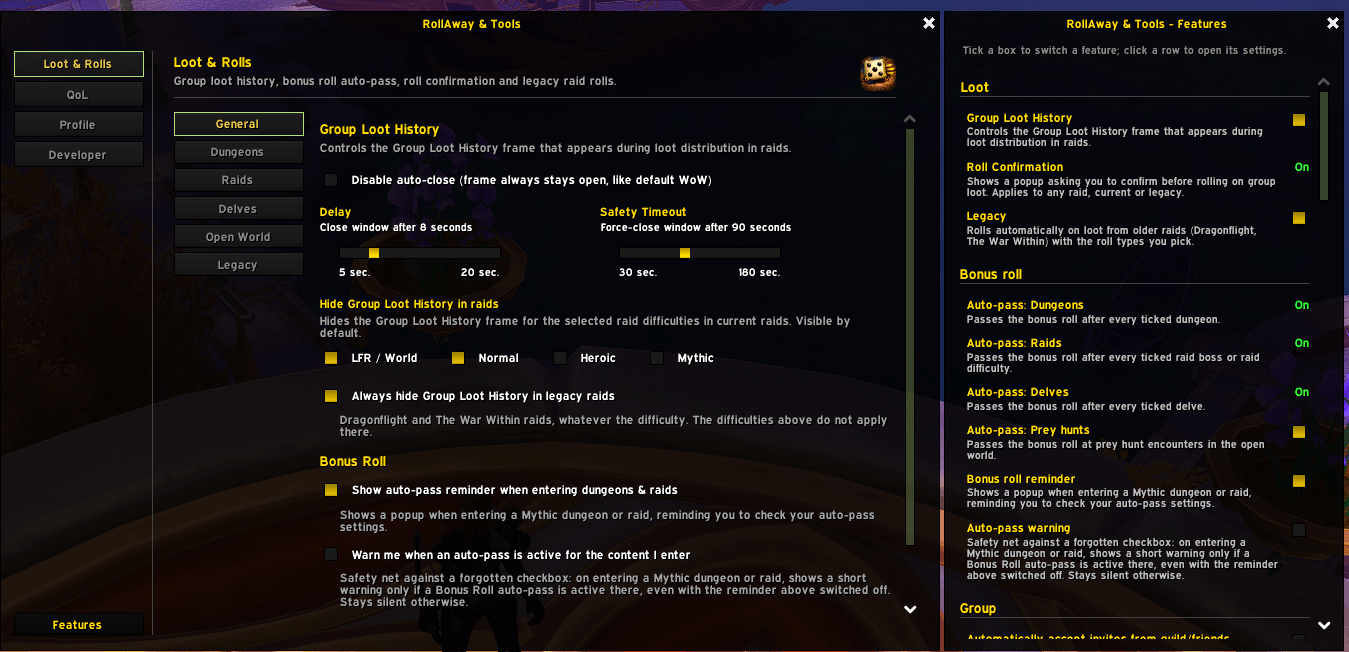
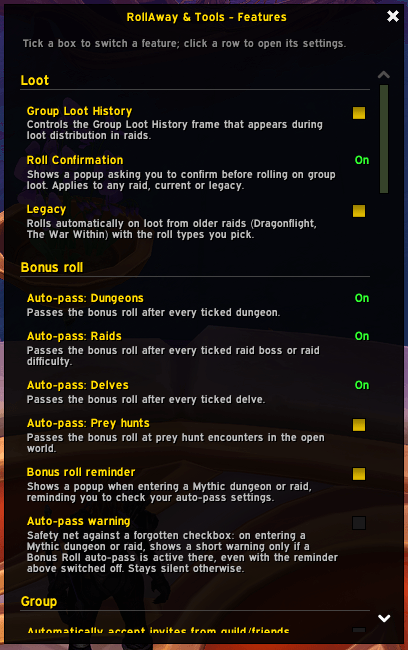
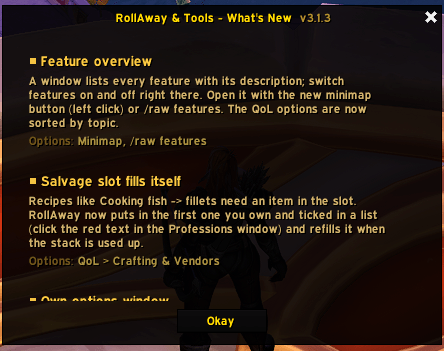
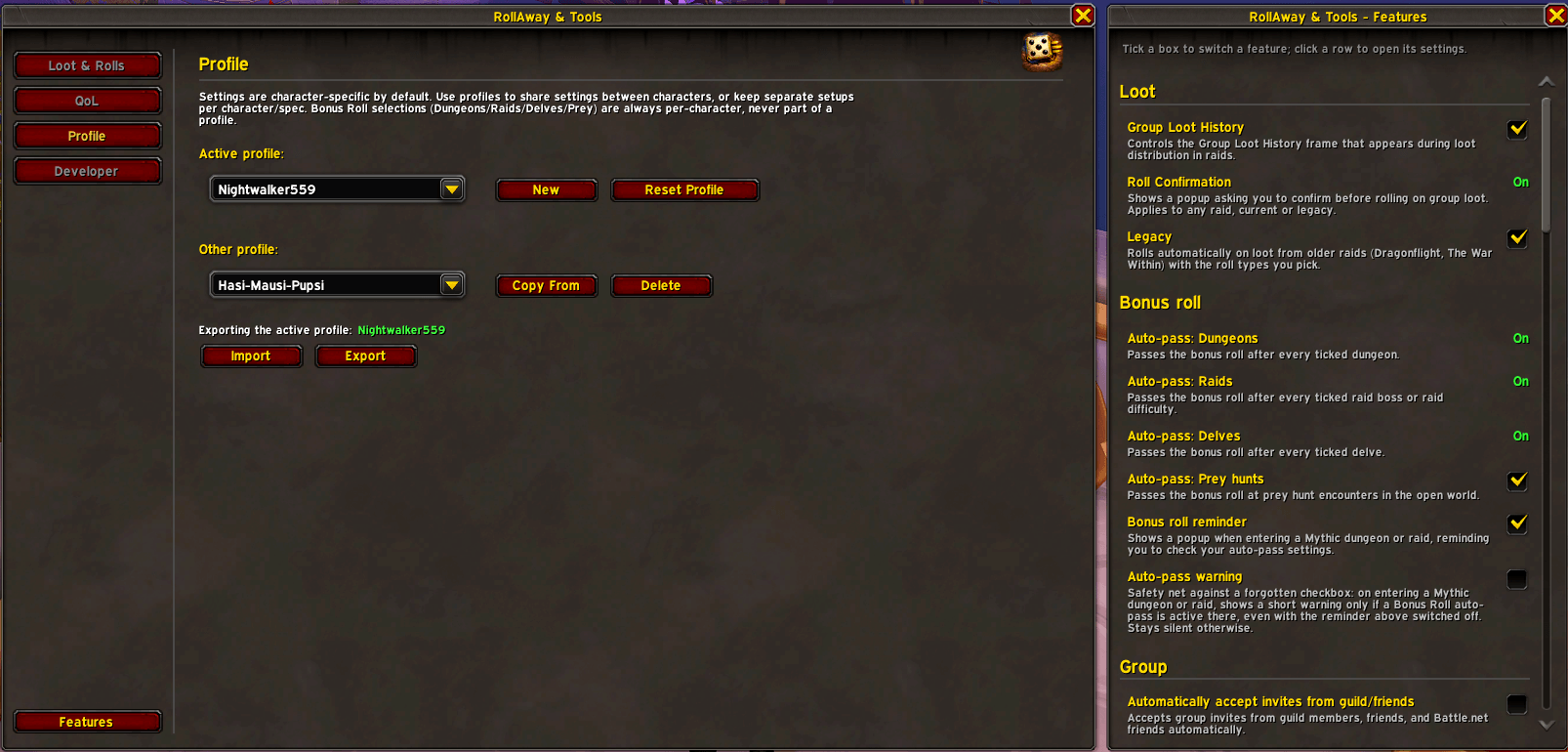
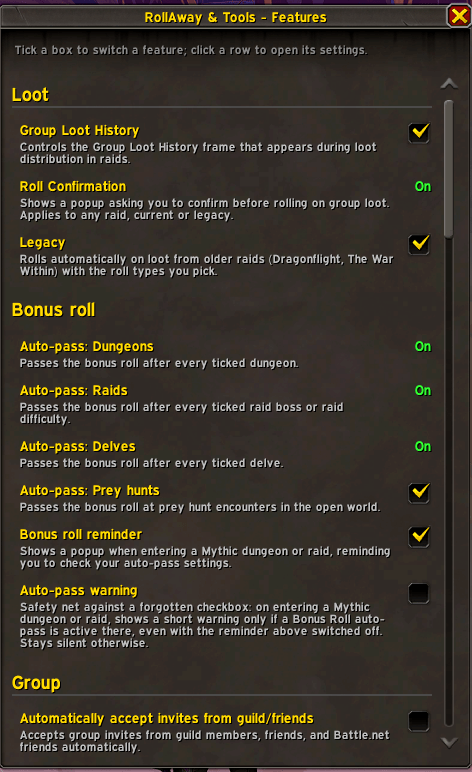
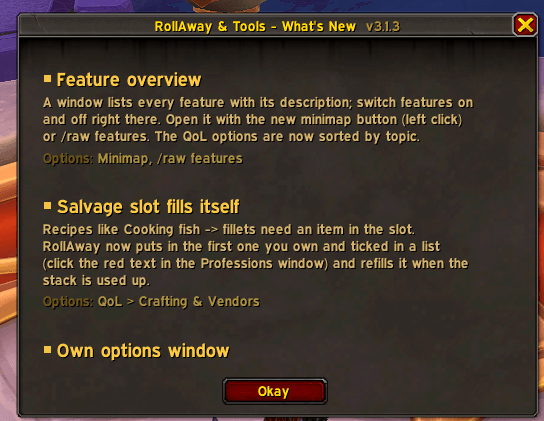
/rawor a right click on the minimap button opens the options. A left click (or/raw features) opens the feature overview: every feature with its description and state, a checkbox to switch it, and a click on a row jumps to its settings. - Everything has its own switch, so you only use what you want.
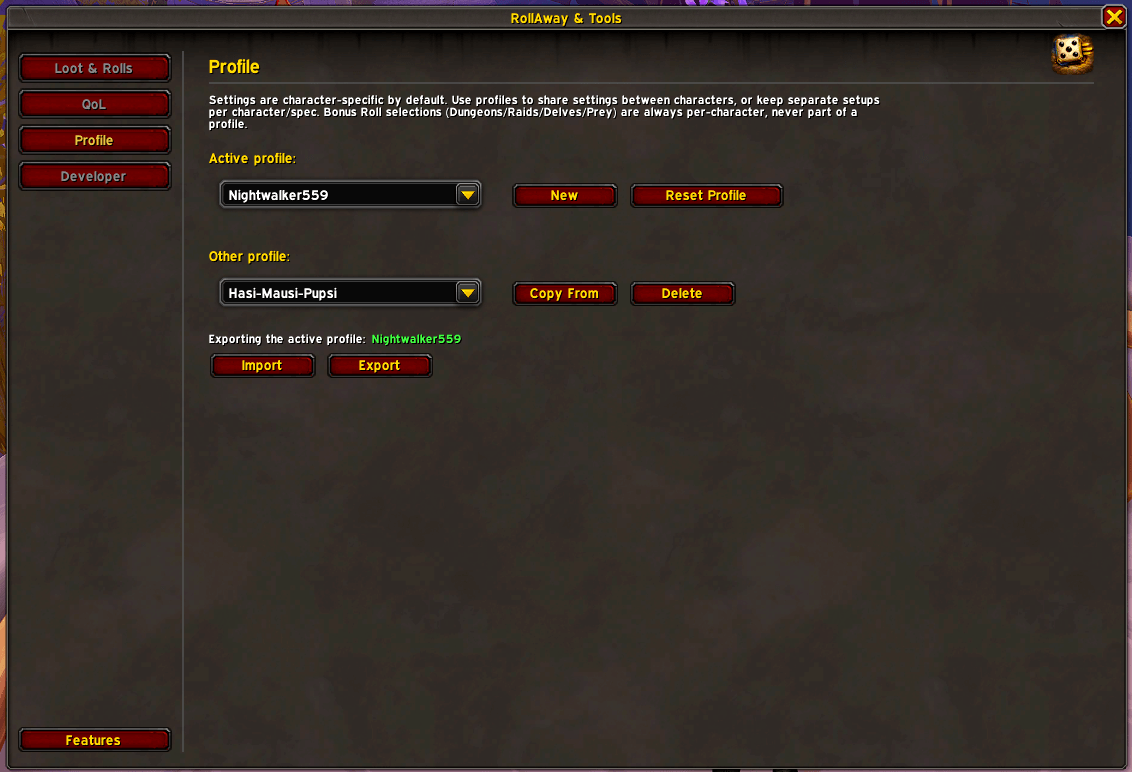
- Profiles. Share settings between characters or keep separate setups; export and import as text. Bonus roll selections are always per character.
Loot and bonus rolls
Bonus roll auto-pass
Passes the bonus roll prompt for the Midnight content you ticked:
- Dungeons (matched by map)
- Delves
- Raid bosses: per boss, or a whole raid difficulty at once. Both can be combined.
- Prey hunts in the open world (Midnight zones only)
- World bosses and lairs fought as raid instances (e.g. Tidebound Grotto) count as normal raid bosses.
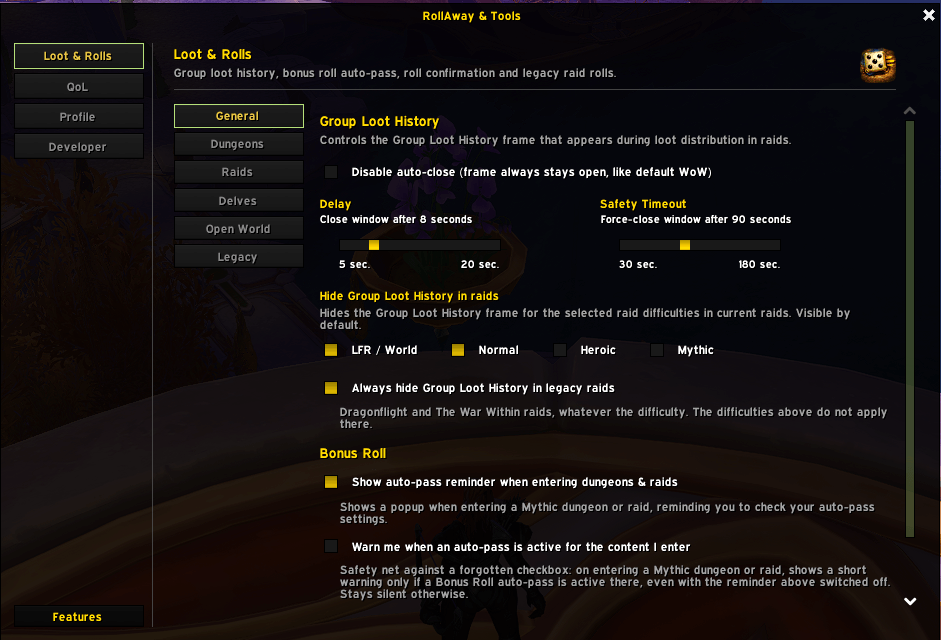
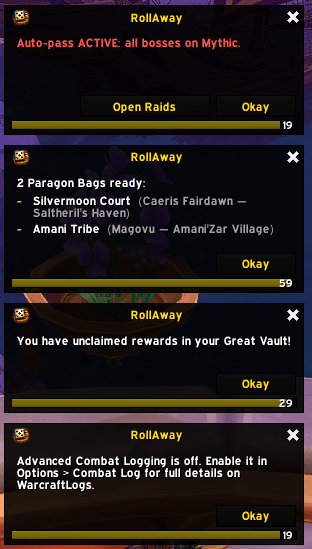
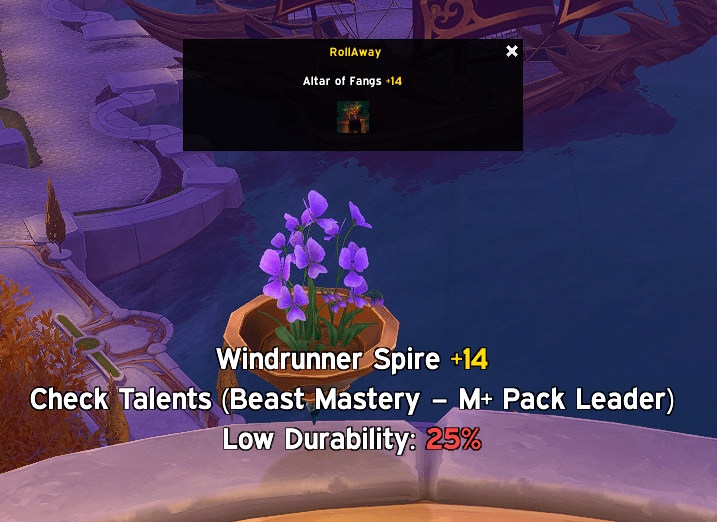
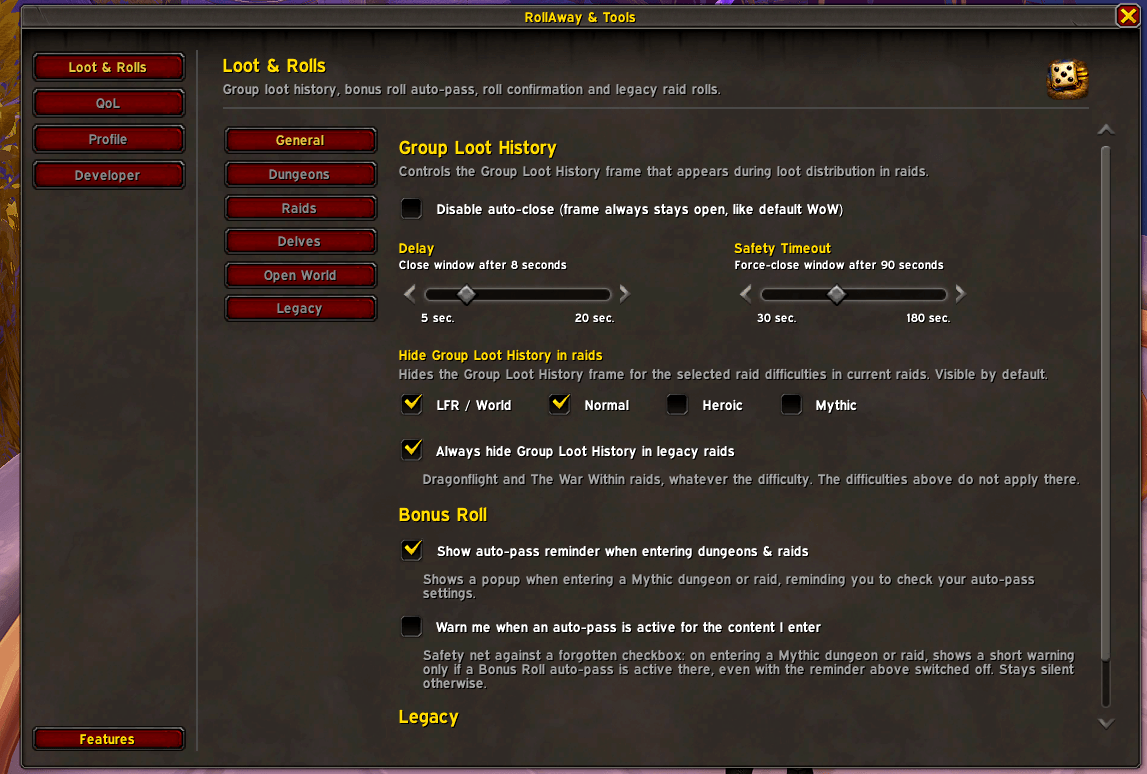
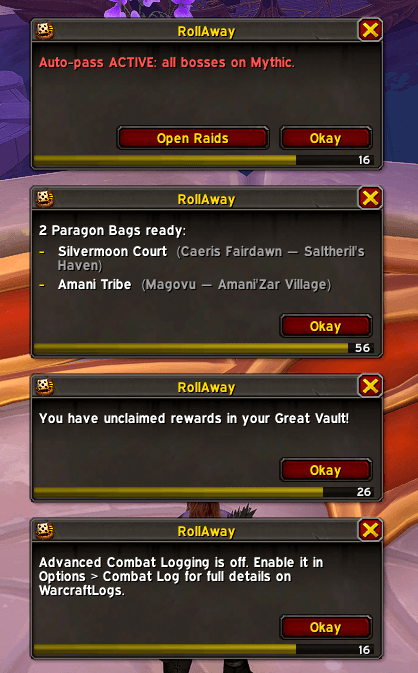
A reminder popup on entering a Mythic dungeon or raid shows your Voidcore currency and available rolls. An optional safety-net warning appears only when an auto-pass is active there, so a forgotten checkbox does not cost you a roll.
Roll confirmation
A popup asks before you roll Need, Greed, Transmog or Pass on group loot, for any raid, current or legacy.
Legacy auto-roll
Rolls automatically on loot from older raids (Dragonflight, The War Within): Need, then Greed, then Transmog, or Pass. Optionally account-wide.
Group loot history
Closes the loot history window once the last roll is finished, with your delay and a safety timeout. It can be hidden for the raid difficulties you pick, and always in legacy raids. Without these options it behaves like the default window.
Group and instances
- LFG quick create: one-click listing buttons for your dungeons in the Group Finder.
- Tank marker: in current-season Mythic dungeons, a popup offers to put a raid marker on your tank. It needs your click, since addons cannot set markers themselves. Off by default.
- Auto-accept invites from guild members and friends.
- Instance join reminder (Group Finder, Mythic+): shows the listed key level and can open your keystone addon (BigWigs Keystones, Details! Keystones, or the built-in teleport reminder with the exact dungeon portal).
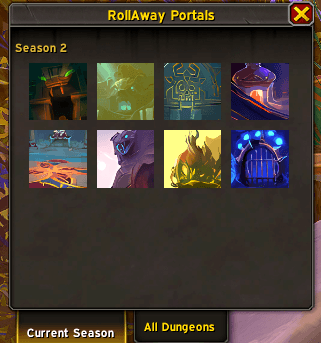
- Portal overview (
/rat): all dungeon portals of the current season or by expansion. - Ready check reminder for your talents.
- Automatic combat logging by zone and difficulty, optionally for the current season's raids only.
Quests, crafting and vendors
- Automatic quests: accepts and turns in quests at NPCs. It never takes quests that cost gold or currency or offer several rewards. A modifier key can pause or require it.
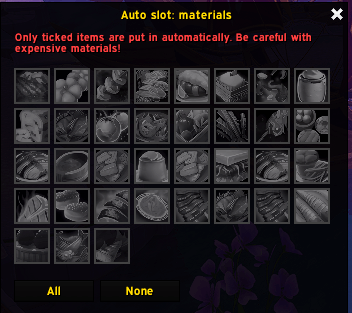
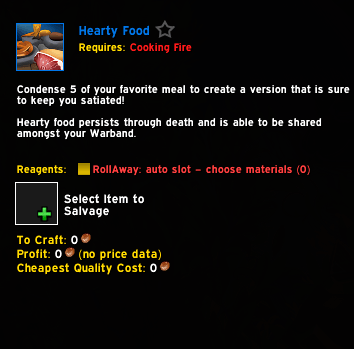
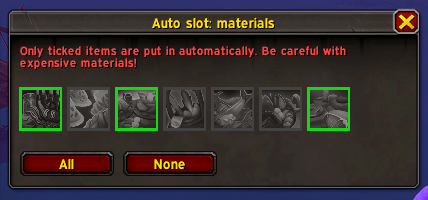
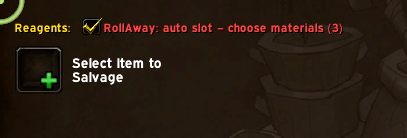
- Crafting salvage slot: fills the slot of salvage recipes (e.g. Cooking fish to fillets) with the first item you ticked in a list, and refills it when the stack is used up. Off by default.
- Vendor filter: dims what you already know or own (recipes, toys, mounts, heirlooms, housing decor, pets, transmog appearances).
- Auto repair at the merchant (yourself or guild funds).
- Auction House: keeps "Current Expansion Only" switched on.
Reminders
- Great Vault popup on login at max level when rewards are unclaimed (
/rawvaultchecks by hand). - Paragon bag popup when Paragon quests are available, with turn-in NPC and zone (
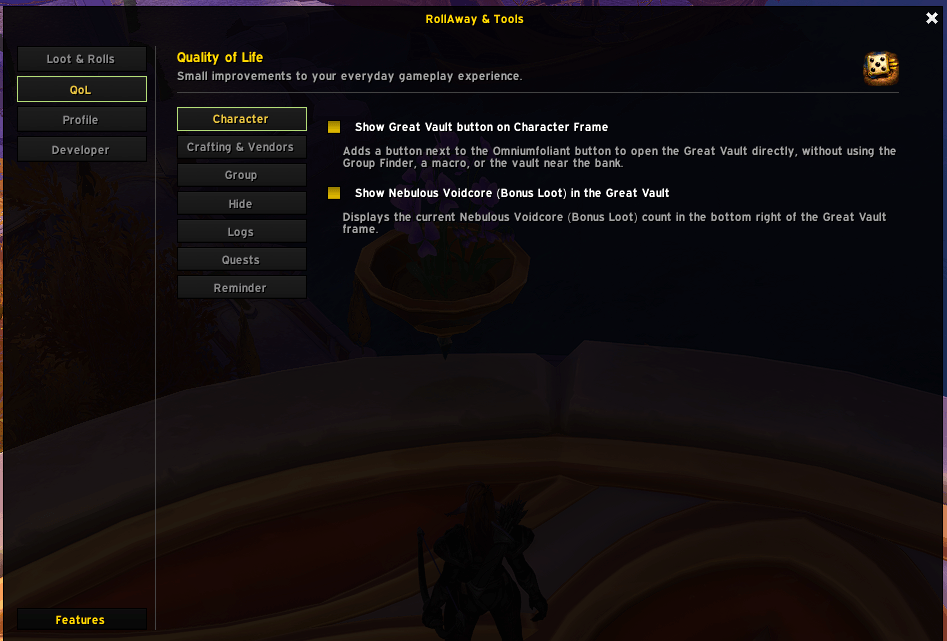
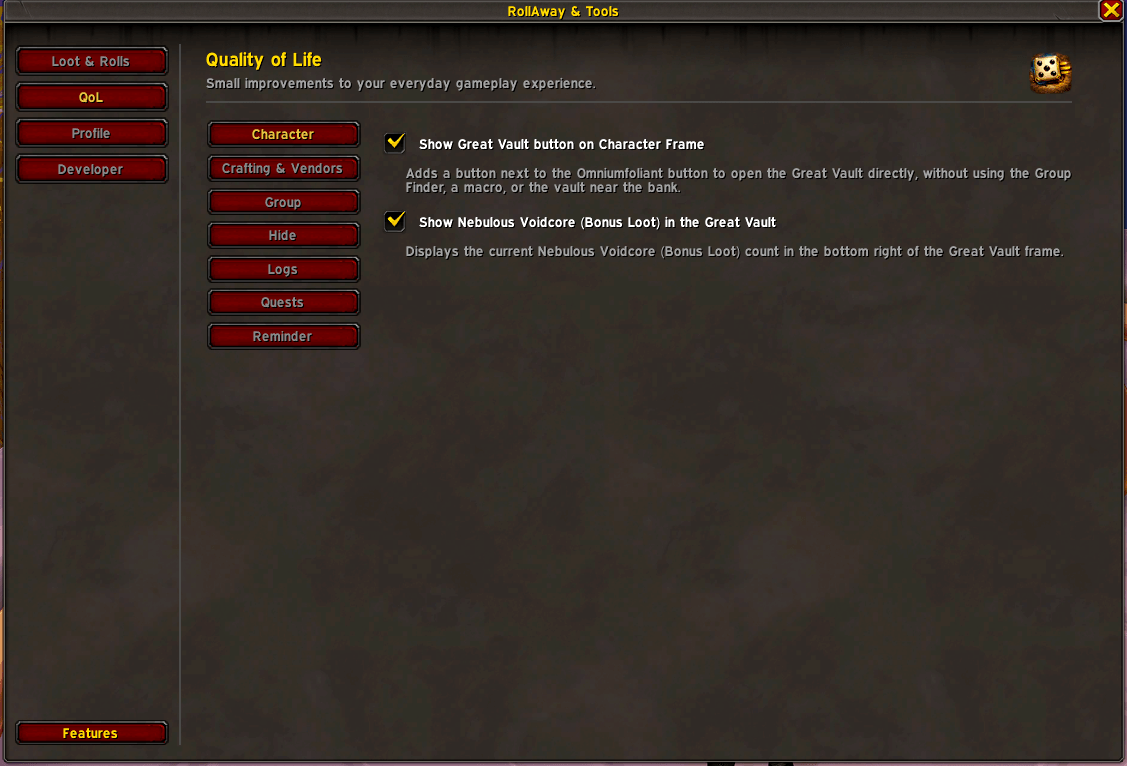
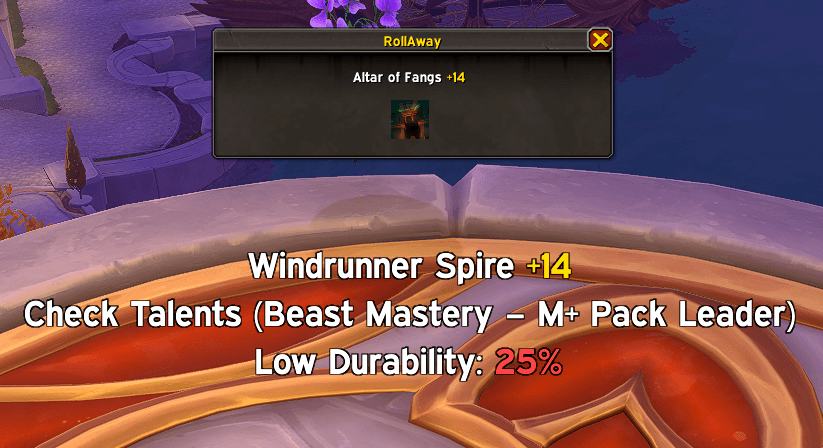
/rawparagon). - Durability warning, Great Vault and Omniumfoliant buttons on the character frame.
- Reminder positions can be locked or reset.
Hide clutter
Red error text (important errors stay visible), Talking Head, boss banner, event toasts, alert pop-ups, world map trackers and the crafting output log. Everything is off by default.
Commands
| Command | What it does |
|---|---|
/raw, /rollaway |
Open or close the options |
/raw features, /rawfeatures |
Feature overview |
/rat |
Portal overview |
/rawvault |
Check the Great Vault now |
/rawparagon |
Check Paragon availability now |
/rawtank |
Show the tank marker popup now |
The full version history is in CHANGELOG.md. Bugs and suggestions: CurseForge or Wago.
RollAway & Tools Team