Slotport
- By
SlotPort lets you export and import your action bar layouts and macros between characters — as a compact, compressed string you can share or store anywhere. Supports both ElvUI and Default UI, including cross-UI transfers.
slotport_curseforge_banner.png
Screenshot 2026-10-12 121524.png
Screenshot 2026-10-12 121533.png
Screenshot 2026-10-12 121548.png
Screenshot 2026-10-12 121554.png
Screenshot 2026-10-12 121602.png
Screenshot 2026-10-12 121609.png
Screenshot 2026-10-12 121655.png
Screenshot 2026-10-12 121628.png
Screenshot 2026-10-12 121644.png
Description
SlotPort
Export and import your action bar layouts and macros between characters, as one compact string you can copy, share or store anywhere.
SlotPort works with the default Blizzard UI and with ElvUI, and looks the same in both.
Features
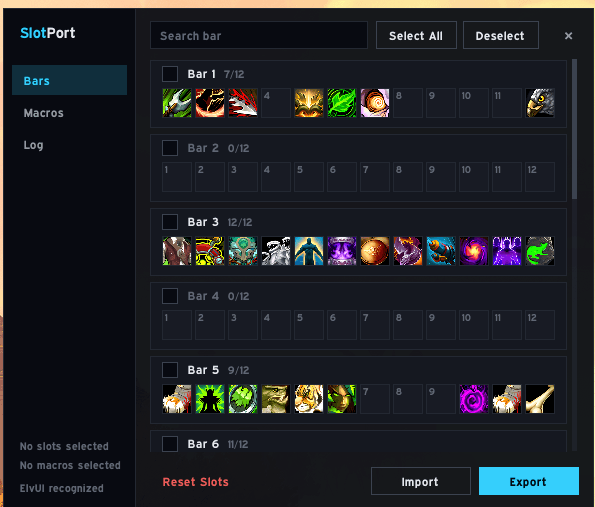
- Action bars: select whole bars or single slots and export them. Supported: spells, items, toys, macros, mounts, battle pets, equipment sets, flyouts, pet spells and the single-button assistant.
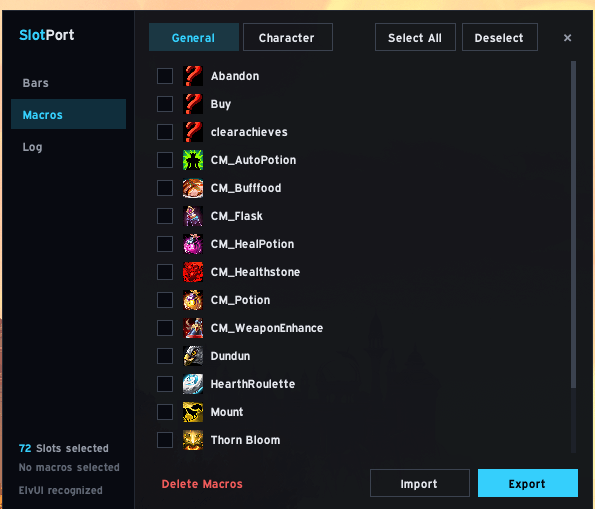
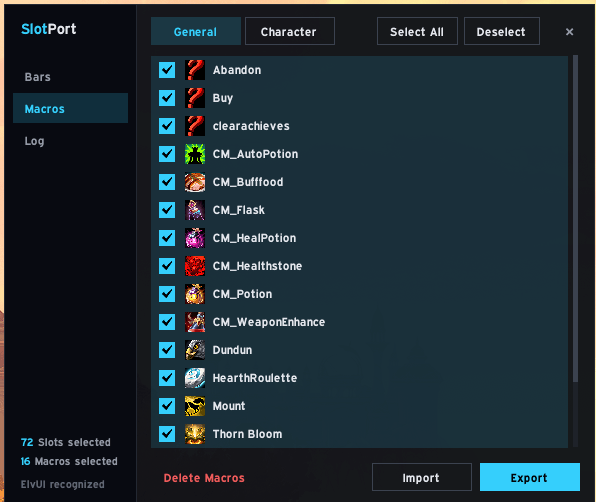
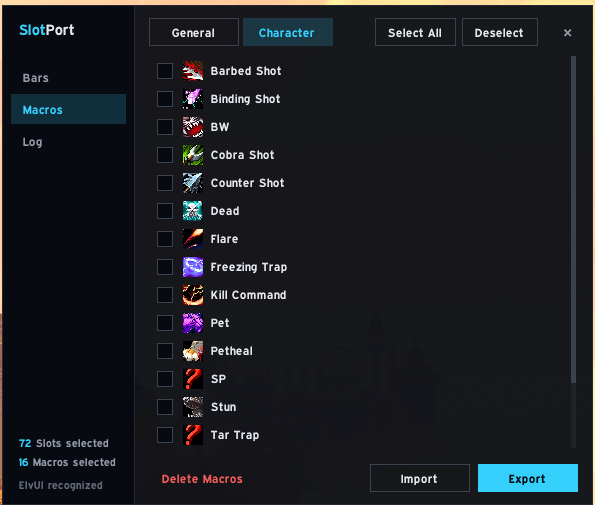
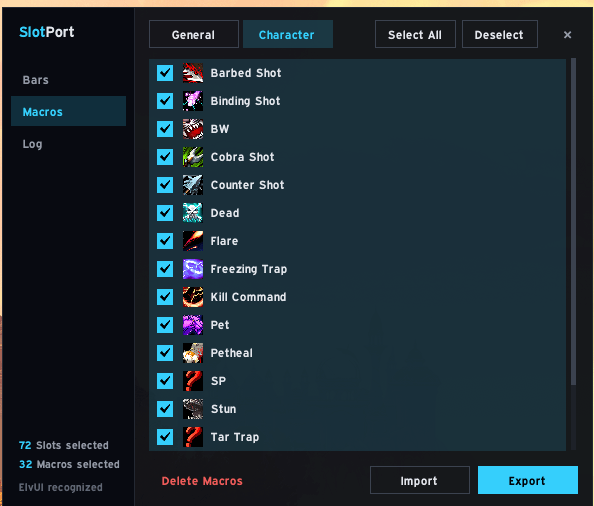
- Macros: export global and character macros. Existing macros with the same name are updated, missing ones are created.
- One string for everything: slots and macros can be exported and imported together. The string is compressed and starts with
!SP3!. - Every bar in slot order: Bar 1-6, Bonus Bar 1-4 (class form bars show the form name, e.g. "Cat Form"), Skyriding, Bonus Bar 6 and Action Bar 6-8.
- Default UI and ElvUI: the Default UI uses Blizzard's bar names ("Action Bar 1-8"), ElvUI uses its own ("Bar 1-15"). Bars that are switched off are greyed out, but their slots can still be selected and exported.
- Reset slots: clear the selected slots before importing a new layout.
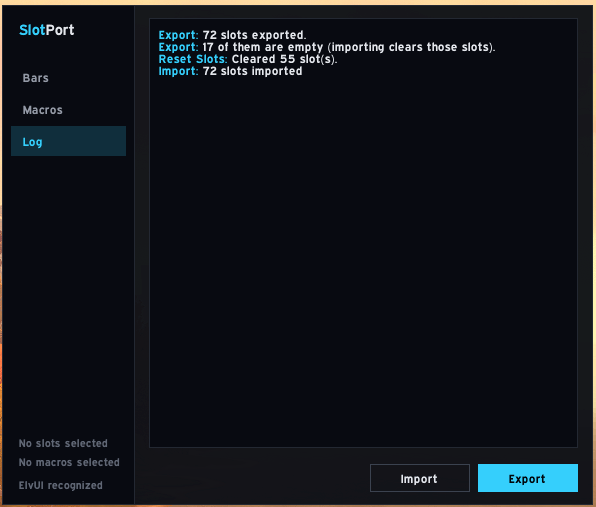
- Clear feedback: the export tells you how many of the exported slots are empty and warns if all of them are. The Log page lists everything that was imported or skipped, and why.
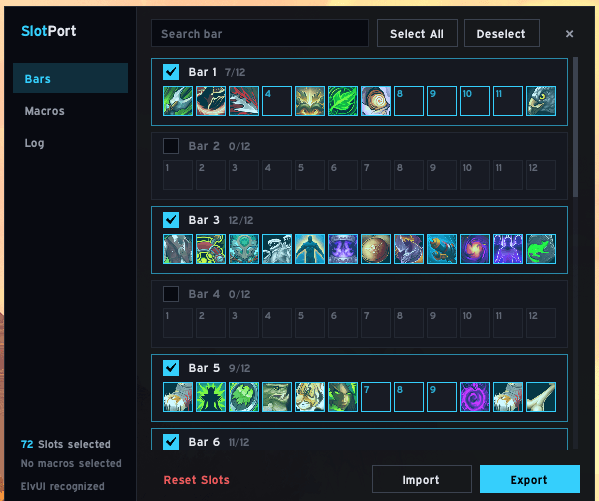
- Own window: a dark window with a sidebar (Bars, Macros, Log), a bar search and a selection summary.
- Languages: English and German.
Usage
Open the window with /sp or /slotport.
Export
- Select bars (click a bar's header) or single slots. On the Macros page, select macros.
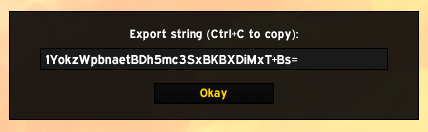
- Click Export and copy the string from the popup with Ctrl+C.
Import
- Log in on the target character and open
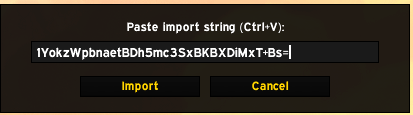
/sp. - Click Import, paste the string and confirm. Macros are imported first, then the slots.
- The Log page shows what was imported and what was skipped.
Import is not possible in combat.
Commands
| Command | What it does |
|---|---|
/sp |
Open or close the window |
/sp macros |
Open the window on the macros page |
/sp export |
Export the selected slots and show the string |
/sp import <string> |
Import a string (slots, macros or both) |
/sp debug |
Show bar and slot diagnostics |
/sp debug slots |
List every filled action slot with its type, id and texture |
/sp debug bonus |
Show Blizzard's bar classification (bonus, vehicle, override bar indices and the bar of each action page) |
/sp debug spell <id> |
Look up a spell in the spell book |
/sp help |
List the commands |
Good to know
- Empty slots: empty slots in the export clear the matching slot on import.
- Macro icons: macros without
#show/#showtooltipkeep their exported icon. Macros with it get the default icon so the icon stays dynamic. - Missing spells: slots whose spell, item or macro doesn't exist on the target character are skipped and listed in the log.
- Macro limits: WoW allows 120 global and 18 character macros. Macros over the limit are skipped.
Compatibility
- World of Warcraft Retail (Interface 12.1.0, 12.1.5)
- Optional: ElvUI. Bartender4 is detected.
Changelog
See the changelog.
Bugs and feedback
Please report problems as a GitHub issue. /sp debug output helps a lot for bar and slot problems.
License
MIT, copyright Nightwalker559.
Slotport Team