


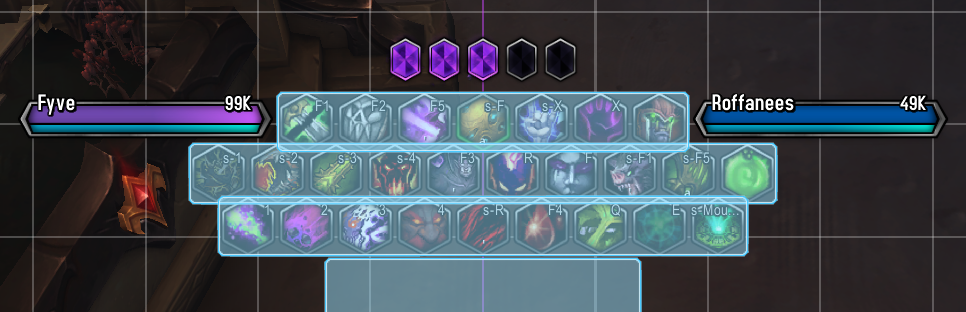
How to set up actionbars in Edit Mode, keeping each bar slightly overlapping with an odd, even, odd amount of buttons per bar.
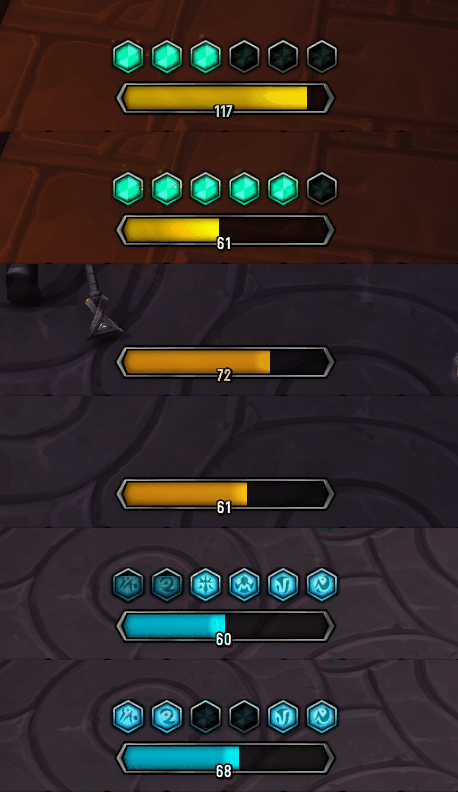
Several Examples of Resource Displays in-game.
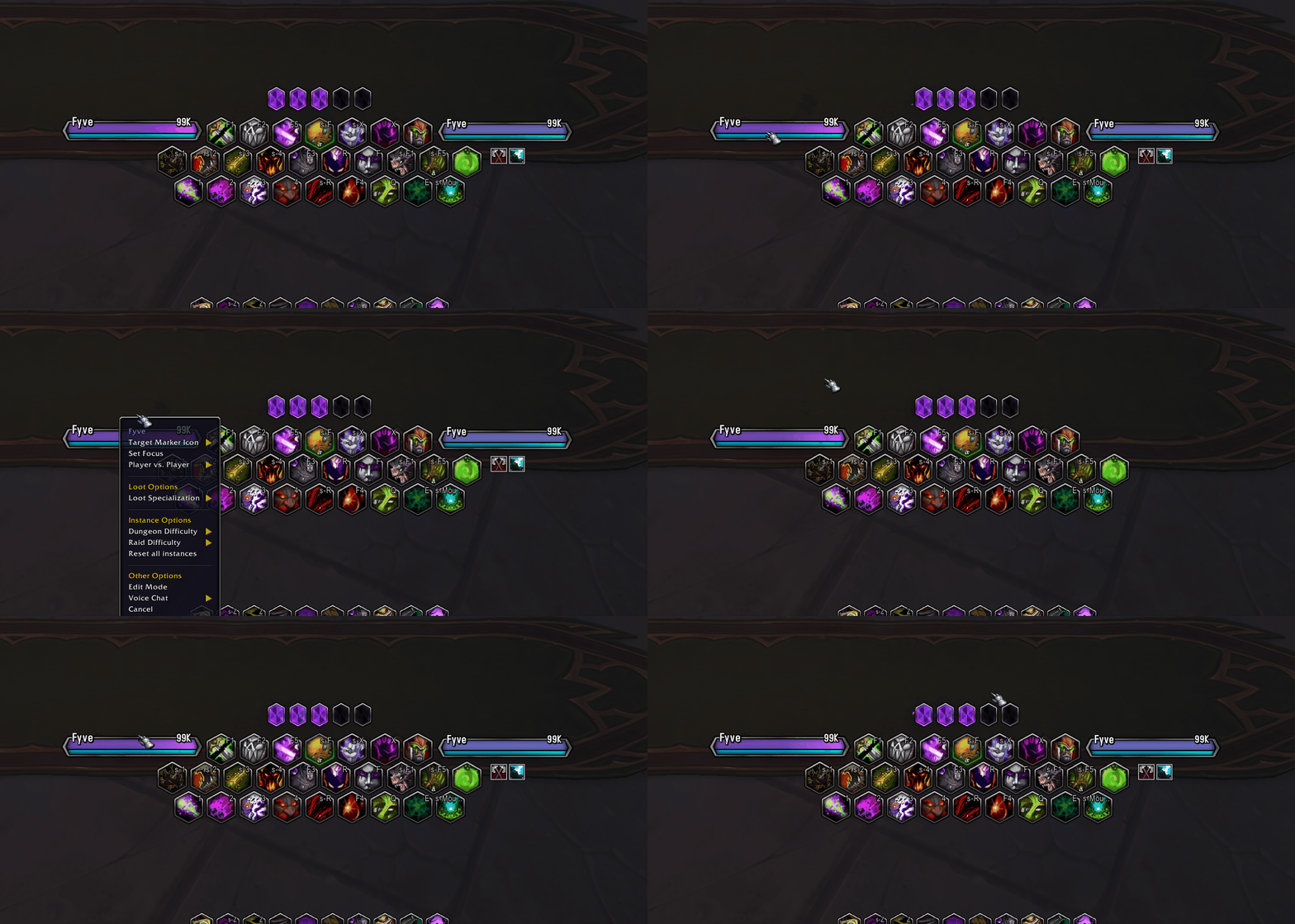
Showing how your Unitframes should interact if properly set up with the correct SUF profile! (See description)
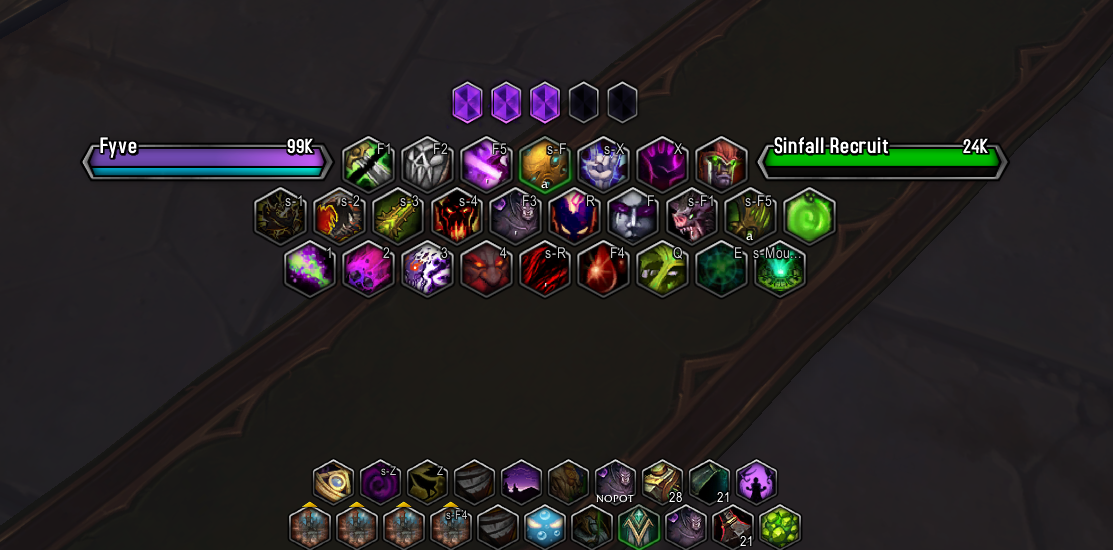
Look achieved with Edit Mode, Masque, and OyanaUI Weakauras.
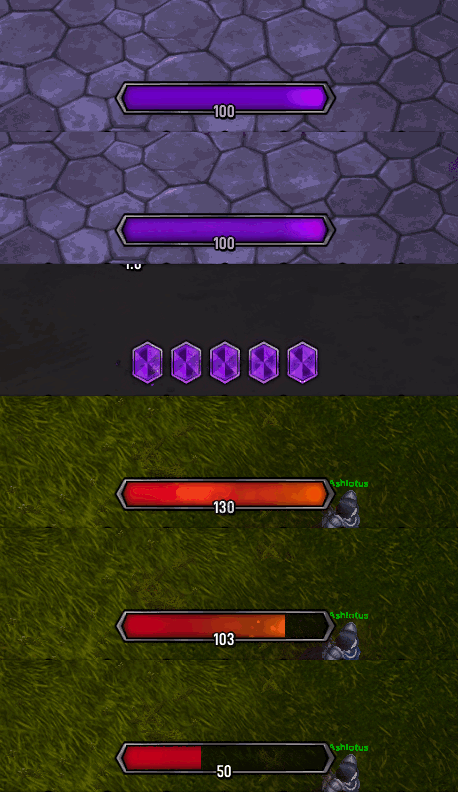
Several Examples of Resource Displays in-game.
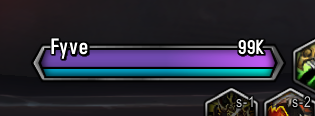
Display of how the Unitframes will look in-game, they display class colors, power + power type, for both Player/Target and reaction of NPCs!
Description
OyanaUI is a combination of Masque and several Weakauras used together to create a consistent HUD, while avoiding the need for a full UI overhaul addon by picking and choosing whichever Weakauras or Masque options suit you best!
With these files (and associated Weakauras) you can create the following HUD elements:
- ActionBars
- Target & Player Unitframes
- Alt Power Bars
- Primary Power Bars
Required Addons:
Masque (For Skinning Actionbars)
Masque Blizzard Bars Revived (If you aren't using Bartender/ElvUI, huge thanks to SimGuy3k!)
Optional Addons:
WeakAuras (Keep these up to date!)
Shadowed Unit Frames (To act as an Anchor and enable Unitframe Interactions if using OyanaUI UnitFrames)
WeakAuras that require this addon:
- Unitframes*: https://wago.io/B4xriTjeF
- Resource Displays: https://wago.io/g7bzmAeAr
*In development - don't recommend.
*Import Profile string for Shadowed Unit Frames (Required for enabling OyanaUI UnitFrame WeakAura interactions): https://wago.io/g9z6ei3JK
FAQ:
Q: Using OyanaUI WeakAuras, how do I move my Unitframes?
A: Move your UnitFrames using SUF - Do not move the WeakAuras, they're anchored to your Shadowed Unit Frames!
Q: How do I enable UnitFrame interactions such as the player dropdown and targetting myself?
A: Update your Weakauras and use the provided SUF profile string to enable this functionality!
Q: Can I use the Masque skin without any other addons or WeakAuras?
A: Only Masque Blizzard Bars Revived or a UI replacement such as Bartender or ElvUI are required to use the Masque skin!
Q: My Player/Target Unitframes aren't anchored to SUF, how do I fix this?
A: You may have an older version of the Weakauras, remove and reinstall them using the link above!
Q: Why do I need SUF?
A: SUF allows you to create an invisible frame for UnitFrame interactions, your targets auras, and acts as an anchor for the UnitFrame Weakauras!
Q: Does this addon reskin SUF?
A: This addon will not skin Shadowed Unit Frames. Shadowed Unit Frames is only used to hide your UnitFrames and as a proxy to enable UnitFrame interactions and Aura tracking on your Target frame with the Profile string and WeakAuras found above!
Q: How do I import an SUF profile string?
A: Under General -> General tab, make sure Advanced is checked, then go to the now visible Layout Manager tab, you'll find import options there!
Feel free to contact me on Discord for support: Oyana
OyanaUI - Masque Skin & Weakaura Textures Team
