McAwesome Reagents
- By
Stop guessing what you can craft. See reagents across your bags and bank, organize them by tradeskill, and track recipe goals that understand ore-to-bar and other material conversions.
Screenshot 2026-10-02 065449.png
Screenshot 2026-10-02 065426.png
Screenshot 2026-10-02 065440.png
Screenshot 2026-10-02 065505.png
Screenshot 2026-10-02 065518.png
Description
McAwesome Reagents
See every crafting material you own, where it is stored, and what you still need for your next recipe.
McAwesome Reagents is a movable, resizable crafting-material tracker for the WoW Forever client. It combines live bag and bank counts, profession-aware organization, and recipe planning in one compact window.
Organize your crafting inventory
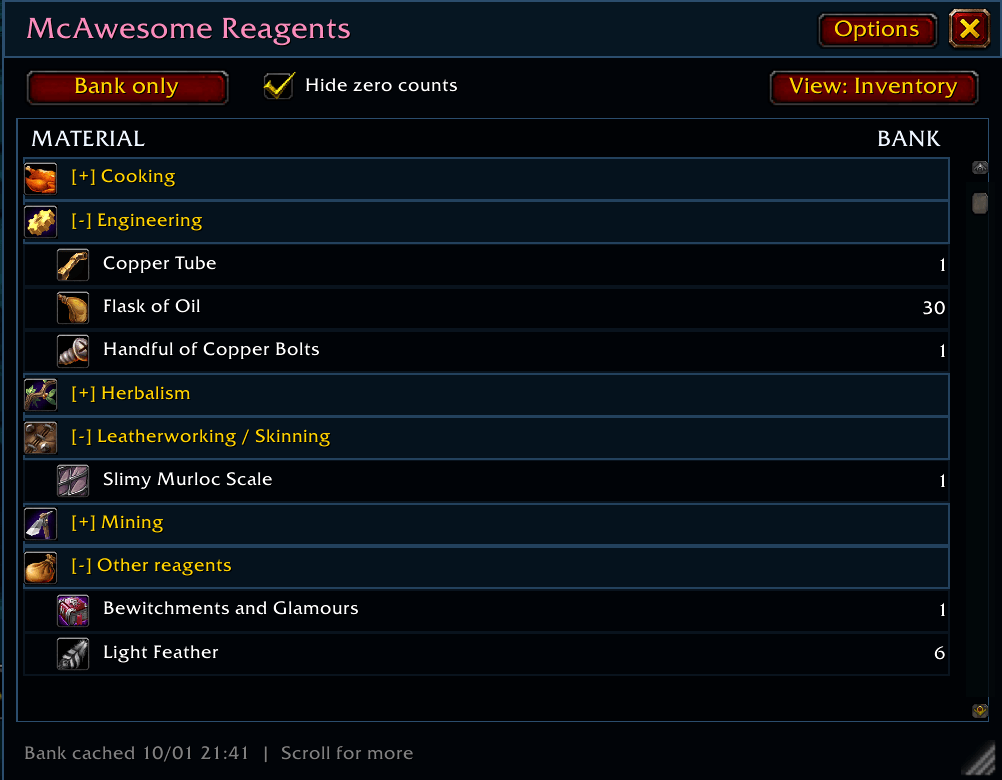
The Inventory view scans the materials your character actually possesses and organizes them beneath collapsible tradeskill headings.
- Track live counts from your bags
- Scan your personal bank while it is open
- Keep the last observed bank counts available after closing the bank or reloading
- Switch between Bags + Bank, Bags only, and Bank only
- Organize materials by natural tradeskill categories such as Mining, Engineering, Tailoring, Herbalism, and Leatherworking / Skinning
- Recognize material categories even when the current character has not learned that profession
- Nest raw materials beneath crafted materials, such as Copper Ore beneath Copper Bar
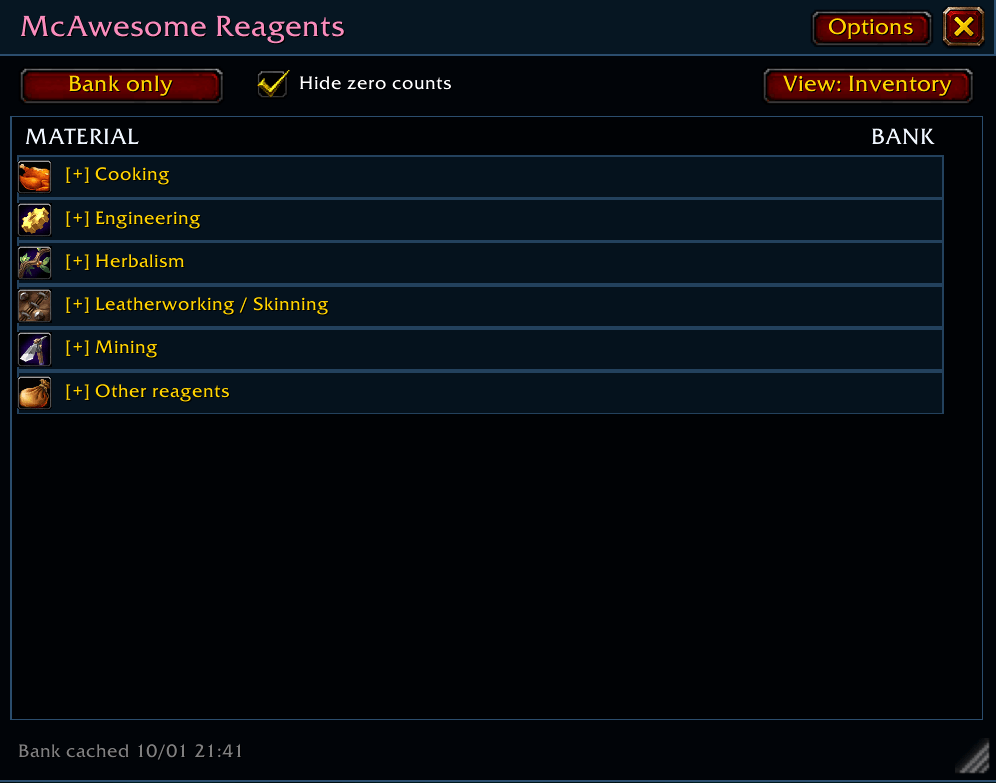
- Collapse profession sections without losing your scroll position
- Hide zero-count materials or right-click individual reagents you do not want displayed
- Pin an item manually by item ID or item link
McAwesome Reagents reads item classifications from the client, so materials can appear as soon as you acquire them. For example, Handfuls of Copper Bolts can be categorized under Engineering even if the current character does not know Engineering.
Options that follow your character
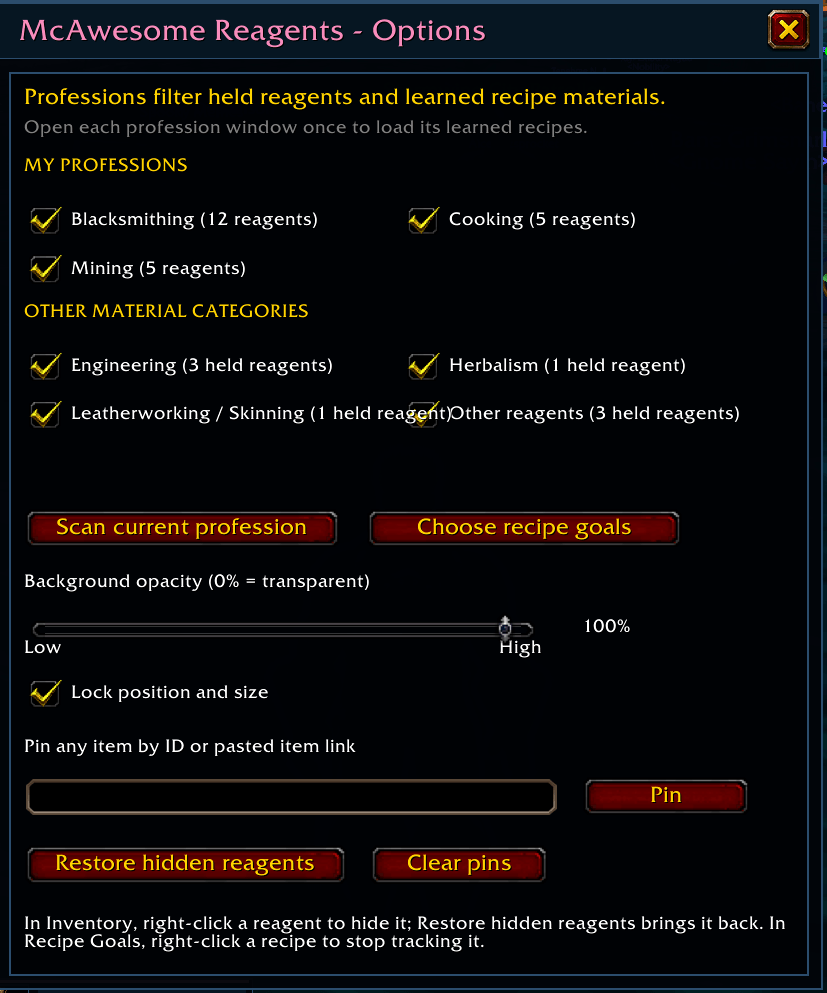
The Options panel discovers the current character's profession book dynamically.
My Professions contains the primary and secondary professions the character has learned, including skills such as Cooking, Fishing, and First Aid when provided by the client.
Other Material Categories contains professions or categories inferred only from materials the character possesses. Each learned profession and additional material category can be enabled or disabled independently.
Plan recipes and material conversions
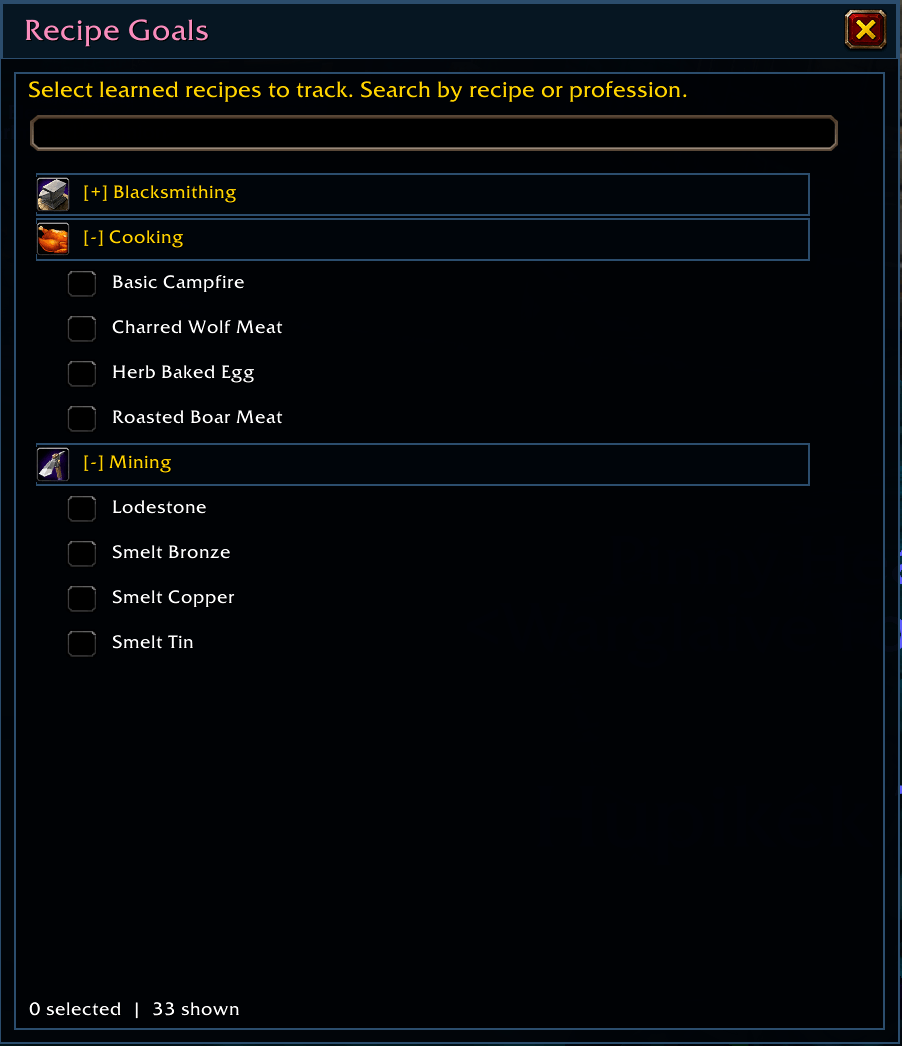
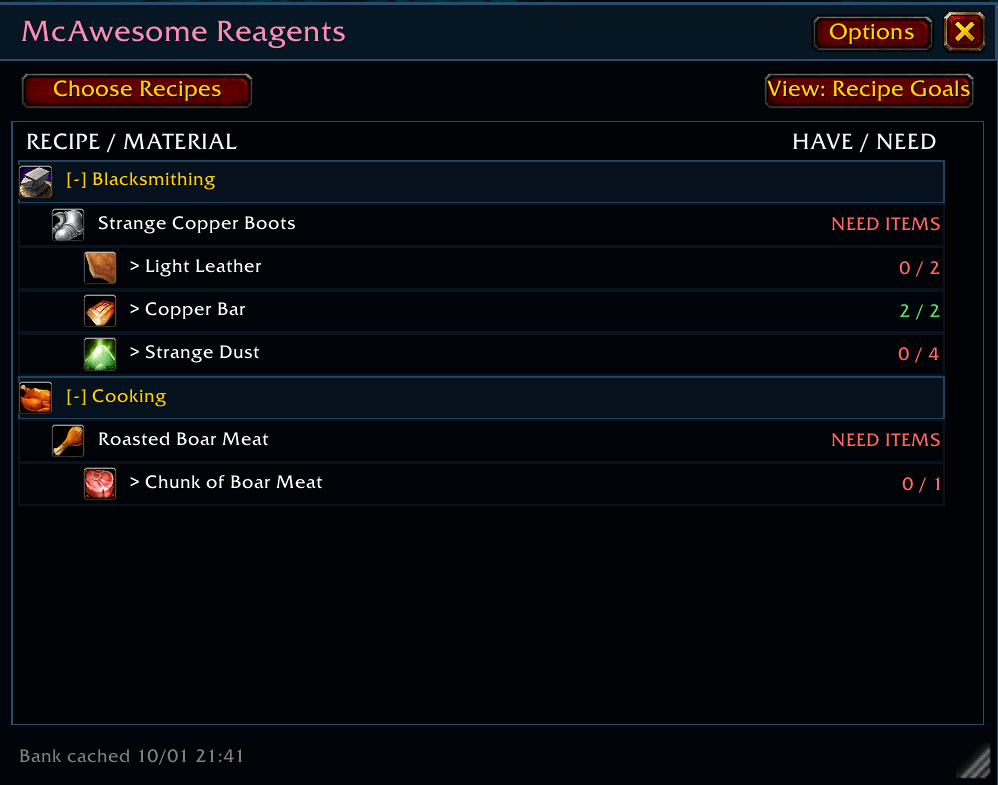
Choose learned recipes as Recipe Goals and monitor whether you have enough materials for one craft.
Each goal shows:
- The recipe's required materials
- How many of each material you currently have
- Whether the recipe is ready to craft
- Missing intermediate materials that can be produced through learned recipes
- The raw materials needed for those conversions
If a goal needs Copper Bars and you have enough Copper Ore to smelt the missing bars, the addon includes those craftable bars in its readiness calculation. A row such as 4 / 10 (+6 craft) means four bars are already available and the remaining six can be produced from the displayed raw materials.
Both the Recipe Goals view and the Choose Recipe Goals picker organize recipes beneath alphabetized, collapsible profession headings. Recipes are sorted within each profession, long lists are scrollable, and collapse choices are saved per character. The picker can also search by recipe or profession.
Hover over a tracked recipe to see its item tooltip. Right-click a completed Recipe Goal to stop tracking it.
Fit it into your UI
- Move and resize the tracker
- Lock its position and size
- Adjust background opacity from solid to fully transparent
- Use scrollbars and the mouse wheel on long lists
- Display the addon title in your character's class color
- Save window placement, size, filters, hidden items, collapsed sections, and selected goals per character
Getting started
- Install and enable McAwesome Reagents.
- Open each profession window once so the addon can scan its learned recipes.
- Visit your character bank once to cache its contents.
- Open the tracker with
/mr.
Reopen a profession window after learning new recipes so its recipe data and material conversions can refresh. Revisit the bank whenever you want to update the saved bank snapshot.
Commands
/mr- Toggle the tracker/mr options- Open Options/mr recipes- Open the recipe selector/mr scan- Rescan the currently open profession/mr add <item ID or item link>- Pin an item/mr remove <item ID>- Hide an item/mr resetitems- Restore hidden reagents/mr reset- Reset the tracker position and size/mr debug- Print diagnostic information
Current scope
McAwesome Reagents maintains its own per-character settings and observed inventory data. It does not require Baganator, Syndicator, or another inventory addon.
It currently tracks the active character's bags, personal bank, supported reagent-bank storage, learned professions, and learned recipes.
Guild banks, mail, auctions, account or warband banks, other characters' inventories, and account-wide totals are not currently included.
McAwesome Reagents Team