HunterStealthWatch
- By
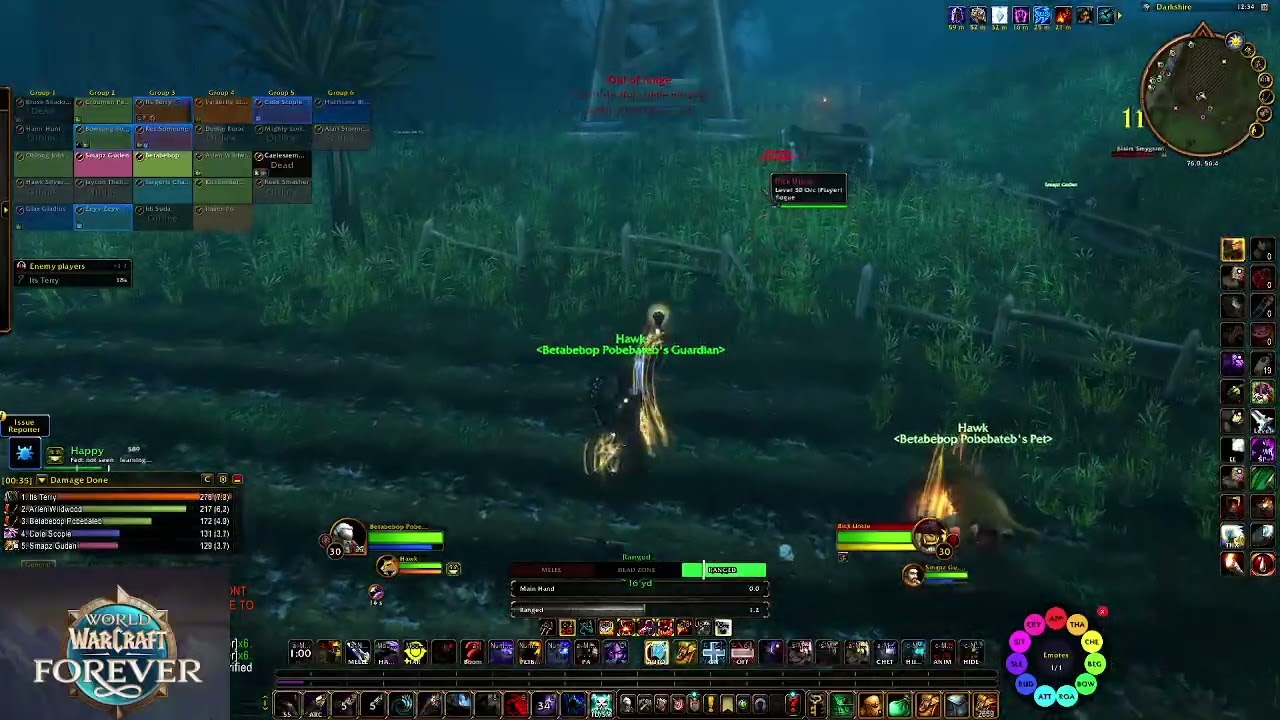
Stealth and enemy player alerts for WoW Forever: warns when rogues vanish, druids prowl or enemies appear. PvP awareness.
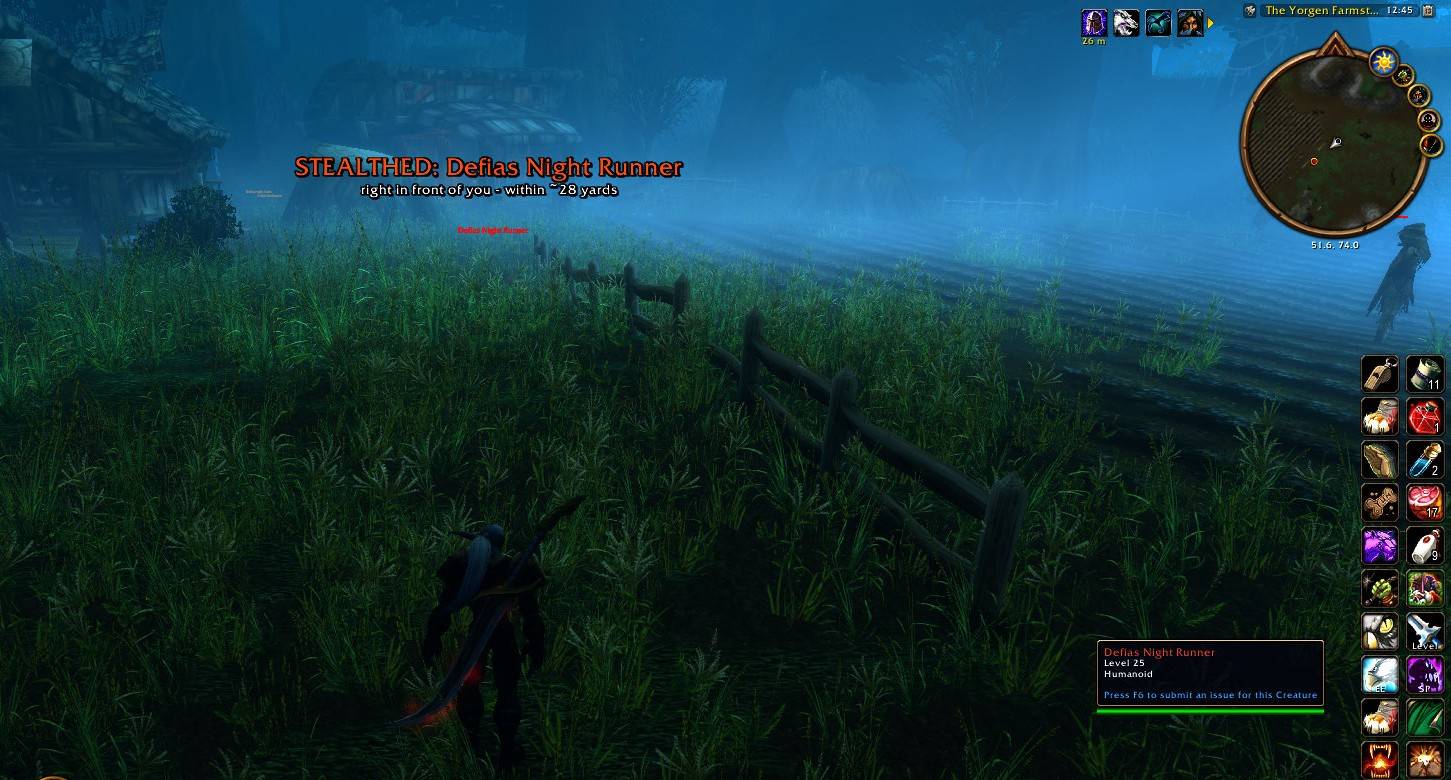
HSW1.jpg
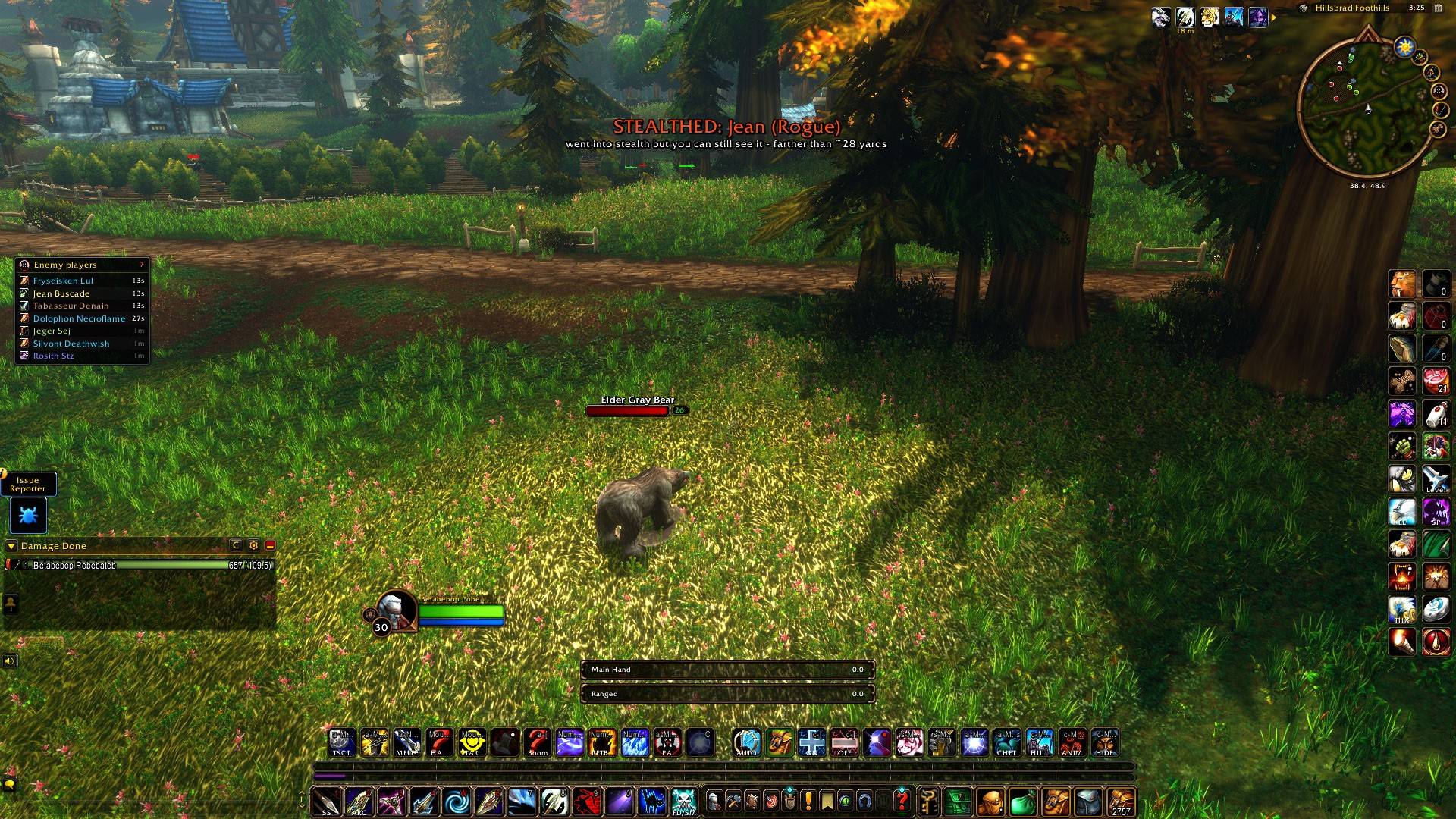
HSW3.jpg
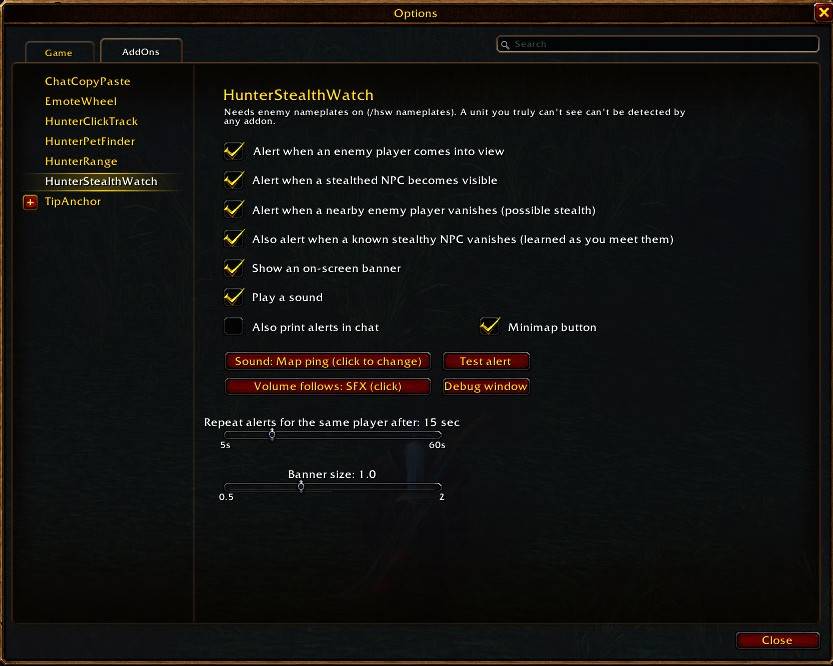
HSW2.jpg
Description
HunterStealthWatch
Know when someone's sneaking up on you.
HunterStealthWatch watches the enemies around you and warns you the moment something changes: an enemy player comes into view, a stealthed enemy becomes visible, or a nearby enemy rogue or druid suddenly vanishes into stealth. It was made with hunters in mind (think Flare and Track Hidden), but works on any class.
Open the options with /hsw or the minimap button.
Features
Alerts
- Enemy player in view: a warning as soon as an enemy player's nameplate appears.
- Stealthed enemy visible: when an enemy that's stealthed (or goes into stealth) is visible to you, you're told right away, with a rough distance (within ~10 or ~28 yards).
- Vanish warning: if an enemy rogue within about 28 yards suddenly disappears, you get a "VANISHED – Vanish or Stealth" alert; an enemy druid gets a "STEALTHED – probably Prowl" alert. Other classes that walk out of view are ignored, and quick nameplate flickers and loading screens are filtered out, so it doesn't cry wolf.
- Stealthy NPCs learned as you go: HunterStealthWatch remembers which mobs it has seen stealthed and can warn you when one of those vanishes too.
How you're told
- A large on-screen banner you can move and resize.
- A sound, chosen from 21 built-in game sounds, and you pick which volume slider it follows (SFX, Dialog, Ambience, Music or Master) so it's as loud or quiet as you like.
- Optional chat messages.
- A repeat delay (5–60 seconds) so the same player doesn't keep setting it off.
- A player who keeps popping in and out at the edge of view only sets off the Enemy player alert again once they've been out of view for a while (15 seconds to 5 minutes, 1 minute by default).
- A Test alert button to preview it all.
Minimap button
- Left-click: open or close the options
- Right-click: turn Action Targeting on or off
- Drag: move the button around the minimap
- Hide it from the options panel, or with
/hsw minimap
Quick Action Targeting switch
StealthWatch can spot a stealthed enemy right in front of you through the game's Action Targeting, but Action Targeting can get in the way at other times. Turn it on or off in one step:
- Right-click the minimap button. The icon turns grey with a red dot while it's off.
- Set a key under Key Bindings > AddOns > HunterStealthWatch > Toggle Action Targeting.
- Type
/hsw at(or/hsw at on//hsw at off).
It remembers your Action Targeting mode (keyboard, gamepad or both) and puts it back when you turn it on again. The game won't allow the change during combat, so it happens as soon as the fight ends.
Commands
| Command | What it does |
|---|---|
/hsw |
Open the options panel |
/hsw help |
List all commands |
/hsw test |
Preview the alert |
/hsw move / /hsw lock |
Show the banner so you can drag it, then lock it |
/hsw nameplates |
Turn on enemy nameplates (required) |
/hsw mobs |
List the stealthy mobs HunterStealthWatch has learned |
/hsw minimap |
Show or hide the minimap button |
/hsw at [on/off] |
Turn Action Targeting on or off |
Important
- Enemy nameplates must be on. HunterStealthWatch reads the enemies the game shows you through nameplates. If they're off, it reminds you a few seconds after login, and
/hsw nameplatesturns them on. - It can't see the invisible. An enemy that's fully stealthed and hidden from you isn't shown to addons at all, so no addon can detect it. HunterStealthWatch reacts to what the game does show you: enemies appearing, revealing themselves, or vanishing from view.
Notes
- Built for WoW Forever (
## Interface: 16001, 120000).
More addons by Beleriand
More of my addons for WoW Forever:
- HunterRange: a clear melee / dead zone / ranged bar with yards
- HunterPetFinder: which beast to tame for each pet ability, with spawn maps and tracking
- HunterPetHappiness: pet happiness bar, feed timer, warnings and pet buffs/debuffs
- HunterClickTrack: click minimap tracking dots to target them, plus an enemy player list
Credits
- Author: Beleriand
Found a bug? Leave a comment with what happened. /hsw probe writes a report of what your client exposes into a window you can copy from, which helps track problems down.
HunterStealthWatch Team