Glass Mail
- By
Mailbox enhancements with Open All filters, mail checkboxes, attachment tooltips, a trade block and a cool liquid glass look."
letter.png
selected.png
send.png
Description
Glass Mail
A mailbox addon for World of Warcraft: Forever, in the liquid-glass look of the Glass addons. It keeps Blizzard's mail windows and adds what the mailbox is missing: Open All with filters, checkboxes to select mail, and tooltips that list every attachment.
Install
Install with the CurseForge app, or unzip the download into the Interface\AddOns folder inside
your Forever game folder. Then /reload, or start the game. Visit a mailbox: there is nothing
else to open.
What it does
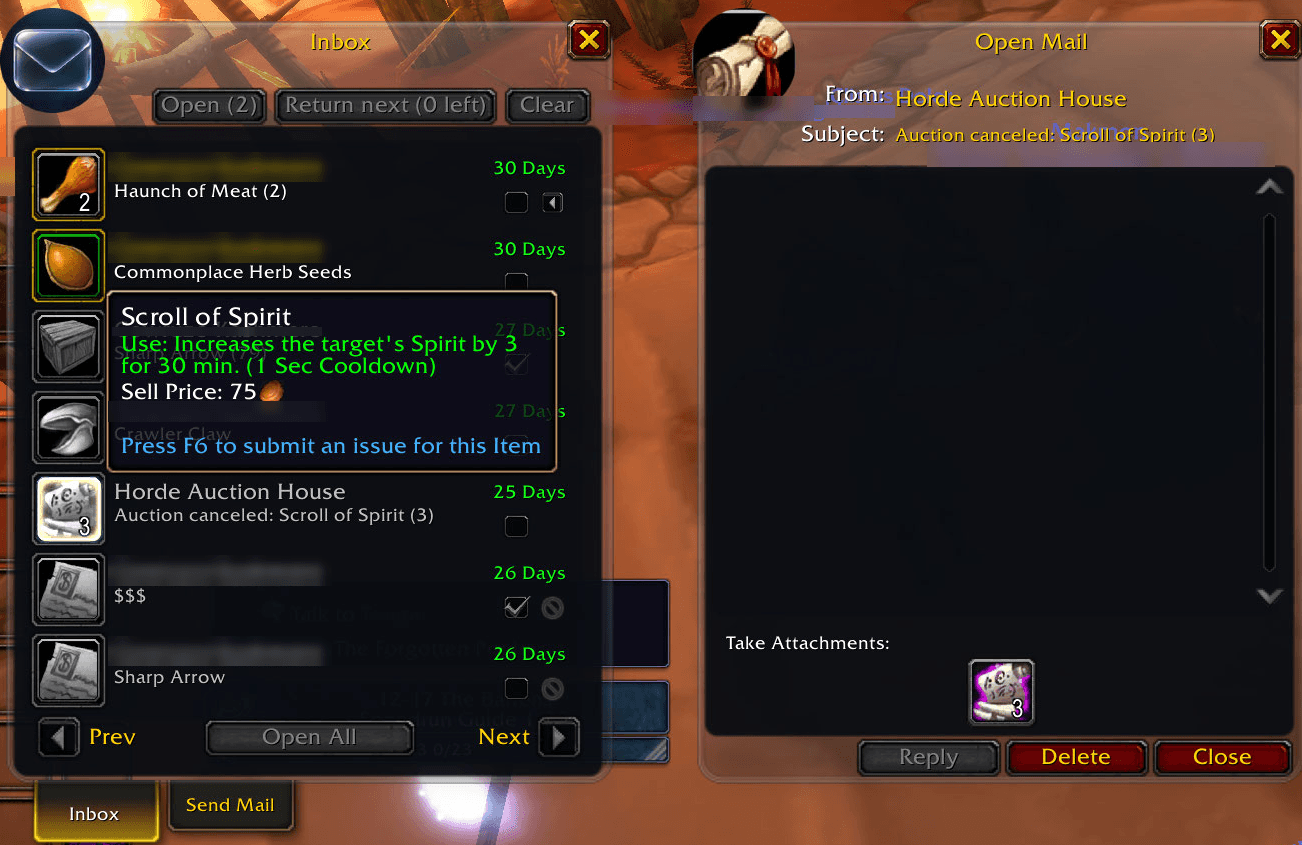
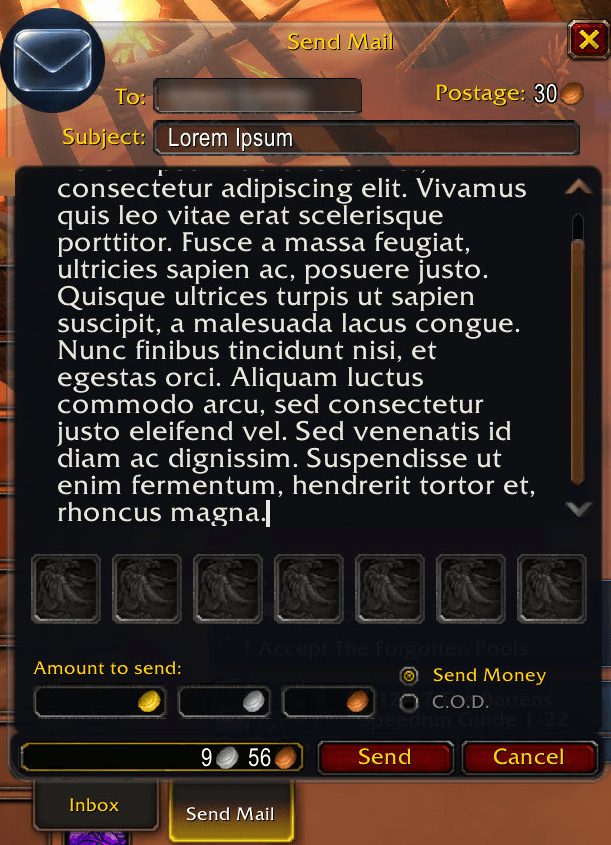
Two glass looks, clear and smoked, or Blizzard's own art. The look changes live, from the
options page (Esc > Options > AddOns > Glass Mail) or /gmail skin. Under glass the letters are
dark too, with light text.
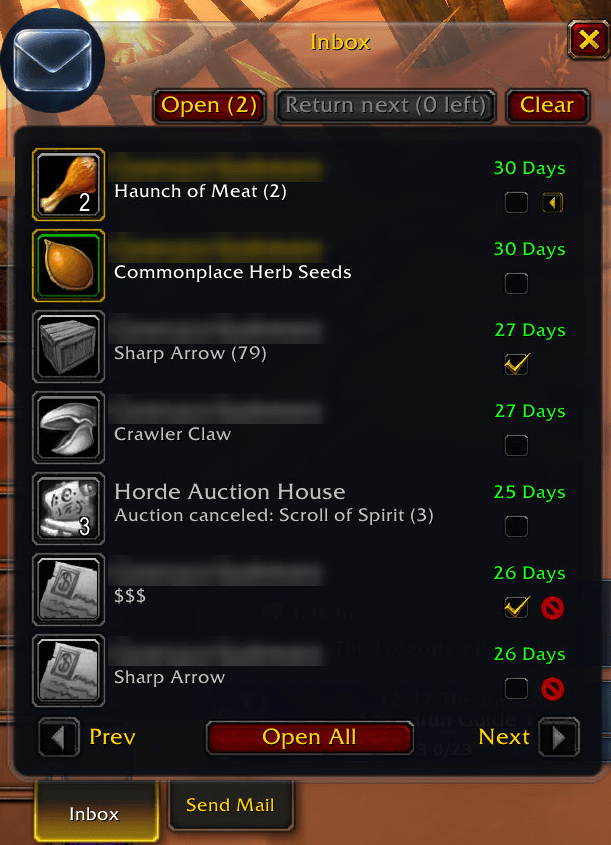
Open All with filters. Glass Mail's Open All takes the place of Blizzard's button. Right-click it to choose what it opens: Auction House, system and player mail, and how many bag slots to keep free (0, 2, 5 or 10). It takes the money first, then each attachment that fits (a partial stack or a matching special bag counts as room). COD and GM mail are left for you. It stops when you close the mailbox, enter combat or take mail by hand, and prints one line with what it took and what it left.
Select mail. Each row has a checkbox: shift-click selects a range, ctrl-click everything from that sender. Then Open the selection, or Return next, one mail per click.
Row extras. Each row has a Return icon, or a Delete icon when the mail is empty, so nothing with money or items is ever deleted. Its tooltip lists every attachment and the full subject.
At the mailbox:
- the gold Open All collected, in one chat line when you close the mailbox;
- trades are blocked while the mailbox is open, through the game's own Block Trades setting,
and put back as they were when you leave.
/gmail tradeblocksays who is blocking trades right now, and if the setting can't be put back, a chat line says so and where to turn it off; - one chat line with the senders when new mail arrives while you're away from the mailbox.
Commands
| Command | What it does |
|---|---|
/gmail help |
List the commands |
/gmail skin clear / smoked / stock |
The mailbox's look |
/gmail tradeblock on / off |
Block trades while the mailbox is open (on by default) |
/gmail tradeblock |
Who is blocking trades right now |
/gmail alert on / off |
A chat line when new mail comes (on by default) |
/gmail options |
Open the options page |
/gmail version |
The addon's version and the client build |
/glassmail works too.
Coming next
An inbox view of all your attachments, an address book of your characters and contacts, a memory of every character's mailbox you can browse from anywhere, a history of what you sent where, and help sending to your bank character.
Reporting a problem
Open an issue on GitHub with what you did, what
you expected and what happened instead, plus the line from /gmail version.
Lua errors are hidden by default on this client. If something seems broken, type
/console scriptErrors 1 and do it again; the error text is the most useful thing you can send.
Licence
Glass Mail is MIT, see LICENSE, which also ships inside the addon. The bundled LibGlass-1.0 is MIT too, under its own licence.
Source and issues: github.com/Spotnick2/GlassMail.
Glass Mail Team