NodeRadar-four-nodes.gif
NodeRadar-minimap.gif
Description
NodeRadar
Gathering while you walk or ride across a zone usually means staring at the minimap. Look away for a second to read a quest, pull a mob or answer guild chat, and that Peacebloom you wanted slides right past the edge of the map.
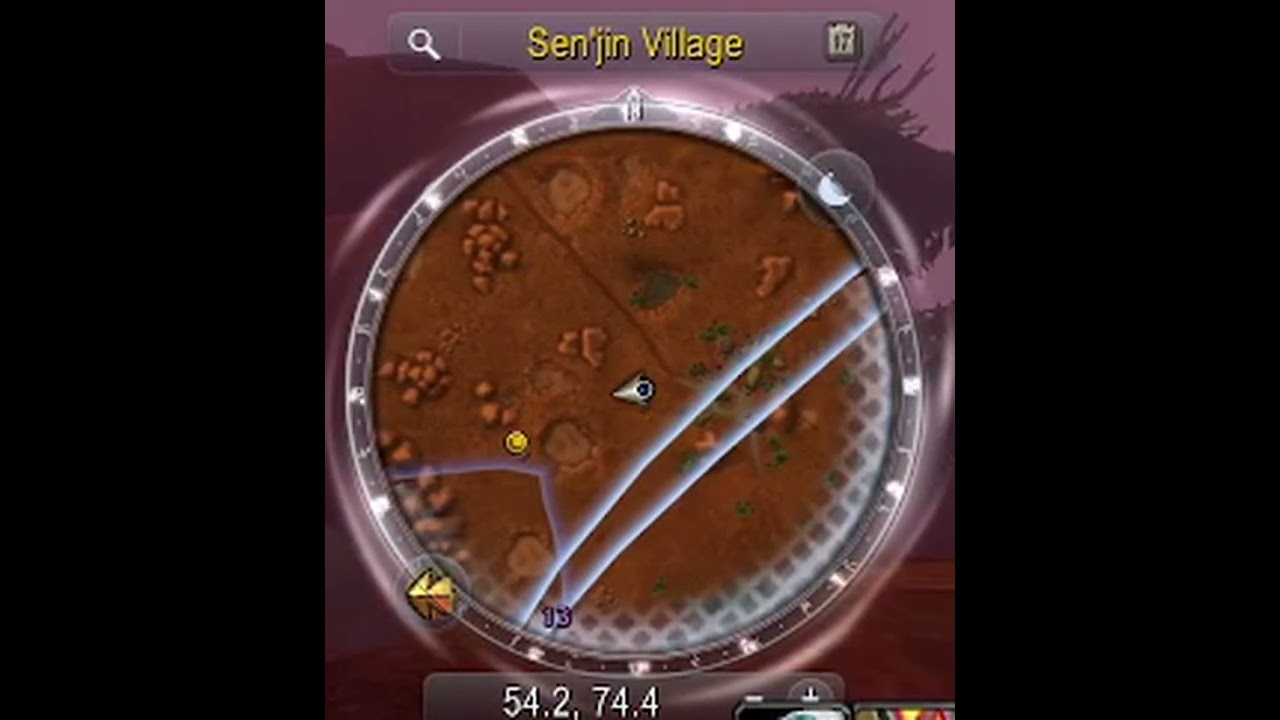
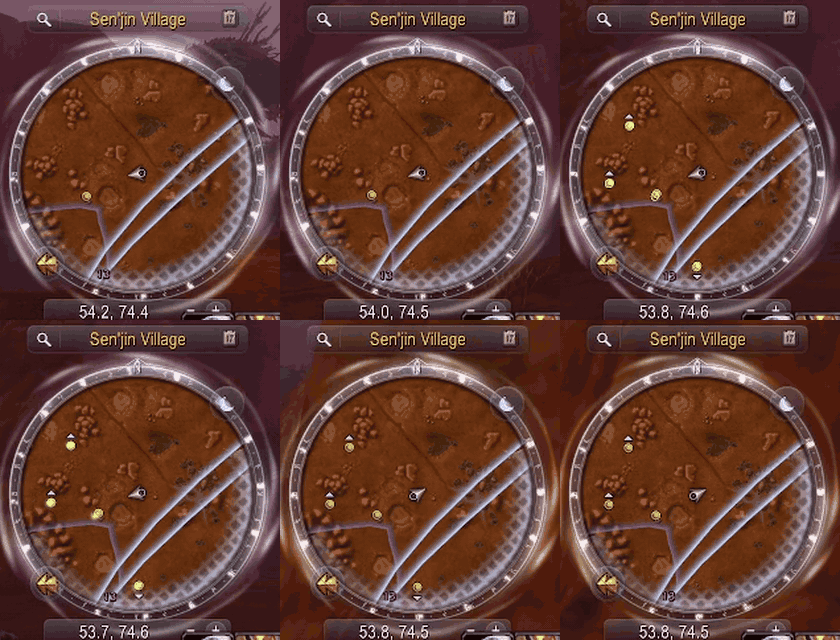
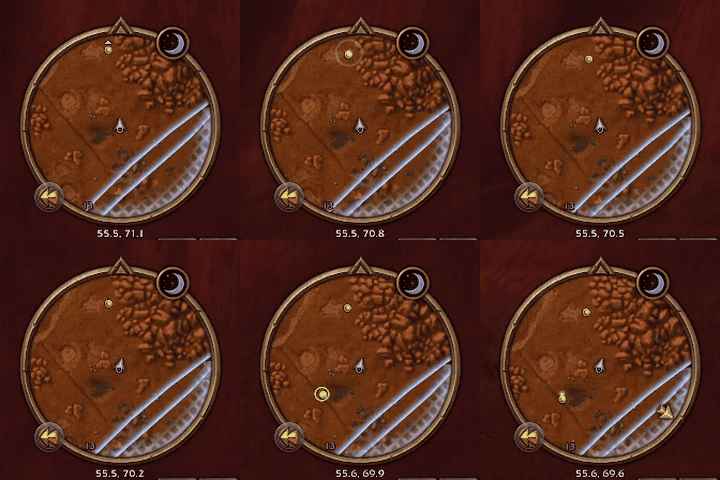
NodeRadar keeps an eye on the minimap so you don't have to. Turn on Find Herbs or Find Minerals and just play: the moment a herb or ore node shows up, you hear a ping and a sonar ripples out from it on the map, green for herbs, gold for ore. Look up, go grab it, carry on.
Made for World of Warcraft: Forever.
Install
Install with the CurseForge app, or unzip the download into the Interface\AddOns folder inside
your Forever game folder. Then /reload, or start the game, and turn on Find Herbs or Find
Minerals. There is nothing else to set up.
What it does
It watches your minimap for you. About every 4 yards you move, and every 2 seconds standing still, NodeRadar reads the minimap's blips the way its own tooltip does, as if you hovered every one. A look takes a few milliseconds. It works under any minimap skin, and your own hover tooltip isn't affected.
It alerts once per new node. A node that comes into range pings once. One that slips off the map's edge and back doesn't ping again, but a respawn does, and so does the next node of a kind you've just gathered.
It knows every classic herb and ore node, Peacebloom to Black Lotus, Copper Vein to Rich Thorium Vein, in English, German, French, Spanish, Portuguese, Italian, Russian, Korean and Chinese. The minimap also shows quests, group members and town NPCs; NodeRadar tells them apart by name, and a node name it doesn't know yet it learns the first time you gather one, for your whole account.
Optional learning. /nr learn lets NodeRadar learn an unknown name by turning your gathering
tracking off and on for a moment while you stand still out of combat. It's off by default, since
turning tracking back on costs a global cooldown. Your tracking always comes back, even across a
reload, and a change you make yourself wins.
Options
Esc > Options > AddOns > NodeRadar, or /nr options:
- the radar on or off;
- how often it looks: standing still every 1, 2 or 5 s, moving about every 2, 4 or 8 yards (more often finds a node a moment sooner, and makes more memory for the game to clean up);
- the sound, from a dropdown: the minimap ping, a sonar or radar ping from the game, or one of six shipped with NodeRadar (sonar, radar blip, deep-sea sonar, bell chime, notification, sci-fi HUD ping); each plays when you pick it;
- the sonar on the node, a line in chat, Blizzard's ping on the node too (solo only: in a group it would show on everyone's map), the time between alerts, and a test button;
- learning by toggling tracking.
Commands
| Command | What it does |
|---|---|
/nr |
Radar on or off |
/nr options |
Open the options page |
/nr sound / ring / chat / ping / learn |
Toggle the sound, the sonar on the node, a chat line, Blizzard's ping, learning |
/nr sound <name> |
Pick the sound (/nr help lists the names) |
/nr cd <1-60> |
Seconds between alerts |
/nr test |
An alert now, at the map's centre |
/nr status |
What's on, and how many node names it knows |
/nr known / /nr forget <name> |
The names it has learned; forget one |
/nr failures |
Anything the client refused |
/nr reset |
The settings back to their defaults (learned names kept) |
/noderadar works too.
Limits
Names are what it goes by: a quest or NPC with exactly a node's name would be taken for one. It sees only what your tracking shows: Find Herbs for herbs, Find Minerals for ore. The radar stands down while the Gamepad UI is on.
Reporting a problem
Open an issue on GitHub with what you did, what
you expected and what happened instead, plus the lines from /nr status and /nr failures.
Lua errors are hidden by default on this client. If something seems broken, type
/console scriptErrors 1 and do it again; the error text is the most useful thing you can send.
Licence
NodeRadar is MIT, see LICENSE, which also ships inside the addon. The six alert sounds are royalty-free sound effects from Pixabay under the Pixabay Content License, not MIT; LICENSE credits each one. The node names are Blizzard's own localized strings.
Source and issues: github.com/Spotnick2/NodeRadar.
NodeRadar Team