
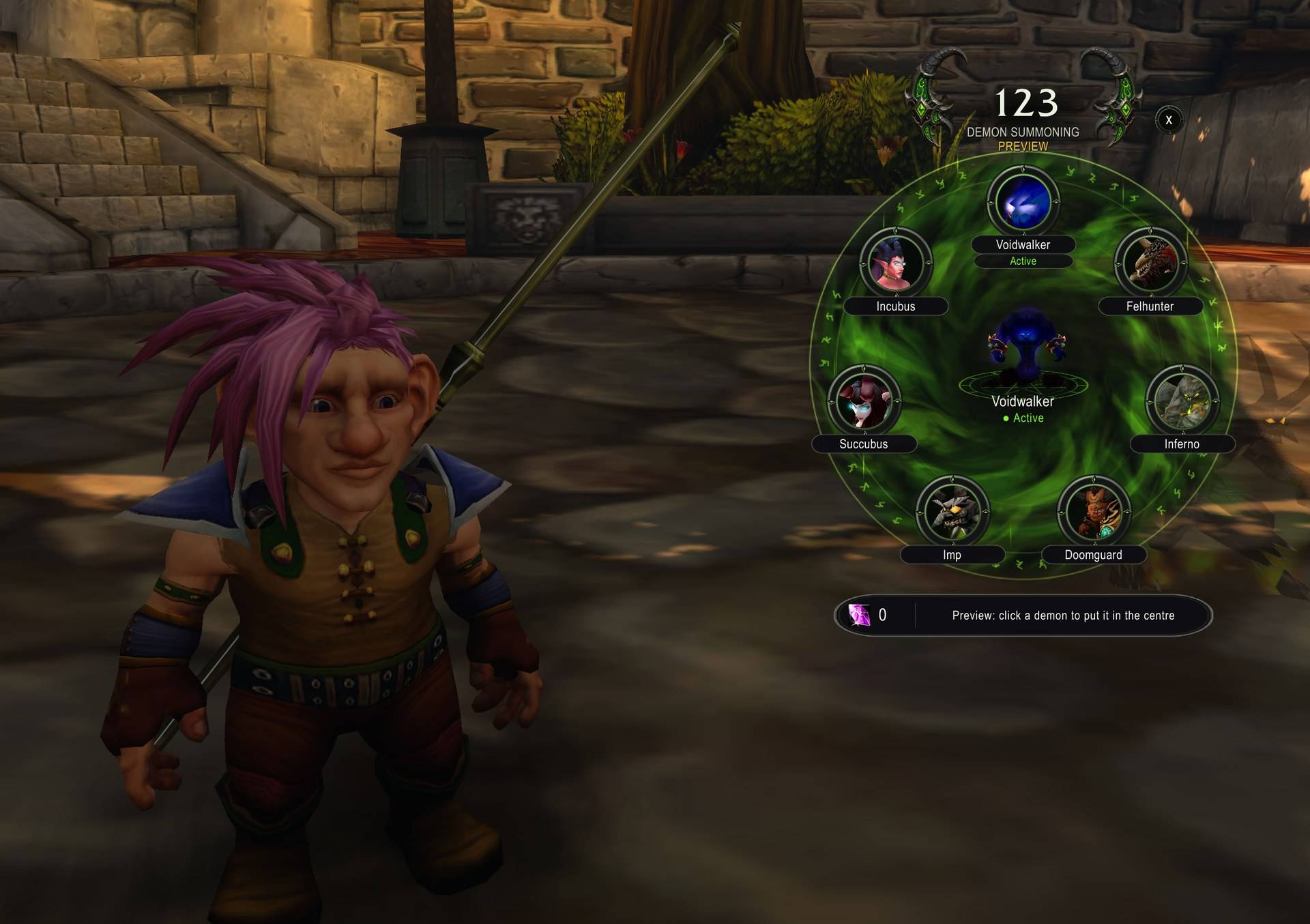
hero.jpg
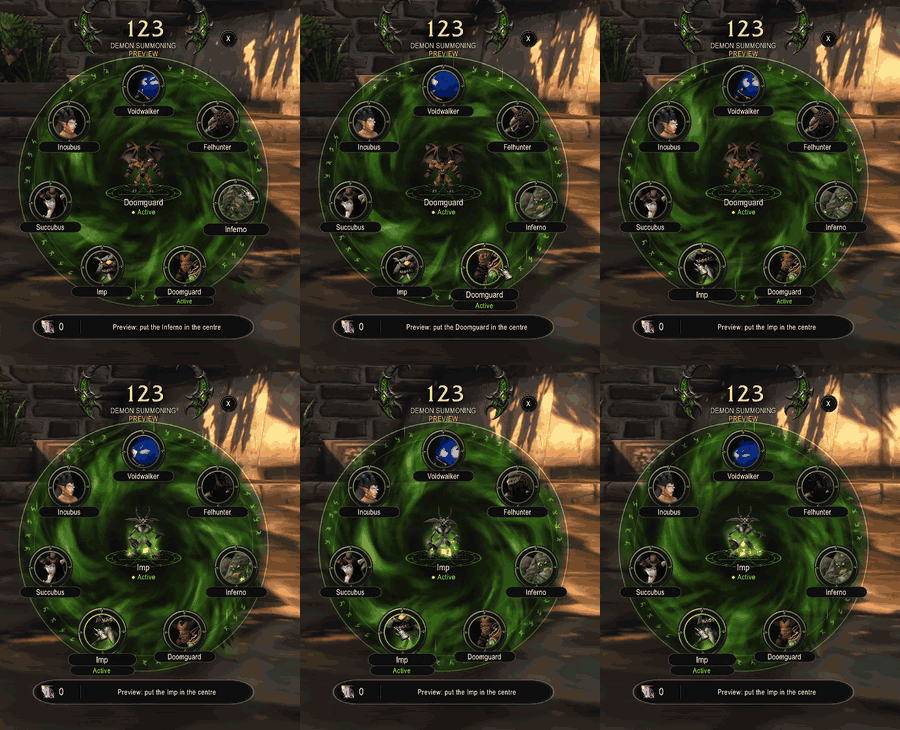
wheel.gif
Description
123 — Warlock Summons, Demons & Stones
A small glass bar and a fel demon wheel for Warlocks on WoW: Forever: your demons, armor, soulstone, healthstones and summoning, one click away.
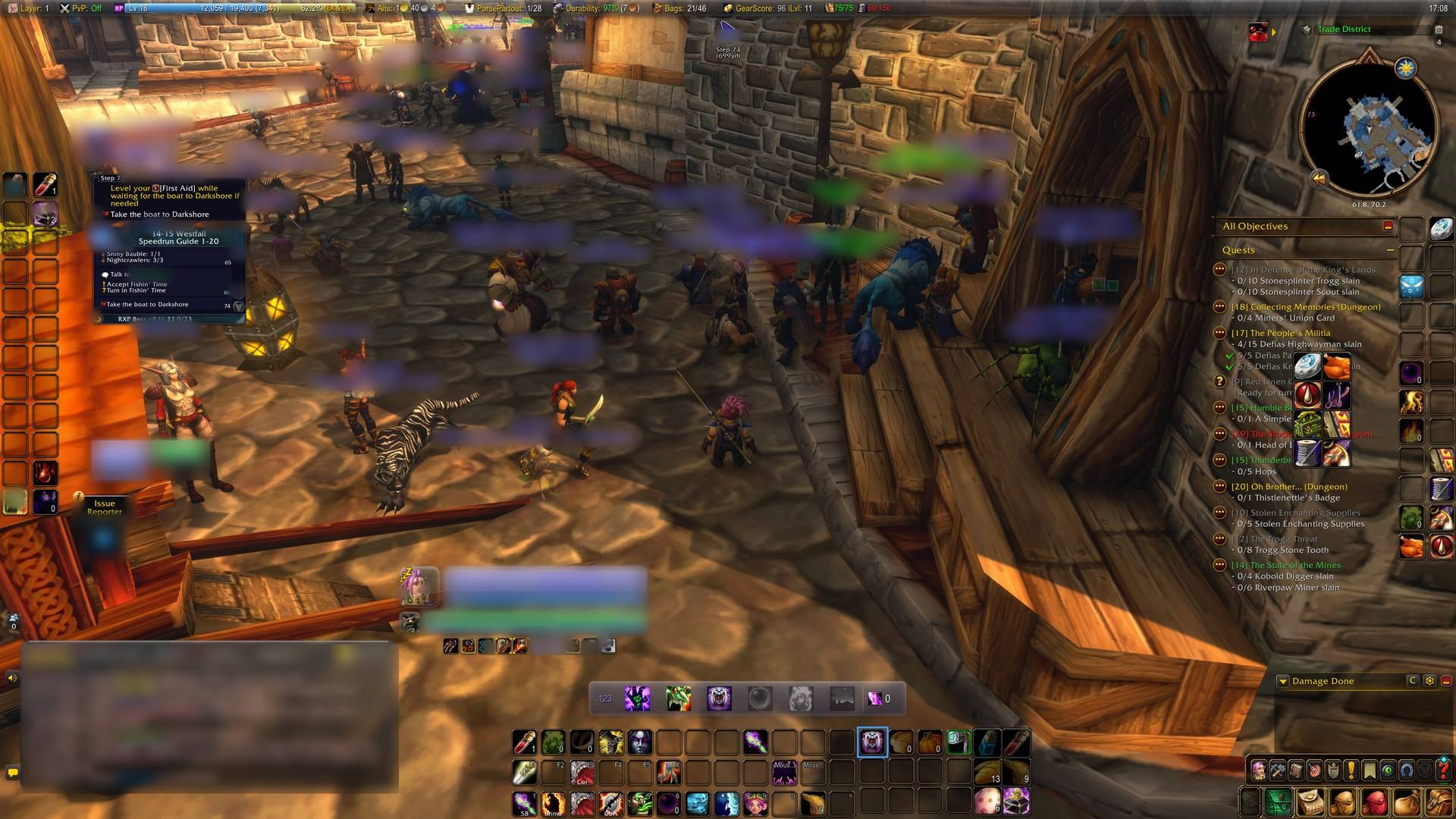
The bar

Demons · Demon · Armor · Soulstone · Healthstone · Summoning | soul shards
- Demons opens the demon wheel.
- Demon summons your last demon (it asks before re-summoning the one that is out). Its right click is Demonic Sacrifice once you have the talent, so a Demonologist sacrifices from the bar.
- Armor casts your best armor (Demon Armor over Demon Skin, highest rank) and glows while it is not on you.
- Soulstone / Healthstone use the stone you carry, or create the best one you know.
- Summoning is Ritual of Summoning.
- Out of Soul Shards, the Demon button falls back to the Imp and the buttons that would spend one grey out, until shards come back.
- Shift-drag the "123" handle to move it. Scale, names under the icons and the rest are in
Options > AddOns > 123 (or
/123 options, or right-click the minimap button).
The demon wheel
YouTube: the demon wheel in action, with the demons' voices.
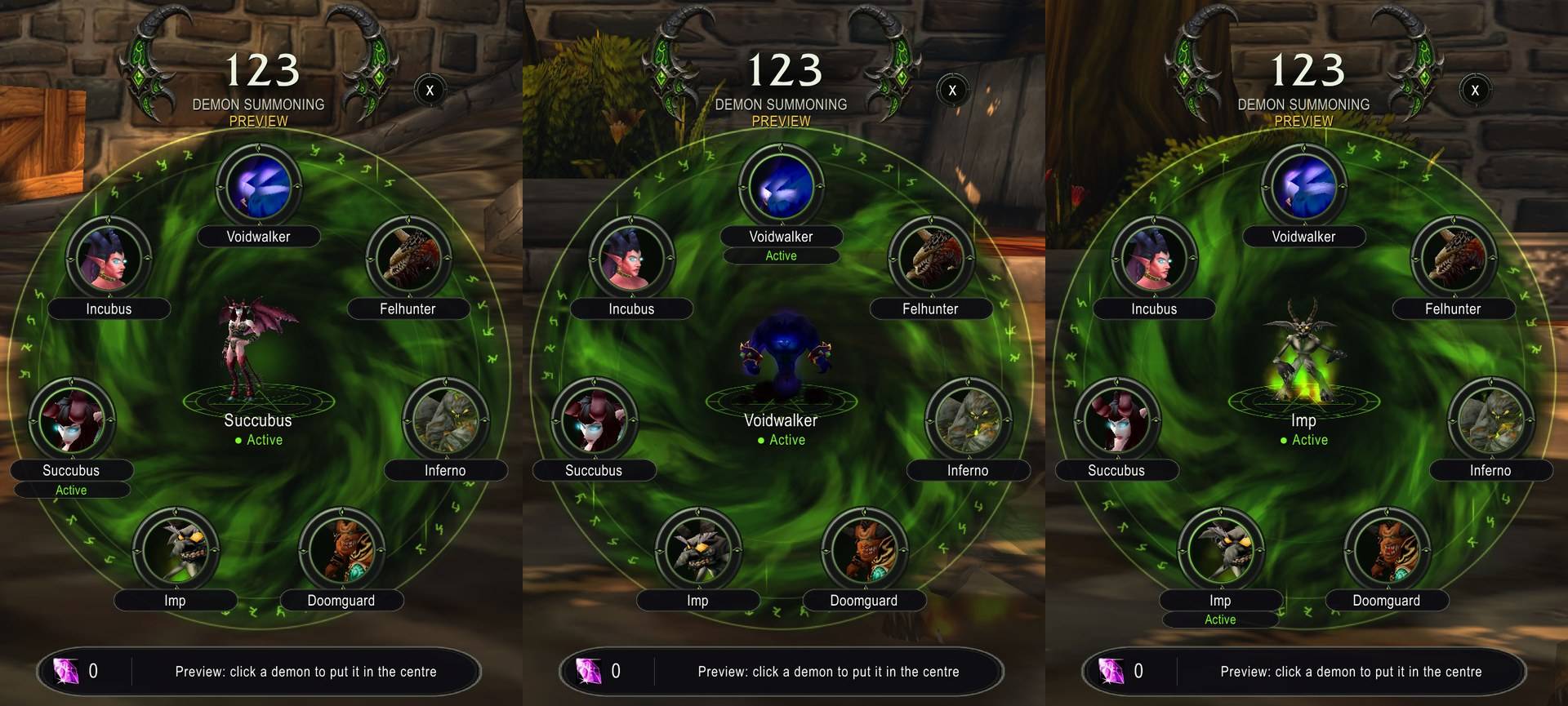
- Seven demons on a fel ring: Voidwalker, Felhunter, Inferno, Doomguard, Imp, Succubus and Forever's own Incubus, each a live animated portrait that speaks when you hover it.
- The demon that is out stands in the centre, in 3D.
- Click to summon, shift-click for Fel Domination first. Right-click the centre for Demonic Sacrifice (or the Voidwalker's own Sacrifice); the strip shows its effect.
- Reagents at a glance: "No Soul Shard", Infernal Stones and Demonic Figurines counted (free with the Reagent Economy perk).
- Opens with a cinematic camera and the game UI hidden (
/123 camerato turn it off); Escape, a summon or combat closes it. /123 previewshows every demon without casting: click one to put it in the centre.
Commands
/123: show or hide the bar (also/onetwothree, and a key binding)/123 options: the options page (Options > AddOns > 123)/123 wheel: open the demon wheel (also the bar's "Demons" button, and a key binding)/123 preview: the wheel with every demon shown and nothing cast; click a demon to put it in the centre (screenshots, any level)/123 camera: open the wheel with or without the cinematic camera and hidden UI/123 sounds: the demons' voices on the wheel, on or off/123 labels: show the names under the bar's icons (off: the tooltips say it)/123 confirm: ask (or stop asking) before re-summoning the demon that is out/123 debug: client build, load state and what each bar button is armed with- Minimap button: click for the demon wheel, shift-click to show or hide the bar, right-click for options (also in the Addon Compartment)
- Key bindings (Key Bindings > 123): the wheel, summon, Sacrifice-or-summon, Armor, Soulstone, Healthstone, Ritual of Summoning
Coming next
Healthstone requests (a player-initiated trade when someone asks), a soulstone target, and the summon queue: everyone who types 123 in group chat, with help calls for clickers. See the issues on GitHub.
Source and issues
github.com/Spotnick2/123: bugs and ideas welcome in the issues.
Requirements
WoW: Forever (1.60.1), a Warlock (other classes get nothing). LibGlass-1.0 and LibShowcase-1.0 are embedded.
Forever 123 Team