FishFry - Fishing Forever
- By
The ULTIMATE fishing tool for Forever. One Button Fishing! Double right click to cast, sound helper, easy lure application, logs and every feature you ever wanted. Compact HUD for guides, routes, milestones, tackle box, zone info, and fish cooking.
FishFry_CurseForge_Screenshot_1280x720.png
FishFry-Forever-Fishing.gif
Milestones.jpg
cook_fish.jpg
4_tackle.jpg
Description
🎣 FishFry Forever
FishFry is a Fishing + fish-Cooking HUD, guide, progression tracker, and utility toolkit built for World of Warcraft: Forever.
One-button Fishing, double-right-click casting, keybinds, sound helper, tackle management, lures, cooking, Campsite tools, routes, waypoints, history, sessions, collection progress, and a searchable+drag&drop knowledge base all live in one focused addon.
FishFry helps you fish. It doesn't fish for you.
If you are a Fishing Addon Author, scroll to the bottom for info about our fishing addon compatibility api.
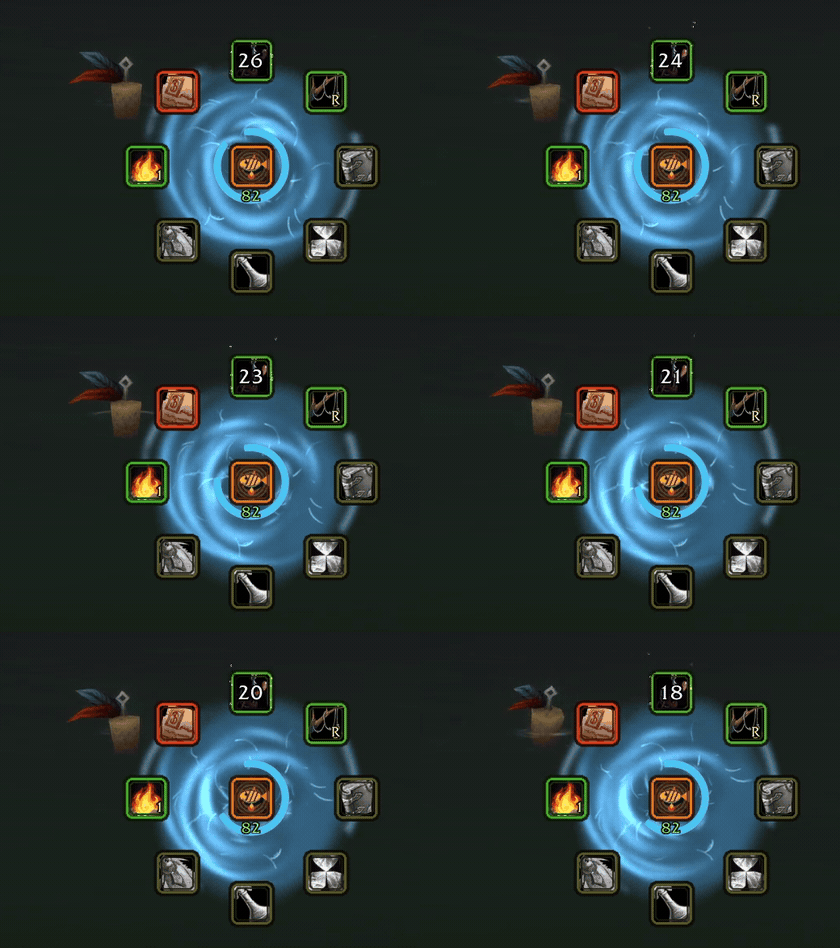
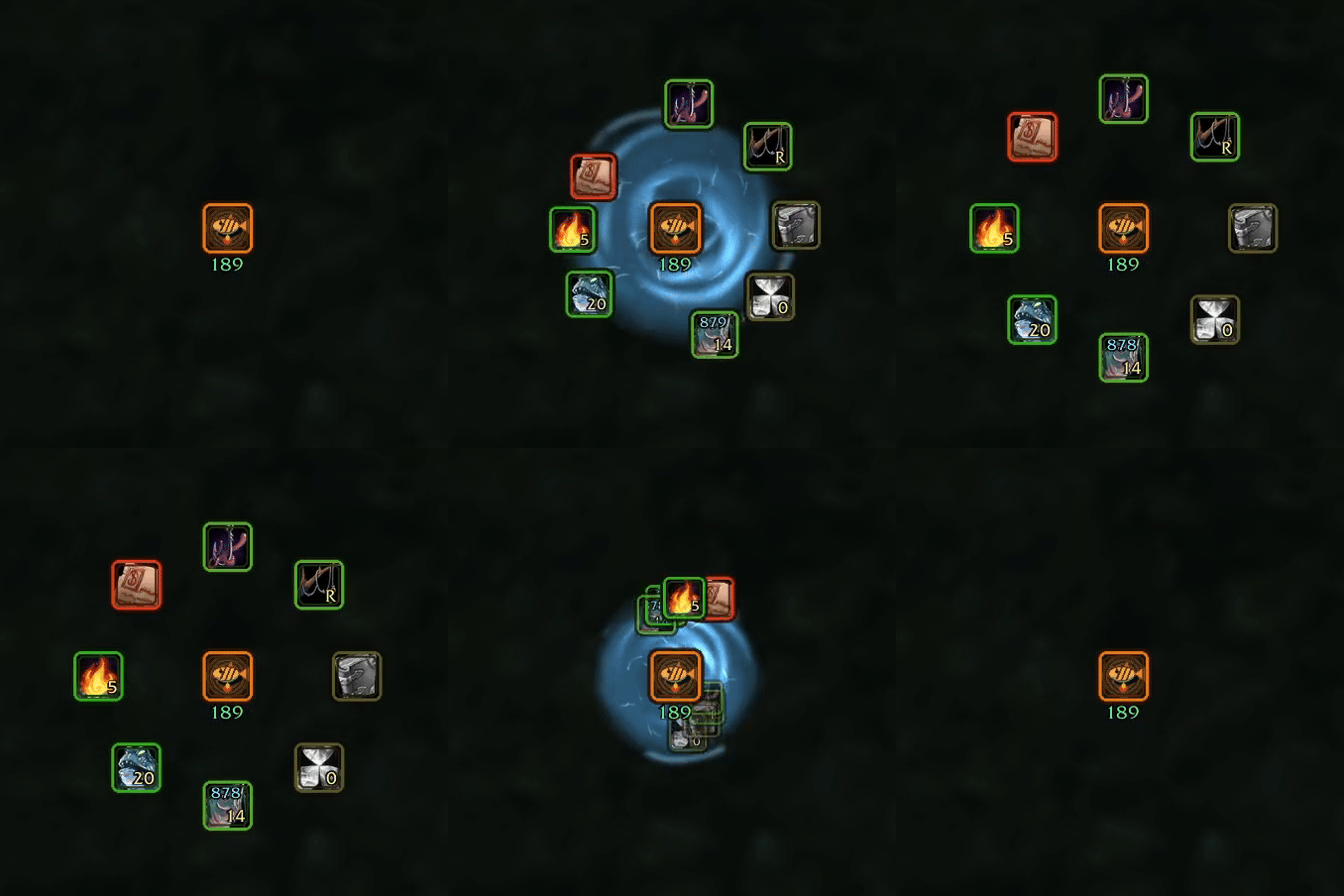
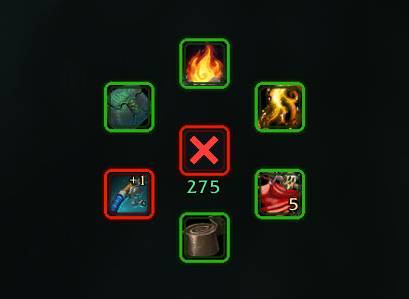
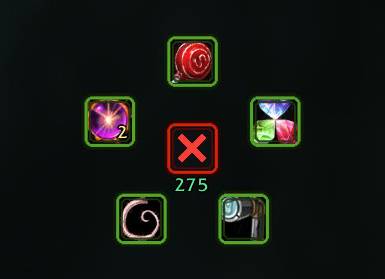
🎣 The FishFry HUD
The HUD keeps the things you actually use while Fishing close at hand:
- 🎣 Cast Fishing
- 🔁 Tackle Swap
- 🔎 Find Fish
- ✨ Lures
- 🧪 Fishing consumables
- 🍳 Cook Fish
- ⛺ Campsite Assist
- 🧭 Guide
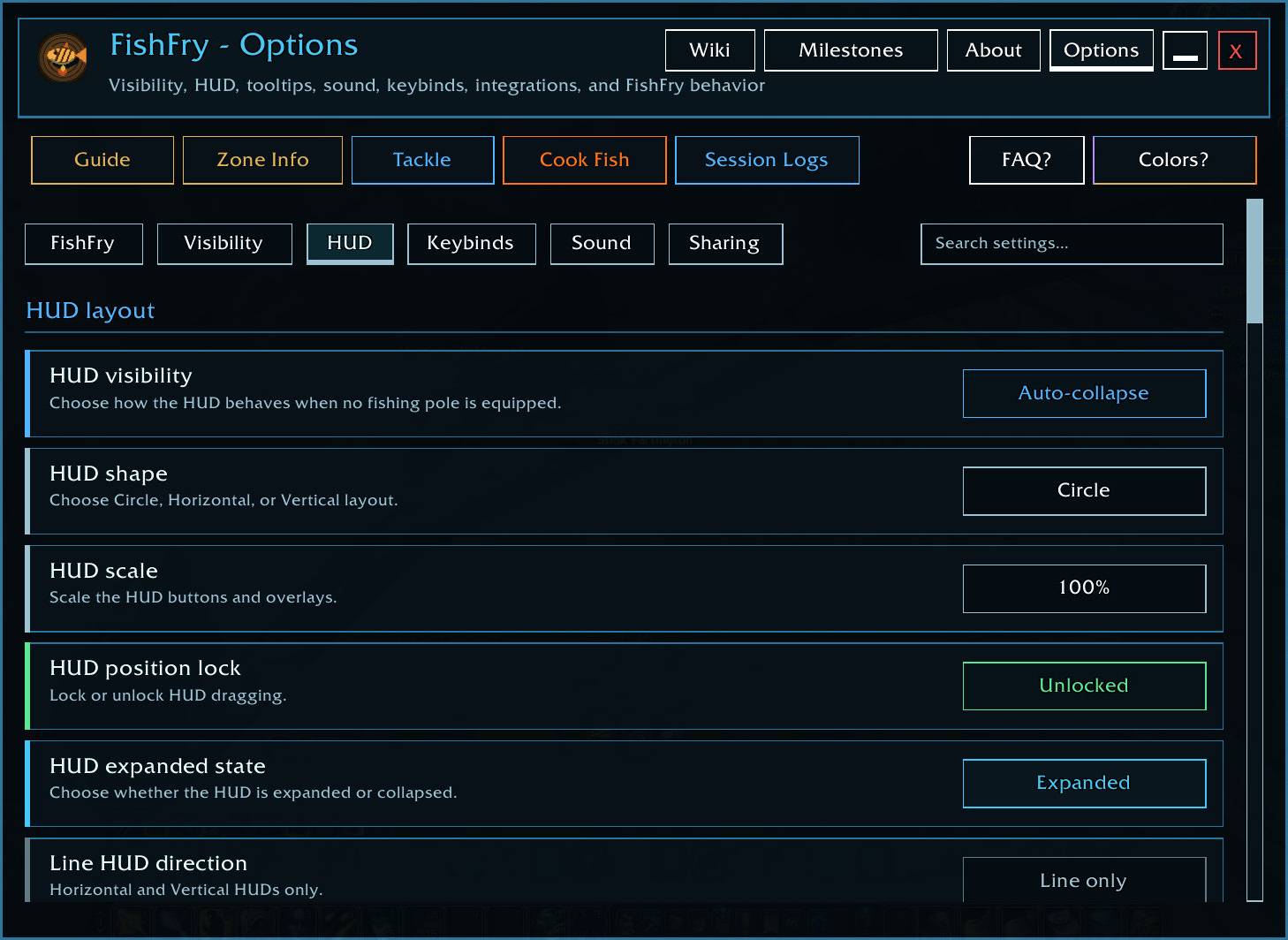
Arrange it as a circle, horizontal bar, or vertical bar, scale and lock it wherever you want, and assign its actions through WoW's normal Key Bindings menu.
Live counts, timers, state colors, tooltips, and Fishing/Cooking effects make it easy to see what is ready, selected, expiring, missing, or unavailable before clicking it.
🎣 One-button Fishing
Optional One-button Fishing lets one FishFry Fishing control handle the normal cast/reel flow while keeping every action player-triggered.
It can work with Blizzard's Interact system to:
- Cast Fishing
- Reel when a Fishing cast is active
- Assist with bobber targeting through Soft Interact
- Warn when a bobber cannot be reached
- Let you deliberately recast when needed
One-button Fishing is Off by default and does not automatically cast, reel, or recast for you.
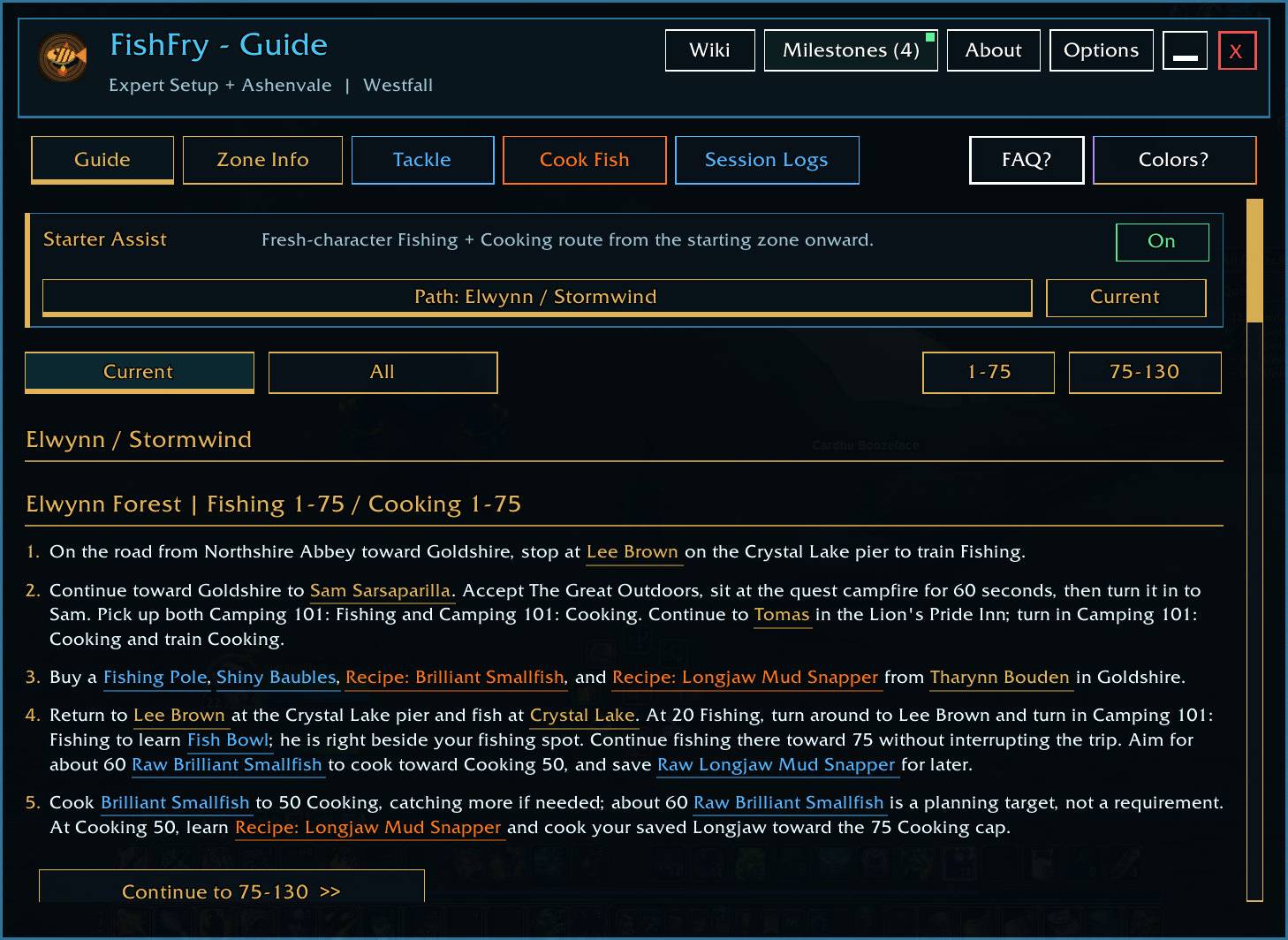
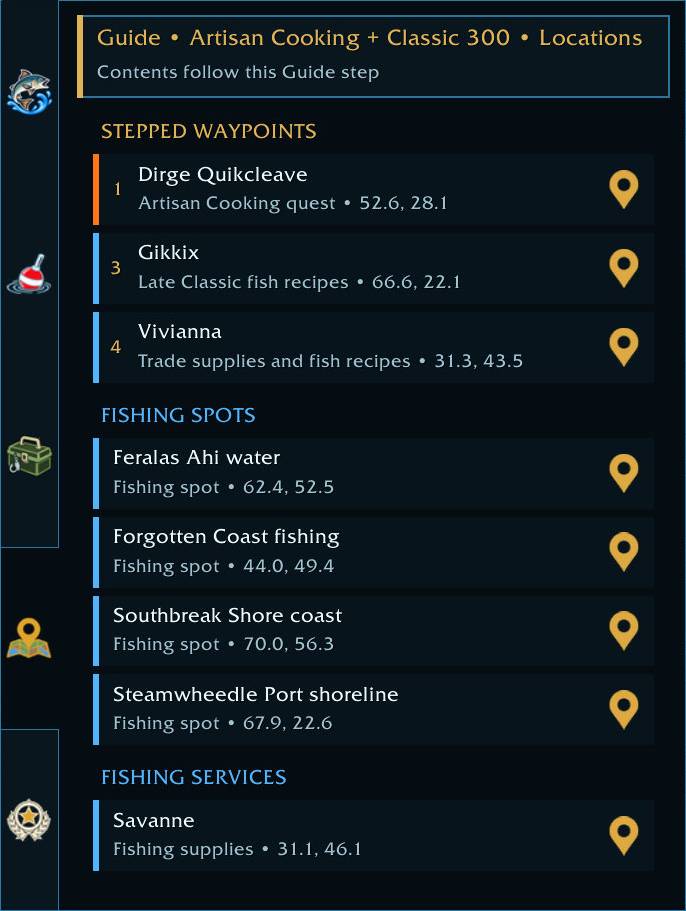
🧭 Guide + Starter Assist
FishFry has two guide styles.
🌱 Starter Assist
Built for a brand-new character.
Starter Assist walks through the actual early Fishing + fish-Cooking journey: trainers, supplies, Cooking, Campsite progression, Fishing locations, useful catches, trophies, milestones, and the handoff into the main route.
Current Forever starter paths cover the Alliance, Horde, and both Skyborne faction routes.
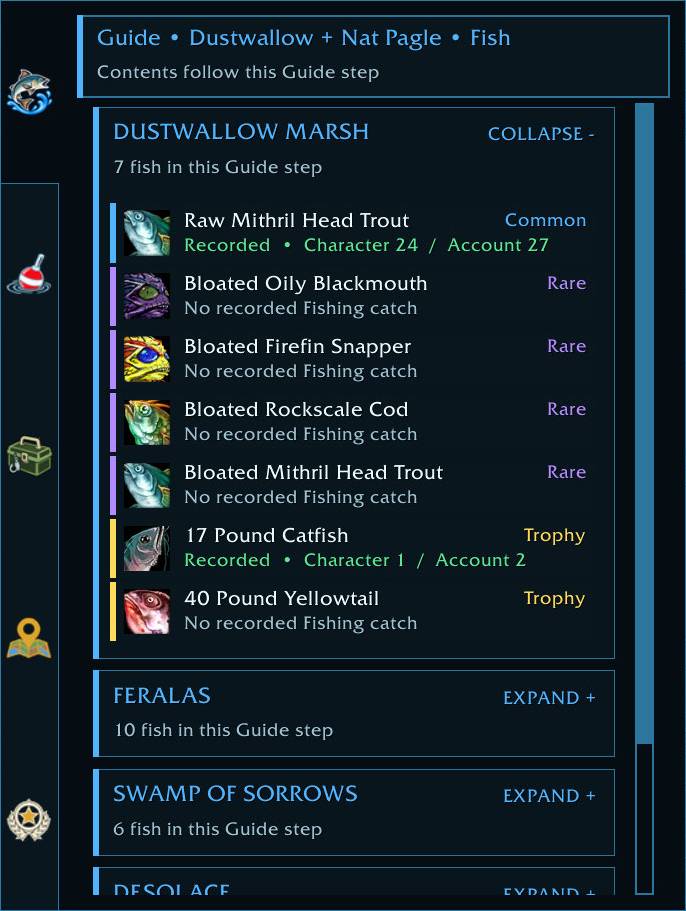
🎯 Normal Guide
Built for a character already in progress.
FishFry looks at your Fishing/Cooking progress, location, inventory, and route state and focuses on what makes sense next.
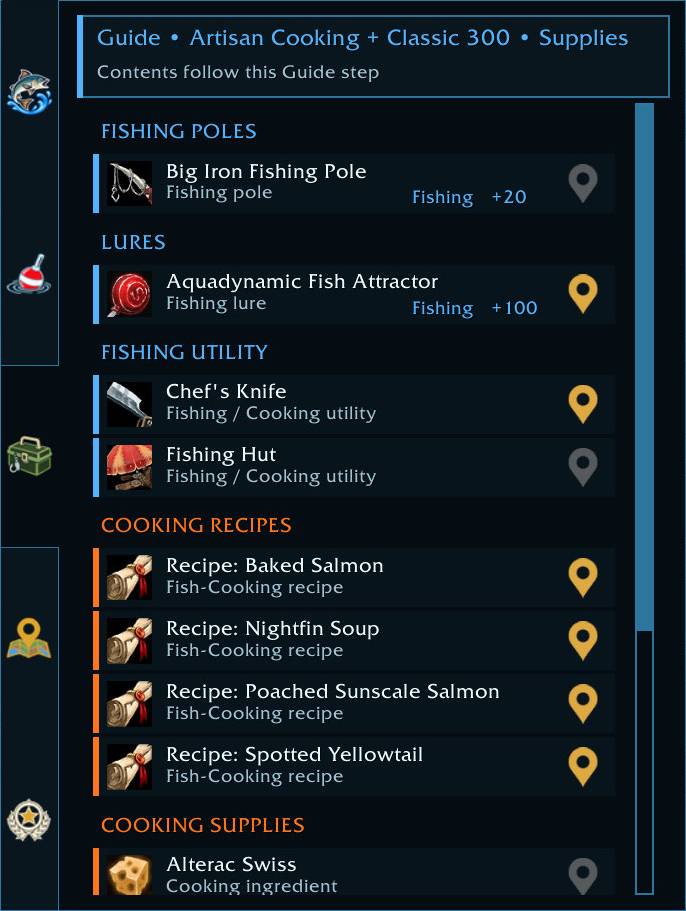
Guide steps can surface:
- Buy / Bring / Watch requirements
- Useful fish
- Rare catches
- Trophy fish
- Relevant milestones
- Ordered waypoints
- Route Entry instructions when needed
With TomTom, FishFry can plot an ordered route and advance through its stops in the same order as the Guide.
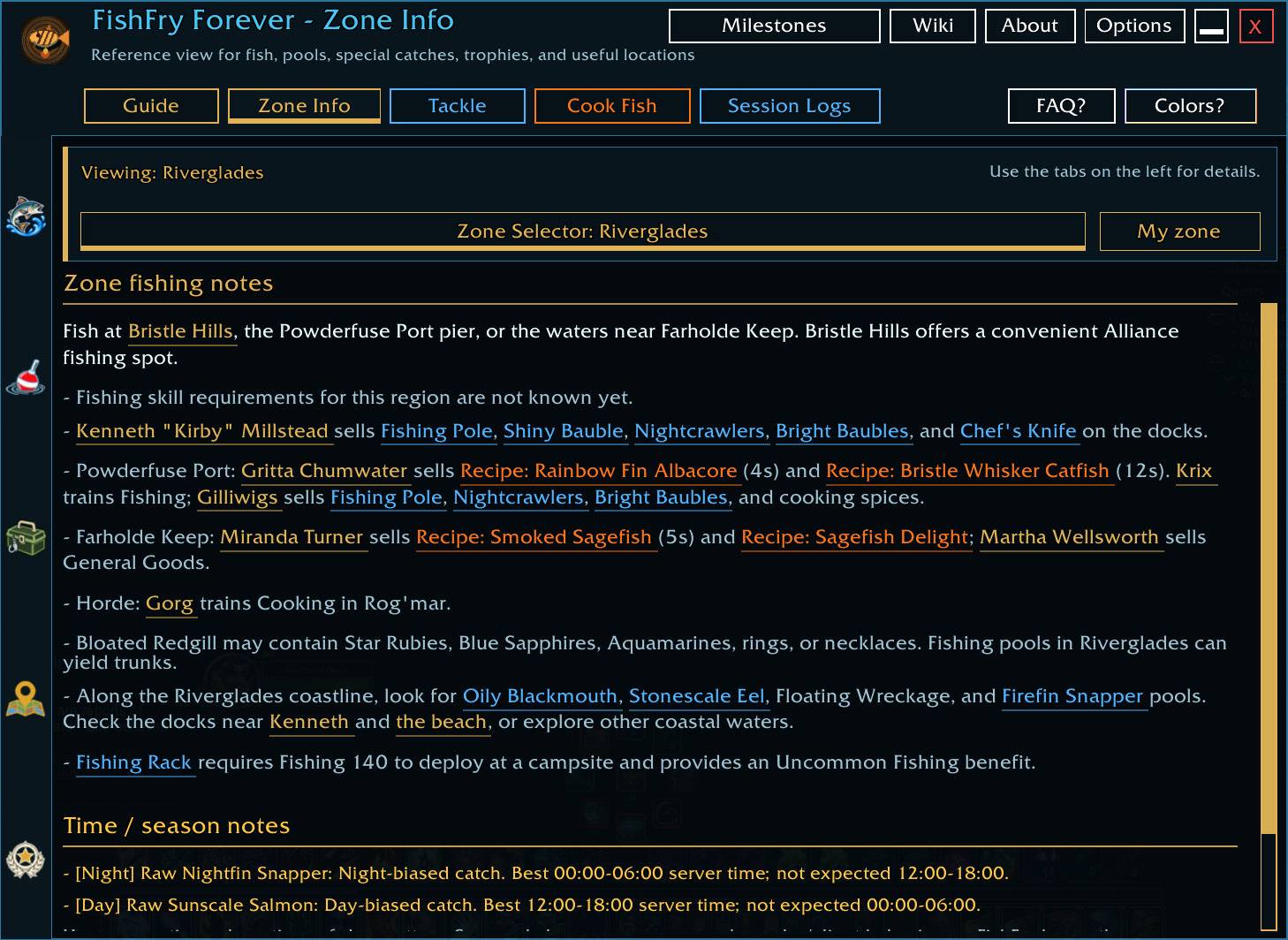
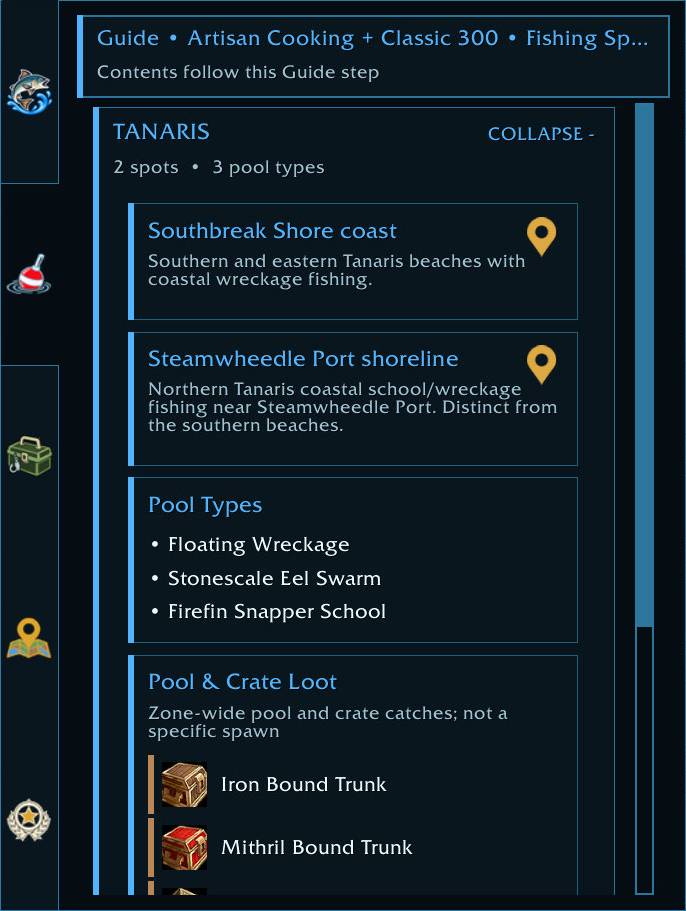
🗺️ Zone Info
Zone Info answers: “What matters for Fishing here?”
Depending on the zone, it can show:
- Known fish
- Pools
- Rare catches
- Trophy fish
- Useful tackle
- Recipes and utility items
- Trainers and vendors
- Important Fishing locations
- Time or seasonal notes where relevant
Zone Info is intentionally a reference surface, while Guide handles ordered progression and routes.
FishFry also includes built-in coordinate tools plus optional TomTom and HandyNotes integration.
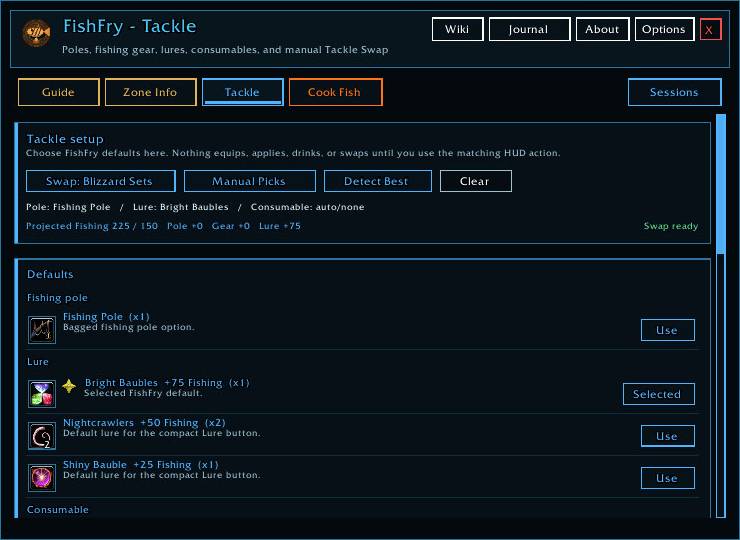
🎒 Tackle + Fishing Tools
FishFry helps manage your Fishing setup without hiding what it is doing.
- Detects Fishing poles and relevant gear
- Shows Effective Fishing
- Helps select poles, lures, and consumables
- Tracks active lure / Fishing-bonus state
- Provides player-triggered Tackle Swap
- Can use Forever's Equipment Manager to preserve and restore normal gear
- Tracks long-term Fishing gear goals
- Supports Find Fish
- Includes a Fishing cast timer
- Supports optional One-button Fishing
- Supports optional double-right-click casting
- Can show compact Fishing loot floaters
- Includes a Fishing sound helper for making the normal bobber splash easier to hear
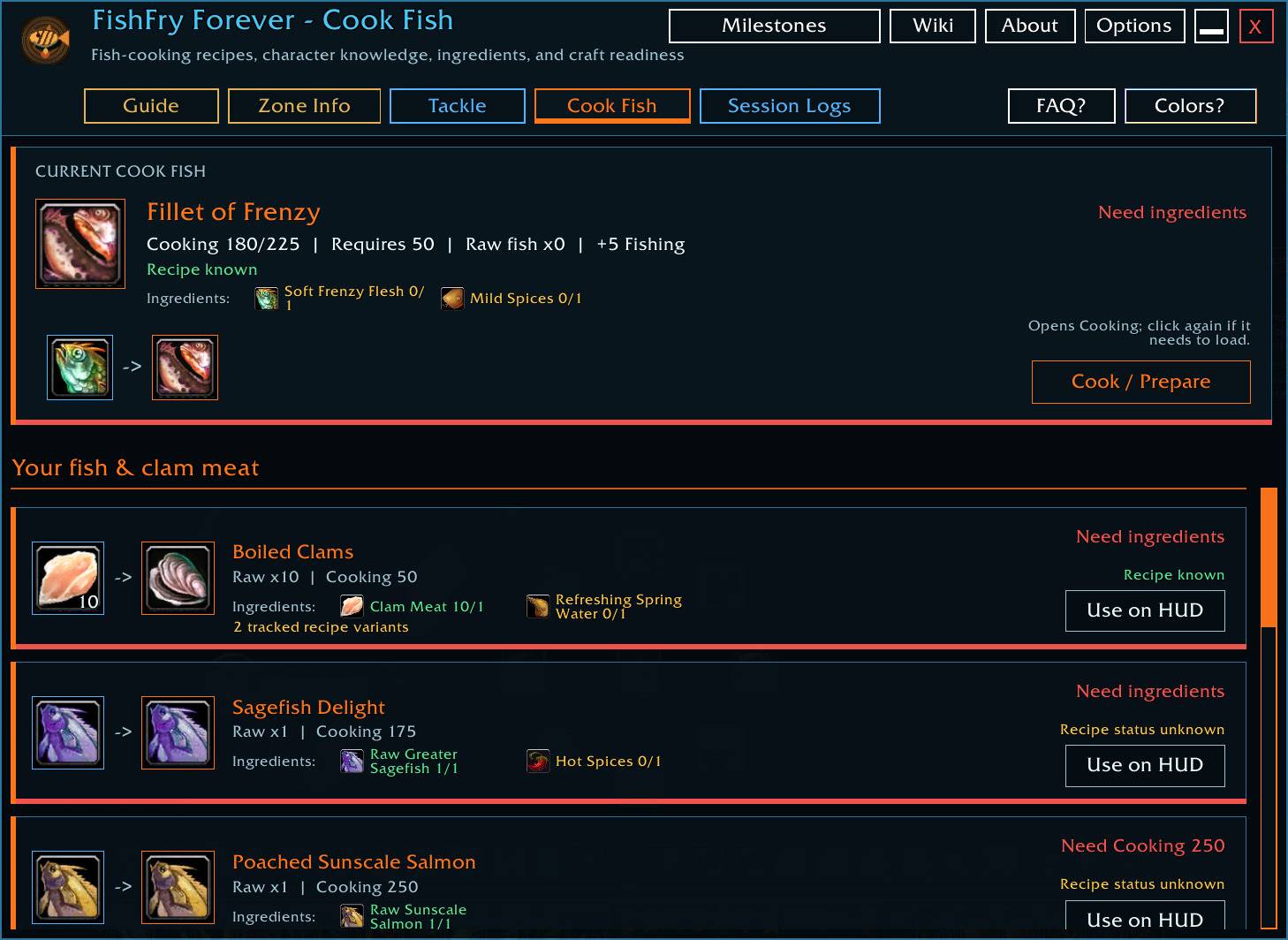
🍳 Cook Fish
Cook Fish turns the fish in your bags into a practical Cooking workflow.
FishFry can show:
- Which raw fish you have
- Known fish recipes
- Required Cooking skill
- Required ingredients
- Current ingredient counts
- How many crafts are possible
- Missing requirements
- Multiple recipes using the same fish
Pick what you want to cook and FishFry keeps it available from the HUD for quick, player-triggered crafting.
⛺ Campsite Assist
FishFry supports Forever's Campsite crafting and placement system.
Campsite Assist tracks the current 38-item campsite catalog and organizes it around the professions your character actually uses.
It can show:
- Known campsite recipes
- Required profession and skill
- Required ingredients
- Current ingredient counts
- Craft readiness
- Finished campsite items already in your bags
Select a campsite object and the HUD becomes its Place / Craft action.
Fishing-specific Campsite progression is built into the Guide, including:
- 🐟 Fish Bowl at Fishing 20
- 🎣 Fishing Rack at Fishing 140
- 🏕️ Fishing Hut at Fishing 300
All placement and crafting remains player-triggered.
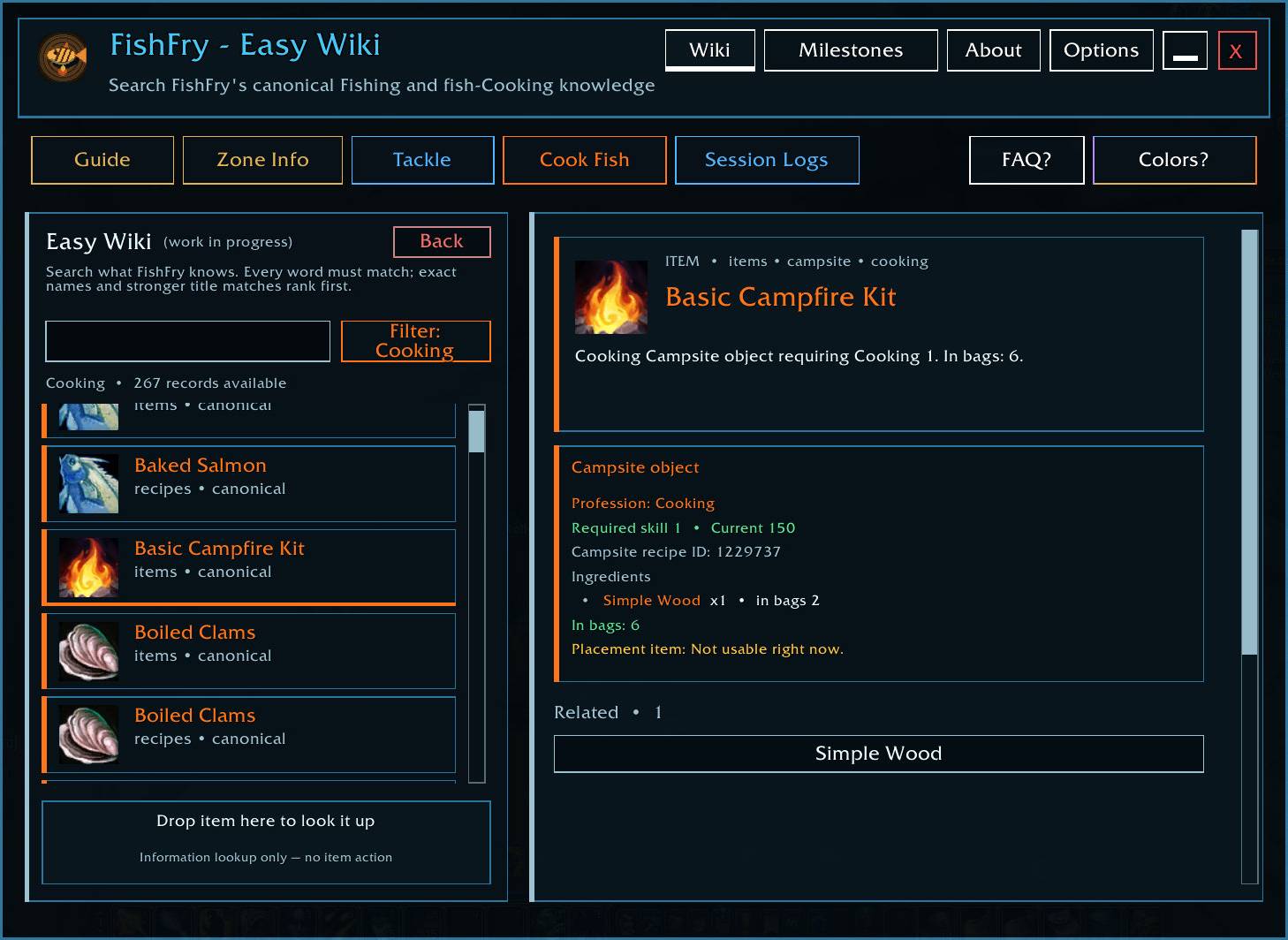
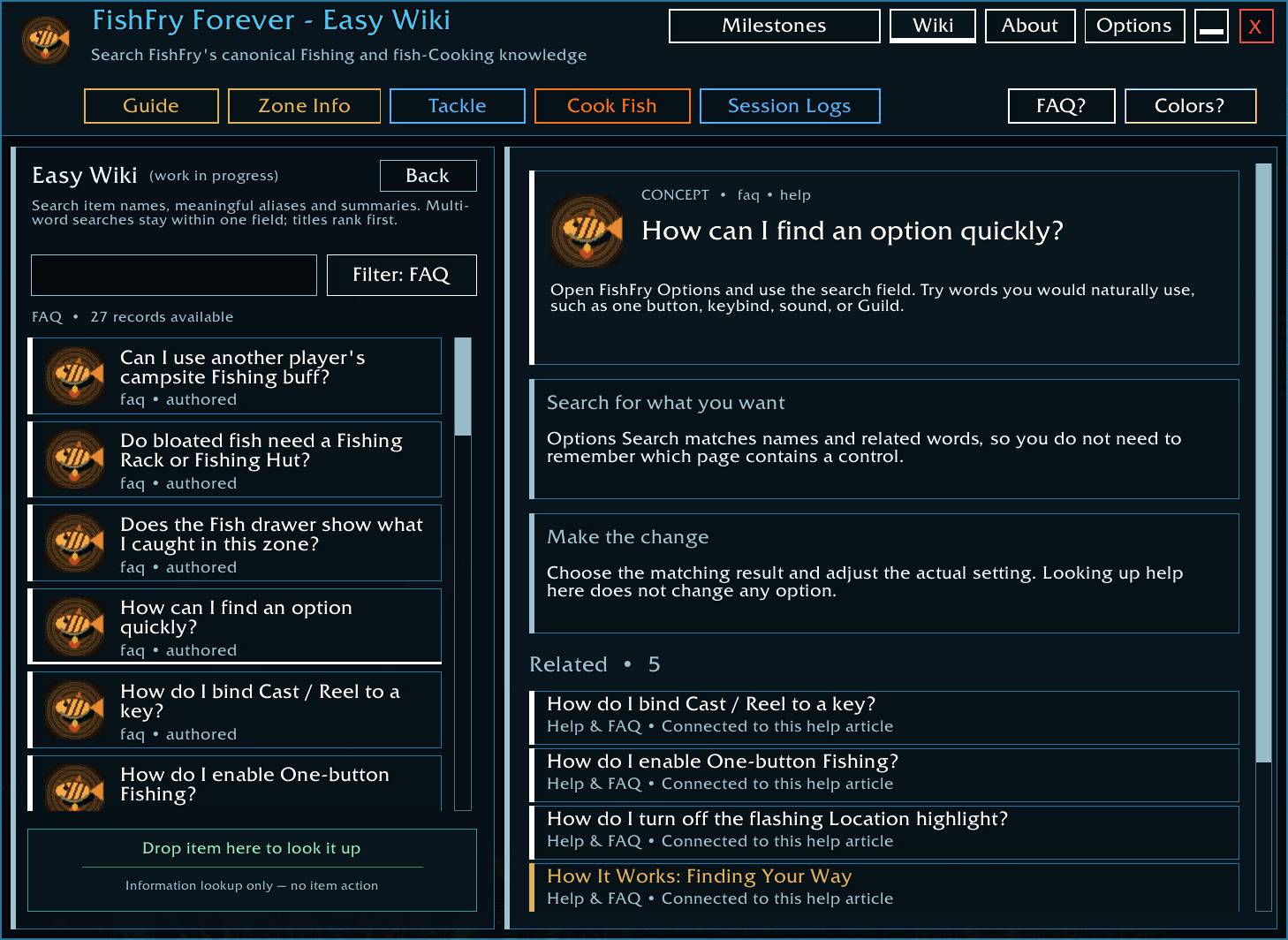
📚 Easy Wiki
Easy Wiki is FishFry's searchable Fishing knowledge base.
Drag & Drop any item on the Wiki to Search across FishFry's known:
- Fish
- Cooking recipes
- Zones
- Routes
- Fishing gear
- Milestones
- Campsite objects
- Fishing help and reference information
Related records link together, so a fish can lead to its zone, recipe, milestone, or other useful context without digging through separate menus.
FishFry keeps reference data and your personal Fishing history separate, and unknown Forever information stays explicitly unknown instead of being guessed.
(I am especially proud of this one, but work-in-progress)
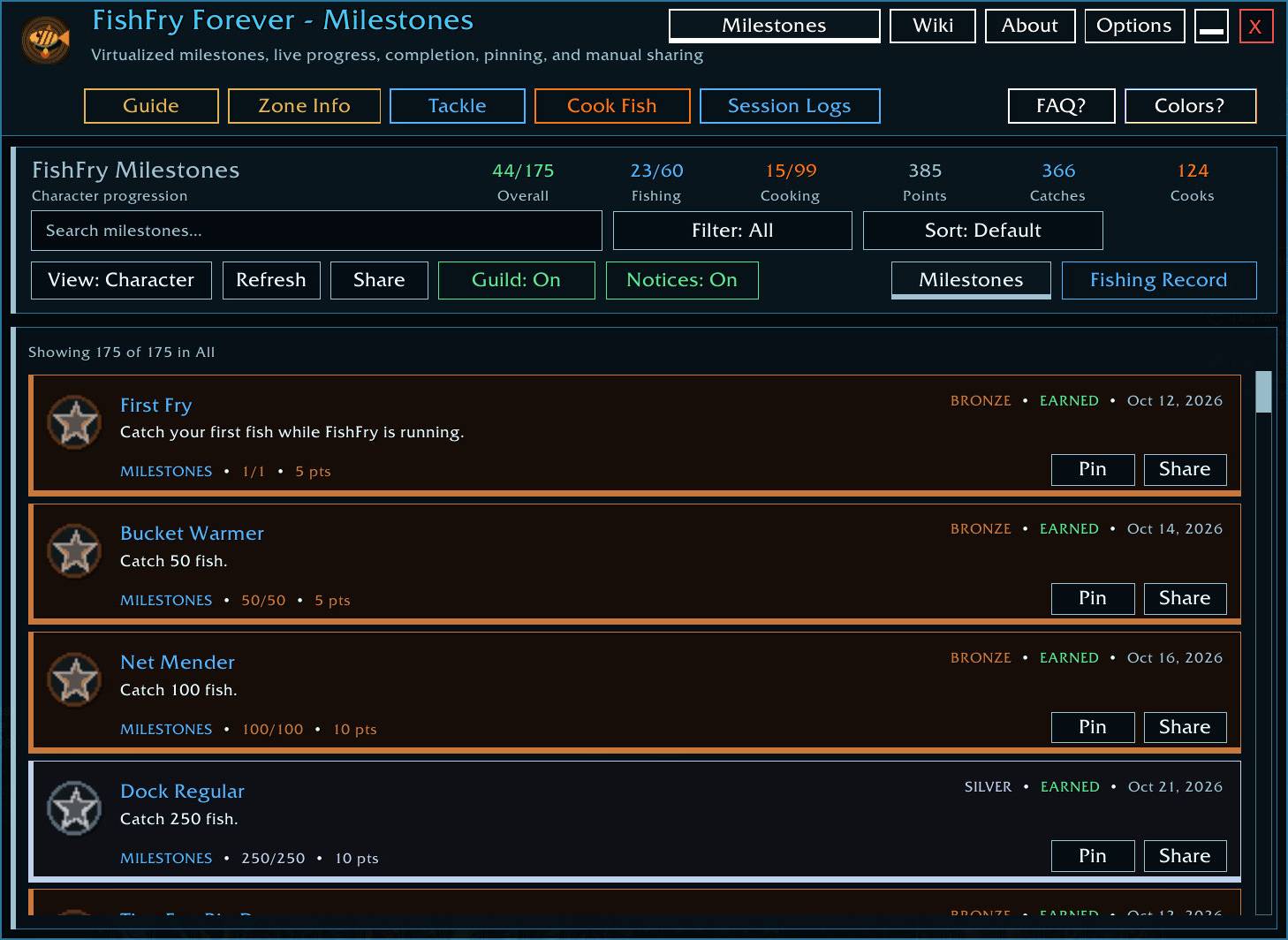
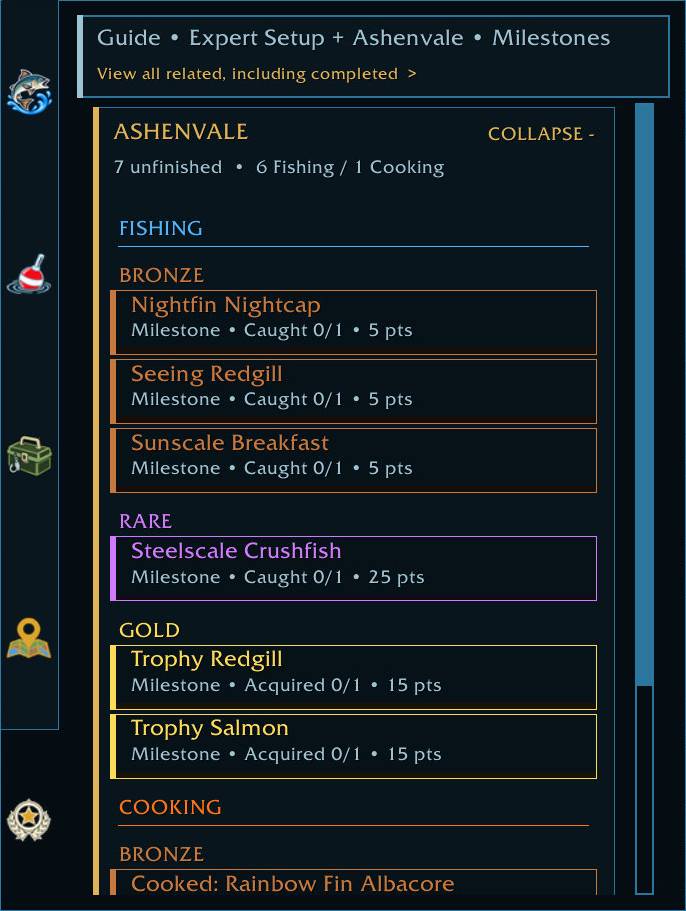
🏆 Journal + Milestones
FishFry's Journal tracks the Fishing side of your character beyond the current route step.
It includes milestones for things such as:
- Catch totals
- Fishing/Cooking progression
- Rare and unusual catches
- Trophy-fish families
- Fishing gear collections
- Route progress
- Long-term Fishing goals
Milestones have visible progress, tiers, Account / Character views, Pin and Share controls, and a New Milestones review when something new is earned.
The Journal is designed to stay useful as a long-term Fishing record, not just a checklist you forget after leveling.
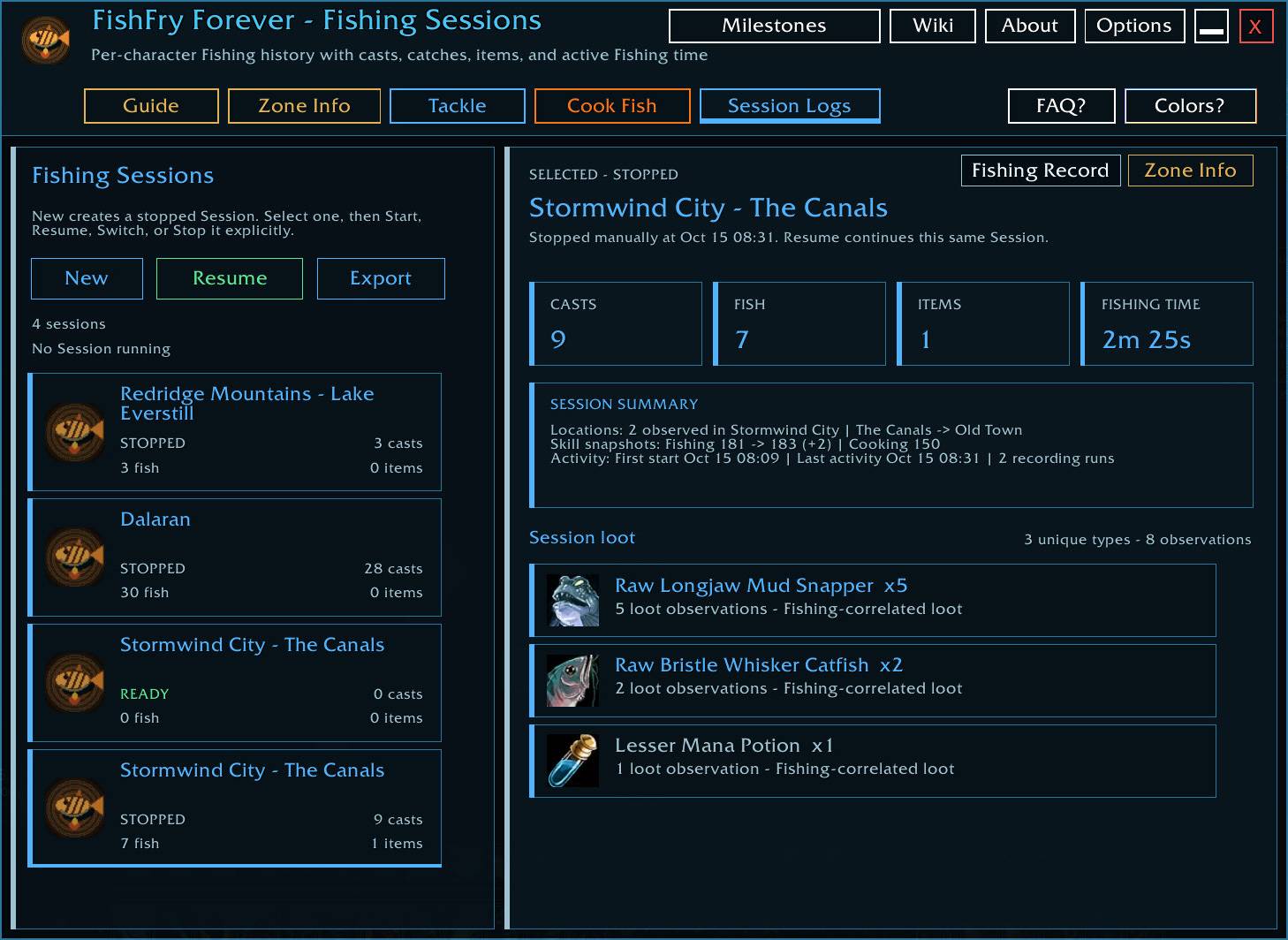
📊 Fishing Sessions + Lifetime Fishing Record
Fishing Sessions lets you see what actually happened while you were fishing.
Create, start, stop, rename, duplicate, delete, and reorder Sessions for different places or Fishing trips.
Sessions can track:
- Casts
- Fish caught
- Other Fishing items
- Active Fishing time
- Locations
- Fishing/Cooking progression during the Session
FishFry also maintains a separate lifetime Fishing Record, so deleting an old Session does not erase your long-term catch history.
Easy Wiki can show that personal history alongside FishFry's reference information.
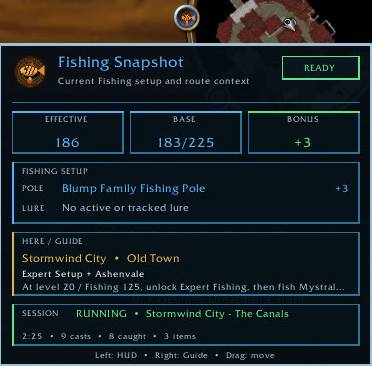
🖥️ Fishing Snapshot
Hover the FishFry minimap button for a compact live Fishing Snapshot.
It can show your current:
- Fishing / Effective Fishing
- Equipped pole
- Lure state
- Zone
- Guide context
- Active Fishing Session
- HUD state
It provides the useful “what is my Fishing setup right now?” information without opening the full addon.
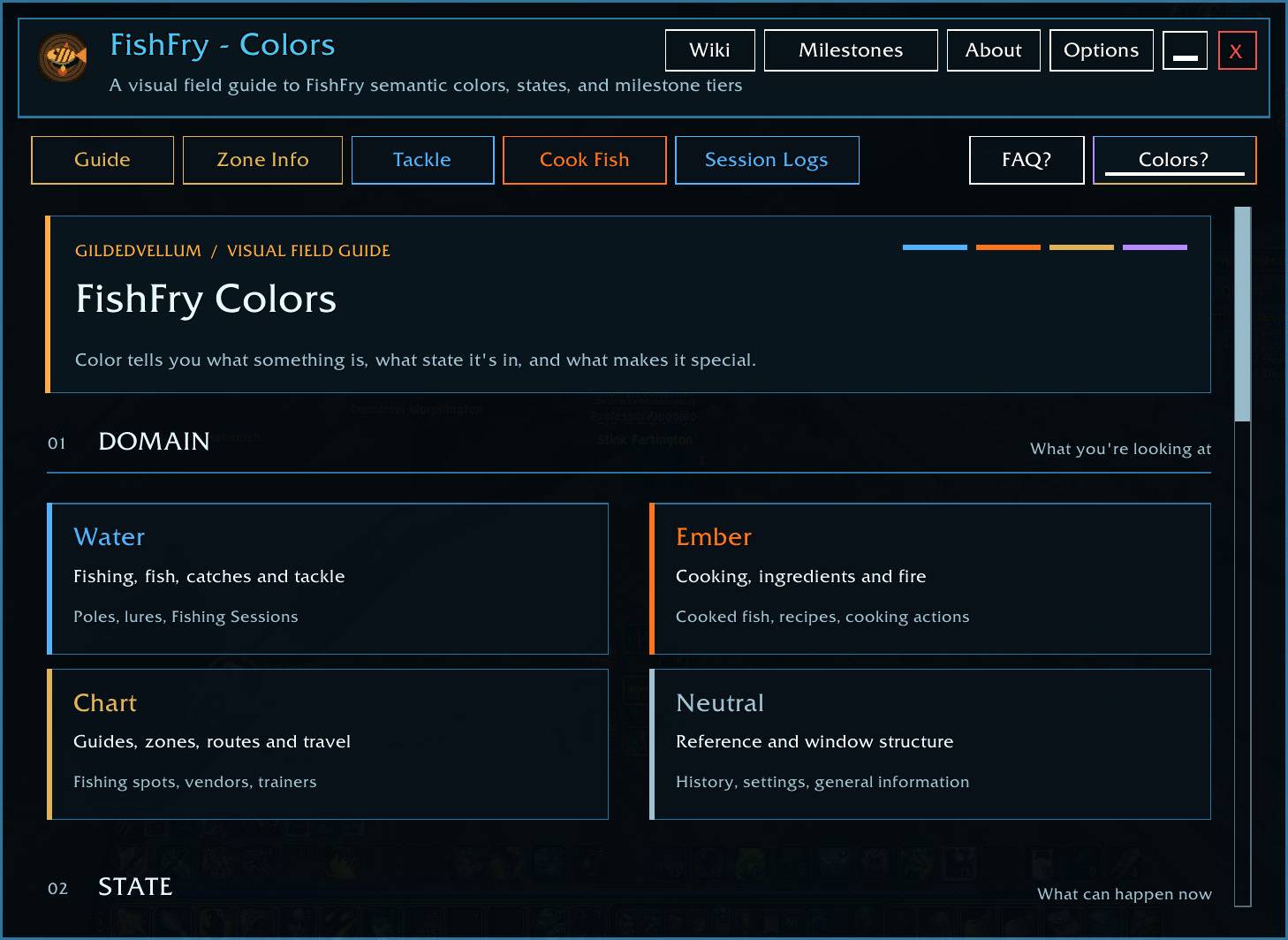
✨ GildedVellum Design
FishFry 1.3.4 uses a rebuilt GildedVellum interface with:
- Independent card-based pages
- Clear Fishing / Cooking / Route visual identities
- Strong selected and disabled states
- Filled semantic scrollbars
- Contextual tooltips
- Milestone progress and completion feedback
- Fishing water motion while actively casting
- Cook Fish flame/smoke feedback
- Pixel-stable thin borders
- Consistent page spacing and layout
The goal is simple:
useful information up front, deeper detail when you ask for it, and as little UI friction as possible.
FishFry remains a manual-play addon.
It does not auto-fish, auto-cook, auto-buy, or move your character for you.
🔌 Supported Addons + Compatibility API
FishFry includes built-in support for TomTom and HandyNotes, plus compatibility support for The Fishing Log.
The public FishFry.Compat API lets other addons safely coordinate overlapping features such as casting helpers, Soft Interact, sound assistance, and Fishing floaters without directly modifying FishFry's saved settings. Everything you need is in "compat.lua".
Supported addons can also optionally route selected FishFry catch and Fishing-warning feedback through their own UI.
FishFry - Fishing Forever Team