Deathsound
- By
Play a custom sound and show a custom emote image when your character dies.
Deathsound_thumpnail.png
Screenshot 2026-06-01 072123.png
Screenshot 2026-06-01 072113.png
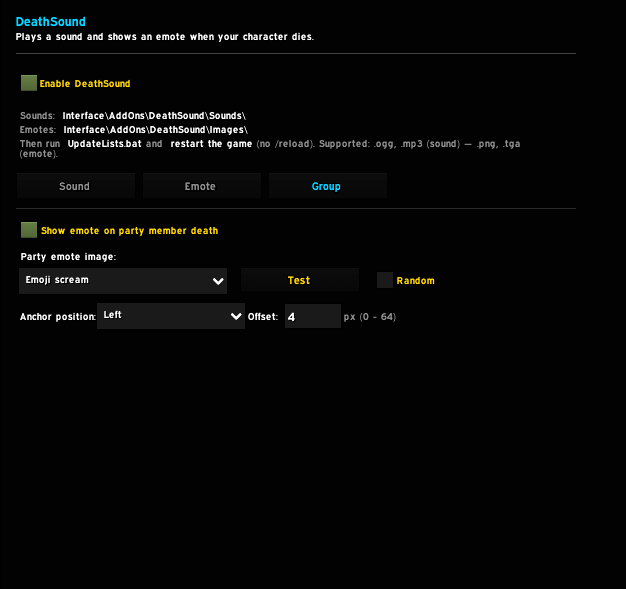
Screenshot 2026-06-01 072100.png
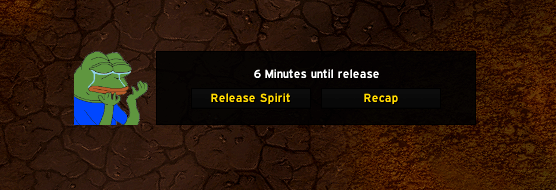
Screenshot 2026-05-28 202423.png
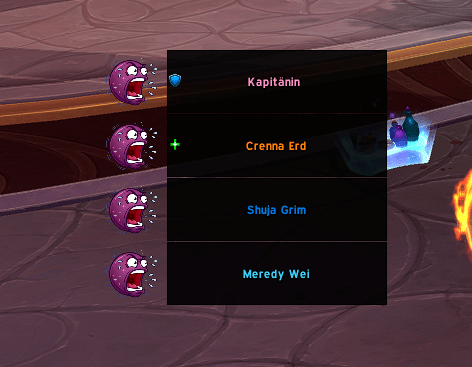
Screenshot 2026-05-31 170040.png
example emote
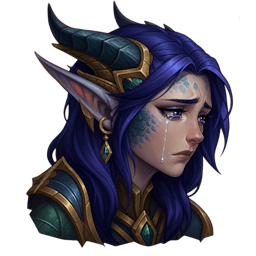
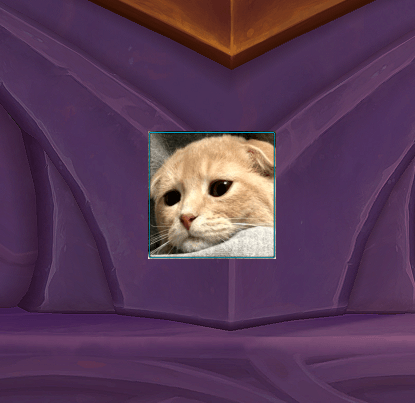
example emote
Screenshot 2026-05-27 203908.png
Description
DeathSound — Sound & Emote
Play a custom sound and show a custom emote image every time your character dies.
Drop in your own audio and image files, run the included batch files, and configure everything from the in-game options panel — no manual file editing required.
Features
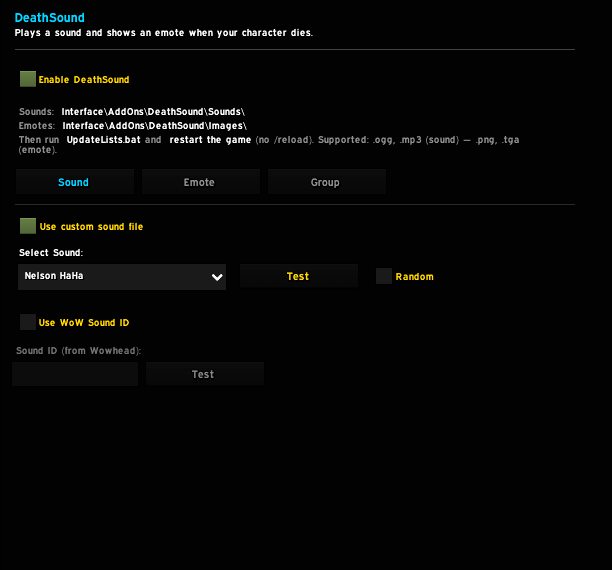
Sound
- Plays a custom sound via the Master audio channel on character death
- Supports .ogg and .mp3 files
- WoW Sound ID mode — enter any Sound ID from Wowhead directly
- Random mode — plays a different sound every death, never repeating
- Live test button to preview sounds without dying
Emote
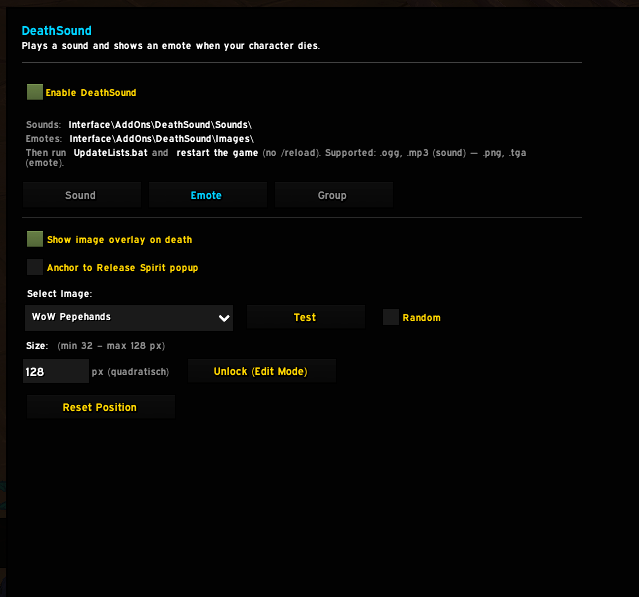
- Displays a custom image overlay on character death
- Supports .png (recommended) and .tga (legacy)
- Random mode — shows a different image every death, never repeating
- Anchor to Release Spirit popup — image appears left of the death dialog, sized automatically
- Free positioning and size input (64–160 px, square) in edit mode
- Live test button — previews the image for 6 seconds without dying
General
- Clean two-tab options panel: Sound and Emote
- Everything disabled when DeathSound is turned off — no sound, no image
- ElvUI skin included — automatically applied when ElvUI is active
- Localized in English and German
- No duplicate playback — fires exactly once per death
Adding Sounds
- Place
.oggor.mp3files intoInterface\AddOns\DeathSound\Sounds\ - Run UpdateSoundList.bat
- Fully restart WoW (no
/reload) - Select your sound in the Sound tab
Adding Emotes
- Place
.pngor.tgafiles intoInterface\AddOns\DeathSound\Images\ - Run UpdateImageList.bat
- Fully restart WoW (no
/reload) - Select your image in the Emote tab
Slash Commands
| Command | Action |
|---|---|
/deathsound |
Open options panel |
/deathsound test |
Test current sound |
/deathsound on |
Enable |
/deathsound off |
Disable |
/ds |
Shorthand |
Deathsound Team