BankSplitter
- By
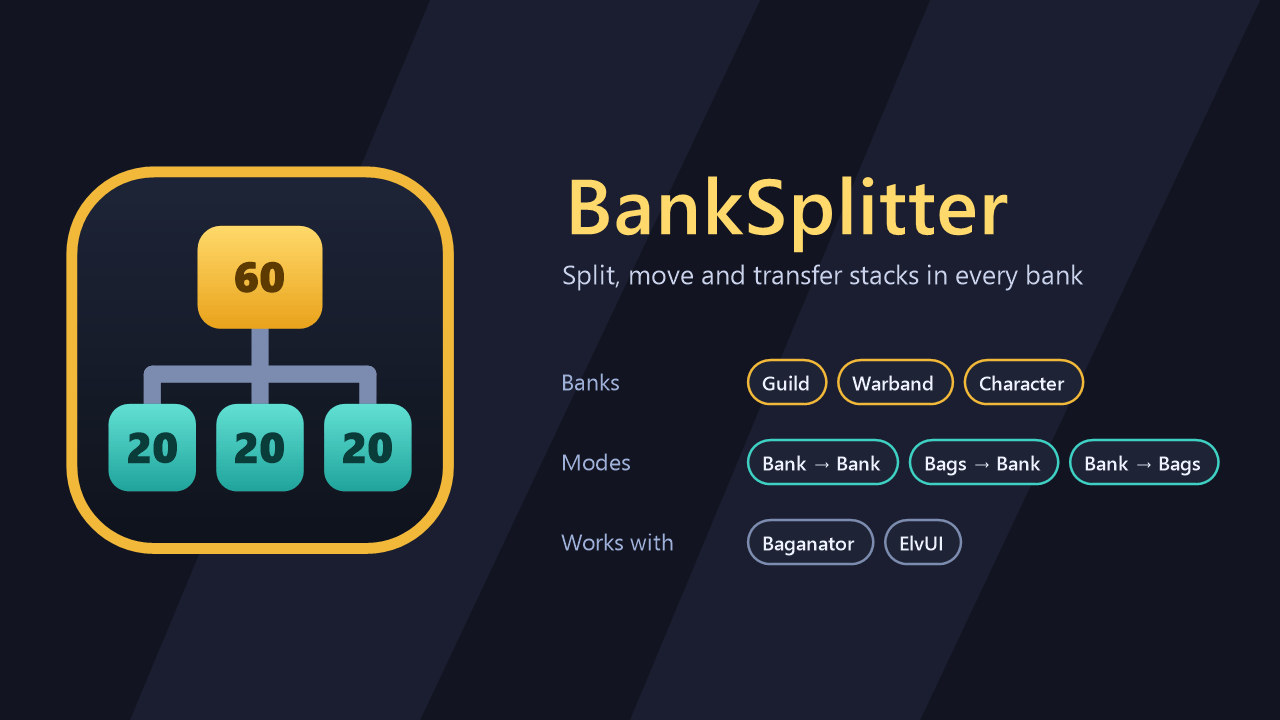
Split stacks and move items between your bags, Guild Bank, Warband Bank and Character Bank.
Description
BankSplitter
Split item stacks in your banks, move items between bags and banks, and transfer a saved item list in one click. For the Guild Bank, the Warband Bank and the Character Bank.
Features
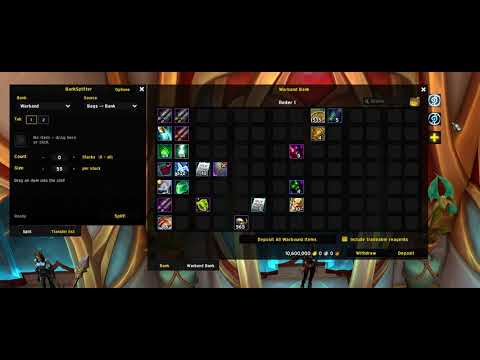
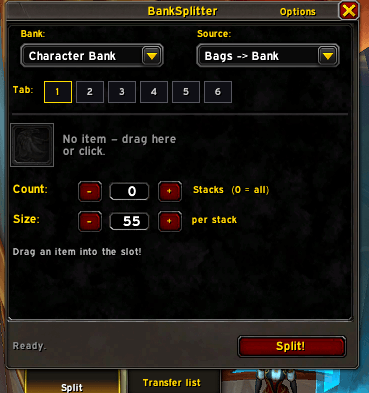
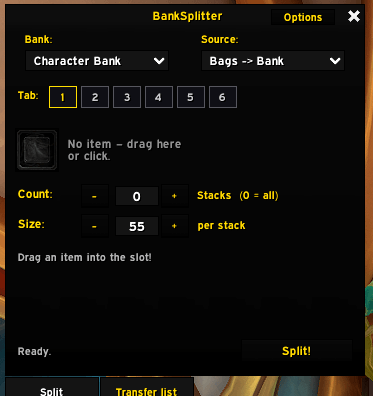
- Split stacks in place. Pick an item, a stack size and how many stacks you want (or all of them). BankSplitter builds them in the bank tab the item is in.
- Bags <-> Bank. Deposit items from your bags in a chosen stack size, or withdraw split stacks into your bags.
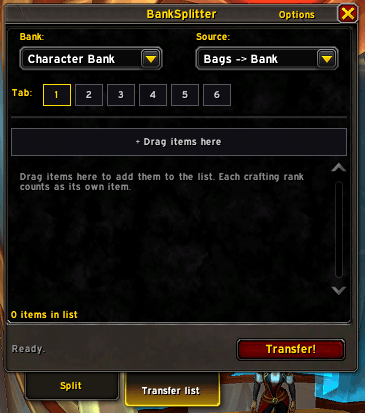
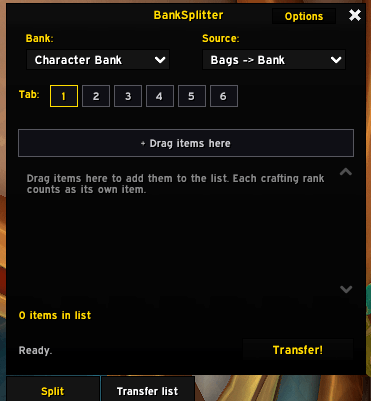
- Transfer list. Keep an account-wide list of items and move them as whole stacks in either direction. Items the target bank refuses are skipped and put back.
- Live preview. See how many stacks and slots a run needs, how many are free, and why it can't start.
- Follows your bank. The window picks the bank you opened and the tab you click, and shows only the tabs you own.
- Safe runs. Every step waits for the server, so no gaps appear. Closing the bank stops the run, and nothing is left on your cursor.
- Fits your UI. Blizzard's default look, an ElvUI skin, and Baganator is read directly.
- Languages: English and German.
Quick start
- Open a bank and type
/banksplitter(or let the window open with the bank, see Options). - Choose the bank and the source at the top: Bank -> Bank, Bags -> Bank or Bank -> Bags.
- Split tab: drag an item into the slot, set Count (0 = all) and Size, check the preview, click Split!.
- Transfer list tab: drag items onto the drop target, pick the direction, click Transfer!.
Stop ends a run at any time.
Commands
| Command | What it does |
|---|---|
/banksplitter |
Open or close the window |
/banksplitter list |
Open the window on the transfer list |
/banksplitter config |
Open the options |
/banksplitter bank |
Print which bank and tab BankSplitter sees (useful for bug reports) |
/gbs |
Same as /banksplitter |
Options
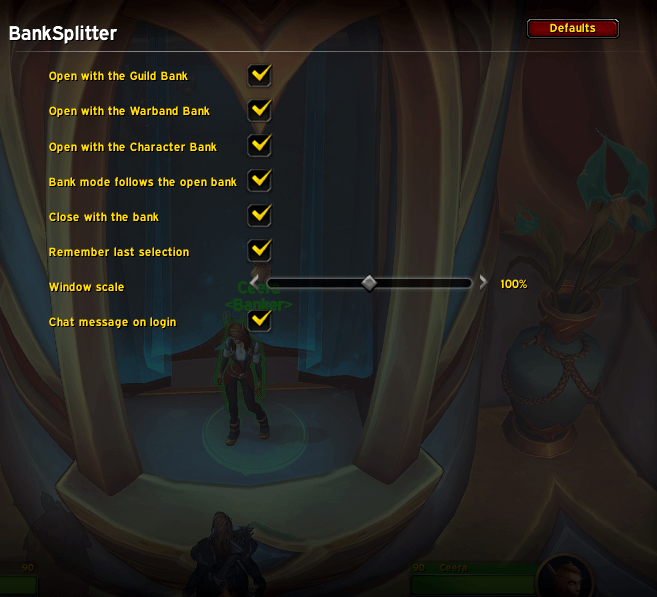
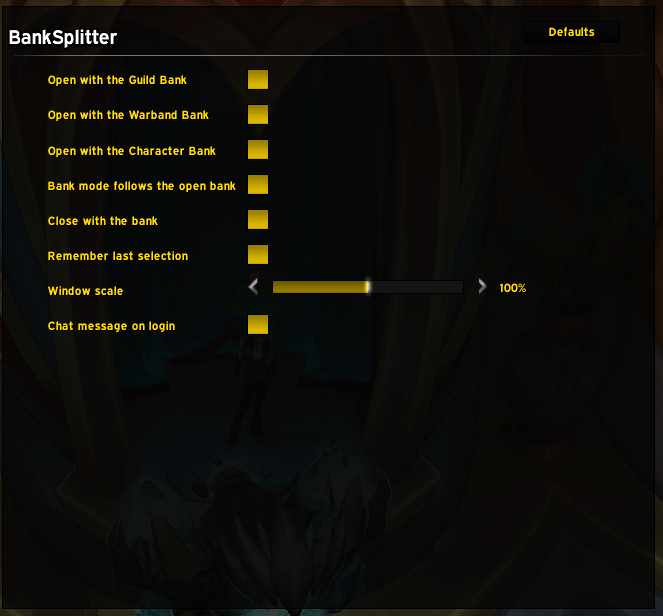
AddOns > BankSplitter in the game's Settings.
| Option | Default |
|---|---|
| Open with the Guild / Warband / Character Bank | off |
| Bank selection follows the open bank | on |
| Close with the bank (only windows that opened automatically) | on |
| Remember last selection | on |
| Window scale | 100 % |
| Chat message on login | on |
Good to know
- Items are matched by item ID, plus item level for weapons and armor. Crafting ranks have their own IDs, so only the exact item in the slot is touched.
- All tabs only exists with a bank replacement addon (Baganator, Bagnon, Combuctor, BetterBags, ArkInventory, AdiBags). Blizzard's bank has no such view.
- Baganator is read directly: its bank and guild bank windows decide which bank and tab are open. For the other replacement addons, pick the tab in BankSplitter yourself.
- The Guild Bank only keeps its visible tab up to date, so with All selected BankSplitter asks the server for every tab first.
Compatibility
World of Warcraft Retail (Interface 12.1.5). Optional: ElvUI, Baganator.
Upgrading from GuildBankSplitter
The addon folder is now BankSplitter. Delete the old Interface\AddOns\GuildBankSplitter folder. To keep your transfer list and options, close the game and copy WTF\Account<account>\SavedVariables\GuildBankSplitter.lua to BankSplitter.lua in the same folder.
Changelog
See CHANGELOG.md.
Feedback
Found a bug or have an idea? Open an issue on GitHub.
License
MIT with AI restriction (no use for AI or machine learning), see LICENSE.md.
BankSplitter Team