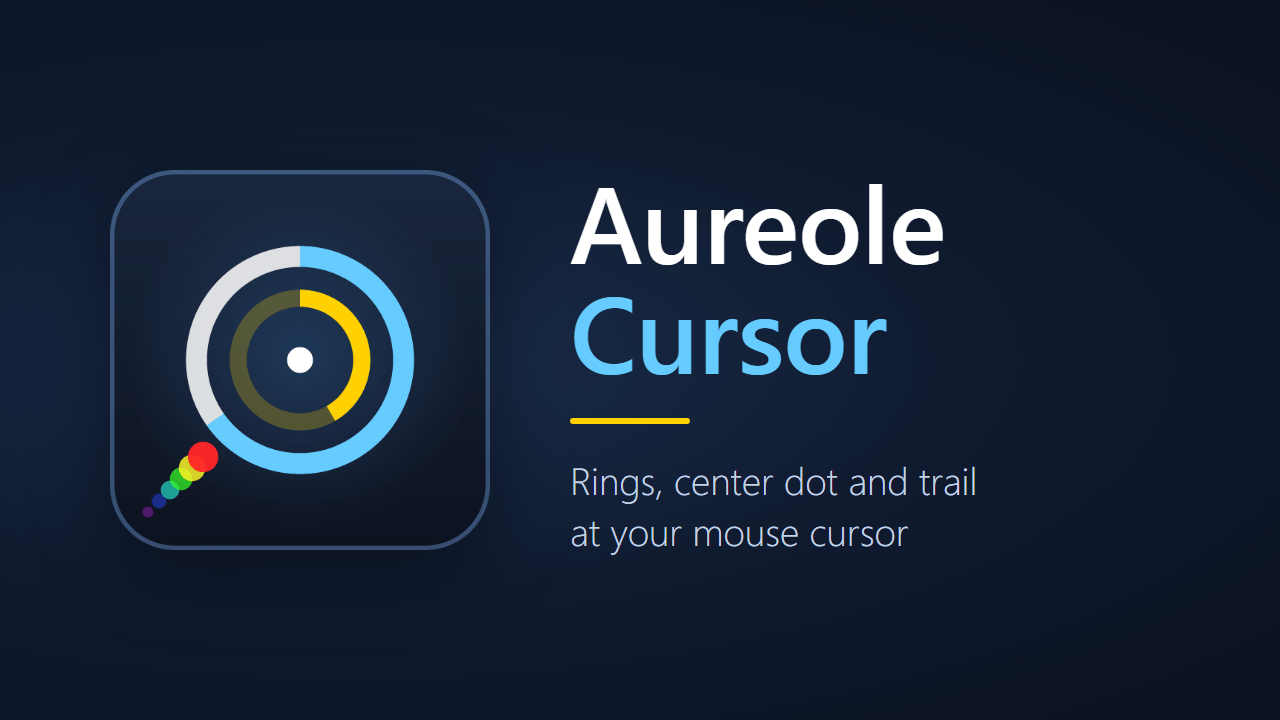
Aureole Cursor
- By
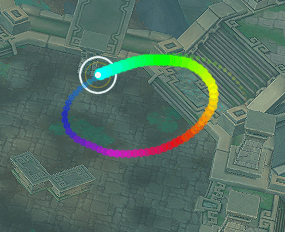
Sharp rings around your mouse cursor with a GCD ring, cast ring, center dot, combat color and a rainbow mouse trail.
Screenshot 2026-10-17 110233.png
Screenshot 2026-10-17 110252.png
Screenshot 2026-10-17 110307.png
Screenshot 2026-10-17 110326.png
Screenshot 2026-10-17 110346.png
Screenshot 2026-10-17 110357.png
Description
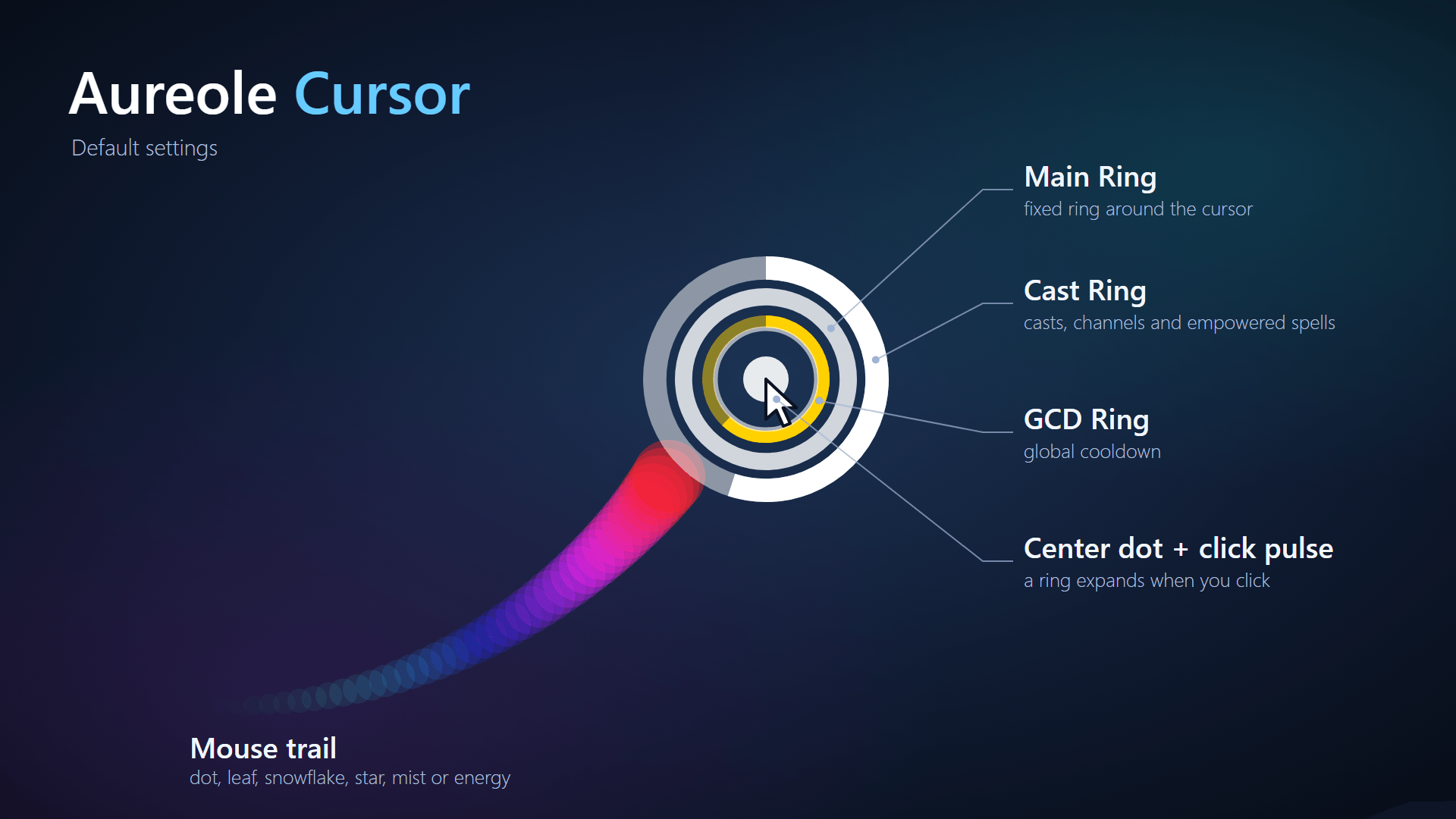
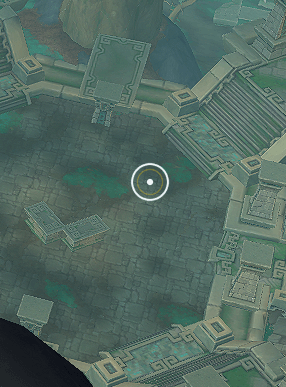
Rings around your mouse cursor: a fixed ring, a global cooldown ring, a cast ring, a center dot and an optional mouse trail. Sharp edges at every size, all settings on one page.
Built for Midnight (12.1.5). The timers use Blizzard's duration objects, so the rings keep working when combat values are restricted.
Features
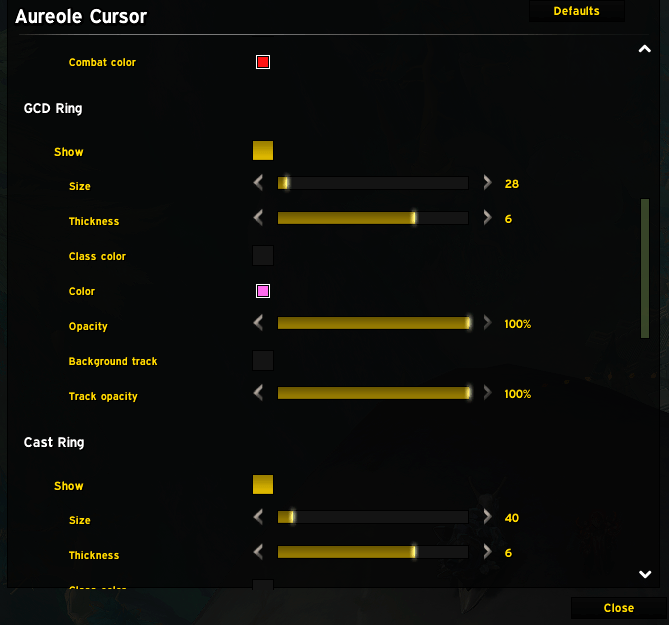
- Main Ring: a fixed ring around the cursor. It can switch to a combat color automatically while you are in combat and back afterwards.
- GCD Ring: shows the global cooldown and drains while it runs.
- Cast Ring: shows casts (fills up), channels (drains) and empowered spells.
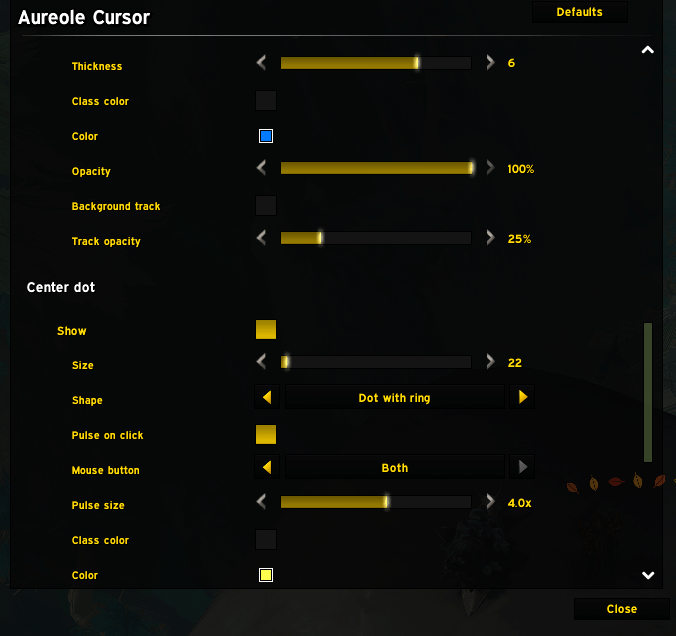
- Background track: an optional faint full ring behind the GCD and Cast ring, so you can see how much is left.
- Center dot: a dot in the middle of the rings.
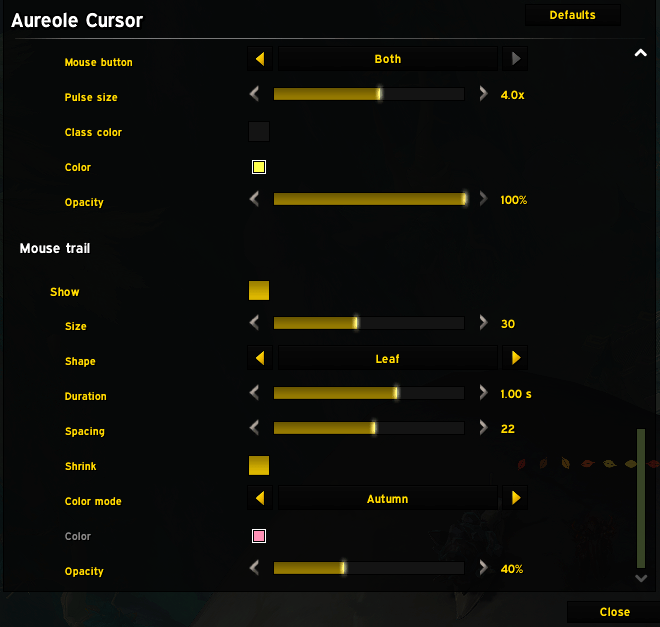
- Mouse trail: a trail of dots behind the cursor that fades out and shrinks. Color mode: rainbow, class color or a custom color. Duration, spacing and size are adjustable. Fast mouse movements stay gap-free.
- Sharp at any size: the textures come in several resolutions and are picked by the size on your screen, so small rings do not turn pixelated. Ring thickness has eight steps.
- Colors: every element has its own color, opacity and class color option.
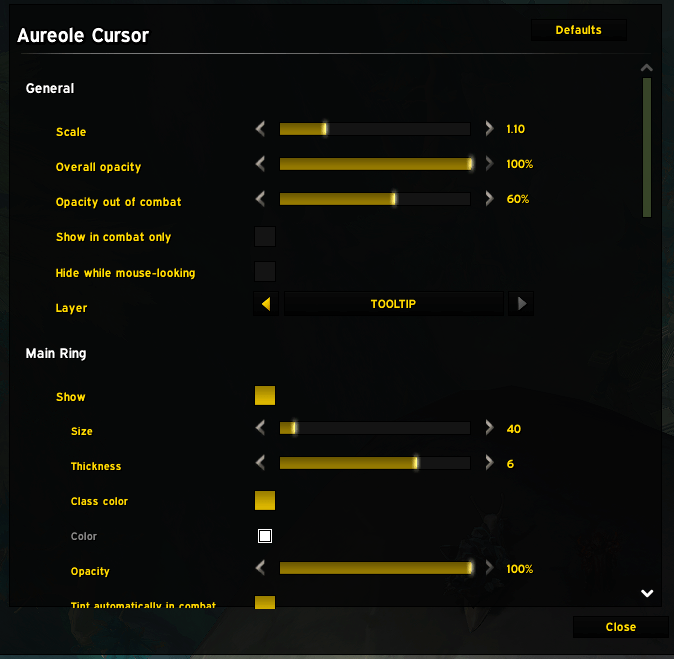
- Visibility: overall opacity, a separate opacity out of combat, "show in combat only", hide while mouse-looking, and the frame layer.
- Languages: English and German.
Usage
Open the settings with /ac or /aureole (/aureolecursor works too). Everything is on one page with a section per element. Options that depend on another one are greyed out while they do not apply.
Commands
| Command | What it does |
|---|---|
/ac or /aureole |
Open the settings |
/aureole help |
Show the current state and the command list |
/aureole scale <n> |
Overall scale |
/aureole alpha <n> |
Overall opacity (0.05 to 1) |
/aureole combat on\|off |
Show only in combat |
/aureole ring main\|gcd\|cast\|dot\|trail on\|off |
Switch an element on or off |
/aureole ring <element> size <n> |
Change the size of an element |
/aureole reset |
Reset all settings |
Good to know
- There are no health or power rings. Since Midnight those values are restricted for addons and cannot be drawn reliably.
- The GCD and cast rings read Blizzard's duration objects instead of doing their own time math. Behavior in boss fights, Mythic+ and PvP has not been measured yet.
- The trail uses a fixed pool of textures with engine-driven animations, so it costs almost nothing per frame.
Feedback
Found a bug or have an idea? Open an issue on GitHub.
Aureole Cursor Team