Station Feeder
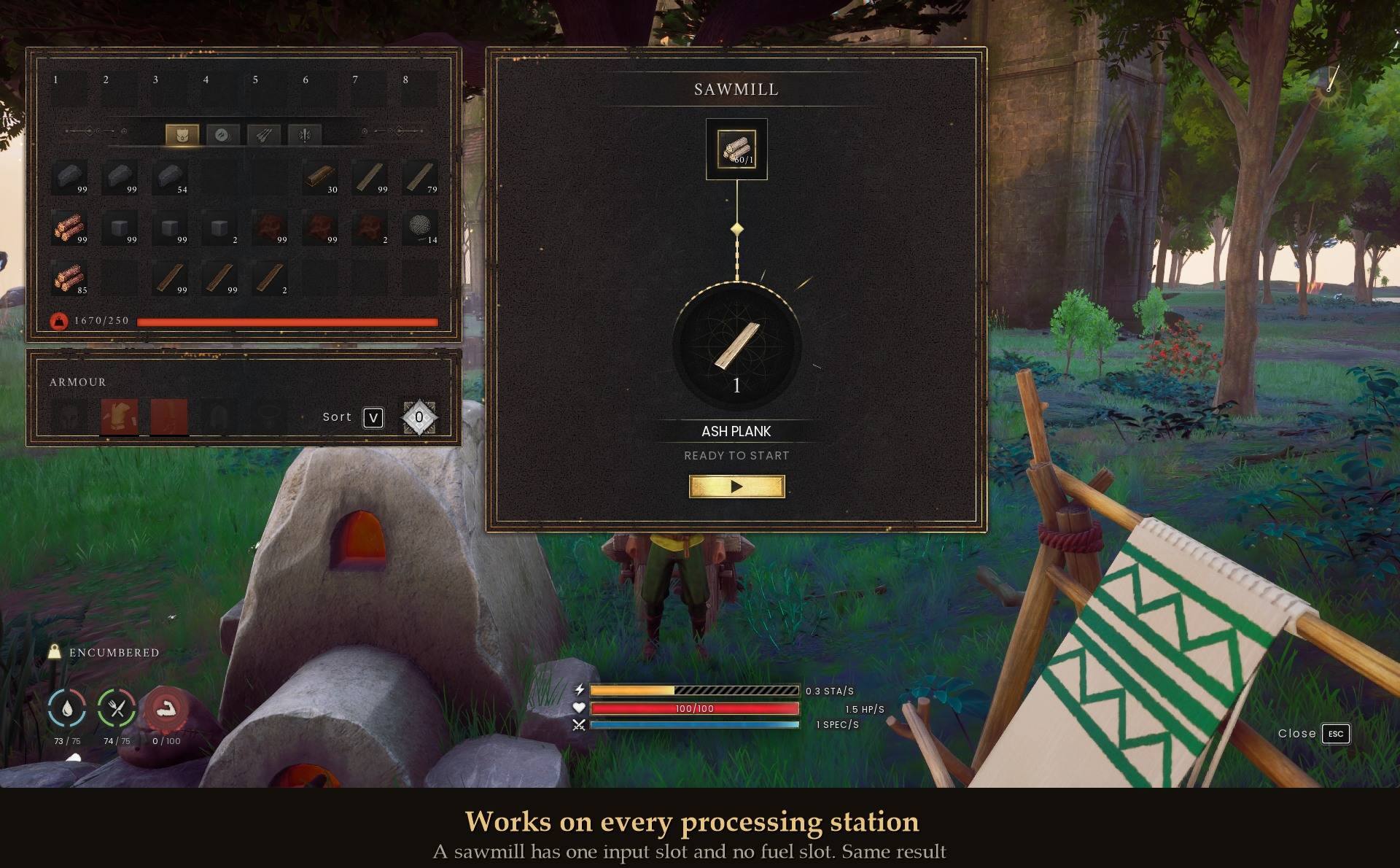
Your crafting bench can already reach into your linked chests. Your furnace cannot, and neither can the sawmill, the loom, the spinning wheel or any of the other machines that process raw materials over time. Each of those owns its own little input tray and will only ever use what you personally walked over and dropped in.
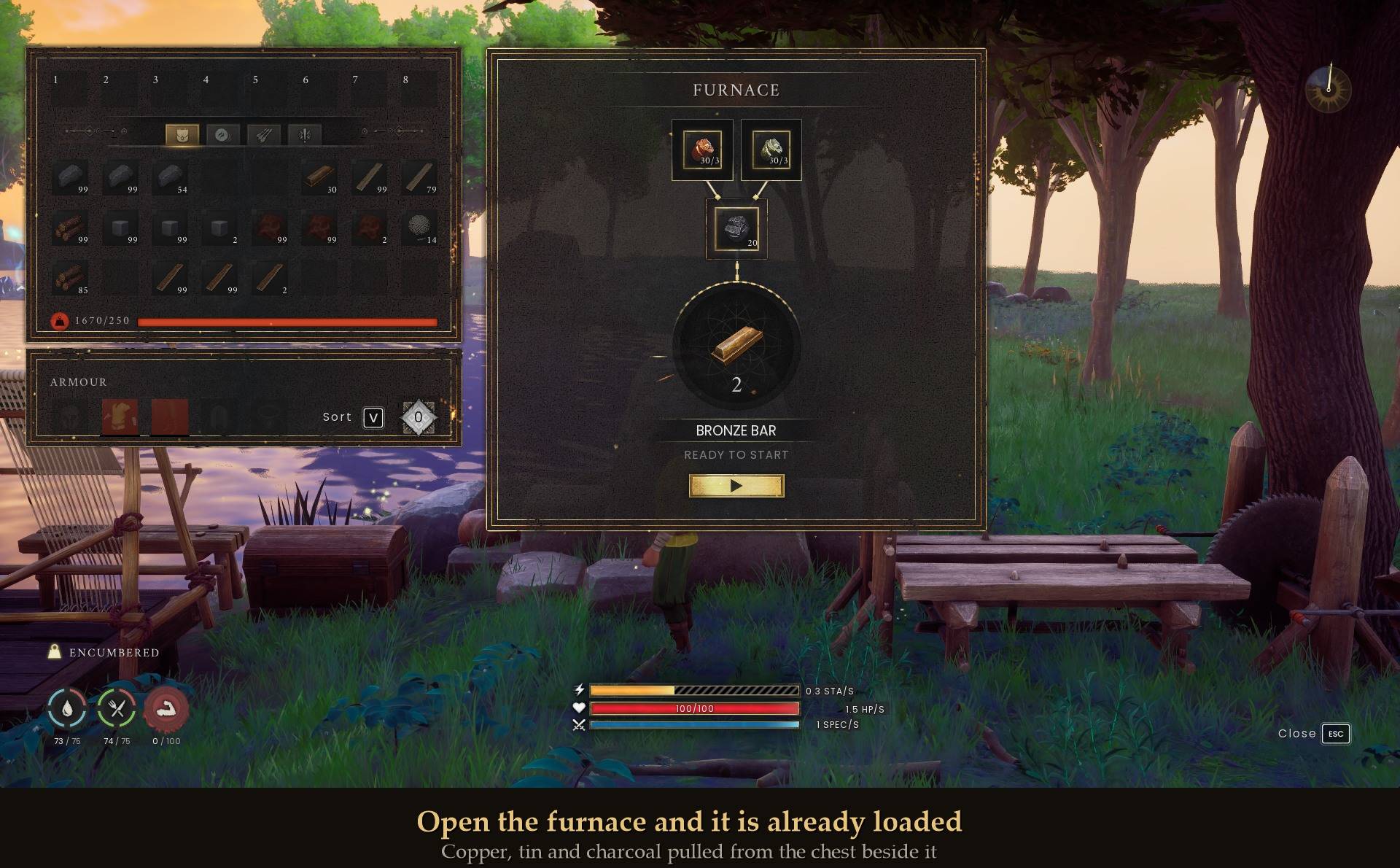
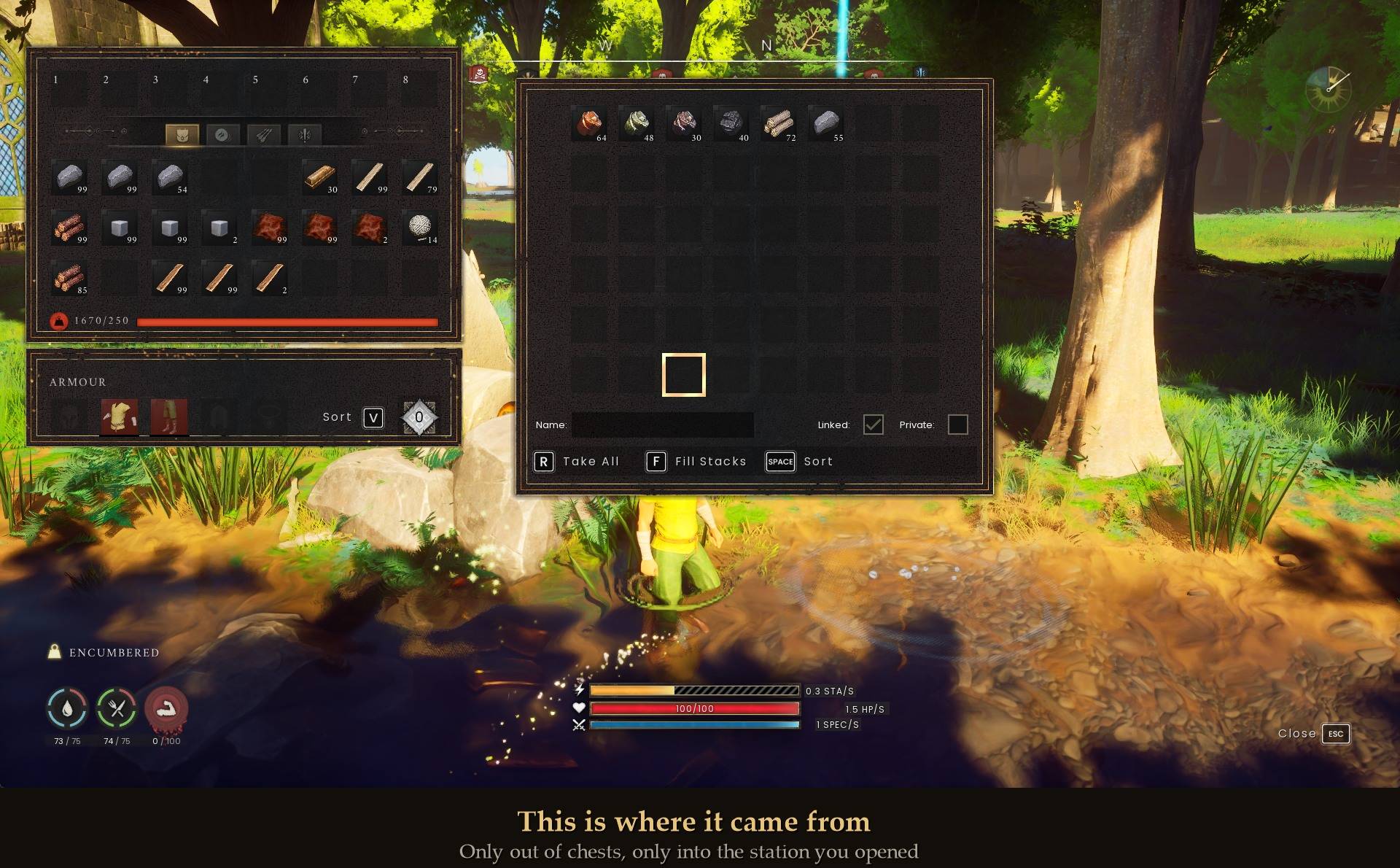
This makes them restock themselves from the chests standing around them, at the moment you open one.
What you get
- Open a station you have already loaded once and it tops itself up from your nearby chests
- It reads each machine's own accepted-items list, so it covers every processing station, including ones a future update adds
- It fills the fuel slot too
- It never touches your backpack, in either direction
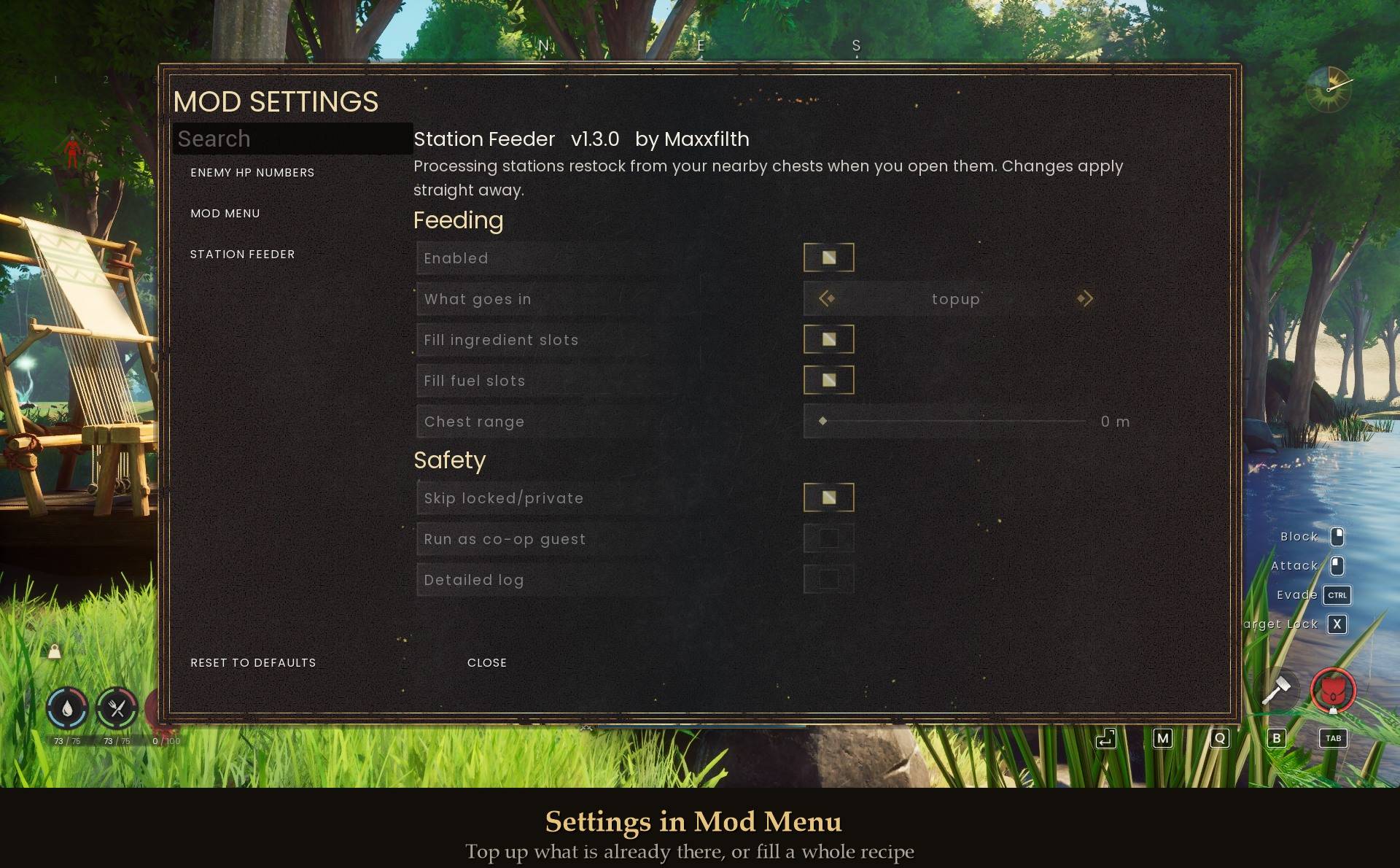
- Settings in Mod Menu, if you use it
The machines this is for
Furnace, Blast Furnace, Sawmill, Stonecutter, Charcoal Kiln, Grill, Fermentation Barrel, Tanner, Advanced Tannery, Loom, Spinning Wheel, Grindstone and Cauldron, plus the Advanced Spinning Wheel from the Scorned Wilderness.
You will see five of these named around the forums as "the ones that cannot use linked chests". That list is not wrong, it is just short. The game has two kinds of workstation and the split is clean: crafting benches have no inventory of their own and the crafting screen already reaches into your chests, while every processing station owns its input and has to be hand fed. All thirteen in the base game, not five, plus the one the Scorned Wilderness adds.
How you tell it what you want in
You load the station by hand, once. That is the whole interface.
From then on, every time you open that station, the mod tops up whatever is already sitting in its slots. It will never fill an empty slot, so it cannot decide what your furnace is for, and it cannot load a machine you only opened to check on. If your chest holds copper, tin, iron, silver and gold, and your furnace has copper and tin in it, you get copper and tin. The iron stays in the chest.
There is a second mode if you would rather it worked things out for you. Fill a recipe reads the station's own recipe list, finds one your chests can supply completely, and moves in exactly those ingredients. It is off by default, because it makes a choice on your behalf.
That mode exists for a real reason: a Furnace has two input slots and Bronze Bar needs copper and tin. Something that just grabbed the first usable thing it found could leave you with iron in one slot, silver in the other, and no valid recipe at all.
What it will not touch
- Your backpack. Items only ever move out of a chest and into the station you just opened. Never the other way, never out of your pockets
- Anything the station does not accept, checked against the machine's own list rather than one I wrote
- Locked chests, and chests marked private
- Crafting benches, which already work
A note on private chests
The game keys privacy to a character, and gives a mod no way to ask "is this one mine". So this skips every private chest rather than guessing, which is the safe way round. If you play with chests private by default, either untick that setting or leave the chests you want it to use unmarked. When it skips chests for this reason it says so in the log, rather than sitting there looking broken.
Install
- Install UE4SS for RSDragonwilds (free, from the UE4SS for RSDragonwilds page on Nexus Mods)
- Drop the StationFeeder folder into
RSDragonwilds/Binaries/Win64/ue4ss/Mods/
- Load into a world, put something in a machine, and open it again
On Game Pass: use the BE version of UE4SS with the SCO signature, the normal build does not load there. Game Pass also installs the game under Binaries/WinGDK/ instead of Binaries/Win64/, so the StationFeeder folder goes in RSDragonwilds/Binaries/WinGDK/ue4ss/Mods/. If you use a mod manager, check that is where it ended up.
To remove it, delete the folder. It changes nothing in your save.
Config
Everything is in config.txt in the mod folder, and in Mod Menu if you have it:
Enabled = true
FeedMode = topup        # or: recipe
FeedResources = true
FeedFuel = true
Radius = 0              # metres, 0 = the game's own 30 m linked-storage range
SkipLockedChests = true
AllowAsClient = false
Verbose = false
Good to know
- Processing stations have very few input slots. A Loom has one, a Furnace has two. So a feed fills one or two item types and politely refuses the rest. It is not going to empty a chest into a machine
- In top-up mode, a fuel slot that has burned down to zero is an empty slot, so it will not be refilled. Leave one lump in, or use recipe mode
- Range defaults to the game's own linked-storage distance, 30 metres, read from the game rather than picked by me. You can raise it to 200
- It reads the 40 nearest chests in range. If you have more than that packed together it says so in the log, and it is always the same 40, never a different set each time
- Co-op: the host is fine. As a guest the chests and the transfer belong to the host, which I have not been able to test, so it does nothing unless you turn it on
Tested
On a Furnace and on a properly built Sawmill, with test setups arranged so that a broken build would visibly fail rather than quietly pass: a station with room for five against a chest stack of ninety-nine, a chest marked private, and a recipe blocked by a stray ore in one of the two slots. Item totals were conserved exactly across every transfer, and my backpack read zero before and after every single run. Soak tested alongside twelve other mods over fifteen open-and-close cycles with no errors, no crashes and flat memory.