A Max Cape for maxing every skill
Combine one of each of the twelve trimmed skillcapes at the Mystic Forge and get the Max Cape, which carries every skillcape's special effect.
Needs UE4SS, RuneSchema and Max Cape (RuneSchema items), the second half of this mod. Mod Menu is optional.
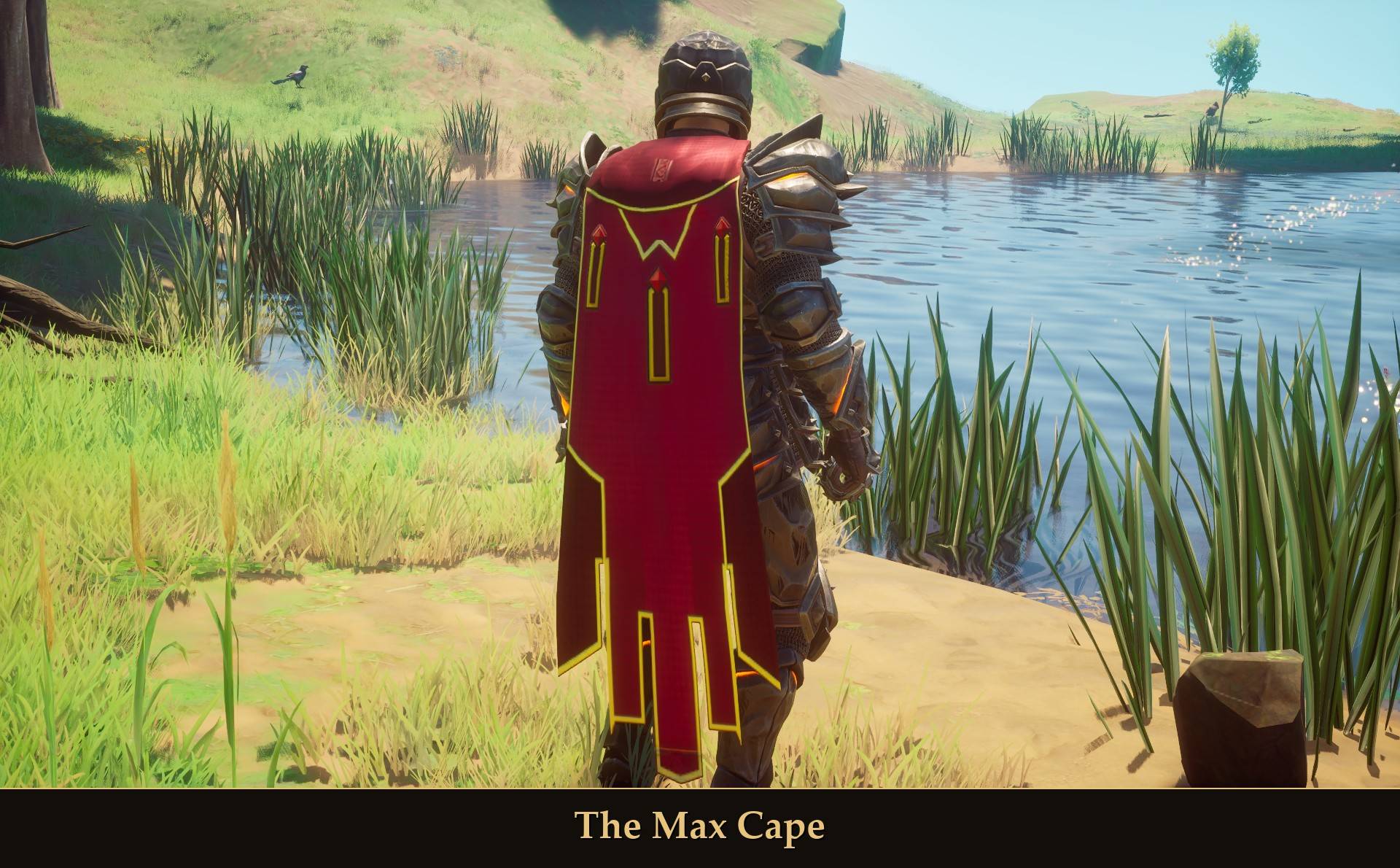
The Max Cape
In Dragonwilds you can make a skillcape at the Mystic Forge for each skill you get to 99, and it's trimmed once you have more than one. There's no cape for getting all of them to 99. RuneScape players will know the idea: one cape for maxing every skill. So I made one.
Why two projects?
The mod has two halves. This project has the design, the icon and the script that shows the progress and the message and puts the design on the cape. The cape and its Mystic Forge recipe are added through RuneSchema, and CurseForge keeps RuneSchema files in their own section, so that half is a separate project: Max Cape (RuneSchema items). You need both.
What it does
- Made at the Mystic Forge: bring one of each of the twelve trimmed skillcapes and combine them, in the forge's "Capes of Achievement" section. The twelve are used up.
- Every skillcape effect in one cape: the Max Cape carries the special effects of all eleven skillcapes that have one, at once.
- A message when it's ready: on screen the moment your last skill reaches 99.
- See how far you are: "Show my progress" in Mod Menu counts your skills at 99, and at twelve 99s, which trimmed skillcapes you still have to make.
- Wear it at any level: no skill level is needed to put it on, and its effects work at any level. It has Defense 2, the same as every skillcape.
- Its own look and icon: a new design on the game's long cape.
- Pairs well with my Quest Cape mod: a cape for finishing every quest, with its recipe in the same forge section. Each mod works on its own.
The cape
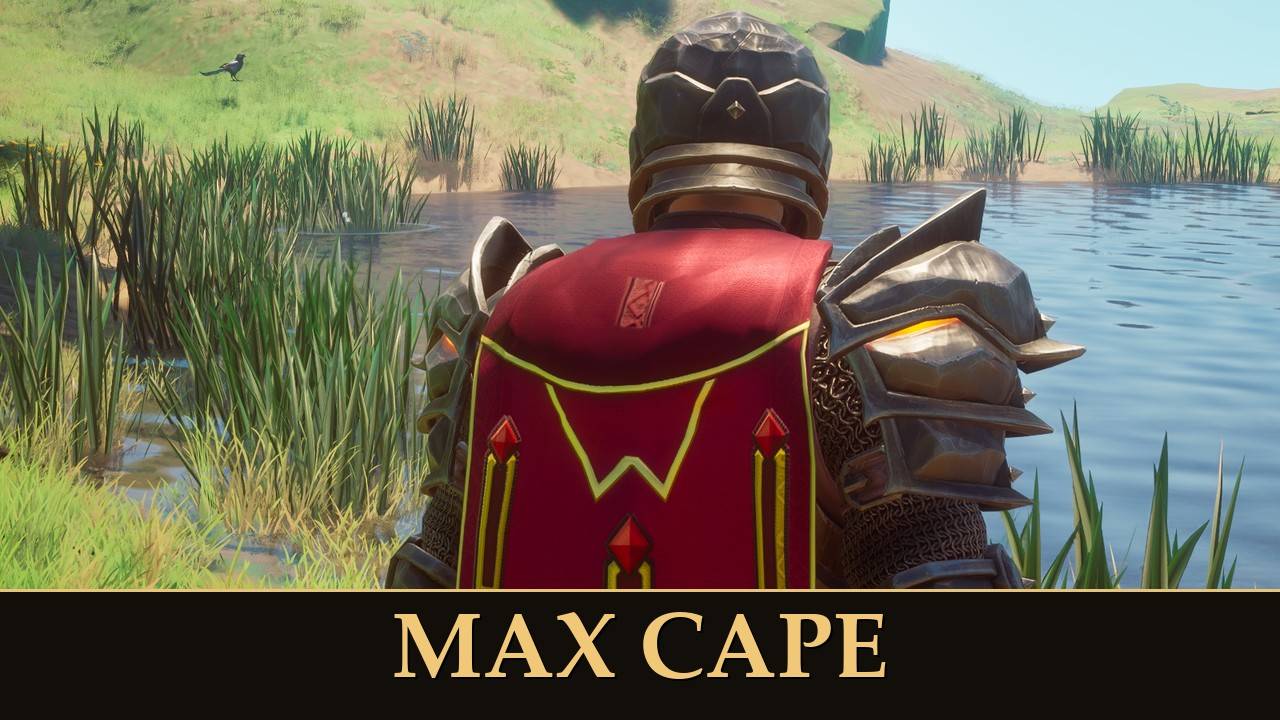
A long rose-crimson cape with no hood. It has a crimson collar with a gold zigzag line below it, and three gold-framed pendants with red gems: two at the upper outer corners, and the center one lower and longer. The bottom is split into panels: a long center panel with a gold-framed tab, shorter inner panels with gold-tipped corners, and darker outer flaps with angled points, with gaps between the strips. It's all painted on the cloth, so it sways with the cape. Its flavor text: "Level 99 in every skill. There is nothing left to master. Wear it with pride."
It has Defense 2 and the special effects of the eleven skillcapes that have one. The game's Fishing skillcape has no special effect, so there's nothing to carry over from that one. In the game's own words, wearing it means:
- Melee, Magic and Ranged attacks each have a small chance of costing no stamina.
- A small chance to instantly finish mining an ore rock, or chopping a tree.
- Repairing gear costs no resources.
- A small chance to not use building materials when placing a build piece.
- You can't burn food.
- You siphon double the runes from Anima Vents.
- The cape acts as an infinite source of plant cure potions.
- A small chance to not use stamina when you jump, dash or evade.
I checked that all eleven effects are active while you wear it, at any level. I haven't tried each one out in play.
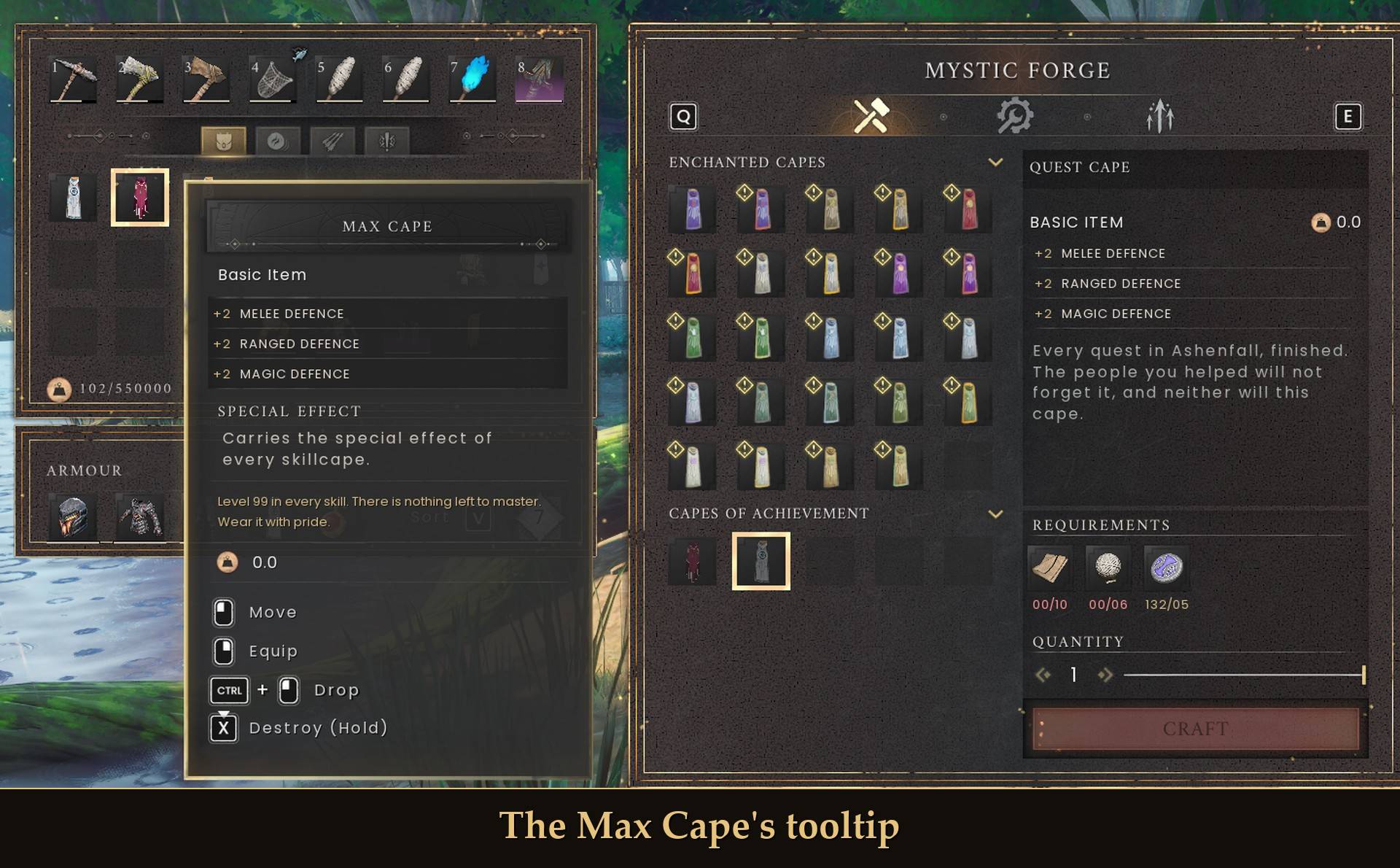
The Max Cape's tooltip
Making it
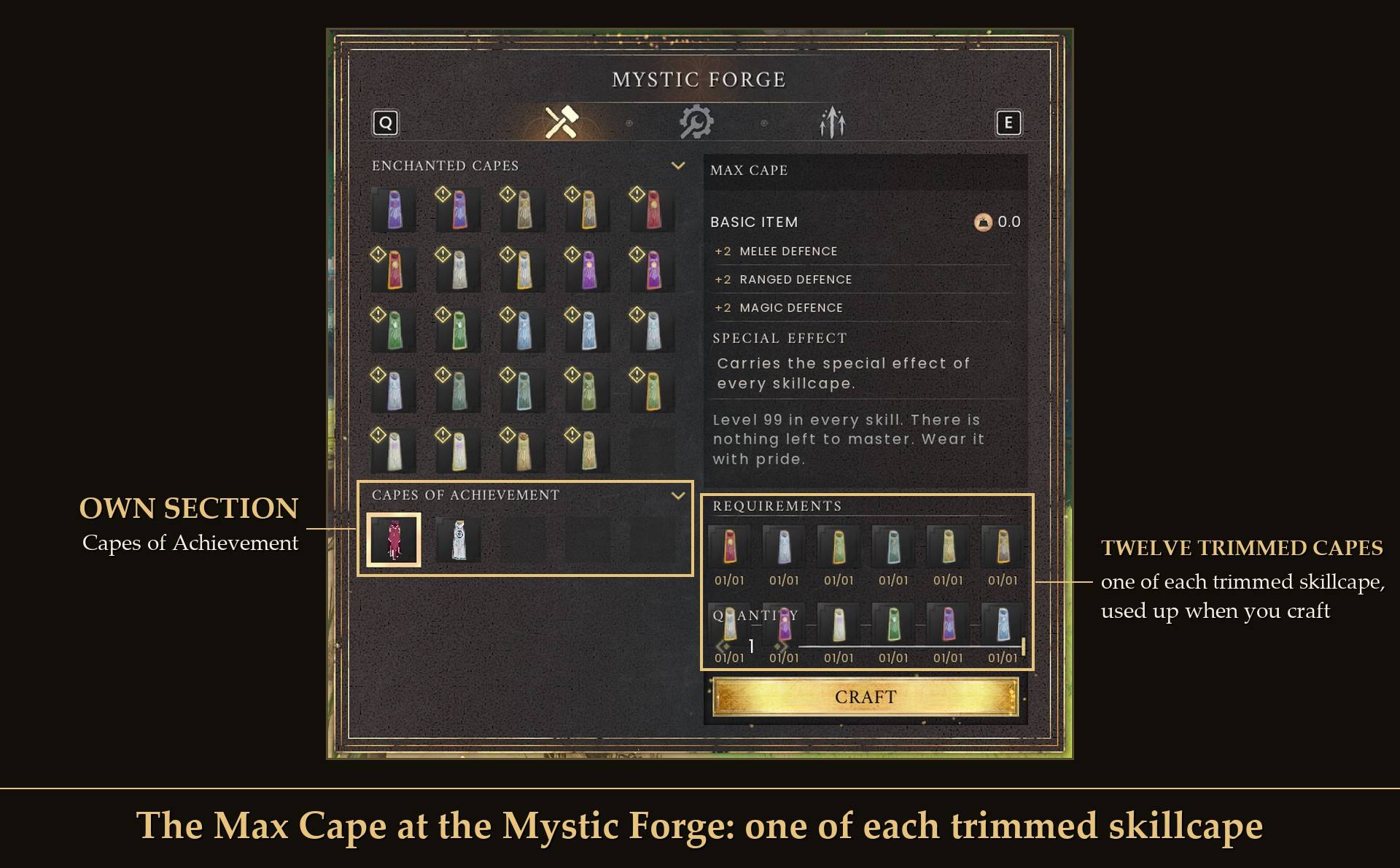
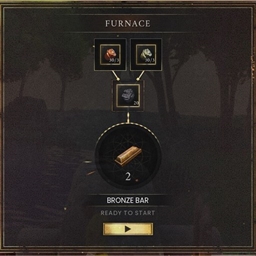
The Max Cape at the Mystic Forge: one of each trimmed skillcape
The recipe is at the Mystic Forge, in the "Capes of Achievement" section: one each of the trimmed Attack, Magic, Ranged, Mining, Woodcutting, Artisan, Construction, Cooking, Runecrafting, Farming, Agility and Fishing skillcapes. The game makes trimmed skillcapes at the Mystic Forge once you have more than one 99, so with every skill at 99 you can make all twelve. The recipe is there from the start, so you can see what it takes, and the forge shows any cape you're missing in red.
Show my progress
In Mod Menu (Esc > MODS > Max Cape), "Show my progress" puts a short summary on screen:
- Before twelve 99s: how many skills are at 99, and the ones still under it with their levels.
- At twelve 99s: how many of the twelve trimmed skillcapes are in your backpack, and which you still have to make. With all twelve: "Combine them at the Mystic Forge." Once you have the cape: "Max Cape made. Wear it with pride."
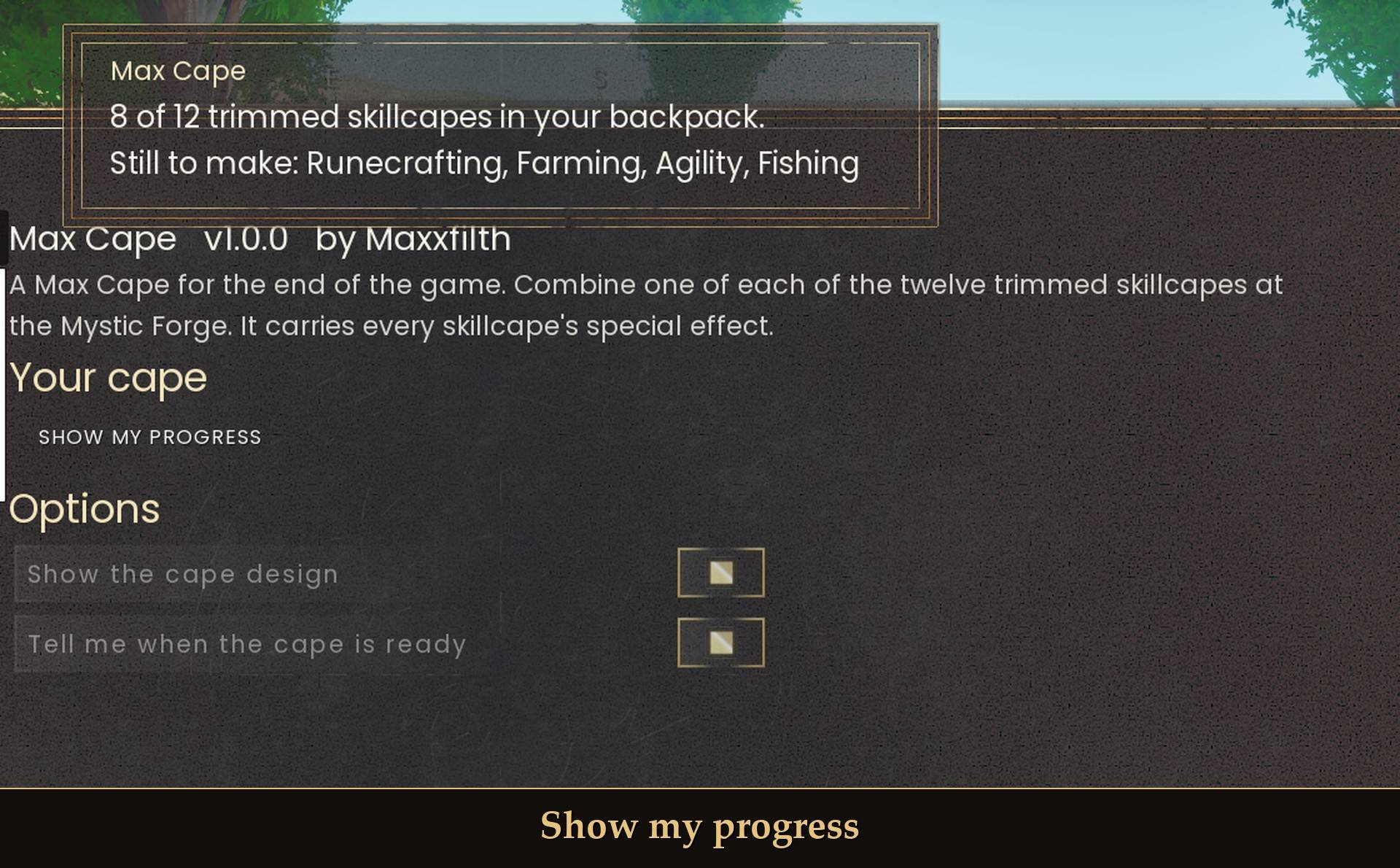
Show my progress
When your last skill reaches 99 you get "Level 99 in every skill", with a reminder to make one of each trimmed skillcape and combine them at the Mystic Forge.
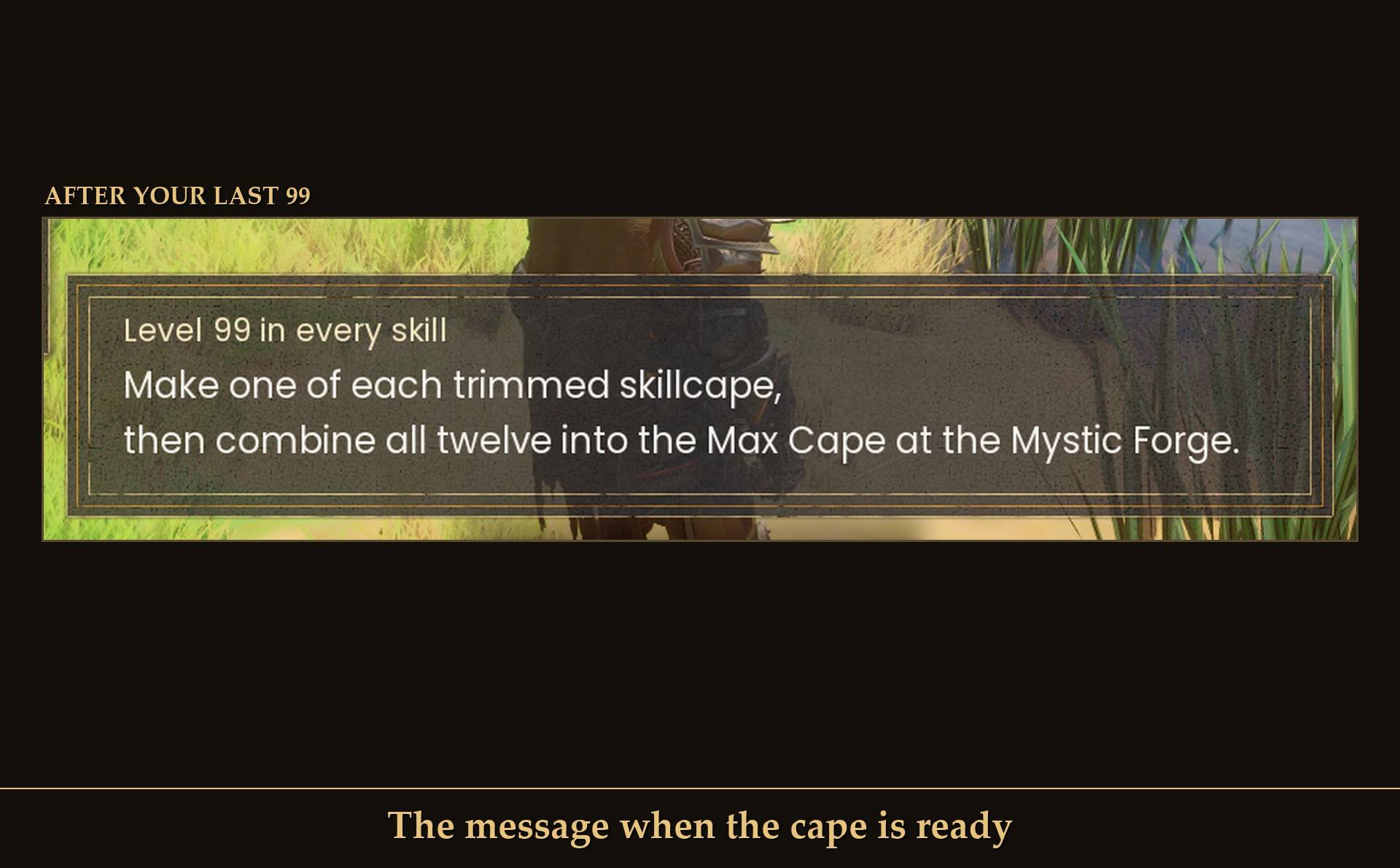
The message when the cape is ready
Settings
All live in Mod Menu (Esc > MODS > Max Cape), or in config.txt in the mod folder:
- Show the cape design (CapeLook): on by default. Off, the Max Cape looks like a plain Fire Cape. Its stats and effects stay the same.
- Tell me when the cape is ready (Announce): on by default. The message on screen the moment your last skill reaches 99.
- Verbose: false by default, config.txt only. True writes a few more lines to UE4SS.log.
The "Show my progress" button is only in Mod Menu.
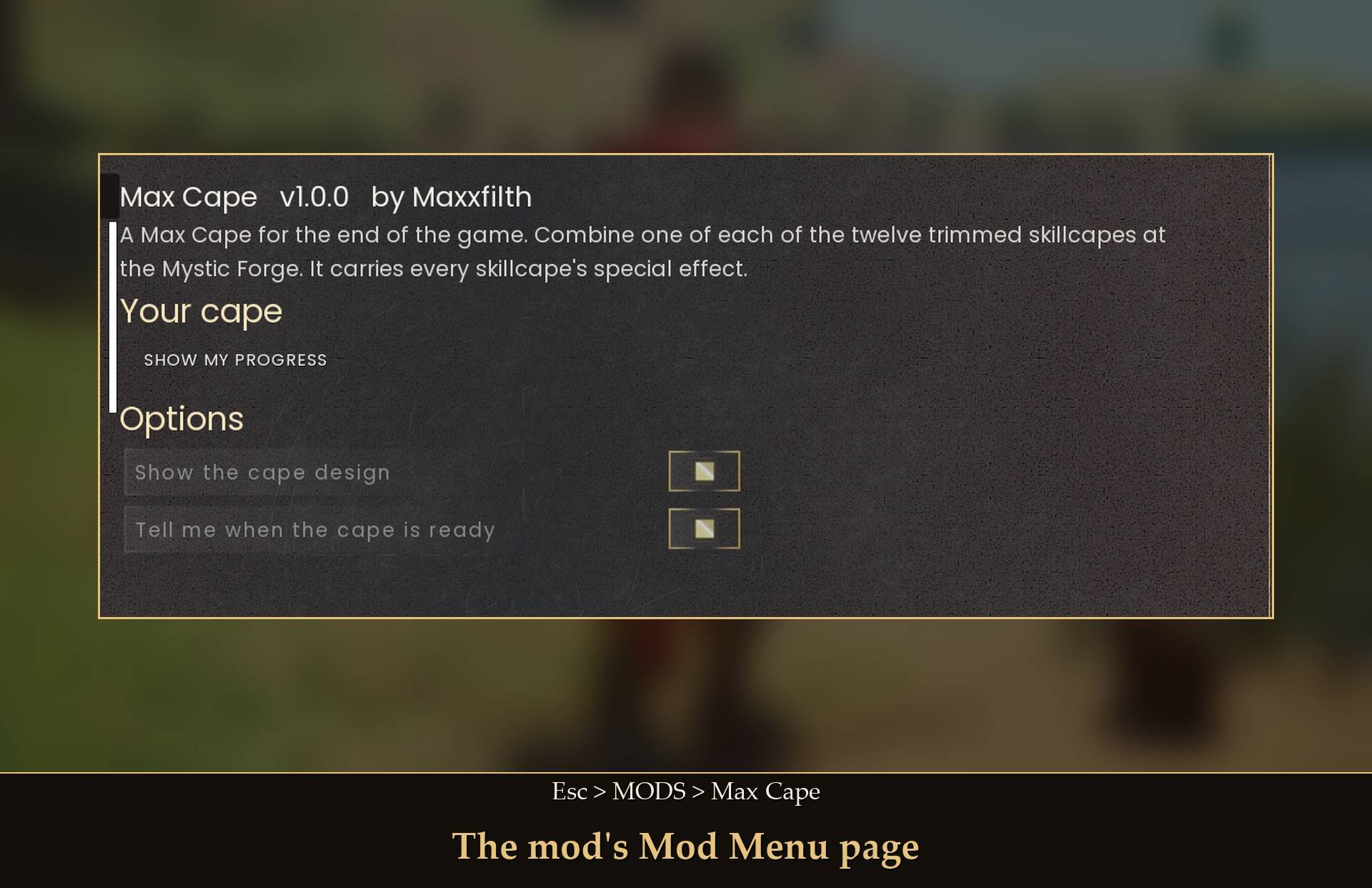
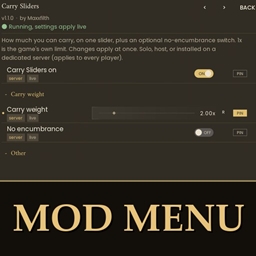
The mod's Mod Menu page
Install
- Install UE4SS for RSDragonwilds. RuneSchema needs the UE4SS 3.0.1 "latest" build (f6d5f942), and that's the one I tested with.
- Install RuneSchema (link at the bottom of this page). I tested with 0.7.6.8 and 0.7.7.9m.
- Optional: install Mod Menu for "Show my progress" and the settings in game.
- Extract this project's zip into your game folder (the one that has
RSDragonwilds inside). It puts two folders in place:
MaxCape into RSDragonwilds/Binaries/Win64/ue4ss/Mods/- the pak
MaxCape folder into RSDragonwilds/Content/Paks/~mods/
- Extract the zip from Max Cape (RuneSchema items) into your game folder too. It puts one
MaxCape folder into RSDragonwilds/Binaries/Win64/ue4ss/Mods/RuneSchema/mods/.
On Game Pass: use the BE version of UE4SS with the SCO signature, the normal build does not load there. Game Pass also installs the game under Binaries/WinGDK/ instead of Binaries/Win64/, and the zips are laid out for Steam. So on Game Pass move the MaxCape folder to RSDragonwilds/Binaries/WinGDK/ue4ss/Mods/ by hand. The RuneSchema part has to sit inside your RuneSchema folder, so move that one too. As far as I know the pak folder stays in RSDragonwilds/Content/Paks/~mods/. I haven't tested Game Pass.
Read this before you uninstall. On any character that has made the Max Cape, keep RuneSchema and Max Cape (RuneSchema items) installed. If that half goes, what happens depends on your RuneSchema version:
- RuneSchema 0.7.7.4 or newer: when the game starts, RuneSchema takes the items of removed mods out of your saves. Your Max Cape is deleted for good, and putting the mod back doesn't bring it back. The skillcapes you made it from are gone too, the forge used them up. On 0.7.7.9m I watched it do this to another of my mods' items, and the cape is saved the same way.
- Older RuneSchema, like 0.7.6.8: the game won't load a character whose save lists an item it doesn't know. It sends you back to the main menu, and nothing is lost. Dropping or destroying the cape first doesn't help, because your save keeps a list of every item your character has ever picked up. Putting the items project back fixes it. I tested this one with the cape.
Without this project, a Max Cape you have keeps its stats and effects, but it looks like a plain Fire Cape.
Removing it and putting it back later? RuneSchema rewrites RuneSchema\mods\runeschema.txt when the game starts and drops the line of any mod folder that is missing. After you reinstall, check that the line MaxCape : 1 is in that file, and add it if it isn't.
To uninstall completely, delete all three MaxCape folders, but only if no character you want to keep has made the cape.
Good to know
- Nothing in the game is replaced. The cape and its recipe are new. Your skillcapes stay as they are until you combine them.
- Both projects are needed. The items project adds the cape and its Mystic Forge recipe through RuneSchema. This one has the design, the icon, the progress and the message. Without the items project this one still runs, but there's nothing to make.
- Already maxed when you install it? You won't get the message, that's only for the moment you reach your last 99. "Show my progress" tells you where you stand.
- Give it a moment after loading in. "Show my progress" starts working about 40 seconds after you enter a world. A click before that does nothing, so click again.
- The forge panel: the twelve trimmed skillcapes take two rows, and the second row sits over the quantity slider. The Craft button isn't covered.
- Save and reload: a worn cape stays on and its effects come back.
- Works with my Transmog mod: if Transmog shows a different cape over yours, that look wins and your cape's effects stay. You can pick the Max Cape as a Transmog look too, and it shows the new design.
- Co-op: it puts the design on every player's cape, so partners who also have the mod should see each other's. I haven't tested co-op.
- Light on performance: it checks your cape twice a second and your skills every 30 seconds.
- Not sure it's running? UE4SS.log shows
[MaxCape] v1.0.0 loaded (loop running), and cape item found once you're in a world.
- Credits: RuneSchema by the RSDW Modding Community (jonesing4space) adds the item and recipe, and UE4SS runs the rest.
What I tested
Tested on RuneScape: Dragonwilds 1.0 (Steam) with UE4SS 3.0.1 latest (f6d5f942), single player, on a throwaway character, with RuneSchema 0.7.6.8 and later 0.7.7.9m, while the Max Cape and Quest Cape were still one mod: the Max Cape made at the Mystic Forge from twelve trimmed skillcapes, with a missing one shown in red (the crafting was started from a test script, not a click at the forge); Show my progress at each step; the "Level 99 in every skill" message after setting all twelve skills to 99 with a dev tool; the cape worn at 99 and below it, with all eleven skillcape effects; the design in sunlight; the cape layout on the women's cape model; the design on a forge-made cape, gone when the design is switched off or Transmog shows another cape, and back after saving and relaunching; the icon; Transmog together; running without the RuneSchema half; and the 0.7.6.8 uninstall case above. After the split into two mods I tested Max Cape alone, Quest Cape alone and both together: each loaded with no RuneSchema errors, had its own Mod Menu page and its recipe in the Capes of Achievement section, made and wore its cape, and kept it through a save and relaunch. With a controller I got to the mod's page with the D-pad and its button worked through Mod Menu's controller support, but I couldn't test a physical A press. Not tested yet: co-op, Game Pass, and trying each skillcape effect out in play.
Links