


Mod-Crash! - Magic VS Technology!
Mod-Crash Image 3 (Medium).png
Mod-Crash Image 7 (Medium).png
Mod-Crash Image 6 (Medium).png
Mod-Crash Image 4 (Medium).png
Mod-Crash Image 5 (Medium).png
Mod-Crash Image 1 (Medium).png
Mod-Crash Image 2 (Medium).png
Description
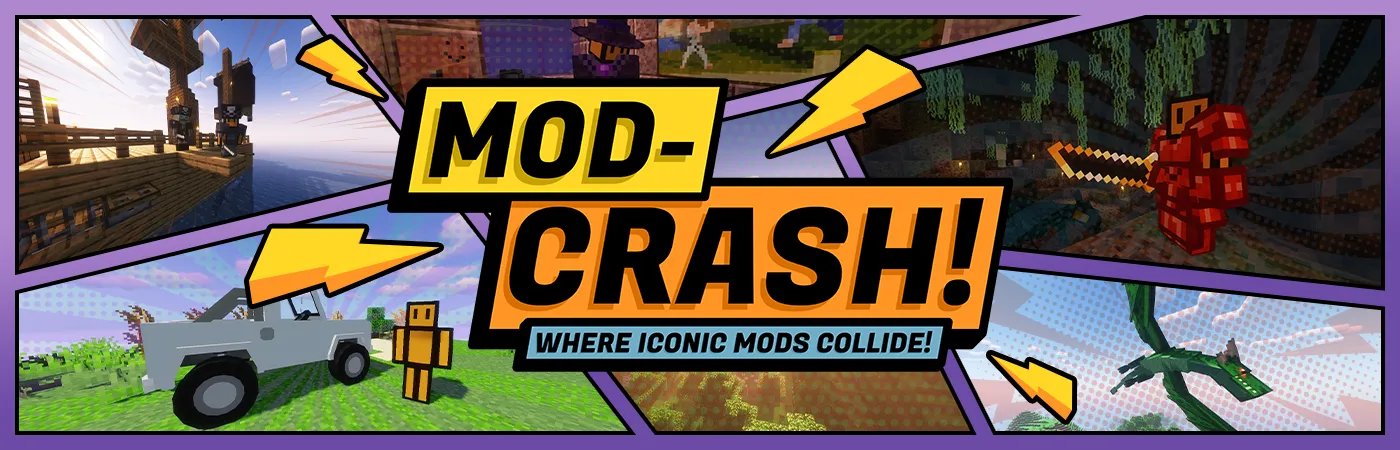
⚡ Magic, Technology, Combat, and Chaos! ⚡
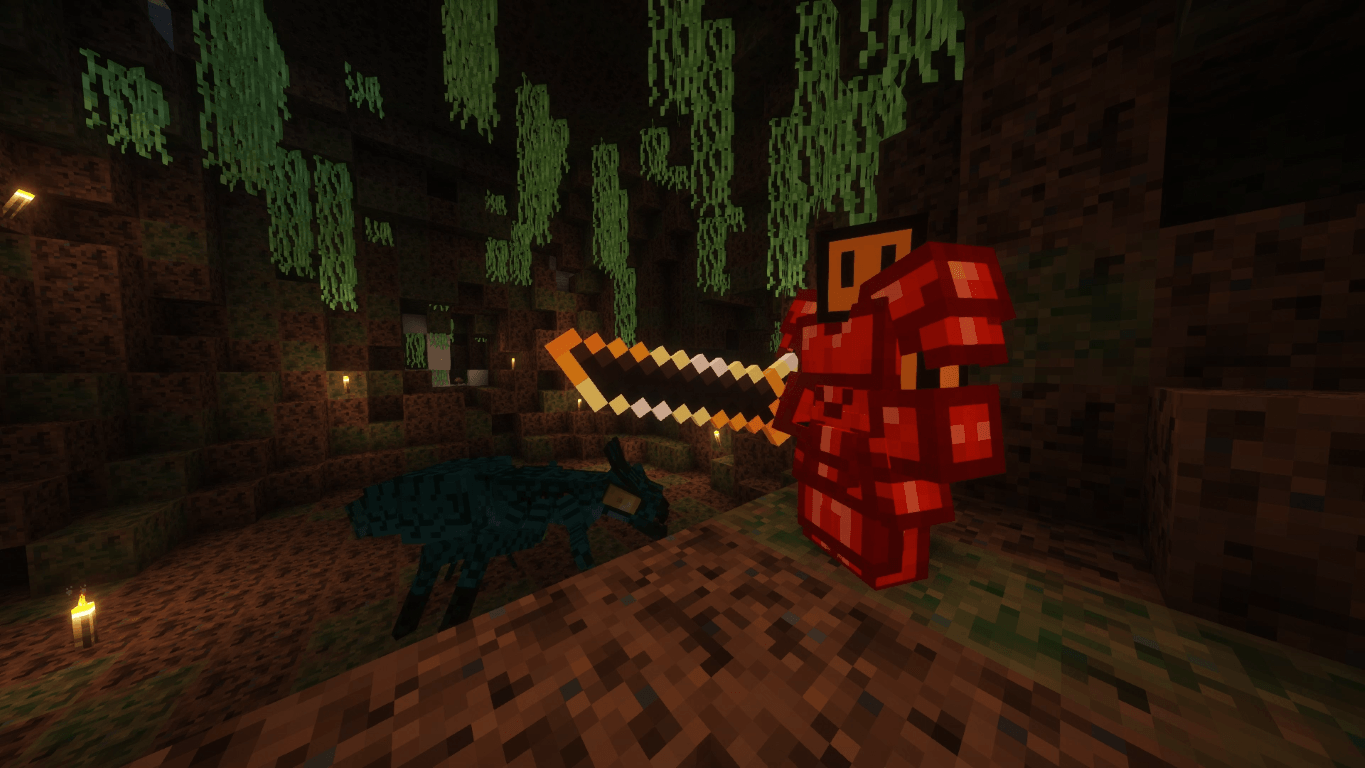
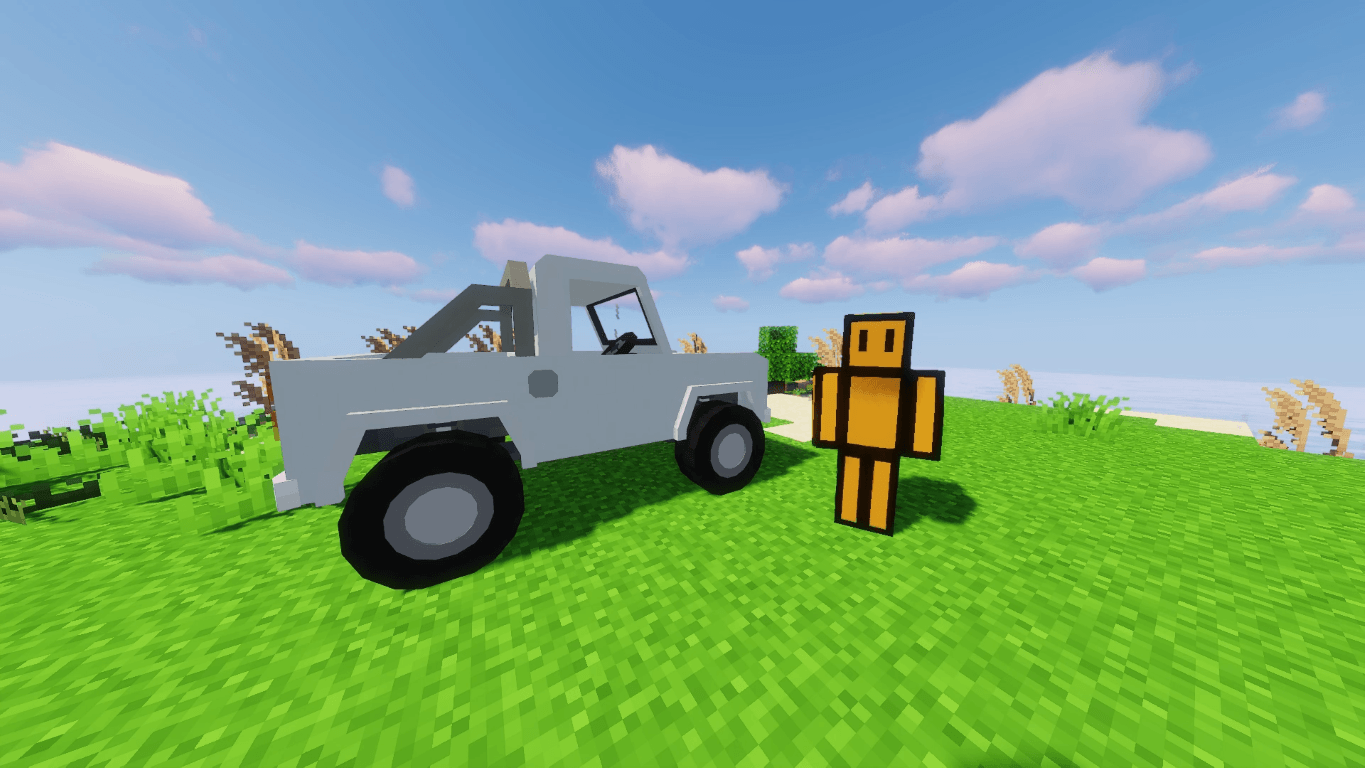
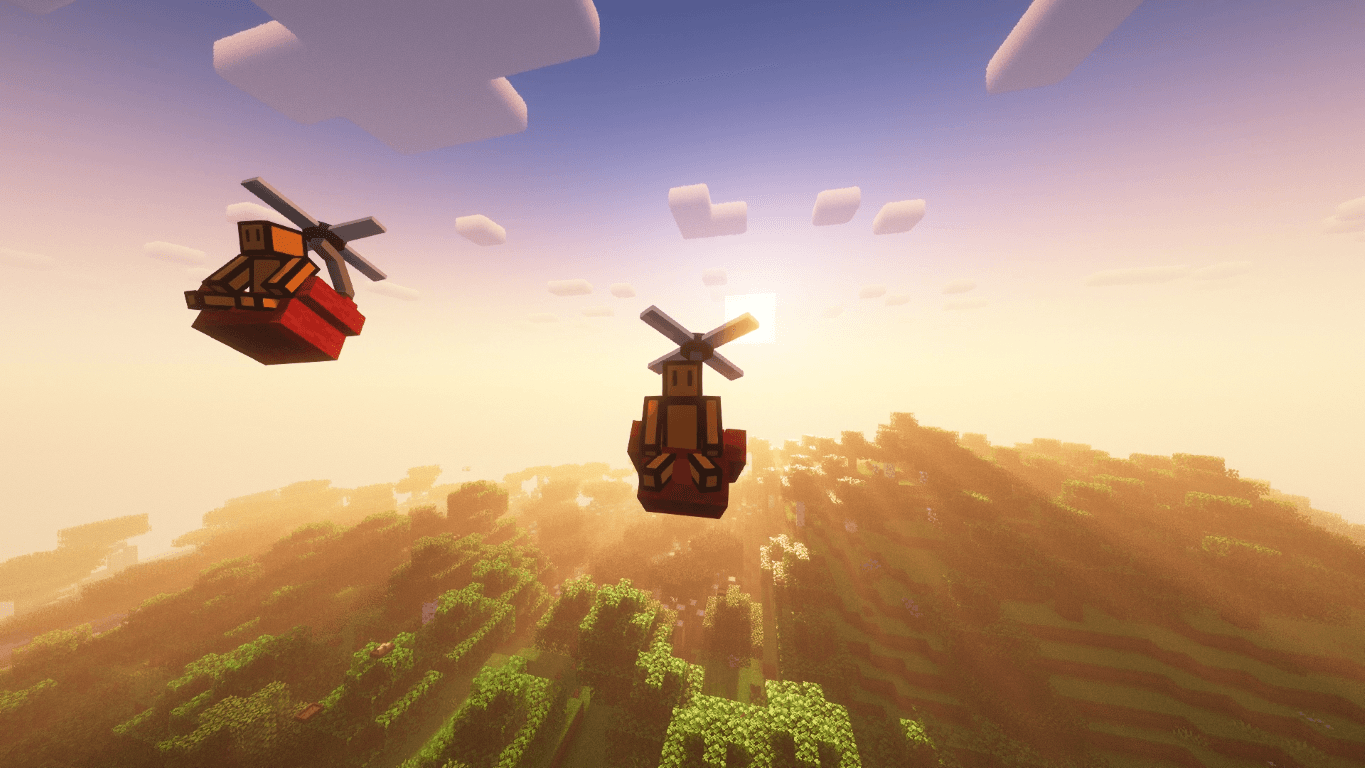
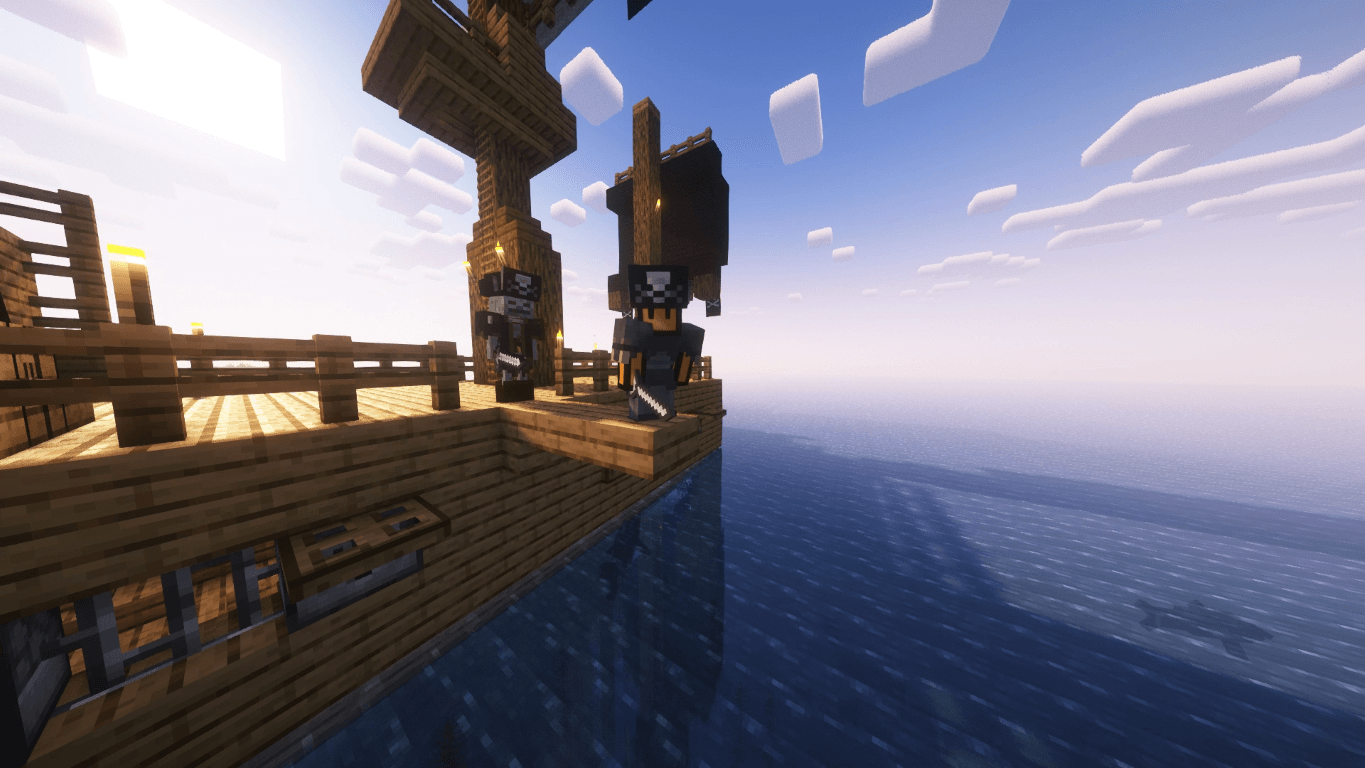
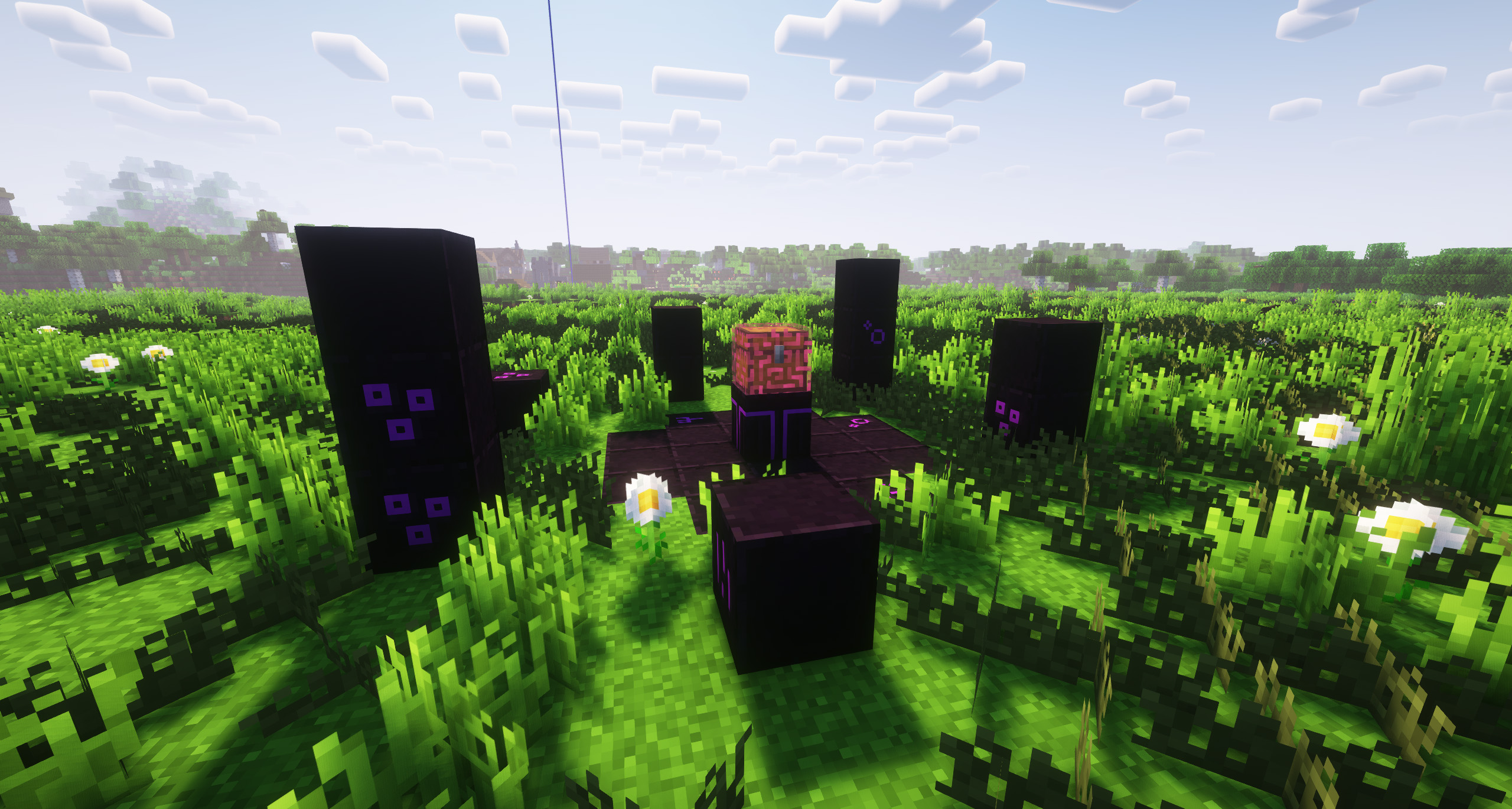
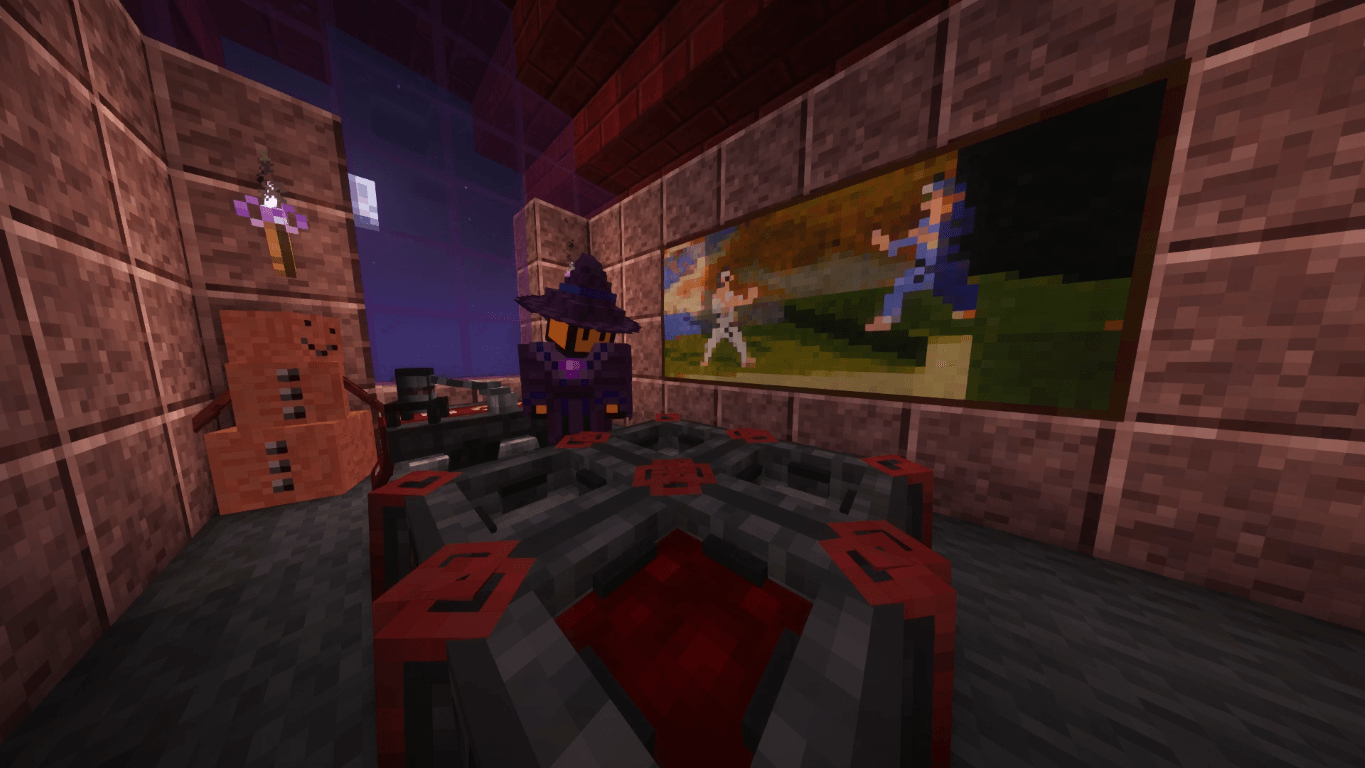
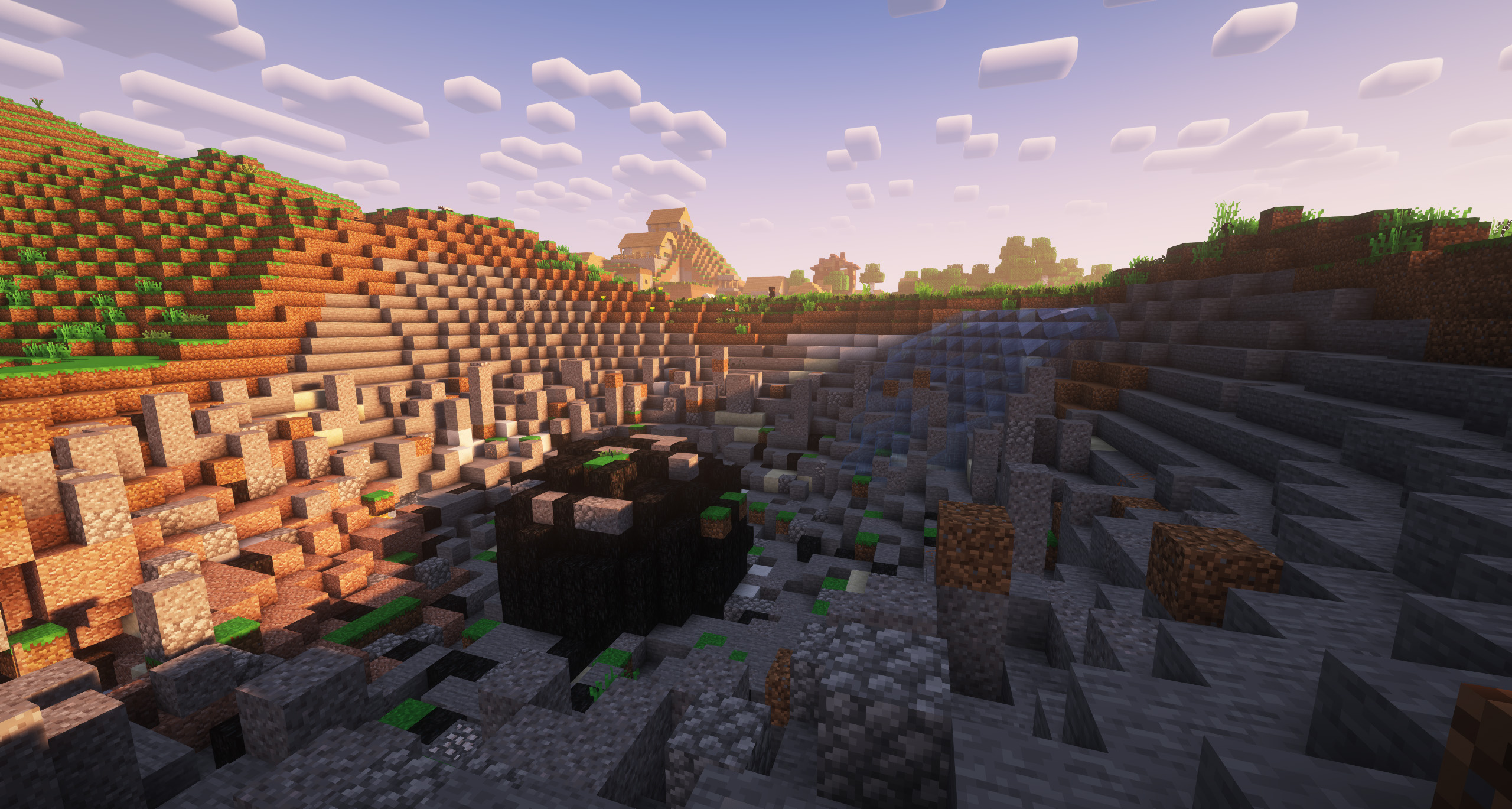
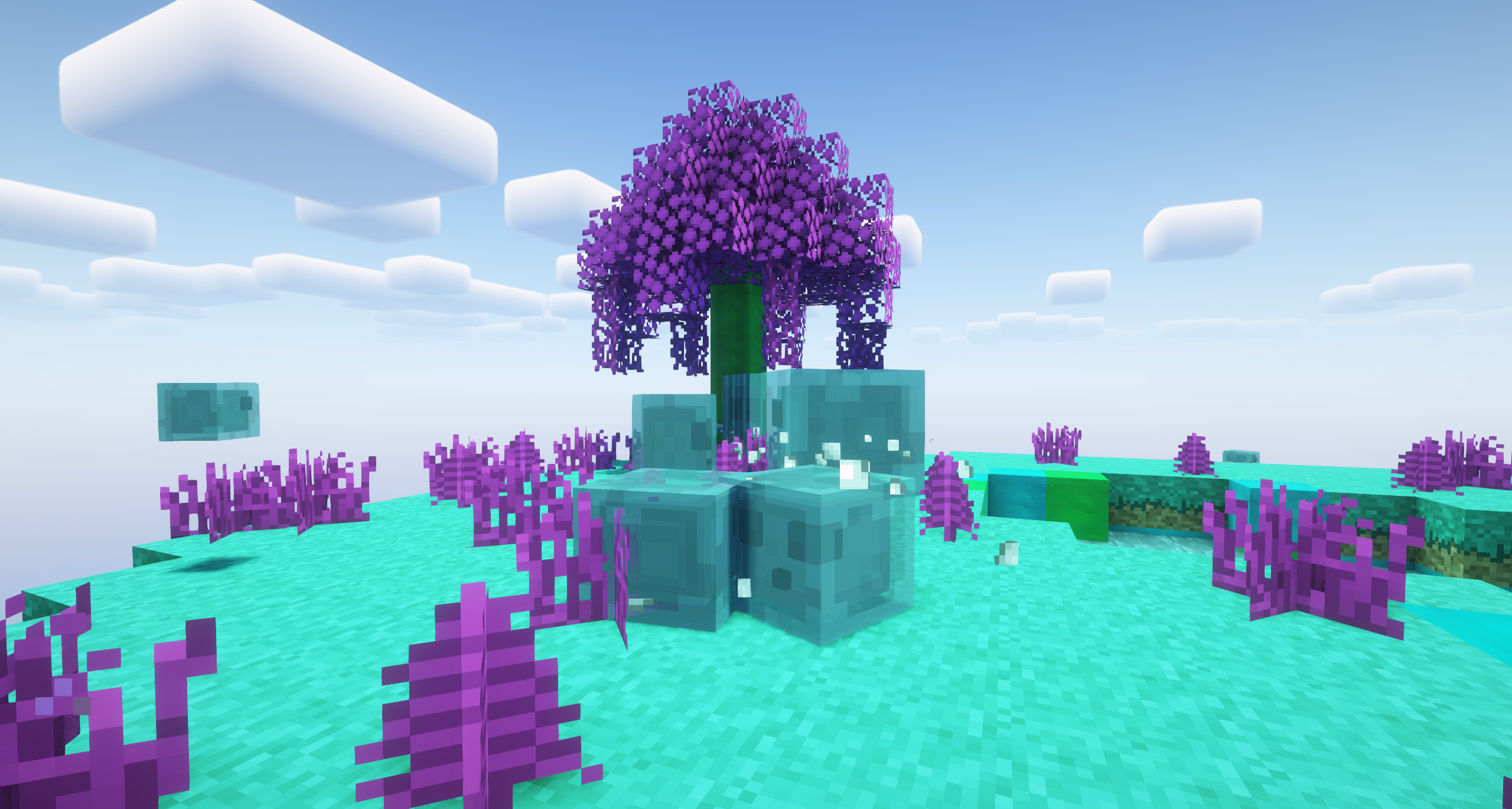
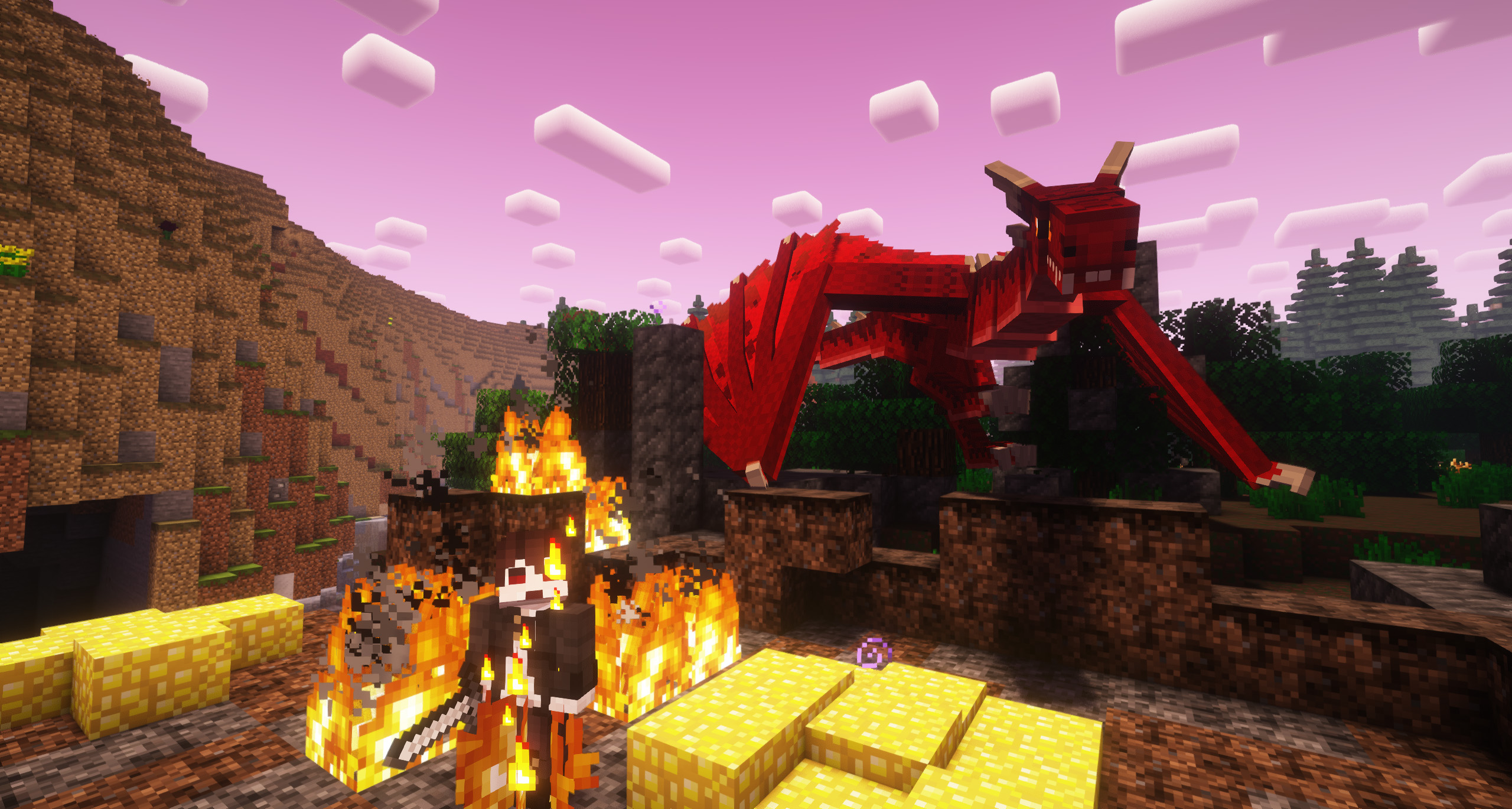
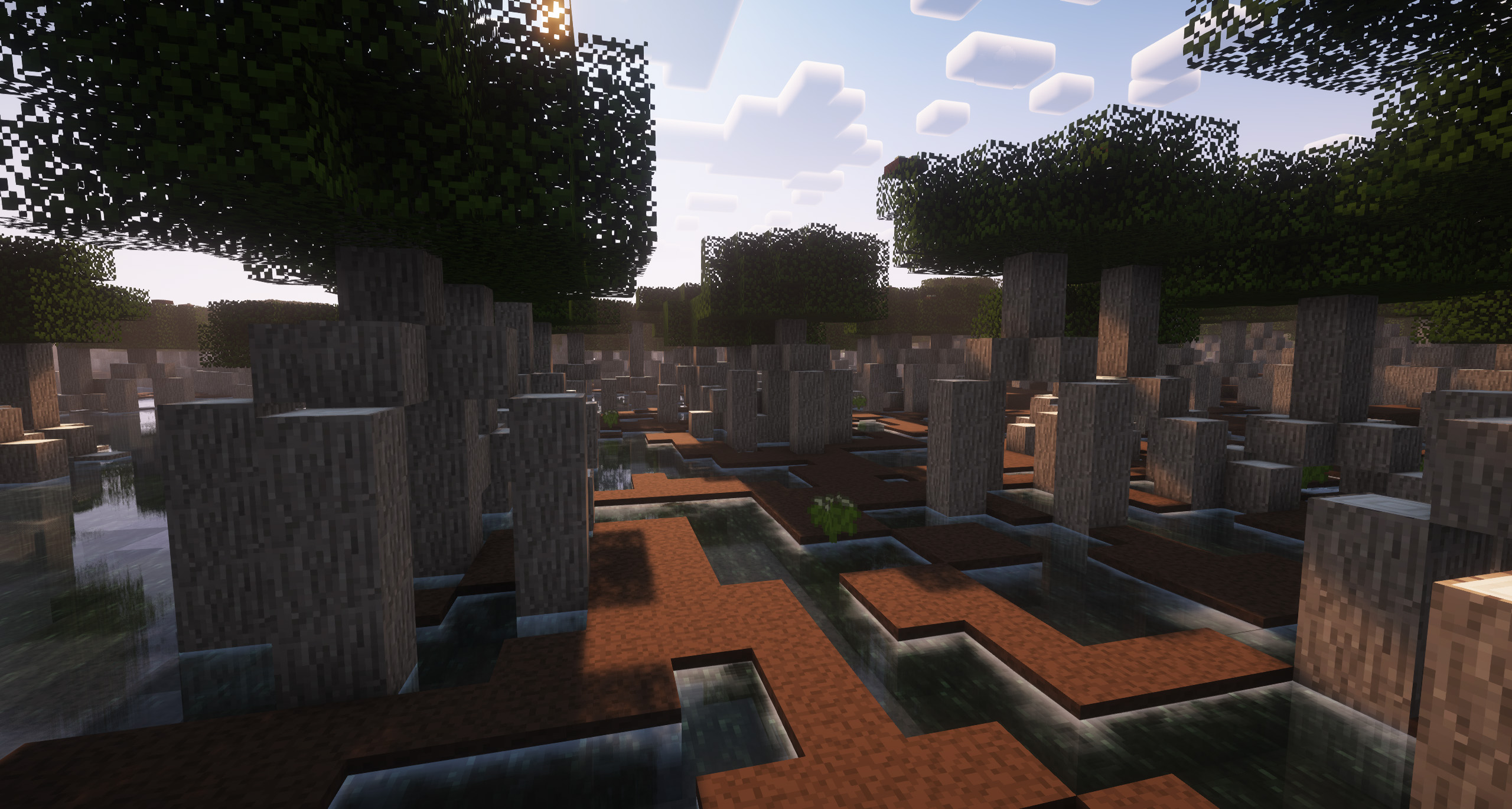
Mod-Crash brings together Minecraft's greatest mods for an experience like no other! Discover countless new dimensions, clash with mutant creatures, or harness the power of magic! With full multiplayer compatibility, endless adventure awaits for you and your friends! - Check out all the features below!
IMPORTANT: For the best experience, make sure to install OptiFine. It is highly recommended that you also install Idle Tweaks to improve performance! (only to the client, never to the serverpack).

🌎 A Whole New World to Explore!
- Explore 80+ new biomes with Biomes O' Plenty!
- 200+ new structures with Additional Structures and YUNG's Better Mineshafts!
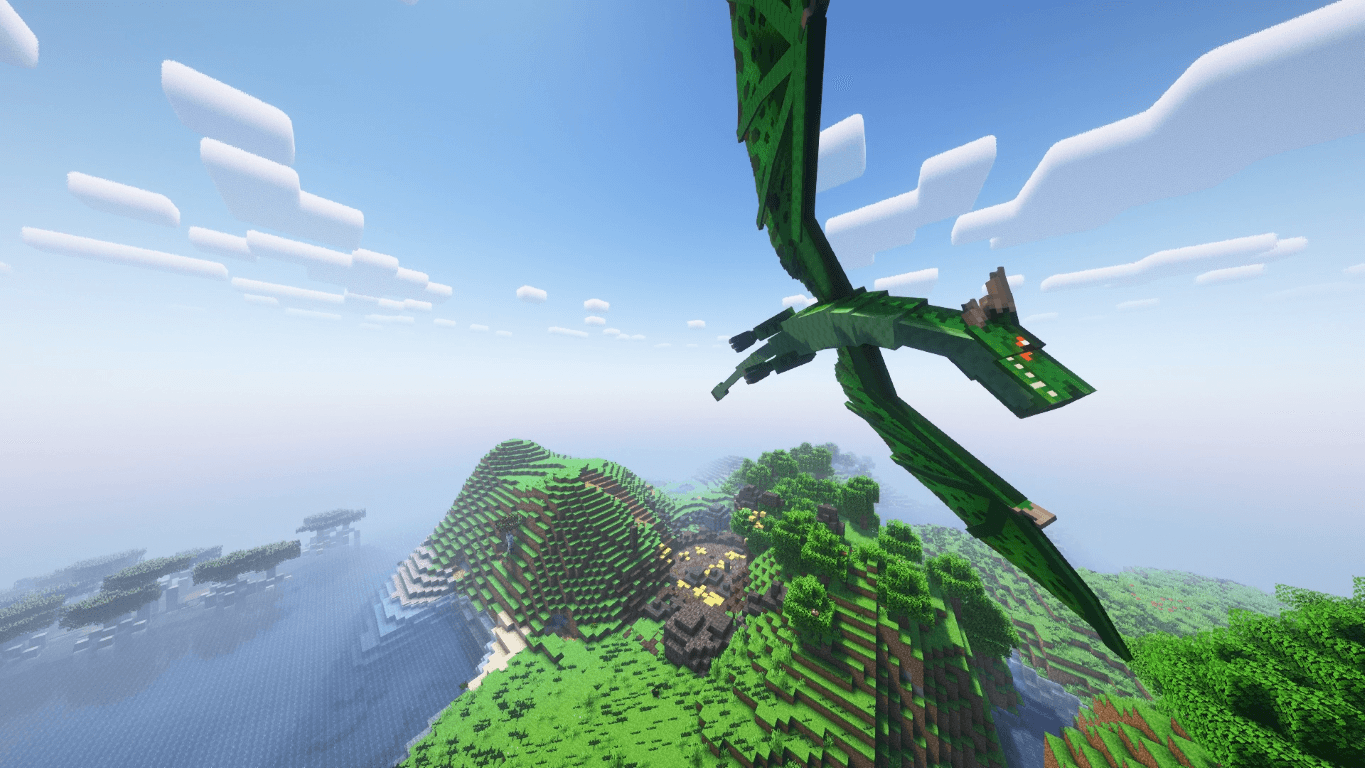
- Duel with dragons, cyclopes, and more powerful monsters with the legendary Ice and Fire!
🚀 Enter a Multiverse of New Dimensions!
- From the soaring heights of The Aether to The Twilight Forest.
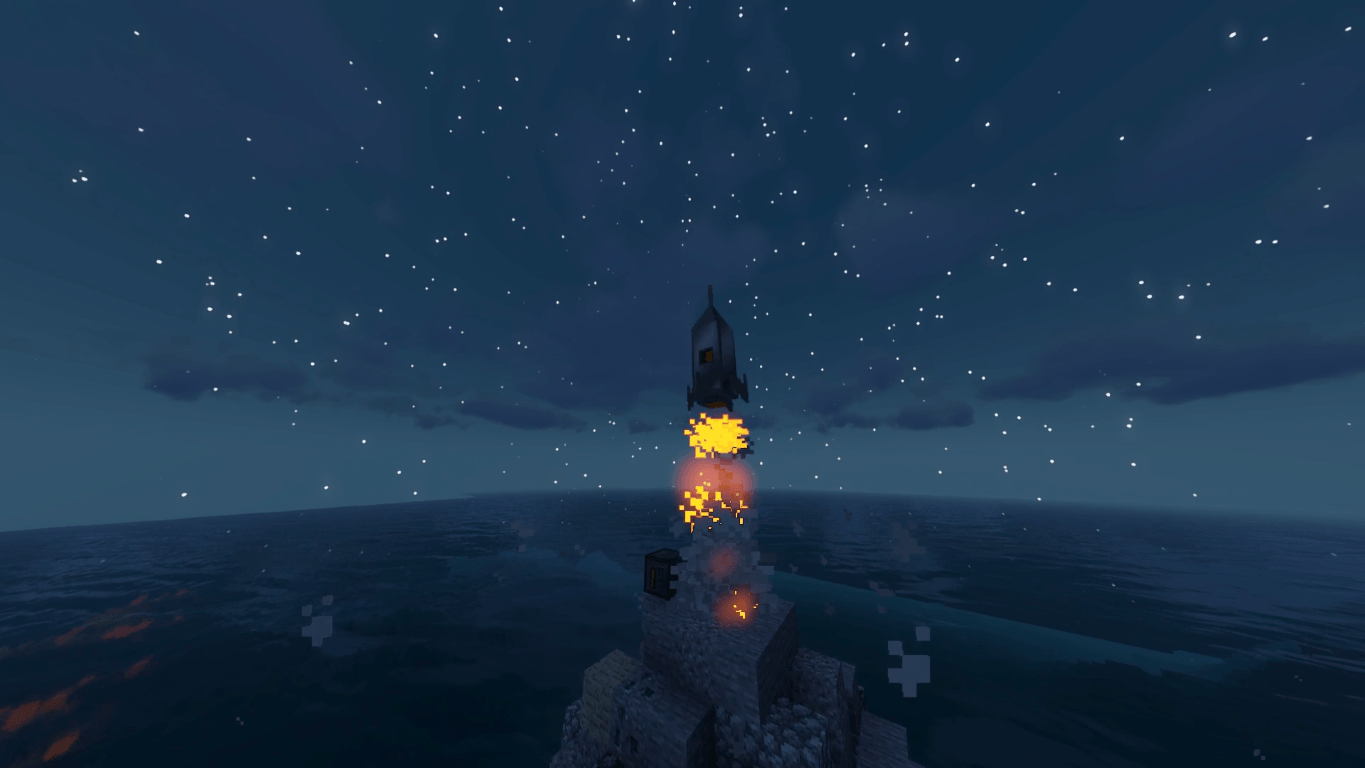
- Reach for the stars with Galacticraft! Conquer the solar system, or build your own space station!
- Break the multiverse with Dimensional Doors and Mystcraft! Even conjure your own dimension!
⚡ Tinker With Technology!
- Power up with Atomic Science, Mekanism, and Immersive Engineering!
- Wage war with ICBM and Modular Powersuits!
- Forge custom tools and weapons with Tinker's Construct!


Minecraft keeps loading? / My FPS is too low?
Please make sure to increase the RAM in case you need it, most similar problems are due to this. If you use the Curseforge app, it's as easy as clicking on profile options, unchecking the "Use System Memory Settings" option, then moving the bar to the right (we recommend at least 8GB or 8192 MB).
If your problem persists, try increasing the RAM more!
What files should I copy into the .minecraft folder?
We recommend you use the CurseForge app, as it is much faster and will avoid errors. However, if you prefer to do an installation on your own, it is absolutely essential to copy both the "mods" folder and the "config" folder.
Many users forget to copy the "config" folder, which will cause a lot of issues while playing. The mods in the modpack have been modified, and require the config folder to function correctly.
Need A Server? Enjoy Bisect Hosting at a Discount!

If you are looking for a server to play any modpack with your friends, Bisect Hosting is your solution! They have the highest quality Minecraft servers and 24/7 support! Click here for a 25% discount using the code "Lupin".
Mod-Crash! - Magic VS Technology! Team



