Smart Torch Placer
- By
Client-side: One key drops a torch where you look, straight from your inventory - plus an optional Auto-Light mode for dark tunnels.
2026-11-02_18.55.32.png
2026-11-02_18.56.00.png
Description
## Stop juggling torches
Client-side
You're deep in a cave, pickaxe in hand, and the screen goes dark. In vanilla that means: scroll to the torch slot, place, scroll back, keep mining... every few blocks. Or worse, your torches are buried in your inventory and you have to open it in the middle of a creeper encounter.
**Smart Torch Placer** puts a torch where you need it with one key - from your hotbar, offhand or even your main inventory - and your pickaxe stays in your hand.
## Features
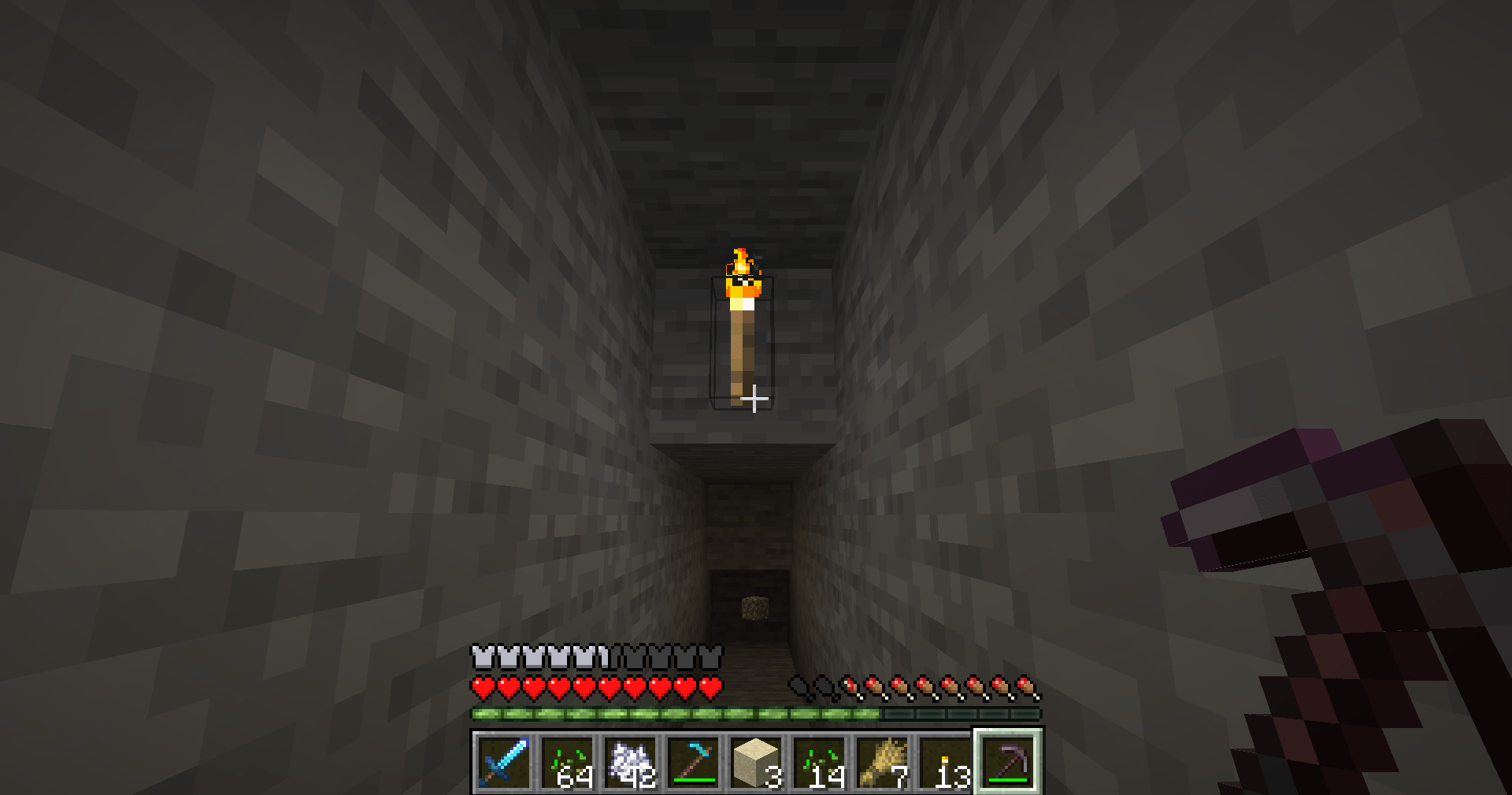
- **Quick-Place key (V)** - look at a block and press V. A torch is placed there, taken from your offhand, hotbar or main inventory. Your hotbar goes right back to how it was.
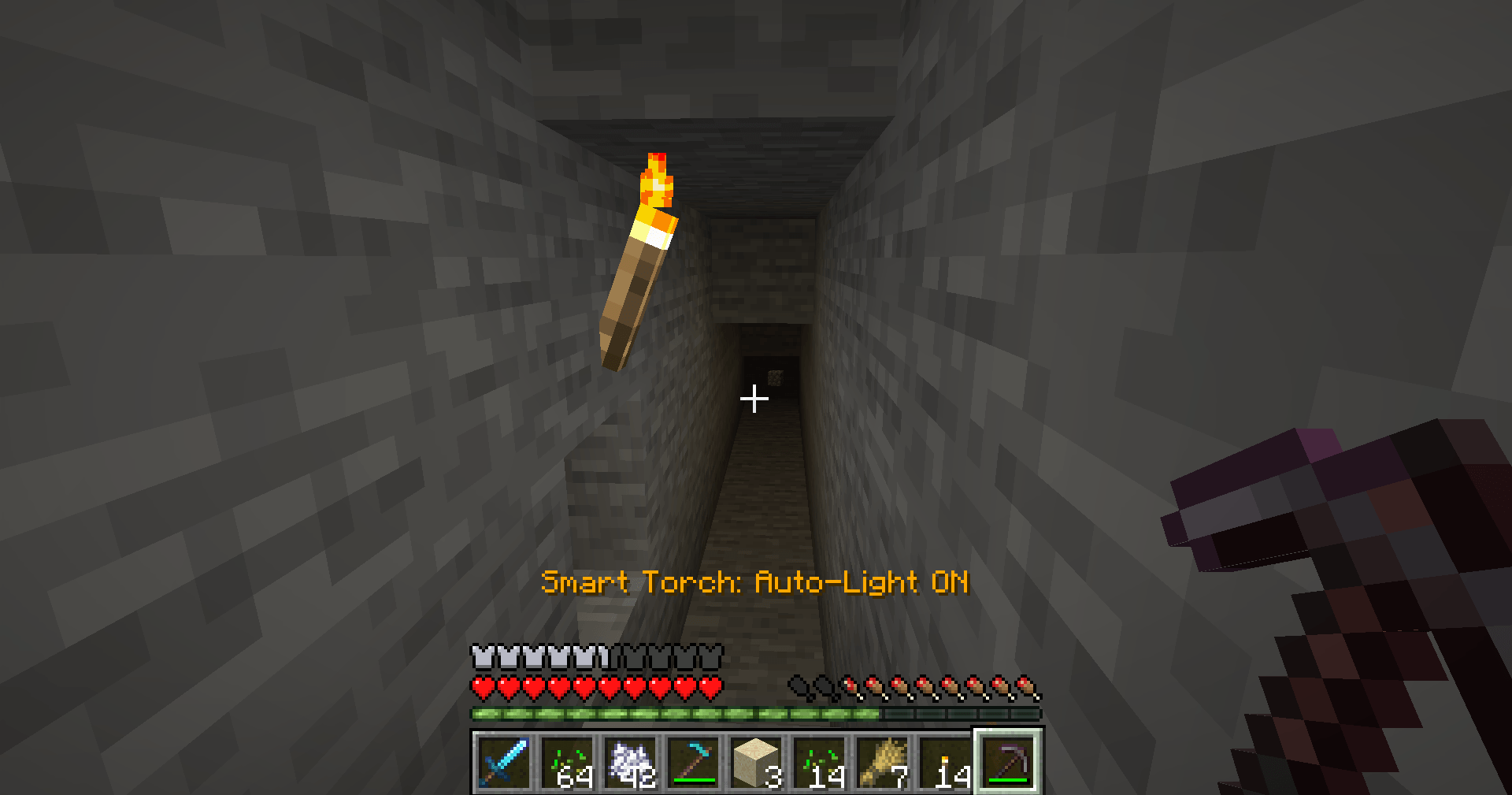
- **Auto-Light mode (Y)** - while you hold a pickaxe and the light at your feet drops below 4, a torch is placed on a nearby floor or wall. Off by default; turn it on when you start mining.
- **Torches first, lanterns as backup** - uses Torches and Soul Torches; Lanterns and Soul Lanterns are used only when you're out of torches (can be turned off).
- **Never opens chests or doors by accident** - the mod won't click on chests, furnaces, doors, trapdoors, buttons, crafting tables, note blocks and similar blocks.
- **Safe inventory handling** - torches are only moved with normal inventory swaps and always put back. Nothing is dropped or duplicated.
- **Clear feedback** - the action bar shows *Smart Torch: Auto-Light ON / OFF*, plus short hints when you're out of torches or there is no room.
## Controls
| Key | Action |
|---|---|
| V | Place a torch on the block you're looking at |
| Y | Turn Auto-Light on/off |
Both keys can be changed in Options > Controls > Key Binds.
## Settings
The file `config/smarttorchplacer.properties` is created on first launch. Edit it with a text editor while the game is closed:
- `autoLight` - Auto-Light on or off (also saved when you press Y; default: false)
- `lightThreshold` - place a torch when light is below this level (default: 4)
- `requirePickaxe` - Auto-Light only works with a pickaxe in hand (default: true)
- `useMainInventory` - also use torches from the main inventory (default: true)
- `allowLanterns` - use lanterns when out of torches (default: true)
- `cooldownTicks` - minimum time between Auto-Light torches, 20 = 1 second (default: 10)
- `showMessages` - show the short hints (default: true)
## Works on servers
This is a **client-side only** mod: install it on your own game and it works on vanilla and modded servers without anything on the server. It only sends the same actions a player does by hand (swap an item, right-click a block), within your normal reach.
**Please note:** Auto-Light places torches on its own while you mine. Some servers (especially minigame or competitive servers) don't allow automatic block placement, and some anti-cheats may flag it because the torch is placed where you aren't looking. Check the server rules and keep Auto-Light off where it's not allowed. The V key only places when you press it, on the block you are looking at.
## Requirements
- Minecraft 1.21 / 1.21.1
- Fabric Loader 0.16 or newer
- Fabric API
- Java 21
## Installation
1. Install Fabric Loader for Minecraft 1.21.1.
2. Put **Fabric API** and **Smart Torch Placer** in your `mods` folder.
3. Start the game, grab some torches and press V while looking at a block.
## Modpacks
You are welcome to include this mod in any modpack. No need to ask.
## Also by this author
- **Smart Crop Harvest** - right-click ripe crops to harvest and replant
- **Floating Damage Indicators** - damage, heal and crit numbers above mobs
- **Smart Tool Safety** - durability warnings and tool break protection
- **Smart Chest Organizer** - sort buttons and quick deposit for chests
- **Dynamic Armor HUD** - armor, held item and arrow durability on screen
- **Smart Auto-Trash** - quickly trash or auto-throw junk items
- **Dynamic Item Glow** - rarity colors and glow for items
## Honest limitations
- Auto-Light checks the light at your feet only, and looks for a spot up to 2 blocks around you. It does not light up a whole cave for you.
- Auto-Light uses the light the game shows on your side; on a laggy server a second torch may sometimes be placed before the first one is confirmed.
- Lanterns can't hang on walls, so with only lanterns Auto-Light will place them on the floor.
- Torches in the main inventory can't be used while a chest or other screen is open.
- Torches from other mods are not detected (only vanilla Torch, Soul Torch, Lantern, Soul Lantern).
## About the images
The project logo is an illustration created with AI assistance; it is not an in-game screenshot. The screenshots in the gallery are real, unedited in-game captures.
Smart Torch Placer Team