Smart Crop Harvest
- By
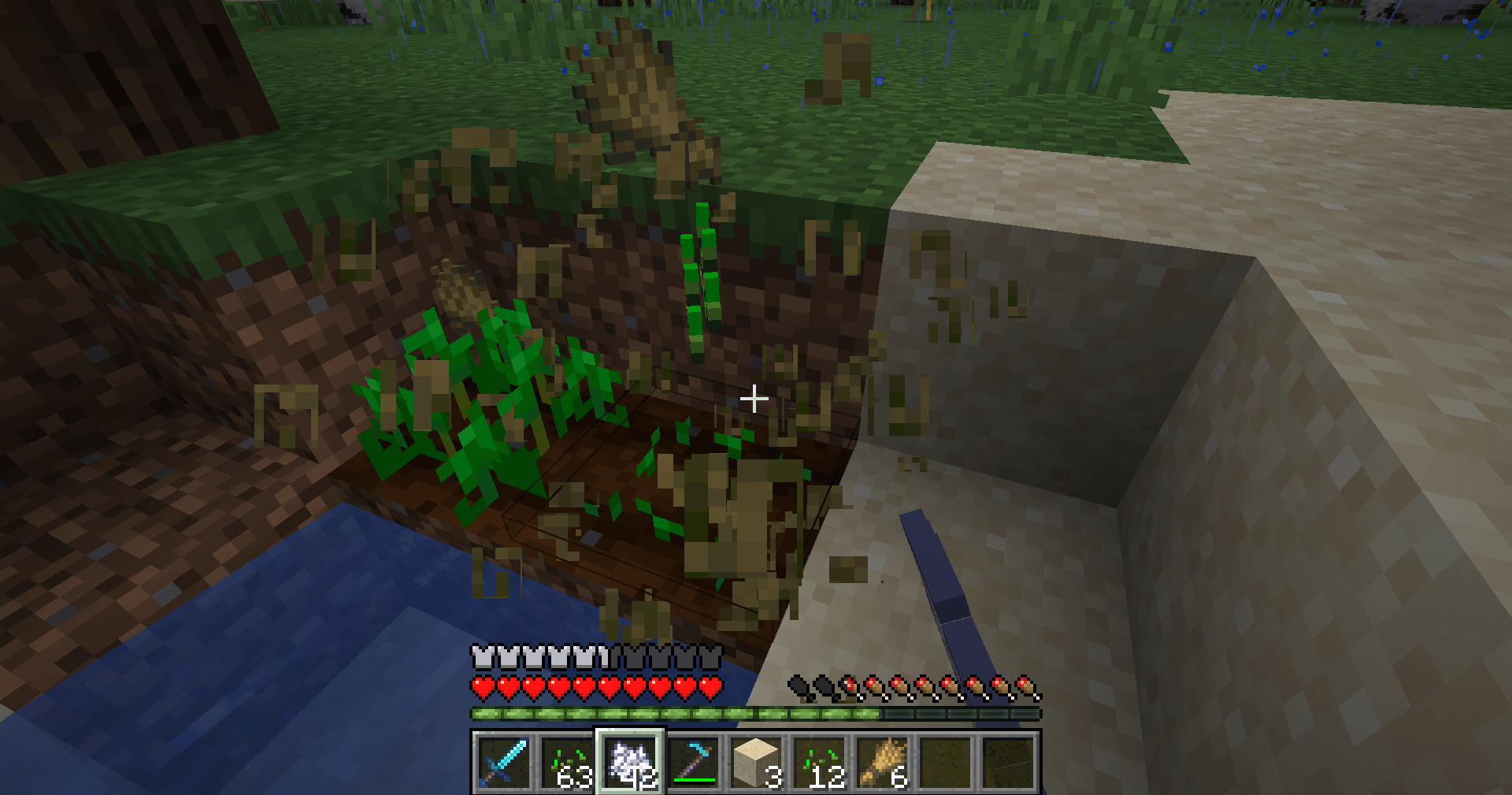
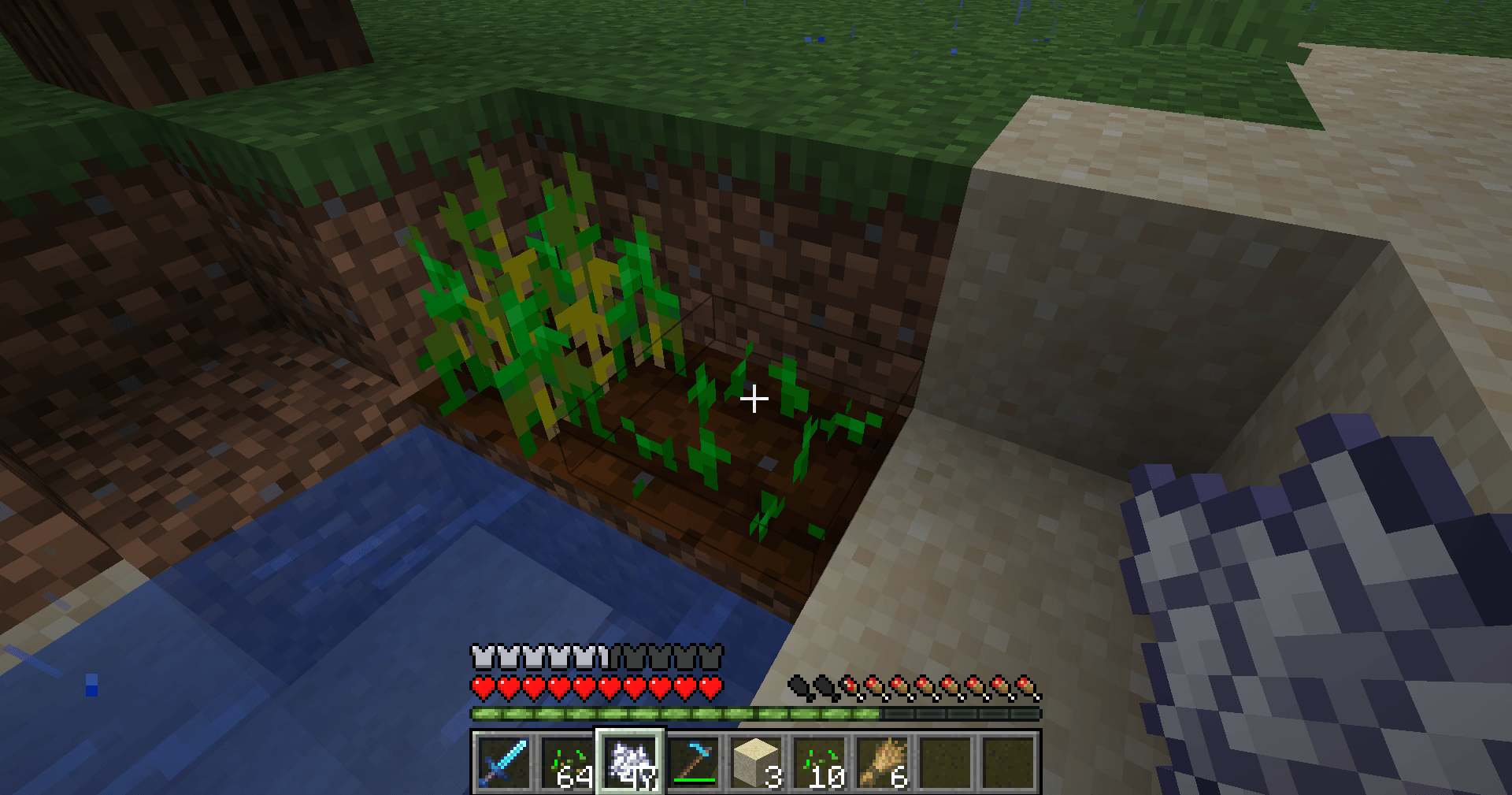
Lightweight, client-side: Right-click ripe crops to pick them and plant a new seed in the same spot - no server mod needed.
2026-11-01_15.56.35.png
2026-11-01_15.56.14.png
Description
## Farming without the busywork
You walk out to your wheat field after a long mining trip. Everything is golden and ready. In vanilla, that means punching every single crop, picking up the seeds, and then clicking every block again to replant - and missing a few spots every time.
**Smart Crop Harvest** turns that into one click: right-click a fully grown crop and it is picked and replanted on the spot. Your field stays full, your farmland never sits empty, and you get back to the fun part of the game.
## Features
- **Right-click to harvest and replant** - works on Wheat, Carrots, Potatoes, Beetroots, Nether Wart and Cocoa Beans.
- **Only ripe crops** - a crop that is still growing is left alone, so right-clicking with bone meal works exactly like before.
- **Smart seed pick** - uses the seed in your hand, your offhand, or anywhere in your hotbar. Your selected slot switches back right away.
- **Never leaves bare farmland** - if you have no seed to plant back, the crop is not picked and a short hint tells you what you are missing (can be turned off).
- **Fortune works** - the crop is broken with the tool in your main hand, so a Fortune hoe gives its normal extra drops.
- **Normal sounds and particles** - the same break effects you see when you harvest by hand.
- **Quick toggle** - press **N** to turn it on or off. The action bar shows *Smart Harvest: Enabled / Disabled*.
- **Sneak to bypass** - hold Shift to get the normal vanilla right-click.
- **Crops from other mods** - crops that are built like vanilla wheat usually work too.
## Controls
| Key | Action |
|---|---|
| Right-click a ripe crop | Harvest + replant |
| N | Turn Smart Harvest on/off (change it in Options > Controls) |
| Shift + right-click | Normal vanilla right-click |
## Settings
The file `config/smartcropharvest.properties` is created on first launch. Edit it with any text editor while the game is closed:
- `enabled` - mod on or off (also saved when you press N)
- `useHotbarSeeds` - use seeds from the hotbar, not only from your hands (default: true)
- `needSeedsToHarvest` - only harvest when a seed can be planted back (default: true)
- `sneakToBypass` - Shift gives the normal right-click (default: true)
- `showMessages` - show the "missing seeds" hint (default: true)
## Works on servers
This is a **client-side only** mod. Install it on your own game and it works on vanilla and modded multiplayer servers - the server does not need it. It only sends the same two actions you would do by hand (break the crop, place a seed), one harvest per game tick, so it is not an auto-farm and does nothing unless you click.
As always, check the rules of the server you play on.
## Requirements
- Minecraft 1.21 / 1.21.1
- Fabric Loader 0.16 or newer
- Fabric API
- Java 21
## Installation
1. Install Fabric Loader for Minecraft 1.21.1.
2. Put **Fabric API** and **Smart Crop Harvest** in your `mods` folder.
3. Start the game and right-click a ripe crop.
## Modpacks
You are welcome to include this mod in any modpack. No need to ask.
## Also by this author
- **Floating Damage Indicators** - damage, heal and crit numbers that float above mobs
- **Smart Tool Safety** - durability warnings and protection against breaking your favorite tools
- **Smart Chest Organizer** - sort buttons and quick deposit for chests
- **Dynamic Armor HUD** - armor, held item and arrow durability on screen
- **Smart Auto-Trash** - quickly trash or auto-throw junk items
- **Dynamic Item Glow** - rarity colors and glow for items
## Honest limitations
- Only harvests one crop per click (no area harvesting).
- Sweet berries, melons, pumpkins, sugar cane and cactus are not included - they already don't need replanting or work differently.
- The seed must be in your hands or hotbar; seeds in the main inventory are not used.
- On servers with lag, a crop may briefly appear and disappear before the server confirms the action. This is the same as normal harvesting.
- Server plugins that block block-breaking (land claims, spawn protection) will also block this mod, as they should.
## About the images
The project logo is an illustration created with AI assistance; it is not an in-game screenshot. The screenshots in the gallery are real, unedited in-game captures.
Smart Crop Harvest Team