Name Tag Upgrade
- By
Smarter name tags with renaming on the go and handy quality-of-life improvements.








Name Tag Upgrade gives name tags the improvements they have always deserved. 🏷️ Rename them instantly from your hotbar, no anvil and no experience cost required.
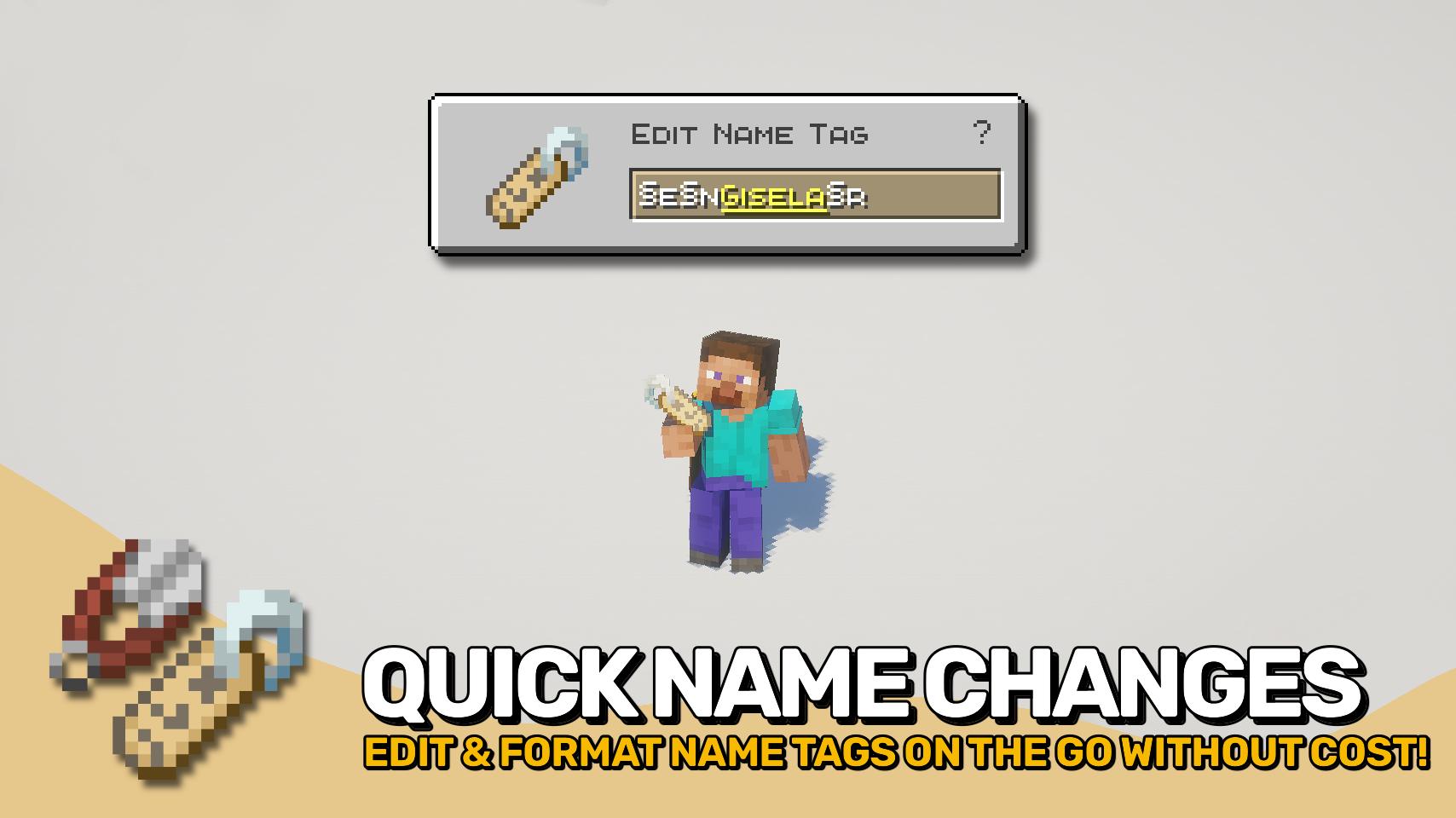
A handy edit screen lets you change names on the fly simply by using the item, making mob naming faster and far more convenient. Want colorful or stylized text? The editor supports formatting codes, allowing custom colors, bold text, italics, and more. ✨
Beyond easier renaming, Name Tag Upgrade also improves how named mobs and name tags behave, making every tag feel more useful and less wasteful.

- 🏷️ Instant Name Tag Editing: Rename name tags directly and on the go from a dedicated screen without anvils or experience costs.
- ✨ Formatting Support: Use formatting codes to add colors, bold text, italics, and other styling to names.
- ♻️ No More Wasted Name Tags: Using a tag with an identical name will no longer consume it.
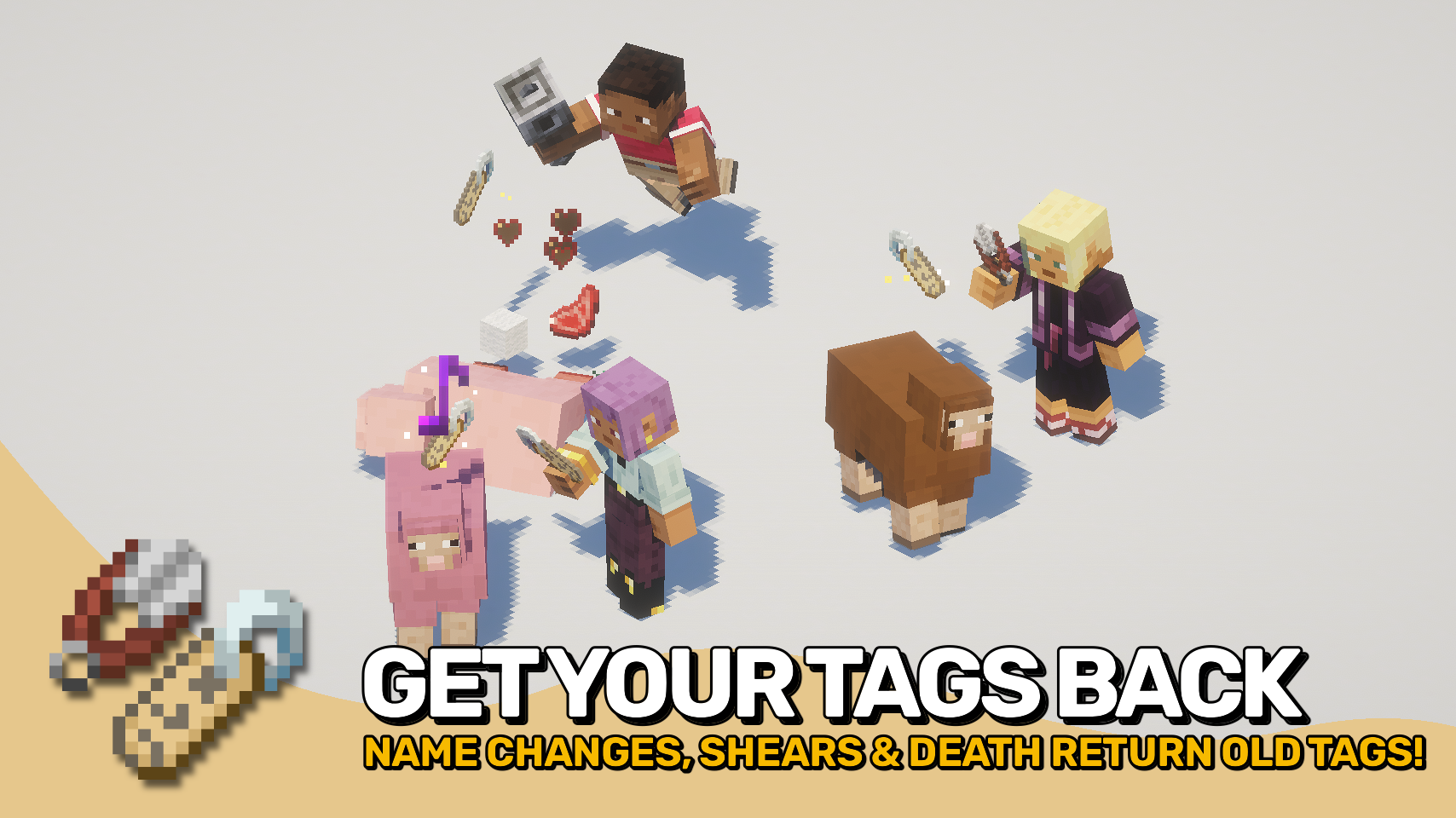
- ✂️ Remove Custom Names: Use shears on named mobs to remove their custom name and recover the matching name tag.
- 💀 Named Mob Drops: Named mobs can drop their name tag when they die, preserving custom names.
- 🔁 Return Old Name Tags: Renaming an already named mob returns the previous name tag instead of deleting it.
- 🔊 Extra Feedback: Applying a name tag plays a satisfying sound effect.


⏩ INSTALLATION REQUIRED ON CLIENT & REQUIRED ON SERVER
⏩ REQUIRES PUZZLES LIB TO BE INSTALLED (FABRIC & NEOFORGE)
⏩ REQUIRES FABRIC API TO BE INSTALLED (FABRIC)
⏩ REQUIRES FORGE CONFIG API PORT TO BE INSTALLED (FABRIC)

If available for a mod, configuration is possible directly from in-game using the mod menu (requires Mod Menu by Prospector to be installed on Fabric).
For manual configuration using an external text editor all files are found at .minecraft/config, named as MOD_ID-client.toml, MOD_ID-common.toml, or MOD_ID-server.toml, depending on the type of config. Not all types might exist for a mod, if any at all.

🌟 Thanks to tfarecnim and their Nametags Without Anvils mod, which parts of this mod are largely inspired by.
 |
 |
|
 |
 |
|
 |
 |
|
 |
 |
|
 |
 |
|

© 2026 @heyitsfuzs. All rights reserved. This page was last edited on 11 September 2026, at 06:44 (UTC).
Name Tag Upgrade Team

Owner