Dyed Flames
- By
Bring your burns to life with colorful, source-matching flames and flashy fire effects.
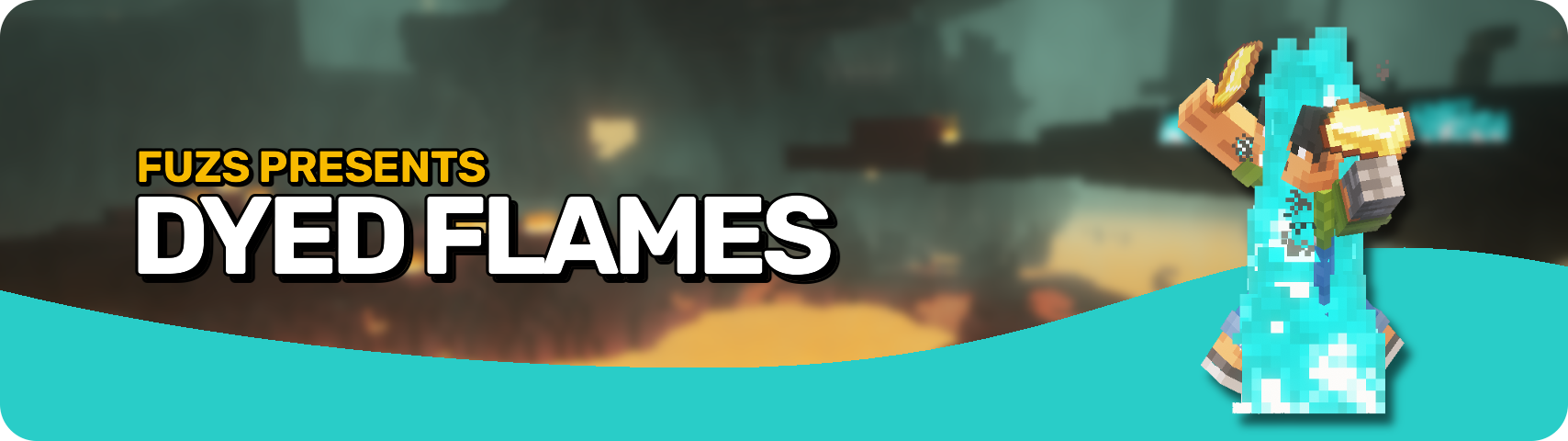








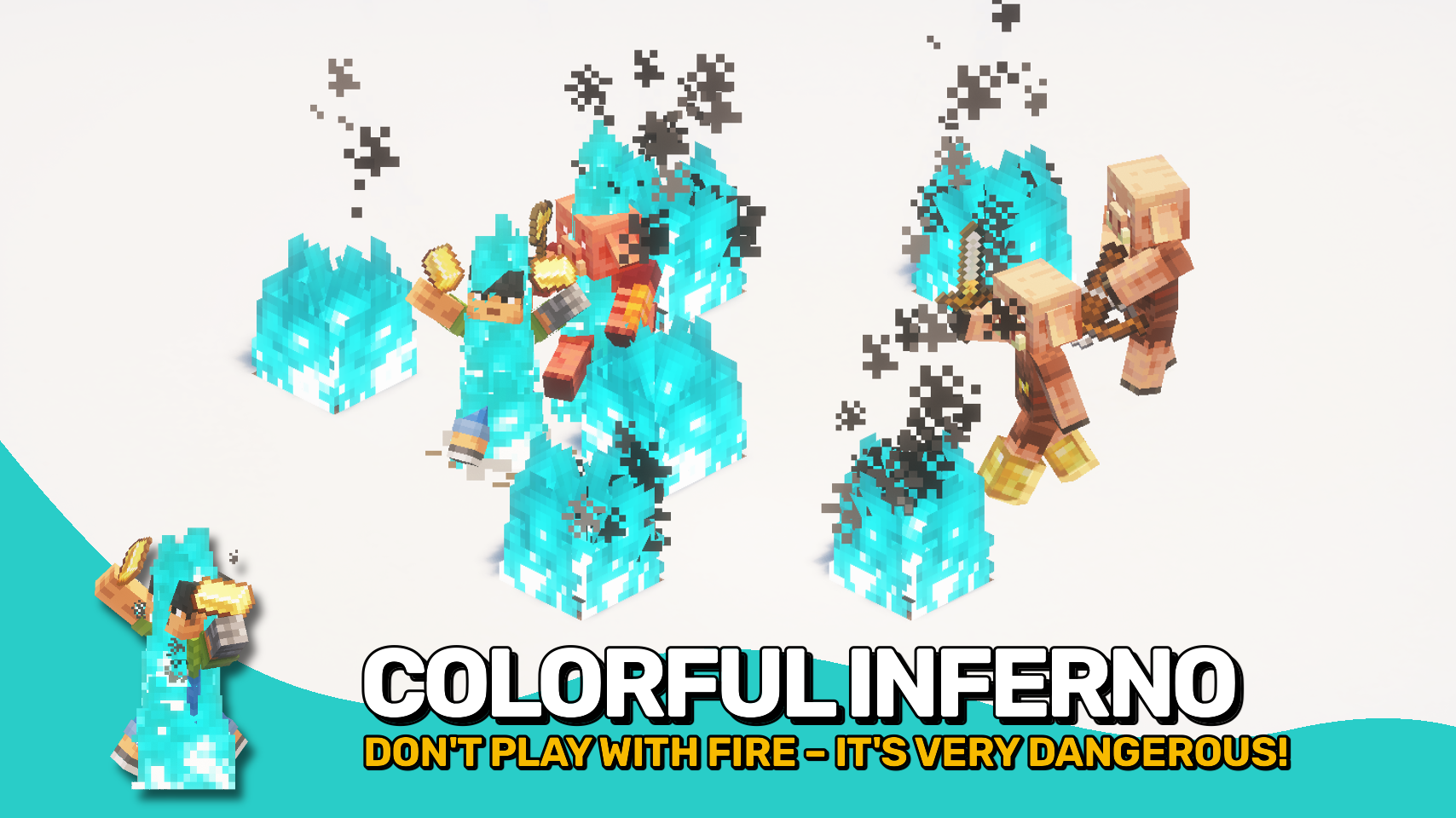
Dyed Flames gives burning mobs a fiery makeover! No more boring orange flames. 🔥 Now the fire matches the source. Blue soul fire? Blue soul flames. Modded fire or fluids? Fully supported. No gameplay impact, just eye candy. ✨
Burning mobs also emit colorful smoke trails and matching flame particles as they panic or pose. 🌈 It’s flashy, fun, and fully customizable. Whether you’re in the Nether or a modded dimension filled with fiery fluids, this mod brings the heat your way. 🌋
Need support for custom fire types? It’s fully data driven. ⚙️ Just add a few lines of JSON to the built in block data map at dyedflames:fire_types. No hardcoding, no hassle.


⏩ INSTALLATION REQUIRED ON CLIENT & REQUIRED ON SERVER
⏩ REQUIRES PUZZLES LIB TO BE INSTALLED (FABRIC & NEOFORGE)
⏩ REQUIRES FABRIC API TO BE INSTALLED (FABRIC)
⏩ REQUIRES FORGE CONFIG API PORT TO BE INSTALLED (FABRIC)

If available for a mod, configuration is possible directly from in-game using the mod menu (requires Mod Menu by Prospector to be installed on Fabric).
For manual configuration using an external text editor all files are found at .minecraft/config, named as MOD_ID-client.toml, MOD_ID-common.toml, or MOD_ID-server.toml, depending on the type of config. Not all types might exist for a mod, if any at all.
 |
 |
|
 |
 |
|
 |
 |
|
 |
 |
|
 |
 |
|

© 2026 @heyitsfuzs. All rights reserved. This page was last edited on 11 September 2026, at 06:44 (UTC).
The Dyed Flames Team


Owner