Know where you are. Enjoy where you’re going.
Keep your coordinates, the time and a little piece of your world close at hand. Coords Alive adds a customizable HUD with animated environment icons, day and night details, and useful instruments for your next adventure.
A little world for every adventure

Cross a biome boundary and watch your little world change with you.
Keep the essentials above your hotbar while the adventure stays in view.
Smooth changes, small details

A quiet flip, a soft fade or a little bounce — choose the transition that feels right.
Adjust its speed and movement, or keep your icons still.
From sunset to starlight

Watch your little world settle into the night, with moonlight, stars and changing lunar phases.
Choose the look and intensity, and keep the night effects as subtle as you like.
See the moon and stars up close

World time is accelerated in the night showcase. The HUD’s entrance animation keeps its normal timing.
Gameplay shown with separate shaders and animation mods. Full setup and credits below.

From cherry groves to the Nether and the End, discover a collection of little worlds.
Let the icon follow your surroundings, or pick a favorite from the gallery.

A setup that feels like you
- Your layout. Start with a ready-made style, choose the parts you need and drag them into place.
- Your colors. Change individual elements, coordinate letters and digits. Add an optional rainbow effect.
- Your instruments. Show a compass, the game clock or your computer’s time, including Minecraft’s own compass and clock icons.
- Your favorites. Save complete profiles and switch between a detailed explorer setup and a minimal line.
Preview changes before keeping them. Save applies your setup; Cancel leaves it as it was. Your shortcuts can be remapped in Minecraft’s Controls menu.
Still growing. Better with you.
Coords Alive is in public beta, and we're still testing and improving it. Bugs can happen, and other mods that change the HUD, interface or rendering may sometimes interfere with the display. Compatibility can vary between setups.
Found a bug, have an idea, or want to tell us how the mod feels? Join our Discord to share reports, suggestions, tips and feedback. Your experience helps us shape what comes next.
For a bug report, include your Minecraft and mod versions, what happened and how to reproduce it. A screenshot or short clip helps; if another mod seems involved, mention its name too.
Start your next adventure
- Choose the Fabric build for your Minecraft version and install it alongside Fabric API in your
mods folder.
- Launch the game and press K to make the HUD your own.
Client-side: install it on your game; the server does not need the mod.
Open a section below for requirements, extra settings or credits.
Requirements & compatibility
Minecraft Java Edition, Fabric Loader and Fabric API. Use the file matching your exact Minecraft version; each download lists its requirements.
Mod Menu is optional. Settings are also available with K or the Coords Alive button in the pause menu.
Biomes and dimensions follow the information available to your game. Structure detection uses the integrated server in singleplayer; multiplayer detection is limited to information available on the client. The icon gallery also includes variants you can select manually.
More ways to customize
Choose coordinate formats, show or hide the Y value, reorder elements and adjust their size, position, opacity and spacing. Keep the transparent default, or add your own background and shadow.
Browse biome, cave, structure, Nether and End icons. Choose automatic icons or manual replacements, tune the moon and stars, and save your complete combination as a named profile.
The Minecraft compass and clock keep their vanilla behavior. Custom instruments offer additional display styles; the computer clock follows your local time.
Visual setup & credits
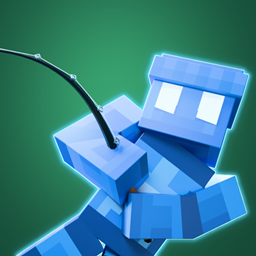
The gameplay captures show Coords Alive’s default HUD in Survival, with the camera in third person. The blue mascot, shaders and animation mods are separate showcase additions and are not required.
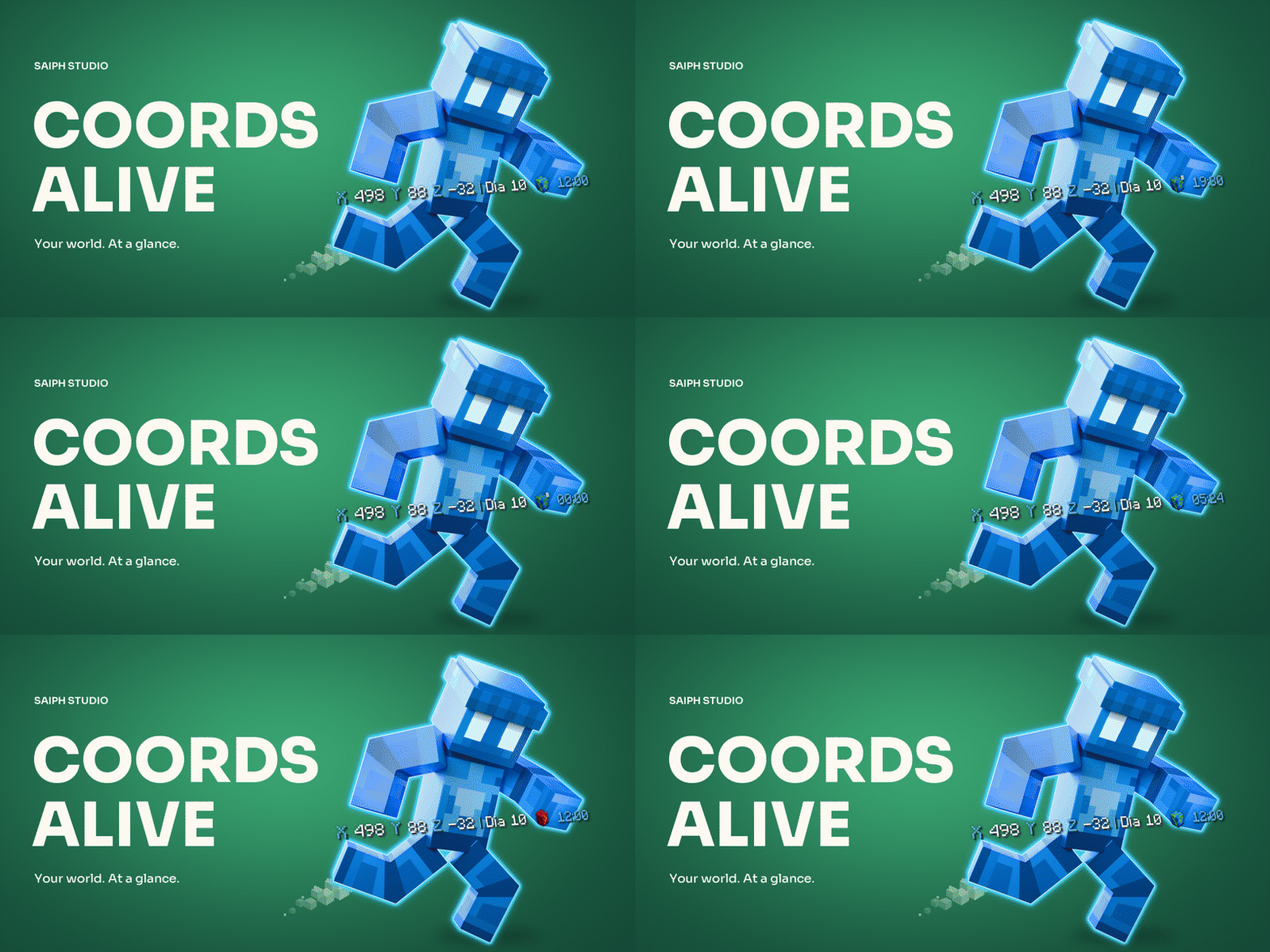
The mascot banner is a promotional Blender render. The world-icon and layout banners are promotional compositions made with the actual HUD assets; they are separate from the gameplay captures.
EndRig MCS2 by Endertainer007, adapted for Saiph Studio with our skin, pose and lighting, is licensed under CC BY 4.0.
Third-party projects belong to their respective creators and are not bundled with Coords Alive.