
Coords Alive
- By

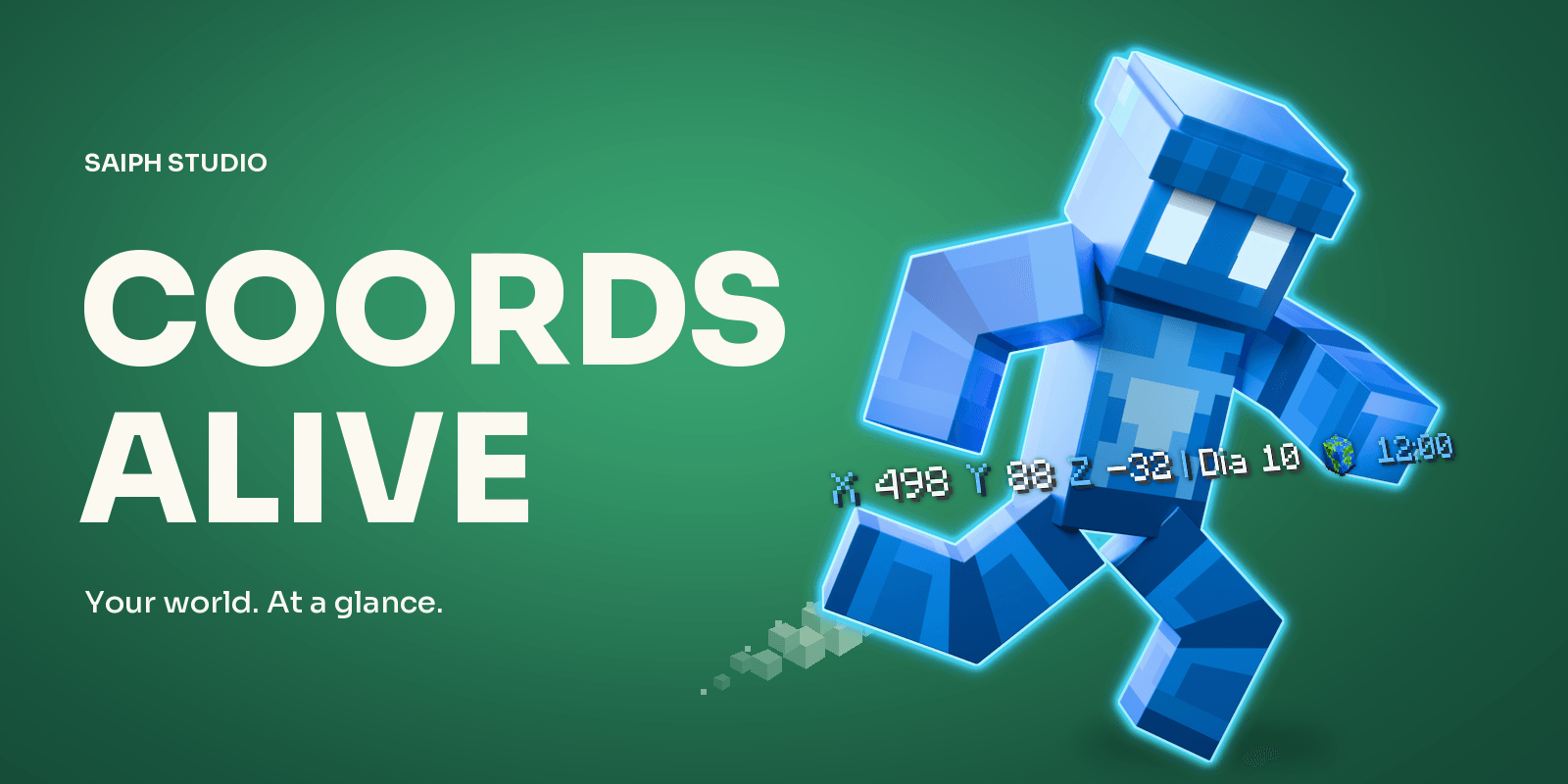
Follow your next adventure with coordinates, time and animated world details. Promotional Blender artwork; see the gameplay captures for the in-game HUD.
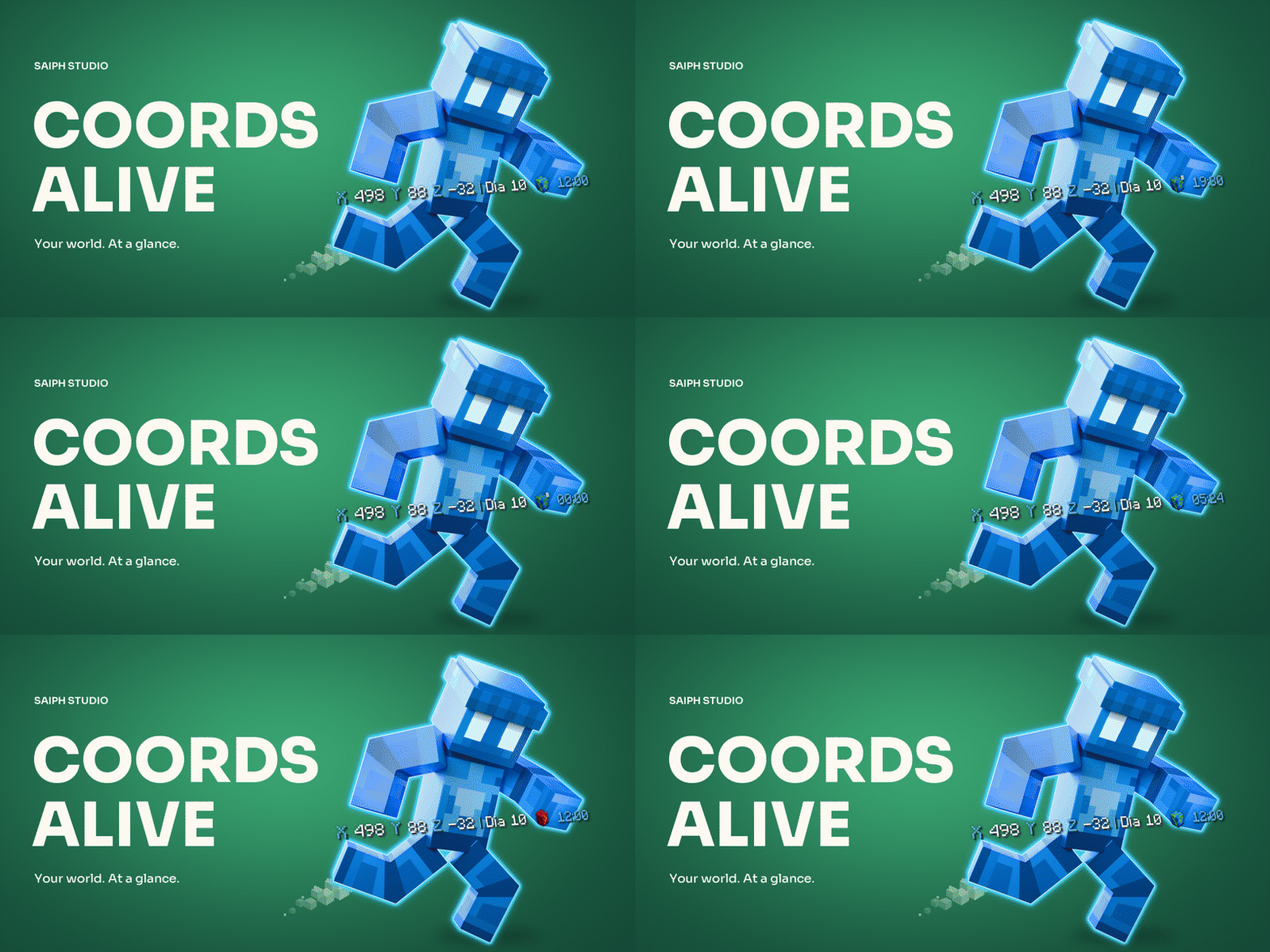
A promotional Blender render with Overworld, Nether and End icon transitions and day/night details. The in-game animation is shown in the gameplay GIFs.
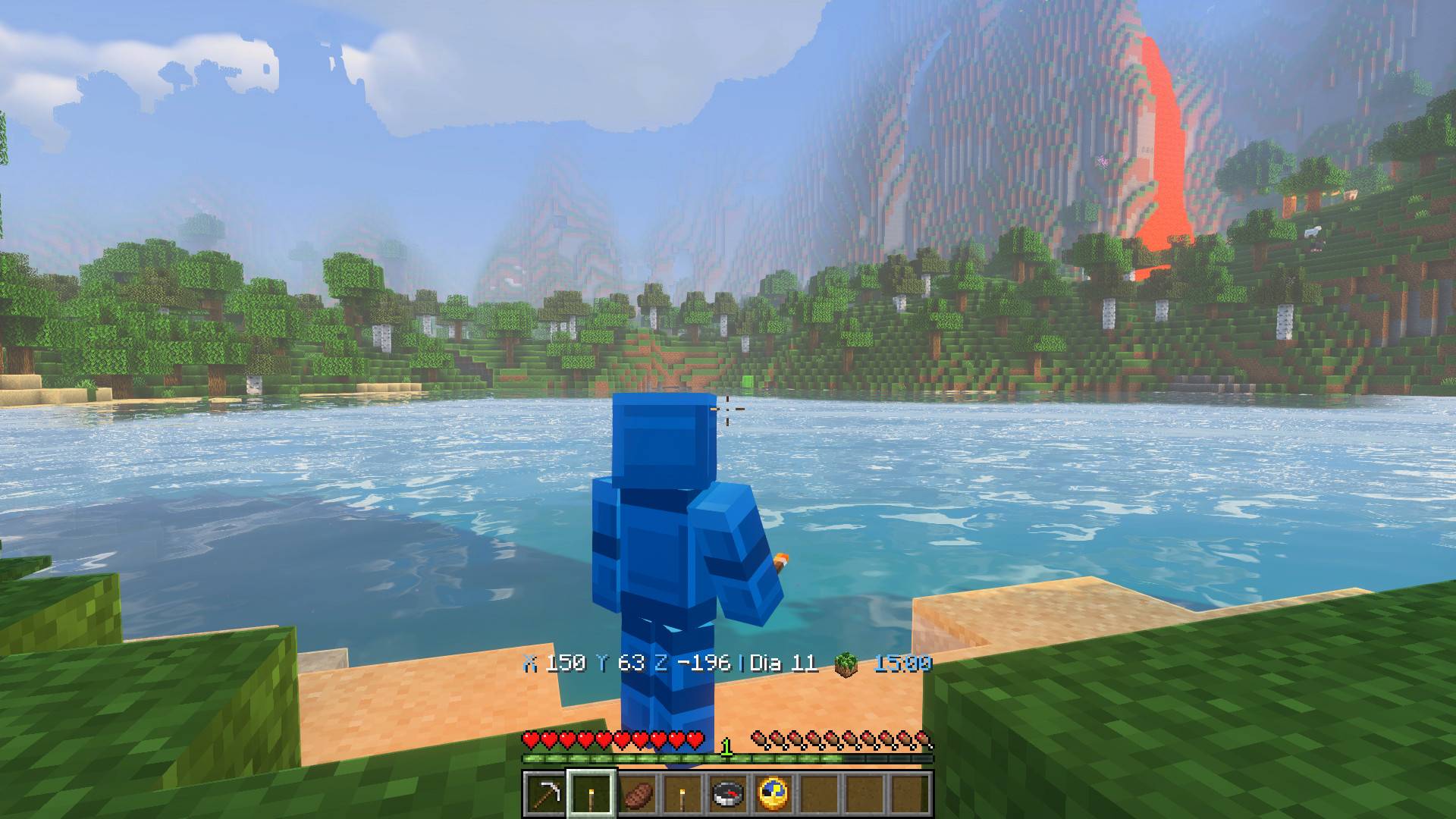
Coordinates, day, time and a small world icon in the default HUD. Real Survival gameplay with Lumevale shaders; shaders and camera effects are separate from Coords Alive.
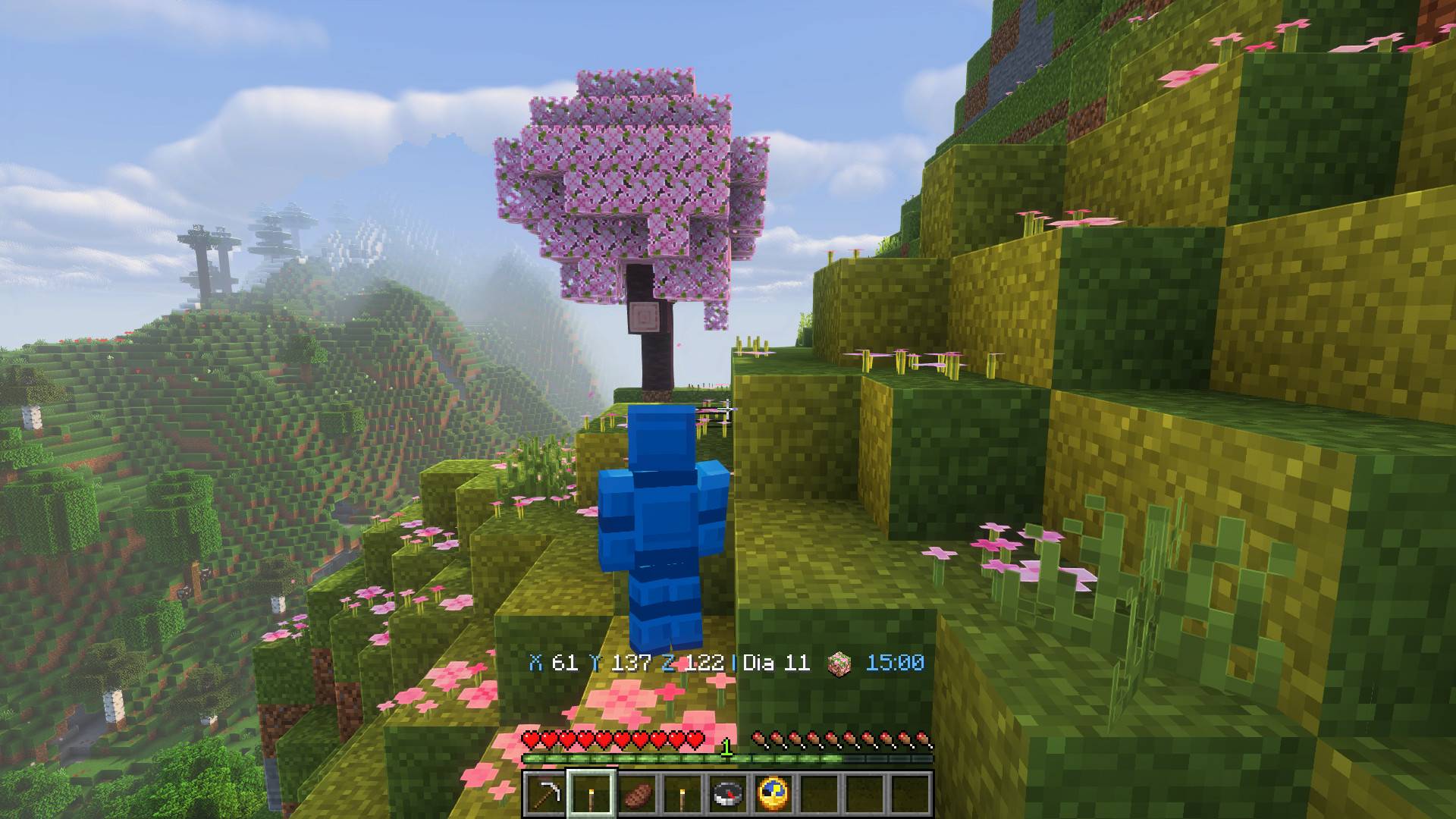
Exploring a cherry grove with its matching world icon. Real Survival gameplay using the default HUD and Lumevale shaders.
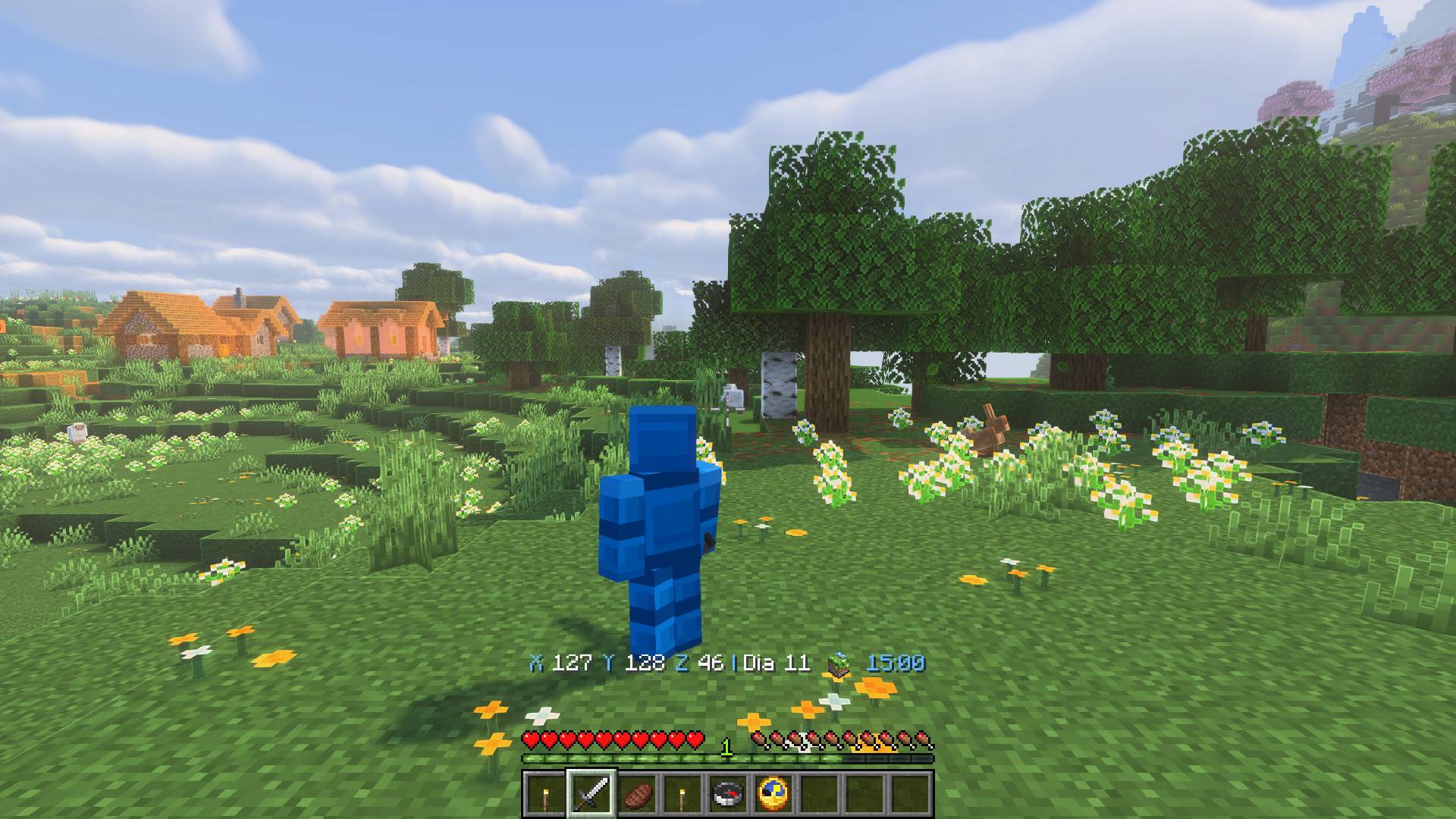
Keep your coordinates and time close while exploring. Real third-person Survival gameplay with the default HUD and Lumevale shaders.
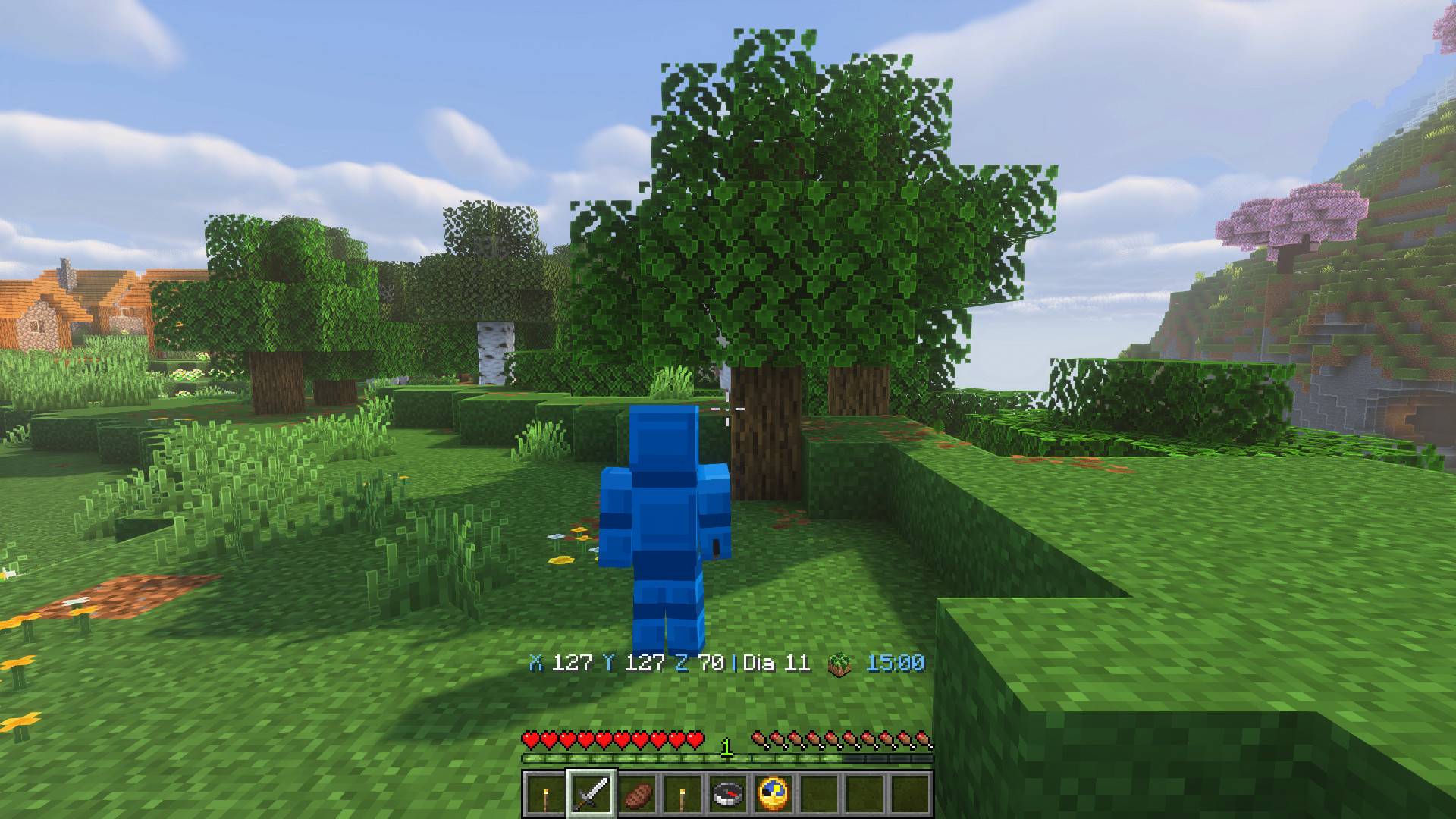
The world icon follows your surroundings as you enter another biome. Real Survival gameplay with the default HUD.
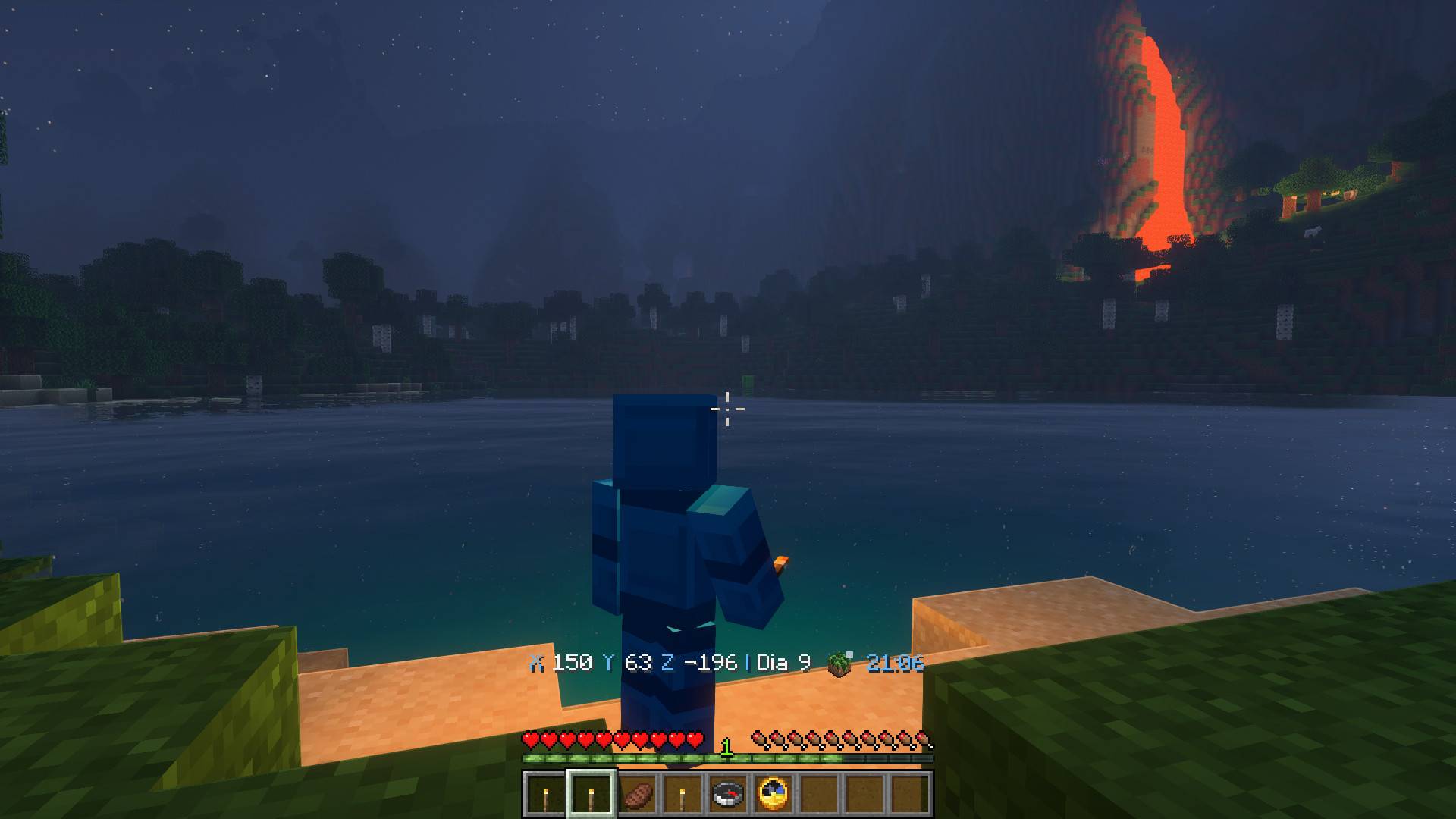
Night-time exploration with the moon visible beside the clock. Real Survival gameplay with Lumevale shaders and the default HUD.
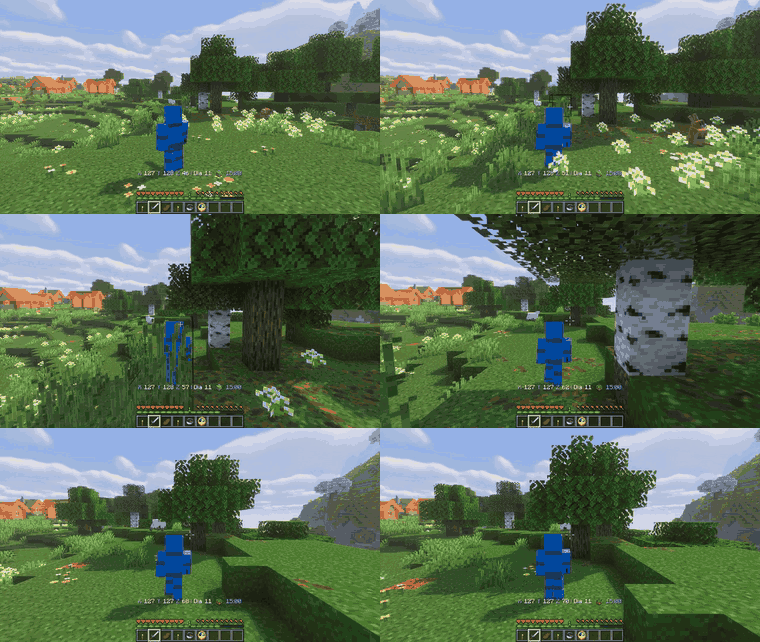
Walk from meadow to forest as the world icon follows your surroundings. Real Survival gameplay with Lumevale shaders and the default HUD.

A close-up of the world icon flipping as you cross between biomes, captured directly from the default in-game HUD.
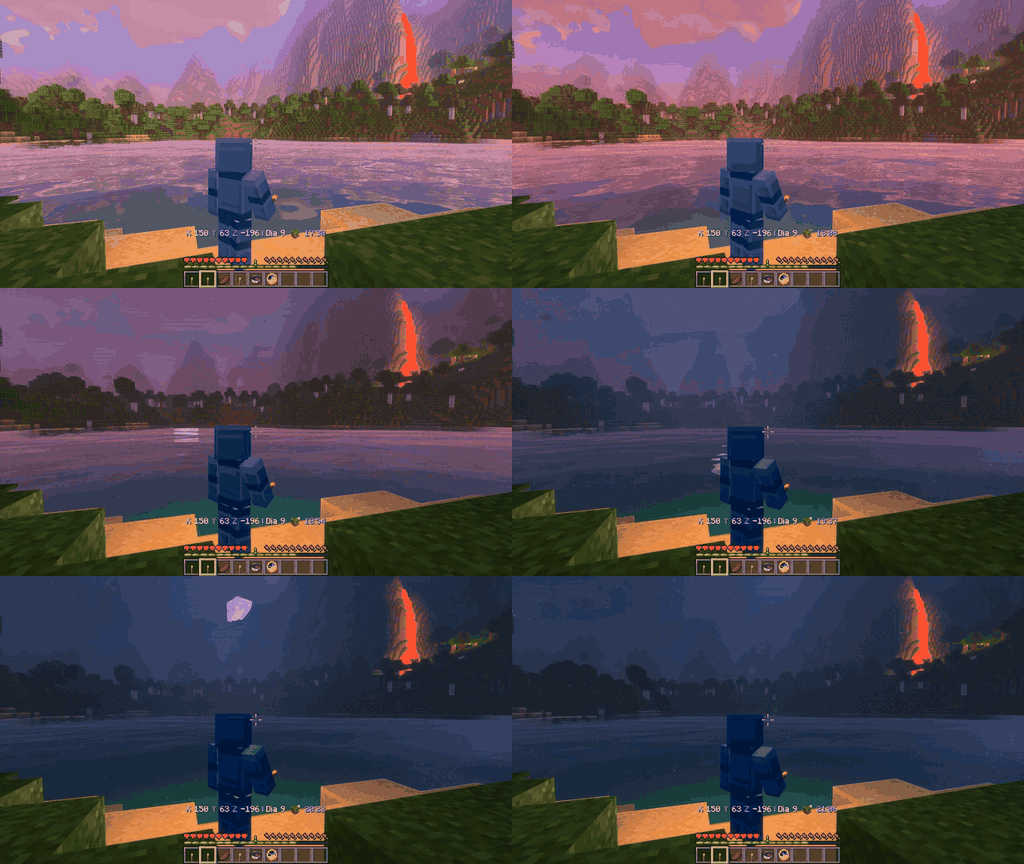
Watch the HUD change as night falls. Captured in Minecraft with the world clock accelerated to demonstrate the day/night transition.

A close-up of the moon appearing beside the clock with the default 800 ms transition. Real in-game footage, with accelerated world time for the demonstration.