Heartwood: Tree Capitator
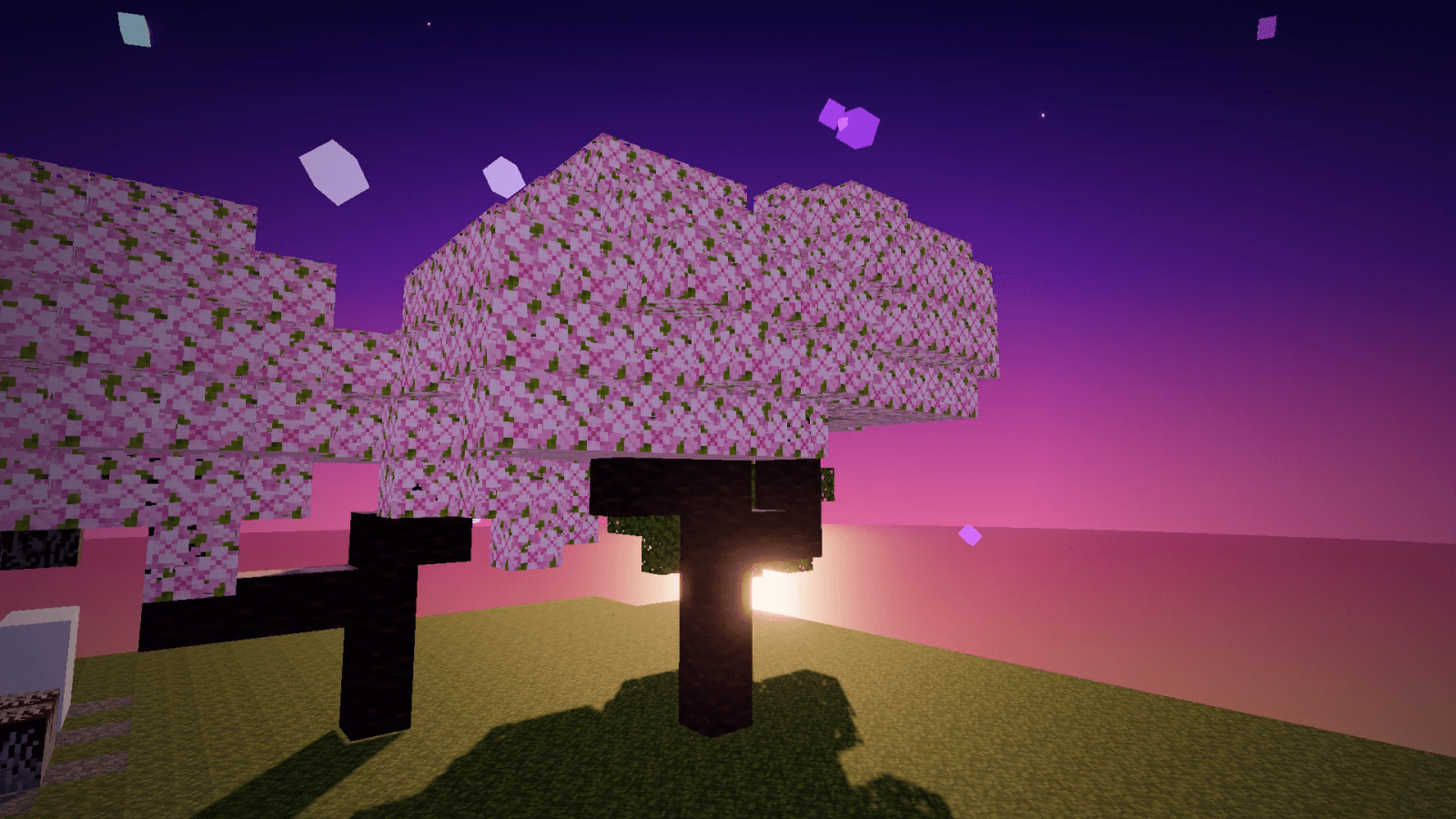
Chop one log and the whole tree comes down. The leaves clear, every drop lands in one pile and a sapling goes back in. Your log builds stay put.
Heartwood fells a whole natural tree when a player breaks one of its logs with an axe, then clears its leaves and replants it.
A free datapack for Minecraft Java 1.21.4. No mods and no plugins, so it works in single-player, on Realms and on vanilla, Paper, Purpur and Fabric servers.
Features
- Whole tree from one log: any axe fells the full tree, branches included
- All 11 wood types: oak, spruce, birch, jungle, acacia, dark oak, mangrove, cherry, pale oak, and crimson and warped stems
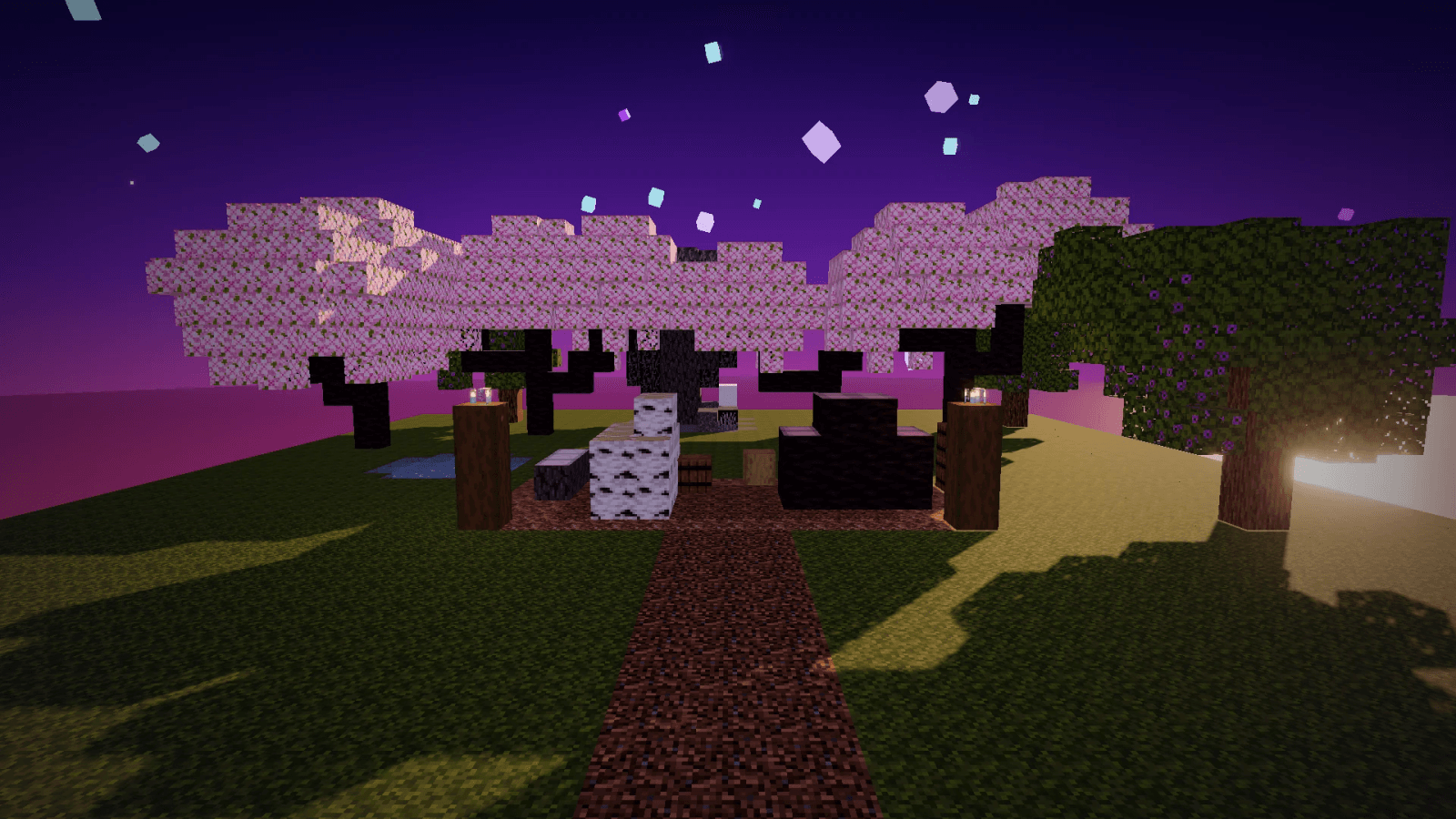
- Build-safe: only trees touching natural leaves or wart caps are felled, so log houses, fences and builds stay
- Fast leaves: leaves clear within about two seconds and drop saplings, sticks and apples as usual
- One drop pile: every drop lands at the stump
- Auto-replant: the right sapling goes back where the trunk stood, as a 2x2 for dark oak and pale oak (and big spruce and jungle trees), and azalea trees get an azalea
- Fair on tools: each extra log costs 1 durability, Unbreaking works like vanilla, and an axe that would break is never used up (the tree simply isn't felled, and you get a message)
- Sneak to chop one log when you only need one
- Per-player switch: every player can turn it off for themselves
- Settings for operators: a clickable menu and a one-command uninstall
Commands
| Command |
Who |
What it does |
/trigger hw.toggle |
Every player |
Switches Heartwood off or on for you |
/function heartwood:settings |
Operators |
Opens the clickable settings menu |
/function heartwood:uninstall |
Operators |
Removes Heartwood's scores, helpers and saved settings, then turns the pack off |
Sneak while you chop to break a single log.
Settings
| Setting |
Default |
| Heartwood on or off (for everyone) |
On |
| Log limit (bigger trees aren't felled) |
256 |
| Clear leaves |
On |
| Replant |
On |
| Drop pile at the stump |
On |
| Axe durability cost |
On |
| Sneak mode |
Sneaking chops one log |
Sneak mode can also be set so sneaking is ignored, or so trees are felled only while sneaking. Settings stay after /reload.
Install
Single-player
- In Minecraft Java 1.21.4, click your world, then Edit > Open World Folder.
- Put
Heartwood-1.0.0.zip in the datapacks folder. Don't unzip it.
- Load the world. If it's already open, type
/reload.
New world: Create New World > More > Data Packs, then drag the zip in.
Servers (vanilla, Paper, Purpur, Fabric)
- Put
Heartwood-1.0.0.zip in world/datapacks.
- Restart the server, or type
/reload (on Paper and Purpur, /minecraft:reload).
- Operators open the settings with
/function heartwood:settings.
Realms
Add the datapack to a single-player world, then upload that world to your Realm. Uploading replaces the Realm's current world, so download a backup first.
Requirements
- Minecraft Java Edition 1.21.4
- Survival mode (in Creative, broken blocks don't drop, so nothing is felled)
- No mods, no plugins, no resource pack. Players join with a normal game.
Good to know
- 1.21.4 only for now. Newer versions need an update.
- Land claims: datapacks can't see land-claim plugins, so a tree that crosses a claim border is felled on both sides. Server owners can turn Heartwood off in the settings.
- Logs touching a tree: a log build pressed against a living tree's leaves or logs can come down with it. Leaves you place yourself don't count. Sneak while you chop next to builds.
- Chop the bottom log. Cut higher up and the stump stays and nothing is replanted.
- Replanting limits: mangroves are not replanted, and dark oak and pale oak come back only when all four trunk blocks stood on dirt.
- Nether trees: wart blocks and shroomlights touching crimson or warped stems count as the cap and are cleared within a few blocks of the stems.
Tested
Tested on our Paper 1.21.4 test server with a bot player chopping real trees: 79 checks, including every wood type, leaf clearing, replanting, the log limit, worn, Unbreaking and unbreakable axes, settings, /reload and uninstall.
Links
Not associated with Mojang or Microsoft.
Found a bug? Report it at craftspawn.com/support and we fix it in the next update.