Shuffle Challenge
Minecraft, but the rules change every few minutes. Eight random rules, a boss bar countdown and one command to start.
Shuffle Challenge runs a timed random-rule challenge on a Minecraft Java server, for gameplay sessions and recording challenge videos.
A free plugin for Paper 1.21.4 (Java 21). Players join with a normal game, no mods.
How it works
An admin types /shuffle start. Every 180 seconds (you choose 30 to 3600) one random rule takes over for everyone playing and replaces the last one. A title, a chat line and a sound announce each new rule, and a boss bar shows the round, the rule and the time left:
Round 3 · Low Gravity · 2:41
The same rule never comes twice in a row, and each rule has a weight from 1 to 100 so you decide how often it shows up.
The eight rules
| Rule |
What happens |
| Floor Swap |
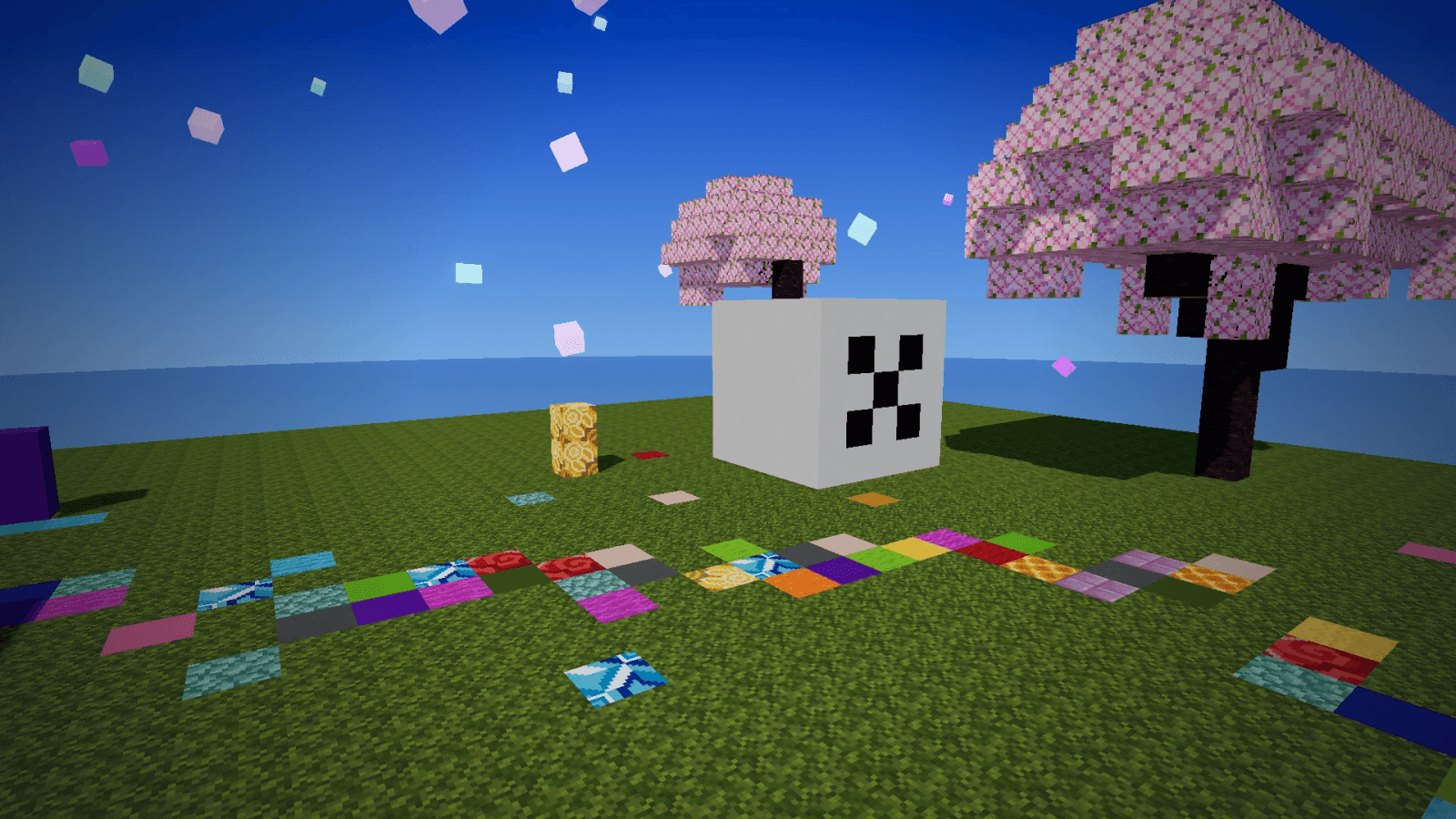
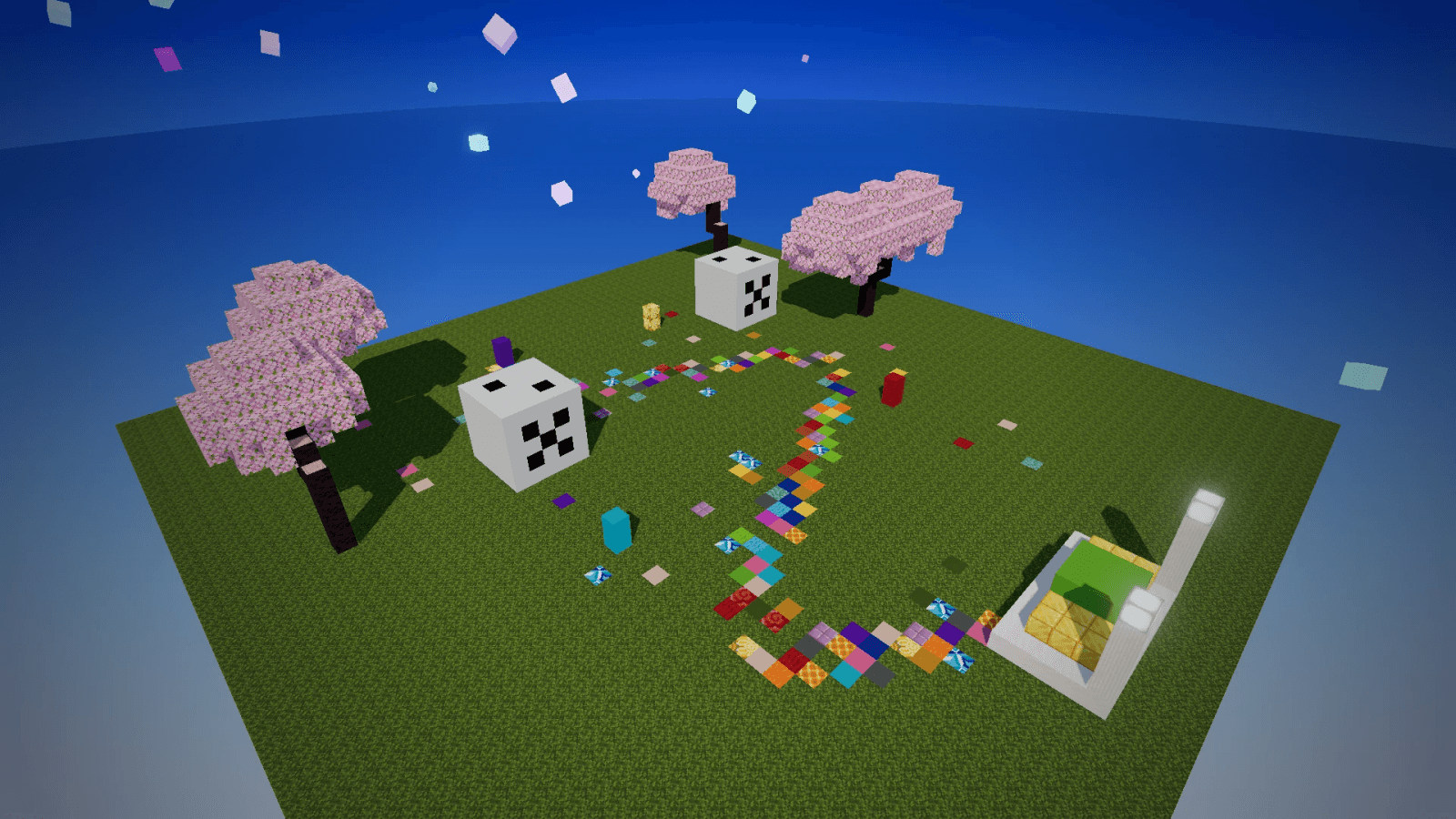
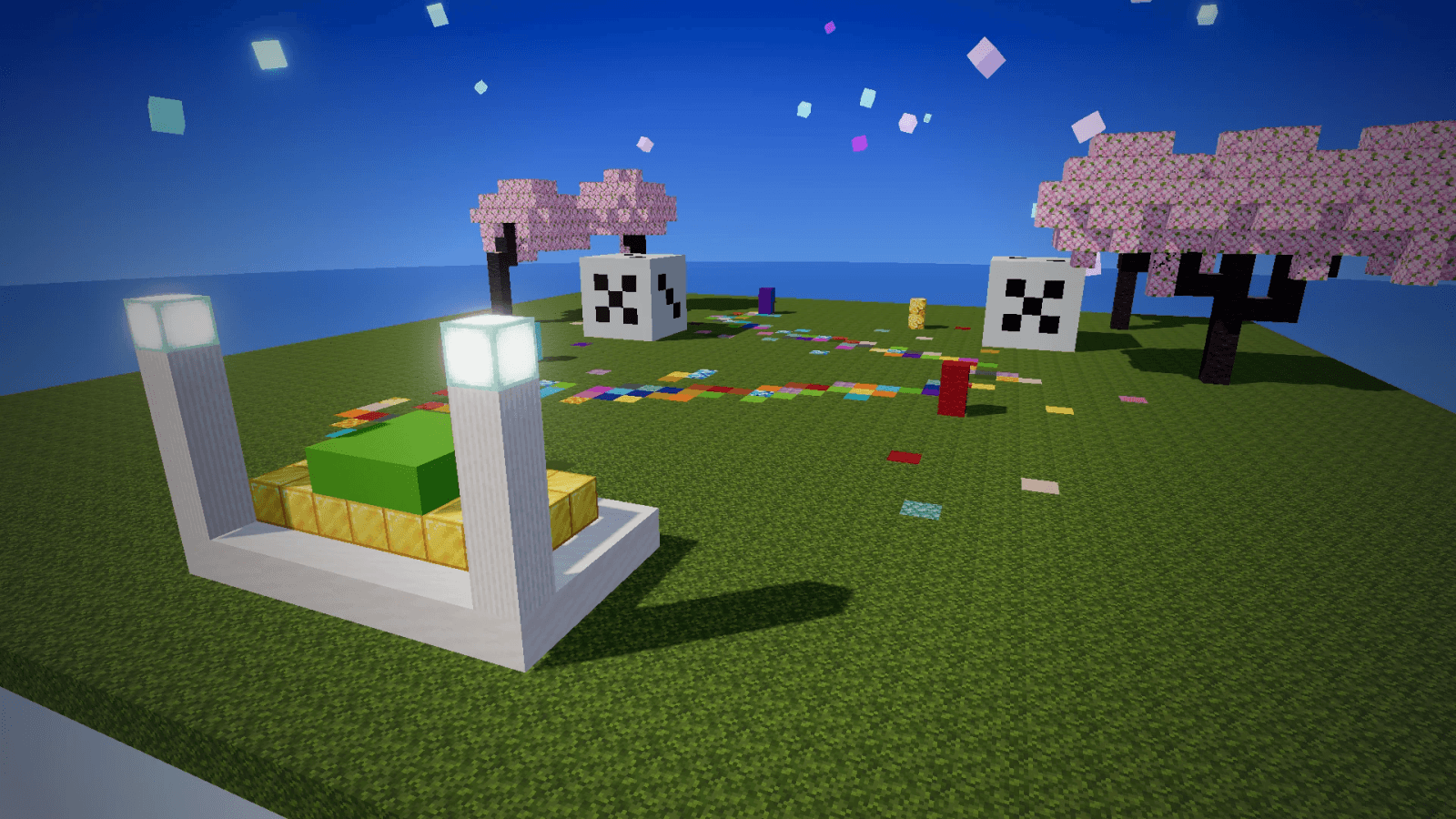
The block you stand on turns into a random colourful block (wool, concrete, terracotta, glazed terracotta, prismarine and more) |
| Hunger Rush |
Your food drains fast |
| Low Gravity |
Jump Boost II and Slow Falling |
| Mob Shuffle |
Hostile mobs that spawn naturally near players turn into a random type |
| No Jumping |
Your jump key does nothing |
| Random Drops |
Every block you break drops a random item instead |
| Double Damage |
Every hit hurts twice as much (multiplier 1.0 to 5.0) |
| Speed Rush |
Speed II for everyone |
Features
- Admin menu (
/shuffle menu): start, stop, pause, resume, skip, timer -30 s / +30 s and an on/off switch for every rule
- Film every rule on cue:
/shuffle skip <rule> jumps straight to it
- Camera-friendly: creative and spectator players see the boss bar but are never affected
- Safe effects: short effects that wear off within 3 seconds after a stop, quit or rule change; your own potions are never removed
- Protected blocks: Floor Swap never touches chests, furnaces, signs, beds, spawners, bedrock, obsidian, portals or anything in your never-replace list
- Live reload:
/shuffle reload applies config changes without stopping a running challenge
- Clean: no network calls, no update checks, no data files besides config.yml
Commands
All need shufflechallenge.admin (operators by default). Alias: /shufflechallenge.
| Command |
What it does |
/shuffle start [seconds] |
Start the challenge |
/shuffle stop |
Stop it |
/shuffle skip [rule] |
Next rule now, or a rule you name |
/shuffle pause / resume |
Freeze the timer and the rule, then carry on |
/shuffle status |
Round, rule, time left, enabled rules |
/shuffle menu |
Open the admin menu |
/shuffle reload |
Reload config.yml |
Permissions
shufflechallenge.admin: run the commands and open the menu (default: op)shufflechallenge.exempt: never affected by the rules (default: false)
Install
- Put
ShuffleChallenge-1.0.0.jar in your server's plugins folder.
- Restart the server.
- Type
/shuffle start.
- Optional: edit
plugins/ShuffleChallenge/config.yml (timer, worlds, rules, weights, messages) and type /shuffle reload.
Requirements
Good to know
- Floor Swap changes the world. Swapped blocks stay swapped. Run the challenge in its own world and list it under
worlds in the config.
- Who takes part: survival and adventure players in the listed worlds (an empty list means all worlds).
- Mob Shuffle only changes natural spawns, so play it at night or underground.
- Claims and spawn are respected: Floor Swap skips blocks a protection plugin would not let the player break, and the spawn protection area.
- Restart stops the challenge. Start it again with
/shuffle start.
Licence
Free to use on your server for its stated purpose, including recording and posting challenge videos. Please don't re-upload the jar; link to this page instead. Full terms: https://craftspawn.com/legal/license
Product page: https://craftspawn.com/shop/shuffle-challenge
Found a bug? Report it at craftspawn.com/support and we fix it in the next update.