Block Replacer Wand
- By
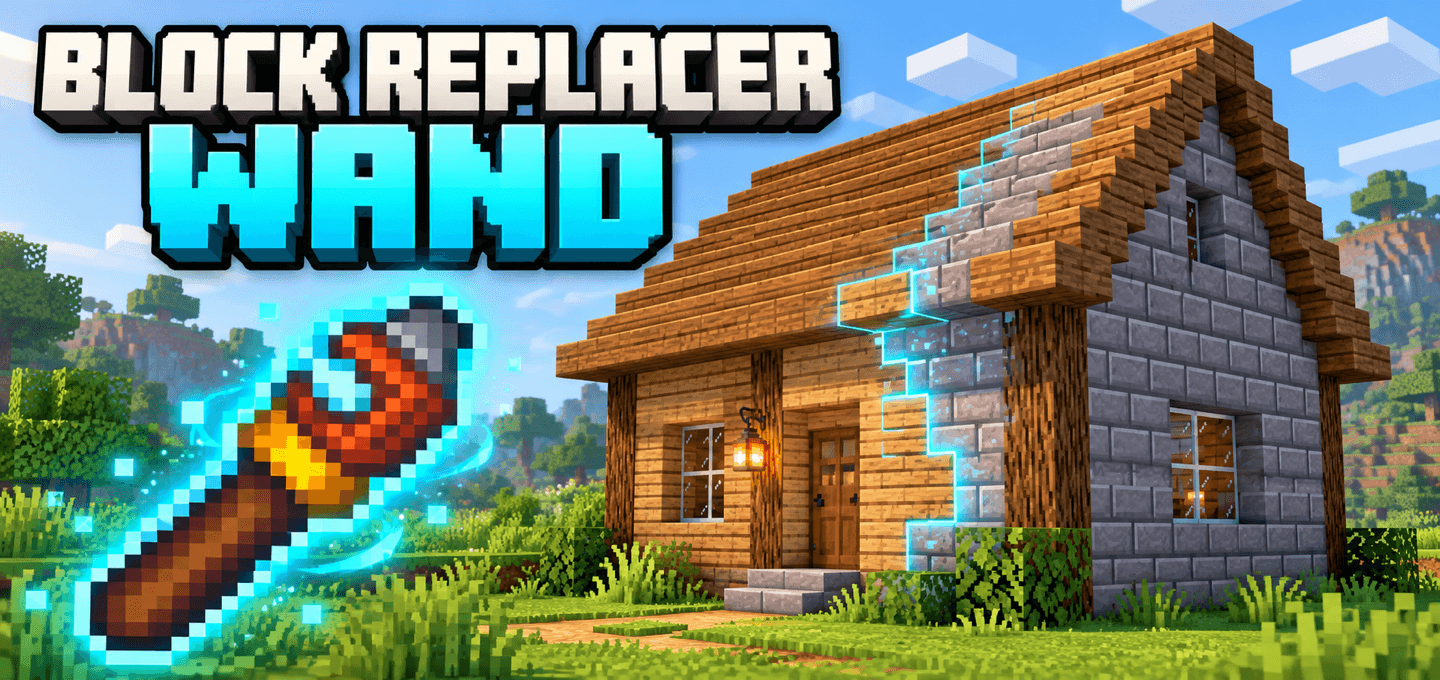
Change the materials of existing builds with connected block selection, live outlines, an inventory material picker, resource exchange, and undo.
MCPEDL.png
Screen 1.jpg
Screen 2.jpg
Screen 3.jpg
Description
About
Block Replacer Wand lets you change the materials of an existing building without rebuilding it block by block. Preview the connected blocks, click, and choose a replacement from your inventory for that individual use.
Features
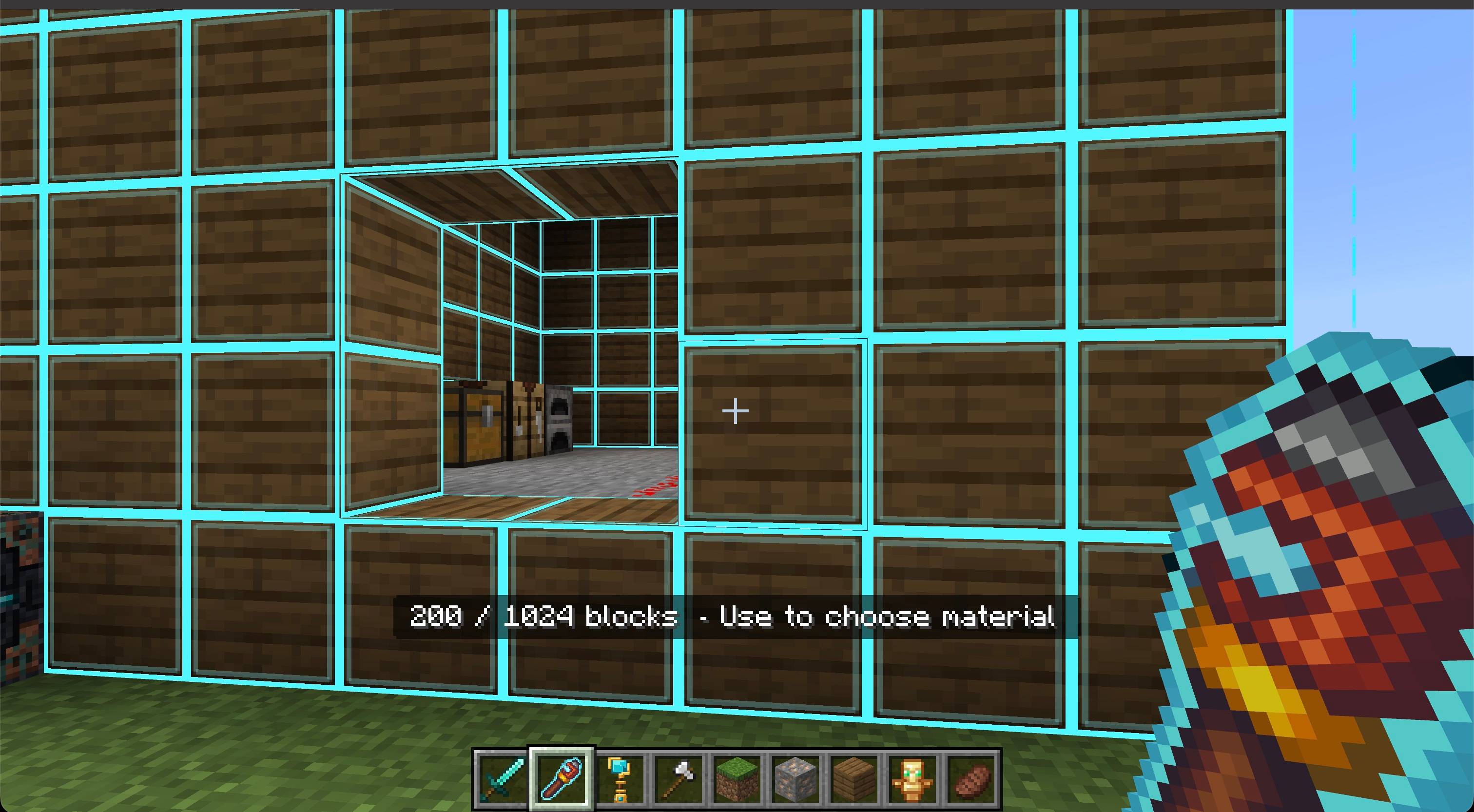
- Connected selection follows the original material around corners and through connected walls, roofs, floors, and interior layers.
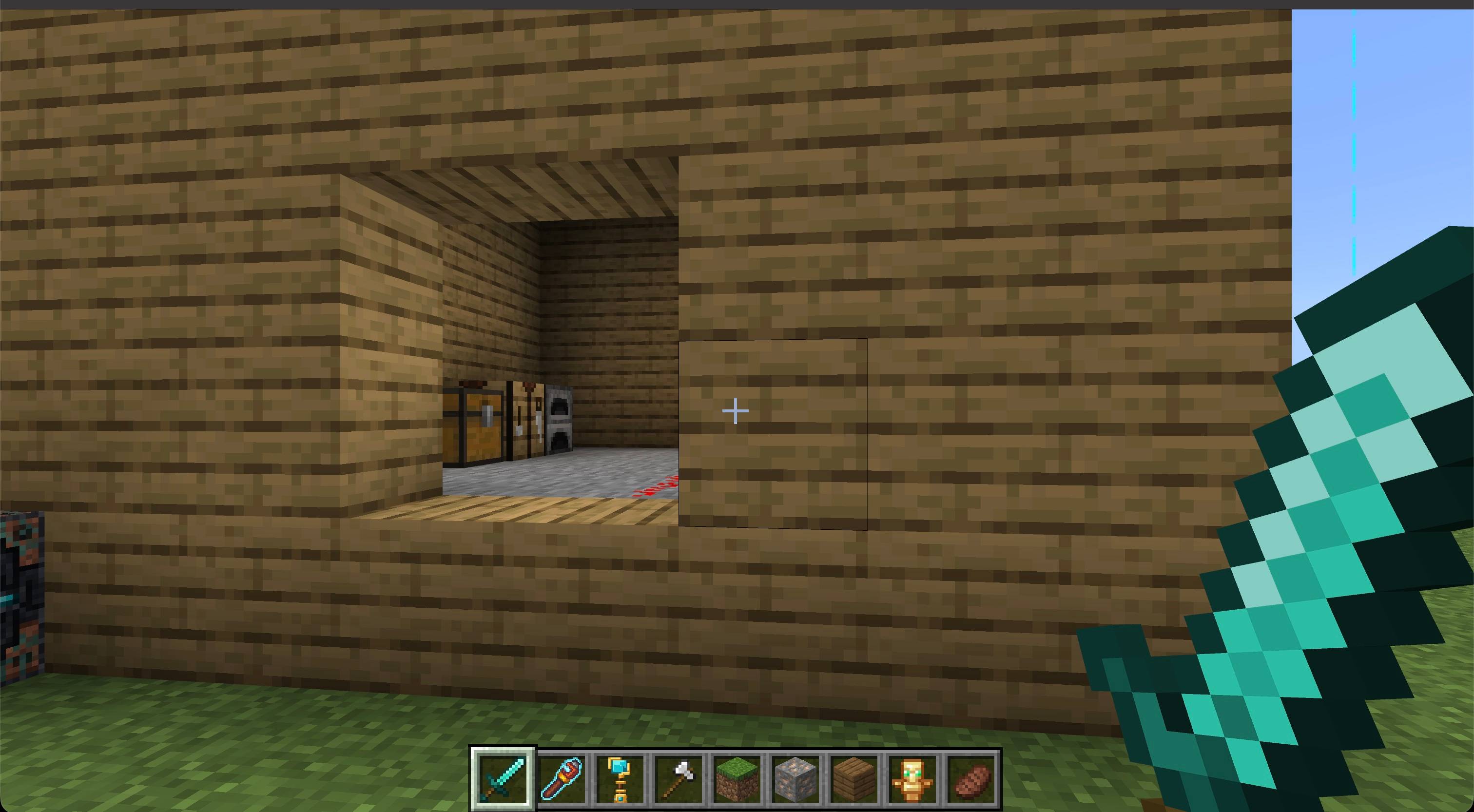
- Live cyan outlines show the exposed faces of selected blocks before you choose a replacement.
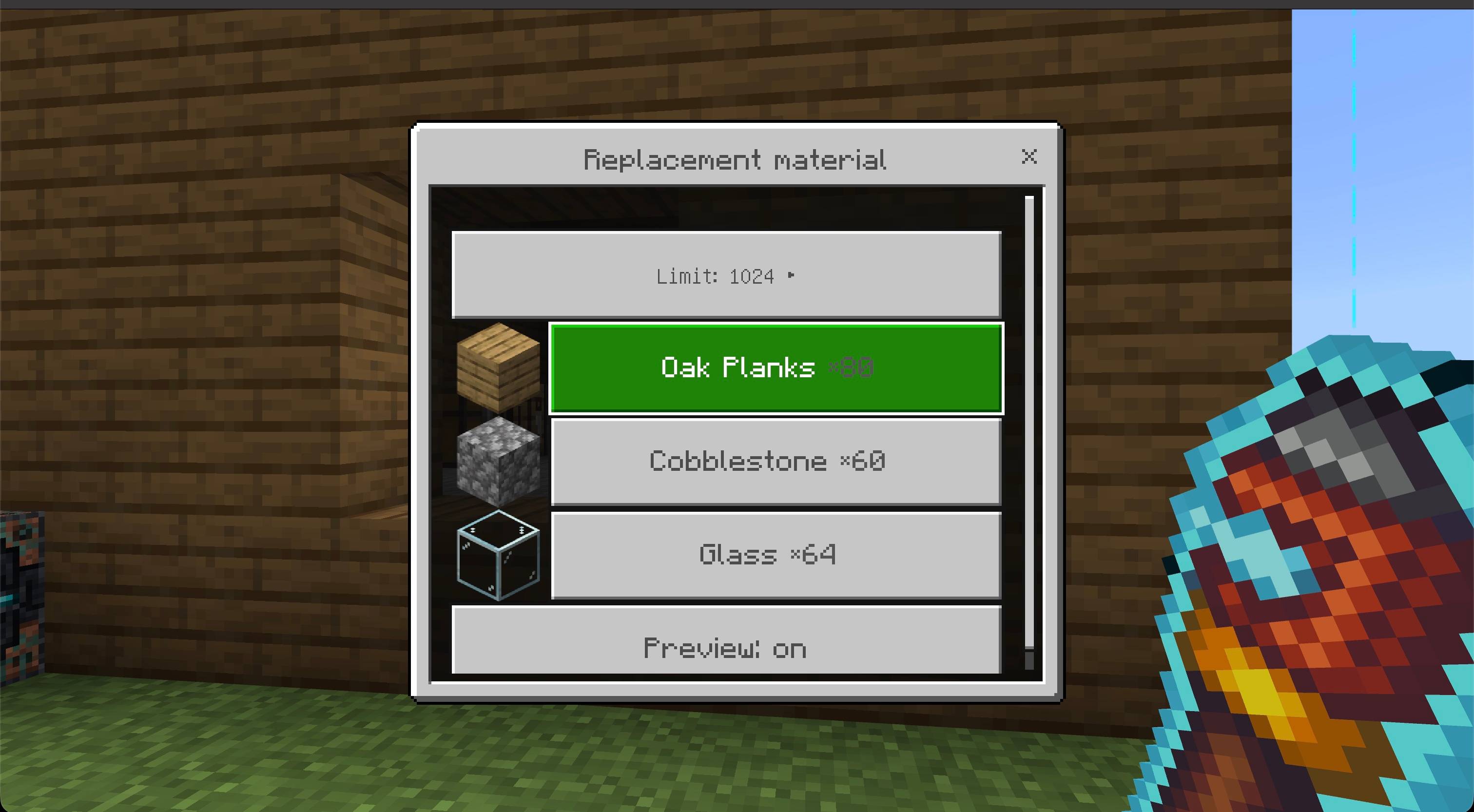
- Visual material picker shows compatible inventory blocks with icons and total quantities. Recently used materials appear first and are remembered between sessions.
- Adjustable limit offers 64, 256, or 1024 blocks per use, with 1024 selected by default.
- Survival resource exchange consumes one replacement block and returns one original block for each successful change. Creative mode uses no materials.
- Undo remembers up to five operations during your session and checks that blocks have not changed before restoring them.
- Orientation preservation keeps supported stair directions, slab halves, and compatible log axes.
- English and Russian translations are included.
How to use
- Import the
.mcaddonand activate both the Behavior Pack and Resource Pack. - Craft the wand and put replacement building blocks in your inventory.
- Hold the wand and aim at the material you want to replace. The outline shows its connected selection.
- Use on a block, then choose a material from the picker to start replacing. Each use has its own material choice; closing the picker cancels it.
- Use in the air or sneak + use to open settings and undo. The limit and preview controls are also available in the material picker.
Crafting
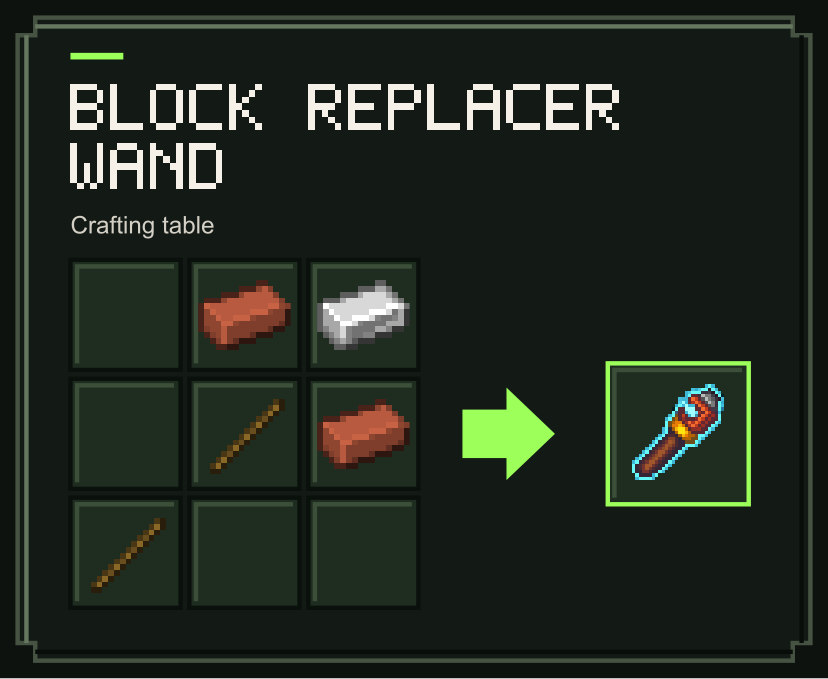
Craft one Block Replacer Wand at a crafting table using 2 bricks, 2 sticks, and 1 iron ingot. The recipe becomes available after obtaining an iron ingot.
Notes
- Selection follows face-connected blocks of the same original material. Disconnected sections and different materials require separate uses. Builds larger than the chosen limit need additional uses on their remaining original blocks.
- Supports common stone building blocks, planks, wood, glass, wool, concrete, terracotta, and compatible stairs and single slabs. Replacement shapes must match.
- Containers, machines, liquids, waterlogged blocks, falling blocks, ores, doors, beds, double slabs, and custom blocks are excluded. Renamed or customized inventory items are not consumed.
- Replacement stops when materials or inventory space run out. Use Stop in the menu to interrupt work; completed changes remain undoable. Switching away from the wand, changing dimension, or changing game mode also stops replacement.
- Undo history ends when you leave or scripts reload. Undo exchanges real materials for paid replacements and retains unavailable blocks for another attempt. Recently used materials, the limit, and preview preference persist.
Requirements
- Minecraft Bedrock Edition 1.26.50 or newer
- Both included packs active
- No experiments or additional add-ons required

Block Replacer Wand Team

Owner