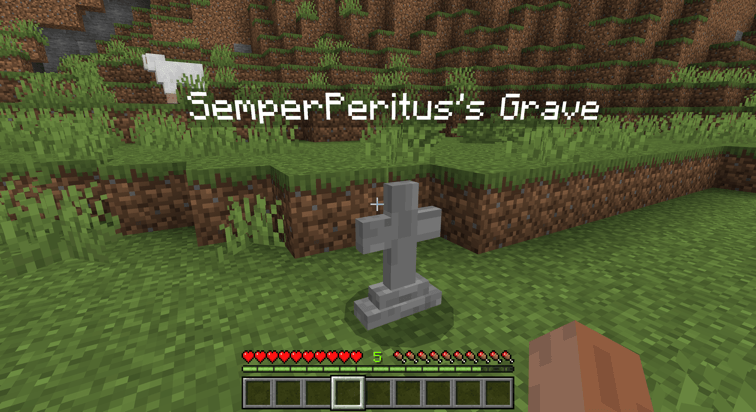
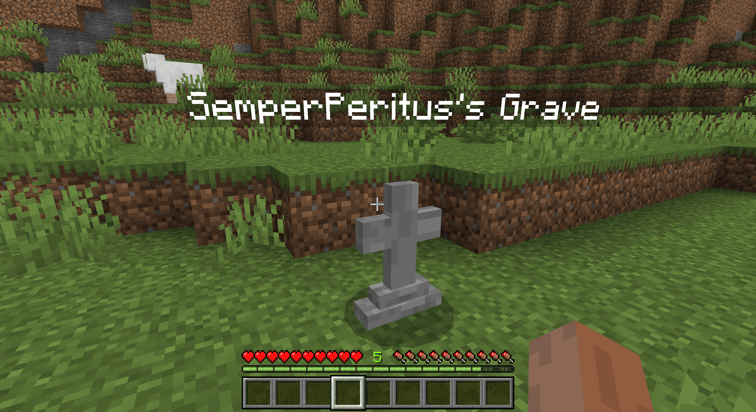
Store death items in a compact gravestone for Minecraft Bedrock. Survival and adventure players can recover items from a small grave marker without placing chests or replacing blocks.
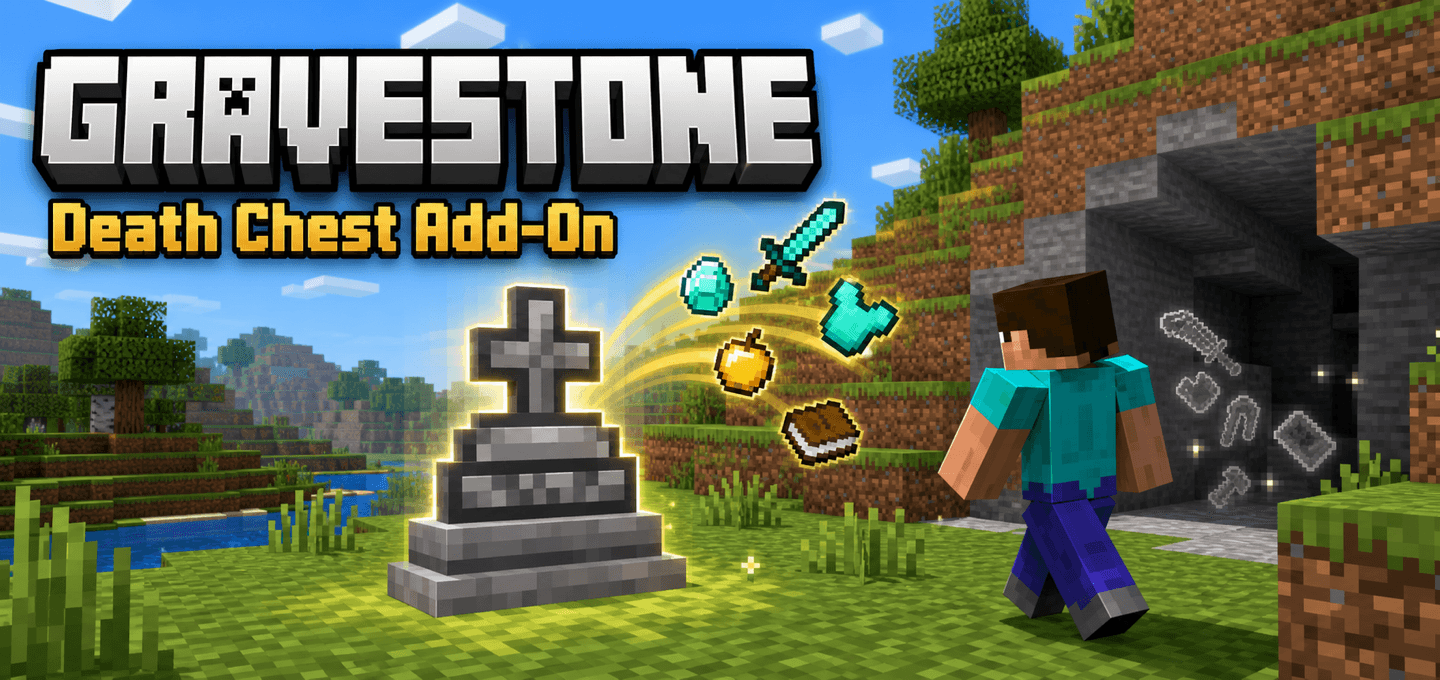
Store your death items in a compact gravestone instead of scattering them across the ground.
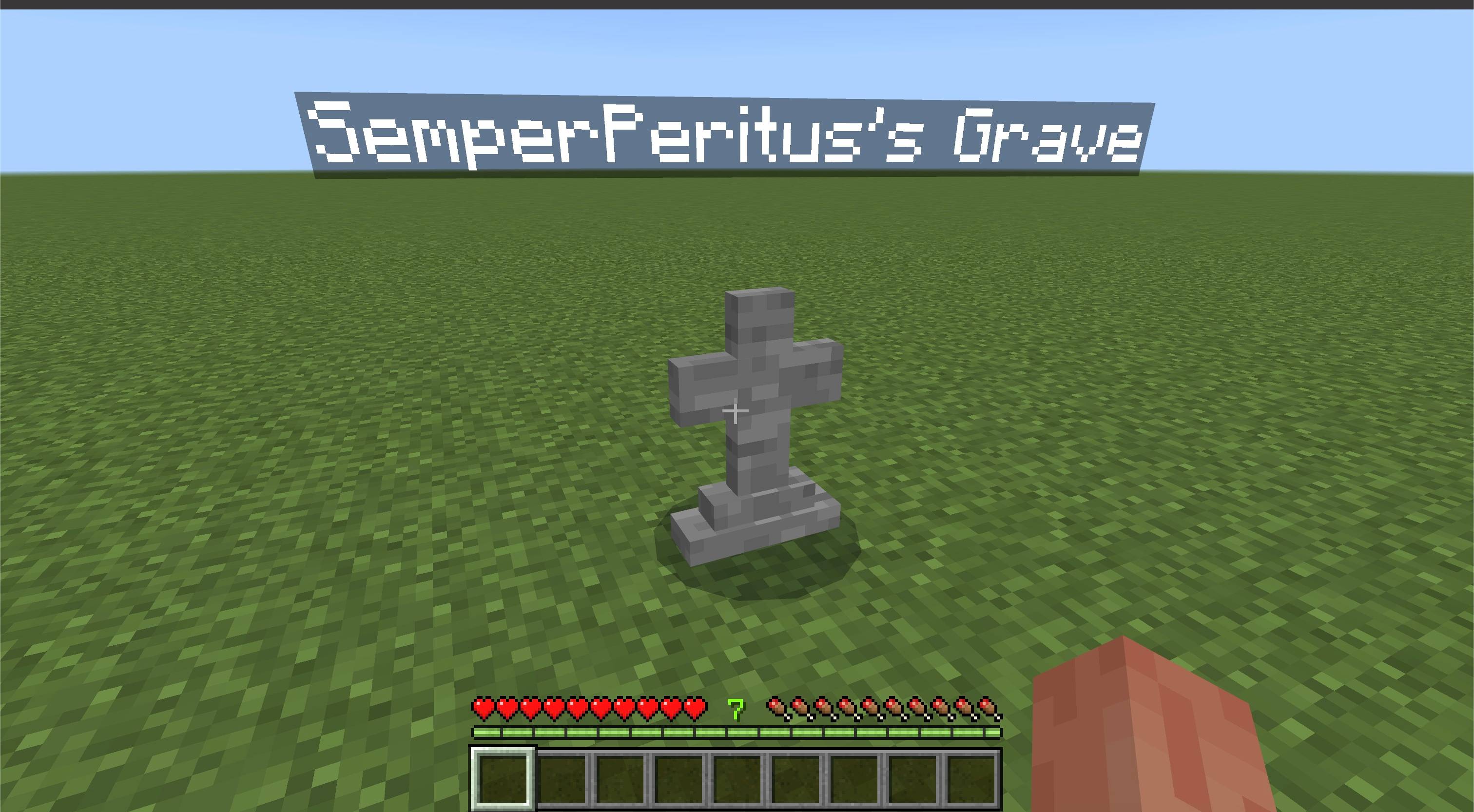
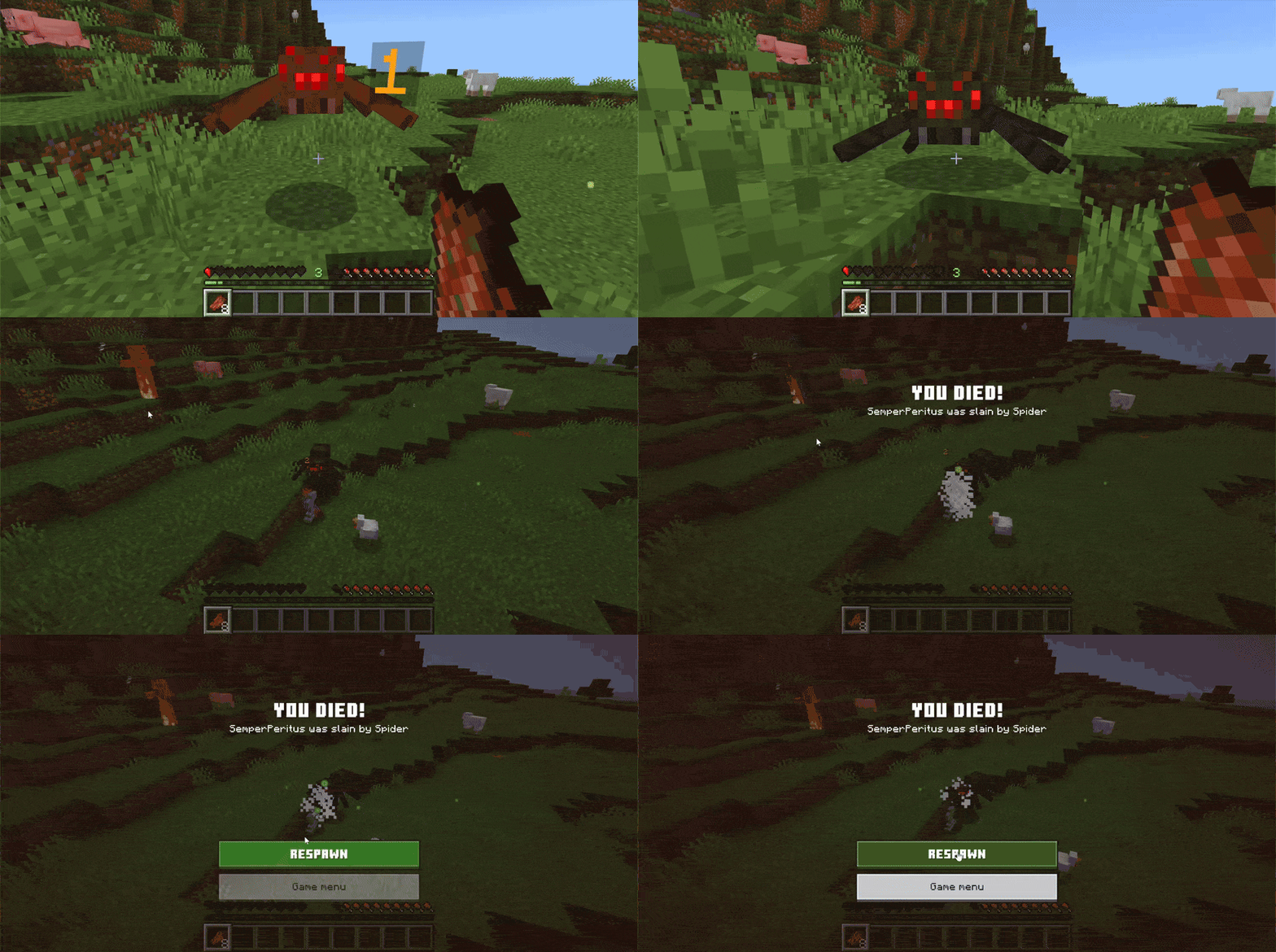
When you die in Survival or Adventure mode, Gravestone stores your items in a small grave marker. It looks for nearby safe ground if you die in lava, the void, or an enclosed space. Interact with the grave to recover your items through a simple menu.
Features
Creates a compact gravestone at or near the death location
Moves the grave to safe ground after deaths in lava, the void, or enclosed terrain
Stores inventory, armor, and offhand items, including any item held in the offhand
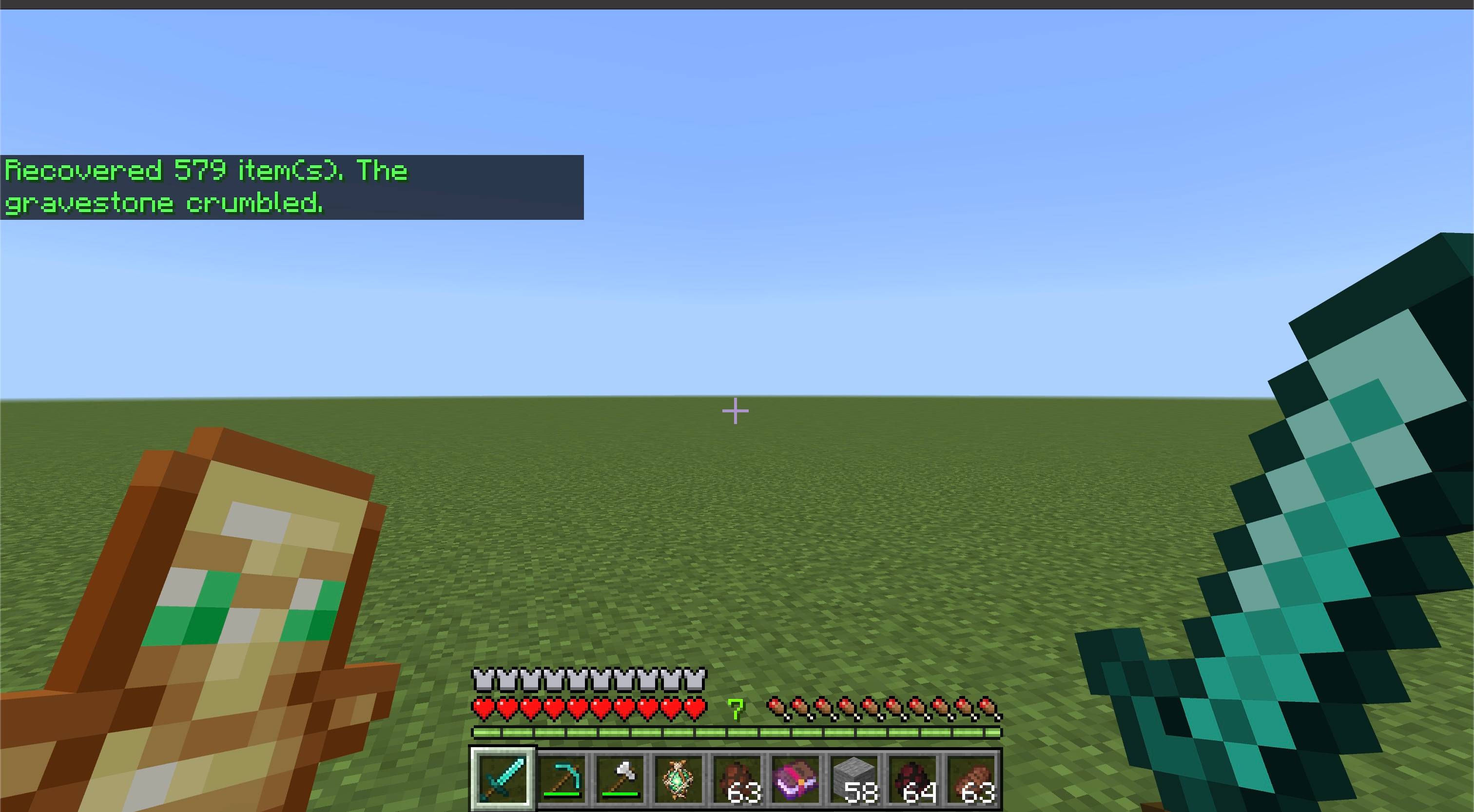
Restores items from new graves to their original inventory, hotbar, armor, and offhand slots when those slots are available
Leaves items that do not fit in a full grave with the player
Makes graves private to their owner and world operators by default; operators can allow public access
Lets you locate your latest grave or list recorded graves with chat commands
Creates a small rescue platform after a void death in the End when no safe ground is available
Uses a custom grave model instead of a bulky storage block
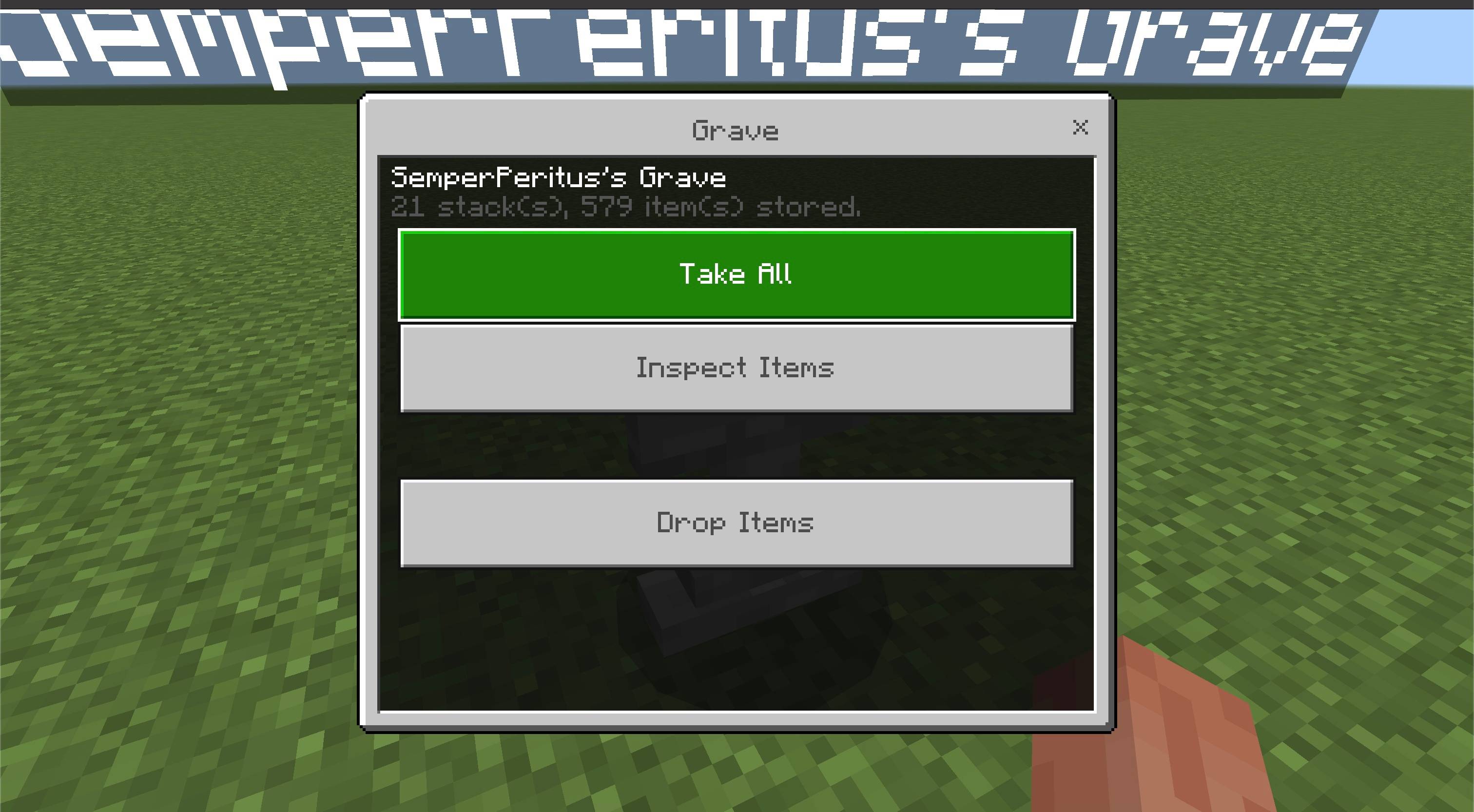
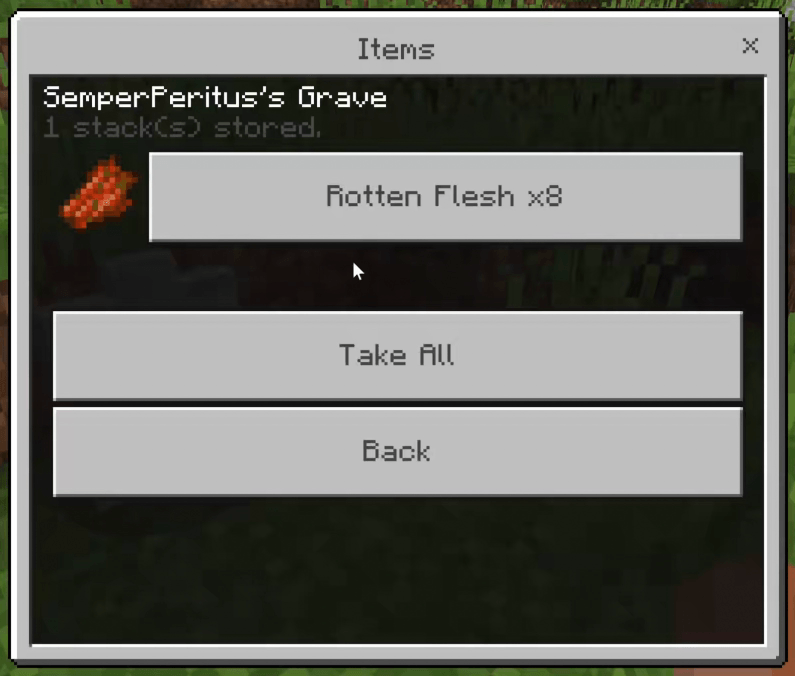
Compact recovery UI with Take All, Inspect Items, and Drop Items actions
Inspect Items view shows item stacks with icons
Keeps remaining items in the gravestone if the player inventory is full
Removes the gravestone when all stored items are recovered
Includes English and Russian menus and messages
How to use
Install the add-on and enable it on your world.
When you die, look for the grave near your death location. If that spot is unsafe, check the coordinates and dimension shown in chat. Interact with the grave to recover your items.
Use Take All to recover everything that fits, or Inspect Items to recover individual stacks. If your inventory is full, the rest stays in the grave.
Drop Items asks for confirmation before dropping the remaining contents on the ground beside the grave. Dropped items can burn, despawn, or be collected by other players.
Use /grave to locate your latest recorded grave and /graves to list your recorded graves. A world operator can use /gravepublic true to allow anyone to open graves, or /gravepublic false to restore private access.
Notes
Gravestone uses an entity with its own inventory, so it does not place a chest or replace nearby terrain. The End void rescue feature may add a small platform in empty space.
Graves made before 1.1.0 remain recoverable. Original slot restoration applies to new graves; an older grave appears in the recorded list after you interact with it.
Minecraft Bedrock add-ons, gameplay mechanics, compatibility fixes, and utility systems by Zero Team.
Support helps us maintain public add-ons, test new Minecraft versions, and build more Bedrock tools.
Build lines, matching grids, and connected surfaces faster in Minecraft Bedrock. Pick a material from your inventory or copy any block, preview the result, and undo your last placement.
Transform Minecraft Bedrock with biome-aware cinematic lighting, atmospheric skies, colored lights, soft shadows, and natural water while keeping the vanilla texture style.
Build lines, matching grids, and connected surfaces faster in Minecraft Bedrock. Pick a material from your inventory or copy any block, preview the result, and undo your last placement.
Transform Minecraft Bedrock with biome-aware cinematic lighting, atmospheric skies, colored lights, soft shadows, and natural water while keeping the vanilla texture style.