profile avatar

StephanTxC
Author

3 Followers
7.9K Downloads
Member since 1 year ago
Last active Today
7 Favorites
Sort by
Owner
Forever Group Finder logo
  • 8
  • Oct 15, 2026
  • Oct 11, 2026

A group finder for WoW: Forever in one window — browse groups and players per dungeon, filter by role, level and playstyle, post your own listing, and invite or whisper with a click, in the Forever look.

Owner
Forever Progress Bars logo
  • 139
  • Oct 15, 2026
  • Sep 27, 2026

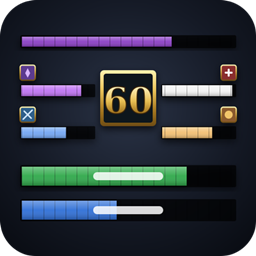
Your professions, secondary skills, reputations and experience as bars, in six looks: Forever, Blizzard's bar, Rune stone, Gems, Hairline and Forge. In a row or in columns, scaled as you like, shareable as a string. Click a bar to open the profession.

Owner
Forever Consumables logo
  • 43
  • Oct 13, 2026
  • Oct 11, 2026

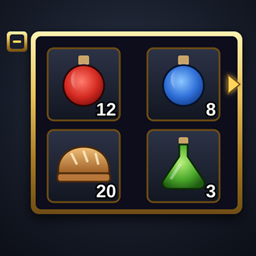
A small, movable bar for your consumables: food, drink, healing and mana potions, combat potions, flasks, elixirs, protection potions, scrolls and bandages. Pick the item per category from a little arrow, click to use it, collapse the bar with one click.


Owner
Forever Unit Frames logo
  • 6.6K
  • Oct 11, 2026
  • Sep 24, 2026

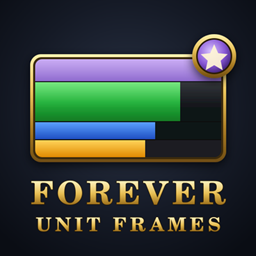
Clean, fully configurable unit frames for WoW: Forever. Player, target, target of target, focus, pet and party, with auras that update in combat, threat, range and dispel indicators, and raid frames for 10, 20 and 40 players.

Owner
Forever Quest Log logo
  • 184
  • Oct 10, 2026
  • Oct 6, 2026

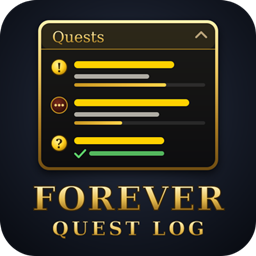
A quest tracker in the style of the Forever addons, a frame for your focused quest, and a movable, restyled world map, all without losing anything Blizzard's tracker does.

Owner
Forever Combat Meter logo
  • 24
  • Oct 10, 2026
  • Oct 11, 2026

Damage, healing, absorbs, damage taken, interrupts, dispels, deaths and threat for WoW: Forever — up to four meter windows in the Forever look or a compact Details!-like style, with spell breakdowns, death recap, threat warning and chat reports.

Owner
Forever Square Minimap logo
  • 887
  • Oct 10, 2026
  • Sep 27, 2026

A clean square minimap you resize by dragging its corner, with a flat or gold border. Addon icons stay on the edge, Blizzard's clutter is gone, and zone, clocks, FPS and latency sit inside the map.