Vitaldon: Unit Frame Health Text
- By
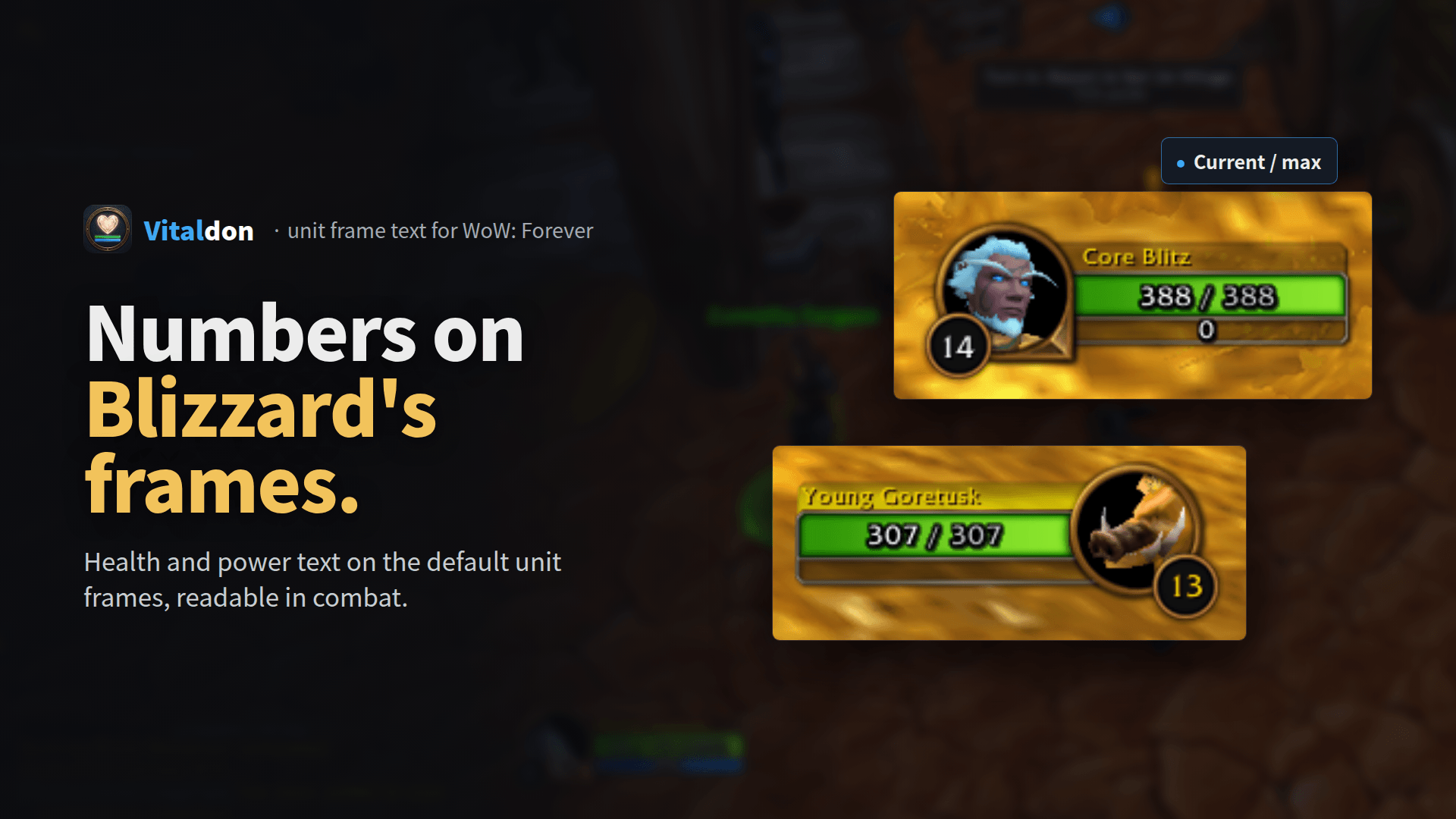
Health and power text on Blizzard's own unit frames in WoW Forever: player, target, party, boss and raid frames, many number formats, safe with Midnight secret values in combat.
vitaldon-0-title.png
vitaldon-1.png
vitaldon-2.png
Description
Vitaldon writes health and power values on Blizzard's default unit frames in World of Warcraft: Forever. It doesn't replace or hook the frames, so it stays light and keeps working with the Midnight secret values in combat.
Quick start
Install and log in: text appears on your player, target and party frames. /vd opens the options, /vd formats shows every format with your settings.
Key features
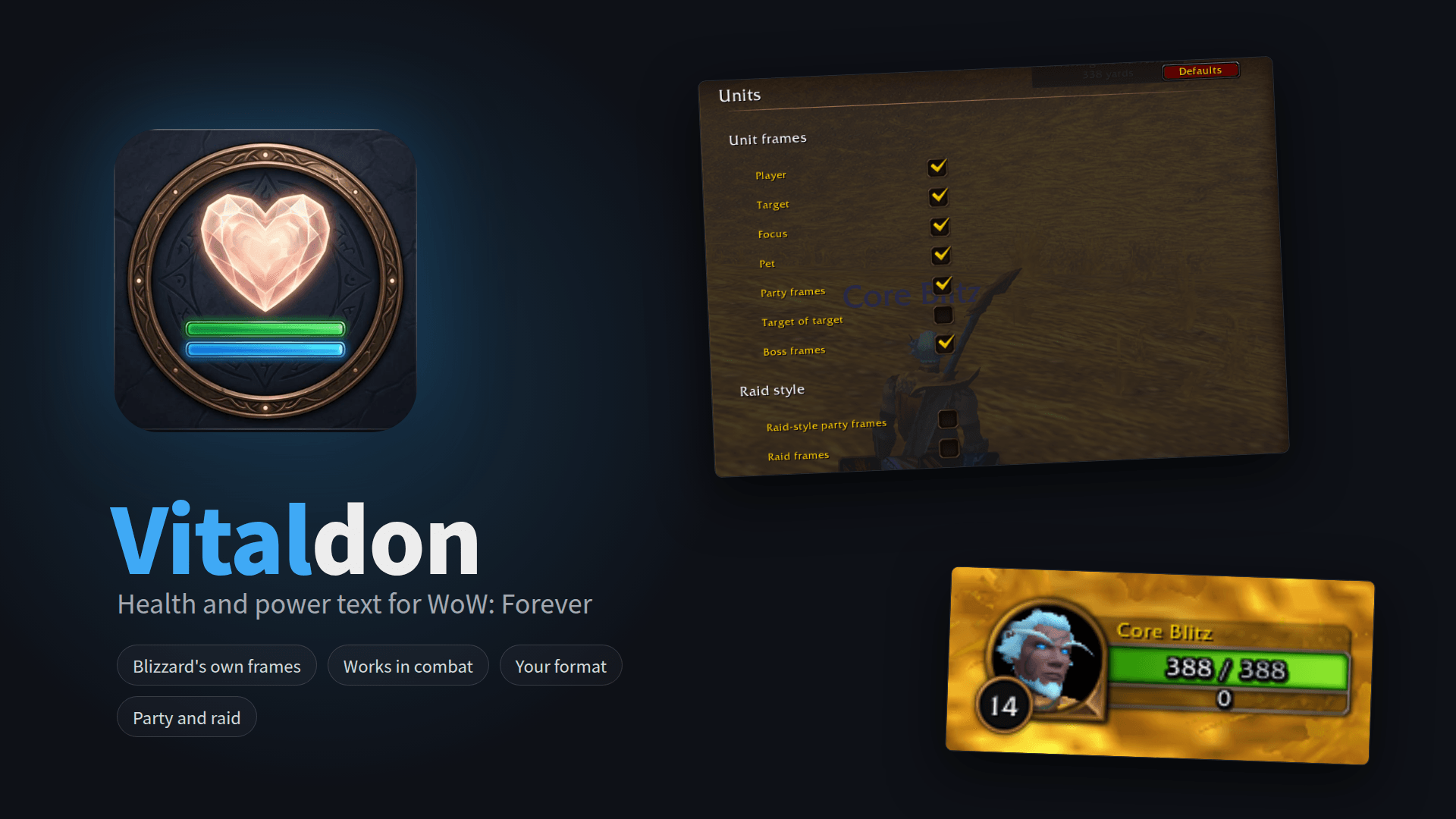
- Frames: player, target, focus, target of target, pet, party and boss frames; optional raid-style party frames and raid frames.
- Formats: current, percent, current / max, current (percent), deficit and more, separately for health and power and per frame group.
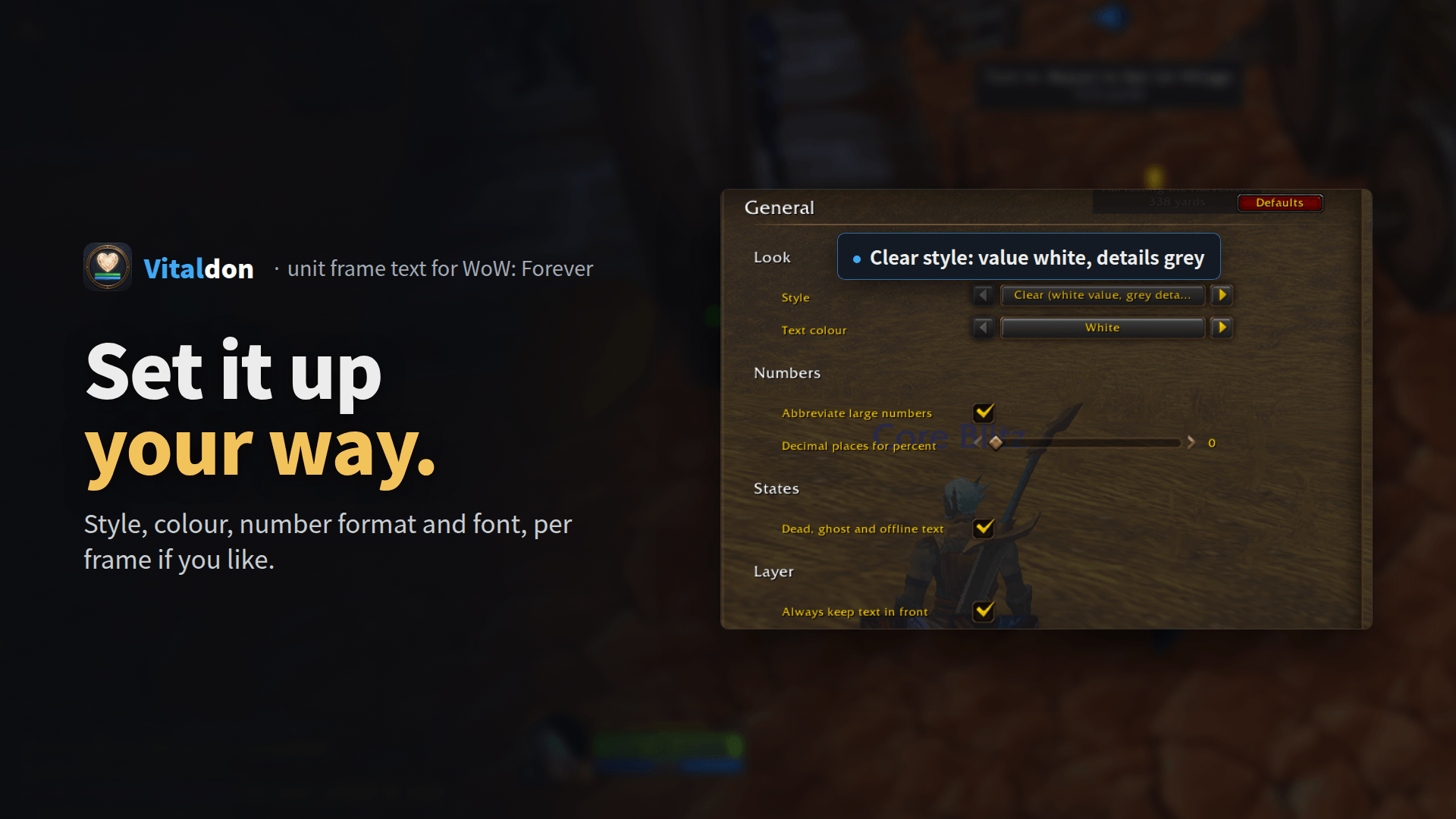
- Clear style: the value in white, max and percent in soft grey; text colour by health or class if you like.
- Extras: absorb shields, druid mana in cat and bear form, dead, ghost and offline text.
- Safe in combat: works with secret values, the text always stays readable above the bar.
- Works together with BetterBlizzFrames.
- 9 languages: English, German, French, Spanish (EU and Latin America), Brazilian Portuguese, Russian, Korean and Traditional Chinese.
Commands
/vdoptions/vd previewsample values on your player frame/vd formatsevery format with your settings/vd refreshfind the unit frames again/vd diagdiagnostics window,/vd diag chatdiagnostics in chat/vd helpall commands
FAQ
I see two texts on top of each other.
Blizzard's own status text is still on. Turn it off with the button in the Vitaldon options (/vd > Tools) or set Options > Interface > Status text to None.
The text disappears behind the bar.
Turn on "Always keep text in front" (/vd > General).
No text on my raid frames.
Raid frames and raid-style party frames are optional. Switch them on in /vd > Units.
Something is wrong.
Post the text of /vd diag in the comments or open an issue on GitHub.
Also by DonCoohd
- Questdon: quest helper built for WoW Forever
- Luredon: fishing helper for WoW Forever
- Geardon: item level on every slot, in bags and tooltips and for your group
Deutsch: Lebens- und Energietext auf Blizzards eigenen Einheitenfenstern in WoW Forever, auch auf Gruppen-, Boss- und Schlachtzugsfenstern, sicher mit gesperrten Werten im Kampf. Befehle: /vd help.
Português (Brasil): Texto de vida e de recurso nos quadros de unidade padrão (jogador, alvo, foco, ajudante, grupo, alvo do alvo, chefes e, opcionalmente, quadros de grupo estilo raide e quadros de raide). Funciona com valores bloqueados em combate. Comandos: /vd help
Español: Texto de salud y de recursos en los marcos de unidad predeterminados (jugador, objetivo, foco, mascota, grupo, objetivo de objetivo, jefes y, opcionalmente, marcos de grupo estilo banda y de banda). Funciona con valores secretos en combate. Comandos: /vd help
Français : Texte de vie et d’énergie sur les portraits d’unités par défaut (joueur, cible, focalisation, familier, groupe, cible de la cible, boss et, en option, fenêtres de groupe de type raid et fenêtres de raid). Fonctionne en combat avec les valeurs secrètes. Commandes : /vd help
Русский: Текст здоровья и ресурса на стандартных рамках портретов (игрок, цель, запомненная цель, питомец, группа, цель выбранной цели, боссы, по желанию рейдовые рамки группы и рамки рейда). Работает с секретными значениями в бою. Команды: /vd help
한국어: 기본 개체창(플레이어, 대상, 주시 대상, 소환수, 파티, 대상의 대상, 우두머리, 선택 시 공격대창 형태의 파티창과 공격대창)에 생명력 및 자원 텍스트를 표시합니다. 전투 중 비밀 수치에서도 작동합니다. 명령어: /vd help
繁體中文: 在預設的單位框架上顯示生命力與能量文字(玩家、目標、專注目標、寵物、隊伍、目標的目標、首領,另可選用團隊風格的隊伍框架與團隊框架)。戰鬥中的受限數值也能正常顯示。指令:/vd help
Vitaldon: Unit Frame Health Text Team