Transmog Hunter Forever
- By
Transmog Hunter Forever passively scans players and mobs around you for appearances you want, alerting you to wishlist matches, tracked looks, and missing pieces.
Look.jpg
History.jpg
Saved_Looks.jpg
Tracked_Looks.jpg
Empty_UI.jpg
Description
# Transmog Hunter — WoW Forever Edition
**This is the WoW Forever version.** Playing retail? Grab the retail download instead.
Transmog Hunter watches the world around you and lets you know when something you want walks by — so you can actually enjoy the game instead of manually inspecting everyone in Stormwind.
## What It Does
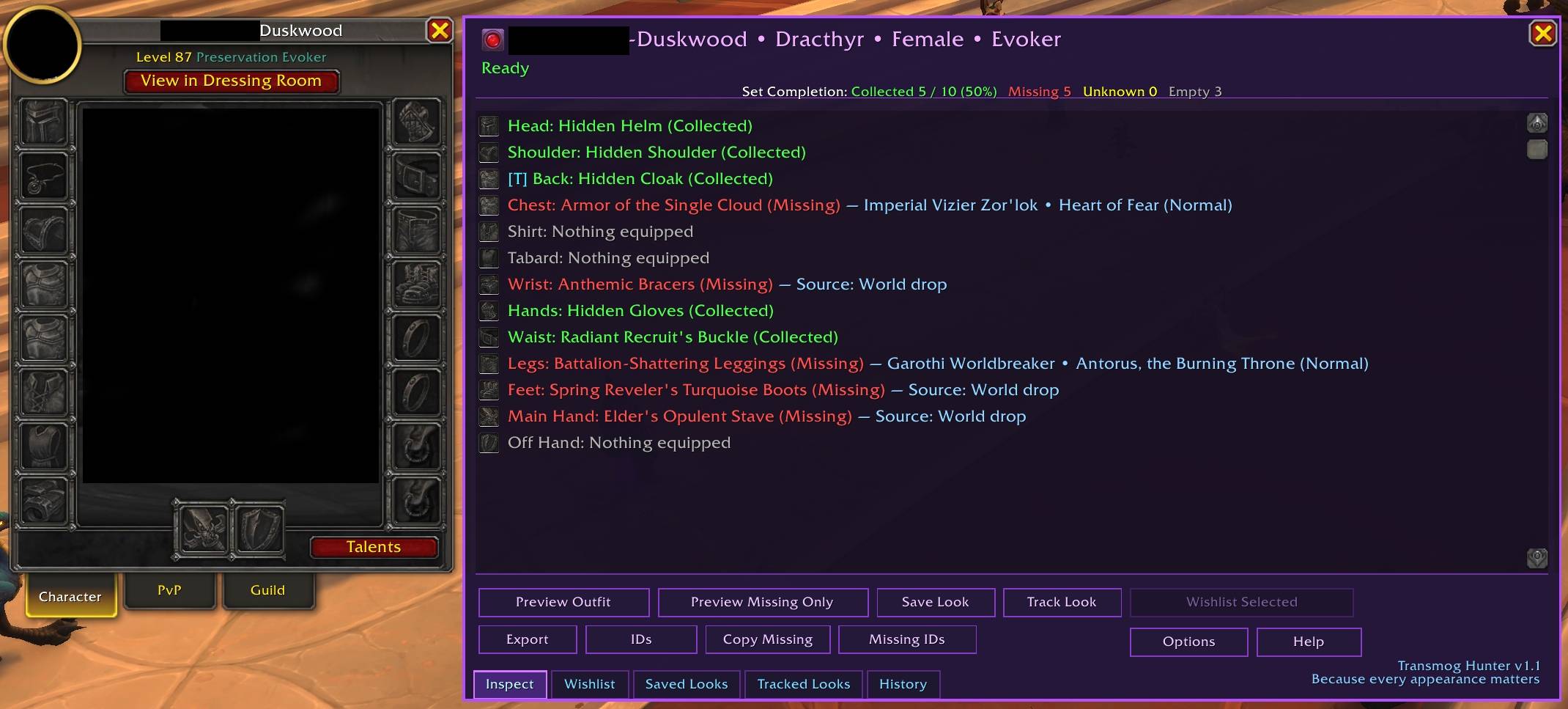
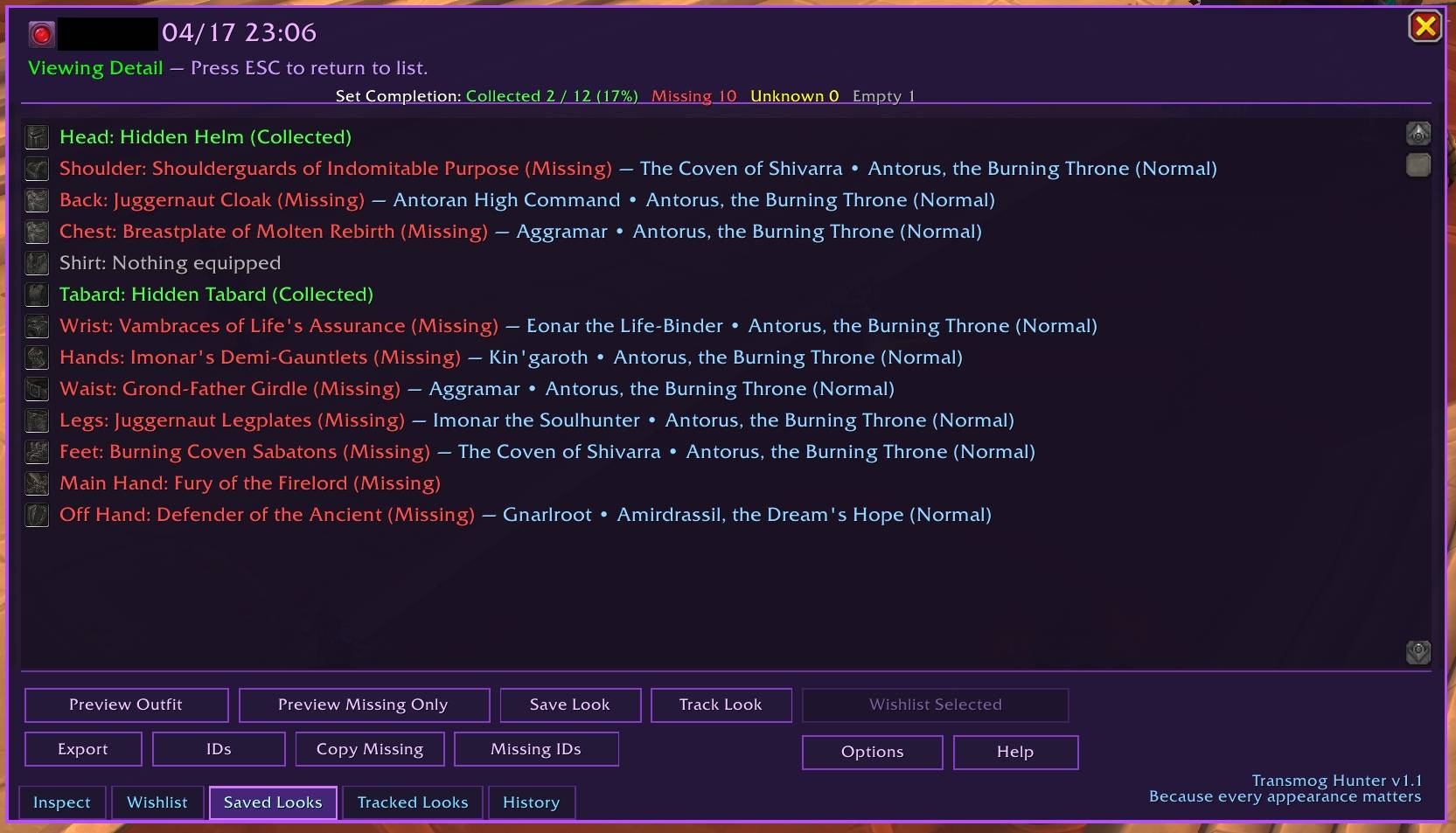
Type `/tmh` while targeting a player to see their full transmog set, slot by slot, with collected and missing states clearly marked. Missing pieces show where they come from right in the UI — boss drops, crafting professions, quests, vendors, and more.
The real magic is passive detection. Enable **Mouseover Inspect** and TMH quietly checks players as you hover over them. Turn on **Radar Mode** and it scans nearby nameplates on its own. When something matches your wishlist or a tracked look, you get an alert. Target the player and open `/tmh` — matching rows are tagged **[W]** for Wishlist and **[T]** for Tracked so you know exactly what triggered it.
## Key Features
### Inspection & Display
* Slot-by-slot appearance breakdown with Collected / Missing state
* Source info right in the UI — boss drops, crafting profession, quest, vendor, world drop
* Export tools for full lists, item IDs, or missing pieces only
* Dressing Room preview (overlay or solo) — opens in front of TMH, and ESC closes just the preview
### Wishlist System
* Build a list of appearances you're after
* Select specific missing pieces or add them all at once
* Get alerted when players or mobs have something on your list
* Full management: delete single items, bulk delete, or clear all
### Tracked Looks
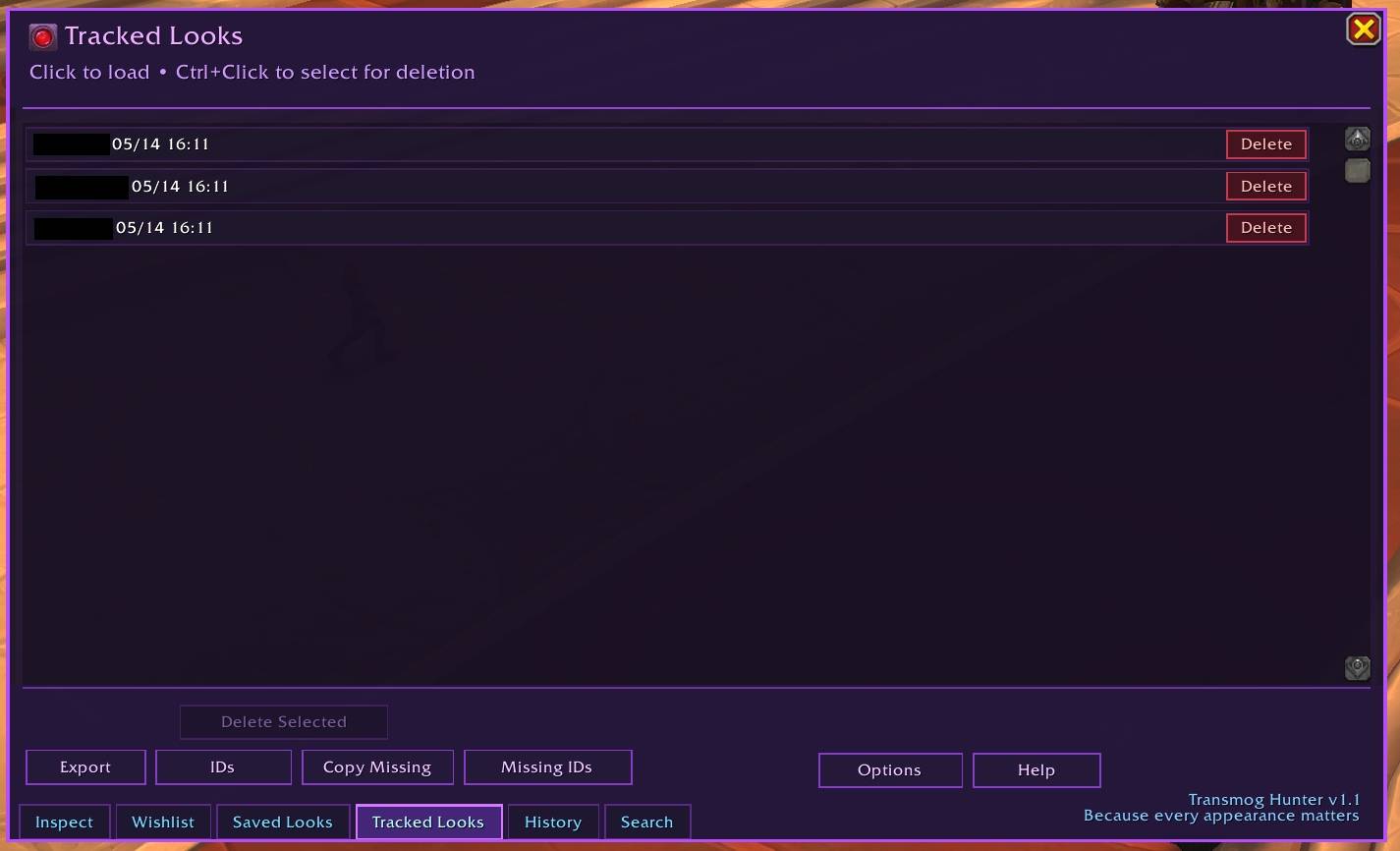
* Track full outfits you want to collect
* Live progress tracking (X / Y pieces collected)
* Alerts when players are wearing pieces from your tracked sets
### Passive Detection
* **Mouseover Inspect** — checks players as you hover over them
* **Radar Mode** — scans nearby nameplates automatically
* **Mob Loot Detection** — alerts when a rare or boss can drop a wishlist item
* **Missing Appearance Detection** — flags mob drops you haven't collected
* **Radar Pulse Notification** — repositionable on-screen panel for radar hits
* Rare and boss loot data built specifically for WoW Forever
### Alerts
* Screen flash, banner, chat output, and sound — all individually toggleable
* Color-coded chat: gold for Wishlist hits, cyan for Tracked hits
* Compact or detailed chat output modes
* Nameplate highlights for matched players
### UI
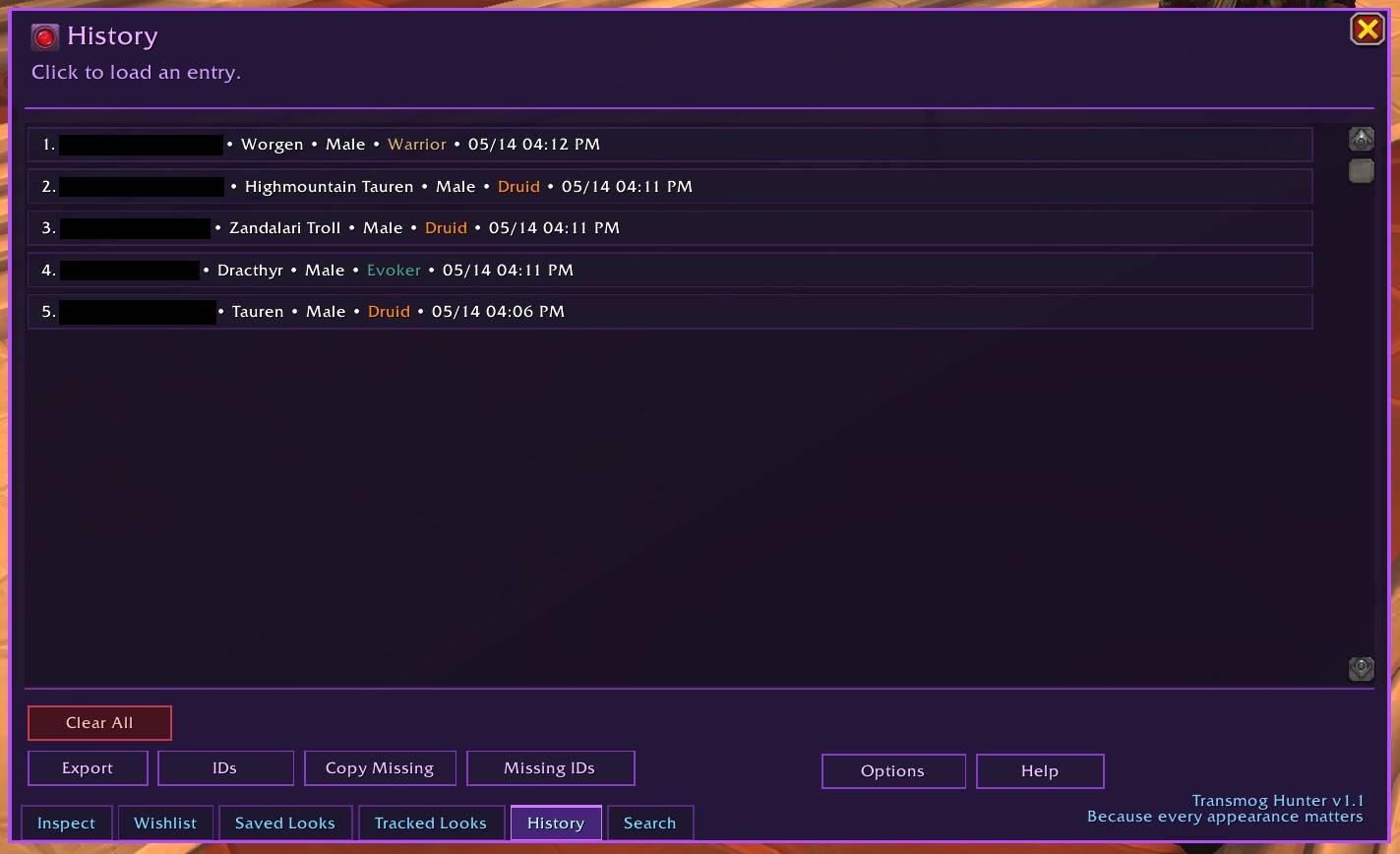
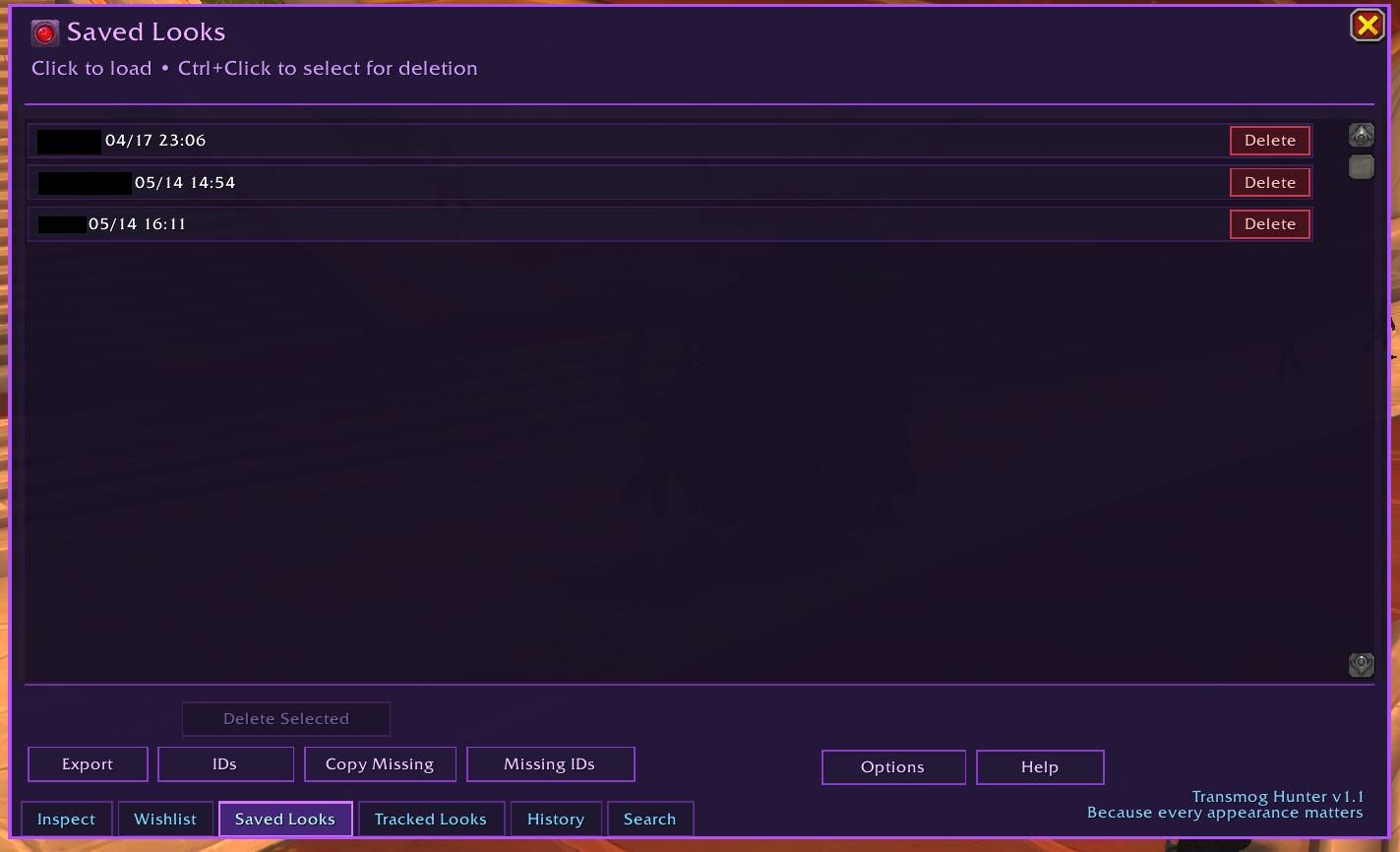
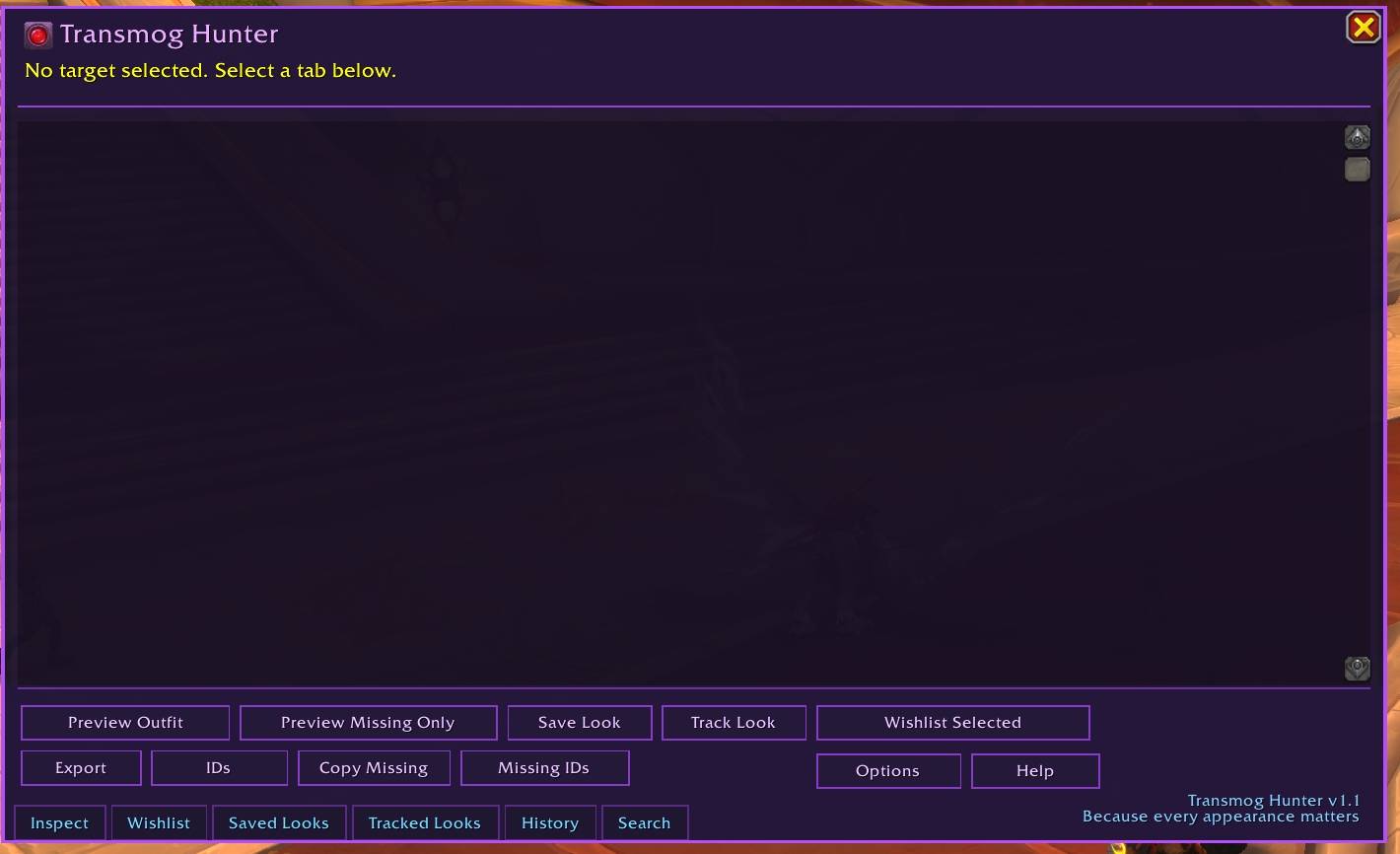
* Tab-based interface: Inspect, Wishlist, Saved Looks, Tracked Looks, History
* Auto reinspects when you switch targets while TMH is open
* **[W]** / **[T]** row tags show which pieces triggered a detection
* Minimap button: Left = open UI, Ctrl+Left = toggle Mouseover, Right = toggle Radar, Ctrl+Right = toggle pulse anchor
* Window remembers its last position
* Never blocks your movement keys — ESC closes one window at a time
## Configuration
Everything is individually toggleable from **Settings → AddOns → Transmog Hunter** or via slash commands.
/tmh — Open the main UI
/tmh help — Open the in-game help window
/tmh options — Open the options panel
/tmh mouseover / radar / banner / sound / mobloot / tooltip
## Notes
* Some slots may show fallback data due to Blizzard API limitations
* Radar requires player nameplates to be enabled
* Mouseover scanning pauses during combat
* WoW Forever is still new — if Blizzard changes something between builds, please report it here on CurseForge
Transmog Hunter Forever Team