Transcribe
- By
Transcribe captions WoW voice chat and types your speech into the chat bar via a hotkey, green mic icon, and a Windows speech helper.
Transcribe_Screenshot_1.png
Transcribe_Screenshot_2.png
Description
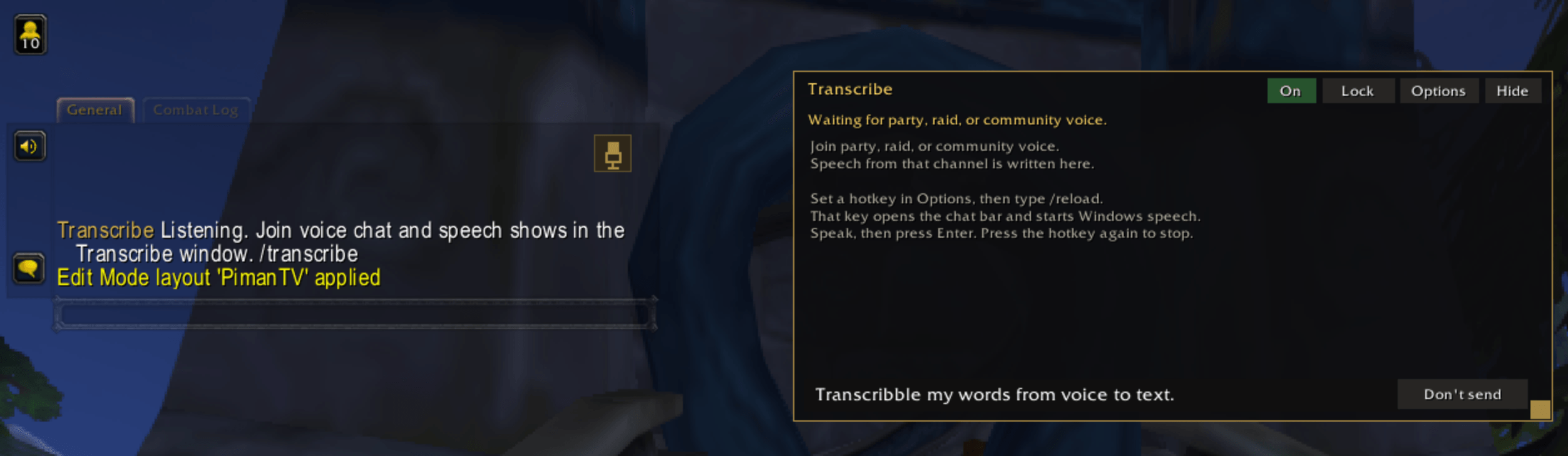
Transcribe is a World of Warcraft addon that captions party, raid, and community voice chat, and lets you put your own speech into the normal chat bar.
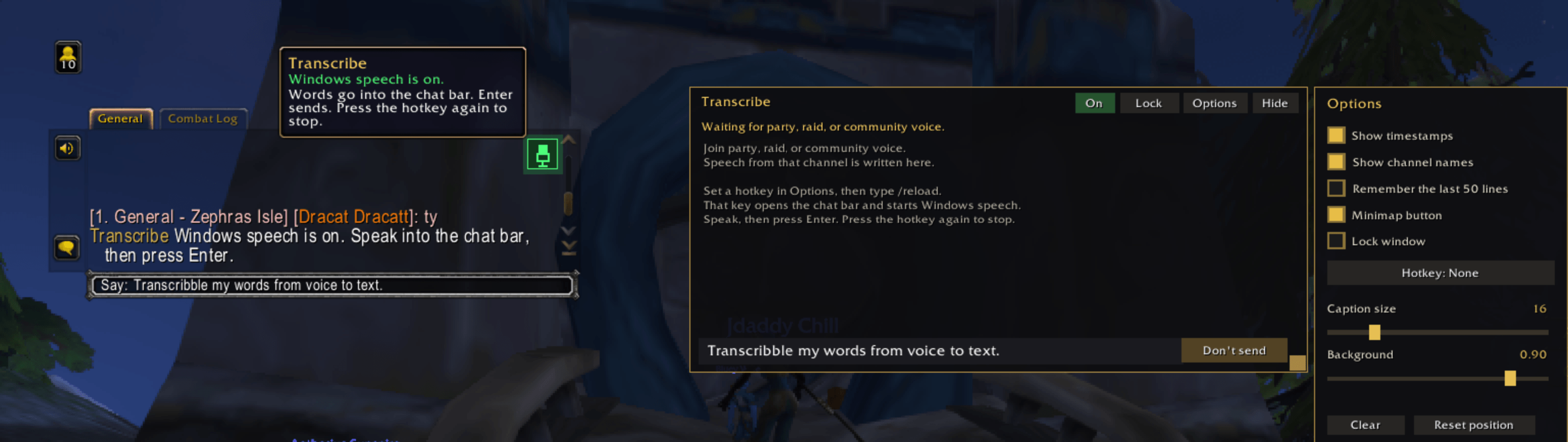
What it does. Other players are transcribed with Blizzard’s voice-chat speech-to-text and shown in a movable Transcribe window. Your own words go into the game’s chat edit box so you can press Enter and send them. The window still keeps the caption log, with options for timestamps, channel names, history, font size, opacity, a minimap button, and where your own line is sent.
Where it is installed. The same addon was copied into every World of Warcraft AddOns folder on this PC: retail, the PTR, the experimental PTR, Cataclysm Classic, the Classic beta, Classic Era, Anniversary, and Forever. Classic Era PTR has no game client, so it was left alone.
Hotkey. Options has a Hotkey button. Click it, press a key (Ctrl, Alt, and Shift can be held with it), and that key is saved. Right-click, or Backspace while choosing, clears it. Escape cancels. Pressing the key opens the chat bar and turns transcription on. Pressing it again, or Escape, stops it. If you set the key in combat, it applies after combat ends.
Chat mic. A microphone icon sits in the top-right of the main chat window. It stays gold while the transcriber is off and turns green and pulses while the chat bar is active.
Windows speech. WoW’s chat box does not accept Windows voice typing (Win+H), so a helper runs beside the game. It uses the Windows speech recognizer, watches the Transcribe hotkey, and types the recognized words into the chat bar while WoW is in front. It is running now and is set to start again when you sign in to Windows. You still need to choose a hotkey in Options and type /reload before the helper can see that key. No hotkey had been saved yet.
CurseForge package. Transcribe-1.0.0.zip is on the Desktop and next to the project. The zip contains one Transcribe folder with the TOC files, Core.lua, and UI.lua, which is the layout CurseForge expects. The Windows helper and the git folder are not in the zip.
Still open. The game reported that an action was blocked because only Blizzard features can use it. That most likely comes from the addon turning on the speechToText setting, starting voice-channel transcription, overriding a keybind, or writing directly into Blizzard’s chat box. That error has not been fixed yet.
Transcribe Team