WOWBUG
- By
Standalone Lua error net and inventory for World of Warcraft. Copy + paste and send all Lua errors simultaneously. lightweight addon.
WOWBUG3.png
WOWBUG1.jpg
WOWBUG2.jpg
WOWBUGCAP.png
Description
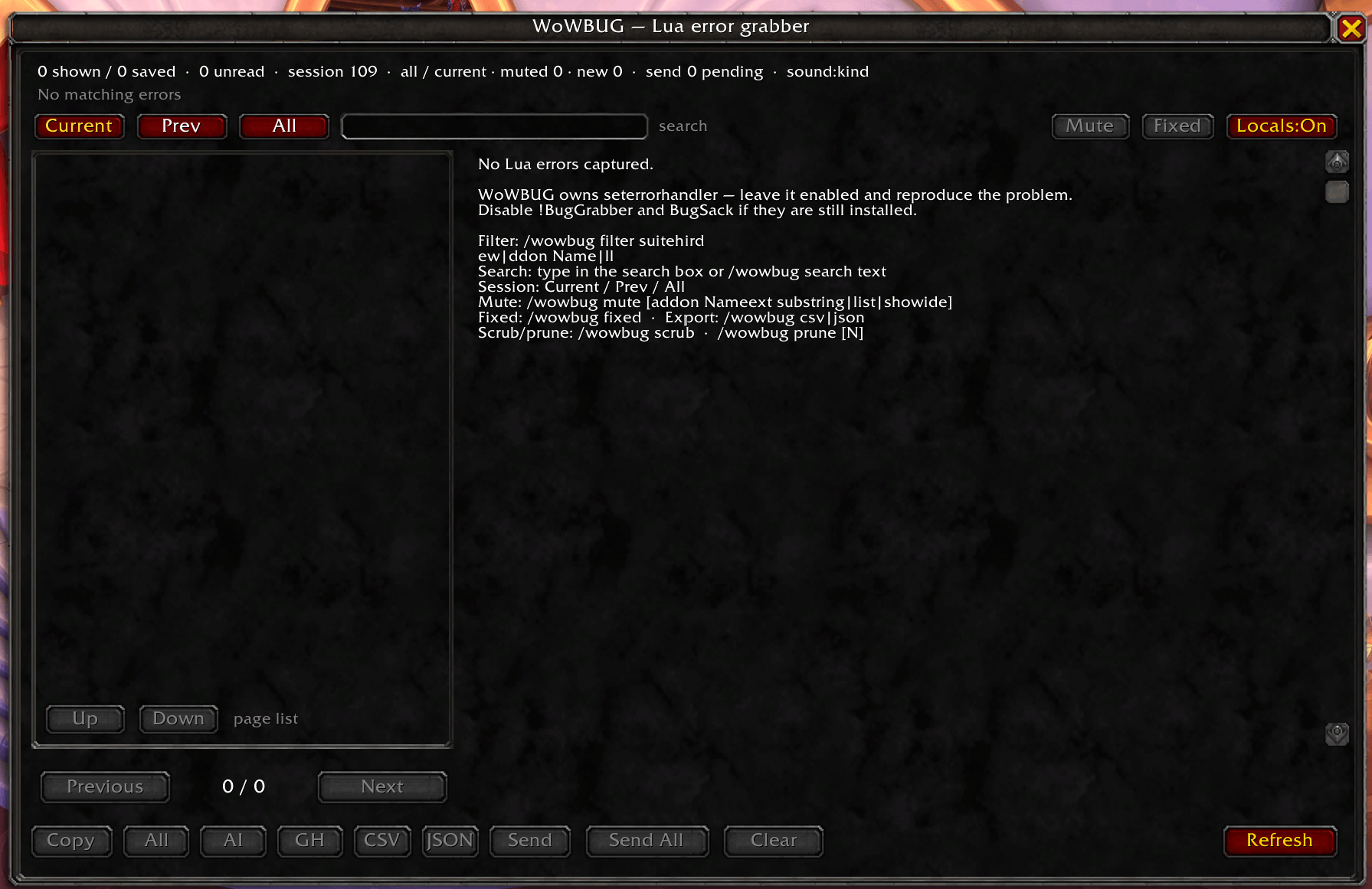
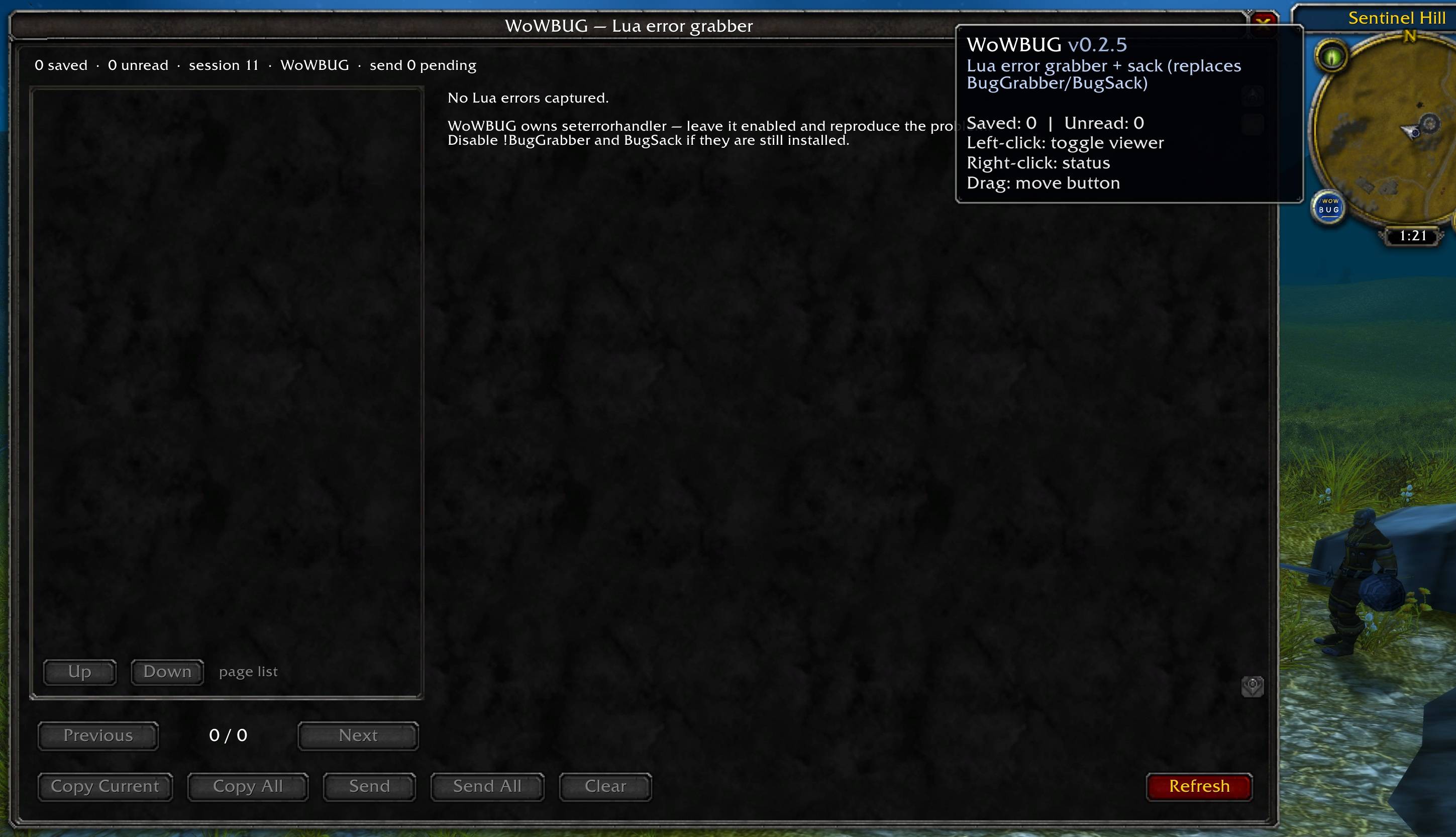
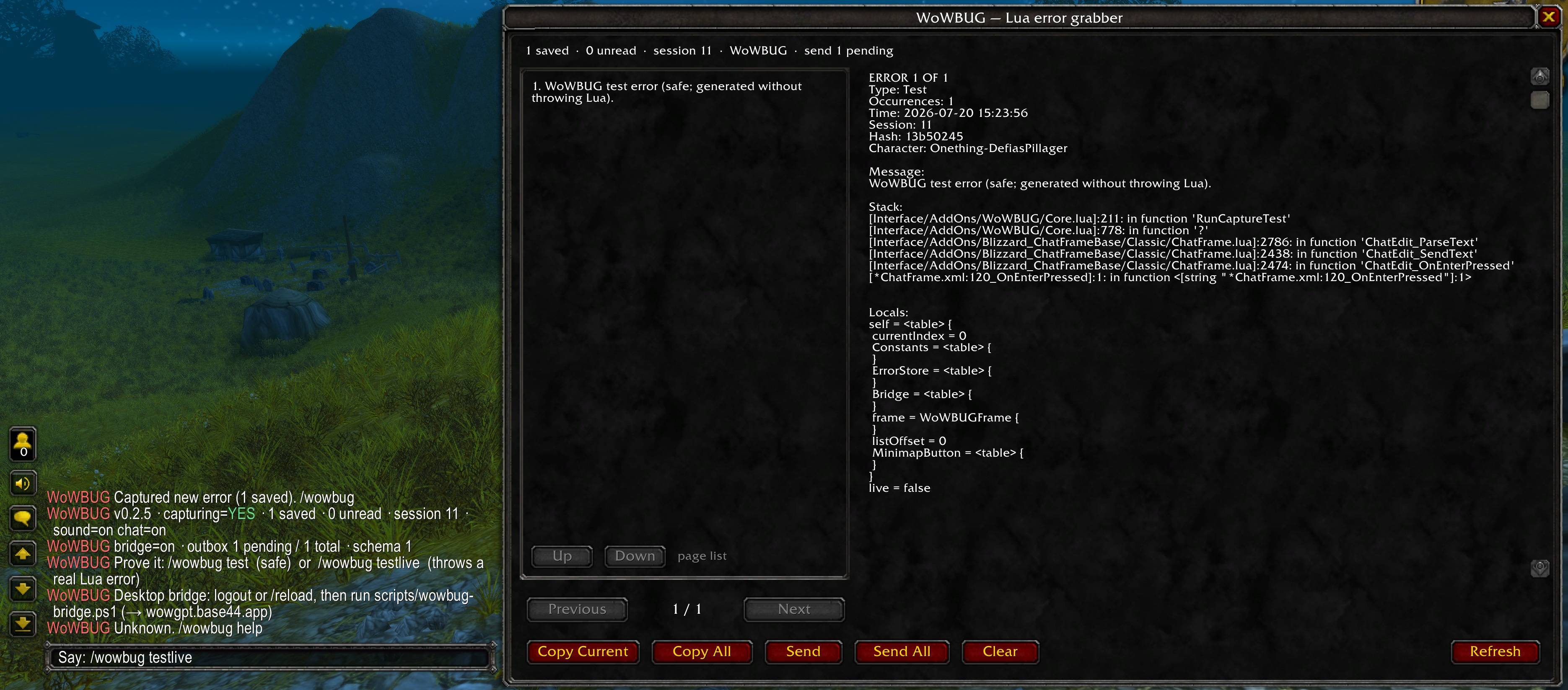
WoWBUG catches Lua errors like a net, then keeps them in an inventory you can open later.
It stores history across sessions and shows a minimap badge when new errors arrive.
Features
- Captures Lua errors via seterrorhandler (chains safely with Blizzard’s handler)
- Also captures LUA_WARNING, ADDON_ACTION_BLOCKED, and ADDON_ACTION_FORBIDDEN
- Deduplicates repeat errors with occurrence counts
- Stores up to 250 errors across sessions
- Minimap button with unread badge
- In-game viewer with Previous / Next navigation
- Copy current or copy all reports for pasting into Discord, GitHub, or Cursor
Commands
- /wowbug or /wbug — open the viewer
- /wowbug next / prev — navigate reports
- /wowbug copy / copyall — export reports
- /wowbug clear — clear history (with confirm)
- /wowbug status — counts and settings
- /wowbug test — create a safe synthetic error
- /wowbug sound / chat / auto / minimap — toggles
Compatibility Supports Retail and Classic flavors. Appears under Development Tools in the in-game AddOn List.
Optional soft compatibility with WoWGPT and WoWSuite. WoWBUG works fully on its own.
Getting started
- Install and enable WoWBUG
- Use /wowbug when the minimap badge lights up
WOWBUG Team