Tnny's Upgrade Finder
- By
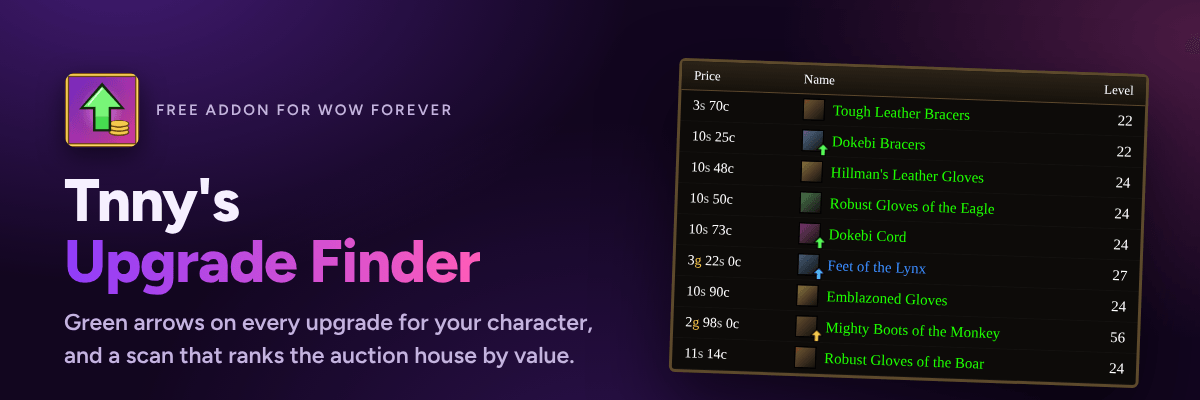
Green arrows on every gear upgrade for your class in WoW Forever, plus an auction house scan ranked by value.
header.png
arrows.png
scan.png
elsewhere.png
themes.png
Description
More addons by Tony Perez
Tnny's Mob Loot
Alt-click any mob to see everything it can drop, with drop chances, kills needed, and value.
Tnny's OSRS Skills
RuneScape-style skills to level to 99, with XP drops, level-up fanfares, and realm and guild leaderboards.
Typing Life
A typing speed game that opens on every flight path, from typing.org.uk.
Tnny's Upgrade Finder
Gear upgrade finder for WoW Forever: green arrows on every item that's an upgrade for your character, in the auction house, your bags, vendors, quest rewards, and loot rolls. Then scan the whole auction house and get your upgrades ranked by value for money.
By Tony Perez.
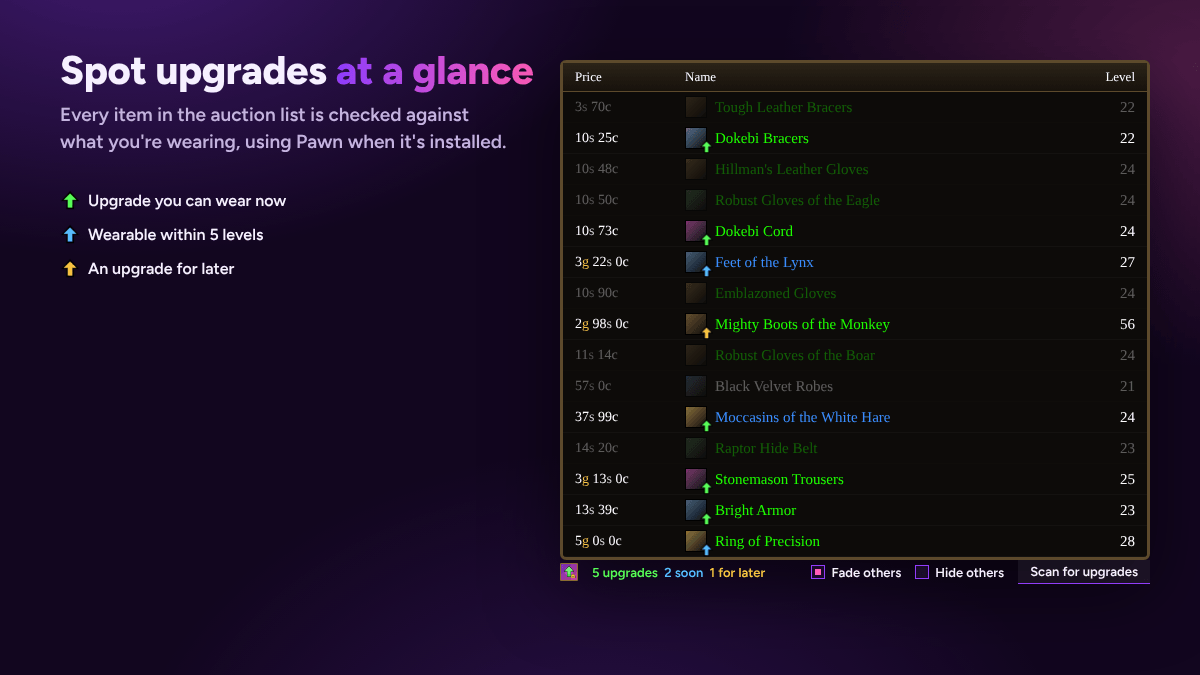
Spot upgrades at a glance
Every item in the auction list is checked against what you're wearing in that slot. Rings and trinkets are compared with your weaker one, and two-handers with your main and off hand together.
- Green arrow: an upgrade you can wear now
- Blue arrow: an upgrade you can wear within 5 levels
- Gold arrow: an upgrade for later, when you have the levels
- Random enchants count, so of two "Durable Capes", only "of the Monkey" might get the arrow
- Only gear your class can actually use: leather for a hunter until 40, then mail, no wands for warriors, no shields for priests
- Fade others or Hide others with one tick, so only your upgrades are left
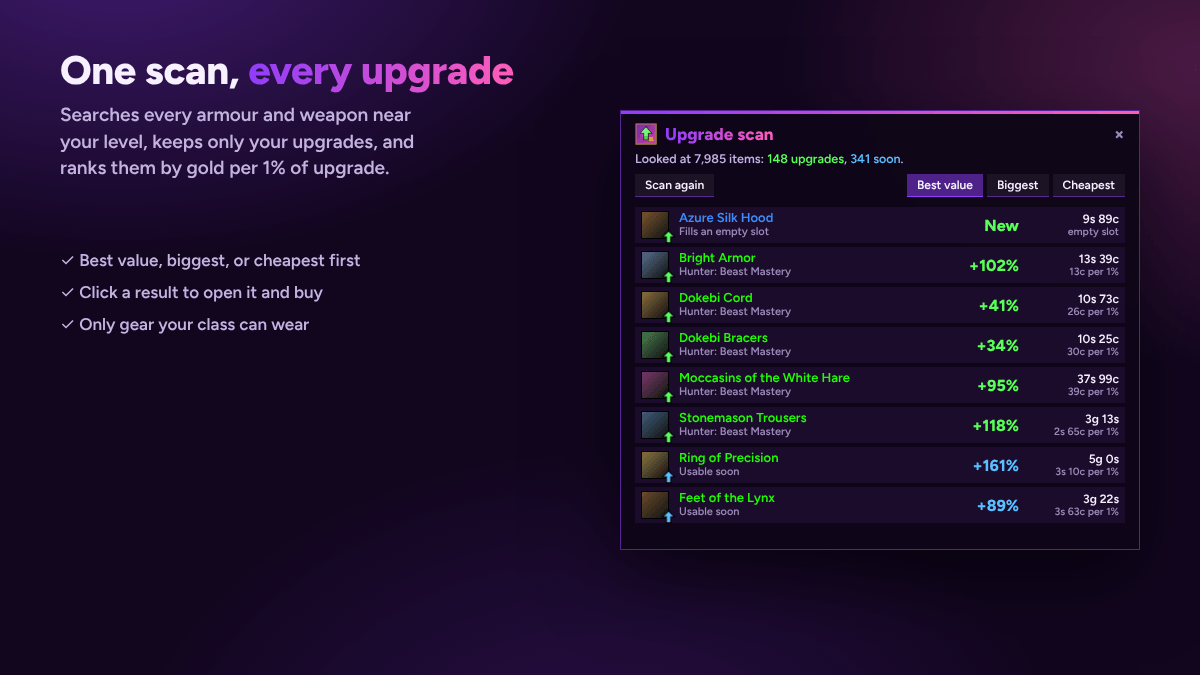
One scan, every upgrade
Press Scan for upgrades under the auction results. It searches every armour and weapon near your level and lists only your upgrades.
- Best value: ranks upgrades by gold per 1% of upgrade, so a cheap +10% beats a pricey +12%
- Or sort by biggest upgrade or cheapest price
- Empty slots are labelled "New" instead of a silly +10000%
- Click any result to open it in the auction house and buy it
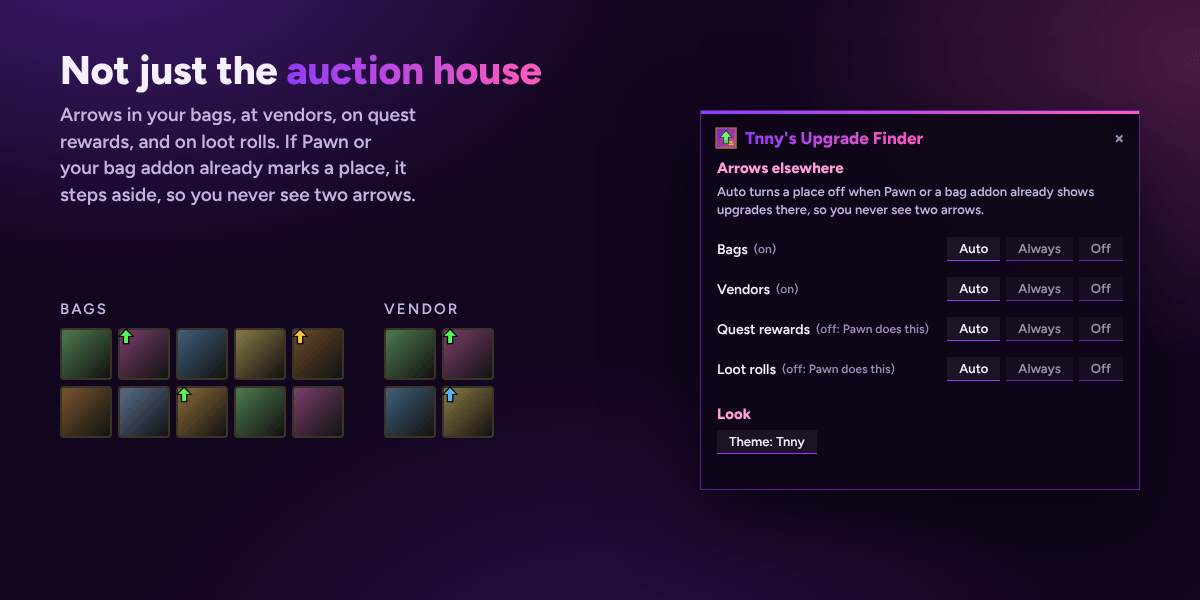
Not just the auction house
Arrows also appear in your bags, at vendors, on quest rewards, and on loot rolls. Each place is set to Auto: if Pawn or your bag addon (Bagnon, Baganator, AdiBags, and others) already marks upgrades there, Upgrade Finder steps aside, so you never see two arrows. You can set any place to Always or Off.
Make it yours
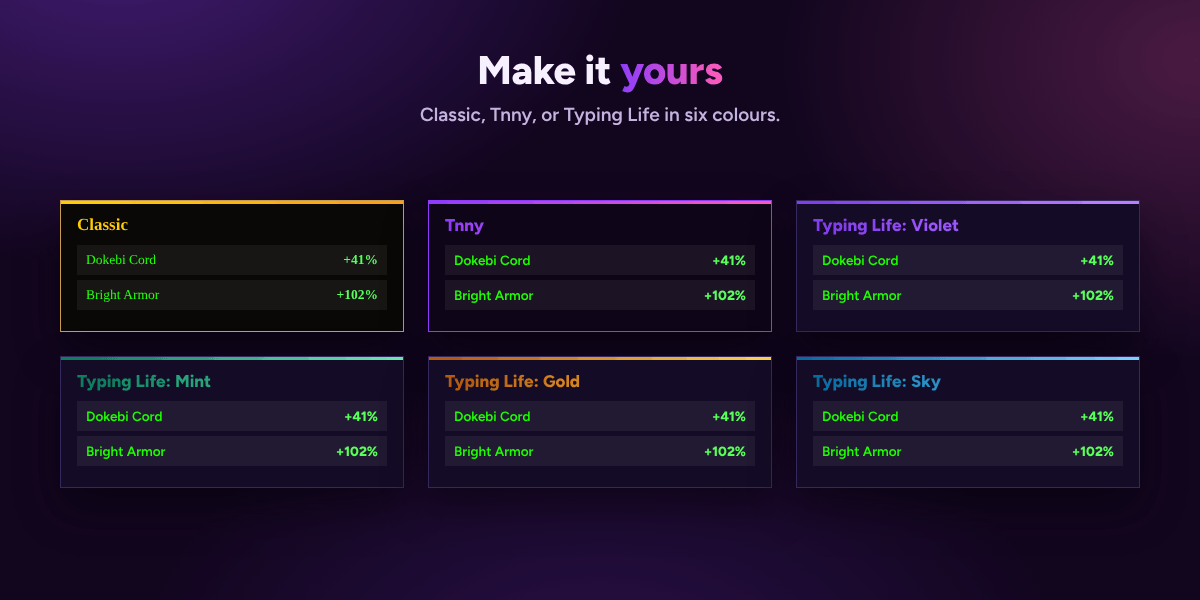
Choose Classic (WoW's own look), Tnny (matches Tnny's Mob Loot), or Typing Life (matches the Typing Life addon) in Violet, Sky, Mint, Gold, Rose, or Frost.
Everything included
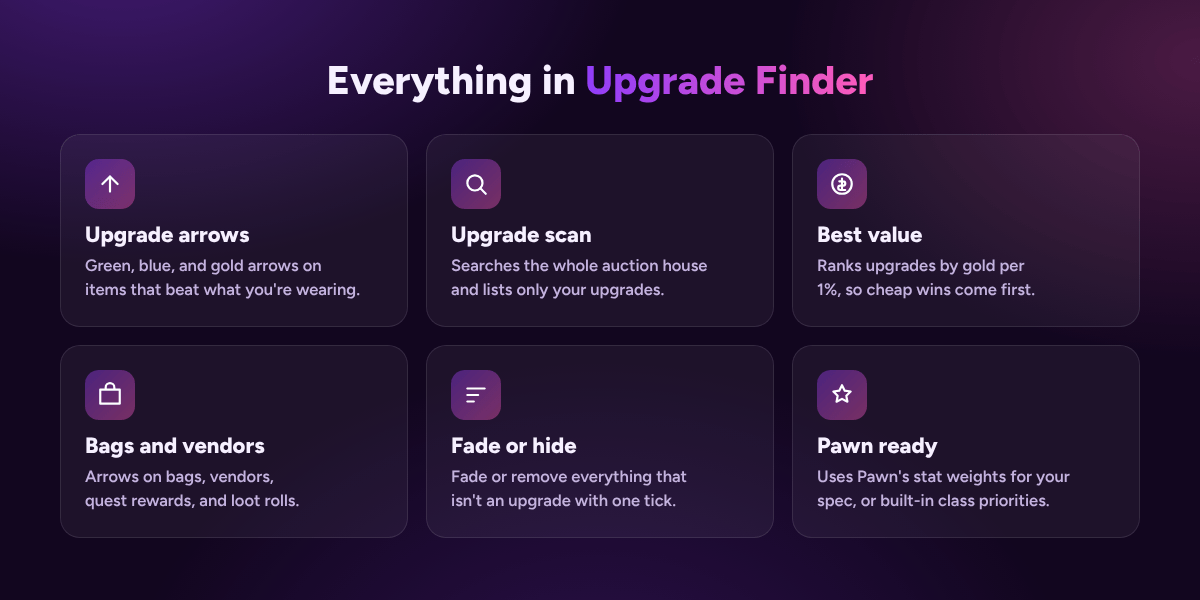
- Pawn ready: uses Pawn's stat weights for your spec when Pawn is installed, or built-in stat priorities for your class
- Hover any marked item to see how big the upgrade is, for example "+12% for Beast Mastery"
- Chat alert when a search turns up upgrades (can be turned off)
- Minimap button through LibDBIcon, so minimap button collectors can manage it
Getting started
- Install the addon (and Pawn, if you'd like spec-based scores).
- Open the auction house and search or browse any armour or weapons.
- Look for the arrows, or press Scan for upgrades.
| Command | What it does |
|---|---|
/tuf |
Open settings |
/tuf scan |
Open the upgrade scan |
/tuf debug |
Show what the addon sees, for bug reports |
Notes
- Built for WoW Forever and its newer game engine.
- Upgrades are worked out from item stats. With Pawn, they match Pawn's own tooltips. Without it, a sensible stat priority for your class is used.
- Found a bug? Report it on the project's Issues page with what happened and the output of
/tuf debug.
Credits
Addon by Tony Perez, released under GPL-3.0. Figtree font by Erik Kennedy, under the SIL Open Font License. LibStub, CallbackHandler, LibDataBroker, and LibDBIcon are included under their own licences. Pawn is a separate addon by Vger and isn't included.
Tnny's Upgrade Finder Team