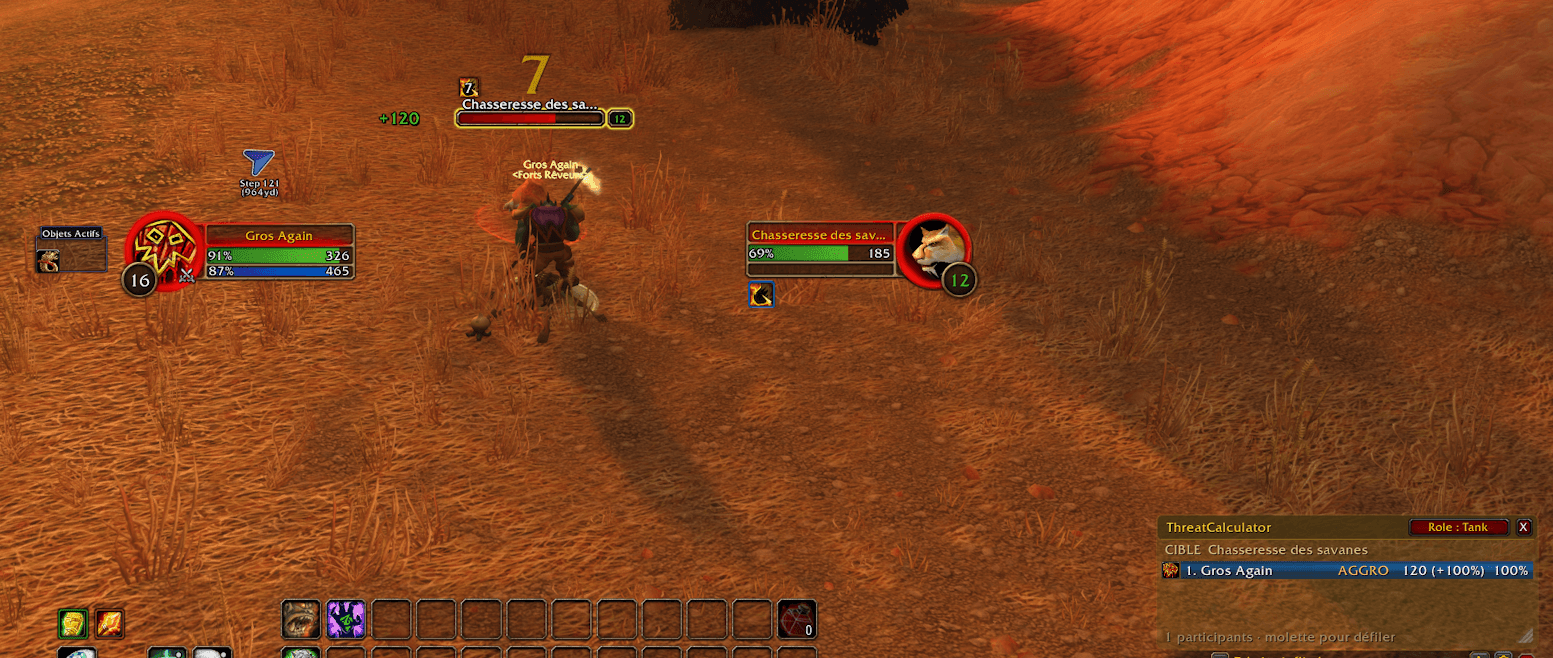
threatcalc.png
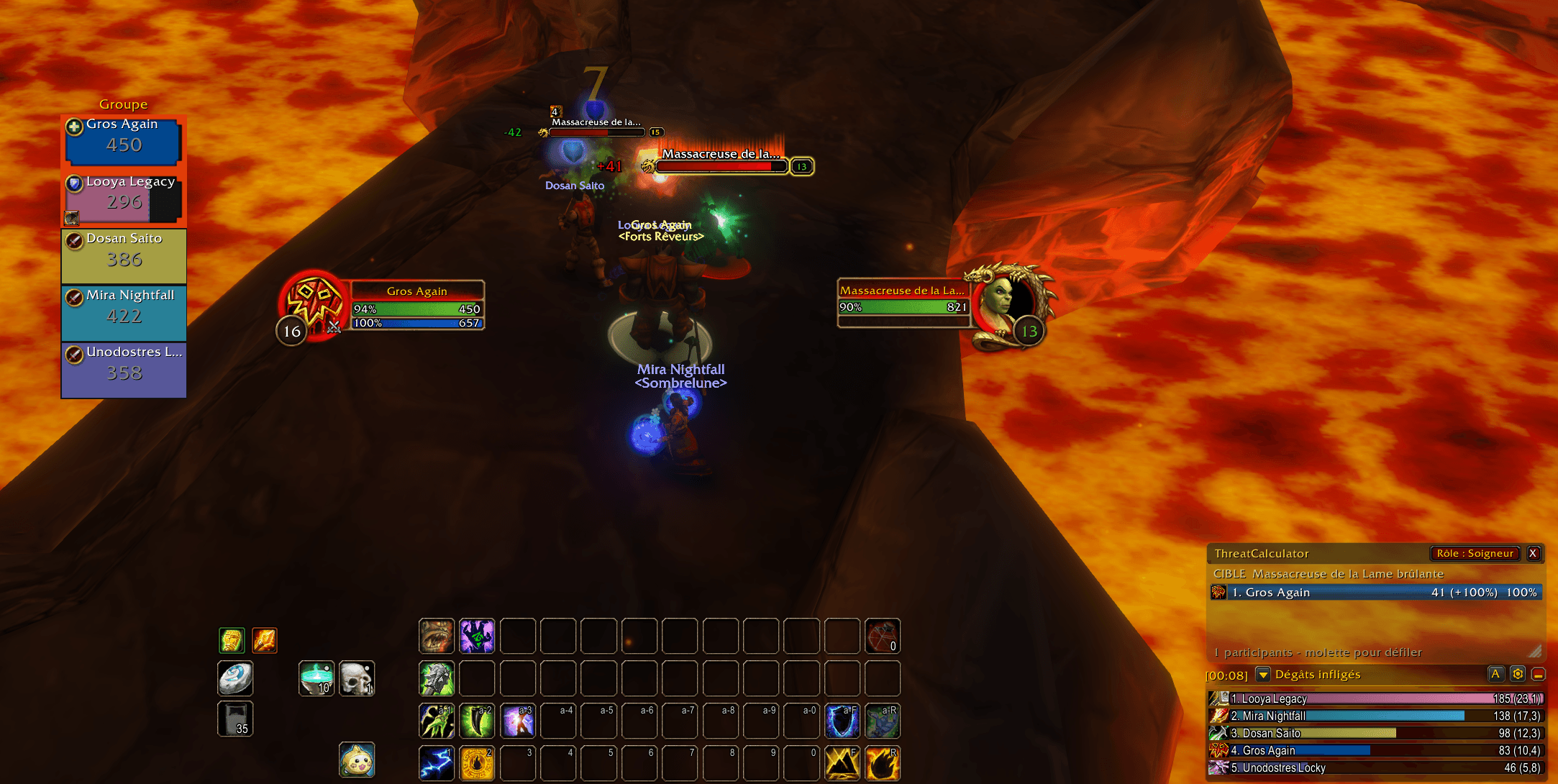
threatcalc3.png
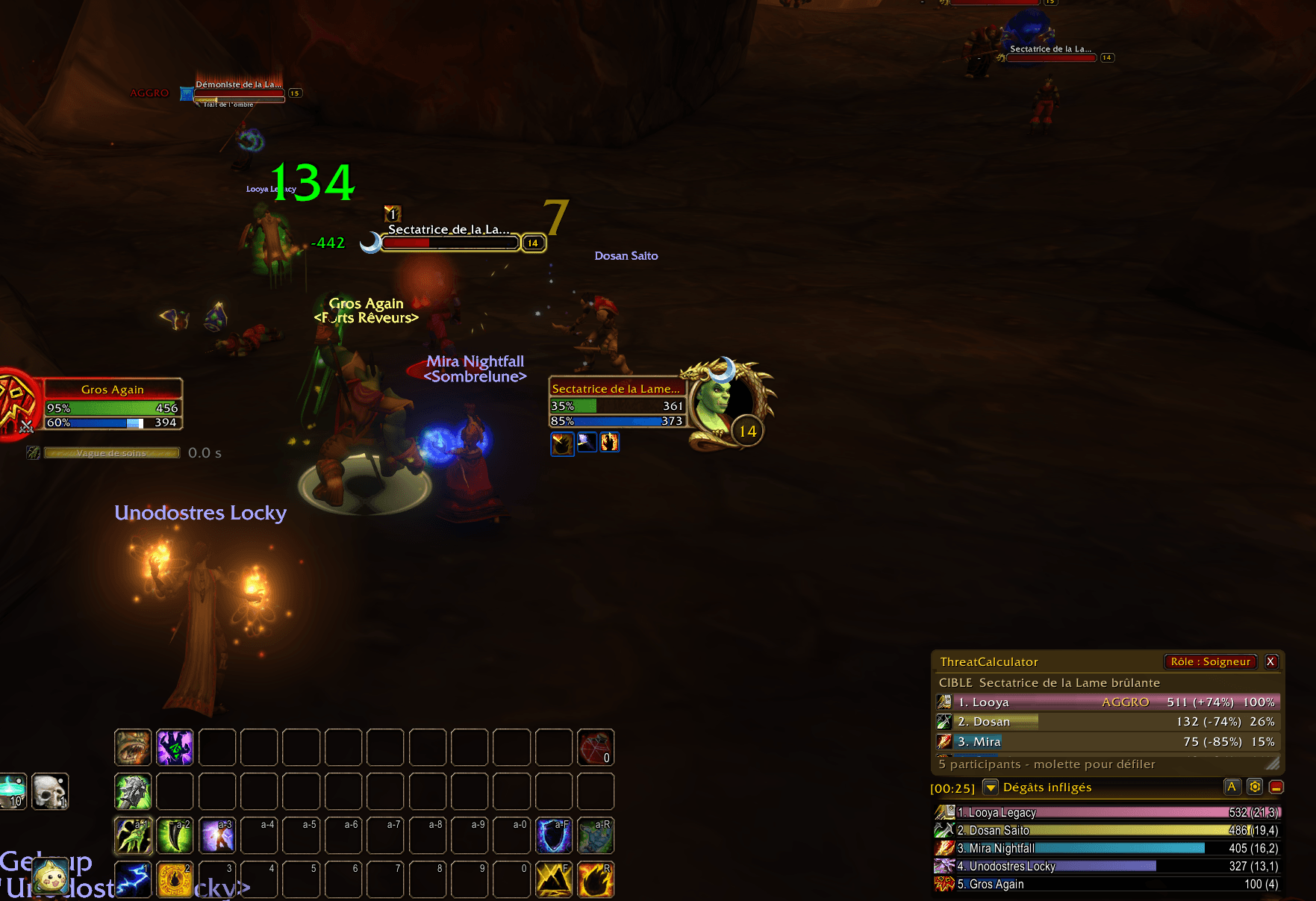
threatcalc2.png
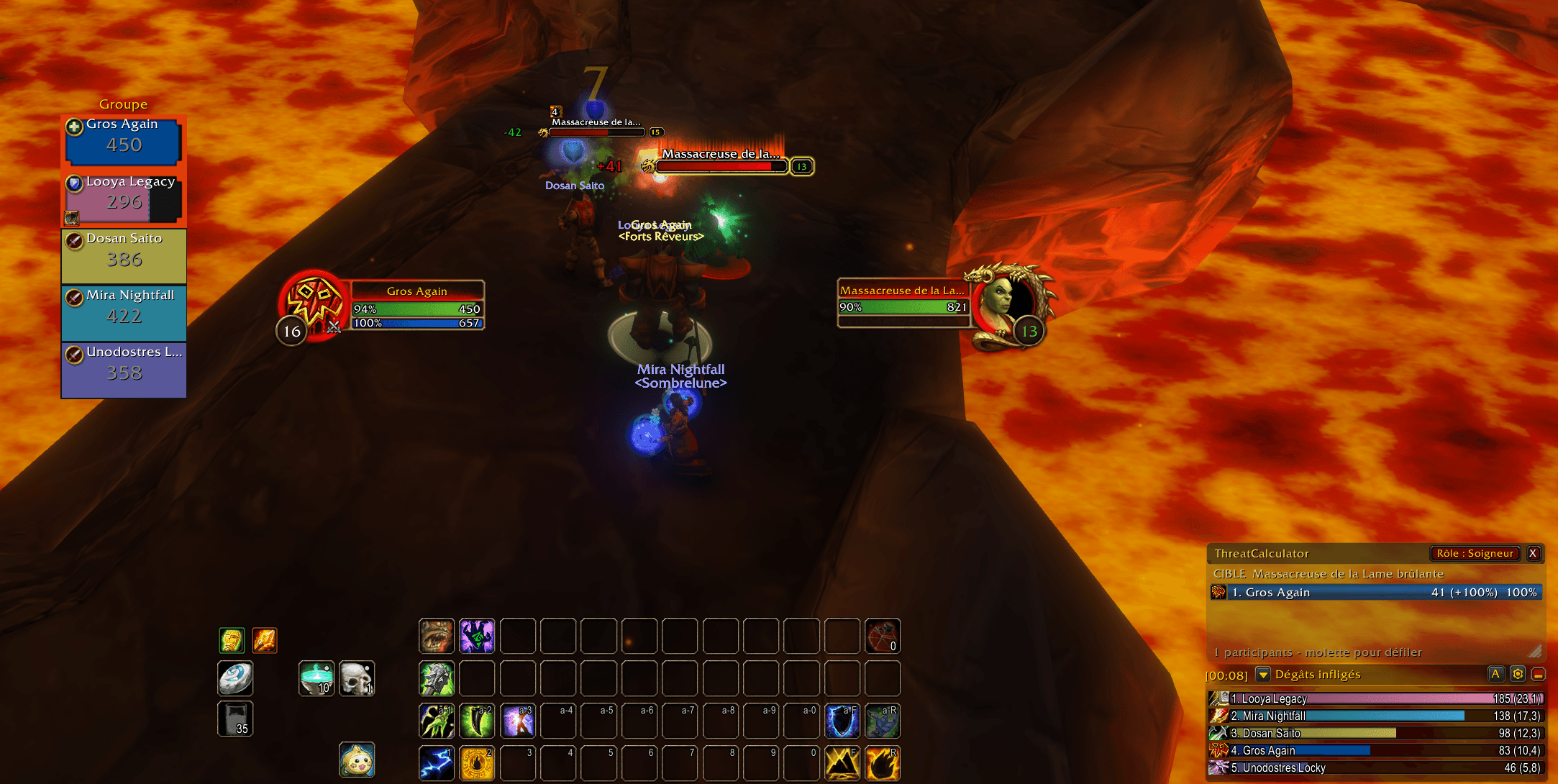
threatcalc3.png
threatcalc2.png
Description
# ThreatCalculator 0.1.0
Group and raid threat meter for WoW Forever (Interface 16001).
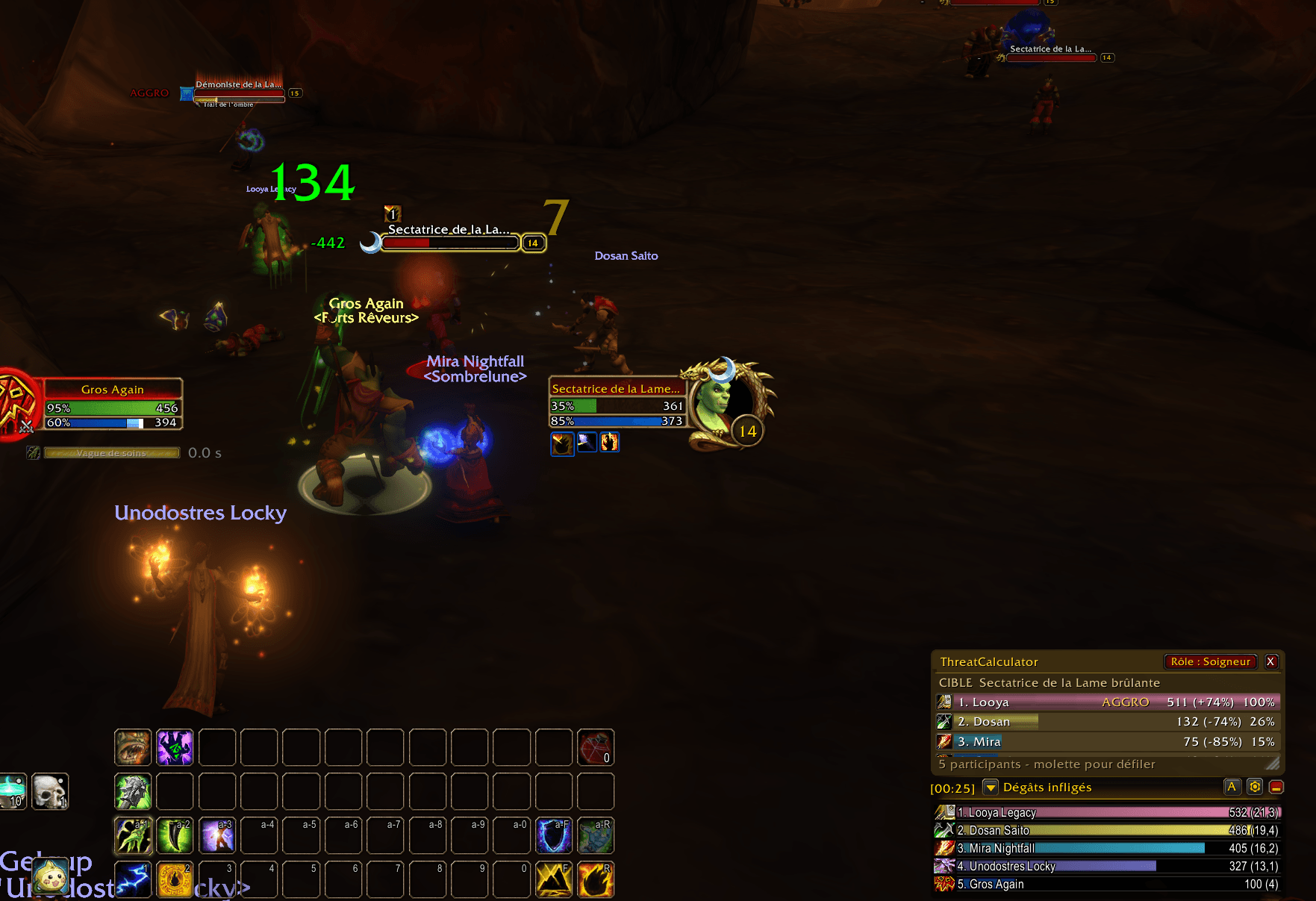
Compact meter layout with a gold header, translucent background, class icons
and slim bars. Each row shows rank, name, raw threat and percentage of the leader.
Select an enemy to display available threat values for your group and pets.
Rows are sorted by raw threat. Names are white and bars use class colors; pets
inherit their owner's class color. The current aggro holder is marked AGGRO.
The first row shows its percentage lead over second place in parentheses,
computed as (leader threat - second threat) / leader threat * 100.
With only one entry, the baseline is zero, so the lead is +100%.
This compares only tracked group members and pets.
Every entry's percentage is raw threat / highest tracked threat * 100.
The leader is always 100%; others show their deficit in parentheses:
`80% (-20%)`. Tied leaders are 100%. Bars use this same percentage.
Aggro ownership is separate from the ranking and is indicated by AGGRO.
Missing data is not treated as zero threat, and units without positive threat
are omitted. The addon uses the game API; other players do not need it installed.
Drag the header to move the window. Drag the bottom-right corner to resize.
Use the mouse wheel over the list to scroll. Position, size and visibility
are saved. French clients use French messages; other clients use English.
Click **Role** beside the close button to choose your character's Tank,
Healer or DPS role, or clear the choice with None. This preference is saved
locally by ThreatCalculator and shown on the Role button. It does not change
your group's assigned role.
In a dungeon, the Role button follows your group-assigned role automatically
when the game provides Tank, Healer or DPS. A choice made in the Role window
during that dungeon overrides the detected role until you leave. Outside the
dungeon, your saved manual choice is shown again.
- `/tc` or `/threatcalculator`: show or hide the window.
- `/tc reset`: restore the default position and size and show the window.
- `/tc plates`: toggle personal threat beside enemy nameplates, independently
of the main window. Enable enemy nameplates with V (default key binding).
Nameplate indicators show only the signed raw threat difference to the left
of the enemy health bar: the leader compares against second place (+150),
and other participants compare against first place (-150). Solo compares
against zero, so the indicator shows the player's total threat with a plus sign.
There is no background or border. For Tank, a positive difference is green and
a negative one is red. For Healer, DPS or None, a positive difference is red
and a negative one is green. Zero and unavailable values are neutral.
When secret values prevent the calculation, the nameplate shows a dash and
the main list shows a notice. Solo players without pets can still display their
raw threat directly through the native renderer, using zero as the baseline.
When that solo value is protected, its native positive display still uses the
role's positive color. Unavailable group differences remain neutral.
For the selected enemy, the nameplate uses the same readable target threat
data as the main list when its nameplate unit alone returns protected values.
Install the ThreatCalculator folder inside Interface/AddOns and reload the game.
Actual group threat, scrolling, resizing and appearance need in-game validation.
Threat Calculator Team