Quick Loadout Manager
- By
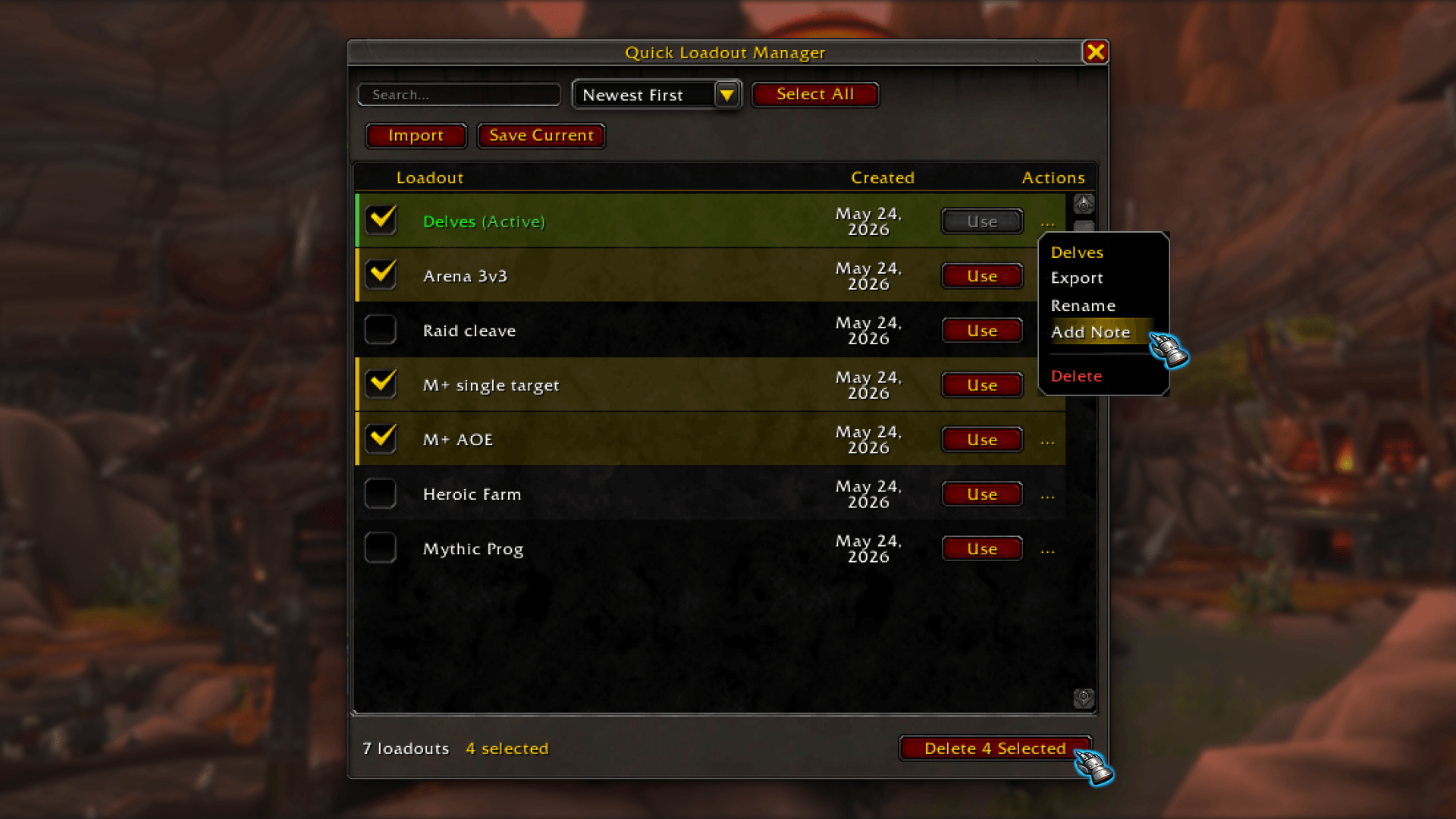
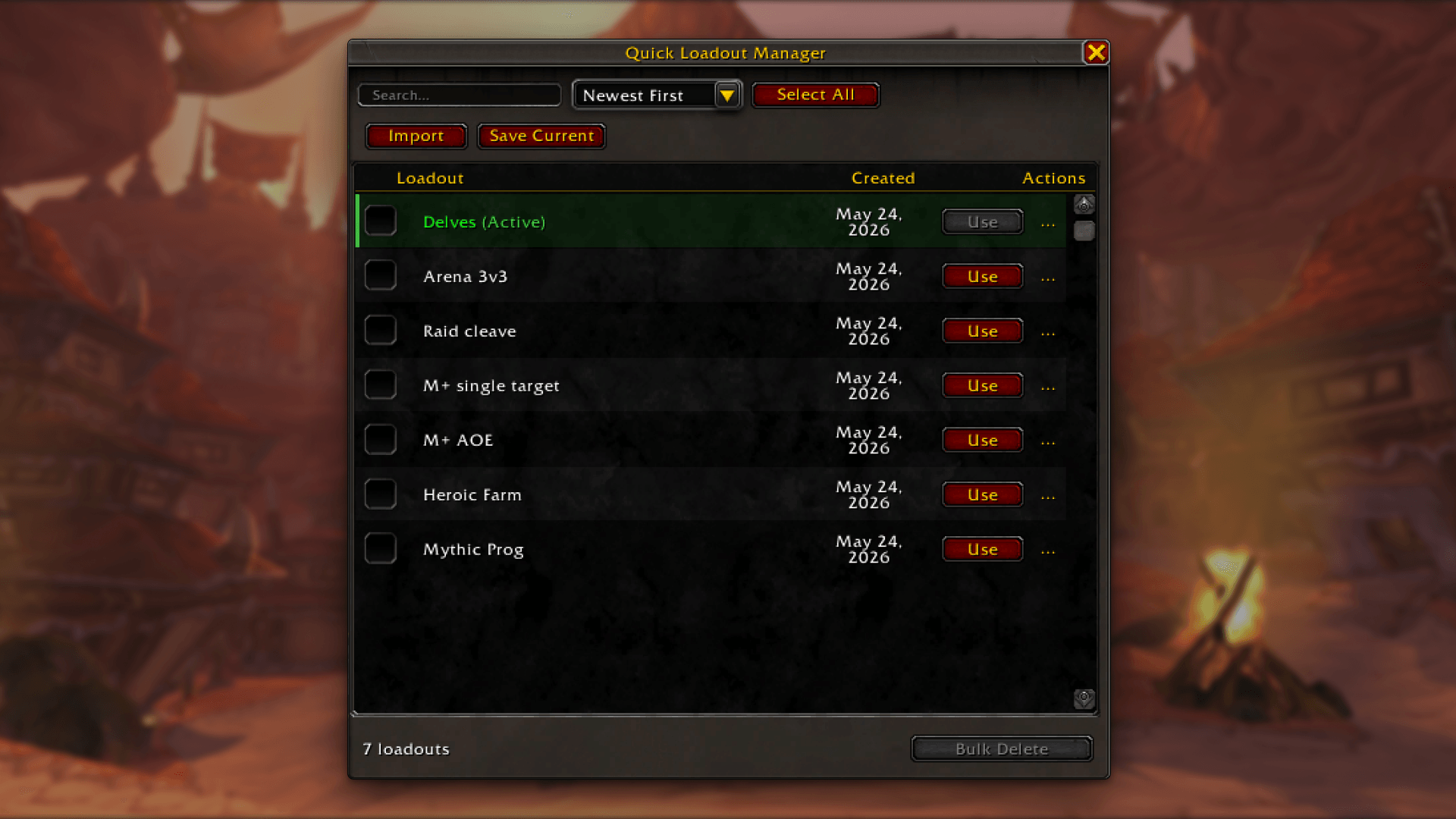
Lightweight talent loadout manager - Import, export, bulk delete, sort, search, and add notes to your loadouts.
2. Quick Loadout Manager.png
1. Quick Loadout Manager.png
Description
WoW's built-in loadout UI is fine for having a couple of builds. Once you start accumulating them, one per boss, one for M+, one for different content, it falls apart fast. No bulk delete, no search, no way to import a string without clicking through the talent tree manually.
Quick Loadout Manager fills those gaps without replacing anything. Your loadouts still live in the game client. This just gives you a better interface to manage them.
⮕ Features
- Import: Paste a talent string from Wowhead, Archon, IcyVeins, or Discord and create a loadout instantly.
- Save Current: Save your active talent selection as a new named loadout without leaving the manager.
- Bulk Delete: Select multiple loadouts and delete them all at once.
- Search & Sort: Filter by name, sort A–Z, Z–A, newest, or oldest. Undated loadouts always sort to the bottom.
- Export: Right-click any loadout to copy its import string and share it.
- Rename & Notes: Right-click to rename or add a short personal note to any loadout.
- Creation Dates: Loadouts get date-stamped automatically so you always know what's recent.
⮕ Opening the manager
- Click the minimap icon
- Type
/qlmin chat - Click Loadout Manager inside the Talents window
- Right-click any loadout in the talent dropdown
⮕ Feedback
Bug reports, suggestions, and feature requests are welcome in the comments.
Quick Loadout Manager Team

Owner