1.png
Description
Questward
A lightweight 3D arrow that takes you straight to your quest.
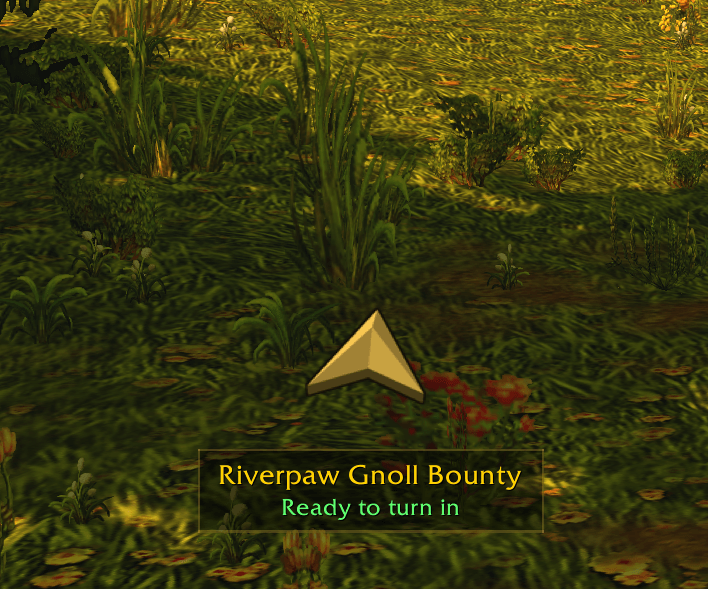
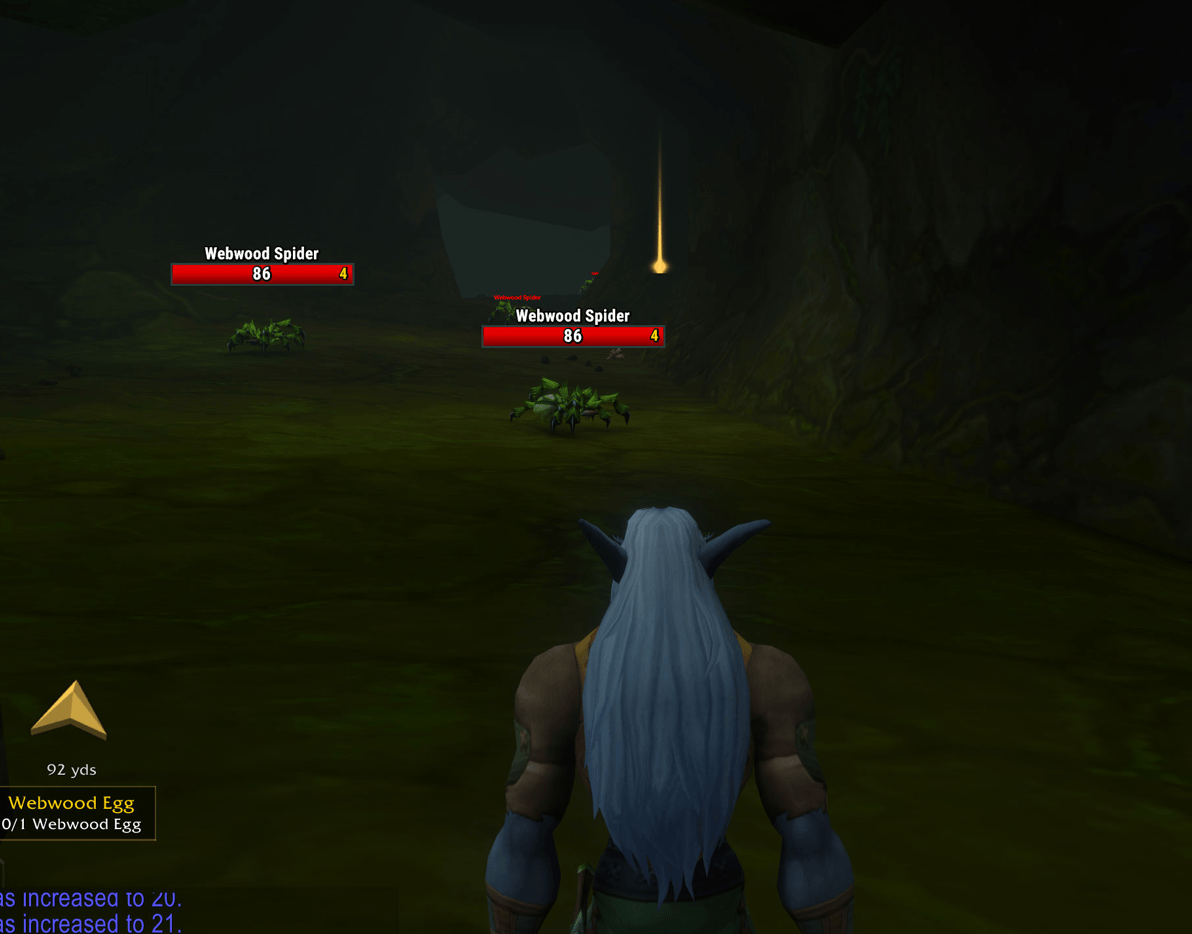
Click a quest's tracker ball and Questward shows a 3D arrow that turns smoothly as you move. It glows amber when you're heading the right way and fades to blue when the quest is behind you. When you arrive, it pulses green and plays a soft chime.
Features
- 3D arrow: a beveled arrow shown from 64 angles, so it turns like a real object instead of a flat icon spinning.
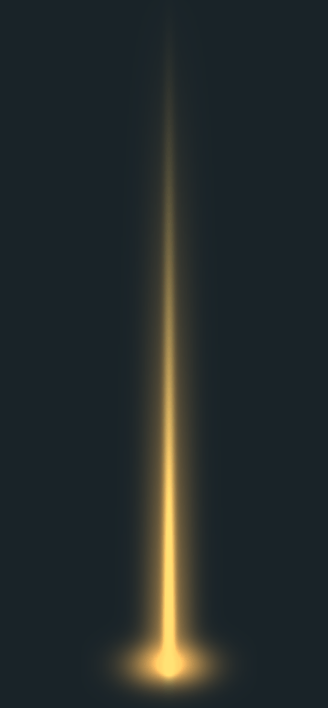
- Beacon: a glowing pillar of light stands on the quest location so you can spot it from across the zone. It's gold while the quest is in progress and green when it's ready to turn in.
- Quest info: the quest name and your current objective show in a clean text box under the arrow, along with the distance and an estimated travel time.
/waywaypoints: set waypoints TomTom-style, using map IDs, zone names or plain coordinates. The arrow also follows pins you place on the world map.- Your layout: drag the arrow anywhere, resize it, and adjust the text box's background opacity with a slider, just like chat.
- Stays out of your way: it dims during combat, fades in smoothly, and hides when nothing is tracked.
Waypoints
/way 41.8 49.4(or41.8, 49.4) uses your current map./way #1438 41.8 49.4 Hoggeruses a map ID, with an optional note./way Elwynn Forest 41.8 49.4uses a zone name./way clearremoves the waypoint.
Waypoints clear themselves when you arrive, and clicking a quest ball switches the arrow back to that quest. If TomTom is installed, Questward uses /qway so the two don't conflict.
Options
Right-click the arrow to lock it, resize it, hide the quest text, turn off the distance, beacon, combat dimming or arrival sound, change the text opacity, stop tracking, or reset everything.
Commands: /qw lock, unlock, scale <0.5–3>, opacity, show, reset
It has no libraries and no setup. It's built for World of Warcraft: Forever.
Questward Team