Burn-in Prevention! (OLED Monitor)
- By
Helps reduce OLED burn-in by dimming the UI, darkening the screen when you stand still, blacking it out while AFK, and periodically shifting the UI by a few pixels. Fully customizable, applies instantly.
Description
Burn-in Prevention!
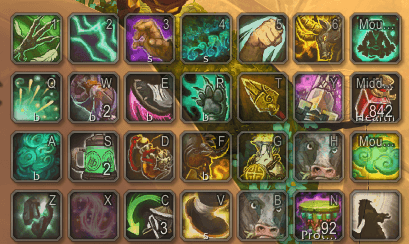
Helps protect OLED and other burn-in-prone displays during long play sessions. It dims the user interface, darkens the screen when your character stands still, blacks out the screen completely while you're AFK, and periodically nudges the UI by a few pixels so static elements don't sit on the same pixels for long periods.
Key Features:
- Fullscreen Effect: When your character stays still for a set time, a dark overlay fades in. It fades out as soon as you move, turn, jump, or glide.
- AFK Blackout: While you're flagged AFK the screen fades fully to black. Any keypress or mouse movement wakes it up and clears your AFK status.
- Pixel Shift: Every so often the whole UI shifts a few pixels to the left or right (and sometimes up or down), then returns to its normal position.
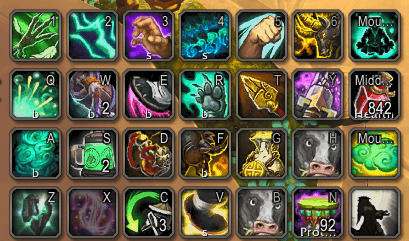
- User Interface Transparency: Dims the entire UI, with a separate setting for addon icons around the minimap. The minimap itself stays fully visible.
- Combat Aware: Pixel shift never runs in combat, and the overlay can optionally stay hidden in combat too (on by default).
- Edit Mode Friendly: Pixel shift pauses while Edit Mode is open, so frames don't move while you position them.
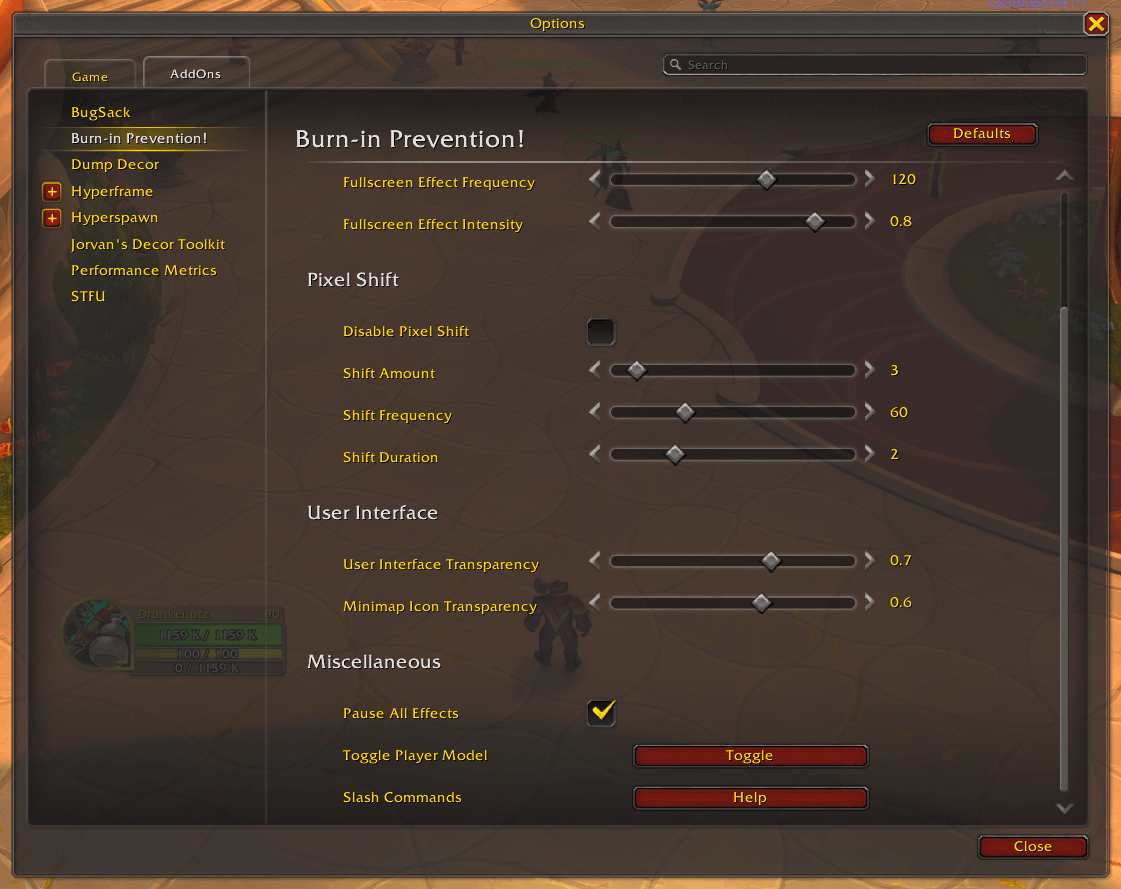
- Pause All Effects: Turn off everything at once for screenshots, transmog, the Auction House, and similar. If you change it in combat, it applies when combat ends. It turns itself off on every login.
Toggle Player Model: Hides or shows your own character, which often sits in the center of the screen for long periods. - Instant Changes: Settings take effect right away, with no reload needed.
Settings:
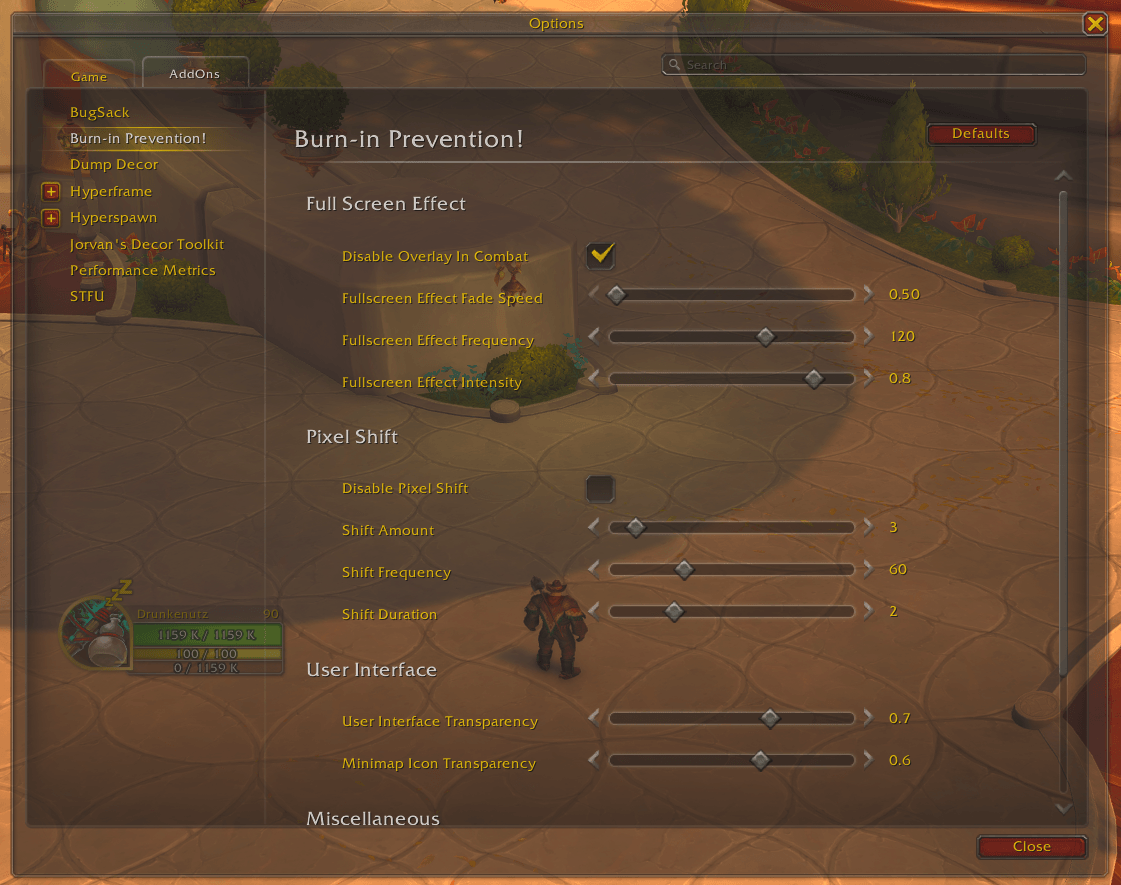
Full Screen Effect
Disable Overlay In Combat: Keeps the overlay hidden while in combat.
Fade Speed: How quickly the overlay fades in and out.
Frequency: How long you need to stand still before the overlay appears.
Intensity: How dark the overlay gets.
Pixel Shift
Disable Pixel Shift: Turns UI shifting off.
Shift Amount: How far the UI shifts, in pixels.
Shift Frequency: How often the UI shifts.
Shift Duration: How long the UI stays shifted before it moves back.
User Interface
User Interface Transparency: Overall UI transparency.
Minimap Icon Transparency: Transparency of addon icons around the minimap.
Slash Commands:
/bip - Opens the settings panel.
/bip pause - Pauses or resumes all effects.
/bip player - Toggles your character model's visibility.
/bip default - Restores default settings.
/bip help - Lists all slash commands in chat.
Discord:
Disclaimer:
This addon reduces the risk of burn-in but cannot prevent it entirely. For best results, also hide the UI from time to time, take breaks on loading screens (for example by using portals), minimize the game when you step away, and follow your monitor's burn-in prevention guidelines.
Burn-in Prevention! (OLED Monitor) Team

Owner