


Burn-in Prevention! (OLED Monitor)
- By


Burn-In Prevention reduces OLED burn-in risk by applying a fullscreen effect during inactivity and periodically shifting the UI. Customize shift amount, frequency, and effect settings. Follow monitor guidelines for best results.
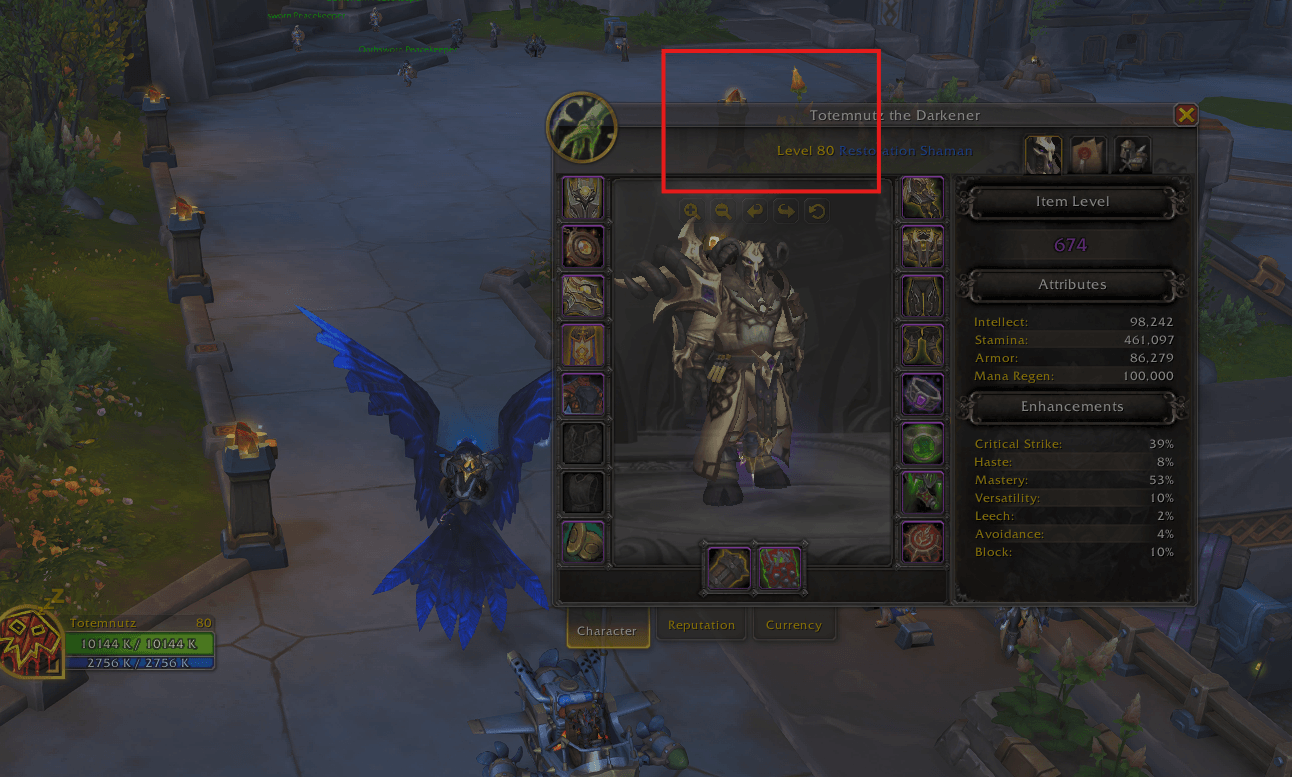
All frames are transparent to prevent static frames from being burned into the screen (fullscreen effect is shown in this image).
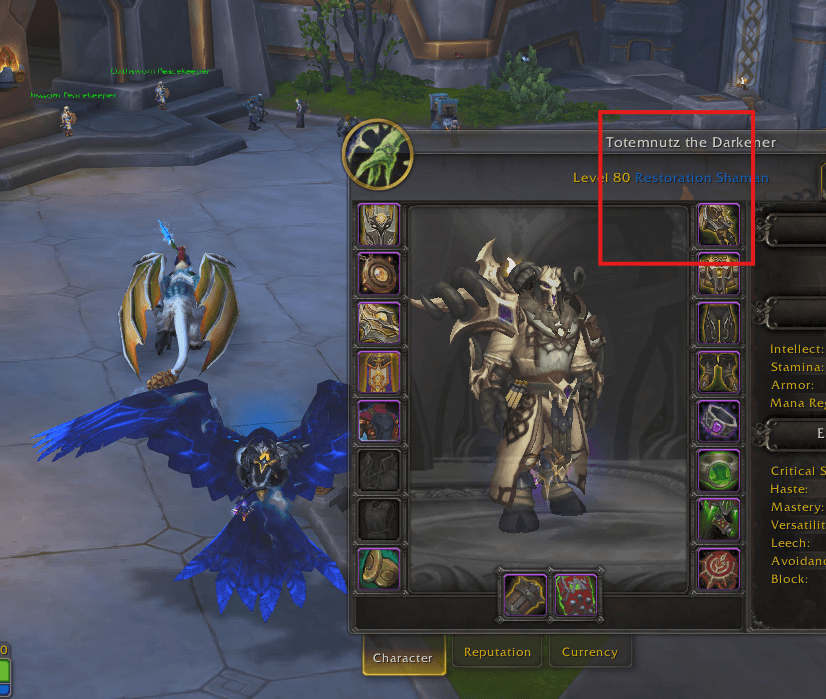
In addition to the transparent frames, Burn-in Prevention! also has a fullscreen effect that darkens the screen to add another layer of burn-in protection (fullscreen effect not shown in this image).
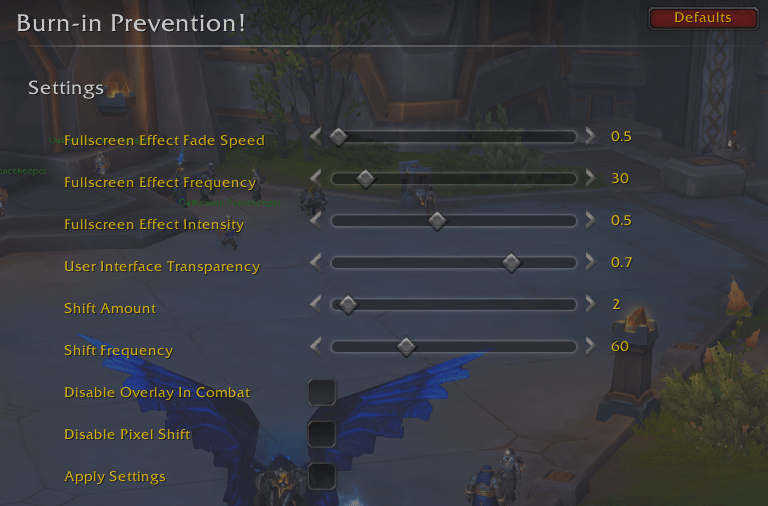
Adjust various settings related to addon functionality.